You have started looking for a backup solution, but the terminology can make it difficult to know where to begin. As you compare your options, you need to understand what each one does and whether it suits your WordPress site.
You may be trying to protect against a hack, failed update, server problem, or accidental deletion, while also considering how much data to save, how often to back it up, and how quickly you could restore it.
This guide helps you move from confusion to a clear understanding of your choices, so you can select a backup strategy that fits your site and take the next step with confidence.
Full, incremental, differential, mirror, and partial backups describe different tradeoffs in scope, storage, and recovery. A dependable WordPress site backup plan covers files and the database, captures changes at the right pace, keeps offsite history, and proves recovery with a restore test.
What the backup labels actually describe
The five labels below are useful, but they are not five equal or mutually exclusive choices. A full backup can start an incremental backup or differential plan. A partial backup can serve one task. A mirror can sit beside older saved copies.
“Real-time backup” or “continuous data protection” describes how fast changes are copied. It does not prove that the copy includes the whole site or keeps older versions. Always check the scope and history too.
What a complete WordPress backup must include
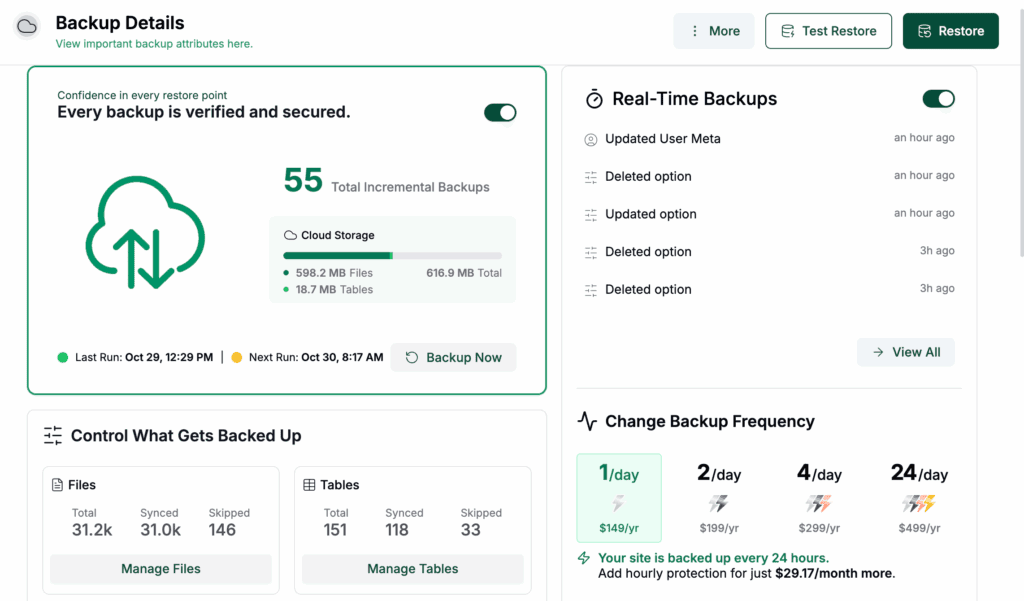
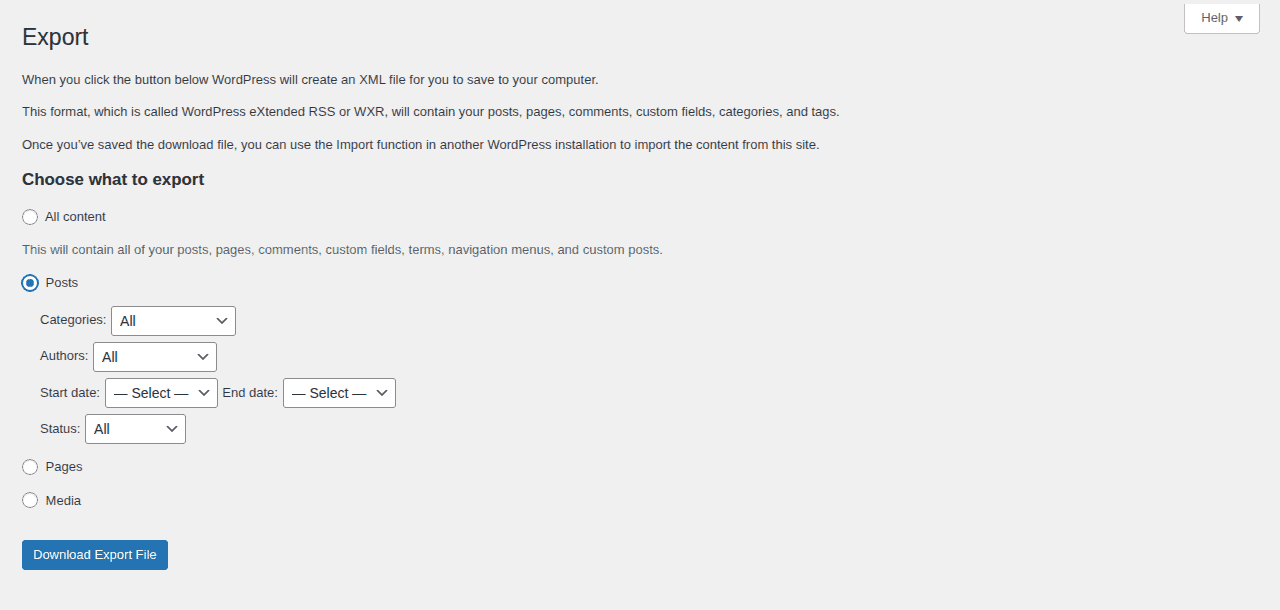
A complete WordPress recovery needs two parts. The database stores posts, settings, comments, users, and, when relevant, orders. The site files include WordPress files, themes, plugins, uploads, and setup files. WordPress treats them as separate parts of a backup set, and downloading the WordPress directory alone does not back up the database. See WordPress Developer Resources for this distinction.
A database-only backup cannot restore a missing theme, plugin, or media library. A files-only copy cannot restore posts, settings, comments, or orders. Define what must be recovered before comparing methods.
Full backup
A full backup copies all designated data at one point in time. For WordPress, it should include the database and every file needed for the site to run. Microsoft and IBM use this complete copy as the baseline for their backup architecture and backup guidance.
The main benefit is a shorter recovery path. You start with one complete copy and do not need to assemble several change files. Use a full backup before a migration, major update, redesign, or archive.
The tradeoff is the amount of work involved. A full copy can use more storage, internet capacity, time, and server resources. Large sites may use full backups as a starting copy, then capture changes more often with another method.
Incremental backup
An incremental backup stores changes made since the previous backup. That backup may be the starting full copy or an earlier incremental copy, so each restore point’s dependency chain must be clear. The tool decides how the chain is stored and assembled.
Each copy usually contains only recent changes, which can reduce storage and transfer needs. Incremental backup suits sites that change often or need a short gap between saved versions.
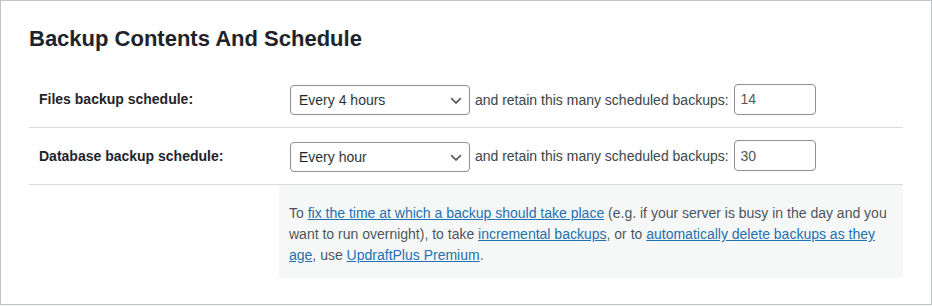
The traditional restore depends on a chain of linked backup copies. It uses the starting full backup and every needed incremental copy. If one copy is missing or damaged, recovery becomes harder. Some tools manage this in the background. Read the restore steps and test them first.
Differential backup
A differential backup stores all changes made since the last full backup. Each later differential uses that full copy as its starting point.
Differential copies usually grow until the next full backup because they repeat changes already included in earlier differentials. They use more storage and transfer capacity than an incremental copy taken at the same time.
Recovery is often simpler: a traditional restore uses the last full backup and the latest differential, not every differential in between. The exact process depends on the tool. Microsoft and IBM describe these patterns. See their backup architecture and backup guidance.
Incremental vs. differential backup
For a side-by-side explanation, see this incremental vs. differential backup comparison.
| Question | Incremental | Differential |
|---|---|---|
| Change baseline | Previous backup | Last full backup |
| Later copy size | Usually smaller | Usually grows until the next full backup |
| Traditional restore | Full backup plus each required incremental | Full backup plus the latest differential |
| Main benefit | Efficient frequent capture | Fewer pieces to assemble during recovery |
| Main cost | More dependence on the chain | More repeated data over time |
Mirror backup
A mirror backup is a current duplicate of the source. It may update as the source changes or on a schedule, depending on the implementation. It can provide another copy and add redundancy. Redundancy means keeping data in more than one place.
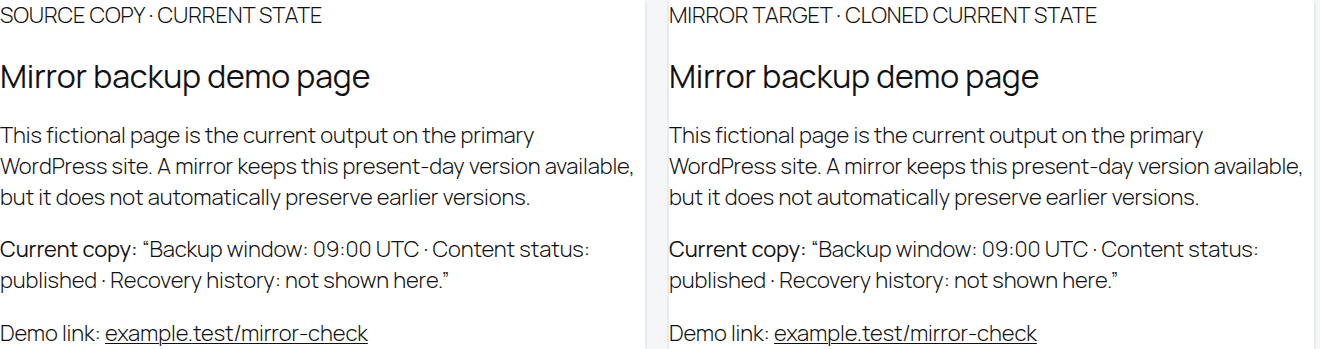
A mirror is not automatically historical protection. An unwanted edit, failed update, or damaged file may copy over at once. The mirror may then contain the same bad state. Without older saved versions, it may not return the site to yesterday’s clean state. Keep that limit in mind.
Use a mirror as one layer, not as the only protection against deletion, damage, or malware. If malware is involved, MalCare’s WordPress site recovery guide is a relevant next step. Ask how many older versions it keeps and whether those versions can be restored.
Partial backup
A partial backup includes only selected data. It may contain the database, one folder, media uploads, selected database tables, or other files. These copies serve a specific task, but selected tables or folders can have dependencies outside the copy.
A partial backup can save time and storage when the recovery goal is narrow. For example, a database export may help before a content change. A copy of uploads may help during a media move.
The risk is a missing dependency, which is data the site needs to work. A database export does not include themes, plugins, or uploads. An uploads copy does not include posts or settings or the files that run the site. Use a partial backup only for a clear task. Record what it can restore and what it cannot restore. It is not the default for full-site recovery. Use a full backup for that goal.
How to choose a backup type for WordPress
Start with the loss and downtime you can accept.
- Set the acceptable data-loss window: The recovery point objective is called RPO. It is the recent work you can afford to lose. If a store cannot lose a day of orders, daily backups leave too large a gap.
- Set the recovery-time limit: The recovery time objective is called RTO. It is how soon the site must work again, including time to restore and check the result. A personal blog and a store will not have the same deadline.
- Match capture to site activity: Frequent orders, memberships, comments, or form entries call for more frequent protection. A site that changes once a week may need less.
- Check your recovery skill and budget: A smaller backup is not useful if no one can restore it when the site is down.
Low-change blog or brochure site
A low-change site may tolerate a longer gap between backups, but it still needs both files and the database. Take a complete backup before a major update or migration. Include comments, form entries, and other database changes in the schedule. Do not judge activity only by publishing frequency.
Membership or community site
Logins, profiles, comments, submissions, and user content can change even when no new article is published. Use a shorter loss window if those changes matter. This is common for membership and community sites.
WooCommerce or other store site
Orders, payments, inventory, customer accounts, and product changes can make a long backup gap costly for a WooCommerce store. Choose a shorter loss window and confirm that the method captures frequent database changes. A full starting copy plus frequent incremental or differential copies can use less repeated storage than making a full copy after every change.
Migration, archive, or major update
Use a complete backup that can be restored on its own before moving the site or making a risky change. Do not treat a folder of guessed files as a recovery point. Confirm that the database and site files are present. Then test the copy in a safe place. For performance changes, Airlift’s safe WordPress performance optimization guide also puts backup and verification before edits.
Build a backup plan that can save your site
The backup type is only one part of the backup and recovery plan. Use these checks to see if a backup will help when something goes wrong:
- Cover the whole recovery boundary: Include the database and all needed site files. Record what the backup cannot restore. This keeps the recovery goal clear.
- Capture changes at a useful pace: Set how often to back up your site from the work you can lose. Do not follow a generic daily or weekly rule.
- Keep older versions long enough: Retention means how long saved copies stay available. Older versions matter when a problem starts days before you find it. They can save an older clean version.
- Store copies away from the live site: An offsite or isolated copy stays available if the hosting account, server, or local storage is damaged. The second location reduces one point of failure.
- Restrict and protect access: Use access controls and encryption. Encryption scrambles backup data so unauthorized people cannot read it. Limit who can delete copies too.
- Prove that recovery works: Restore a copy in a safe place. Check key pages, login, administration, media, forms, and checkout when relevant. Fix gaps before you need the backup.
Where a backup plugin fits
A WordPress backup plugin can automate scheduled copies, keep backup records, and provide a restore workflow. This can reduce manual work, but it does not remove the need to check coverage, storage, retention, access, and restore results.
BlogVault is one option to compare if you want help managing WordPress backups. Use the checklist above to confirm its current coverage, change capture, storage, retention, and restore workflow before choosing a plan.
Conclusion
There is no best backup type for every site. Full backups provide a complete starting point. Incremental backups reduce repeated work. Differential backups can simplify recovery. Mirror and partial backups support narrower needs. Choose based on the work you can lose and how fast the site must return.
For most WordPress sites, start with the database and site files. Keep copies away from the live site, retain older clean versions, and test a restore. A WordPress backup plugin can make this easier. Only a complete copy that can be restored protects the site when you need it. For recovery steps when the dashboard is unavailable.
FAQs
What are the main types of backup?
Common labels include full, incremental, differential, mirror, and partial backups. Full and partial describe how much data is included. Incremental and differential describe how changes are captured. Mirror describes a current duplicate. “Real-time” describes capture speed. It does not guarantee history or complete coverage.
What is the difference between incremental and differential backup?
An incremental backup saves changes since the previous backup. A differential backup saves changes since the last full backup. Incrementals are usually smaller. A traditional restore needs the full backup and each required incremental. A differential may grow larger. A traditional restore generally needs the full backup and latest differential.
What is the best type of backup for WordPress?
The best choice meets your data-loss window and recovery-time limit. For many sites, that means a complete files-and-database backup, frequent change capture, offsite history, and a tested restore. The label alone does not decide the plan.
Is a mirror backup enough?
Usually not by itself. A mirror may copy an unwanted change or damaged state. It may not keep older versions. Use it with saved backups that let you return to a clean earlier point.
How often should a WordPress site be backed up?
Back up often enough that the lost work is acceptable. A low-change blog may need less frequent capture than a membership site or store. Review the schedule when site activity, transaction volume, or recovery needs change.

Shreya has been a writer for as long as she can remember. Now, she writes articles that help WordPress users manage the sites that they're proud of, with little to no coding