Your WooCommerce store should be bringing in organic traffic, but your SEO plugin isn’t delivering results.
Despite having both Yoast SEO and WooCommerce installed, your products aren’t showing up in search results.
The issue? Misconfigured settings causing duplicate pages, broken breadcrumbs, and missing product schema. In this Yoast WooCommerce SEO review, find out how this tool can enhance your settings for improved performance.
Yoast WooCommerce SEO is a $178.80/year premium add-on that adds rich product snippets, e-commerce sitemaps, and specialized analysis tools to help your store rank better in search results. Before installing, make sure you have regular Yoast SEO installed and use a backup plugin to avoid any potential conflicts.
What exactly is Yoast WooCommerce SEO?
The Yoast WooCommerce SEO plugin tackles the unique challenges e-commerce sites face that standard SEO tools simply weren’t designed to handle.
It understands product catalogs, variations, pricing, and all the technical complexities that come with running an online store. Instead of trying to force your product pages into a blog-focused framework, you get tools built specifically for selling online.
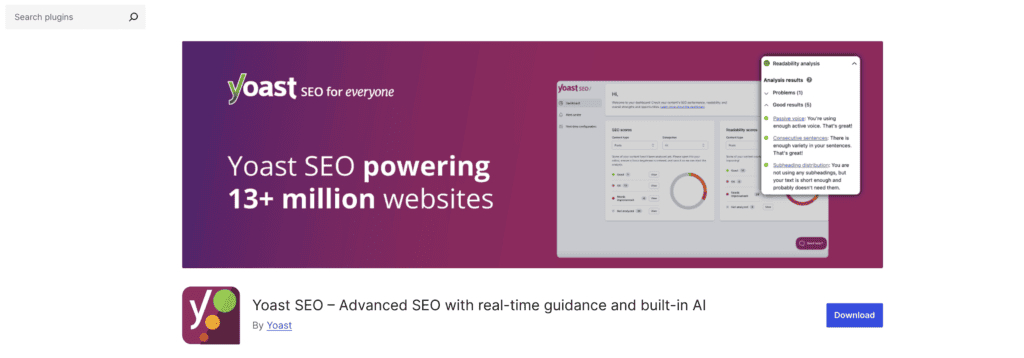
You can’t just buy Yoast WooCommerce SEO on its own, though. It’s a premium add-on that requires the Yoast SEO plugin to function, building on the foundation of the main plugin to add e-commerce-specific capabilities.
How’s this different from regular Yoast?
The differences show up in three key areas: search results, sitemaps, and analysis tools.
- Regular Yoast creates basic schema markup, but WooCommerce SEO generates rich product snippets that actually show pricing and review stars in search results.
- Standard Yoast builds a general sitemap, but the WooCommerce version creates an intelligent e-commerce sitemap that knows which product pages matter most.
- Yoast checks for general readability and SEO factors, WooCommerce SEO specifically looks for product descriptions, images, pricing information, and other commerce elements that affect search rankings.
What are the key features you get?
The features fall into three main buckets: making your products visible in search, optimizing your technical setup, and getting the support you need.
Search visibility features
The crown jewel here is rich product snippets. The plugin automatically adds schema markup to your product pages so that Google can display price, stock status, and star ratings directly in search results.
You know those product listings that catch your eye with all the extra details? That’s what this feature does for your store.
AI-powered title and description generation saves serious time too (though you need Yoast SEO Premium for this one). Instead of writing hundreds of product titles manually, the system creates optimized versions automatically.
The content analysis goes beyond basic SEO checks. It specifically looks for e-commerce elements like product descriptions, image alt tags, and unique identifiers. Think of it as having a checklist that actually understands what makes product pages rank.
Technical optimization
Your XML sitemap gets smarter with WooCommerce SEO. It automatically excludes junk pages like cart and checkout while prioritizing your money-making product and category pages.
Search engines can focus on what matters instead of crawling through dozens of filtered product variations.
Breadcrumb navigation improves too, giving both users and search engines a clearer site structure. Social media cards get enhanced with product-specific information, making your shares more attractive on platforms like Facebook and Pinterest.
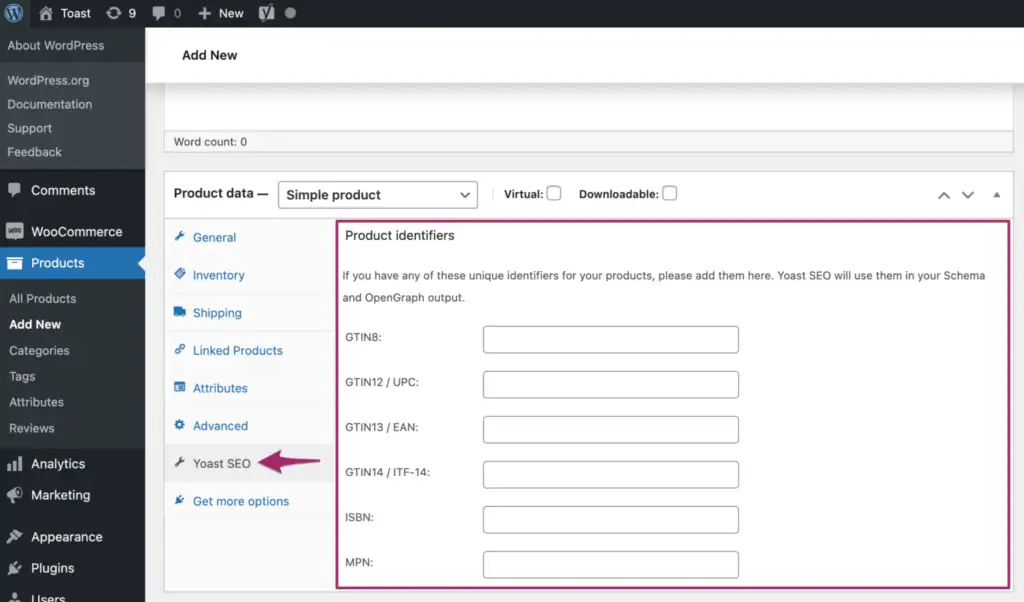
Global product identifiers (GTIN, UPC, MPN) get added automatically to your schema markup. This is especially useful for variable products where each size or color might have different codes.
Support and training
Access to the Yoast e-commerce SEO Academy is included, which covers strategies specific to online stores. Plus, you get 24/7 premium support when things go sideways, which honestly happens more often than we’d like with e-commerce sites.
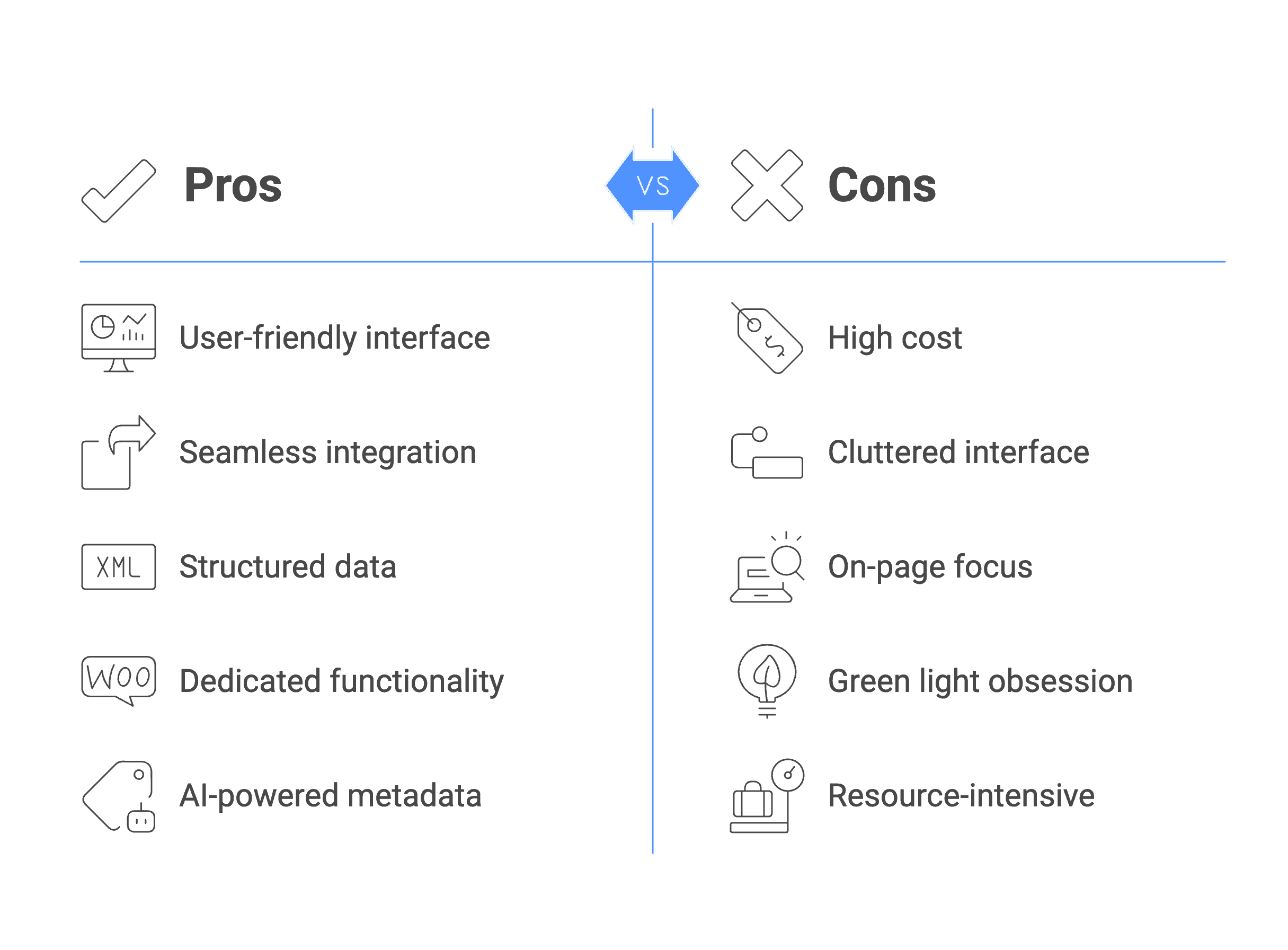
The strengths and weaknesses
How to get started with Yoast WooCommerce SEO
Getting this plugin up and running is straightforward, but there’s a specific order you need to follow. Skip a step and you’ll run into issues later.
Step 1: Install the foundation. You need regular Yoast SEO installed first (free or premium version works). The WooCommerce add-on won’t function without it, so get that sorted before anything else.
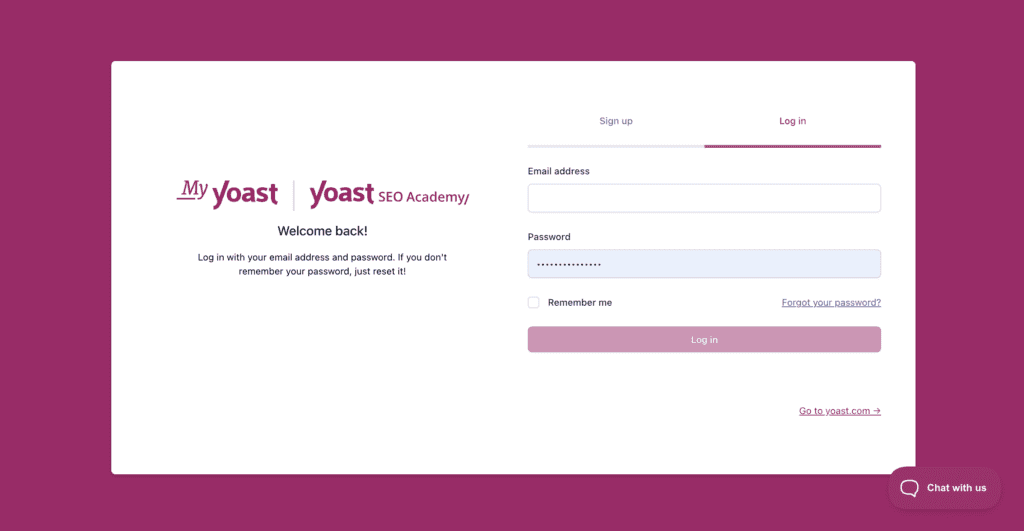
Step 2: Purchase and install the add-on. Head to MyYoast.com and purchase the WooCommerce SEO add-on. Download the plugin file, then upload it through your WordPress dashboard like any other plugin. Activate it once it’s installed.
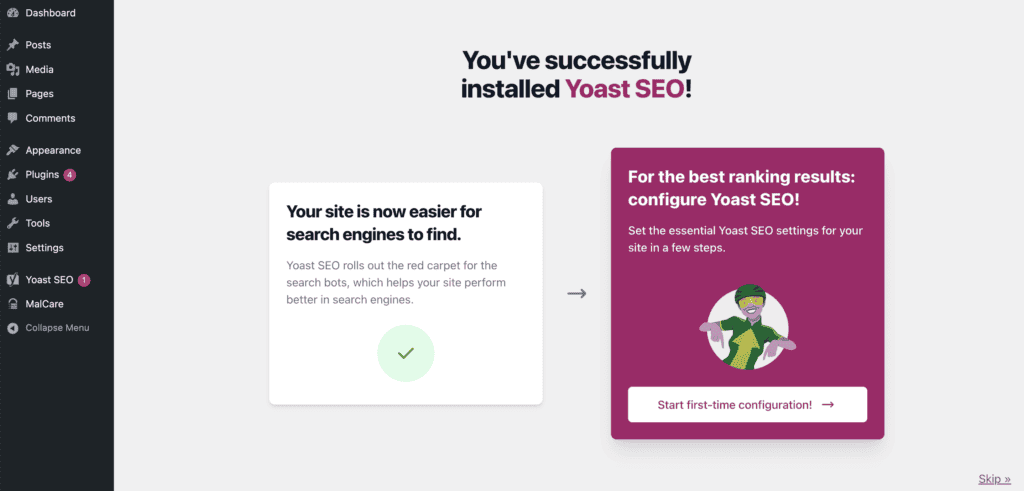
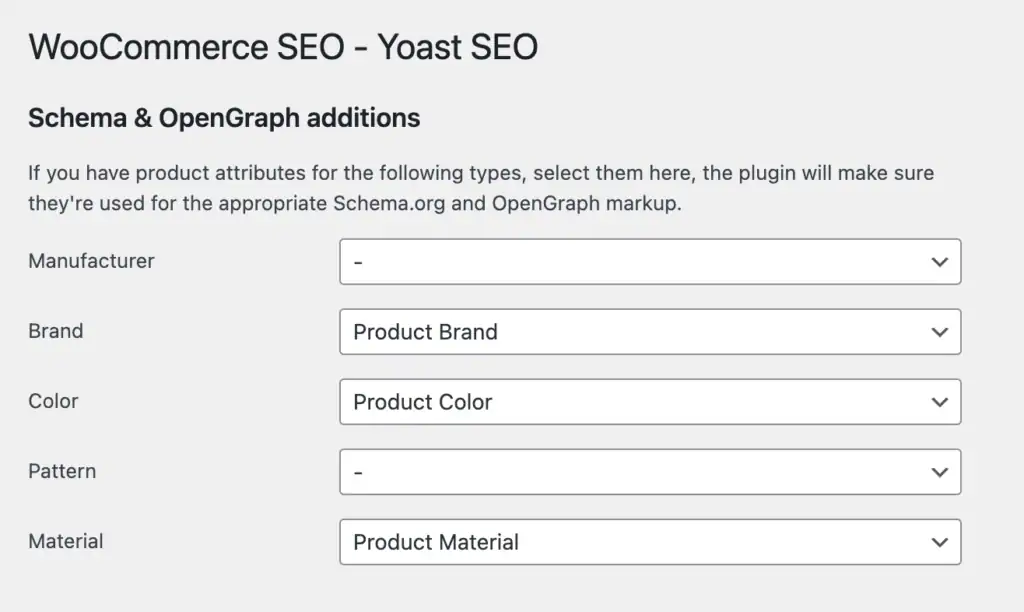
Step 3: Run the configuration wizard. Start with the main Yoast SEO configuration wizard if you haven’t already. This sets up your basic SEO foundation. Then navigate to Yoast SEO > WooCommerce SEO in your admin settings.
Step 4: Configure the core settings. Focus on two main areas: schema markup settings and OpenGraph options for social sharing. These control how your products appear in search results and on social media platforms.
Step 5: Set up product identifiers. In your product editor, you’ll now see fields for adding global identifiers like GTIN or UPC codes. Fill these out for products that have them, especially if you’re selling branded items.
Step 6: Optimize individual products. Work through your key products and categories one by one. The plugin provides specific recommendations for each page, so you’ll know exactly what needs attention.
Pricing
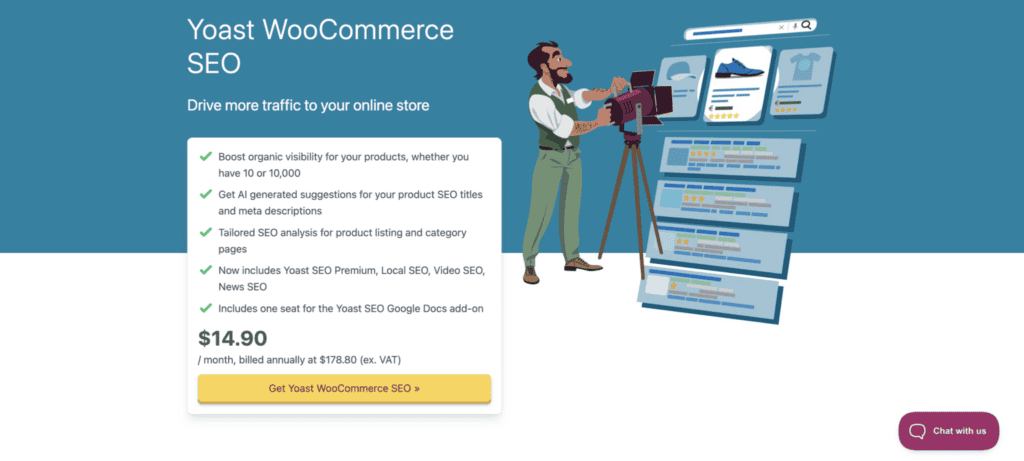
The Yoast WooCommerce SEO add-on costs $14.90 per month. When billed annually, it totals $178.80 per year (excluding VAT) for a single site.
This isn’t a standalone plugin. You’ll need regular Yoast SEO installed first, though the free version works fine. Most people buy it bundled with Yoast SEO Premium since it’s more cost-effective and gives you access to all premium features plus the e-commerce tools.
Your purchase includes access to the Yoast SEO Academy’s e-commerce courses and 24/7 premium support for the year. The subscription renews automatically, but you can cancel anytime. They offer a 30-day money-back guarantee, so you can test it risk-free.
Parting thoughts
If you’re serious about your WooCommerce store’s SEO and already using Yoast, the Yoast WooCommerce SEO add-on is practically essential. The automated rich snippets and structured data implementation alone justify the cost for most stores.
Yes, it requires a premium investment, but the seamless WordPress integration and included e-commerce training make it worthwhile. For stores struggling with product visibility, the ROI typically pays for itself within a few months.
FAQs
What is Yoast WooCommerce SEO?
Yoast WooCommerce SEO is a premium add-on that extends regular Yoast SEO with e-commerce-specific features for online stores. It adds rich product snippets, optimized sitemaps, and specialized analysis tools designed specifically for product pages and categories.
How to do SEO for WooCommerce?
WooCommerce SEO involves optimizing product pages, categories, and technical elements like schema markup and sitemaps for search engines. The most effective approach combines a solid SEO plugin like Yoast with e-commerce-specific tools to handle product variations, structured data, and duplicate content issues.
Is Yoast SEO free to use?
Yes, Yoast SEO offers a free version with basic SEO features for any WordPress website. However, the WooCommerce SEO add-on is a premium feature that requires a paid subscription to access e-commerce-specific functionality.
Is Yoast SEO good for beginners?
Yoast SEO is excellent for beginners because it provides clear, actionable recommendations with traffic light indicators (red, amber, green). The plugin guides you through optimization steps and explains what each setting does in plain language.
What is Yoast used for?
Yoast is used to optimize websites for search engines by managing meta titles, descriptions, sitemaps, and technical SEO elements. It analyzes your content for readability and SEO factors, then provides specific recommendations to improve your search rankings.
How much does Yoast SEO cost?
The basic Yoast SEO plugin is free, while Yoast SEO Premium costs around $99 per year for a single site. The WooCommerce SEO add-on costs $178.80 annually and requires either the free or premium version of Yoast SEO to function.

Shivani enjoys crafting guides that make every aspect of using WordPress simple and easy to follow. When she's not glued to her laptop, you can find her buried in a good book or occasionally, painting.