

Choosing a WordPress ecommerce plugin feels like choosing a checkout button. It is not.
The plugin you pick decides who handles your products, cart, checkout, customer records, order emails, refunds, tax rules, shipping rules, downloads, memberships, vendor payouts, and the update that lands the night before your sale.
That is why the best WordPress ecommerce plugins are not simply the most popular ones. The best choice is the plugin that matches what you sell and how much store complexity you want WordPress to carry.
If you want one flexible store plugin, start with WooCommerce. If your store has a specific model, choose the plugin built for that model before adding checkout, shipping, backup, and marketing tools. Just ensure you have a complete backup of your site before you install an ecommerce plugin.
For most full online stores, WooCommerce is still the safest default. It has the largest WordPress ecommerce ecosystem and the most room to grow. But a creator selling PDF templates should not inherit shipping-zone complexity just because WooCommerce is famous. A paid community should not force access rules into a generic cart. A marketplace owner needs vendor workflows, not just a product grid.
The useful question is not, “Which ecommerce plugin has the most features?” It is, “Which plugin should run ecommerce for this site?”
Quick answer: choose by what you sell
| Your situation | Start with | Why |
|---|---|---|
| Full WordPress store with products, inventory, shipping, coupons, and extensions | WooCommerce | Best default for WordPress-native ecommerce |
| Digital downloads, software, files, licenses, or templates | Easy Digital Downloads | Built around download access and digital purchase history |
| Memberships, courses, gated content, or paid communities | MemberPress or ProfilePress | Access, accounts, and permissions are the business |
| One-off payments where you do not need a store | WPForms or WP Simple Pay | Use only as a payment-form alternative, not as an ecommerce platform |
| Modern store with lighter WordPress-side maintenance | SureCart, Ecwid, or WP EasyCart | Less WordPress-side store complexity |
| Content-first WordPress site with hosted or embedded commerce | BigCommerce, Ecwid, or Shopify integration | Keeps more commerce operations outside WordPress |
| Multi-vendor marketplace | Dokan or WC Vendors | Adds seller dashboards, commissions, and vendor controls |
| Existing WooCommerce store that needs better checkout funnels | CartFlows or FunnelKit | Improves WooCommerce after the store already works |
The table hides the most important point: these plugins are not interchangeable. Some are store foundations. Some are specialist ecommerce systems. Some are hosted-platform bridges. Some are WooCommerce add-ons.
Pick the foundation first. Add supporting tools only when they solve a real gap.
How we chose these plugins
We evaluated these plugins the way a store owner has to think before the first serious sale: not just “Can it take money?” but “What happens after a customer pays?”
The visible part is the product page and checkout. The hidden part is payment failures, tax rules, shipping zones, refunds, order emails, download access, subscription renewals, customer accounts, plugin updates, and rollback plans. We looked at:
- Store fit: physical products, digital files, memberships, services, marketplaces, or hosted commerce.
- Setup effort: how much a beginner has to configure before a test order works.
- Payments and checkout: Stripe, PayPal, wallets, subscriptions, local gateways, and regional payment needs.
- Shipping and tax: simple rates, labels, returns, international rules, and tax automation.
- Maintenance: how much work stays inside WordPress and how many add-ons are likely.
- Risk: customer data, order records, payment-related data, backups, staging, and restore needs.
- Total cost: free core plugin, paid extensions, gateway fees, hosting, support, and developer time.
- Growth path: APIs, integrations, multichannel selling, developer control, and ability to scale.
We also checked current WordPress.org plugin metadata from the research brief. WooCommerce remains the biggest WordPress-native ecommerce option with 7+ million active installs listed. SureCart, Easy Digital Downloads, Ecwid, WP EasyCart, CartFlows, Dokan, and WC Vendors all have clearer ecommerce roles than generic form plugins.
Popularity helps, but it is not the decision. A popular plugin can still be wrong for your store.
At-a-glance comparison
| Plugin | Best for | Main tradeoff |
|---|---|---|
| WooCommerce | Full WordPress stores | Maximum control, more upkeep |
| Easy Digital Downloads | Digital products | Great for files, weak for physical shipping |
| SureCart, Ecwid, or WP EasyCart | Lighter stores | Simpler setup, less native control |
| MemberPress or ProfilePress | Memberships, courses, and communities | Access-focused, not a general cart |
| WPForms or WP Simple Pay | One-off payment forms | Not a store system; skip for catalogs, carts, and order operations |
| BigCommerce, Ecwid, or Shopify integration | Hosted or embedded commerce | Less WordPress-native ownership |
| Dokan or WC Vendors | Multi-vendor marketplaces | Vendor operations add real complexity |
| CartFlows/FunnelKit | WooCommerce checkout growth | Not a standalone store plugin |
The mistake is treating “ecommerce plugin” as one job. A store plugin runs products and orders. A membership plugin sells access. A marketplace plugin manages sellers. A funnel plugin improves checkout after the store already works. That distinction saves money later.
1. WooCommerce
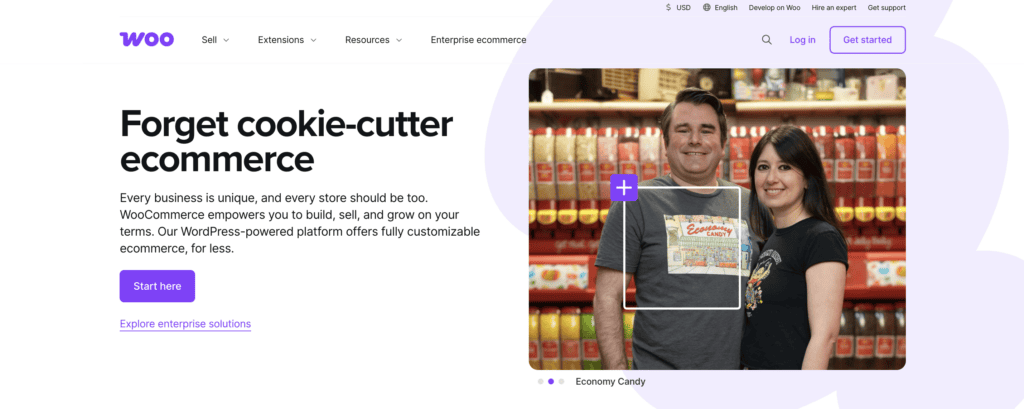
Choose WooCommerce if you want WordPress to own products, checkout, orders, customer accounts, shipping, taxes, coupons, and future store growth.
WooCommerce is still the default WordPress ecommerce plugin for most serious stores because almost every WordPress commerce problem has a WooCommerce path. You can sell physical products, digital products, mixed catalogs, subscriptions, bookings, bundles, memberships, wholesale products, and more with the right extensions.
The catch is that WooCommerce gives you control by giving you responsibility. Hosting matters. Caching matters. Theme compatibility matters. Plugin conflicts matter. A WooCommerce store with a payment gateway, shipping plugin, tax plugin, subscription plugin, and checkout tool is not “one plugin” anymore. It is a commerce system inside WordPress.
That is fine when you want control. It is painful when you only needed a small checkout. Best for:
- Physical products or mixed catalogs.
- Product variations, inventory, shipping, coupons, and customer accounts.
- Stores that expect to add integrations over time.
- Site owners who want the largest WordPress ecommerce ecosystem.
Skip it if:
- You only need deposits, donations, or one service payment.
- You sell only downloads and want a cleaner digital workflow.
- You do not want to maintain a WordPress-side store stack.
The core plugin is free, but serious stores often pay for extensions, hosting, themes, shipping tools, subscription tools, or checkout improvements. Treat WooCommerce setup as a flexible foundation, not a free full-store promise.
2. SureCart
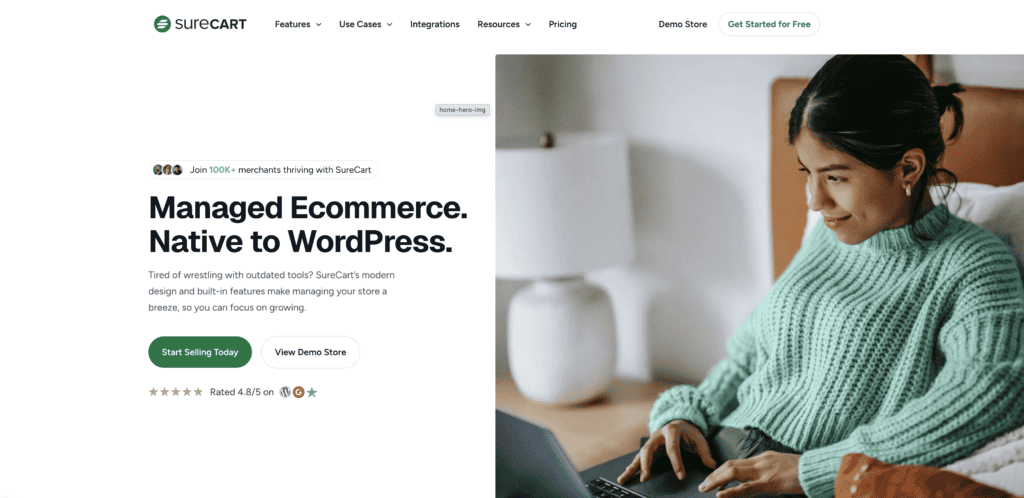
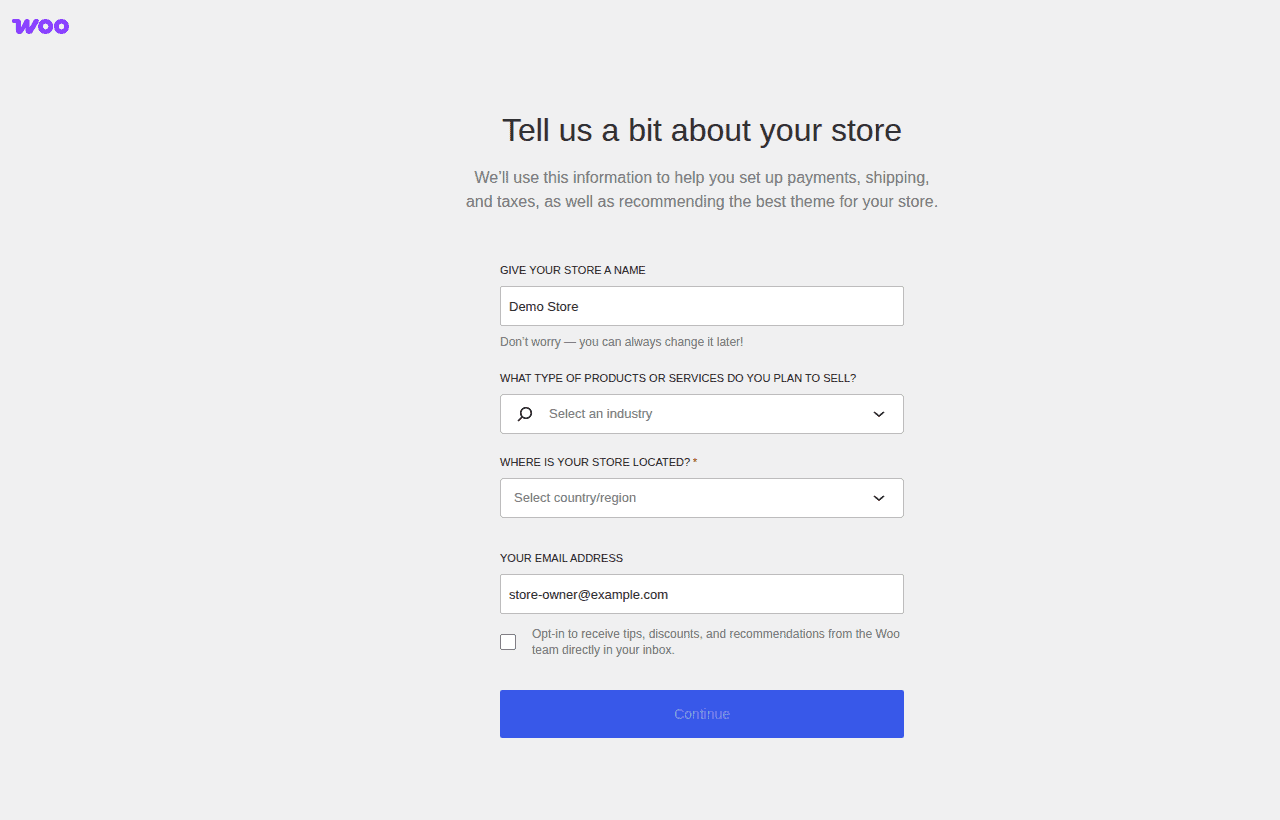
Choose SureCart if you want a WordPress ecommerce plugin but do not want WooCommerce-level maintenance from day one.
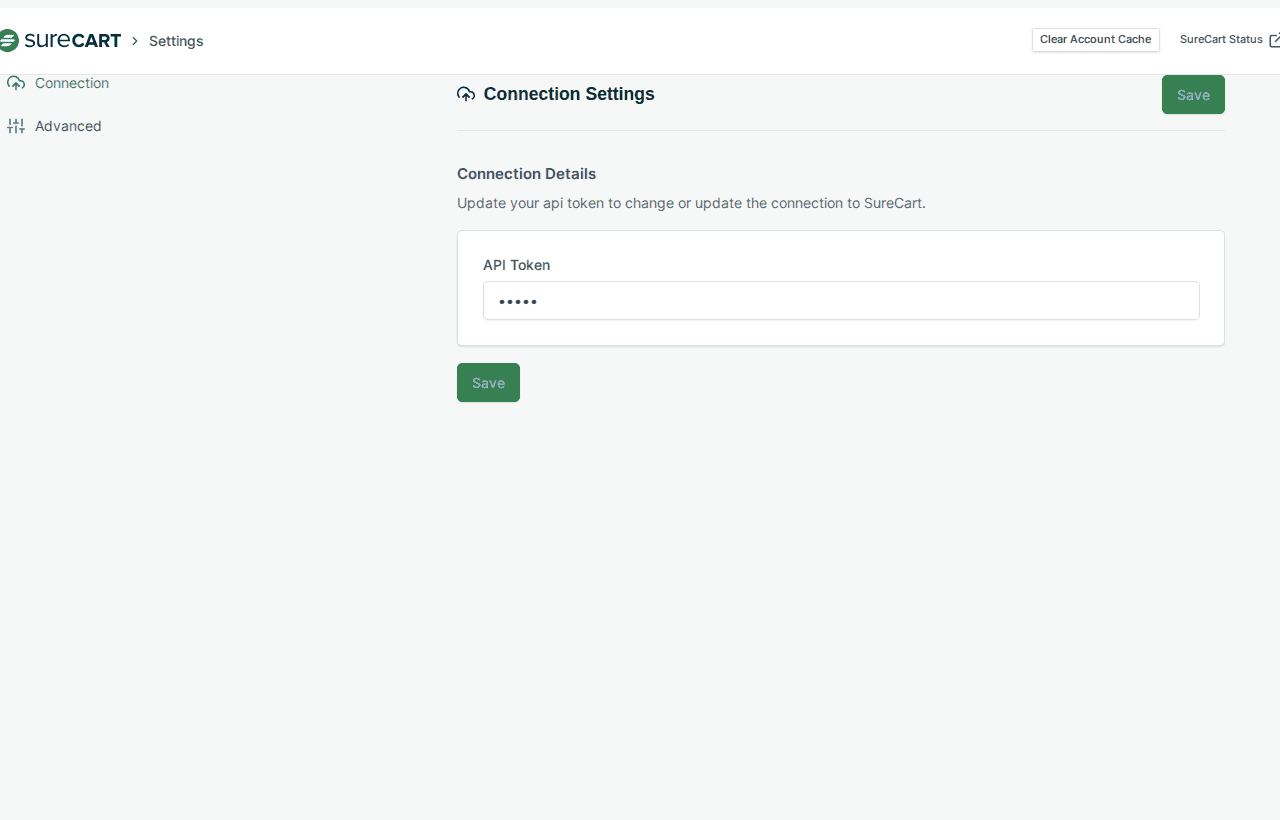
SureCart gives you a WordPress plugin interface, but more of the commerce workload sits on SureCart’s platform. That can make setup feel cleaner for creators, service businesses, subscription sellers, and small teams that do not want a large WooCommerce stack.
This matters when you sell a focused set of products. A course, paid download, service package, subscription, or small catalog often needs a clean checkout more than a giant extension marketplace. The tradeoff is platform dependency. Before you build around it, check transaction fees, payment methods, tax support, subscription rules, plan limits, and export options.
Best for:
- Digital products, services, subscriptions, and focused catalogs.
- Store owners who want less WordPress-side complexity.
- Teams that prefer a platform-backed ecommerce model.
Skip it if:
- You want maximum WordPress-native ownership.
- You need a very custom physical-product workflow.
- You do not want checkout tied to a hosted platform layer.
3. Easy Digital Downloads
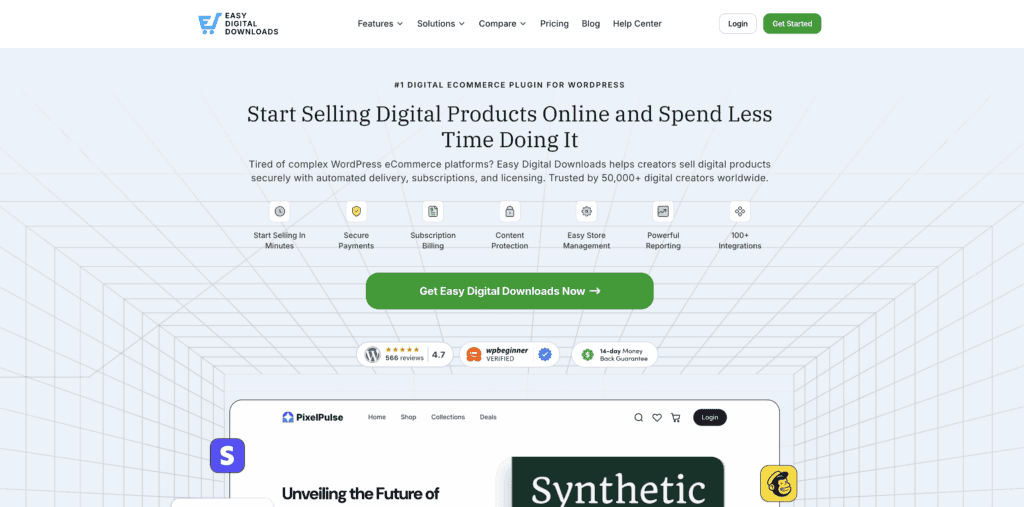
Choose Easy Digital Downloads when the product is a file, license, software download, template, ebook, or digital entitlement.
Digital stores have different problems from physical stores. The important questions are not about shipping zones. They are about file access, download limits, license keys, refunds, customer purchase history, and whether buyers can still access what they paid for.
Easy Digital Downloads starts from that workflow. That makes it cleaner than WooCommerce for many WordPress creators selling templates, plugins, PDFs, presets, software, or paid resources.
Where people get this wrong: they install a full store platform because it feels safer, then spend days turning off features they never needed. If nothing ships in a box, you should at least compare EDD before defaulting to WooCommerce.
Best for:
- Downloadable files, licenses, software, templates, or ebooks.
- Digital purchase history and customer access.
- Stores that do not need complex shipping rules.
Skip it if:
- Your store is mostly physical products.
- You need broad WooCommerce-specific integrations.
- You want one system for physical products, subscriptions, wholesale, and marketplaces.
The core plugin is free. Paid plans and extensions add advanced payment methods, subscriptions, software licensing, and other digital-store features.
4. MemberPress

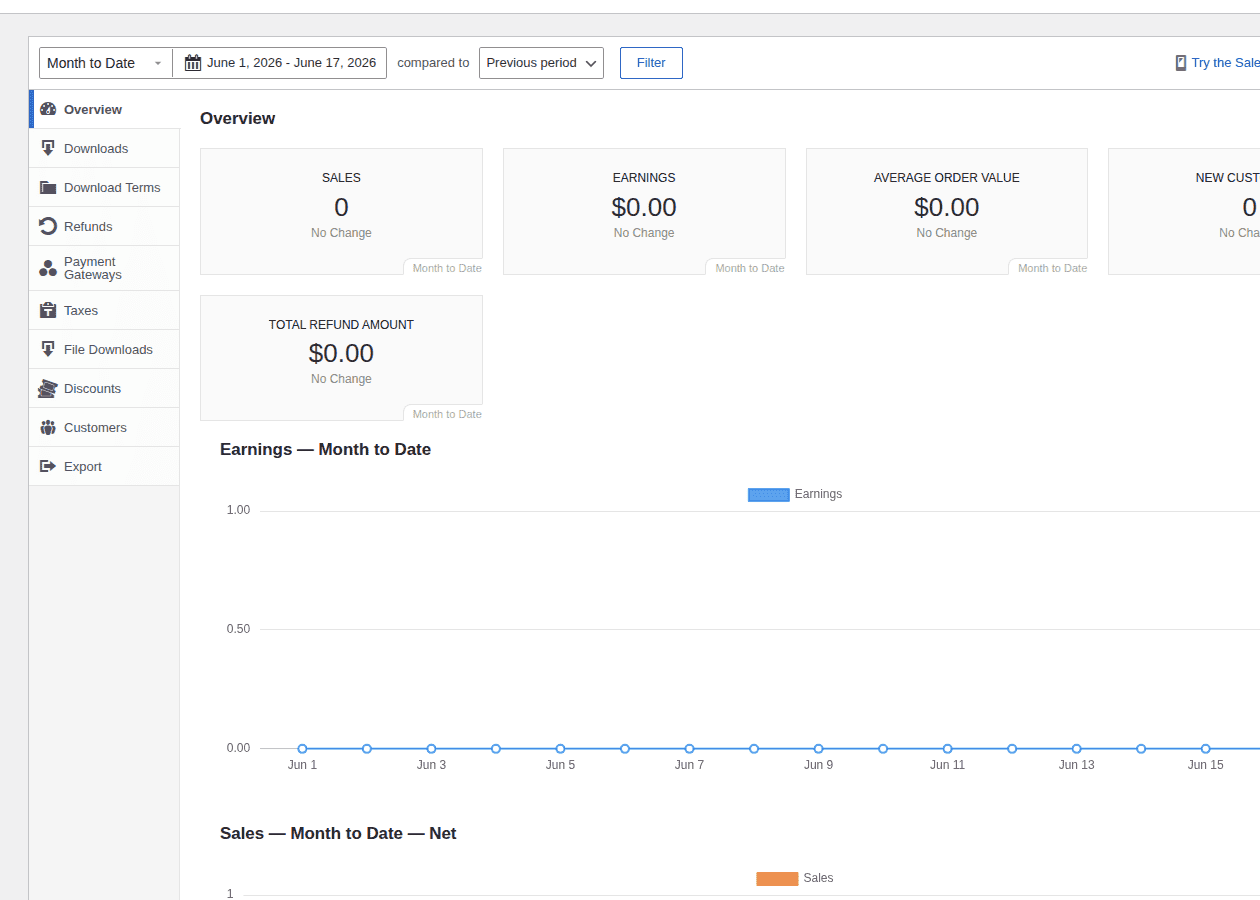
Choose MemberPress when access is the product.
A membership site is not a normal store with a different checkout label. The real job is deciding who can see what, when access starts, when it ends, and how billing affects permissions.
MemberPress is built around that problem. It handles membership levels, content rules, subscriptions, drip content, courses, and member-only areas. That makes it a better starting point for paid communities, course sites, resource libraries, coaching programs, and gated content.
Best for:
- Paid memberships, courses, and gated content.
- Recurring billing tied to content access.
- Sites where permissions matter more than product variations.
Skip it if:
- You sell a normal product catalog.
- You only need a simple checkout.
- You want the cheapest way to collect one payment.
MemberPress is a paid product. The cost makes sense when membership access drives the business. It is overkill when the job is one invoice or one booking fee.
5. ProfilePress
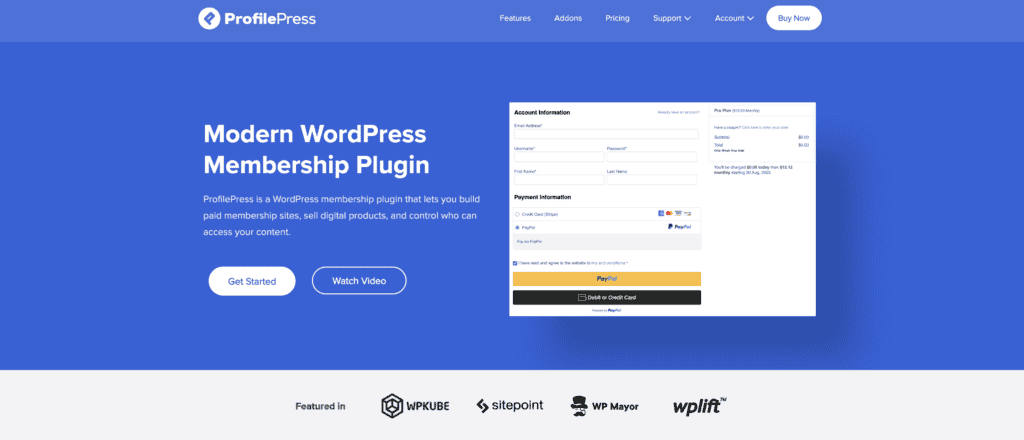
Choose ProfilePress when user accounts, profiles, directories, and registration flows are part of the paid experience.
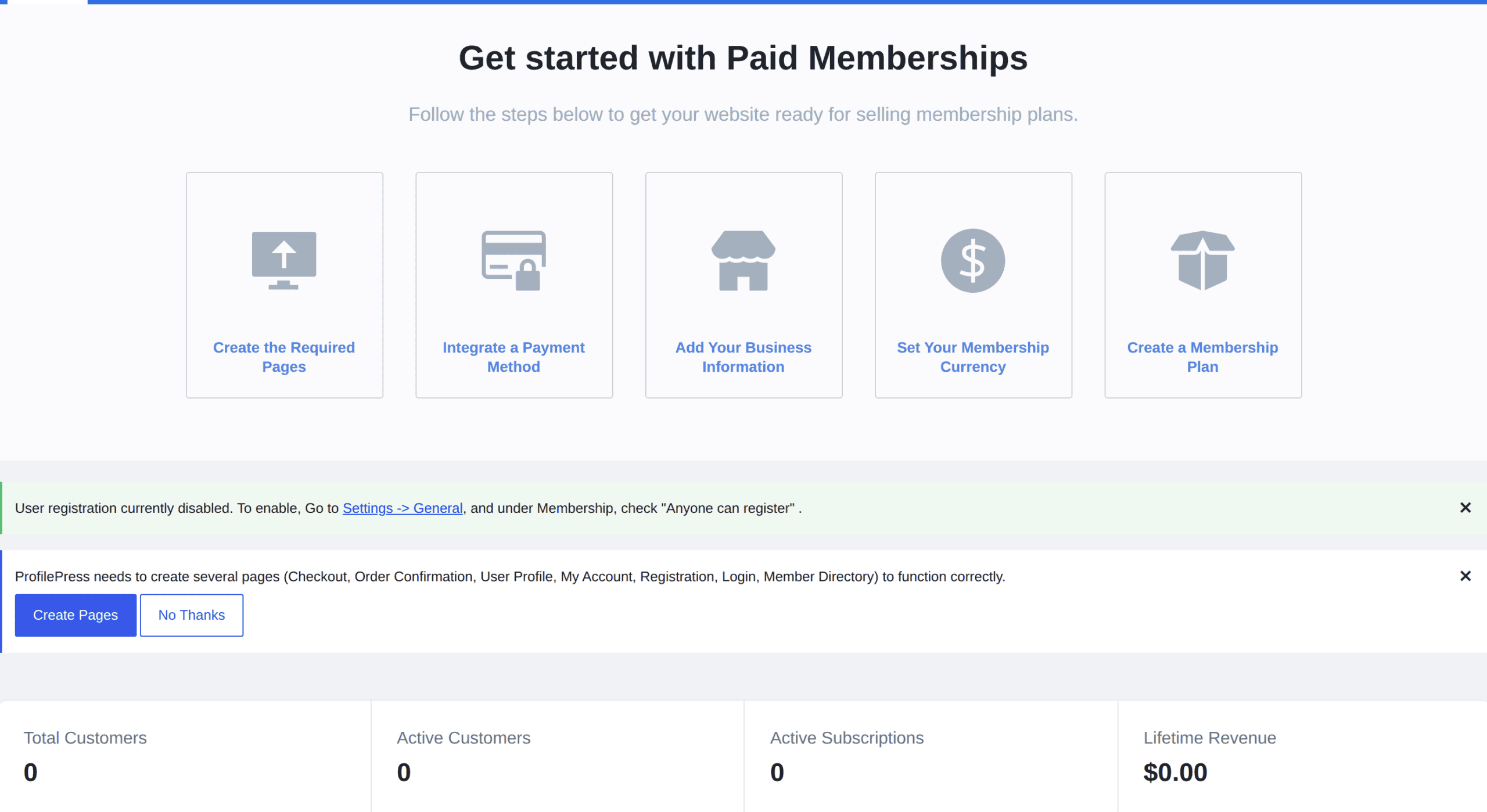
ProfilePress overlaps with membership ecommerce, but its strength is the account experience. It helps with registration forms, login forms, custom fields, user profiles, directories, content restriction, and paid membership flows.
That makes it useful for communities, directories, member hubs, and sites where the profile area matters after payment.
Best for:
- Paid memberships with public or private profiles.
- Member directories and gated communities.
- Sites where registration and account experience are central.
Skip it if:
- You need a traditional product catalog.
- You only need checkout.
- You want the broadest ecommerce extension ecosystem.
6. BigCommerce for WordPress
Choose BigCommerce for WordPress when WordPress should handle content, but a hosted ecommerce platform should handle commerce operations.
Some stores want WordPress for content, SEO, landing pages, and editorial work. They do not want WordPress to carry products, order logic, checkout, and operational systems alone.
BigCommerce for WordPress connects a WordPress site to a BigCommerce store. WordPress becomes the content and presentation layer. BigCommerce handles more of the backend.
A backend is the behind-the-scenes system that manages products, orders, checkout, payments, and store operations. Keeping that outside WordPress can help larger or more complex stores, but it also adds platform setup and sync decisions.
Best for:
- Content-led brands that want hosted ecommerce infrastructure.
- Larger catalogs, B2B, multichannel selling, or operational scale.
- Teams that want WordPress for publishing and BigCommerce for commerce.
Skip it if:
- You want a simple WordPress-only setup.
- You have a small store and do not need platform complexity.
- You want to avoid monthly hosted-platform costs.
7. Ecwid Ecommerce Shopping Cart
Choose Ecwid if you want to add a store quickly and may also sell through other channels.
Ecwid works well when WordPress is one place the store appears, not the only place the business sells. It is practical for small businesses that want a fast embedded store, social selling, marketplace selling, or in-person sales without rebuilding the whole site around WooCommerce. An embedded store means the store appears inside your WordPress site while important commerce pieces are handled by the external platform.
Best for:
- Existing WordPress sites that need to start selling quickly.
- Small businesses selling through WordPress, social channels, or in person.
- Store owners who prefer a hosted store model connected by a plugin.
Skip it if:
- You need deep WordPress customization.
- You want WordPress to fully own the commerce system.
- You expect WooCommerce-specific plugins and themes to drive the store.
8. WP EasyCart
Choose WP EasyCart if your WordPress store is modest and you want a contained cart plugin.
WP EasyCart gives small stores products, carts, orders, taxes, shipping, and payments without the huge WooCommerce ecosystem. That can be helpful when the store owner wants to sell products, not compare extensions for two weeks.
The smaller ecosystem is also the limitation. If you later need niche shipping tools, B2B pricing, custom checkout work, or agency support, WooCommerce usually gives you more paths.
Best for:
- Small catalogs.
- Store owners who want a simpler all-in-one cart path.
- Sites that do not need many third-party extensions.
Skip it if:
- You expect complex custom workflows.
- You need the broadest theme and extension support.
- Your store may become operationally complex soon.
9. Shopify Buy Button or integration
Choose a Shopify integration when Shopify is already your store backend and WordPress is mainly your content site.
Shopify is not a native WordPress ecommerce plugin like WooCommerce or Easy Digital Downloads. It is a hosted ecommerce platform. But it can still belong in this decision if your site already uses Shopify, or if you want Shopify to handle checkout while WordPress handles content.
This is the right move when migration would create more risk than value. If products, payments, fulfillment, tax settings, apps, and order operations already live in Shopify, embedding products or using a connector may be smarter than moving from Shopify to WooCommerce.
If product URLs change, test redirects; a broken WordPress redirect can mean lost traffic and product links.
For domain or category changes, plan a WordPress category redirect or .htaccess redirect to a new domain, then test product and checkout paths.
Best for:
- Brands already using Shopify.
- WordPress sites that mainly publish content and send buyers to hosted checkout.
- Teams that want Shopify’s backend and WordPress’s publishing flexibility.
Skip it if:
- You want WordPress to own products, checkout, and store data.
- You want a fully native WordPress ecommerce plugin.
- You are trying to avoid hosted-platform fees and rules.
10. Dokan
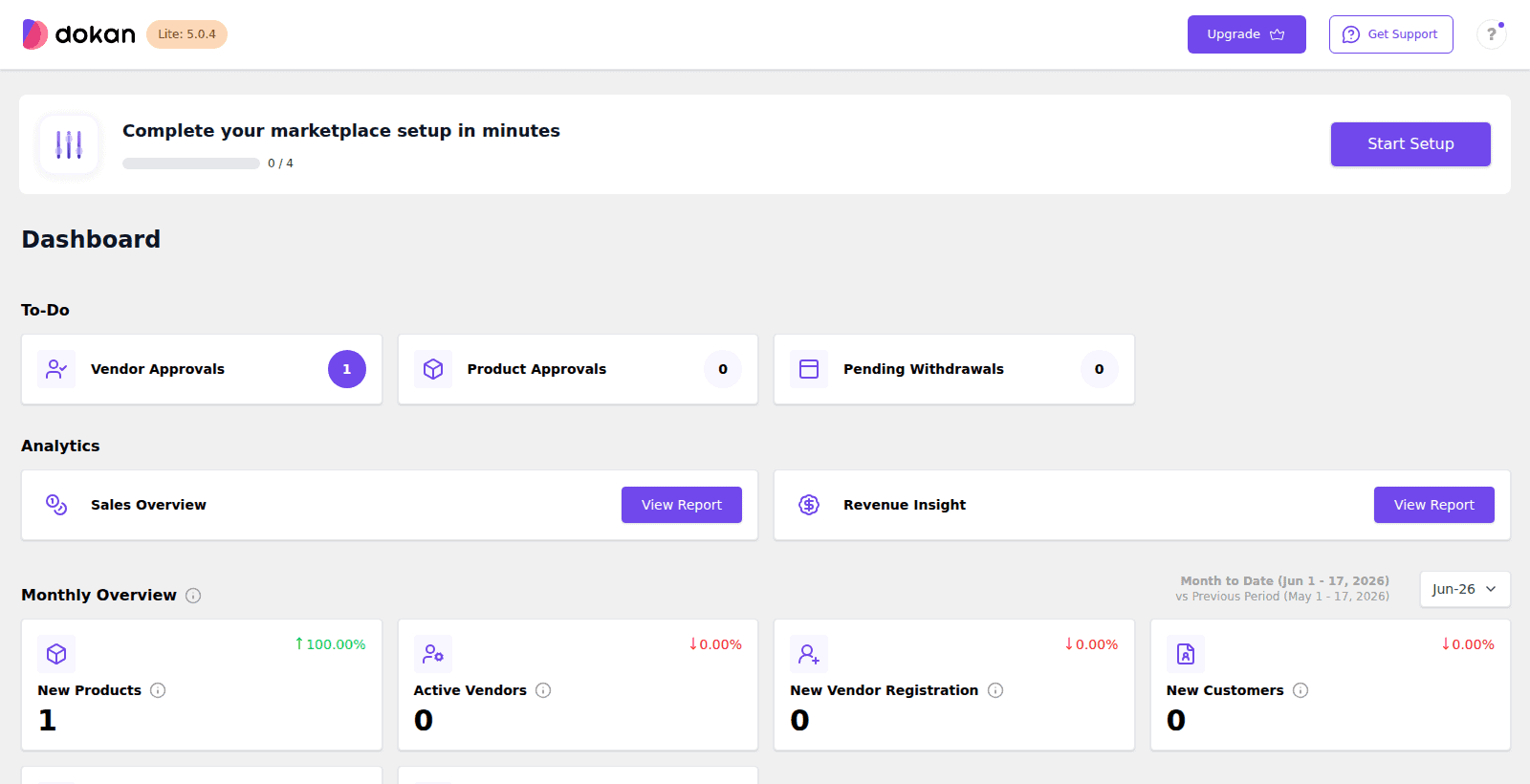
Choose Dokan only if you are truly building a multi-vendor marketplace.
A marketplace is not just a store with more products. It needs vendor onboarding, seller dashboards, product approval, commissions, payout rules, disputes, refunds, support boundaries, shipping responsibility, and moderation.
Dokan builds on WooCommerce and adds multi-vendor workflows. That can work well when third-party sellers need to manage products and receive payouts while the site owner takes a commission. If the marketplace needs separate storefronts, regional subsites, or network-level management, plan WooCommerce multisite setup before vendors depend on it.
Best for:
- Marketplaces with multiple independent sellers.
- Sites that need seller dashboards, commissions, and vendor controls.
- Teams prepared to manage sellers, not just products.
Skip it if:
- You are the only seller.
- You can manage all products centrally.
- You are not ready for vendor support and buyer disputes.
11. WC Vendors
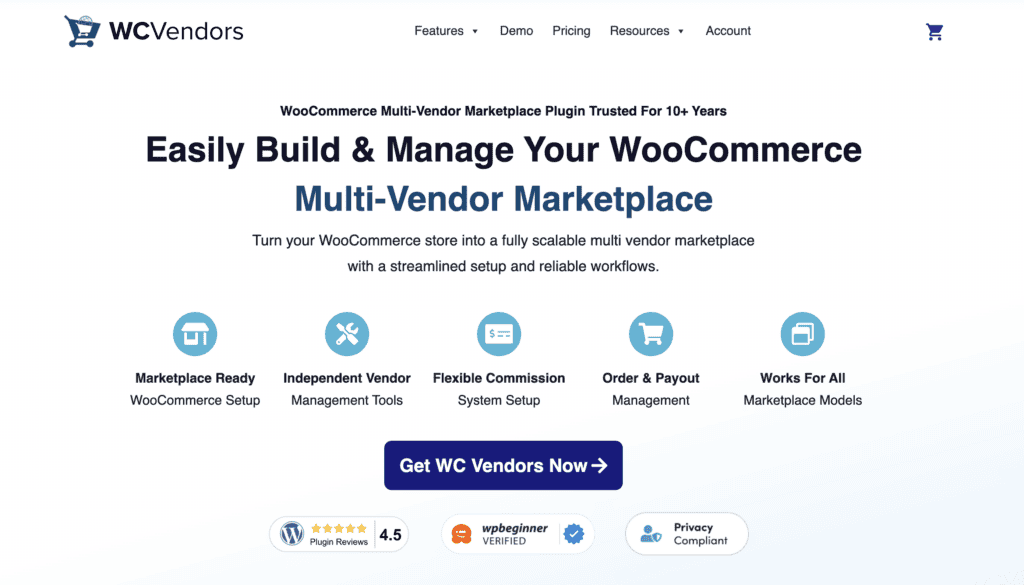
Choose WC Vendors when you want a WooCommerce marketplace path but prefer its vendor-management approach over Dokan.
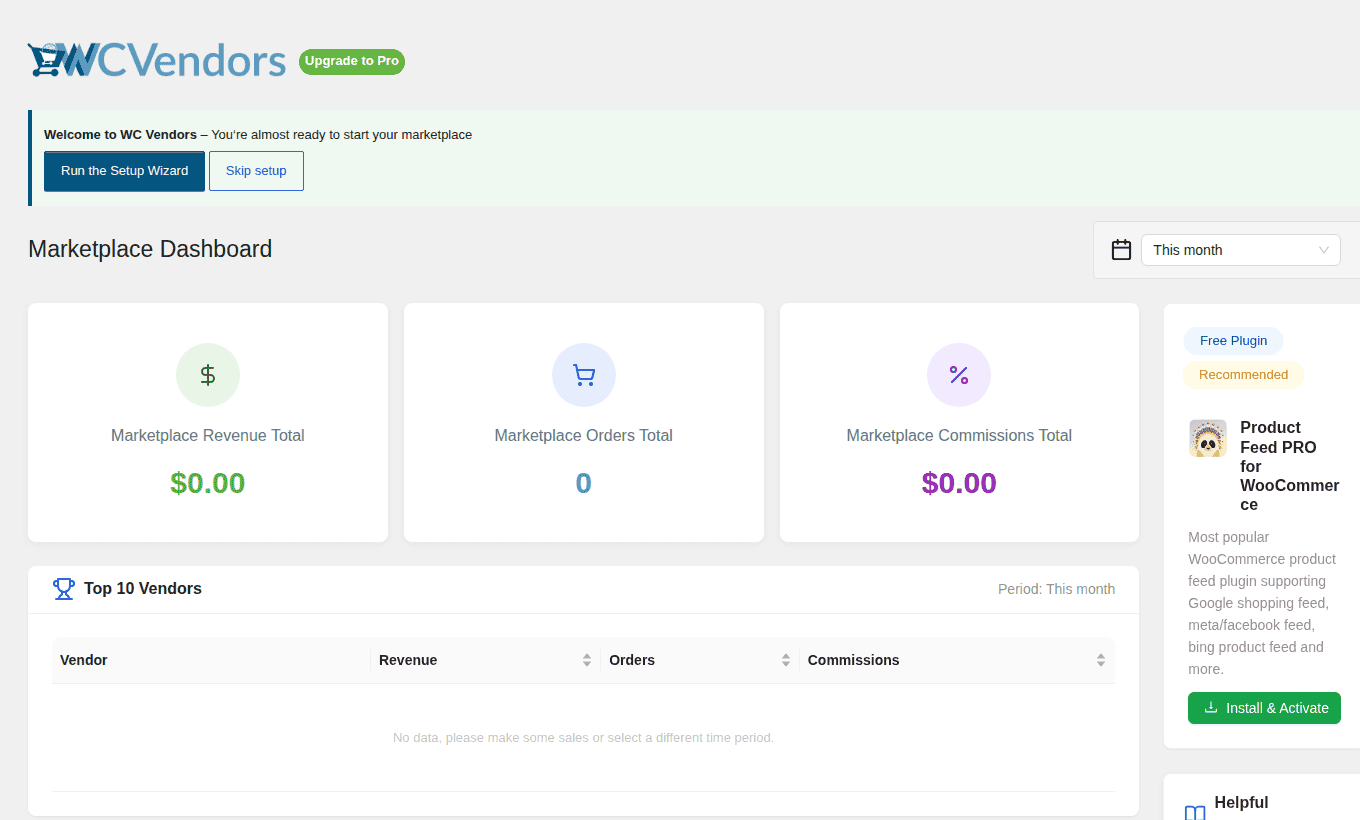
WC Vendors also builds marketplace features on top of WooCommerce. It is worth comparing if you are already committed to WooCommerce and need vendors to add products, manage orders, and receive commissions.
The same warning applies: a marketplace plugin is not a shortcut. It adds a second operational layer on top of the store. You now have buyers and sellers to support.
Best for:
- WooCommerce stores turning into marketplaces.
- Site owners comparing multi-vendor commission and dashboard workflows.
- Teams that want marketplace features without leaving the WordPress/WooCommerce stack.
Skip it if:
- You are not committed to WooCommerce.
- You only need guest authors, contributors, or product submissions.
- You cannot support vendor disputes, payouts, and moderation.
12. CartFlows or FunnelKit
Choose CartFlows or FunnelKit after WooCommerce is stable, not before.
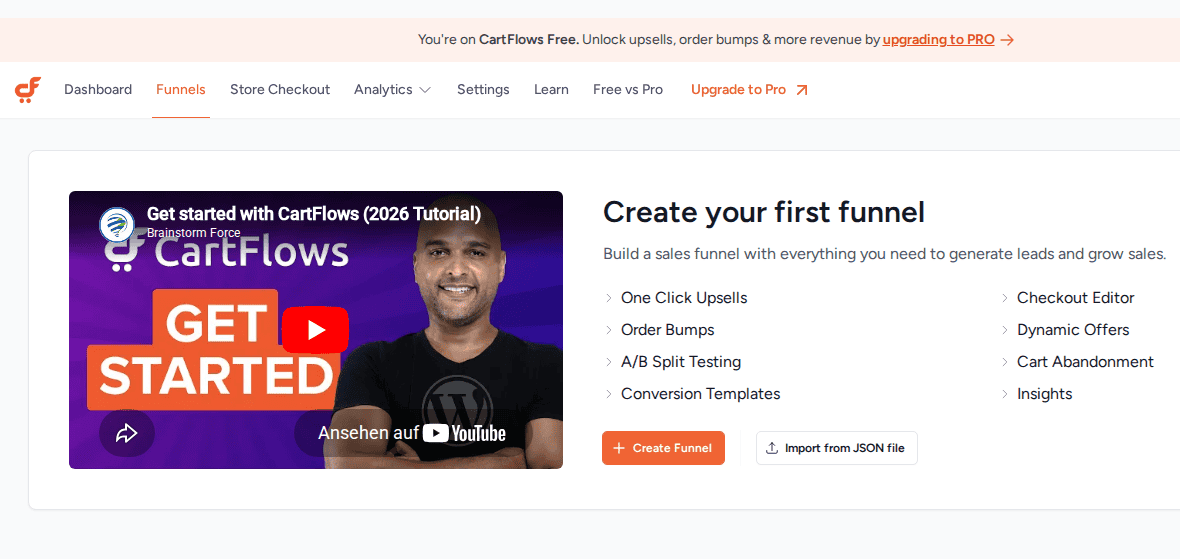
These are WordPress ecommerce plugins for WooCommerce stores. They help improve checkout pages, funnels, order bumps, upsells, downsells, and abandoned-cart recovery. An order bump is a small add-on offer shown during checkout. An upsell is a higher-value or extra offer shown after the shopper has shown buying intent. Both can help, but only after the base store works.
If payments fail, shipping is unclear, taxes are wrong, or product setup is messy, a funnel plugin will not fix the store. It will add another layer to troubleshoot.
If checkout loops or sends buyers back to the cart, troubleshoot the WordPress redirect loop before adding another funnel plugin. If accounts return buyers to login, use the WordPress login redirect loop guide.
Best for:
- WooCommerce stores with working products, payments, and fulfillment.
- Stores that need better checkout pages, funnels, upsells, or recovery.
- Campaign-driven stores where checkout performance matters.
Skip it if:
- You have not stabilized the core WooCommerce store.
- Your main issue is shipping, tax, payment reliability, or product setup.
- You do not have enough traffic to learn from checkout changes.
When a payment form is enough
WPForms and WP Simple Pay do not belong in the same bucket as WooCommerce, SureCart, Easy Digital Downloads, or MemberPress. They are worth mentioning only because some people searching for ecommerce plugins do not actually need ecommerce.
A consultant collecting a deposit, a nonprofit accepting donations, or a local business charging for one event may not need products, carts, inventory, shipping, refunds, customer accounts, or a store dashboard.
They may need a payment form.
Use WP Simple Pay or WPForms when the transaction is simple and the site does not need a catalog. Do not use them as a substitute for a store that needs order management, fulfillment, variations, tax rules, customer histories, or subscriptions tied to access.
Supporting plugins your ecommerce store may still need
Your core ecommerce plugin decides how the store sells. Supporting plugins handle the work around the sale.
| Store need | Why it matters |
|---|---|
| Payments | Customers need trusted ways to pay |
| Shipping | Physical stores need accurate rates, labels, tracking, and returns |
| Performance | Slow product pages and checkout can cost sales |
| Backup and staging | Plugin changes should be tested before they touch live checkout |
This is where stores get bloated. Every added plugin should have a job. If you cannot explain the job, do not install it.
Backups and staging are not ecommerce plugins, but they belong in a serious WordPress ecommerce workflow. For WooCommerce stores, a WooCommerce backup plugin is relevant here because products, orders, customers, database records, and checkout-related data need protection before major plugin changes.
Before you install or switch ecommerce plugins
Do not test a business-critical ecommerce change on the live site right before a sale.
Use this checklist first:
- Create a fresh full-site backup: Include files and the database, not just media uploads. For non-WooCommerce stores too, use a WordPress backup plugin before changing commerce tools.
- Test the plugin on staging: Staging is a private copy of the site where you can test changes without affecting shoppers. Use a WordPress staging plugin before checkout, payment, shipping, or tax changes.
- Place a real test order from start to finish: Check product page, cart, checkout, payment success, failed payment behavior, and receipt email.
- Confirm payment notifications update orders correctly: A payment can succeed while the order status fails to update.
- Check taxes, shipping, coupons, and customer accounts together: These settings often break at the edges, not in the happy path.
- Review downloads, memberships, or subscription access after payment: The purchase is not complete if the buyer cannot access what they paid for.
- Measure page speed after adding the plugin: Ecommerce plugins can add scripts, database work, and checkout logic.
- Know the rollback plan before launch: If checkout breaks or the site sends shoppers through suspicious redirects, you should know how to restore the site quickly, especially after redirect or
.htaccesschanges; a corrupted .htaccess file can break product and checkout paths. - Avoid testing multiple checkout tools on production: Plugin pileups make problems harder to find.
If the site already makes money, treat plugin changes like store operations, not casual design changes. Backup, stage, test, then push staging changes live.
Common mistakes to avoid
Here are some to look out for:
Choosing popularity over fit
- WooCommerce is popular for good reasons. That does not mean every store needs it.
- A digital-download seller may be cleaner on Easy Digital Downloads. A membership site may belong on MemberPress. A content-first brand may be better with BigCommerce or Shopify behind WordPress.
- Popularity reduces some risk. It does not replace fit.
Treating add-ons as store foundations
- CartFlows and FunnelKit can improve a WooCommerce checkout. They do not replace WooCommerce.
- Marketplace plugins can add vendor workflows. They do not make vendor operations easy.
- Payment form plugins can collect money. They do not manage a store.
Buying the cheapest plugin without checking the real cost
- Free plugins can become expensive through extensions, renewals, gateway fees, hosting, support, and developer work.
- The cheapest plugin is not always the cheapest store.
Optimizing checkout before the store works
- CartFlows and FunnelKit can help a working WooCommerce store sell better. They cannot fix broken payment settings, weak product setup, confusing shipping rules, or wrong tax logic.
- Fix the store before you optimize the funnel.
Adding plugins for future problems
- Install what the store needs now. A plugin kept “just in case” still adds code, updates, settings, and possible conflicts.
- This matters more in ecommerce because checkout is where money changes hands.
FAQs
What is the best WordPress ecommerce plugin?
WooCommerce is the best choice for most full WordPress stores. Use Easy Digital Downloads for digital files, MemberPress or ProfilePress for memberships, SureCart or Ecwid for lighter setups, BigCommerce for hosted backend commerce, and Dokan or WC Vendors for marketplaces.
What is the best free WordPress ecommerce plugin?
WooCommerce is the best free starting point for a full store. Easy Digital Downloads is the better free starting point for digital products. Free plans are useful, but many serious stores later pay for extensions, hosting, payment features, or support.
Can I sell on WordPress without WooCommerce?
Yes. You can use SureCart, Easy Digital Downloads, MemberPress, ProfilePress, Ecwid, BigCommerce for WordPress, WP EasyCart, WPForms, WP Simple Pay, or a Shopify integration depending on what you sell and where you want the commerce backend to live.
Which WordPress plugin is best for digital downloads?
Easy Digital Downloads is the best fit for most digital-download stores. It is built around downloadable products, customer access, purchase history, discounts, and file delivery.
Which WordPress ecommerce plugin is best for memberships?
MemberPress is the stronger default for paid memberships, courses, and gated content. ProfilePress is worth considering when profiles, directories, registration flows, and community-style accounts matter as much as payment.
Final recommendation
Start with the store model: use WooCommerce for a full WordPress store, SureCart for a lighter modern setup, Easy Digital Downloads for digital products, MemberPress or ProfilePress for memberships, BigCommerce or Shopify integrations when hosted commerce should sit behind WordPress, Ecwid for fast embedded selling, WP EasyCart for a small simple store, and Dokan or WC Vendors for marketplaces. Use WPForms or WP Simple Pay only when the job is payment collection, not ecommerce.
Before installing anything, ask who owns checkout, where orders live, how customers get access, what happens if payment succeeds but the order fails, and how you will roll back if an update breaks the store. If you only remember one rule, make it this: choose the ecommerce plugin that fits the transaction, not the plugin with the longest feature list.

Shivani enjoys crafting guides that make every aspect of using WordPress simple and easy to follow. When she's not glued to her laptop, you can find her buried in a good book or occasionally, painting.


