
Blog
WordPress guides for the bad day.
Backups, restores, staging, migrations and security: how they work, what goes wrong, and how to recover when it does.
Page 53
715 articles · page 53 of 60
Top 10 WordPress Malware Scanners (Compared)
Have you noticed that your website is redirecting to another site? Or does your site suddenly look different to your visitors? This could be a sign of malware on your WordPress…
Read more
Worried About WooCommerce Performance? Check out these Do’s and Don’ts!
Your website’s performance is a determinant factor of user experience. If you are managing a WooCommerce store, site performance will have a direct impact on your business goals…
Read more
How to create Under Construction page for you site with UnderConstruction Plugin
BlogVault is one of the best WordPress backup and security solutions that has you covered in many aspects. You can protect your site in just a few clicks, and let the plugin work…
Read moreBlogVault makes WordPress migrations to Pantheon easy with ‘Pantheon Migrations’
BlogVault has developed, and in collaboration with Pantheon created Pantheon Migrations. Pantheon is the world’s largest website management platform, delivering Drupal and…
Read more
How To Remove Malware From a GoDaddy Site (Easy Solution)
Is your GoDaddy site sending out spam emails to your customers? Have you noticed that your website is slow for no reason? It’s most likely that your GoDaddy website is hacked…
Read more
Do You Need a WordPress Support Agency?
Over the years, WordPress has built a solid reputation as a democratizing force on the internet. With this popular open-source platform, pretty much anyone can DIY their own…
Read more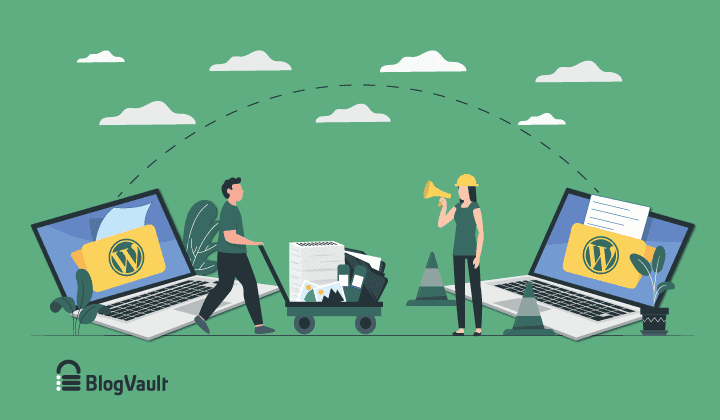
How to Replace Old WordPress Site With New WordPress Site?
Do you want to replace old WordPress site with new WordPress site but you are worried that your site will be down for weeks on end? After all, no one wants to serve a maintenance…
Read more
How to Edit HTML in WordPress Without Breaking Your Site
Need to make HTML changes to your WordPress site? WordPress was designed to make website creation easy for anyone. It eliminates the need to know coding. But in case you want to…
Read more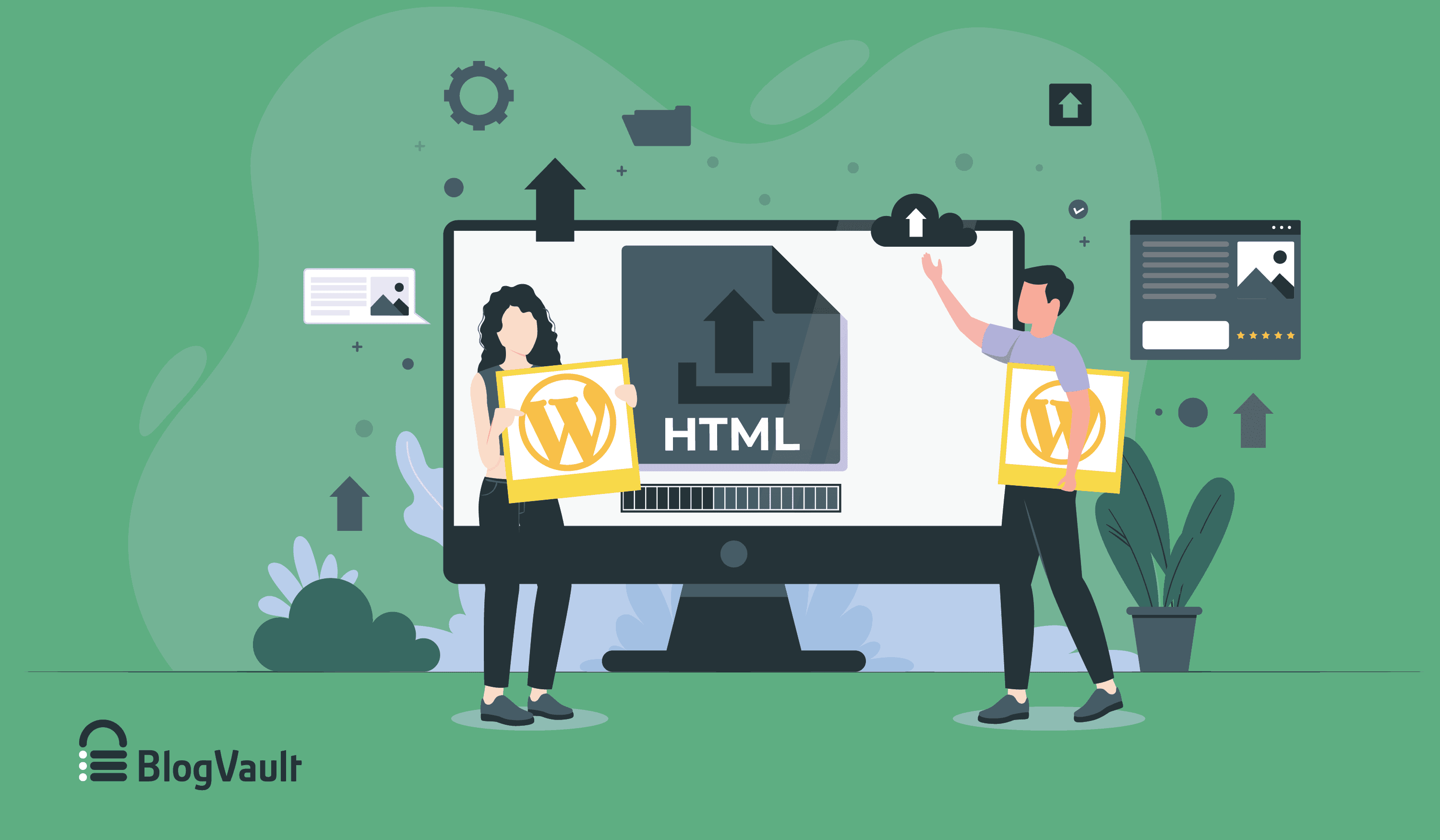
How to Upload HTML File to WordPress – Complete Guide
Do you have an HTML file that you’d like to add to your WordPress site? WordPress has an abundance of in-built features that help you create pages and content without needing to…
Read moreDoes being Open Source make WordPress Secure?
WordPress is an Open Source CMS, meaning both: vulnerabilities AND their patches are all visible to the WordPress community. So how does this make WordPress secure? If you…
Read more
3 Reasons to Use an Activity Log on Your WordPress Website
To have full control of your website, you need to know exactly what is happening to it. It is not enough to just know when articles are published or when a comment is posted…
Read moreCustomer Tales: Mark Tull
It is only after losing valuable data that most of us wake up to the need for preservation of our digital information by regularly backing it up. This World Backup Day, the…
Read more
Backups built for scale. Restores for the bad day.
No credit card · 14-day money-back guarantee