

You’ve probably waded through a dozen “best of” lists for WordPress newsletter plugins, hoping the next one you try won’t slow down your entire site.
Now you’re here, doing the real research on Brevo, a name that keeps popping up. The big question is whether it actually lives up to the hype.
You need a platform that can grow with you, not one that brings headaches with complicated pricing or a frustrating user interface. That’s exactly what this Brevo review is for: to give you the clarity those lists couldn’t.
We’re big fans of Brevo for two main reasons. First, its pricing offers great value, including a robust free version that’s perfect for getting started. Second, it solves the critical WordPress headache of email deliverability by routing all transactional emails through its reliable servers. Just be safe to use a backup solution before activating any new integration.
Brevo review at a glance
Wondering if it has what you need? Here are Brevo’s standout features at a glance:
| Feature | What it Means for You |
|---|---|
| Unlimited Contacts | You can grow your list to any size without your price increasing, even on the free plan. |
| External Dashboard | All the heavy work happens on Brevo’s servers, which keeps your WordPress site fast and light. |
| Improved Deliverability (SMTP) | It fixes WordPress email issues and ensures your transactional and marketing emails actually reach the inbox. |
| Drag-and-Drop Editor | You can create professional-looking newsletters quickly without needing to know any code. |
| AI Content Assistant (Aura) | It helps you generate subject lines and email copy to beat writer’s block and save time. |
| Marketing Automation | You can set up welcome emails and other multi-step workflows to engage your audience automatically. |
| Easy Data Import/Export | You can move your contact list in or out easily, which means you’re never locked into the platform. |
Newsletter features
A major benefit is that you can store an unlimited number of contacts on every single plan. This includes the free one. This is fantastic for growth because you are not punished with a surprise bill just for getting more subscribers.
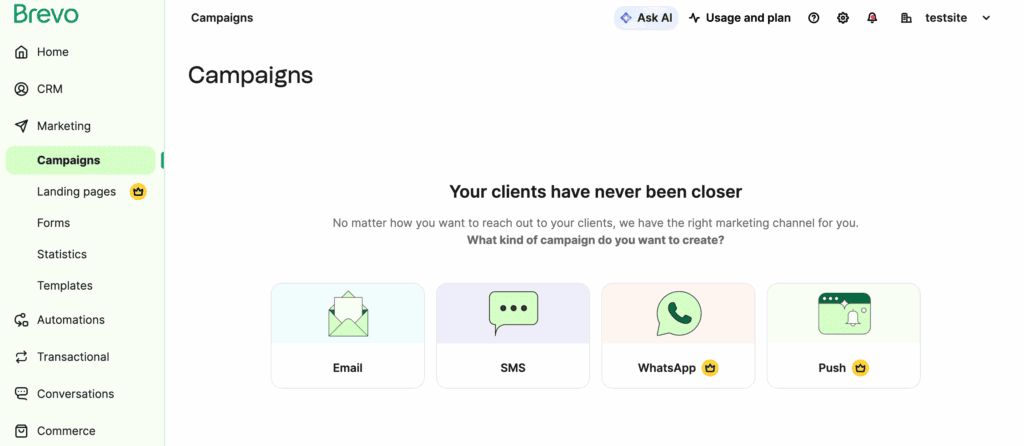
You manage everything from Brevo’s external dashboard, not inside your WordPress admin area. This is a good thing because it keeps your own website fast, though a good caching plugin is still essential for optimizing load time.
This dashboard is your command center where you can monitor key stats like opens and clicks, and use the built-in CRM to view subscriber history.
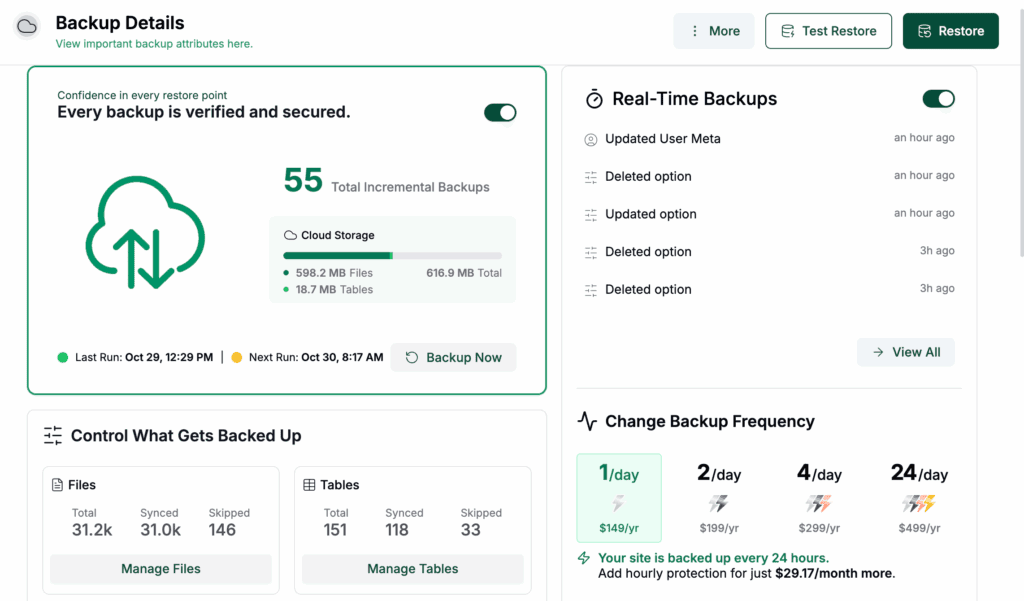
To connect your site to this system, you use their plugin and an api key. As a rule, always take a full backup of your site before activating any new integration. The primary purpose of using the plugin is to improve your site’s email deliverability.
It takes over sending all your transactional emails, routing them through Brevo’s reliable servers instead of your web host.
You also get peace of mind. You can easily turn on double opt-in settings to stay GDPR compliant. And for full transparency, clear sending logs show you exactly what emails went out and when.
Ease of use and design
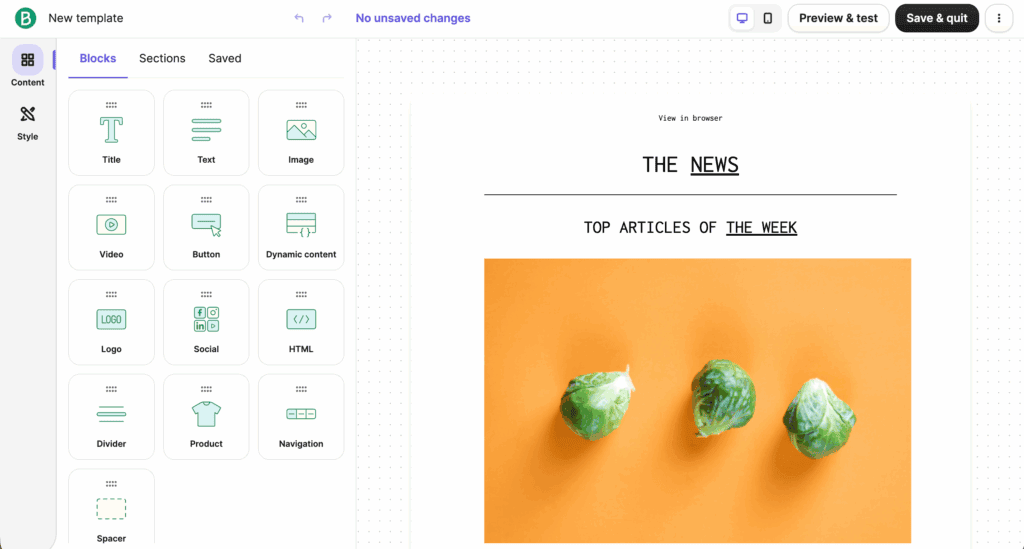
Thankfully, using all these features is simple. You build emails with an intuitive drag-and-drop editor. Most people figure it out right away. We created a basic newsletter in about ten minutes on our first try.
You can choose from a large library of professional, responsive email templates.
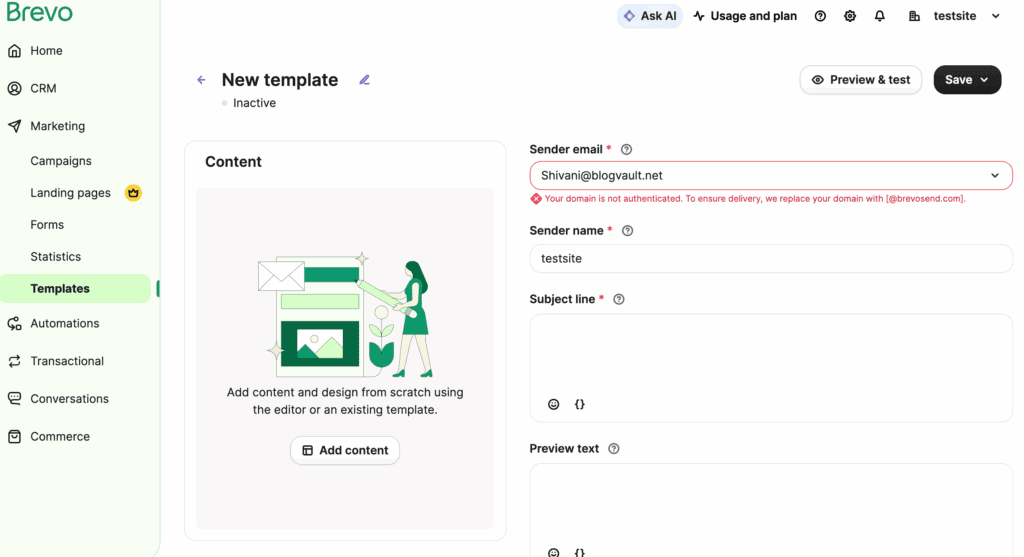
A real time saver is the automated brand tool. It pulls your logo and site colors into emails instantly. You can also upload and attach files like PDFs directly to your newsletters.
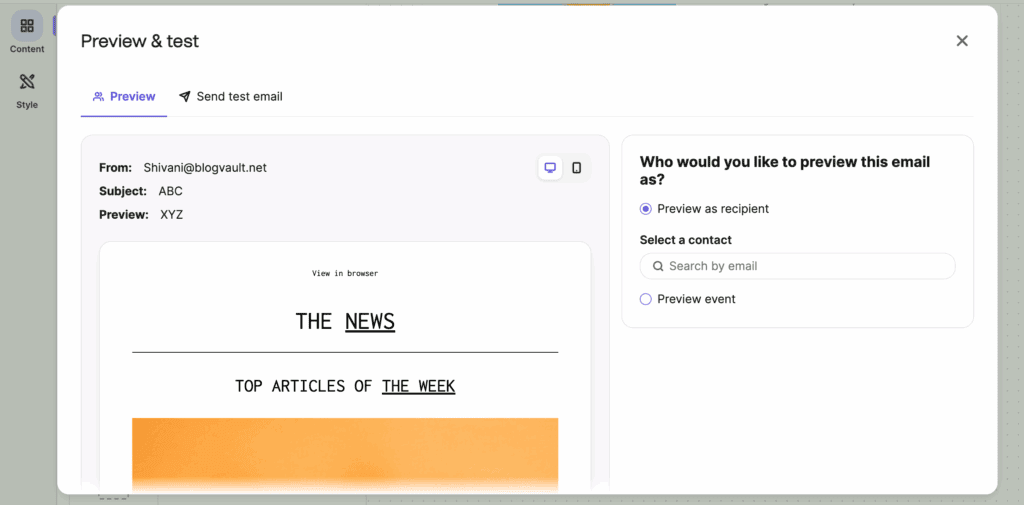
Always preview your work on both mobile and desktop screens. Then, send a test email to yourself to check the final formatting.
Integration and automation
Creating a single email is one thing. But making your whole system work together is where Brevo gets powerful. Setting up the WordPress plugin is guided by a helpful wizard.
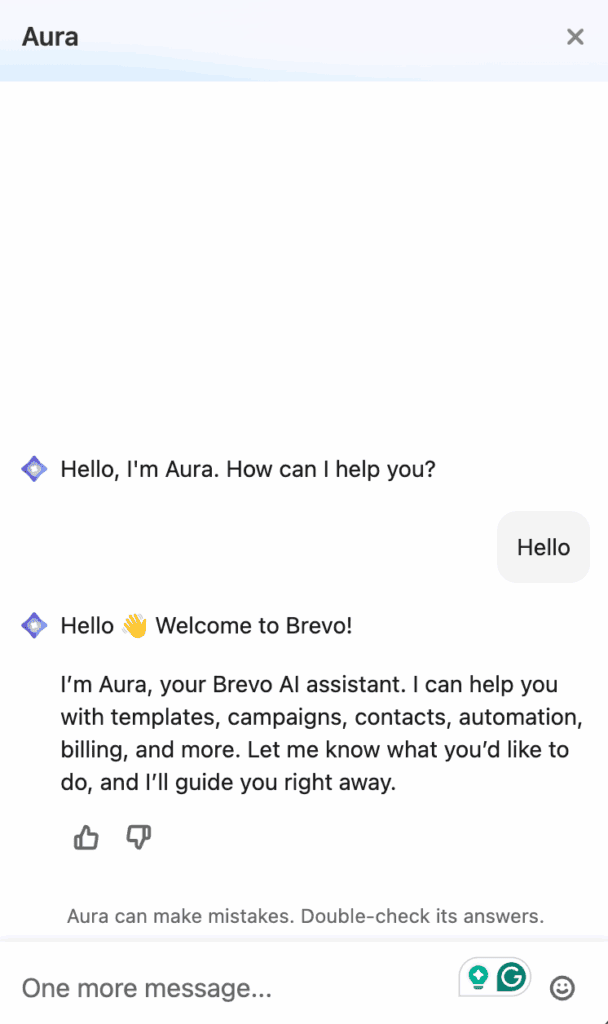
You can use the Aura AI assistant to generate email copy and subject line ideas. It is great for beating writer’s block.
Then, you can set up automation. A welcome email series is only effective if it reaches real people. That’s why, before you set one up, it’s crucial to stop WordPress spam from filling your list with bots.
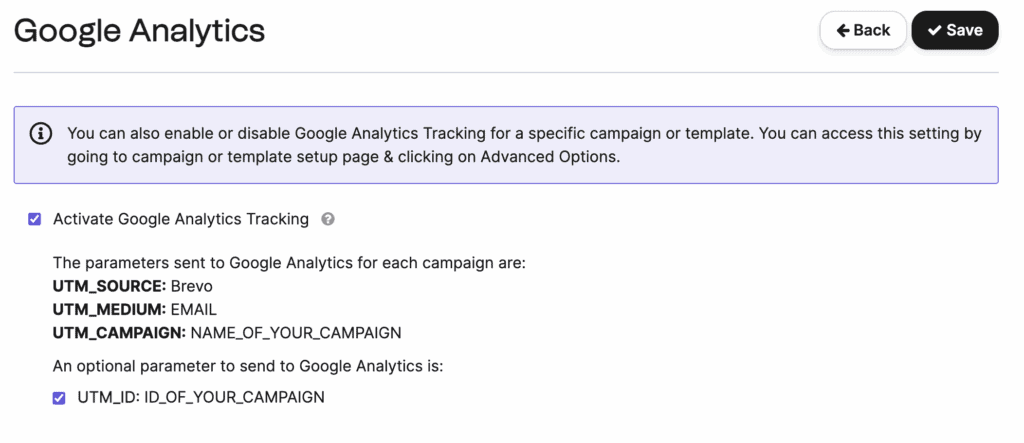
Turn on Google Analytics tracking with a simple toggle. You can even sync different WordPress user roles to specific mailing lists automatically.
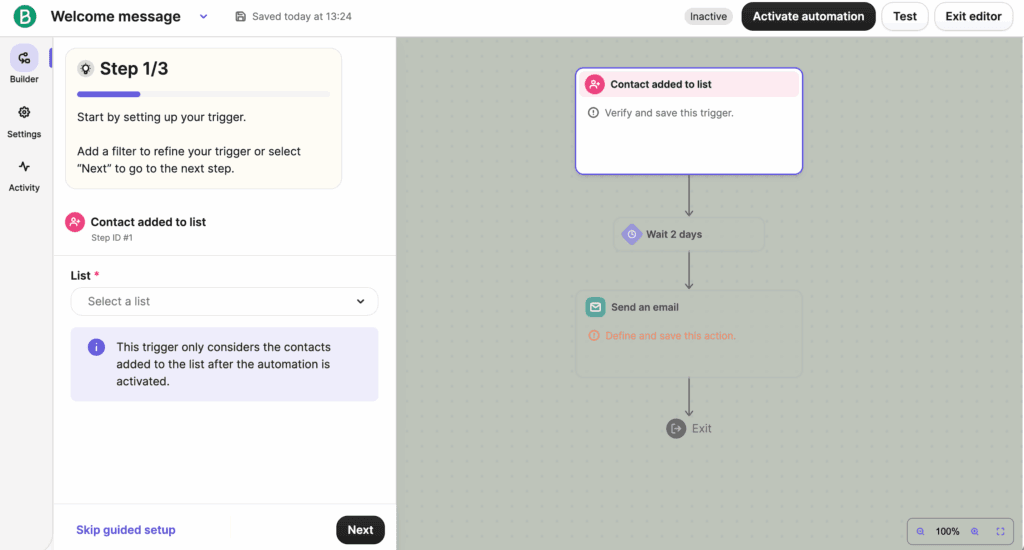
For more targeted campaigns, send newsletters based on how people use your website. You can build these multi-step workflows even on the free plans.
Deliverability and technical performance
All this work means nothing if your emails do not get seen. Brevo uses optimized systems to ensure high inbox placement rates.
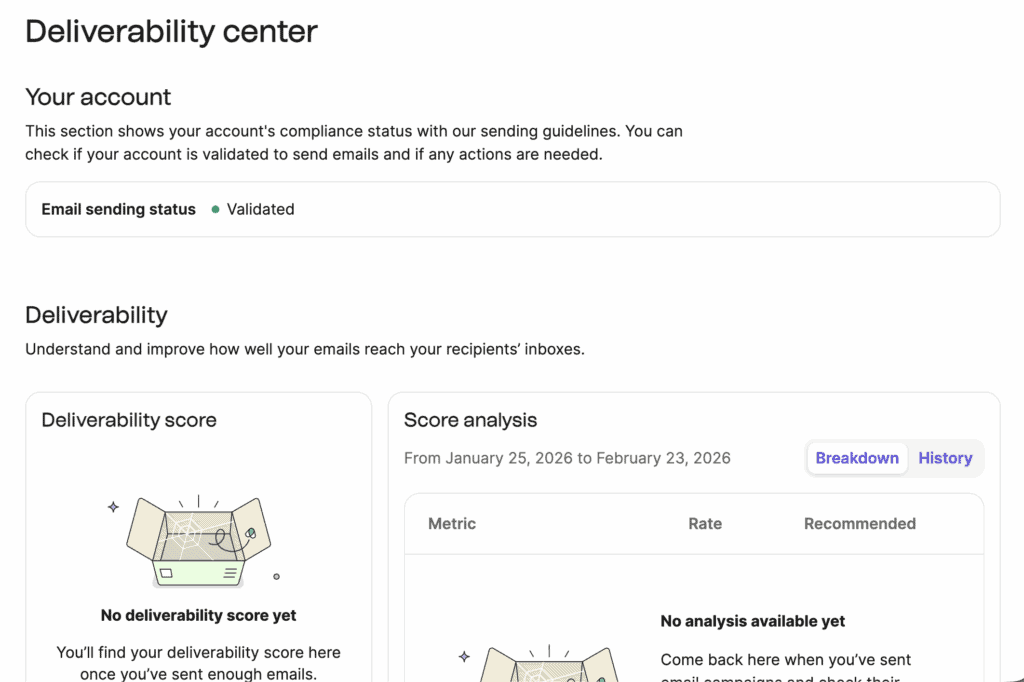
You get open and click reports on all plans. If you upgrade to the standard plan, you also get click heatmaps. Higher plans add smarter features like AI-driven send time optimization.
The system automatically manages bounces and unsubscribes. This protects your sender’s reputation.
Moving your data to and from Brevo
Brevo makes data movement easy. You import contacts in bulk using a CSV file. They have a special migration tool for users switching.
Take care to map your custom fields during import to keep your data intact. You can export your entire list or specific segments at any time. For ongoing syncing, the two-way connection with WordPress keeps your data updated automatically.
If you ever move to a self-hosted plugin with no external dashboard, you’ll be importing contacts directly into your WordPress database.
This adds a risk of errors or slowdowns, so always stay two steps ahead by taking a full site backup before you start.
Pricing tiers
After installing the plugin and setting it up, you’ll see that Brevo uses a different model. Your price is based on how many emails you send, not how many contacts you have. This is a major advantage for anyone with a large but infrequent audience.
Here is a simple breakdown of what each plan is for:
- Free plan: This is a real, usable tool, but it has a strict 300 emails per day cap. It’s perfect for getting started and testing the platform.
- Starter plan: This is the first step up from the free plan. It’s ideal for users who need to send more emails without the daily restriction. The key benefits are removing the daily sending cap and removing the Brevo logo from your emails.
- Standard plan: This is their most popular plan for a reason. It’s for businesses ready to get smarter with their marketing.
- Professional plan: This is a big jump, designed for established teams. It adds features like multi-user access, advanced e-commerce tracking, contact scoring, and access to phone support.
- Enterprise plan: This is for very large companies with massive email volumes. It includes things like multi-account management, a dedicated IP, and personalized support.
Is Brevo right for you?
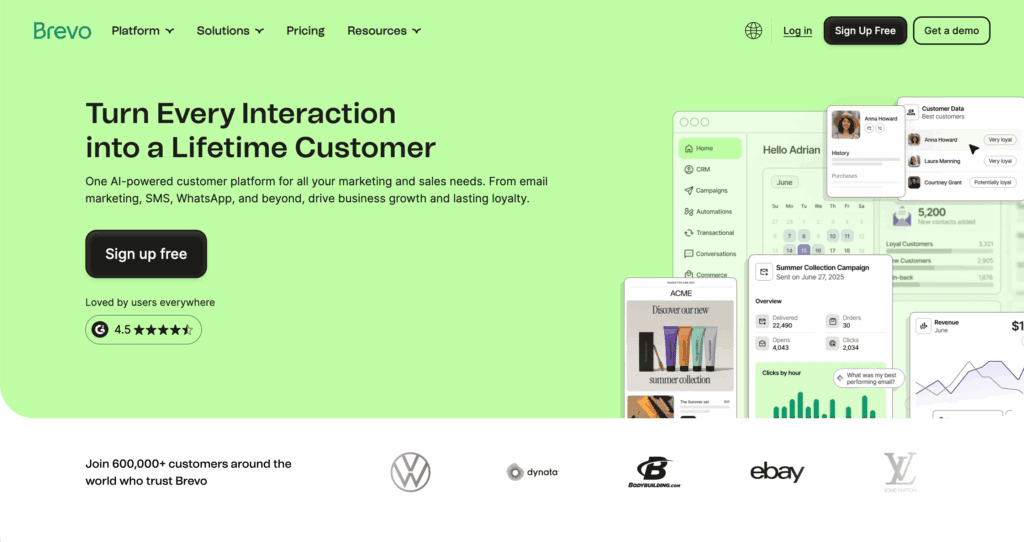
So, after all this, who is it really for? We think Brevo is an excellent tool, but it is not perfect for everyone.
Choose Brevo if:
- Your email list is large, but your budget is tight.
- A simple, guided WordPress integration is important to you.
- AI assistance for writing newsletters sounds helpful.
- Having email and sms in one dashboard simplifies your workflow.
- Paying for send volume instead of contact count fits your business model better.
Avoid Brevo if:
- Advanced design control with custom CSS is a must-have.
- Instant phone support is required, even on lower-priced plans.
- Sending more than 300 emails daily for free is a requirement.
- Complex automation builders feel more overwhelming than useful to you.
- Team sub-account features are needed, but an enterprise plan is out of budget.
Brevo alternatives to consider
It is wise to look at other options. Your needs might fit another tool better.
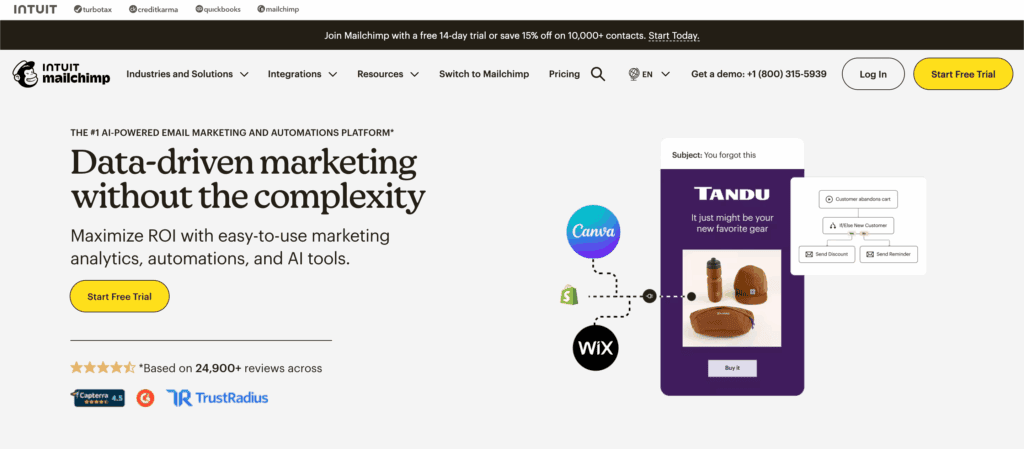
Mailchimp is still the best if you use many other specialty apps and need deep integrations.
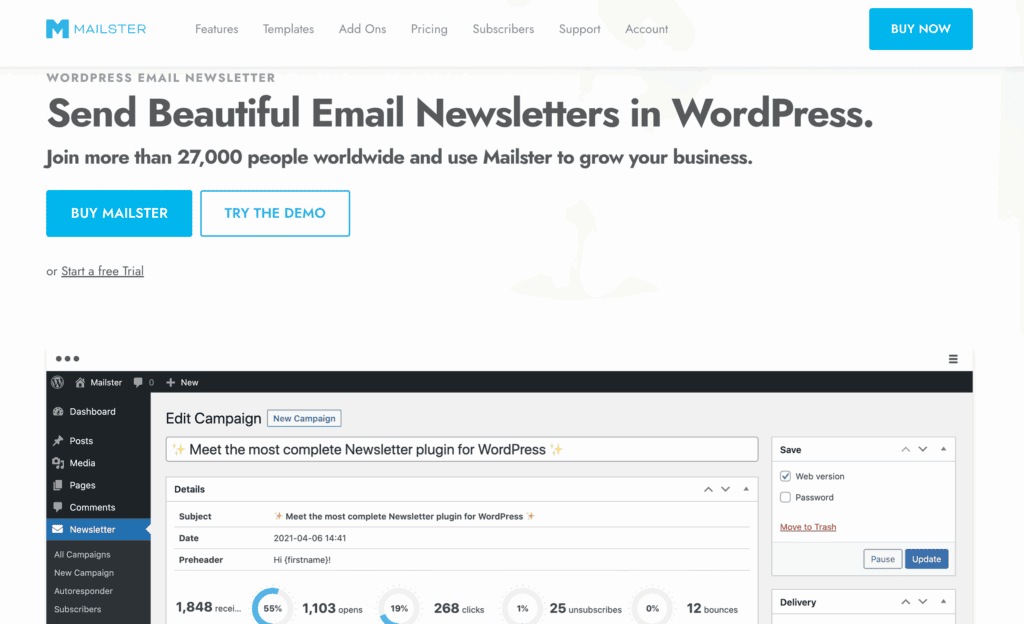
Mailster is a top choice for a powerful, self-hosted plugin that lives only on your WordPress site.
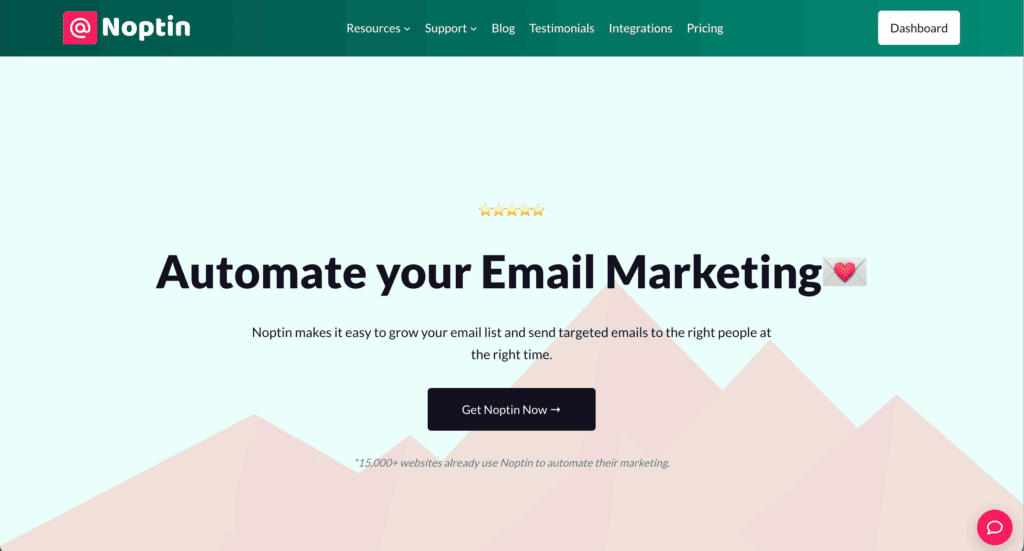
Noptin is a much simpler, lightweight free WordPress tool perfect for beginners.
Parting thoughts
Brevo provides exceptional value with its unlimited contact storage. The AI tools add a helpful layer of polish. We really appreciate the volume-based pricing. It feels fair as your list grows.
For most WordPress users ready to move beyond basic plugins, Brevo is a robust and reliable choice. It handles the core job of newsletter marketing very well, giving you room to grow without unexpected fees.
FAQs
Is Brevo safe to use?
Yes, Brevo is safe to use, employing strong security measures and GDPR-compliant data handling. Your subscriber information is protected with standard industry practices.
Is Brevo actually free?
Yes, Brevo has a genuinely functional free plan. It includes most features but limits sending to 300 emails per day.
Can someone steal your info through email?
A platform like Brevo has strong security to prevent data breaches. General email safety also depends on your own habits, like avoiding phishing scams.
What is the monthly limit for Brevo?
The free plan has a daily limit, not a monthly one, capping you at 300 emails per day. Paid plans offer unlimited monthly sending.
Can I track conversions with Brevo?
Yes, you can track conversions by integrating Google Analytics and using UTM parameters. Advanced engagement tracking like click heatmaps is available on higher plans.

Shivani enjoys crafting guides that make every aspect of using WordPress simple and easy to follow. When she's not glued to her laptop, you can find her buried in a good book or occasionally, painting.


