

Are your WordPress emails vanishing or landing directly in spam? When this happens, crucial notifications from contact forms and password resets fail to reach the intended recipients.
A dedicated WordPress SMTP plugin is the most reliable way to resolve this delivery issue.
We have reviewed the best SMTP plugins on the market and laid out the top four options for you to choose from.
Fix your WordPress email delivery with WP Mail SMTP for simplicity or Fluent SMTP for free pro-level features. While you’re at it, make sure your site is protected with a reliable backup plugin in case anything goes wrong.
Our top WordPress SMTP plugin picks at a glance

1. WP Mail SMTP
⭐ Score: 5/5
As the most popular SMTP plugin, WP Mail SMTP is a trusted choice for over four million websites. Its primary strength is a guided setup wizard that simplifies the connection process to multiple services.
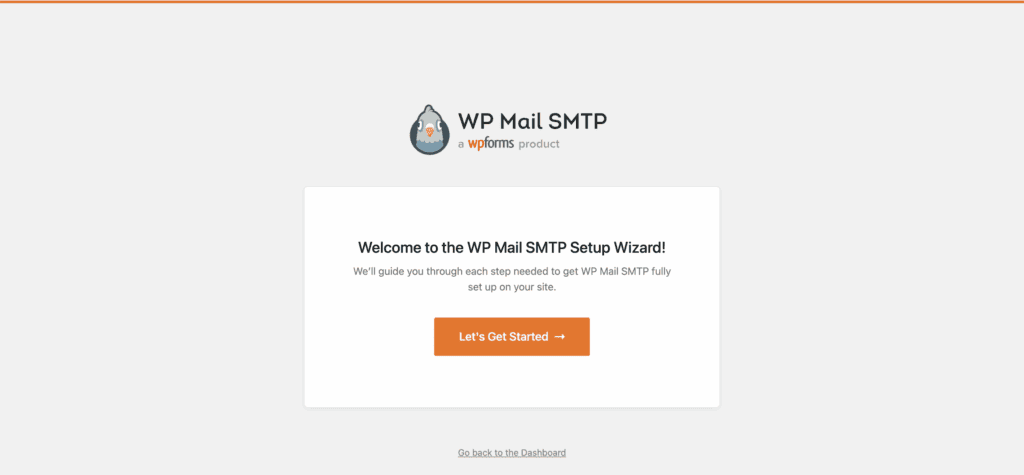
The free version reliably handles core email delivery. For businesses that depend on email, the Pro version is a worthwhile consideration because it adds detailed email logs.
These logs are essential for troubleshooting, a critical skill for overall WordPress maintenance, allowing you to see which emails were sent successfully and diagnose any failures.
Pros:
- The setup wizard makes configuration straightforward.
- Highly reliable for improving email deliverability.
- Integrates with all major email providers.
- The Pro version offers robust email logging and tracking.
Cons:
- Key troubleshooting features like email logging require a paid license.
- The free version provides no visibility into email delivery status.
Pricing
- Free: Core SMTP functionality.
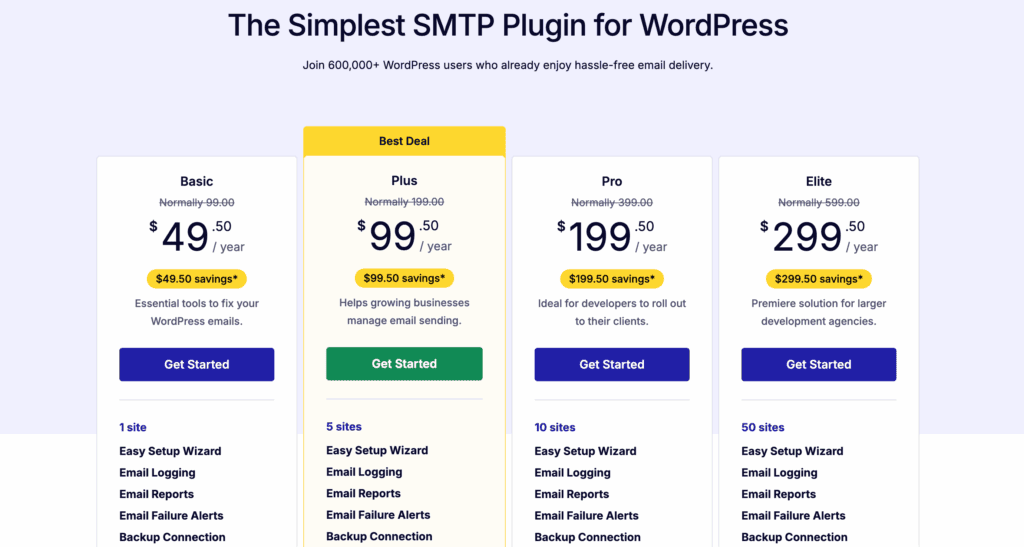
- Pro: Starts around $49/year for email logs, tracking, and alerts.

2. Fluent SMTP
⭐ Score: 4.5/5
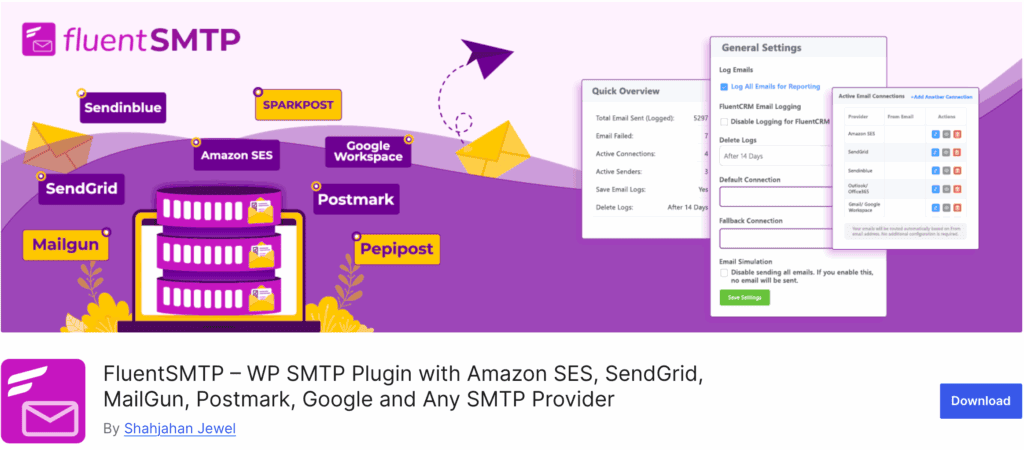
Fluent SMTP is a powerful and completely free alternative. Its standout feature is offering comprehensive email logging at no cost, a tool that competitors place in their paid versions. It is also designed for high performance to avoid slowing down your site.
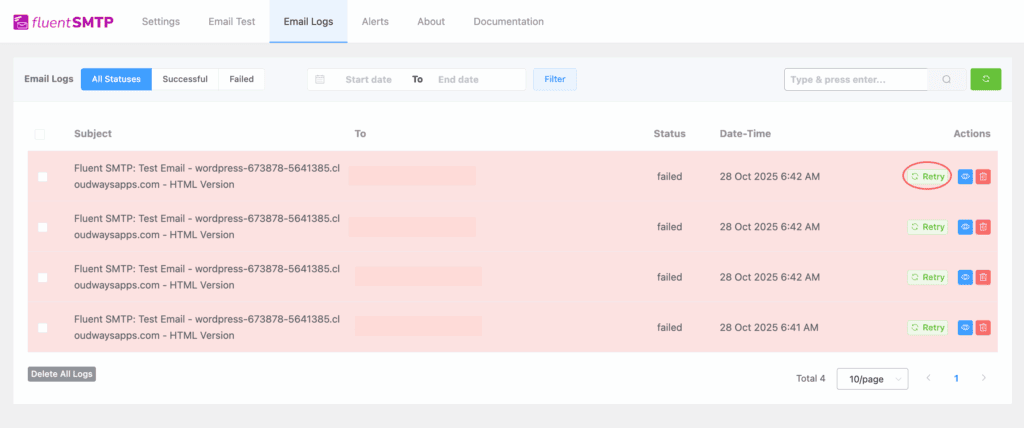
Developed by the team behind Fluent Forms, this plugin provides a clean, modern interface and allows you to configure multiple SMTP connections. For example, you could send transactional receipts through one service and newsletters through another.
Pros:
- 100% free with no features behind a paywall.
- Includes excellent email logging by default.
- Clean, modern interface that is easy to navigate.
Cons:
- Offers fewer pre-configured mailer integrations than WP Mail SMTP.
- Has a smaller support community.
Pricing:
- Free: All features are included at no cost.
3. Post SMTP
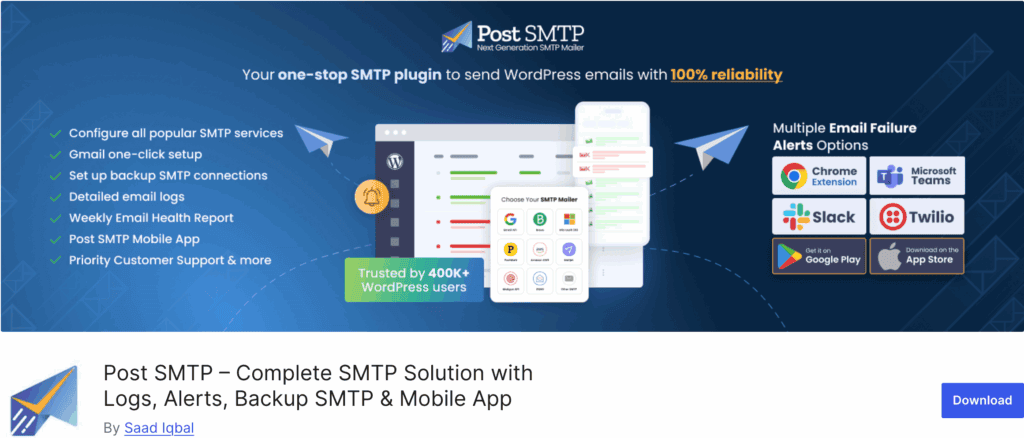
⭐ Score: 4/5
Post SMTP is designed for diagnostics and security. If you are having trouble with email delivery, this plugin provides the tools to identify the problem, including a free connectivity tester and detailed error logs.
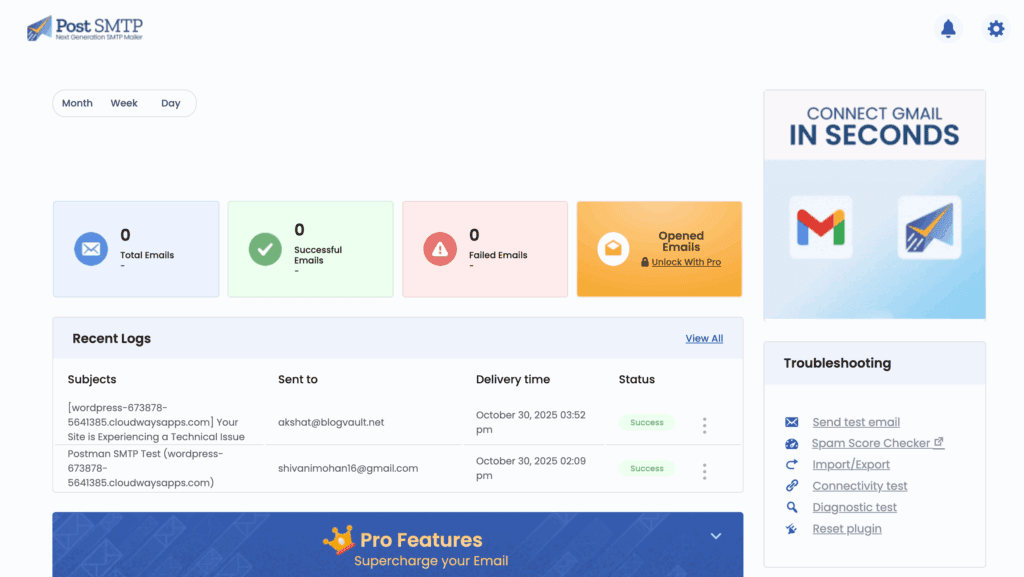
It also supports secure authentication methods like OAuth 2.0, which means you do not have to store sensitive passwords in your WordPress database. While its interface is more technical, its diagnostic capabilities are very strong.
Pros:
- Excellent free diagnostic tools and email logs.
- The connectivity tester helps resolve setup issues quickly.
- Supports secure authentication with OAuth 2.0.
Cons:
- The user interface can feel cluttered and is less intuitive for beginners.
- Presents a steeper learning curve than other options.
Pricing:
- Free: Includes full diagnostic tools and secure authentication.
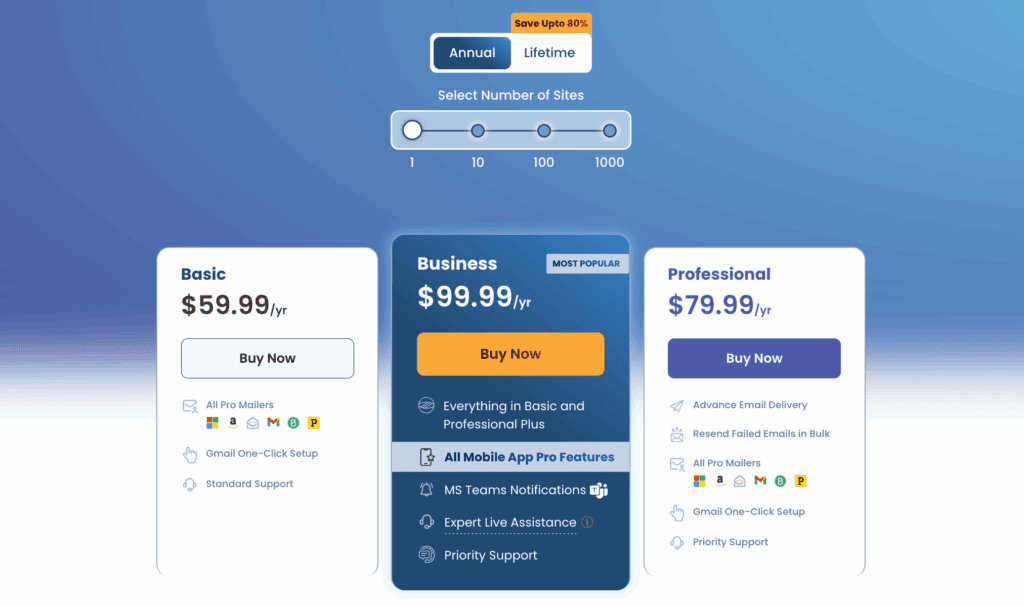
- Pro: Starts around $59/year for priority support and additional integrations.
4. Easy WP SMTP

⭐ Score: 3/5
The Easy WP SMTP plugin provides a minimalist approach to SMTP configuration. It offers a single settings page to enter your credentials and handles the basic task of sending emails through your chosen provider.
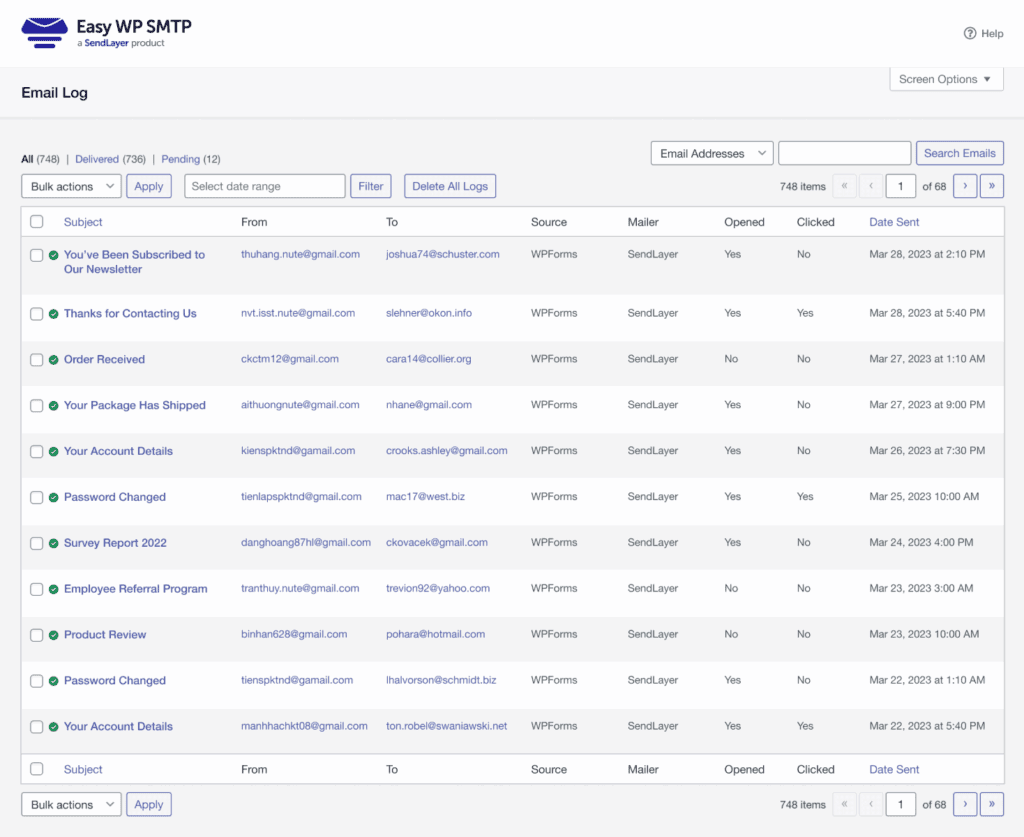
However, its simplicity is also its main drawback. The free version has no email logging, leaving you without any information if an email fails to send. In such cases, a comprehensive activity log can be invaluable for seeing what other site changes might have caused the issue.
It is a lightweight solution for basic needs but lacks modern troubleshooting tools.
Pros:
- Extremely simple and lightweight.
- No unnecessary features or settings.
Cons:
- No email logging of any kind in the free version.
- Lacks support for modern API connections.
- Offers very little assistance for troubleshooting problems.
Pricing:
- Free: Basic SMTP configuration.
- Pro: Starts around $49.50/year to add email logging and notifications.
How we tested and ranked them
Our evaluation was hands-on. We installed each plugin on a fresh WordPress site to assess them based on these key criteria:
- Setup: The ease of installation and configuration for a non-technical user.
- Deliverability: Successful delivery of test emails to the inbox.
- Features: The value and limitations of the free version, with a focus on email logging.
- User experience: The clarity and usability of the interface.
How to choose a WordPress SMTP plugin for your site
To make a decision, consider what your site needs most.
- For an easy, guided setup, choose WP Mail SMTP.
- For pro features like logging on a zero budget, select Fluent SMTP.
- For solving a stubborn email issue, use the diagnostic tools in Post SMTP.
- For only the bare minimum functionality, consider Easy WP SMTP.
A few tips after you install one
Once your plugin is active, complete these final steps:
- Use the test email function. Every plugin includes one. Confirming it works is the most important step.
- Use an “App Password” for Gmail. Google requires a unique 16-digit password for third-party applications. Your standard password will not work.
- Check your email logs. Monitor your logs for the first few days to ensure that all emails are sending correctly.
- Creating a backup of your site now that it’s working correctly is the final step. This saves a stable restore point you can revert to if a future plugin update causes a problem.
Parting thoughts
Fixing WordPress email is a critical step for any professional website. While any of these plugins will improve your deliverability, the right choice depends on your needs.
WP Mail SMTP offers the easiest setup, making it a reliable choice for many users. However, if you want powerful features without the cost, Fluent SMTP is an unbeatable free alternative.
FAQs
Why is my WordPress site not sending emails?
WordPress isn’t sending emails because its default mail function lacks the authentication that email providers require. An SMTP plugin fixes this by routing emails through a trusted service to verify they are legitimate and ensure delivery.
What’s an “App Password” and why do I need one for Gmail?
An App Password is a unique 16-digit code that allows apps like WordPress to securely access your Google account. You need it for security, as your regular password will be rejected when connecting third-party tools.
My SMTP plugin is configured, but emails still fail. What’s wrong?
Emails typically fail due to a typo in your credentials, port, or server address settings. Use your plugin’s test email feature and carefully double-check all details against your provider’s documentation.
Will an SMTP plugin stop my emails from going to spam?
Yes, an SMTP plugin greatly reduces the chance of your emails going to spam by properly authenticating them. However, your email content and domain reputation are also factors that can still trigger spam filters.
Do I really need the Pro version of a plugin?
No, for most sites the free version is sufficient to fix all major email delivery problems. You should only upgrade if you need advanced features like detailed analytics, email logging, or dedicated support.

Shivani enjoys crafting guides that make every aspect of using WordPress simple and easy to follow. When she's not glued to her laptop, you can find her buried in a good book or occasionally, painting.


