Is SEO Framework the right choice for your WordPress site, or are you about to waste hours on another plugin install that fails to deliver?
With dozens of WordPress SEO plugins flooding the market, choosing the wrong one can tank your rankings and eat up your time.
We cut through the hype with a brutally honest breakdown of The SEO Framework’s features and limitations. By the end, you’ll know exactly whether this lightweight plugin fits your site or if you should keep looking.
The SEO Framework is a lightweight, automated SEO plugin. It excels for developers and experienced users who want technical SEO handled quietly without bloat or complexity. Always create a full site backup using a reliable backup plugin before installing any SEO plugin to avoid conflicts that could crash your site.
Understanding what The SEO Framework plugin does

The SEO Framework is an automated SEO system that handles WordPress optimization without the complexity.
Unlike bulkier plugins such as All-in-One SEO, this plugin stays lightweight and integrates directly into WordPress. No separate dashboards or custom interfaces cluttering your admin area. Your SEO settings appear naturally where you’d expect them.
Privacy is baked in. The plugin doesn’t track your data or phone home to external servers. Everything stays on your server.
The hands-off approach appeals to developers and busy site owners. Configure it once, and it runs quietly in the background. One settings page handles everything instead of scattered menus across multiple locations.
The core plugin is completely free and covers what most sites need. When you’re ready for advanced features, free and premium extensions are available.
This works particularly well if you want effective SEO without the bloat, complexity, and constant notifications that plague other solutions.
A deep dive into its core features
Let’s break down exactly what you get with The SEO Framework and how each feature actually helps your site rank better.
Core SEO automation features
These features handle the fundamental SEO tasks that every site needs, reducing manual work while maintaining quality standards.
Intelligent meta generation creates titles and descriptions automatically based on your content structure. This saves hours of manual work, but you can override the automation when you need custom messaging for specific pages. The system learns from your content patterns and applies consistent formatting across your site.
Preconfigured SEO settings similar to the Slim SEO plugin activates immediately upon installation. The plugin applies proven configurations that work for most sites, giving you a solid SEO foundation without requiring technical knowledge or hours of setup time.
The color-coded SEO boxes give instant feedback on your post overview screen:
- Green indicates optimal optimization
- Yellow warns of potential issues
- Red flags critical problems
Content optimization tools
These features help search engines understand and properly display your content in search results.
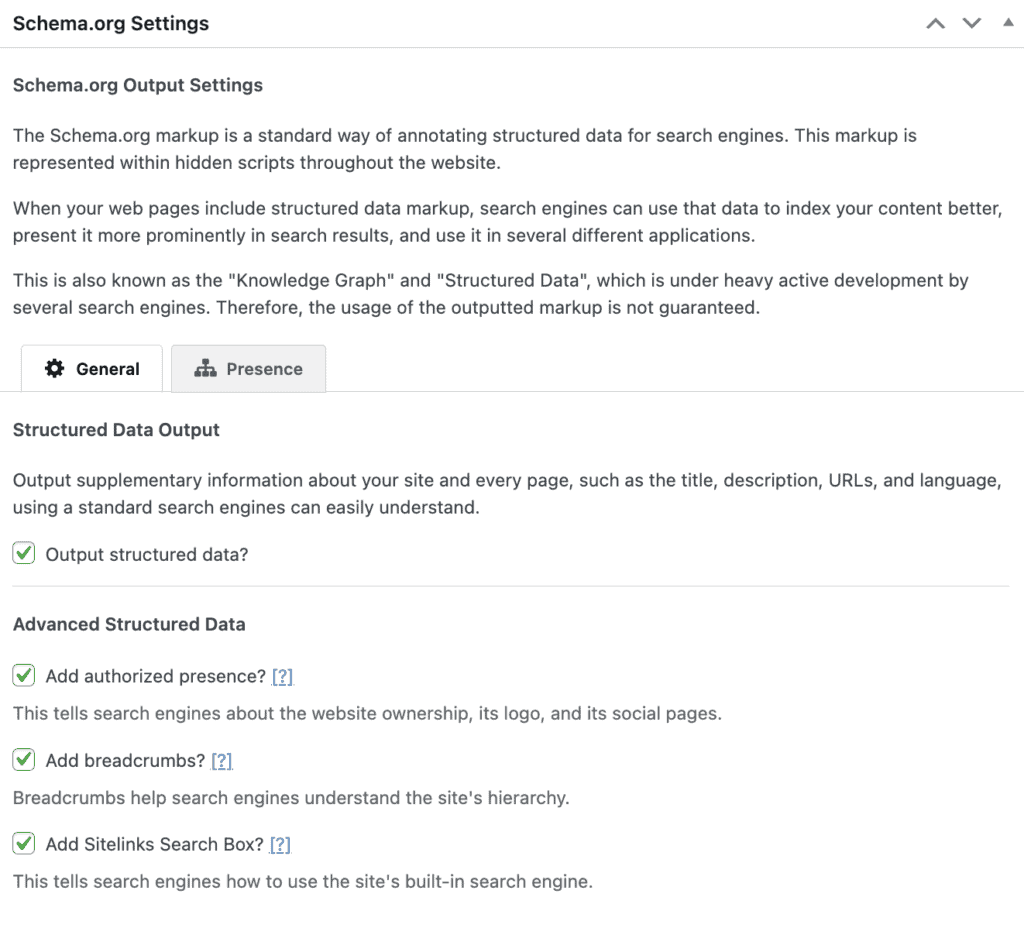
Schema.org structured data markup helps your content appear as rich snippets in search results. The plugin adds proper markup for articles, breadcrumbs, and organization details. This can increase click-through rates when your listings show star ratings, publication dates, or navigation trails.
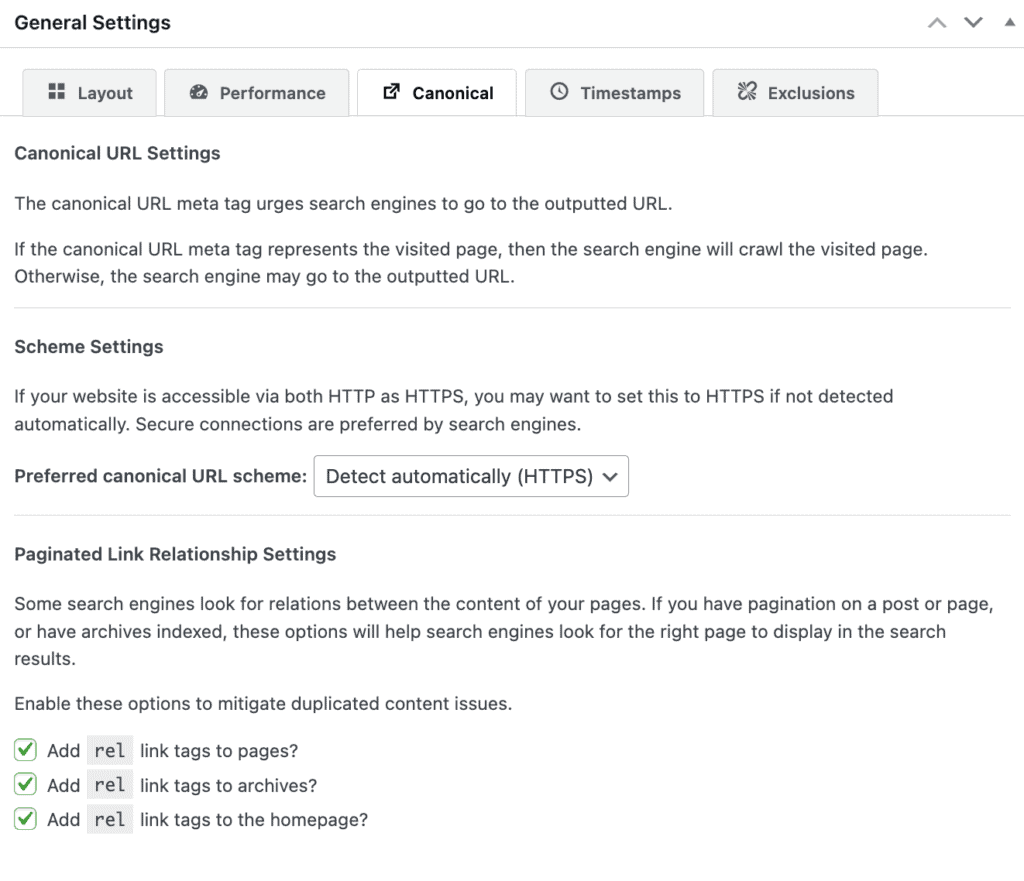
Canonical URLs prevent duplicate content penalties automatically. The plugin identifies when multiple URLs show identical content and tells search engines which version to prioritize. This protects you from Google’s duplicate content filters without manual intervention.
Technical SEO features
These behind-the-scenes features ensure search engines can crawl and index your site efficiently.
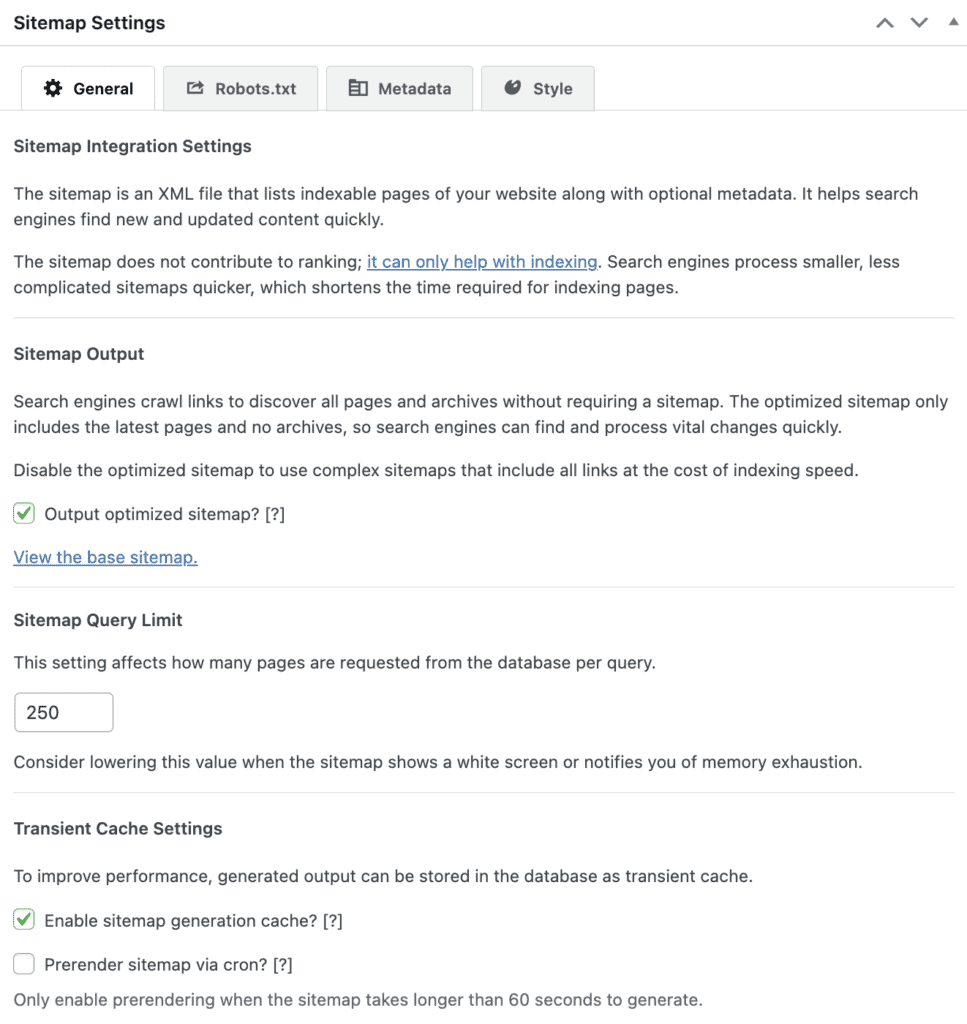
XML sitemaps are generated automatically and, like popular plugins such as Rank Math, they notify search engines when you publish new content. These plugins create clean, optimized sitemaps and submit them to Google and Bing. They also exclude low-value pages, like attachment pages, while respecting your privacy settings.
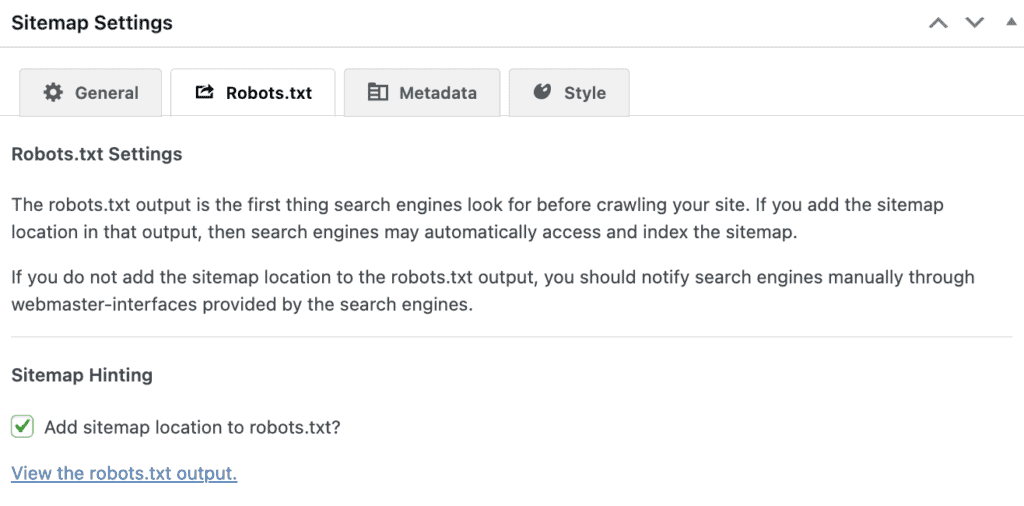
Robots.txt file generation gives you control over what search engines can crawl. The plugin creates an optimized robots.txt file and lets you customize it without editing server files. This prevents search engines from wasting time on administrative pages or private content.
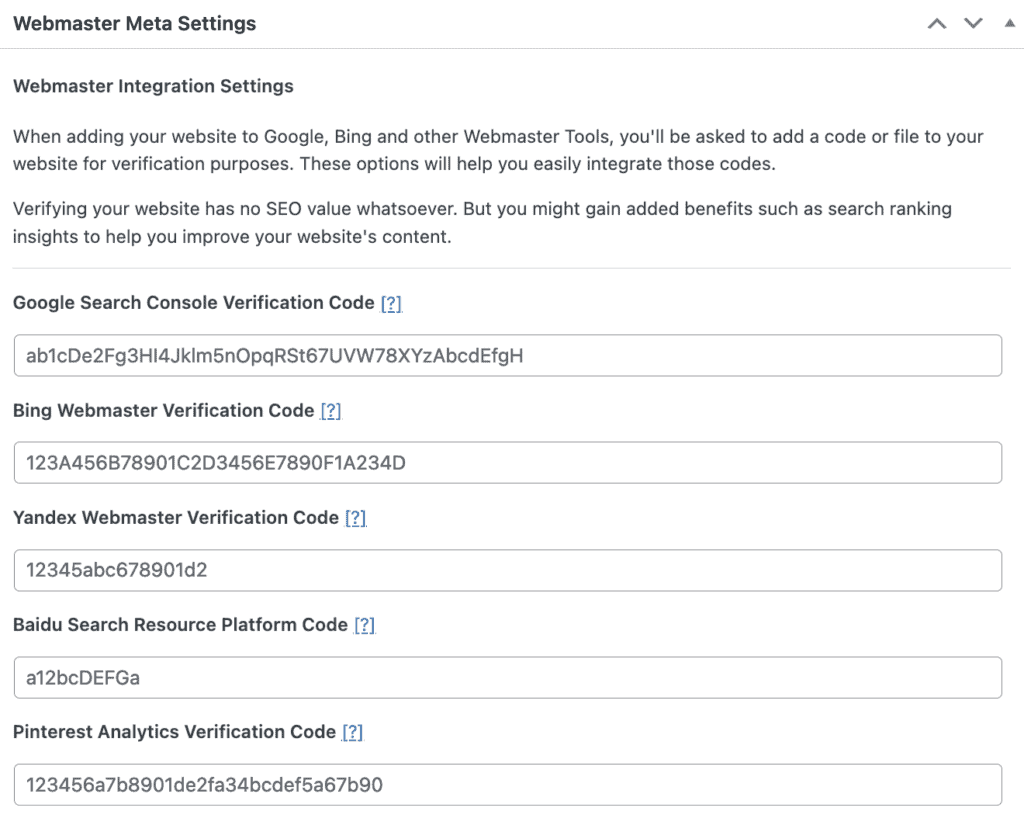
Webmaster tools integration lets you add verification codes for Google Search Console, Bing Webmaster Tools, and other services directly through the plugin interface. This streamlines the setup process for tracking your site’s performance.
Social media integration
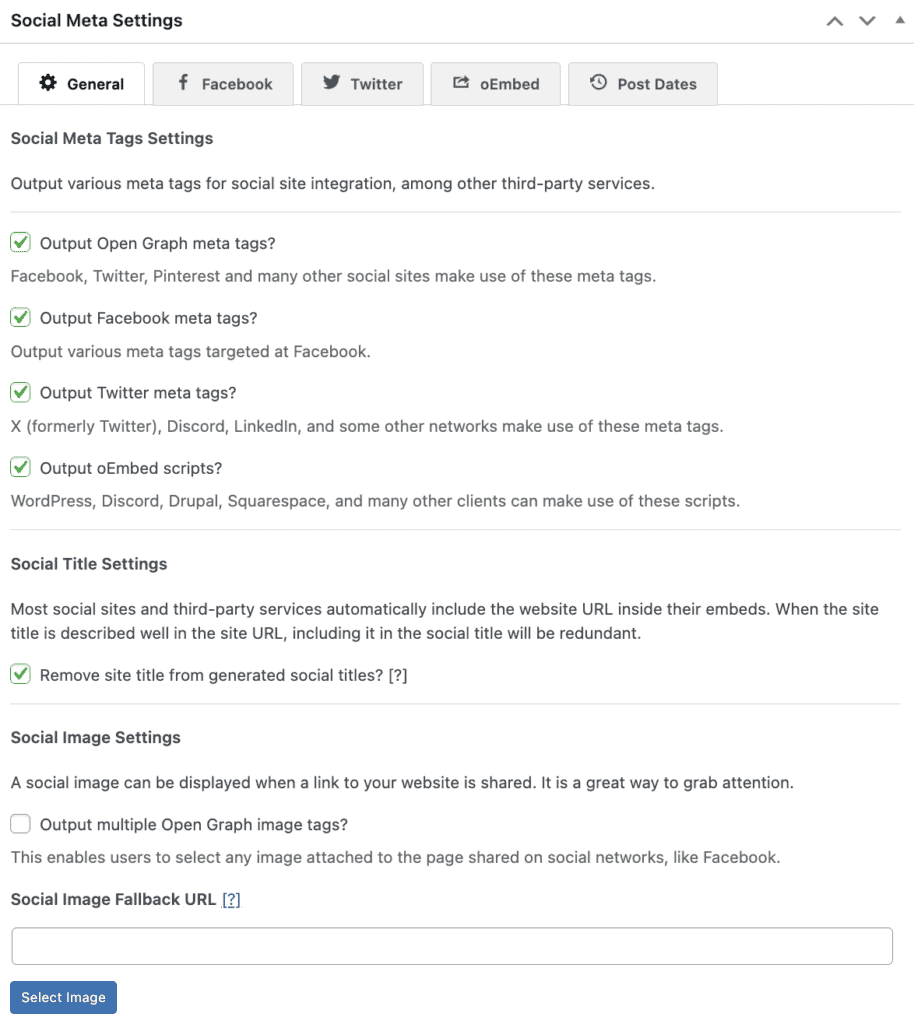
Social media optimization handles Open Graph and Twitter Cards so your shared content displays properly on Facebook, Twitter, and LinkedIn. The plugin automatically selects appropriate images and formats descriptions for each platform’s requirements. Poor social previews can kill engagement, so this automation prevents embarrassing broken shares.
Free extensions for added features
These extensions solve specific problems without adding unnecessary features to the core plugin.
Migration and compatibility
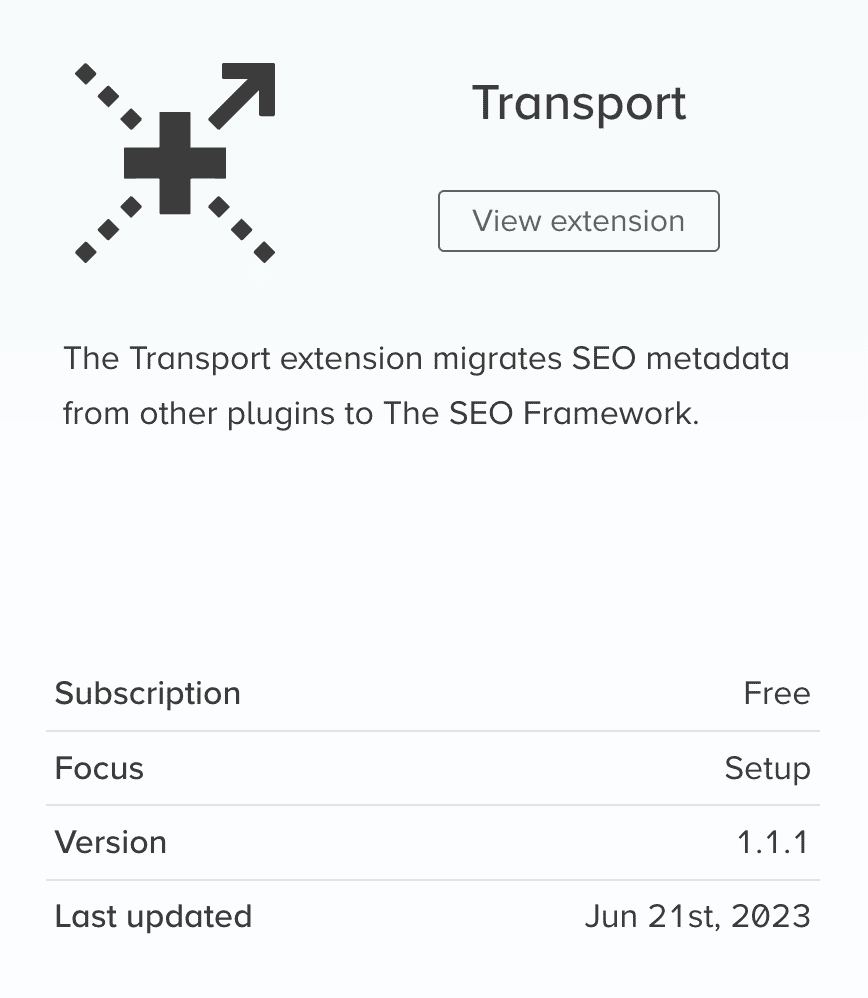
Transport migrates SEO data from other plugins like Yoast SEO. The migration preserves your existing meta titles, descriptions, and settings. This eliminates the fear of losing SEO work when switching plugins.
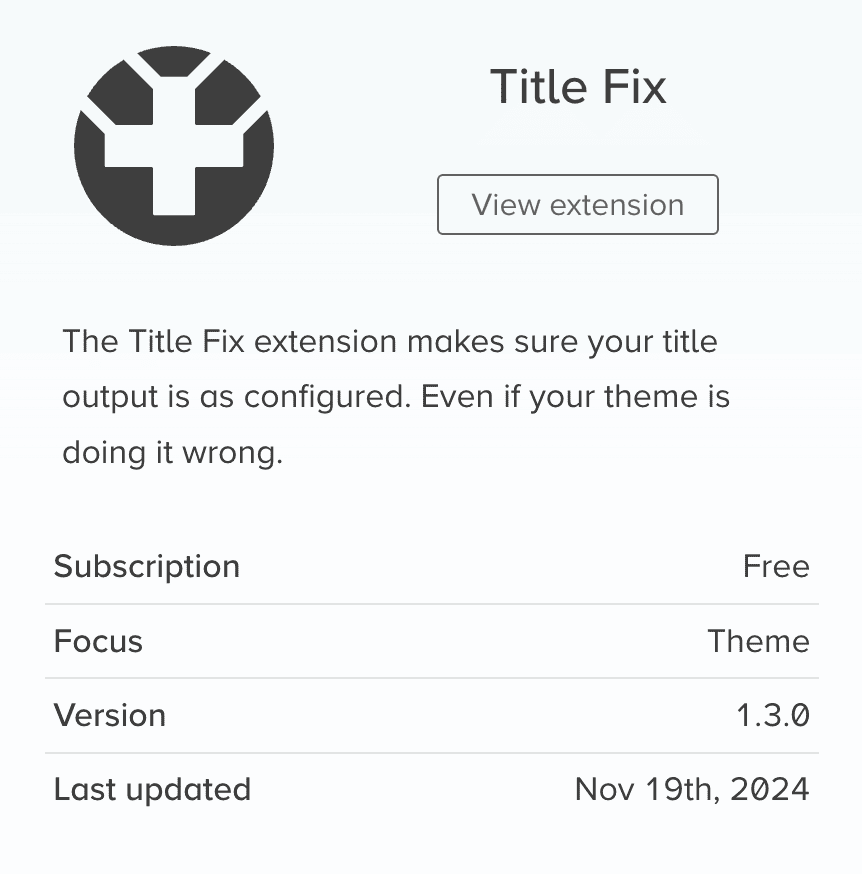
Title Fix ensures consistent title output even when themes try to override your SEO titles. Some themes interfere with SEO plugins, but this extension guarantees The SEO Framework’s titles always display correctly.
Mobile and technical optimization
AMP extension maintains SEO optimization on accelerated mobile pages. If your site uses AMP, this ensures your metadata and structured markup carry over to the faster mobile versions. Critical for sites targeting mobile-first audiences.
Origin redirects attachment pages to parent posts automatically. WordPress creates separate pages for uploaded images by default, which can create thin content issues. This extension pushes visitors and search engines back to the actual content where images belong.
Branding control
Incognito removes plugin branding from your site’s HTML source code. This matters for agencies managing client sites or developers who prefer completely unbranded implementations. The plugin signature disappears entirely.
Premium extensions for advanced requirements
These paid extensions add sophisticated functionality for sites with complex SEO needs.
Content Analysis and Local SEO
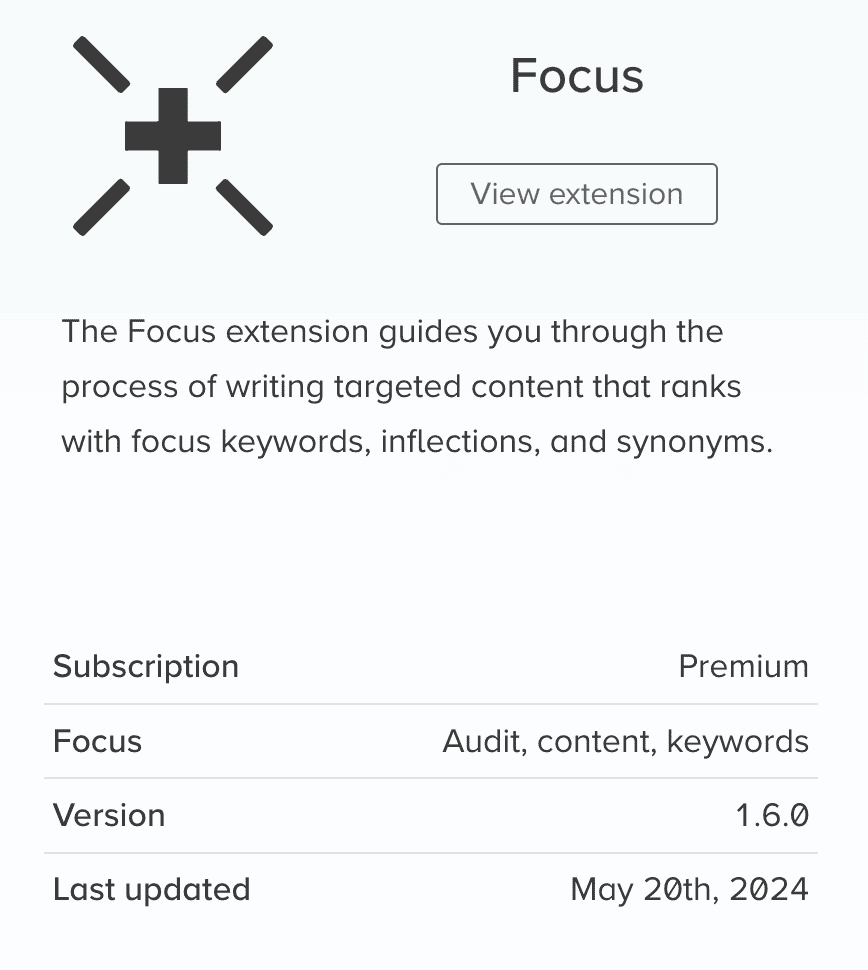
Focus provides content analysis and keyword optimization guidance. It analyzes your content for target keywords and related terms, giving suggestions for improvement. Essential if you need detailed content optimization feedback.
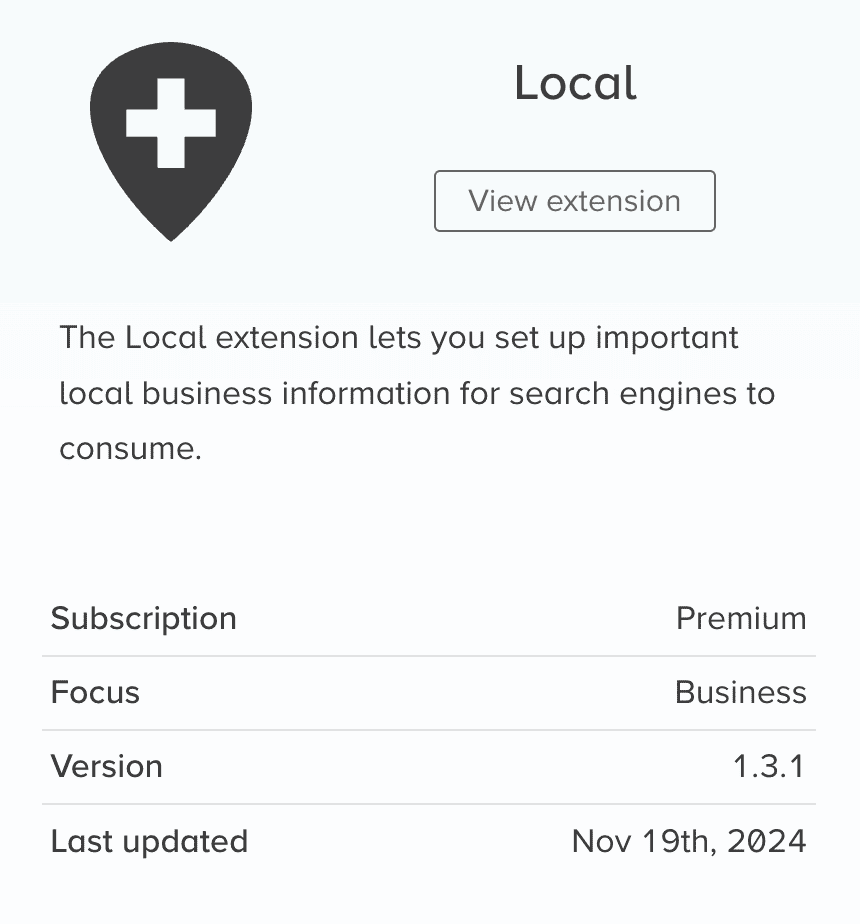
Local adds local business structured data for companies with physical locations. This helps with Google My Business integration and local search rankings. The extension handles business hours, contact information, and location data automatically.
Enhanced structured data
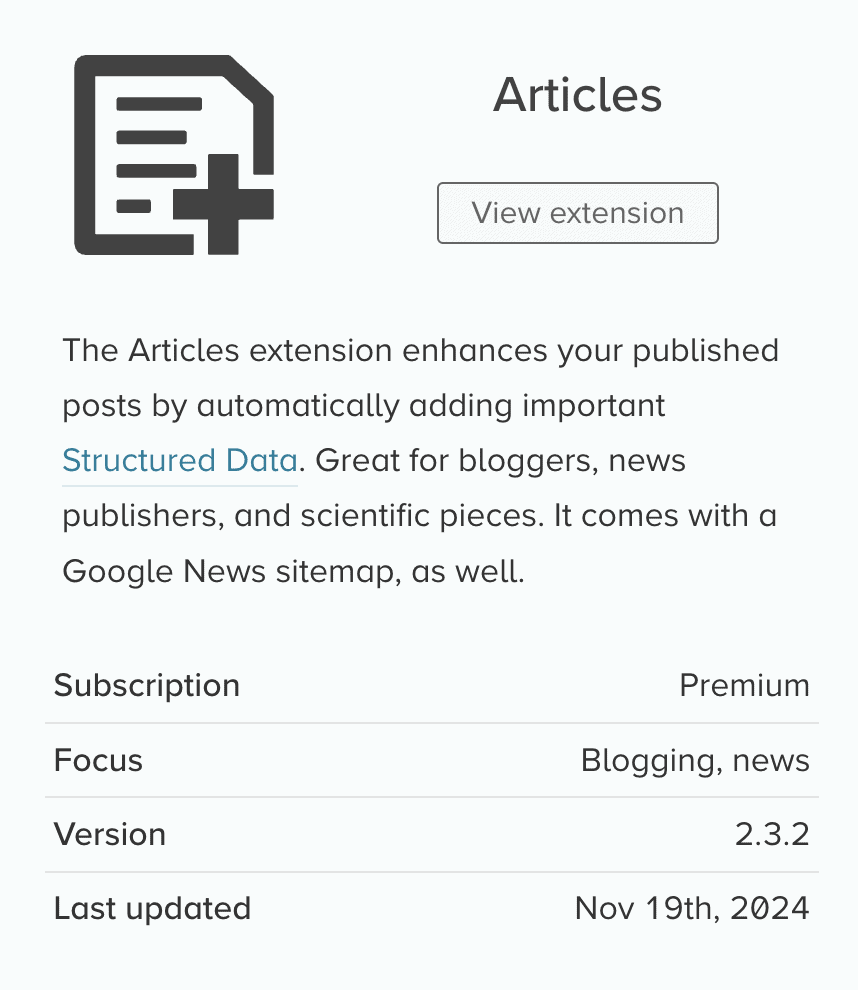
Articles adds structured data specifically for blog posts and news content. This helps with Google News inclusion and creates enhanced search result displays. The extension automatically identifies publication dates, authors, and article relationships.
Security and analytics
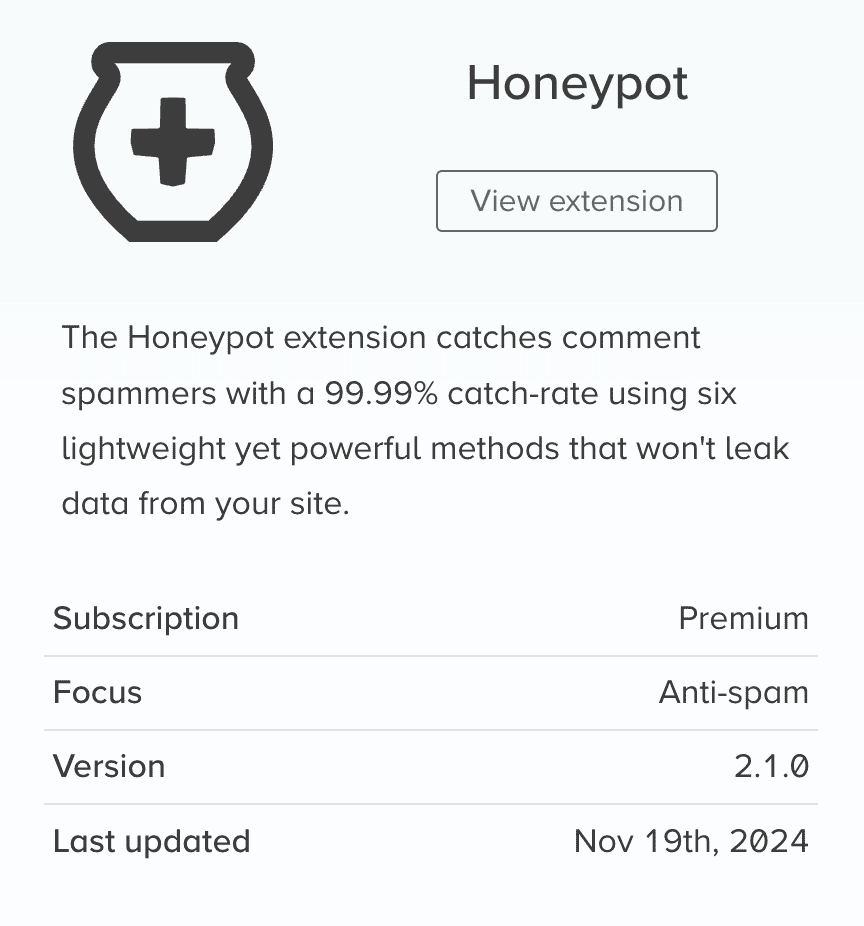
Honeypot blocks spam submissions on contact forms and comments without affecting real users. It works invisibly in the background, reducing server load from spam processing. Lighter weight than dedicated anti-spam plugins.
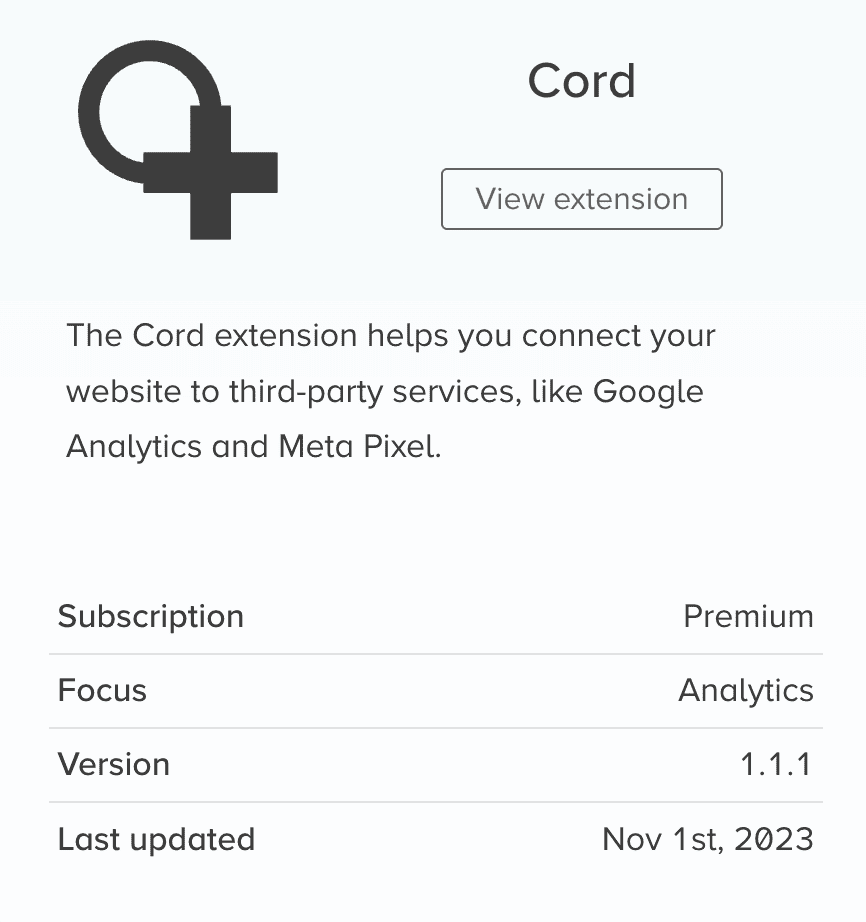
Cord connects third-party tracking services like Google Analytics, Meta Pixel, and conversion tracking codes. It manages all your tracking scripts from one location and ensures they load efficiently without slowing your site.
Site monitoring
Monitor tracks SEO health and uptime from external servers. It watches for broken links, missing metadata, and site downtime. You get alerts when issues develop, letting you fix problems before they hurt your rankings.
Each extension activates only when needed, keeping your site lightweight while providing specialized functionality for specific use cases.
Pricing and plans
The SEO Framework flips the typical plugin pricing model. The core functionality costs nothing, and you only pay when you need advanced features.
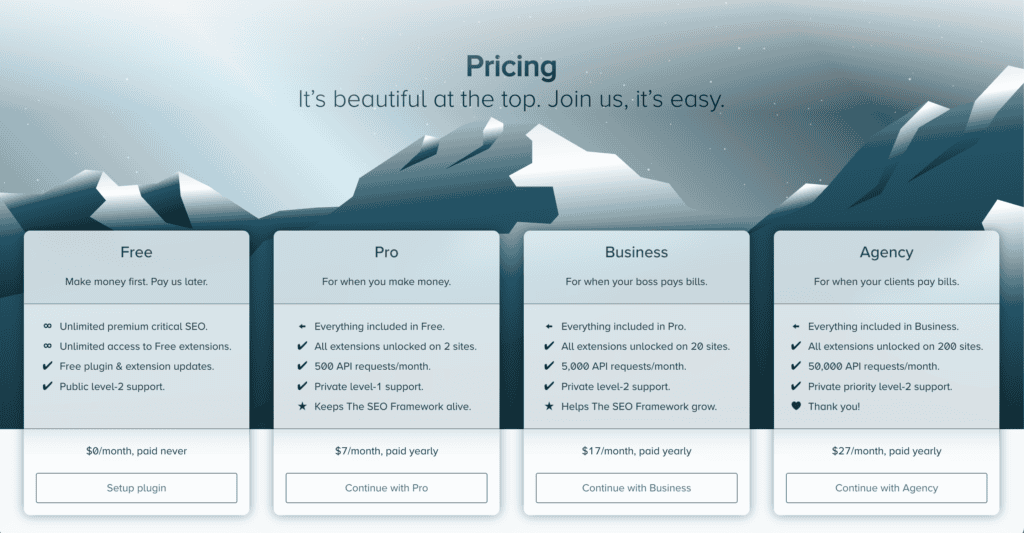
Free tier includes everything most sites need. You get automated metadata generation, structured data, XML sitemaps, and essential SEO features. Free extensions work without restrictions, and you receive public support with developer interaction.
- Pro plan costs $84 per year and covers two websites. You get all premium extensions like Focus content analysis and Local business features, plus 500 API requests monthly and private support.
- Business plan costs $204 yearly for 20 websites. You also get 5,000 API requests monthly, and private level-2 support with direct developer access.
- Agency plan costs $324 annually, covering up to 200 websites. Additionally, 50,000 API requests monthly, and priority developer support.
All plans require yearly billing with no monthly option. Each tier includes everything from the lower tiers.
What stands out is the generous free tier. Most competitors lock essential features behind paywalls, but The SEO Framework gives you a fully functional SEO solution at no cost.
The SEO Framework pros and cons
Is it worth the investment for you?
The SEO Framework works best for specific types of users and sites. Here’s how to know if it matches your needs.
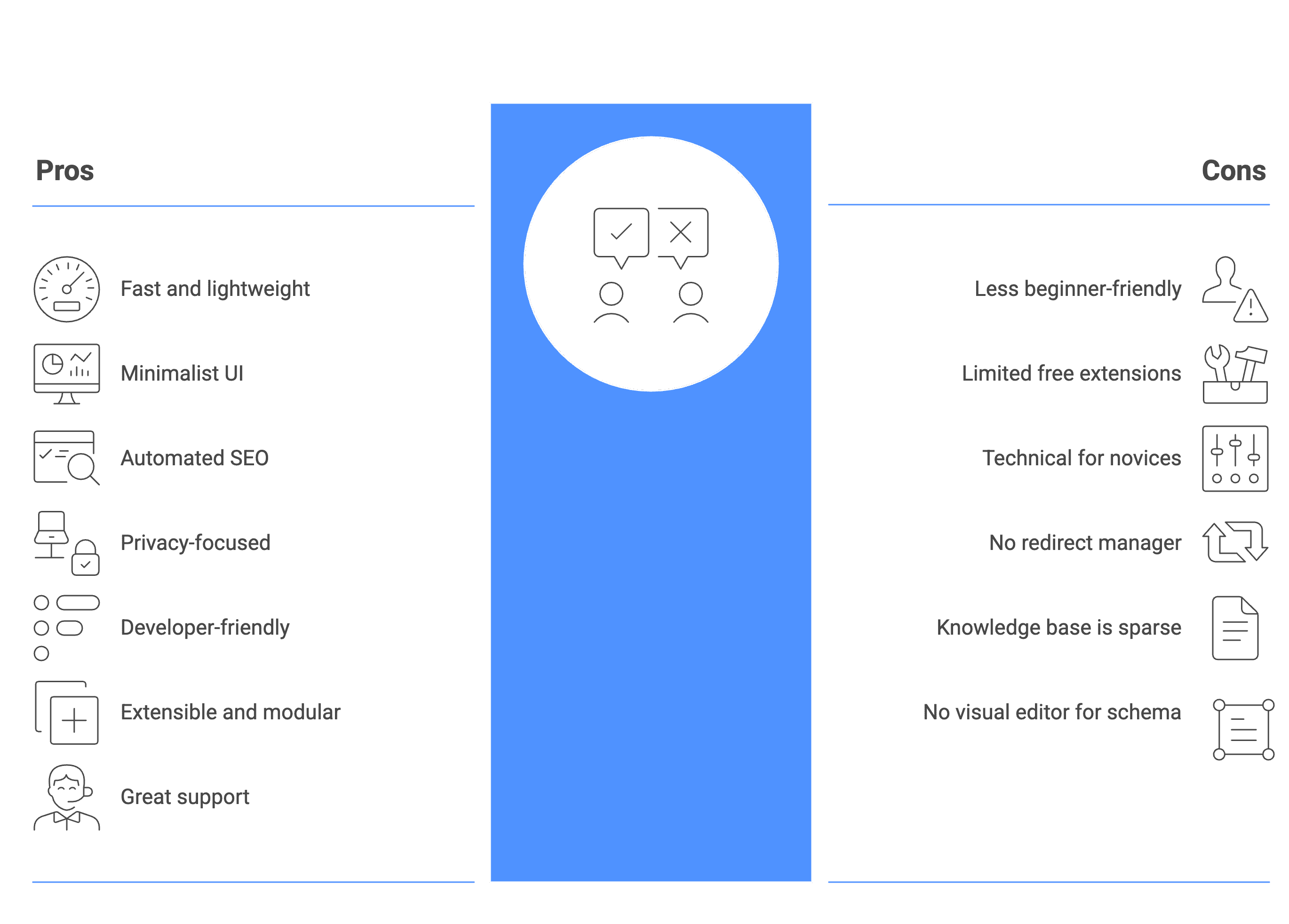
Choose The SEO Framework if
You prioritize website speed and performance. This plugin won’t give you a slow loading website or bloat your database with unnecessary data. The lightweight approach appeals to developers and agencies managing multiple client sites who need clean, unbranded solutions.
You prefer automation over manual tweaking. The plugin handles technical SEO without constant configuration or decision-making. If you want your SEO to run quietly in the background while you focus on content creation, this fits perfectly.
- You’re comfortable with SEO basics and don’t need extensive guidance. The plugin assumes you understand fundamental SEO principles and provides tools rather than education.
- The free tier covers your essential needs. You get complete SEO functionality without paying anything, making it ideal for small businesses or personal sites that don’t need advanced features.
- You value privacy and clean code. No tracking, no bloat, no unnecessary features cluttering your site or admin area.
Look for other plugins if
You’re a complete SEO beginner looking for hand-holding and educational content. Plugins that provide more guidance and explanations for new users learning SEO fundamentals.
- You manage only one site and need premium features. The two-site minimum for paid plans makes it less cost-effective for single-site owners who need advanced functionality.
- You prefer all-in-one solutions with built-in redirect managers, visual schema editors, and extensive built-in features. Larger plugins offer more functionality out of the box.
- You want a larger community and extensive documentation. More established plugins have bigger user bases, more tutorials, and more third-party resources available.
Alternatives to The SEO Framework
If you’re considering other options, here are some popular SEO plugins for WordPress that might better suit your needs:
1. Yoast SEO
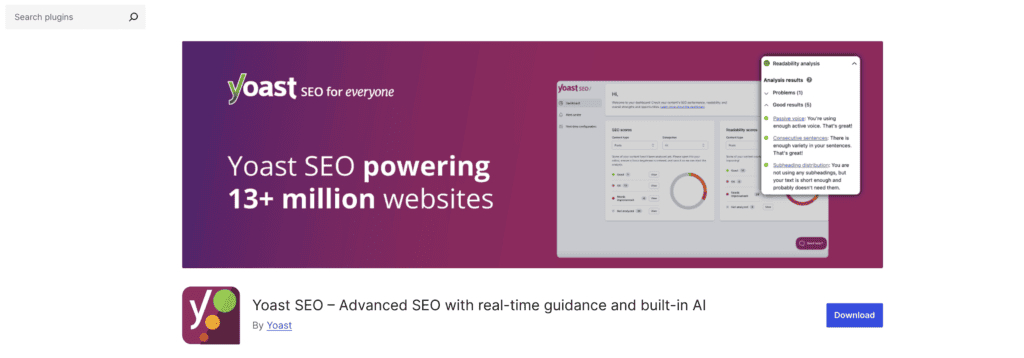
- Best for: Beginners who need guidance and educational content.
- Features: In-depth content analysis, readability scores, breadcrumb control, and built-in redirect manager.
- Pros: Extensive tutorials, large community, and great for on-page SEO beginners.
- Cons: Can be resource-heavy and cluttered for some users.
2. Rank Math

- Best for: Users who want a comprehensive, feature-rich solution.
- Features: Advanced keyword suggestions, built-in schema generator, social image optimization.
- Pros: Offers many features in the free version, user-friendly interface, and detailed SEO analysis.
- Cons: May have a steeper learning curve compared to other plugins.
3. All-in-One SEO Pack
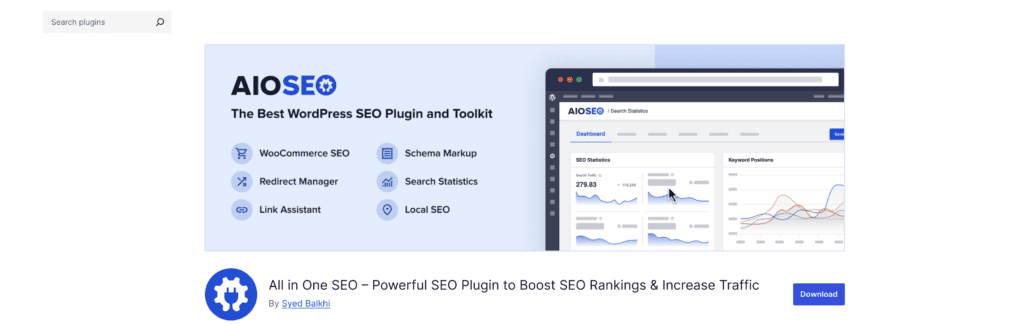
- Best for: Users who prefer a straightforward, no-frills approach.
- Features: XML sitemaps, schema support, and social media integration.
- Pros: Easy setup, flexible settings, and good for basic SEO needs.
- Cons: Advanced features require paid version, less beginner-friendly.
4. SEOPress
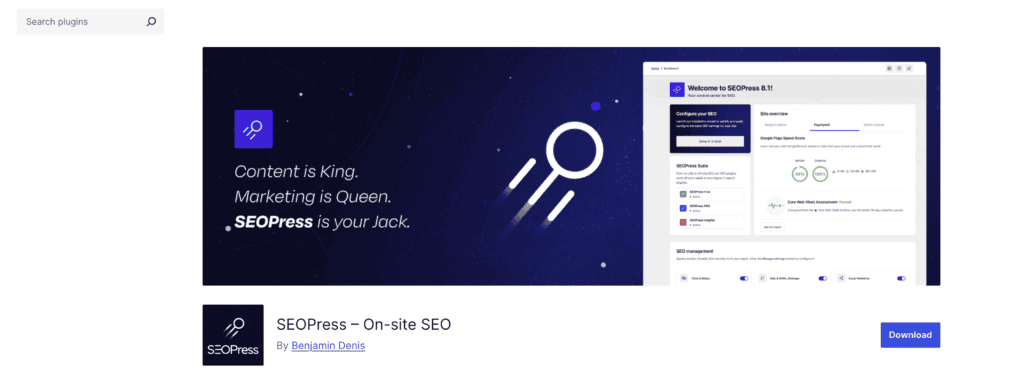
- Best for: Users who need a good balance of simplicity and advanced features.
- Features: Content analysis, schema markup, and integration with Google Analytics.
- Pros: Affordable premium version, clean interface, and comprehensive feature set.
- Cons: Free version lacks some advanced tools.
5. Slim SEO
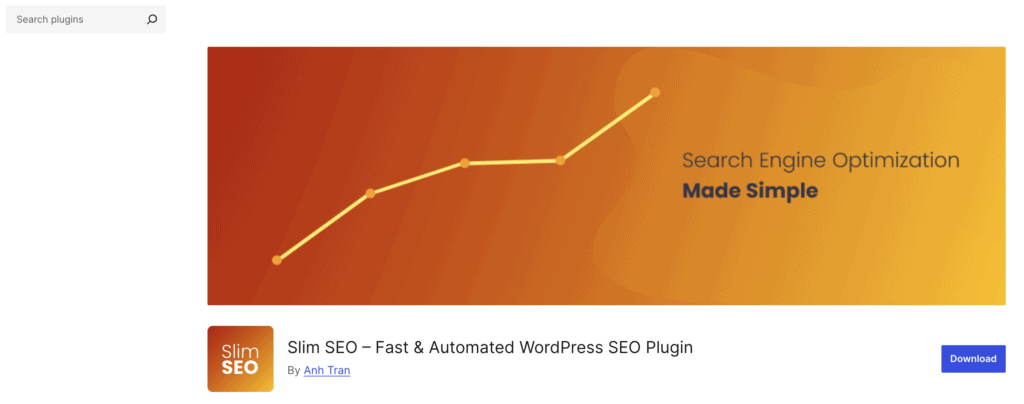
- Best for: Users seeking a minimalist and lightweight SEO solution.
- Features: Auto-generated meta tags, XML sitemaps, schema markup, and breadcrumb support.
- Pros: Extremely lightweight, easy to use, and great for performance-conscious users.
- Cons: Limited advanced features and customization options.
Parting thoughts
The SEO Framework delivers exactly what it promises: lightweight, automated SEO without the bloat. It excels for developers, agencies, and experienced users who want technical SEO handled quietly in the background while maintaining site performance.
This isn’t the plugin for beginners who need hand-holding, but if you value efficiency and clean code over feature lists, it’s worth serious consideration.
Before installing any SEO plugin, create a full site backup using a reliable backup plugin to avoid conflicts that could break your site. You now have the honest breakdown you need to decide if this plugin fits your workflow or if you should keep looking.
FAQs
What is the SEO framework?
The SEO Framework is a lightweight WordPress plugin that automates technical SEO tasks without bloating your site. It handles meta tags, sitemaps, structured data, and social media optimization through intelligent automation rather than manual configuration. The plugin focuses on performance and privacy while providing essential SEO functionality for free.
What are the 4 types of SEO?
The four main types of SEO are technical SEO, on-page SEO, off-page SEO, and local SEO. Technical SEO covers site structure and performance, on-page handles content optimization, off-page focuses on backlinks and authority building, and local SEO targets geographic searches. The SEO Framework excels primarily at technical and on-page SEO automation.
Is the SEO framework free?
Yes, The SEO Framework’s core plugin is completely free and includes all essential SEO features most sites need. You get automated meta generation, XML sitemaps, structured data, and social media optimization without paying anything. Premium extensions cost extra but aren’t necessary unless you need advanced features like content analysis or local business optimization.
Is the SEO framework good?
The SEO Framework is excellent for users who want automated, lightweight SEO without complexity or bloat. It handles technical SEO flawlessly while maintaining site performance and respecting user privacy. However, it’s not ideal for beginners who need extensive guidance or users wanting comprehensive content analysis without purchasing extensions.
What is the minimum budget for SEO?
You can start SEO with zero budget using free tools like Google Search Console and free WordPress plugins like The SEO Framework. A basic monthly budget of $50-100 can cover premium SEO plugins and basic keyword research tools for small businesses. Larger sites typically invest $200-500 monthly in comprehensive SEO tools, content creation, and link-building efforts.
Can I do SEO myself for free?
Yes, you can handle SEO yourself using free tools like Google Search Console, Google Analytics, and The SEO Framework plugin. Free resources include Google’s SEO documentation, YouTube tutorials, and community forums for learning SEO fundamentals. However, competing in highly competitive niches often requires paid tools and professional expertise to achieve significant results.

Shivani enjoys crafting guides that make every aspect of using WordPress simple and easy to follow. When she's not glued to her laptop, you can find her buried in a good book or occasionally, painting.