

Think of a WordPress SEO plugin as the co-pilot for your website.
Do you need one that gives you turn-by-turn directions for every little thing or one that handles the fundamentals perfectly so you can focus on driving?
That’s the core difference at the heart of the SEO Framework vs Yoast debate. To settle this, we’ll compare them across 7 critical features. This will help you choose the right plugin for your website.
Yoast is the feature-rich guide for beginners, while The SEO Framework is the fast, minimalist tool for pros. Regardless of your choice, always use a backup plugin before switching to avoid potential conflicts.
The SEO Framework vs Yoast at a glance

1. Getting started and user experience
Right out of the box, these two plugins show you exactly what they’re about.
The Yoast SEO plugin holds your hand from the start. Its configuration wizard walks you through every major setting, which is a lifesaver if you’re new to SEO. The dashboard is full of its famous green, yellow, and red lights, giving you constant feedback on your content.
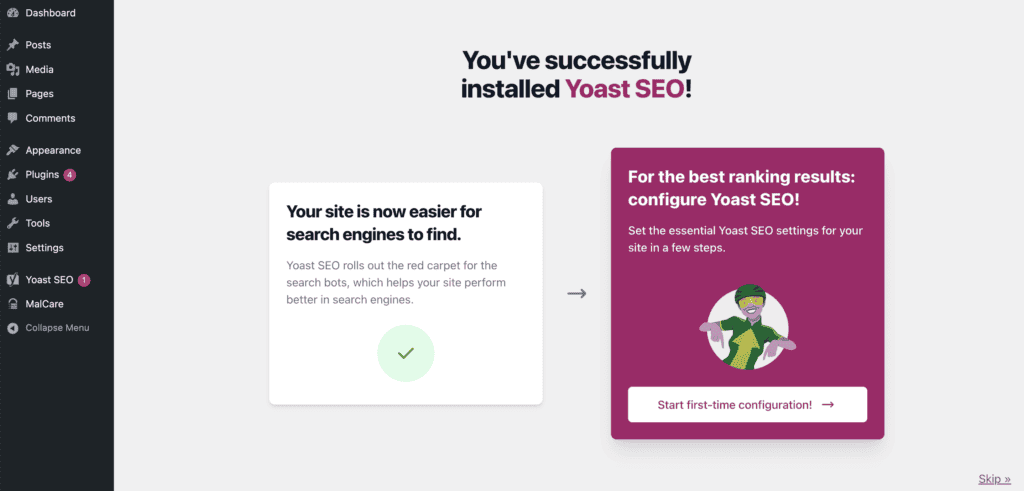
It’s busy, for sure. You’ll see prompts, checklists, and tooltips everywhere. Sometimes, a few too many notifications and ads pop up, even on the premium version. But you can’t deny it tries to teach you as you go.
Then there’s The SEO Framework. Its approach is the complete opposite.
Once you activate it, it just… works. The settings are pre-configured with defaults that make sense for most websites. There’s no big setup wizard. The interface is clean, almost invisible. It stays out of your way until you need it.
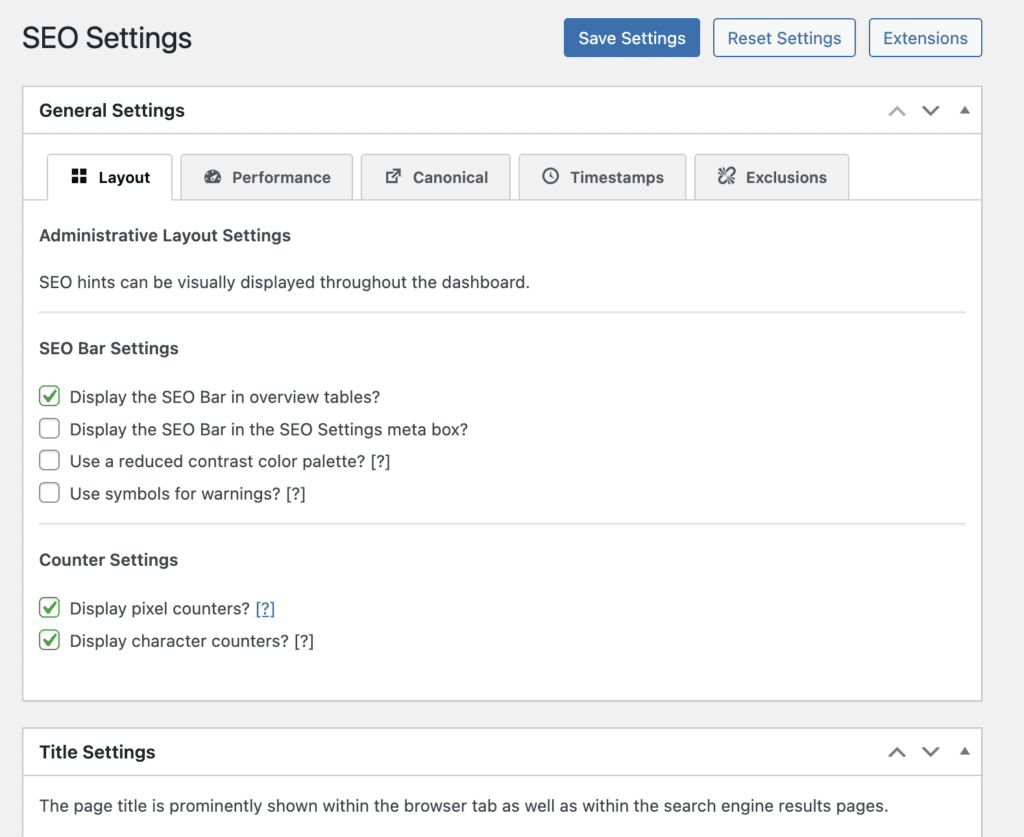
This is amazing if you already know what you’re doing and just want a lightweight tool to handle the technical stuff. It feels faster, and it respects your dashboard space. No ads, no nagging.
2. Content optimization tools
This is where you’ll spend most of your time with an SEO plugin, right inside the WordPress editor. And the difference between these two is night and day.
With Yoast as you type, its famous metabox is constantly working. It asks for a focus keyphrase, then gives you a checklist of tasks:
- Use the keyword in the intro
- Check your keyword density
- Add internal links, and so on
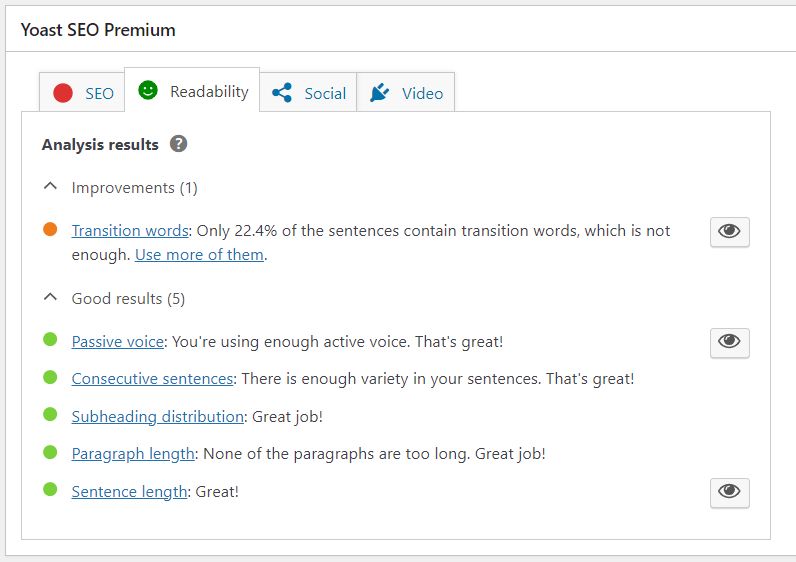
It also has a separate tab for readability, flagging long sentences and passive voice. For anyone learning the ropes of on-page SEO, this is incredibly helpful. It turns optimization into a clear, color-coded game.
The SEO Framework, on the other hand, stays out of your writing process almost entirely.
It automatically generates your meta tags and other essential SEO elements behind the scenes. You’ll see a simple, color-coded bar that gives you a quick overview of your page’s SEO status, but there’s no checklist nagging you.
It doesn’t analyze your content for keyword density or readability. It trusts that you, the writer, know how to write for humans. Its job is to handle the technical code that speaks to search engines. If you want a focus keyword field, you need to add a separate extension.
3. Structured data and schema support
Let’s talk about schema, or structured data. Think of it as a language that helps you tell Google exactly what your page is about. Is it a recipe? An article? A local business? This is the stuff that gets you those fancy rich snippets in search results, like review stars and FAQ dropdowns.
The SEO Framework handles this with its signature efficiency. It automatically adds the most critical schema for you (like for articles and breadcrumbs) without you having to do a thing.
The code is clean, valid, and lightweight, which search engines appreciate. But in the free version, that’s about it. If you need more specific schema types, you’ll need to buy an extension or code it yourself.
Yoast, true to form, gives you more tools to play with. It automatically builds a schema graph that connects all your site’s information for Google.
But here’s the real kicker: the free version includes dedicated blocks for adding FAQ and How-To schema right inside your posts. This is a huge deal and incredibly useful for a lot of content creators. For more advanced needs, like Local SEO or Video SEO, they offer premium add-ons.
4. What if you’re a local business?
If you have a storefront, salon, or restaurant, your SEO needs are different. Getting found by people in your neighborhood is everything. For that, you need special local SEO tools, and for both plugins, this means buying a paid extension.
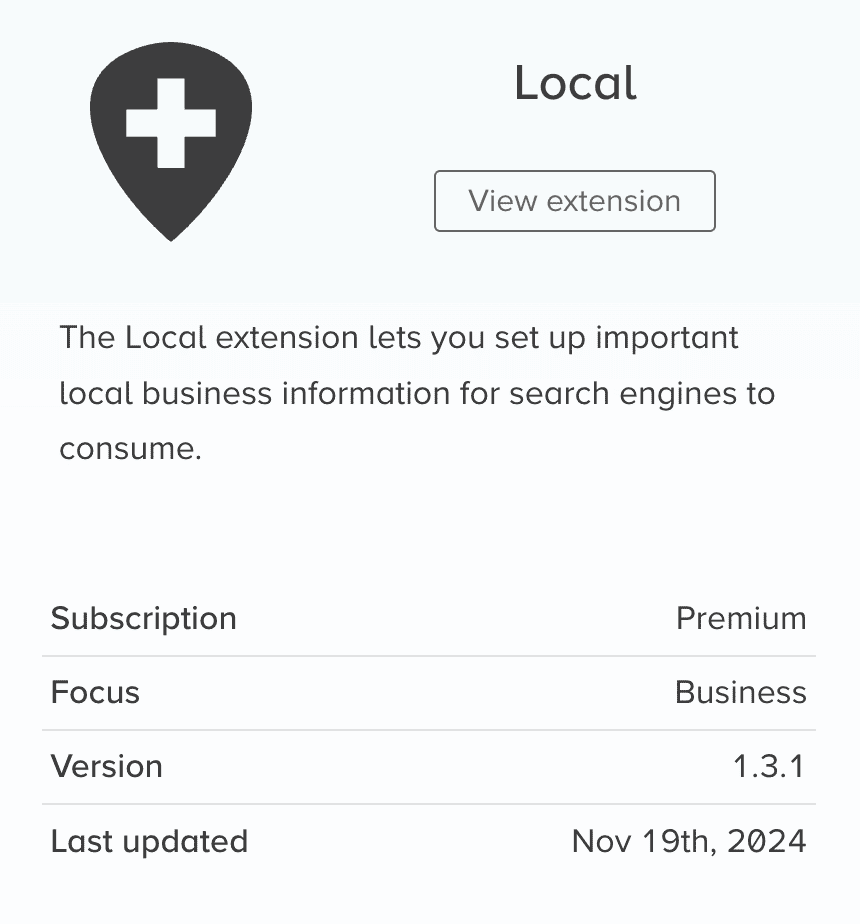
Yoast’s Local SEO addon is a complete package. It gives you a straightforward interface to enter your business name, address, phone number, and opening hours. It handles multiple locations well, generates the correct local business schema automatically, and even helps you embed a Google map on your site.
The SEO Framework offers a similar solution with its local paid extension. It adds the necessary fields for your business information and handles the technical side, like generating local schema and geo sitemaps, beautifully. It’s just as powerful but sticks to the plugin’s minimalist philosophy.
5. What about selling products online?
SEO for an online store is a different beast entirely. It’s not just about content; it’s about products, prices, and availability. For both plugins, doing this right means getting a paid add-on.
Yoast comes ready for a fight with its dedicated Yoast WooCommerce SEO add-on. It automatically handles complex product schema, so Google knows your product’s price, availability, and reviews.
It also creates a special XML sitemap just for your products and, maybe most importantly, gives you control over how your products look when shared on Facebook or Pinterest. Its newer AI features can even help write product descriptions.
The SEO Framework sticks to its minimalist roots. The free version is very basic for WooCommerce stores. You’ll need its paid extension to add the crucial product schema and other e-commerce features. The main advantage here is performance; it adds very little weight, keeping your store running fast.
6. Managing your sitemaps
An XML sitemap is basically a roadmap of your website that you hand to search engines. It tells them, “Here are all my important pages.” A good plugin should build and maintain this map for you without any fuss.
Yoast creates a comprehensive sitemap right away. It organizes everything into sections like posts, pages, and categories, which is clean. You can easily go into the settings and tell it not to include certain types of content, like if you don’t want your tags pages indexed.
For anything more specific, like video or news sitemaps, you’ll need the premium version. It does its job reliably.
The SEO Framework also generates a sitemap automatically, but its approach feels a bit smarter. Its approach feels a bit smarter for two key reasons:
- It automatically adds the sitemap’s location to your robots.txt file, which is just a good technical practice.
- It instantly notifies Google and Bing whenever you publish or update a post. This means your new content gets discovered faster, without you having to do a thing.
7. Handling URL redirects
Sooner or later, you’re going to change a page’s URL. When you do, you need to set up a redirect to send visitors and search engines to the new address. If you don’t, you get broken links, lost traffic, and frustrated users. It’s a big deal.
Yoast Premium has a fantastic, built-in redirect manager. The best part? When you change a URL, it automatically asks if you want to create a redirect. This one feature alone can save you from so many headaches. It handles all kinds of redirects and gives you a simple interface to manage everything. It makes a complex technical task feel easy.
The SEO Framework, in its core version, doesn’t have a redirect manager. Its philosophy is to stay lightweight and let other tools handle specific jobs. You can redirect attachment pages with a free extension, but for everything else, you’ll need to either buy a redirect extension or get your hands dirty by editing your server’s .htaccess file.
What’s the pricing like?
Both have solid free versions, but their paid models are worlds apart. Yoast charges you per site and then again for each special add-on, which gets expensive fast.
The SEO Framework offers a simpler, all-inclusive deal: one price gets you everything. For anyone with multiple sites, The SEO Framework’s straightforward pricing is a much better value.
Strengths and weaknesses
The SEO Framework:
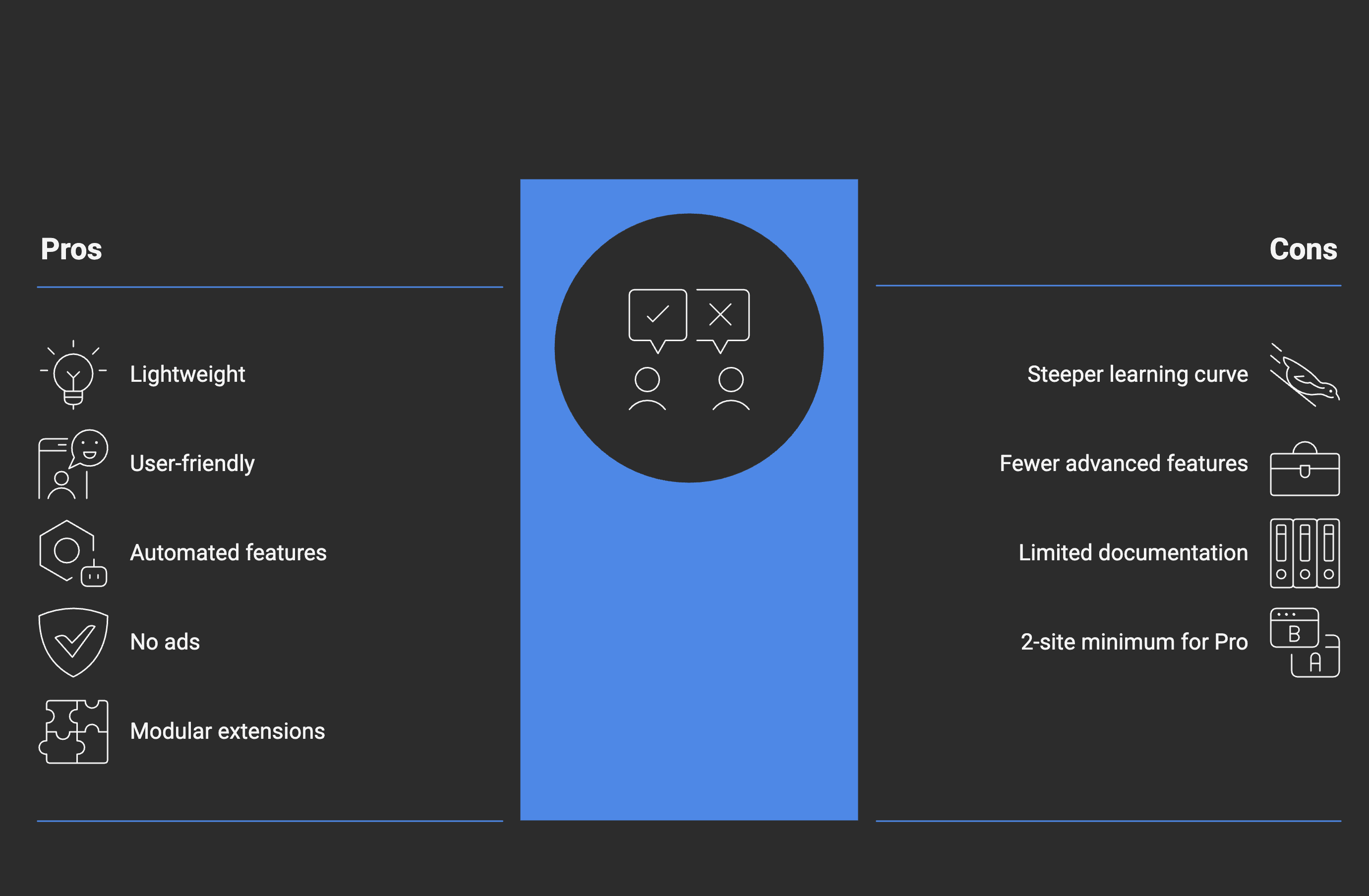
Yoast:
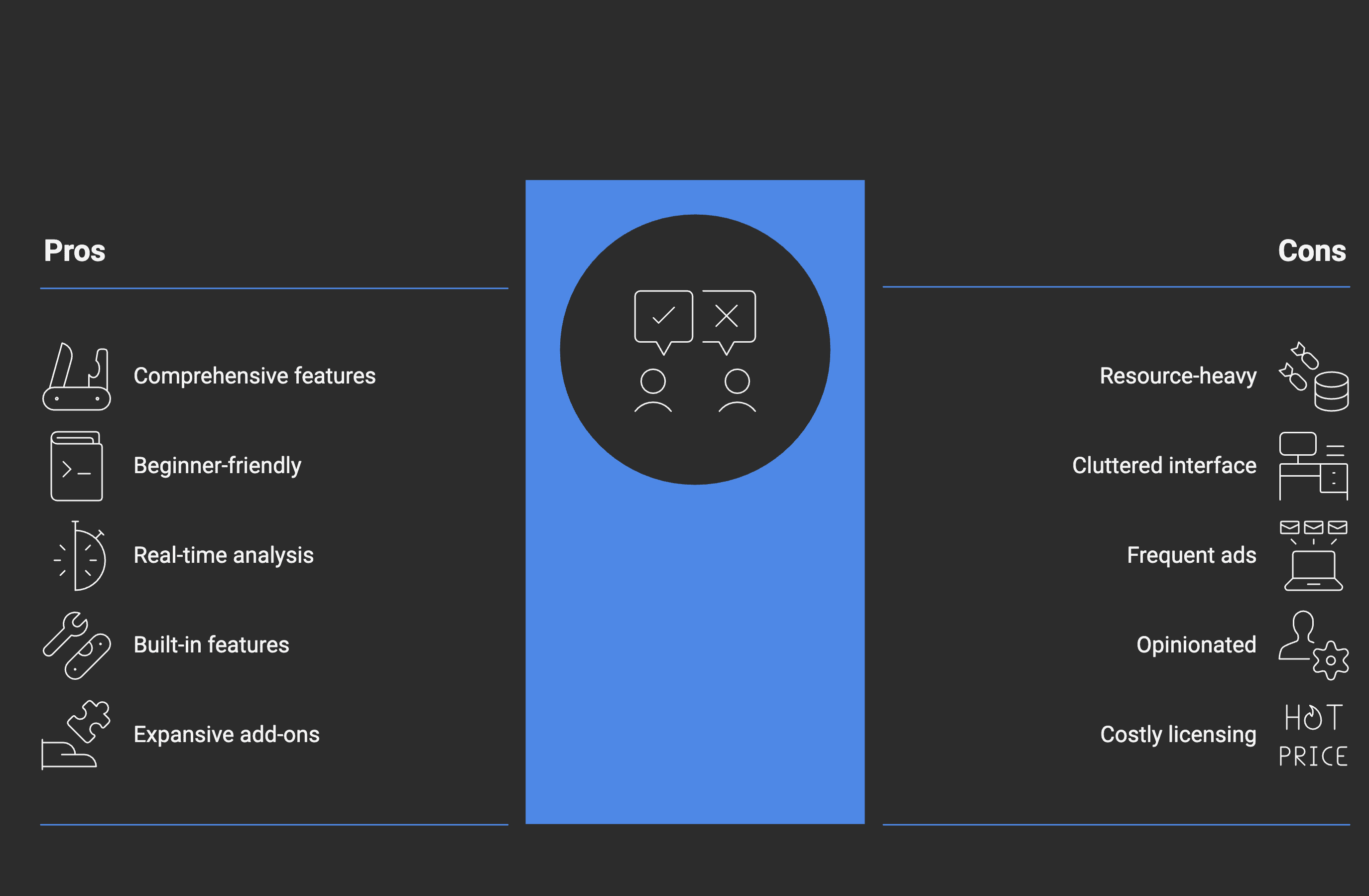
Which one should you pick?
So, after all that, which plugin gets a spot on your site? It’s not about which one is better, but which one is better for you.
Go with The SEO Framework if you’re the “set it and forget it” type.
This plugin is for you if you value speed and a clean dashboard above all else. It’s for the experienced user who already knows the fundamentals of SEO and doesn’t need a tool to teach them. You want a silent, lightweight plugin that handles the technical details perfectly in the background so you can focus on your work. If you manage multiple websites, its pricing model makes it an absolute no-brainer.
Pick Yoast SEO if you want a guide by your side.
Yoast is for the beginner who wants to learn, or for the manager who needs to enforce a consistent standard. Its checklists, real-time feedback, and red-yellow-green lights are designed to teach you as you go. It’s a feature-rich powerhouse that simplifies complex tasks like redirects and schema. If the idea of a blank slate is intimidating, Yoast provides the structure and guidance to help you succeed.
Exploring alternatives
When it comes to choosing the right SEO plugin for your WordPress site, several alternatives could meet your needs. Let’s explore some options:
SEOPress
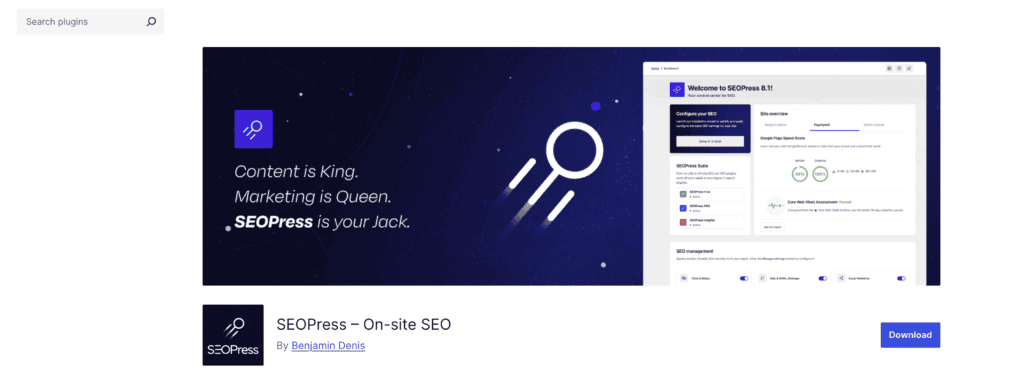
SEOPress is a powerful and feature-rich alternative. It offers a clean, ad-free interface with all the essential features like XML sitemaps, content analysis, and social media integration. It’s highly customizable and offers both free and premium versions with advanced features like WooCommerce SEO and schema support.
Strengths:
- Clean interface with no ads
- Comprehensive feature set
- Affordable premium version
Slim SEO
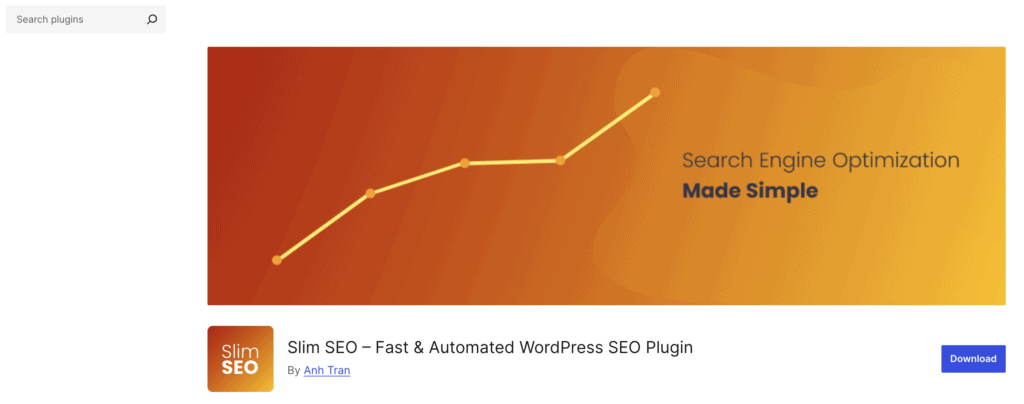
If you’re looking for another lightweight solution, Slim SEO might be the answer. It’s designed to offer essential SEO features with minimal configuration required. It focuses on speed and simplicity, making it an excellent choice for users who prefer a streamlined experience.
Strengths:
- Extremely lightweight
- Auto-configures essential SEO tasks
- Great for performance-focused users
All in One SEO
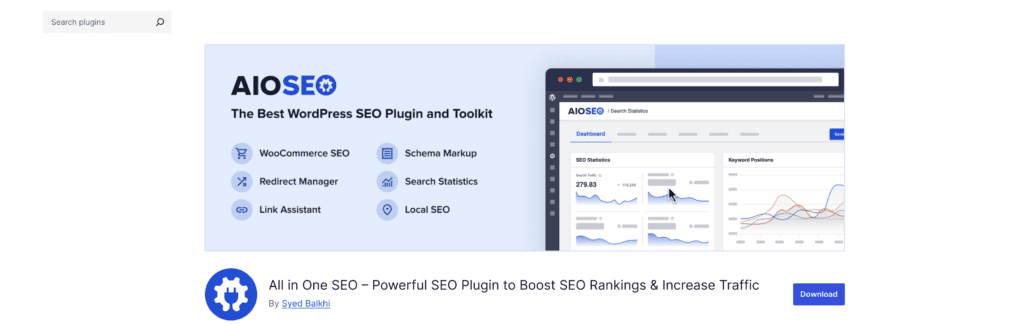
A veteran in the SEO plugin landscape, All in One SEO (AIOSEO) offers a comprehensive toolkit. It’s known for its user-friendly setup, robust features, and flexibility. With options for local SEO, eCommerce SEO, and more, it caters to various needs.
Strengths:
- Extensive feature set
- Intuitive interface
- Wide range of integrations
Rank Math

Rank Math is gaining popularity due to its all-in-one approach and extensive free features, including keyword tracking, schema support, and a clean UI. It’s designed to be beginner-friendly while offering advanced capabilities for seasoned users.
Strengths:
- Rich feature set, even in the free version
- Easy-to-use interface
- Built-in content optimization tools
Choosing the right alternative
When selecting an SEO plugin, consider what features are most important to your business. Are you looking for simplicity, advanced customization, or a balance of the two? Understanding your specific needs will guide you to the right choice, whether it’s Yoast, SEO Framework, or one of these compelling alternatives.
Parting thoughts
The choice isn’t about which plugin is better, but which co-pilot you need for your journey. Choose Yoast if you want a guide who guides your every move with constant feedback. Choose The SEO Framework if you already know the way and just want the fastest engine to get you there.
FAQs
Is The SEO Framework good?
Yes, The SEO Framework is an excellent plugin for users who prioritize speed and a clean, automated experience. It’s a powerful tool that stays out of your way, assuming you already know the basics of SEO.
What is The SEO Framework?
The SEO Framework is a lightweight WordPress plugin designed to handle all essential technical SEO tasks automatically. Its core philosophy is to provide flawless optimization with minimal user input or dashboard clutter.
What is better than Yoast?
For users who value performance and a less intrusive interface, alternatives like The SEO Framework or Rank Math are often considered better. The “best” choice really depends on whether you prefer Yoast’s guided approach or a more streamlined tool.
Which is better, All in One SEO or Yoast SEO?
Both All in One SEO and Yoast are top-tier plugins; Yoast is often preferred by beginners for its direct content analysis and readability scores. All-in-One SEO offers a very similar feature set and is a powerful competitor that some users find more intuitive.
Is The SEO Framework free?
Yes, the core version of The SEO Framework is completely free and provides all the essential SEO features most websites need. More advanced functionality for local SEO or e-commerce is available through paid extensions.
Is Slim SEO better than SEO Framework?
Slim SEO is another fantastic minimalist plugin, often even lighter than The SEO Framework, making it great for pure performance. The SEO Framework is more established and offers a modular system with premium extensions for more advanced needs.
What is Yoast?
Yoast is the most popular WordPress SEO plugin that helps you optimize your website’s content and technical setup. It’s famous for its guided, checklist-style approach to on-page SEO and readability.

Shivani enjoys crafting guides that make every aspect of using WordPress simple and easy to follow. When she's not glued to her laptop, you can find her buried in a good book or occasionally, painting.


