Everyone says WooCommerce is cheaper and BigCommerce is simpler. But the real WooCommerce vs BigCommerce question is about your future.
Do you want low startup costs or an all-in-one, managed setup?
This guide skips the surface-level talk to focus on what truly matters for your growth.
Choose WooCommerce for total control if you’re comfortable managing the tech. Pick BigCommerce for an easy, all-in-one setup. If you go the WooCommerce route, a solid backup plugin isn’t just a good idea; it’s absolutely essential.
Key differences at a glance
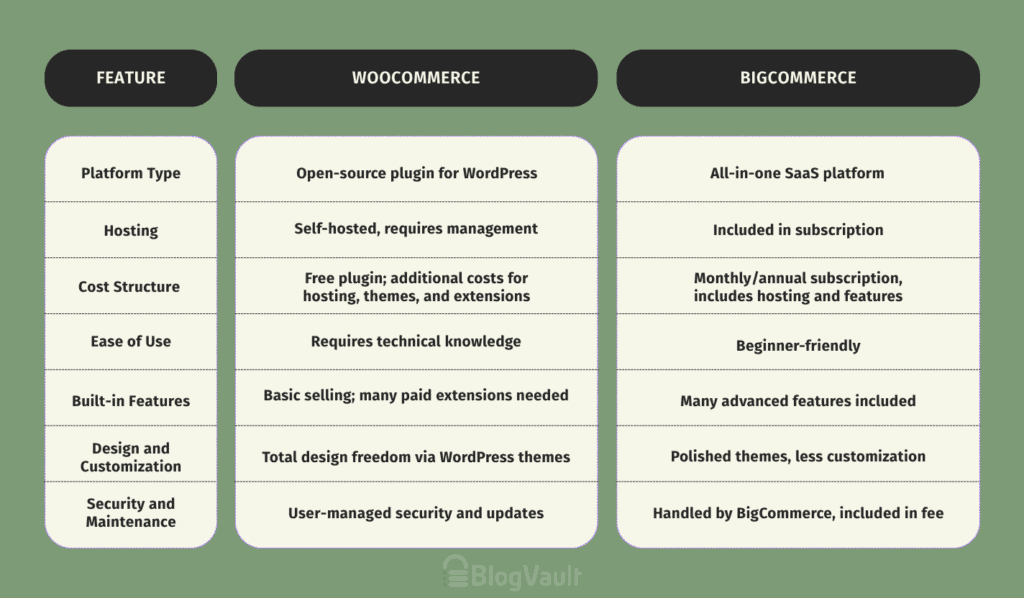
Head-to-head feature comparison
Now, let’s break down the specifics. Here’s a detailed look at how the core features of each platform compare.
Platform type
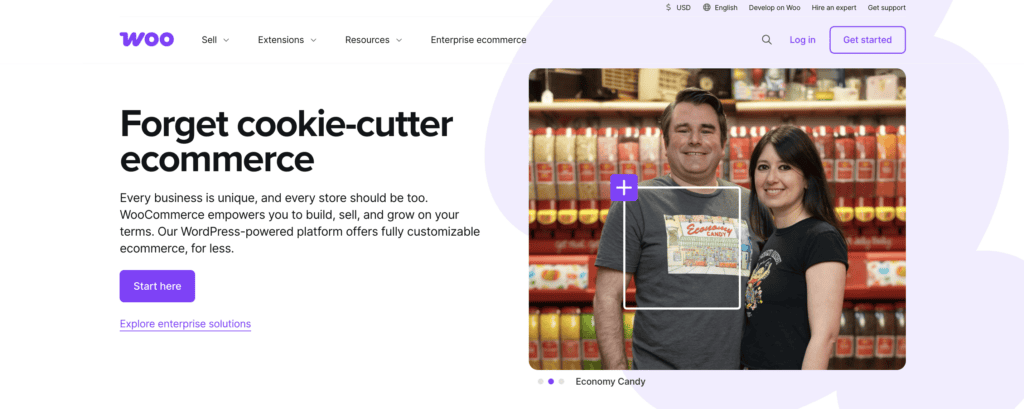
This is the most fundamental difference. WooCommerce is an open-source plugin for WordPress. Meaning it’s a piece of software you add to a website you build and manage yourself.
It’s self-hosted, so you’re responsible for choosing, paying for, and maintaining your own web hosting. You have complete control over every detail, but you’re also in charge of everything, including security, updates, and performance.
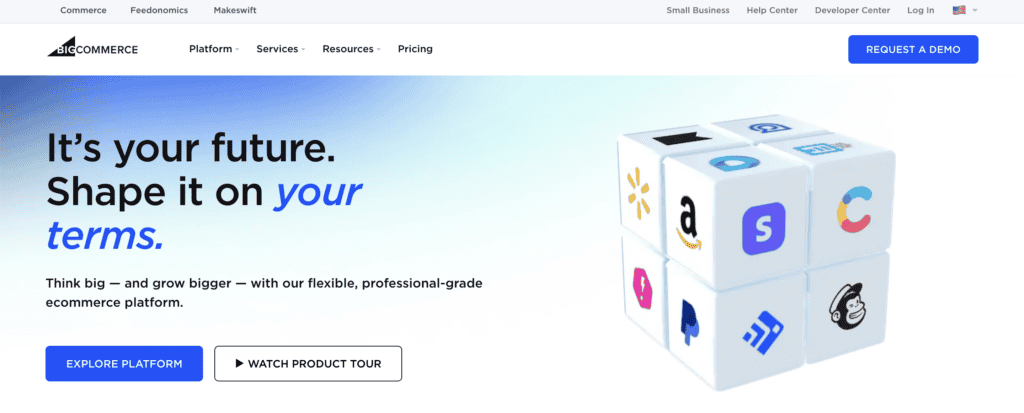
BigCommerce is an all-in-one SaaS platform. Your monthly subscription covers hosting, security, and all platform maintenance, so the technical work is handled for you. You can customize your store’s design, but you cannot alter the core software.
Cost and pricing structure
With WooCommerce, “free” is just the starting line. The plugin itself costs nothing, but you have to pay for everything that makes it run: web hosting, a domain name, a premium theme, and often several paid extensions for specific functions. These costs can start low but creep up as you grow.
BigCommerce’s pricing model is more predictable. You pay a single monthly or annual subscription fee that covers everything—hosting, security, and a ton of built-in features, so there are no hidden costs. To get a price, you’ll need to contact them for a custom quote tailored to your business, as they don’t list pricing publicly on their site.
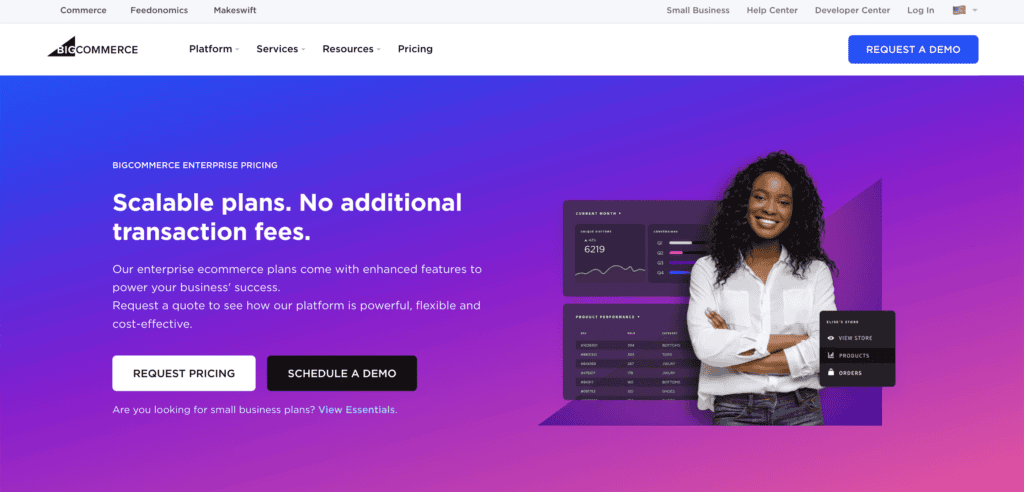
Their pricing scales with your sales, and for their enterprise-level plans, you often have to contact them for a custom quote. It’s predictable, but the floor is higher than WooCommerce’s.
Ease of use and learning curve
There’s no contest here for beginners. BigCommerce is designed to get you selling fast. Its dashboard is clean, the setup is guided, and you don’t need to know what “FTP” or “cPanel” means. You sign up and start adding products.
WooCommerce requires more technical comfort. You have to set up your WooCommerce store from the ground up. It’s not rocket science, especially with modern hosting, but there are more steps and more places where things can go wrong if you’re not careful.

Built-in features and functionality
WooCommerce provides the basics for selling. For anything more advanced like subscriptions, abandoned cart recovery, or detailed reporting, you’ll be heading to the plugin store. It’s a modular approach.
With BigCommerce, many of the features you’d pay extra for in WooCommerce are already built-in, especially on their higher-tier plans. Things like multi-channel selling and robust B2B tools are native, not add-ons.
Design, customization, and themes
If you want total design freedom, WooCommerce is your answer. With full access to the code and a universe of WordPress themes and page builders like Elementor, you can build literally anything you can imagine.
BigCommerce offers polished, professional themes that are optimized for conversions right out of the box. You can customize them, but you’re working within a more structured system. It’s less of a blank canvas and more of a gallery where you can rearrange the art.
Apps, plugins, and extensions
The WordPress ecosystem offers over 50,000 plugins. It’s an incredible resource, but also a bit of a Wild West; not all plugins are well-coded or secure. So ensure you do your research before installing one.
BigCommerce has a smaller, more curated app marketplace. Every app has been vetted to work seamlessly with the platform.
Search engine optimization (SEO)
Both are strong contenders. BigCommerce has excellent built-in SEO tools that handle all the essentials. It’s solid and dependable.
However, WooCommerce, by living on WordPress, has a slight edge for SEO fanatics. With plugins like Yoast SEO, you get an unmatched level of granular control over every single aspect of your on-page SEO. If content marketing is the core of your strategy, this is a big deal.
Payment gateways and transaction fees
Both platforms are fantastic here. They integrate with all the major payment gateways like Stripe and PayPal. And importantly, neither BigCommerce nor WooCommerce charges you an extra transaction fee on top of what your payment processor takes. Your money is your money.
Security and maintenance
With WooCommerce, you are the head of security. It’s your job to maintain your WordPress site like keeping your plugins updated, running backups, and scanning for malware. It’s a lot of responsibility.
With BigCommerce, they handle all of it. PCI compliance, security patches, backups, etc is all part of your monthly fee. This is a massive weight off a business owner’s shoulders.
WooCommerce vs BigCommerce critical considerations
The feature list is one thing, but how do these differences actually impact your business?
- Total ownership cost: Don’t just look at the starting price. With WooCommerce, you have to factor in the potential “hidden” costs of premium plugins and better hosting as you grow. BigCommerce’s cost is predictable, but it will grow as your revenue does.
- Technical skill: Be honest with yourself. Do you have the time and skill to manage a website, or do you just want to manage a business? Your answer points directly to one of these platforms.
- Content and commerce: If your strategy is to build a massive blog or resource center that also sells products, WooCommerce is almost purpose-built for that. WordPress is the best content management system on the planet, period.
- B2B functionality: If you’re selling business-to-business, BigCommerce’s native B2B features are a game-changer. Building the same functionality on WooCommerce would require juggling multiple expensive plugins.
Which platform is right for you?
- You want absolute, 100% control over every pixel and line of code.
- You’re already on WordPress and comfortable with its ecosystem.
- Your business model requires a truly custom function that doesn’t exist off-the-shelf.
- You’re building a content-heavy site where the store is just one part of it.
- You want to spend your time on marketing and sales, not website maintenance.
- You need powerful features for a large or complex inventory right from the start.
- Predictable monthly costs and rock-solid security are your top priorities.
- You plan to sell across multiple channels like Amazon, eBay, and social media.
Parting thoughts
There is no single “best” platform, only the one that’s best for you. Review your budget, your technical confidence, and your five-year plan.
WooCommerce offers ultimate freedom at the cost of responsibility. BigCommerce offers powerful convenience at the cost of a fixed monthly fee. Your decision should reflect what you value most for your business.
FAQs
Is BigCommerce better than WooCommerce?
Neither is objectively “better.” BigCommerce is better for users who want an all-in-one, managed solution with powerful built-in features. WooCommerce is better for those who want total control and are comfortable managing the technical side.
Can WooCommerce handle 50,000 products?
Yes. WooCommerce’s ability to handle large inventories depends almost entirely on the quality of your web hosting and how well your site is optimized, not the plugin itself.
Which platform is better for an eCommerce website?
Both are excellent choices specifically designed for eCommerce. The “better” one depends on your specific needs regarding budget, technical skill, and desired features.
Is BigCommerce better than Shopify?
It depends. BigCommerce often has more built-in features without transaction fees on third-party gateways, making it strong for scaling businesses. Shopify is often praised for its simplicity and is incredibly popular for beginners.
Why are people moving away from WordPress?
While millions still use WordPress, some users move to SaaS platforms like BigCommerce or Shopify to reduce the burden of security, maintenance, and updates. They trade control for convenience.
Is WordPress still used in 2025?
Yes, without a doubt. WordPress powers over 40% of the entire internet. It’s not going anywhere and continues to evolve as the dominant content management system.

Shivani enjoys crafting guides that make every aspect of using WordPress simple and easy to follow. When she's not glued to her laptop, you can find her buried in a good book or occasionally, painting.