Finding the best wordpress speed optimization plugin is frustrating when all you know is that your site feels painfully slow. You’ve probably heard terms like caching or minification but just want a simple fix that actually works, without needing a developer on standby.
Let’s be clear: a slow site is more than an annoyance. It actively hurts your Google rankings and drives away potential customers before they can even see what you offer. Treating speed as a core part of your WordPress maintenance isn’t optional anymore; it’s essential for growing your blog or business.
This guide cuts through the noise. We’ve compared the best plugins—free and paid—to help you make a clear choice based on your budget and needs. No jargon, just a straightforward path to installing a solution and making your site faster today.
For the quickest and most effective fix, use Airlift. It automatically analyzes your site every day, applies tailored optimizations for each page, and adapts as your content changes. It bundles a CDN, advanced caching, and image optimization into a single, set-and-forget solution.
A truly smart solution is dynamic. It intelligently manages what loads and in what order for each individual page, and it automatically adapts its strategy as your site changes. With that standard in mind, let’s dive into the best plugins that meet this modern need.
1. Airlift
Airlift by BlogVault is my top recommendation for a performance plugin because of its cloud-based approach. Unlike traditional speed plugins that do all the heavy lifting on your server, Airlift offloads the work. This immediately seemed like a smarter way to handle performance.

It’s genuinely simple to set up, and the impact on my PageSpeed scores was almost immediate. This isn’t just another settings panel with a dozen checkboxes; it’s an automated service that handles the complexity for you.

Another unusual thing that Airlift does is that instead of applying one generic rule set, it analyzes how each individual page loads and how the browser handles the code. From there, it develops a custom strategy. It focuses on two key areas: powerful Caching to deliver data quickly, and crucial Front End Optimizations to enhance the code.
Another fascinating feature is that the optimization isn’t a one-time event. Every day, a website’s themes get updated, plugins are added, and new content is published. Airlift accounts for this by conducting a daily analysis of your site and automatically adjusting its configurations to adapt to any changes. All you have to do is install it and you’re good to go.
Features:
- Preloads visible, lazy loads rest.
- Automatically resizes all images.
- Converts images to WebP.
- Serves all assets from CDN.
- Generates Critical CSS automatically.
- Minifies and combines stylesheets.
- Defers non-critical Javascript.
- Loads scripts on user interaction.
- Minifies and combines Javascript files.
- Lazy loads videos and iframes.
- Removes unused font characters.
- Converts fonts to WOFF2.
- Full page caching enabled.
- Auto-purges cache on updates.
- Daily automatic site analysis.
- Full WooCommerce support included.
Pricing: Airlift uses a freemium model. It offers a free plan, with paid tiers that provide more advanced features and more frequent optimizations.
2. WP Rocket
In our review of WP Rocket we found that it was a no-fuss premium solution. The dashboard is clean, the settings are explained in plain English, and most of the critical optimizations are enabled by default.

WP Rocket bundles all the essential features—page caching, file optimization, and lazy loading—into one cohesive package. This is very similar to Airilift. However, I liked that Airlift caters customizations to each individual page. Therefore pages aren’t over or under optimized.
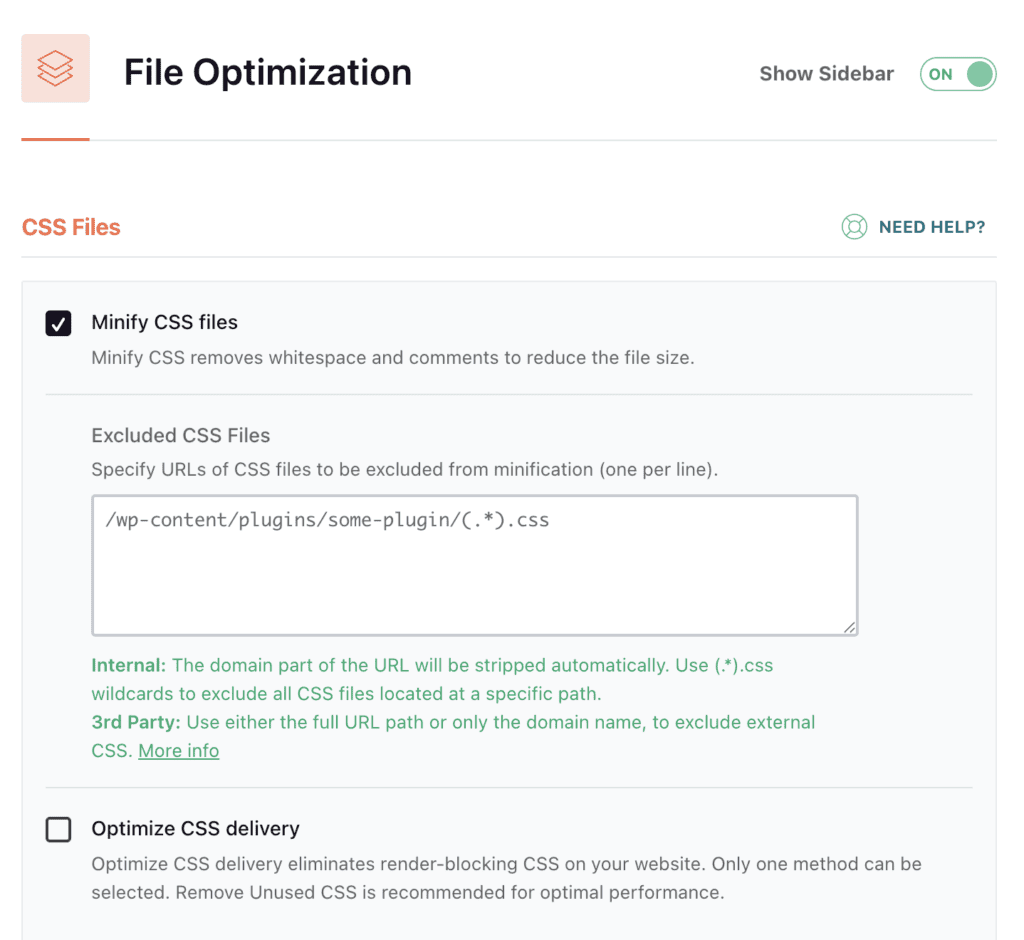
Features like database optimization are considered extras. It can definitely help keep your WordPress installation lean and efficient over time.
For the vast majority of business owners and agencies, WP Rocket strikes the perfect balance between raw power and exceptional ease of use. You just need to have the budget for it.
Features:
- Page, browser, and preload caching.
- Minifies HTML, CSS, and Javascript.
- Lazy loads images and videos.
- Cleans and optimizes the database.
- Full eCommerce compatibility included.
Pricing: Premium only, with plans starting at $59 per year for a single site.
3. NitroPack
When I first tested NitroPack, I saw positive results. Like Airlift, it’s a comprehensive, cloud-based optimization service that takes an extremely aggressive approach to speed. It offloads all the hard work to its own servers, leaving your server free to just serve content.
The platform includes a built-in CDN which can help with network latency. It also offers advanced image optimization and a proprietary optimization stack that rewrites code.
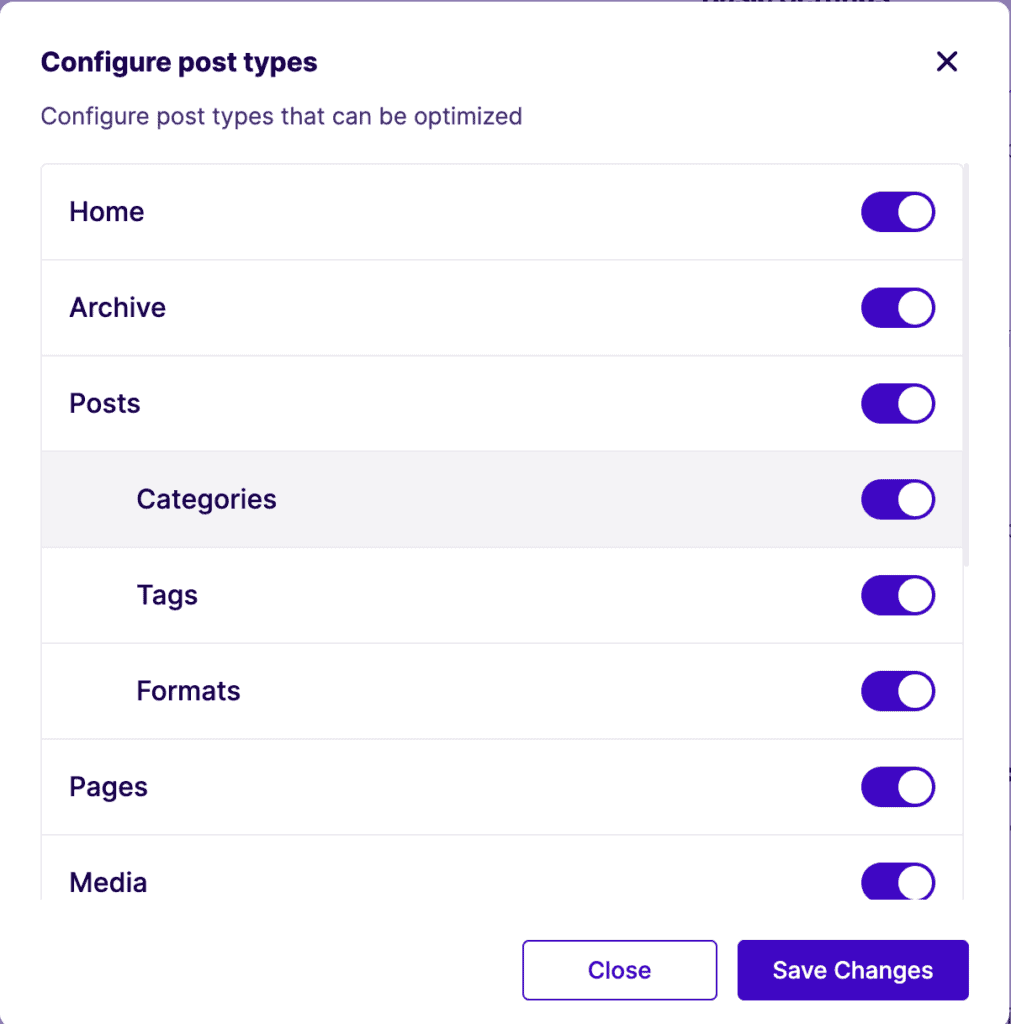
The dramatic speed improvements are undeniable, but its aggressive nature can sometimes cause conflicts with certain themes or plugins, and you have less direct control over the specific optimizations being applied. That comes with the territory. So, just prepare your site accordingly.
Features:
- Cloud platform offloads optimization.
- Aggressively targets Core Web Vitals.
- Includes a built-in Cloudflare CDN.
- Minifies code, optimizes images.
- Adapts to user devices.
Pricing: Freemium model. Paid plans are based on monthly site traffic and can be expensive.
4. LiteSpeed Cache (LSC)
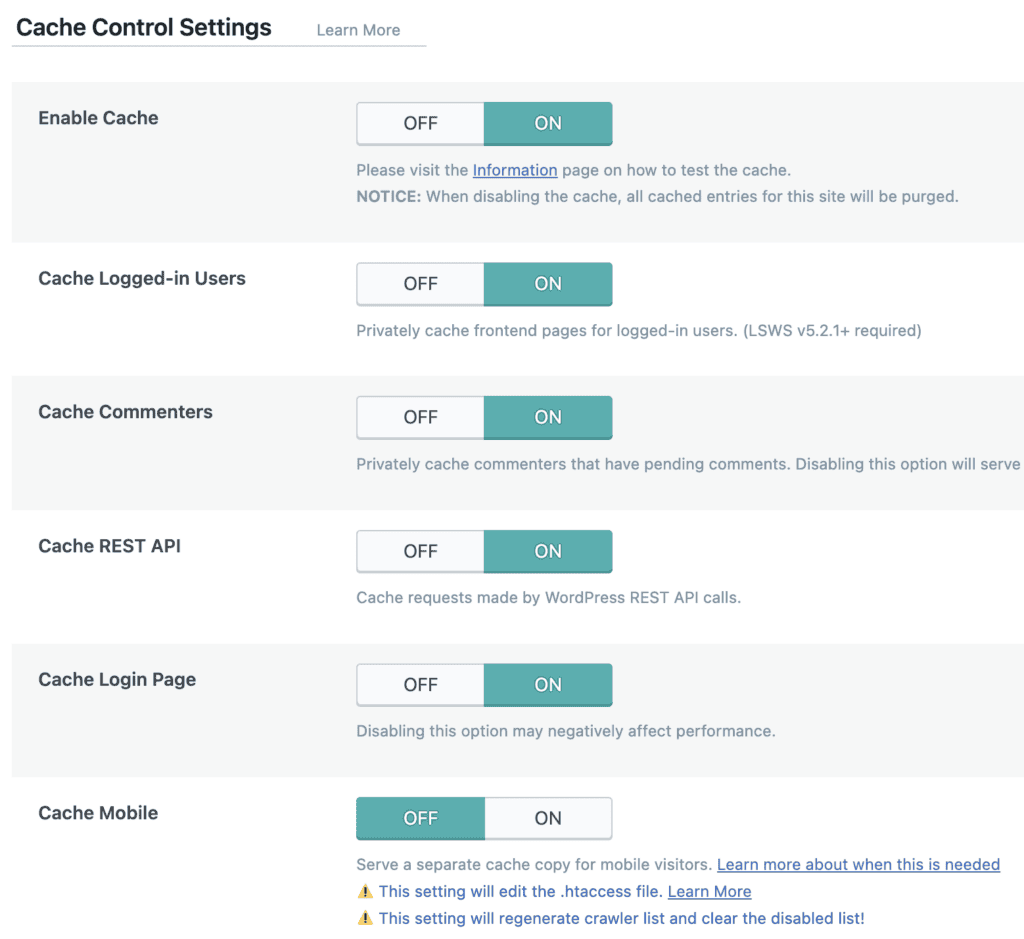
LiteSpeed Cache and WP Rocket are very popular names in the caching plugins market. This plugin offers a fairly basic suite of caching features out of the box. But, it can be very impactful, if (and only if) your website uses a LiteSpeed web server. It communicates directly with the server for a level of caching that other plugins simply cannot replicate.

Many of its best features, like the QUIC.cloud CDN and image optimization, operate on a freemium credit system. You get a generous amount of free credits each month, but high-traffic sites may need to pay for more. It’s a small price for the performance you get.
Features:
- Unmatched server-level caching.
- Integrated QUIC.cloud image optimization.
- Minifies, combines, and defers assets.
- Advanced “hole-punching” for content.
- Cleans and optimizes the database.
Pricing: The plugin is free. Cloud services like the CDN and image optimization use a freemium credit system.
5. WP-Optimize
WP-Optimize is one of the best entry points into the world of WordPress speed optimization, especially for beginners. It started as a simple but effective database cleaning tool and has since evolved into a fantastic all-in-one solution. I often recommend it to people who are just starting because it bundles the three most critical optimization features into one easy-to-use interface.

The plugin’s strength lies in its simplicity and effectiveness. With just a few clicks, you can clean your database of old post revisions and spam, set up page caching to serve static files, and compress your images to reduce their file size. You don’t need to be a developer to understand the settings, which makes it very approachable.
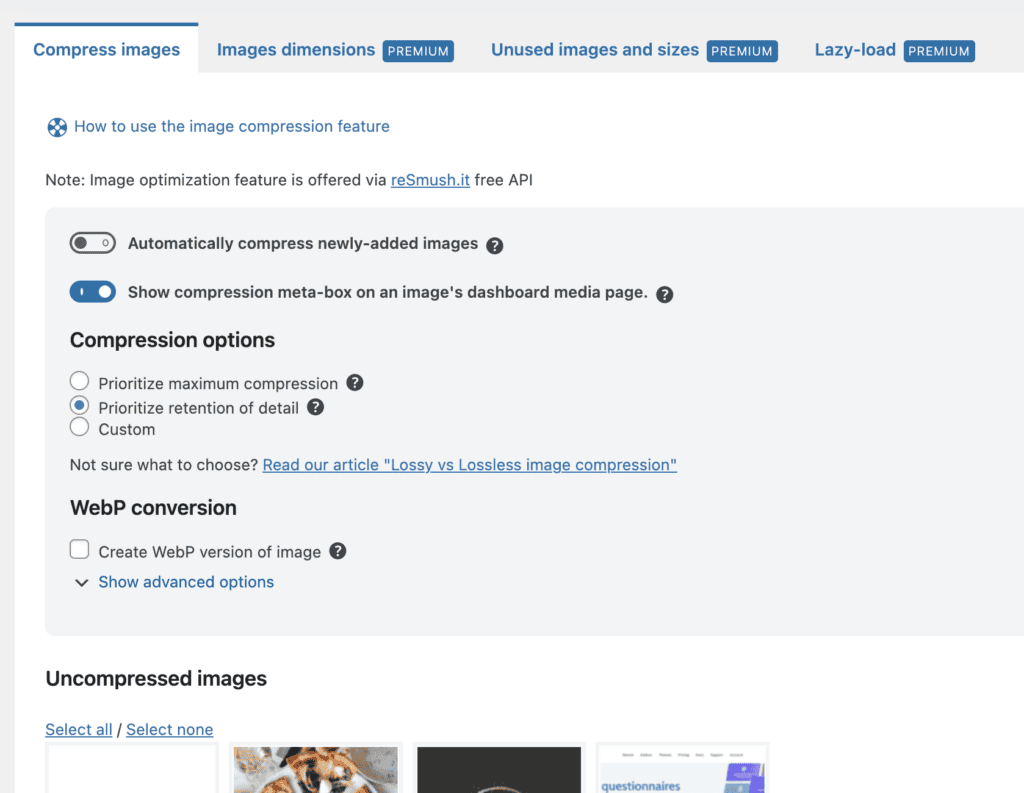
The free version is remarkably capable, offering more than enough power for most small to medium-sized websites. The premium version adds more advanced features like lazy loading and optimization scheduling, but the core functionality remains free, making it a powerful and budget-friendly choice.
Features:
- Cleans database bloat and spam.
- Compresses images with custom settings.
- Solid page and browser caching.
- Reduces script and style size.
Pricing: A powerful freemium model. Paid plans with more features start at $49 per year.
6. Hummingbird
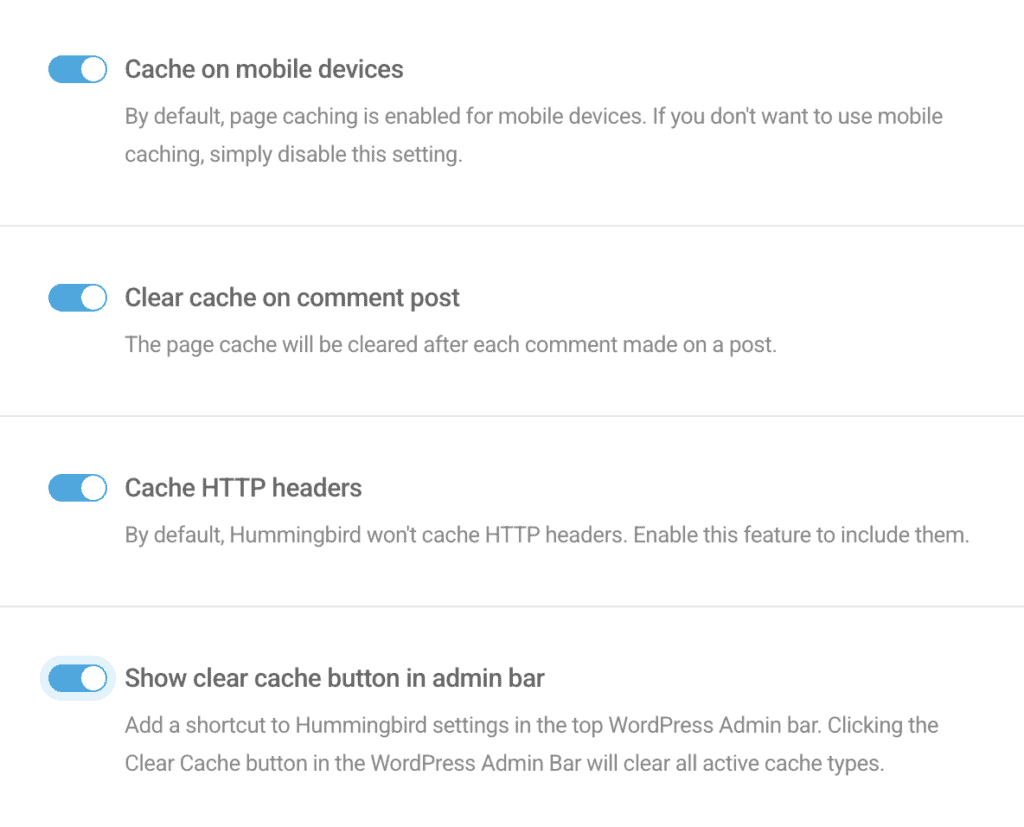
When testing WP cache plugins, we notices that Hummingbird was a popular option. It’s from the team at WPMU DEV and will run a performance test on your site and then provide a clear, actionable report on what you can improve. It will then guide you through the optimization process.

The free version is quite generous, offering a full caching suite (page, browser, Gravatar), asset minification, and basic compression. This is more than enough to see a significant improvement in your site’s load times. The interface is clean and well-organized, making it easy for users of all skill levels to navigate. Although, the Pro version unlocks advanced features like automated reporting, a CDN, and critical CSS generation.
Features:
- Page, browser, Gravatar, RSS caching.
- Built-in performance reports.
- Minifies, combines, and compresses assets.
- Generates critical CSS (Pro).
- Delays non-critical Javascript (Pro).
Pricing: A solid freemium offering. The Pro version starts at $60 per year.
7. W3 Total Cache
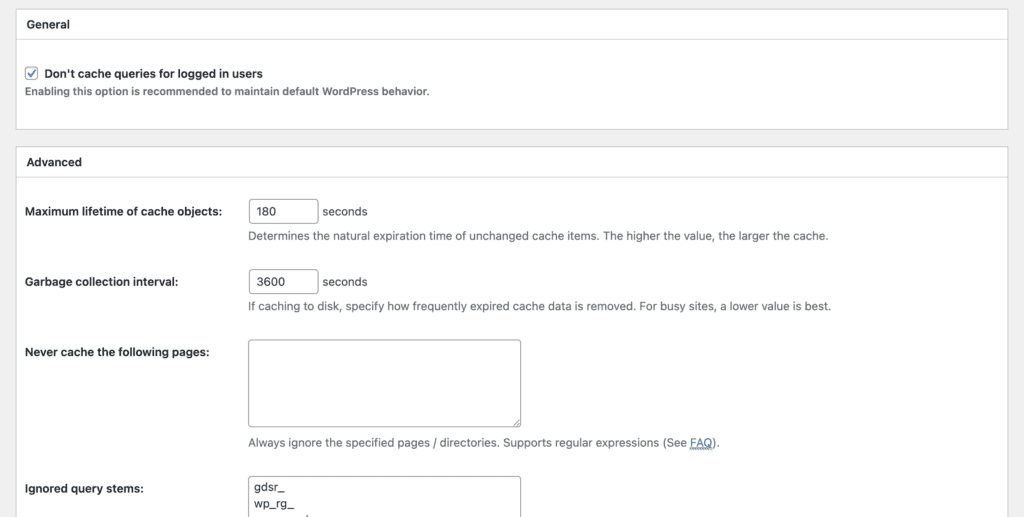
W3 Total Cache is one of the oldest and most well-known optimization plugins in the WordPress ecosystem. It’s the tool I see recommended most often in developer forums, and for good reason: its configuration options are incredibly extensive. This plugin gives you granular control over every conceivable type of caching—page, object, database, fragment—you name it.
It’s a pretty traditional performance plugin. This means that the plugin isn’t as effective at tackling modern metrics like Core Web Vitals compared to more modern, user-focused plugins like WP Rocket or Airlift.
Features:
- Advanced page, object, database caching.
- Minifies HTML, CSS, and JS.
- Integrates with various CDNs.
- Delays non-critical Javascript/CSS.
Pricing: Freemium, with Pro plans starting at $99 per year.
8. FlyingPress
FlyingPress has quickly become a serious contender in the premium optimization space, and after using it, I can see why. It feels like a modern alternative to WP Rocket, designed from the ground up to tackle the challenges of Core Web Vitals and real-user experience. The developer’s focus is on optimizing for what users actually see and interact with, not just chasing perfect lab scores.

The plugin offers a comprehensive, all-in-one feature set that includes page caching, advanced asset management, font optimization, and seamless integration with its own FlyingCDN. What I particularly appreciate is its script manager, which lets you disable or delay scripts on a per-page basis, and its ability to remove bloat from popular page builders like Elementor.
The user interface is clean, logical, and easy to navigate, making it a strong option even for those who aren’t performance experts. In many head-to-head tests, it performs on par with or even slightly better than WP Rocket, making it a fantastic alternative for anyone looking for a powerful, user-friendly premium solution.
Features:
- Fast and efficient page caching.
- Advanced script and font optimization.
- Removes bloat from common plugins.
- Integrates with its FlyingCDN.
Pricing: Premium only, with plans starting at $49 per year for a single site.
9. Perfmatters
Perfmatters is one of my favorite “secret weapon” plugins. It’s not a caching plugin; instead, its entire focus is on reducing bloat and giving you fine-grained control over what loads on your site. The philosophy is simple: the fastest way to speed up your site is to prevent unnecessary code from loading in the first place.
Its most powerful feature is the Script Manager. With it, you can go to any page on your site and visually disable specific CSS or JS files from loading. This is incredibly useful for turning off plugin features you don’t use on certain pages, which can dramatically reduce page weight and improve load times. It also has dozens of one-click toggles to disable things like emojis, embeds, and other WordPress core features you may not need.
Because it doesn’t handle caching, Perfmatters is designed to work alongside a caching plugin like WP Rocket or LiteSpeed Cache. It’s the perfect tool for users who want to go beyond caching and start surgically removing performance bottlenecks.
Features:
- Disables unused scripts and features.
- Granular per-page script manager.
- Cleans and optimizes the database.
- Includes lazy loading features.
Pricing: Premium only, with very affordable plans starting at $24.95 per year.
Other Factors That Crush Your Speed
Installing the best WordPress speed optimization plugin on a broken foundation is like putting racing tires on a tractor. It helps, but it won’t win you the race. A plugin can only optimize the site it’s given. If your site is fundamentally slow because of these three core issues, your results will always be limited.
Your Web Host
Choosing the right website is often the first thing people do for performance. Your web host is the engine of your website. If you are on a cheap, overcrowded shared hosting plan, your site will never be truly fast. Slow servers are the number one cause of poor performance, especially slow backend and Time to First Byte (TTFB) issues. No amount of caching or code minification can fix a server that struggles to respond in the first place. Investing in quality managed WordPress hosting is the single most effective performance upgrade you can make.
Your Theme
Not all themes are created equal. Many popular, feature-packed themes look great but come loaded with tons of unnecessary code, scripts, and stylesheets that slow your site down. This is often referred to as “bloat.” Choosing a well-coded, lightweight theme like GeneratePress, Astra, or Kadence provides a fast, clean foundation for your content and makes the job of an optimization plugin much easier.
Page Builders
Page builders like Elementor and Divi have revolutionized WordPress, making it possible for anyone to create beautiful websites. However, this flexibility comes at a performance cost. Page builders often add extra HTML code and load additional CSS and JavaScript files, which can increase page weight and complexity. This makes a powerful optimization plugin essential. Modern tools like Airlift are specifically designed to accommodate this by analyzing page builder output and applying tailored optimizations to clean it up, ensuring you can have a great design without sacrificing speed.
Final Thoughts
If you want the most powerful automated solution, Airlift is for you. It handles everything from caching to Core Web Vitals, all with minimal input. However, this level of optimization can be dangerous if done without any precautions. So, use a backup plugin to take a full backup before you start.
FAQs
What is the best plugin to optimize speed in WordPress?
This depends on your specific needs and budget. For most users looking for a powerful premium solution, WP Rocket is considered the industry standard. For those on a budget, WP-Optimize is the best free all-in-one choice. For a modern, automated, cloud-based approach that handles everything for you, Airlift is a top contender.
How to do speed optimization in WordPress?
The simplest and most effective process for a beginner is to follow three steps:
- Ensure you are using a quality web host.
- Build your site on a lightweight, well-coded theme.
- Install a high-quality, all-in-one optimization plugin from this list to handle caching, file optimization, and image compression.
Is WP Rocket a free plugin?
No, WP Rocket is a premium-only plugin. It does not have a free version or a free trial and requires an annual subscription to use and receive updates.
Is the WP Optimize plugin free?
Yes, WP-Optimize has a very capable and popular free version available in the WordPress plugin repository. It includes caching, database cleaning, and image compression. They also offer a premium version that unlocks more advanced features.

Shreya has been a writer for as long as she can remember. Now, she writes articles that help WordPress users manage the sites that they're proud of, with little to no coding