An SMTP plugin is the standard fix when your WordPress site stops sending emails. You’ve already done the hard part and correctly diagnosed the need for one.
Now you’re looking at Easy WP SMTP as a potential solution. Picking the right tool is important, so it’s good that you’re doing your homework first.
This Easy WP SMTP review provides a no-fluff look at its features and setup, helping you decide if it’s the right fit for your site.
The free plugin gets your emails sending, but make sure you use a backup plugin first to be safe, in case it clashes with your theme or another plugin. You’ll really want the Pro version for its email logs; otherwise, you have no idea what’s actually being delivered.
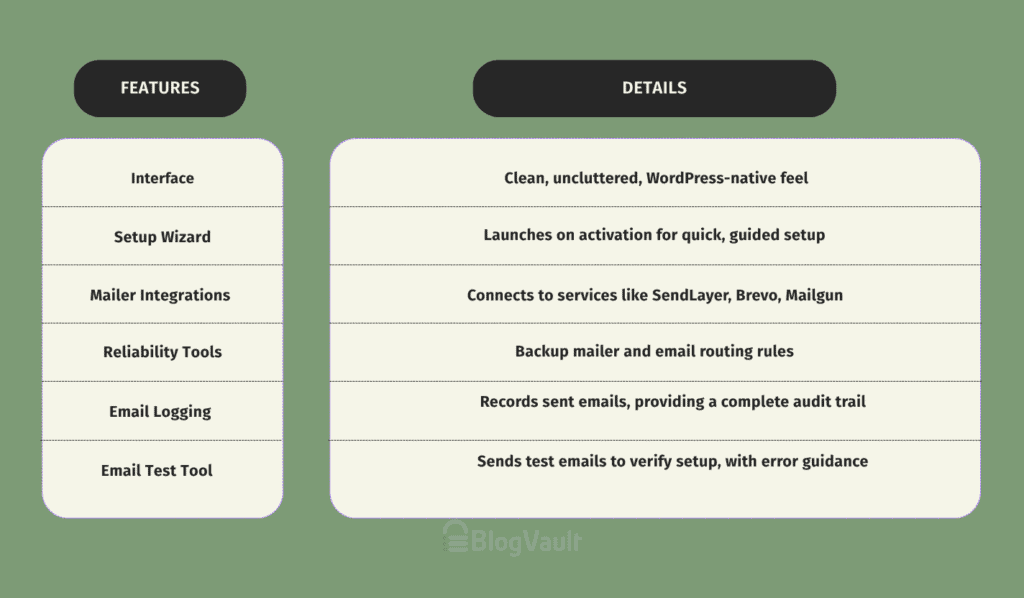
Easy WP SMTP review at a glance
First impressions
The Easy WP SMTP interface is clean and uncluttered. It feels like a native part of WordPress, which means you won’t waste time learning a confusing new system.
Upon activation, a setup wizard launches immediately, guiding you through the essential steps. If you’ve used its sister plugin, WP Mail SMTP, the layout is nearly identical, which provides a sense of familiarity and trust.
However, let’s be clear: the free version is extremely basic. It solves the core problem of email delivery by routing your emails through a proper service, but it offers no monitoring tools. For any real control or insight, you’ll need to upgrade.
What Easy WP SMTP does
The plugin’s functionality is split between its free and paid versions. Here’s what you should know.
Mailer Integrations
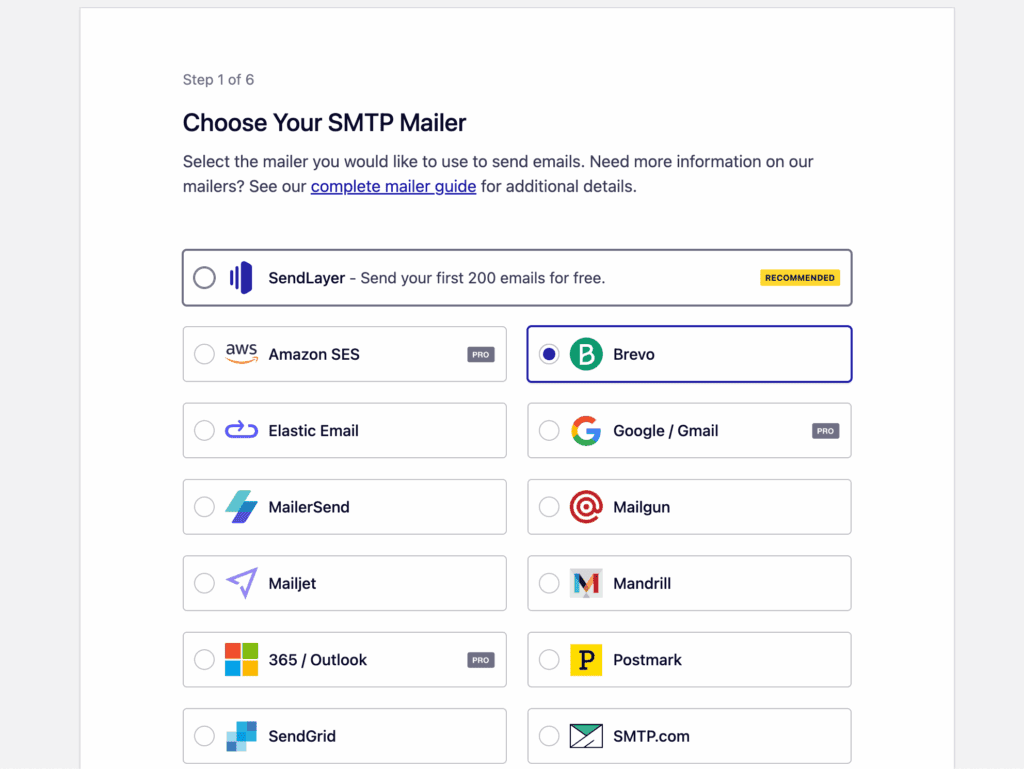
The plugin connects to all major email services like SendLayer, Brevo, and Mailgun. This flexibility means you can use your existing email service. Note that the one-click setup for Gmail and Outlook is a pro feature.
Reliability Tools (Pro)
For any business website, this is your insurance policy. The plugin can automatically use a backup mailer if your main service fails, and you can create rules to send certain emails (like order receipts) through specific providers.
Email Logging (Pro)
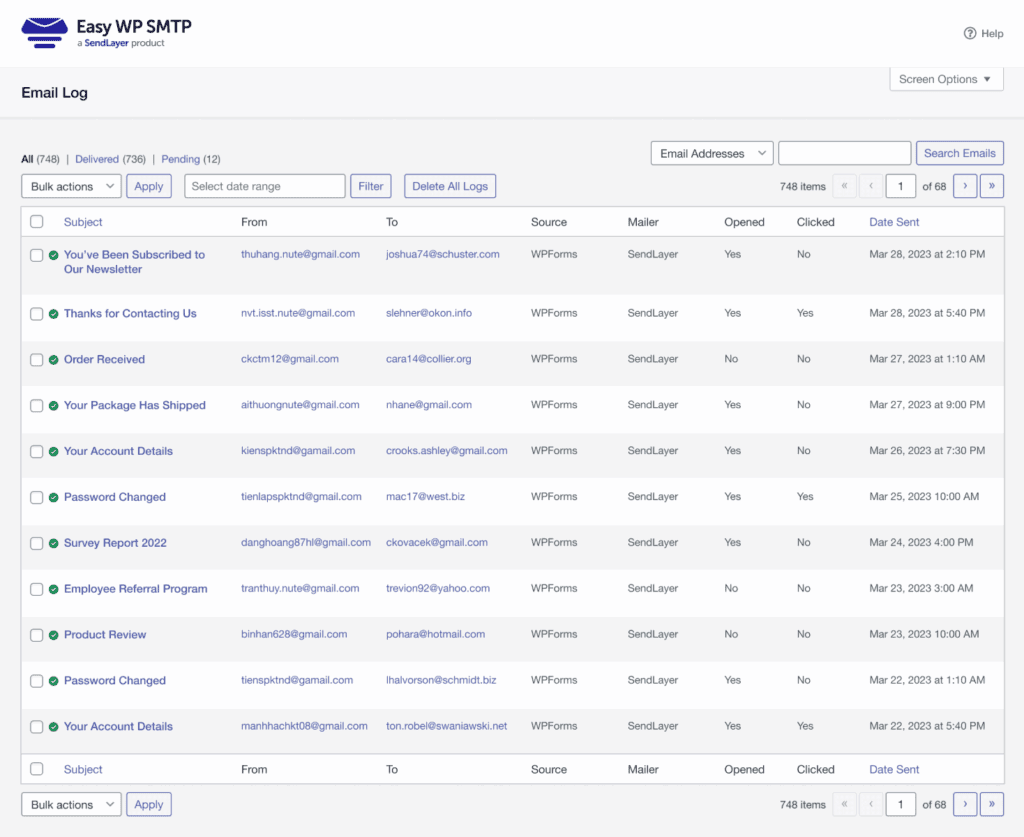
This is the single most important reason to upgrade. The pro version records every email sent from your site, giving you proof of what was sent, what failed, and why.
Much like a WordPress activity log tracks every user change for security, this feature provides a complete audit trail for your communications. Without this, you’re just hoping your emails are arriving.
Email Test Tool
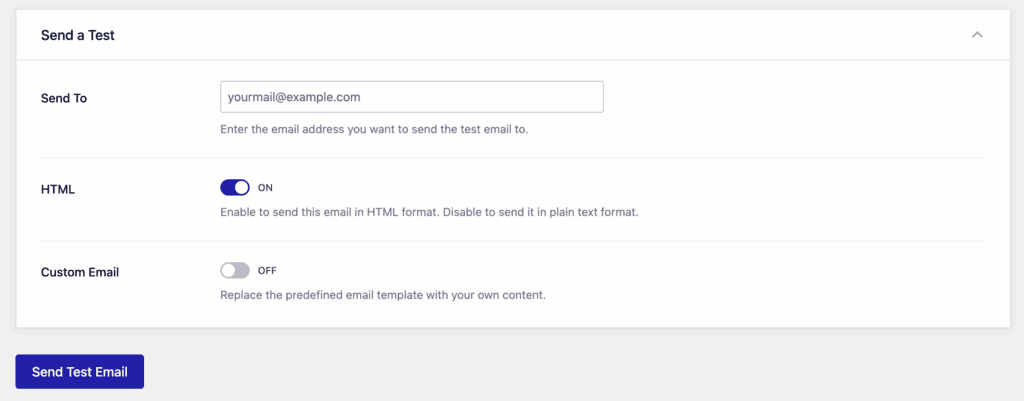
The plugin includes an essential Send a Test tool to confirm your setup works. The setup wizard runs an automatic test to give you immediate proof that the configuration is correct.
After setup, you can also send a manual test email at any time from the plugin’s settings. This is perfect for double-checking your configuration if you ever make changes to your site.
If any test fails, the plugin provides a clear error message and directs you to begin troubleshooting within the plugin. This is crucial because it doesn’t just identify a problem; it guides you toward the solution. This tool is included in both the free and pro versions.
The setup process
Thanks to the wizard, getting started takes only a few minutes.
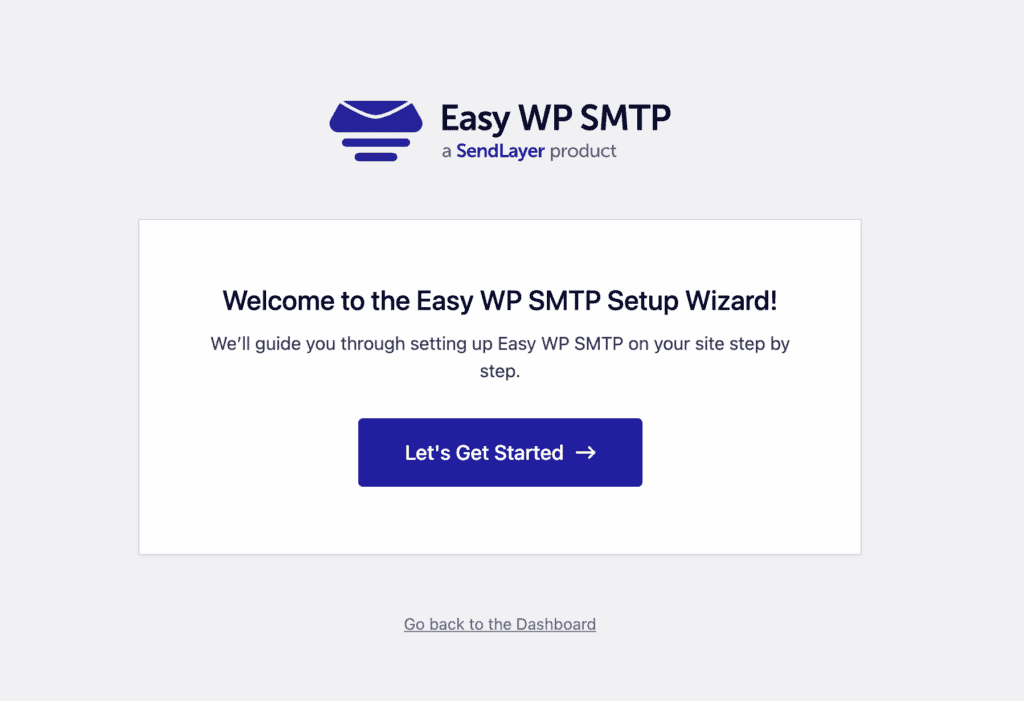
- Launch Wizard. It starts automatically right after you activate the plugin.
- Choose Your Mailer. Select the email service you want to use.
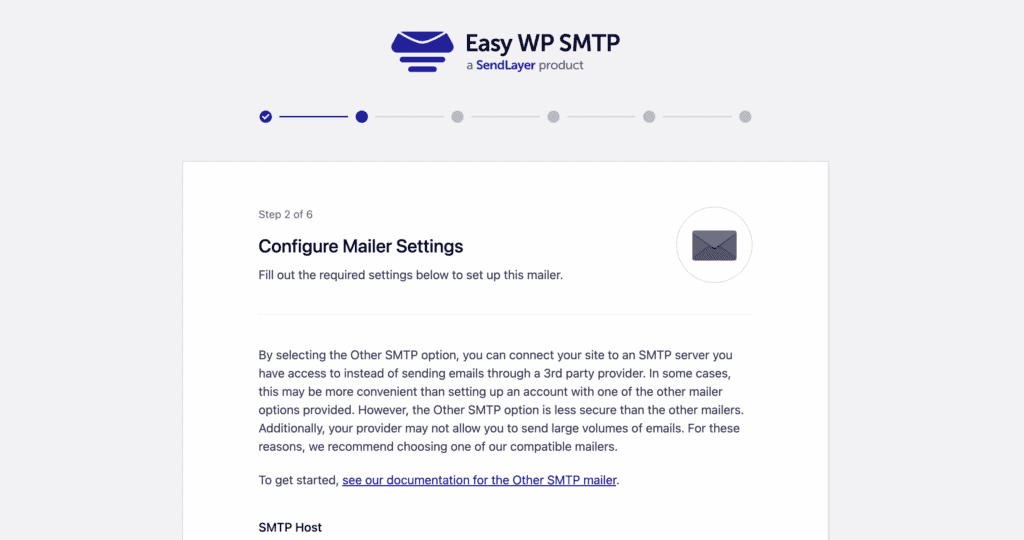
- Configure Settings. Here, you’ll enter the credentials (like an API key) from your email service. Both the plugin and your mailer provide clear instructions on where to find this.
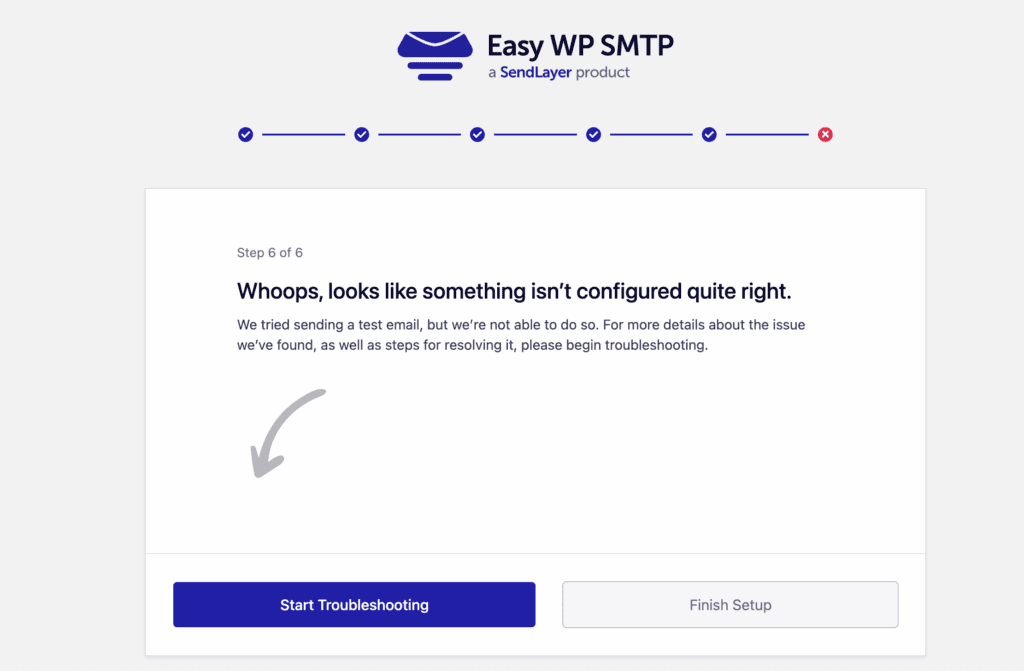
- Send a Test. Use the built-in tool to send a test email. If it arrives, your problem is solved. If not, you can try troubleshooting it by clicking on the Start Troubleshooting button.
Key limitations to consider
While effective, the plugin has important limitations, especially if you want to stick to the free version.
- No email logging in the free version. This is the biggest drawback. Without it, you can’t confirm if specific emails were sent successfully from your WordPress dashboard. Alternatives like the Fluent SMTP plugin give it to you for free!
- No resend for failed emails. If a crucial email fails to send, there is no simple “resend” button. This is a significant problem for e-commerce stores.
- No automatic failure alerts. The plugin will not warn you if your emails start failing silently later on. You have to discover the problem on your own.
- Technical error messages. When a test fails, the technical error message can be confusing. That’s why it is good to know how to fix WordPress errors, as this knowledge will help you troubleshoot issues that go beyond the plugin’s specific settings.
- Key features require an upgrade. Important tools like backup mailers, detailed reports, and failure alerts are only available in the paid version.
Pricing: Free vs. Pro
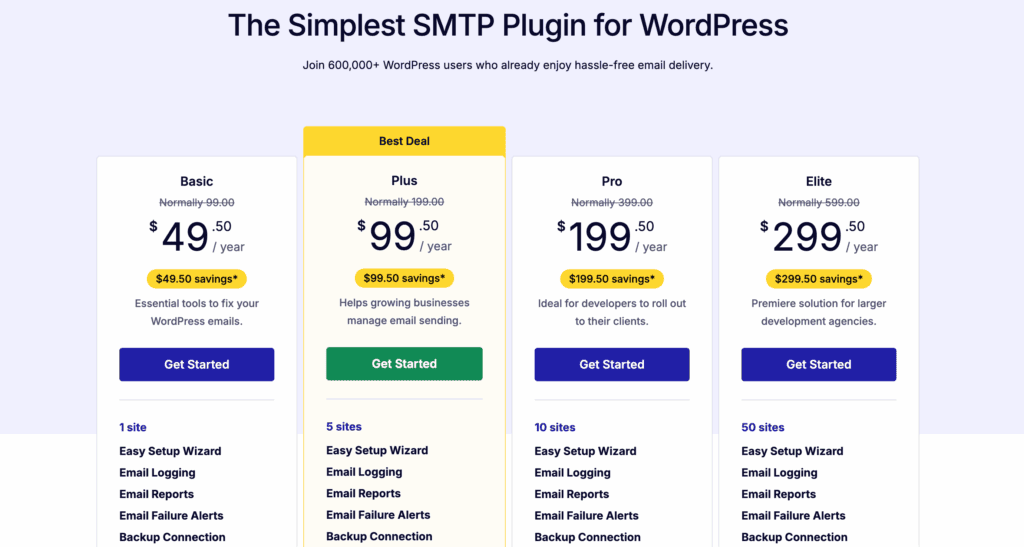
Pricing tiers for Easy WP SMTP add advanced features and site licenses, while the full feature set is consistent across all paid plans.
| Feature | Free Version | Pro Version |
| Email Logs | No email logs. | Records all outgoing emails. |
| Email Reports | No email reports. | Comprehensive delivery and tracking reports. |
| Delivery Tracking | No open or click tracking. | Tracks email open and click rates. |
| Backup Connections | Single mailer connection. | Automatic failover to a backup mailer. |
| Smart Routing | No conditional email routing. | Routes emails based on custom rules. |
| Failure Alerts | No instant notifications. | Sends alerts for failed emails. |
| Gmail Setup | Manual configuration required. | One-click OAuth setup included. |
| Advanced Mailers | SendLayer, Brevo, Mailgun, others. | Adds Gmail, Amazon SES, Microsoft 365. |
| Email Controls | Basic From address override. | Fine-grained control over notifications. |
| Bulk Actions | No bulk email actions. | Bulk resend, export, and delete. |
| Premium Support | Community support forum only. | Access to priority support. |
Is Easy WP SMTP for you?

This plugin is a great choice if:
- You run a simple blog or personal site and just need a reliable, set-it-and-forget-it solution.
- You are on a tight budget and only need to ensure basic system emails get sent.
- You plan to buy the pro version and want a clean, simple interface.
You should look at alternatives if:
- You run a business or WooCommerce store and need to audit every email without paying for a pro plan.
- You need free diagnostic tools to troubleshoot or resend failed emails.
Top alternatives to consider
- WP Mail SMTP plugin: The most trusted choice in the ecosystem, with over 3 million active installations. This massive user base ensures it is incredibly well-tested across countless themes and plugins, making it a more reliable and stable option for most users.
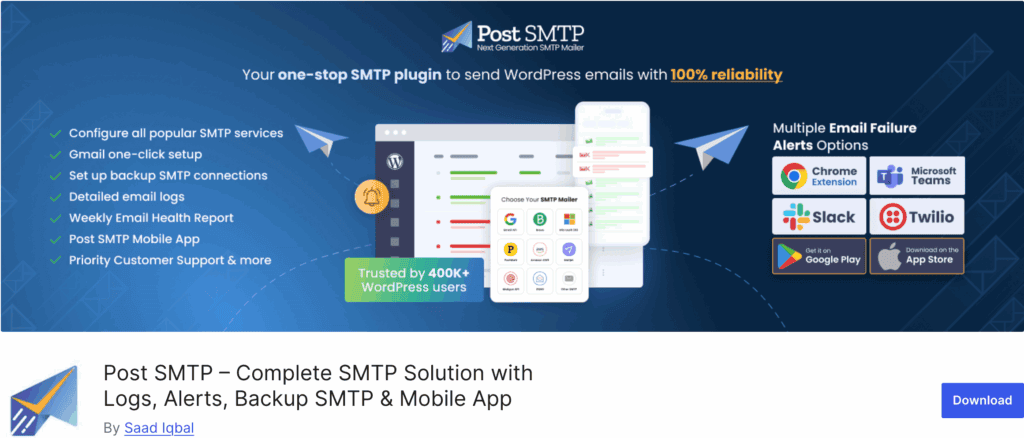
- Post SMTP: A powerful free plugin known for its excellent delivery reports. It also stands out for its secure setup options, allowing you to connect to major mailers without storing your password in the database.
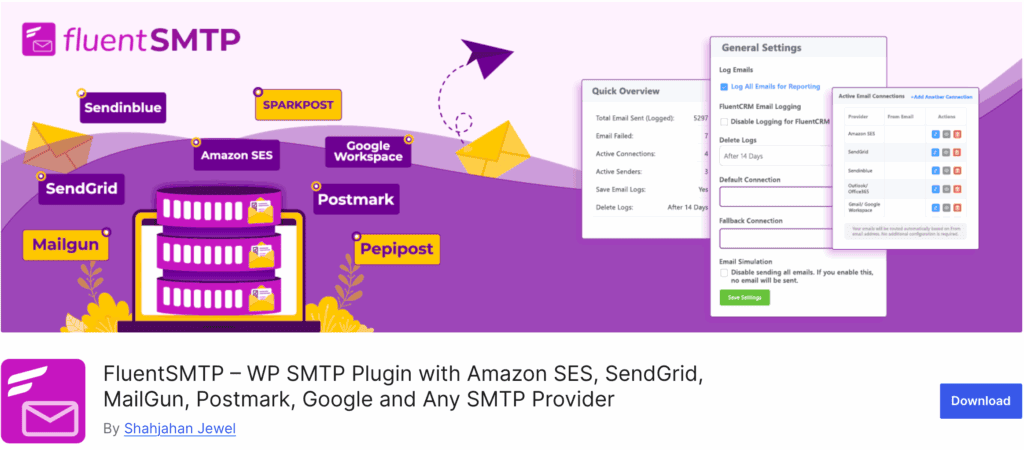
- FluentSMTP: A fast and modern option that offers robust logging and multiple mailer connections for free.
Final Verdict
Easy WP SMTP lives up to its name: it’s simple and effectively solves email delivery. However, its free version is too limited for any serious website due to the lack of email logging in the free version. It’s best viewed as a great pro plugin with a free trial; competitors offer better free solutions.
FAQs
Is Easy WP SMTP free?
Yes, a free version handles basic email routing. However, essential features like email logging and reports are only in the pro version.
Is Easy WP SMTP safe?
Yes. It is a secure plugin from the reputable team behind WPForms. It uses standard secure connections like API keys to protect your credentials.
What is the best SMTP plugin for WordPress?
WP Mail SMTP is the top choice for most users because its free version includes email logging, a feature critical for troubleshooting.
How much does WP Mail SMTP cost?
WP Mail SMTP offers a popular free version, while its paid Pro plans start at $49 per year for a single site license. The cost increases for higher-tier plans, which add more advanced features and support for additional websites.

Shivani enjoys crafting guides that make every aspect of using WordPress simple and easy to follow. When she's not glued to her laptop, you can find her buried in a good book or occasionally, painting.