
It’s a simple fact: visitors engage more and trust a site when the content is in their native language.
But so many translation solutions are shouting for your attention. The real challenge is figuring out which one actually delivers results instead of a crashed site.
That brings us squarely to GTranslate. You need to know if it’s the real deal. Well, you’ve come to the right place. This GTranslate WordPress plugin review is here to deliver that exact clarity.
GTranslate’s free version is fast for accessibility but bad for SEO; its paid plans are capable but have strong competition. Since these plugins can cause conflicts, we strongly recommend using a backup plugin before installing the plugin.
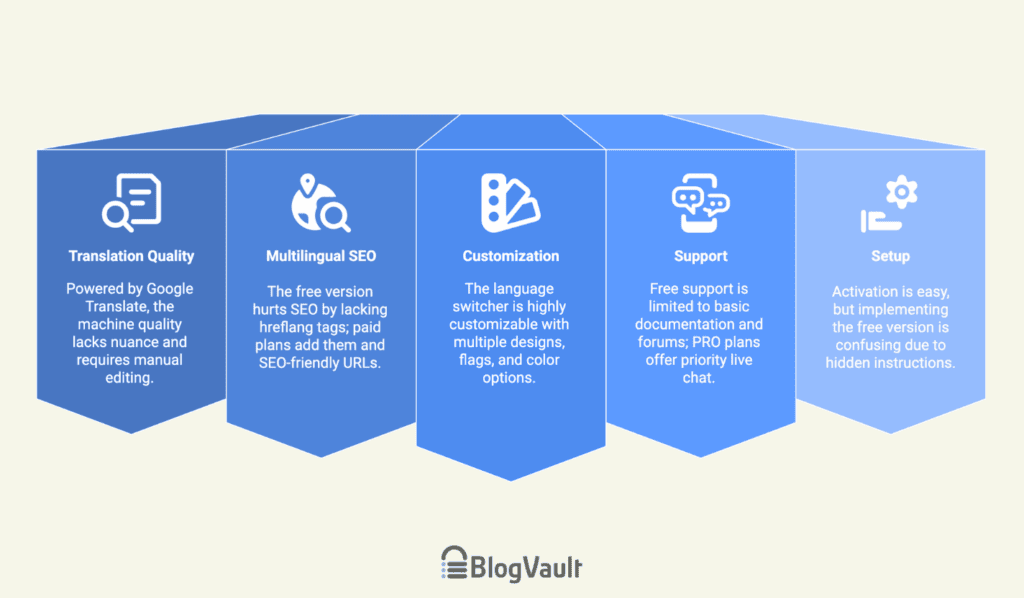
Gtranslate WordPress plugin review at a glance
Key feature analysis
A plugin is only as good as its features, so let’s see what GTranslate really offers.
Translation engine & output quality
At its core, GTranslate uses Google’s neural machine translation API. This provides a functional, if basic, level of accuracy.
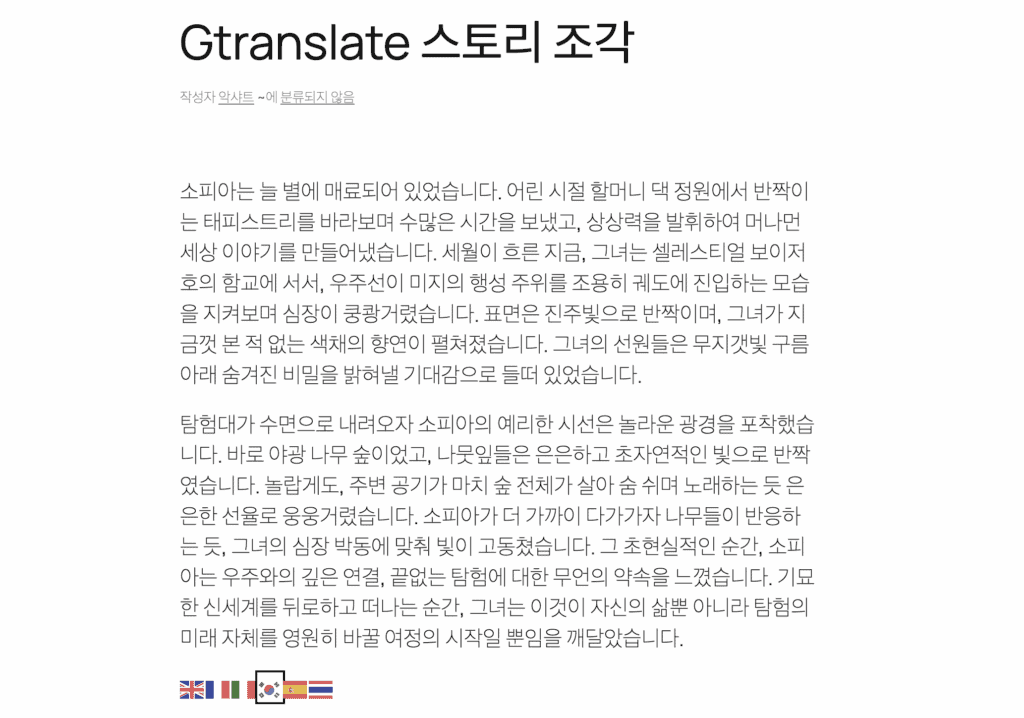
The real issue, as we observed, is its lack of nuance. When we tested it with some marketing copy, the output was grammatically correct but lost the persuasive tone required.
This lack of precision makes it unsuitable for important content. For this reason, it’s non-negotiable to backup your WordPress site before installation.
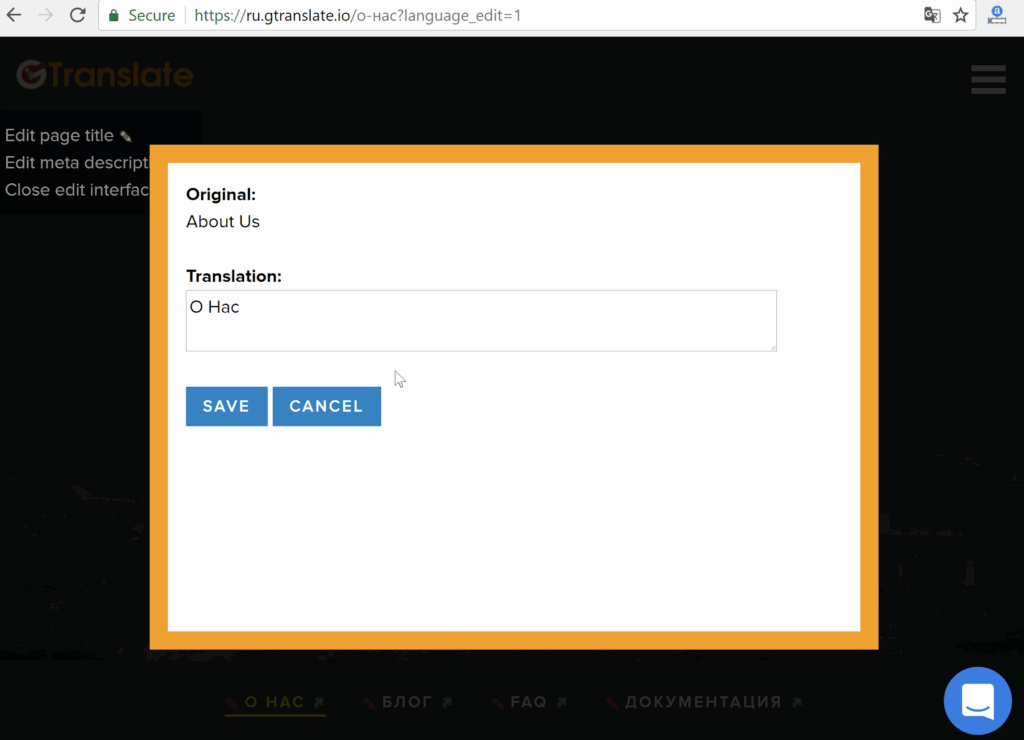
All of this makes manual editing essential, which is one of our biggest criticisms. This feature is only available in paid versions. It is a missed opportunity, particularly since competitors like TranslatePress offer this in their free plan.
Multilingual SEO
From an SEO perspective, this is where our main concerns lie. The free version of GTranslate lacks hreflang tags entirely. This is a major drawback for search visibility. Without these tags, search engines can get confused, leading to duplicate content issues and hurting the user experience.
The paid versions fix this by adding proper hreflang support to correctly link your translated pages.

Even so, its URL structure requires careful setup. The ability to choose an SEO-friendly structure, like subdomains or subdirectories, is a key feature only available in the paid version.
This is also a drawback, considering competitors like ConveyThis offer this for free.
Appearance and display customization
The plugin gives you a good range of options to customize the language switcher. You can choose from multiple designs, select flag styles, and adjust the widget’s size and color scheme. We found the real-time preview feature worked well and saved time.
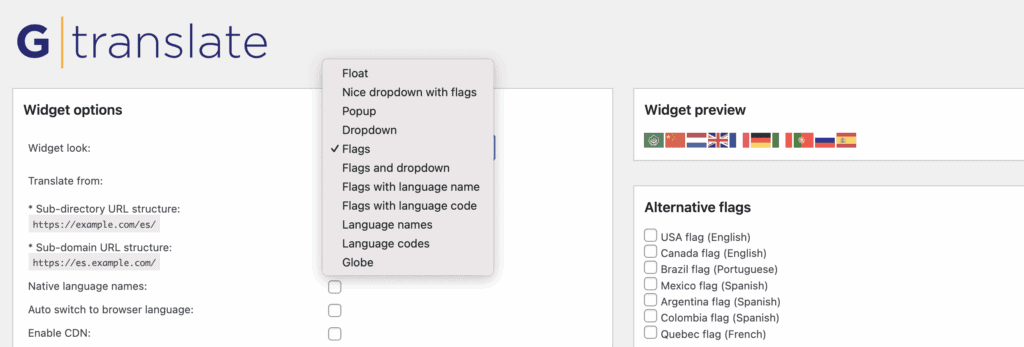
You can place the switcher via shortcode or in a menu, and the free version includes an auto-switch option based on browser language.
Support and resources
When it comes to support, GTranslate follows a standard model: you get what you pay for. The free plan includes access to a knowledge base and community forums. However, the documentation is best for basic setup, not advanced issues. Community help also isn’t immediate.
The real value comes with the PRO plans. Paid subscribers receive priority email support, and user feedback consistently highlights its fast response times. This makes it a reliable choice for businesses that need quick resolutions to technical issues.
Set up process and user experience
The setup process is a mixed bag. While the initial plugin activation is easy, we found implementing the free version confusing. The instructions to place the shortcode are tucked away in the bottom right of the screen and can be easily missed. Honestly, it took a Google search for us to figure out it was there all along.
Once you get past that initial hurdle, the plugin is low maintenance, and the experience for site visitors is seamless.
Pricing breakdown
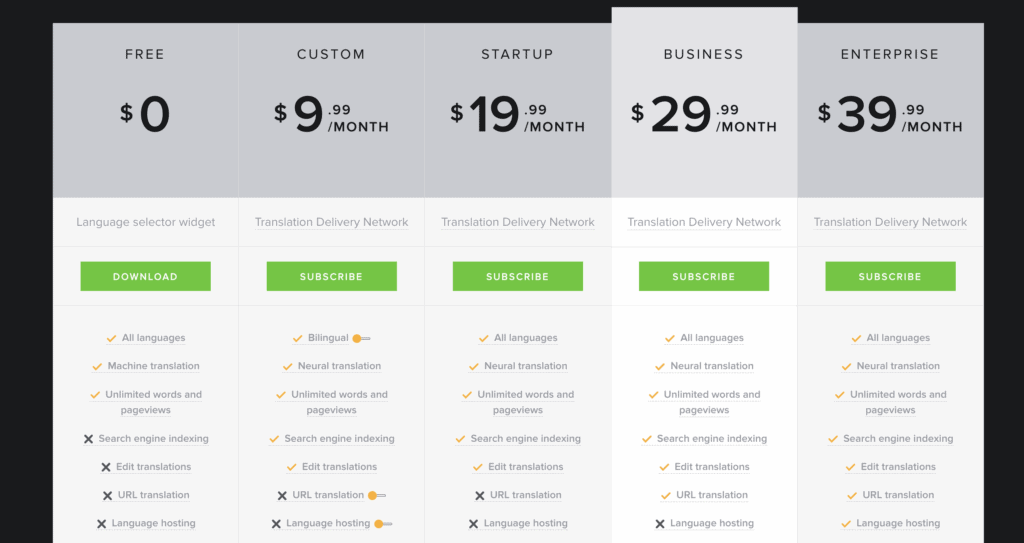
GTranslate uses a tiered pricing model. In our view, the free version is best thought of as a demo; it’s very basic and lacks the core functionality needed for SEO.
A paid plan is required for essentials like customizing your URL structure. The paid plans offer different features based on your needs. The 15-day risk-free trial is the best way to see if the value justifies the cost. You can make a decision for your specific situation before you have to fully commit.
Strengths and weaknesses
| Strengths | Weaknesses |
| Setup is simple and fast. | Free version’s SEO restrictions are a deal-breaker for growth. |
| Cloud-based system minimizes server load. | Needs editing as pure machine translation isn’t perfect. |
| Customer service for paid plans is well-regarded. | Reservations about hreflang and canonical implementation. |
| Provides access to over 100 languages. | Entirely reliant on the Google Translate API. |
Is GTranslate the right choice for you?
You should choose GTranslate if:
- Your primary goal is to get a basic multilingual solution running quickly and without a budget.
- Your site is a blog or informational site, where “good enough” machine translation is acceptable for the time being.
- You see the free version as a starting point and plan to upgrade to Pro later to manually polish your most important pages.
GTranslate alternatives to consider
If GTranslate doesn’t seem like the right fit, here are four other strong alternatives to consider:
Weglot
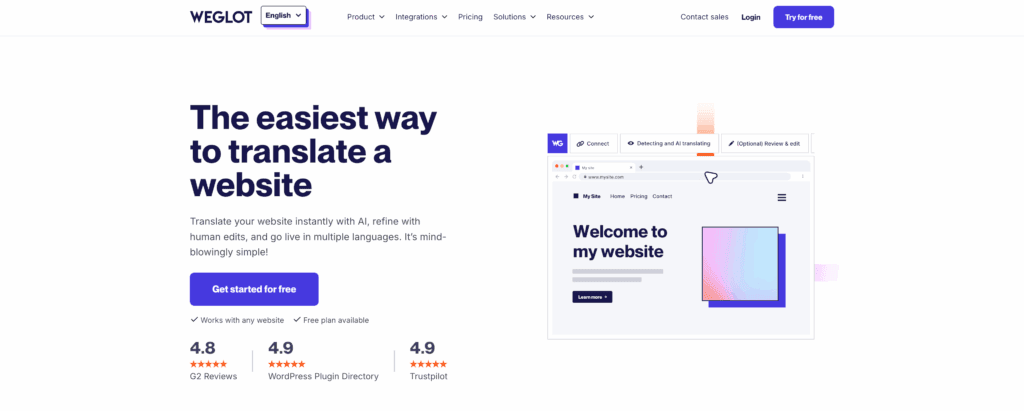
When we reviewed Weglot, we found it to be a more complete, polished solution with superior SEO features. Its user interface is modern and intuitive, making it a premium choice for serious businesses.
TranslatePress
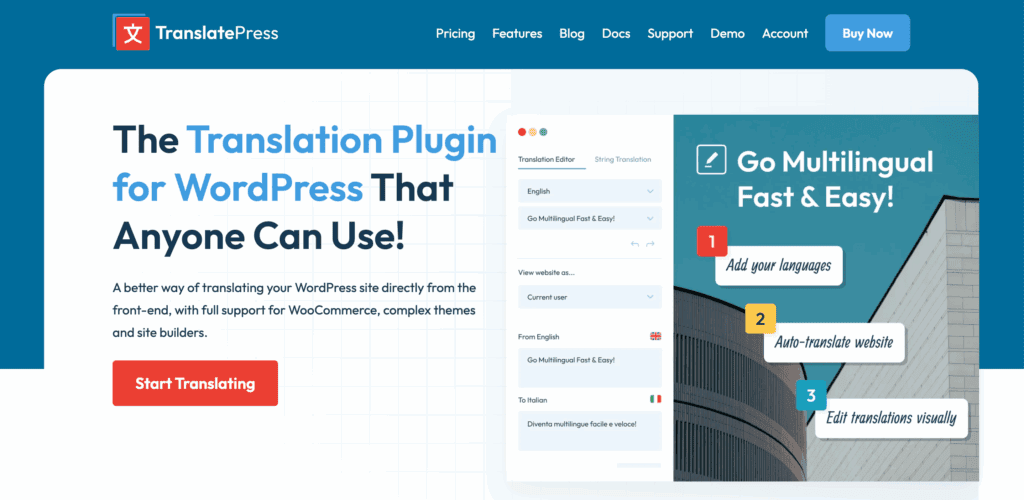
Our review of TranslatePress highlighted its unique front-end editing, which we found incredibly intuitive. This allows you to see your changes in real-time, and it’s built with strong SEO from the ground up. The availability of one-time fee plans also makes it a compelling option for those avoiding subscriptions.
Polylang
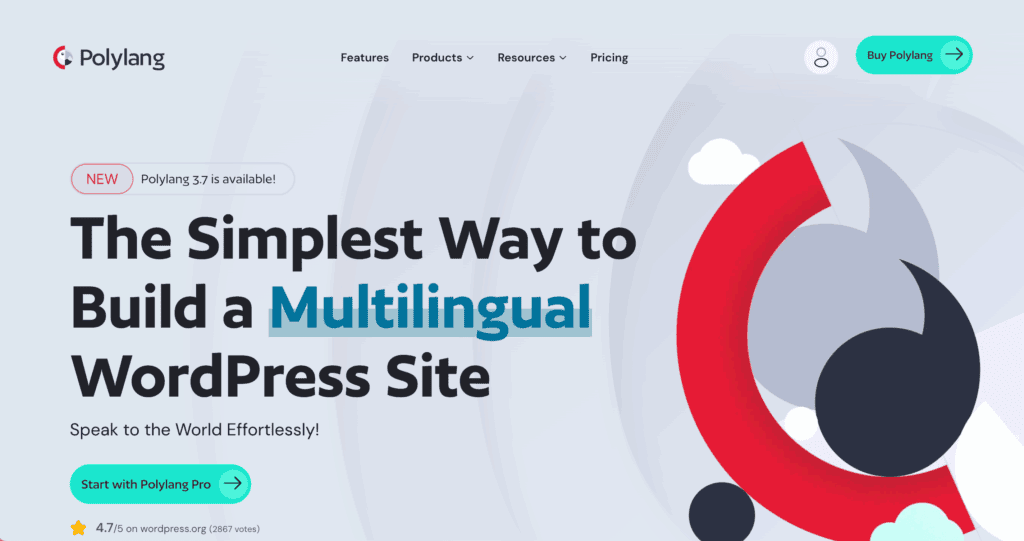
In our Polylang review it stood out as a lightweight and powerful choice for those who provide their own translations. It gives you full control over your content, which is why it’s considered excellent for a precise SEO strategy. This is a hands-on tool, not an automatic one, so be prepared for manual work.
ConveyThis
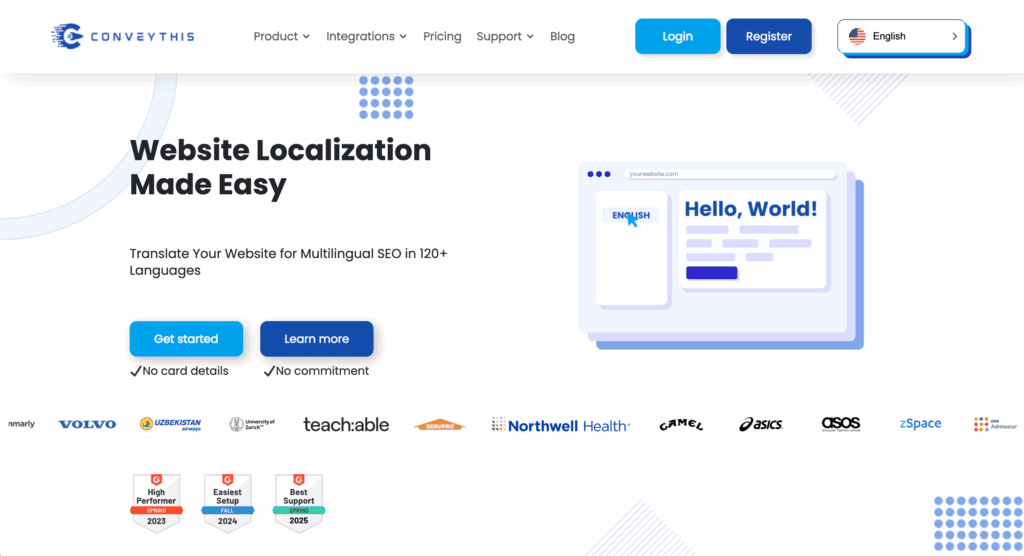
We’ve also reviewed ConveyThis, which operates similarly to GTranslate with automatic translation. However, our key finding was its stronger out-of-the-box SEO features, especially in its free or entry-level plans. For those who want automation but with a better SEO foundation from the start, this is a strong contender.
Parting thoughts
It really comes down to this: the free version offers instant results but has no real SEO power for growth. Upgrading gets you that power, but it also puts GTranslate up against some very tough competition. Treat the free plugin as a temporary tool or a test drive.
In terms of site maintenance, it’s technically low-effort, but you can’t maintain the quality of the content itself. For long-term, serious growth, the free version of this plugin is just not the final destination.
FAQs
Does the free version of gTranslate help with SEO?
No. The free version provides only client-side translation (using JavaScript), which search engines cannot read or index. To have your translated pages show up in Google search results, you must upgrade to a paid plan. This enables server-side translation and SEO-friendly URLs.
Can I manually edit the automatic translations provided by gTranslate?
Yes, you can. While the free version uses raw Google Translate output, paid versions include an in-context editor. This allows you to manually refine and correct machine translations directly on the page. This ensures accuracy and helps maintain your brand’s voice.
Is there a performance impact on my website when using gTranslate?
No, GTranslate has a minimal performance impact on your website’s core loading speed because it primarily uses a cloud-based proxy system, offloading the translation processing from your server.
What is the difference between URL structures in the free vs. paid plans?
The main difference is that the free version does not change the URL structure and is not indexable by search engines, while paid plans offer SEO-friendly URL structures like sub-directories, sub-domains, or even country-specific domains
Does gTranslate offer good customer support for free users?
Free users have access to the WordPress.org community support forums. However, premium support is consistently rated as excellent and responsive. Paid users receive priority assistance for setup and troubleshooting.

Shivani enjoys crafting guides that make every aspect of using WordPress simple and easy to follow. When she's not glued to her laptop, you can find her buried in a good book or occasionally, painting.