

When it comes to translation plugins for WordPress, choosing the right one is often the hardest part. Maybe your analytics show a growing international audience, or a key client has asked for it.
You’re past the basic guides, and Polylang is on your shortlist. But is it the right fit for your site, or a choice that will have you restoring backups?
This in-depth Polylang review provides the analysis you need to make a confident decision.
Polylang is a fast, lightweight plugin for those who prefer to handle all translations manually. Its main weakness is hit-or-miss compatibility, so always protect your work using a backup plugin before activation.
Polylang review at a glance
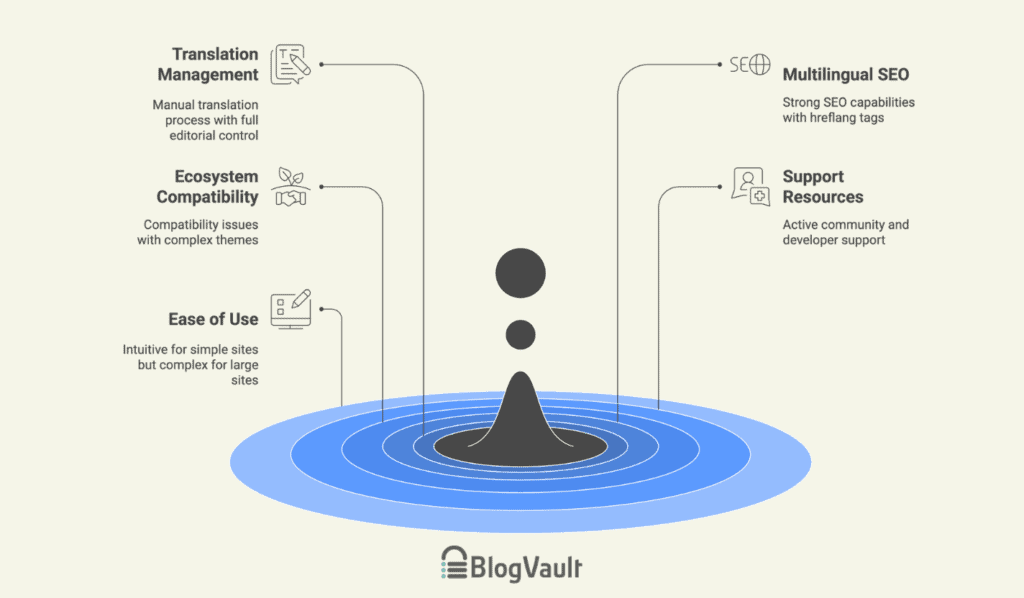
Key features in-depth analysis
Translation management
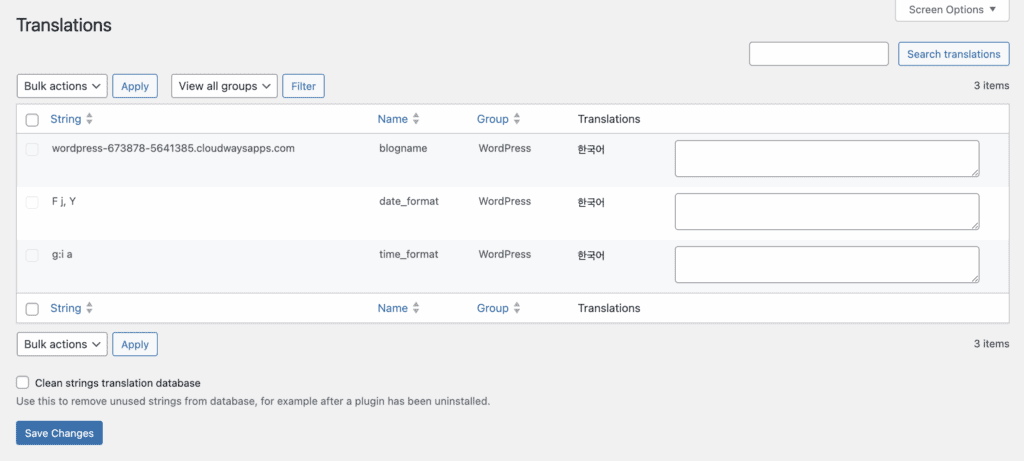
Polylang’s free version is a manual content manager, not an automatic translator. It provides full editorial control by letting you link different language versions of your content, but you must write every word.
The premium version changes this by integrating with the DeepL service for machine translation, a significant time-saver, though manual control remains an option.
The manual workflow gets complex with multiple languages (making frequent site backups essential) and this complexity makes the Pro version’s automation a game-changer for larger sites.
Multilingual SEO & search visibility
From an SEO perspective, this is one of Polylang’s strongest areas. Polylang correctly implements the essential hreflang tags, which is vital for any site serious about ranking internationally and avoiding duplicate content penalties.
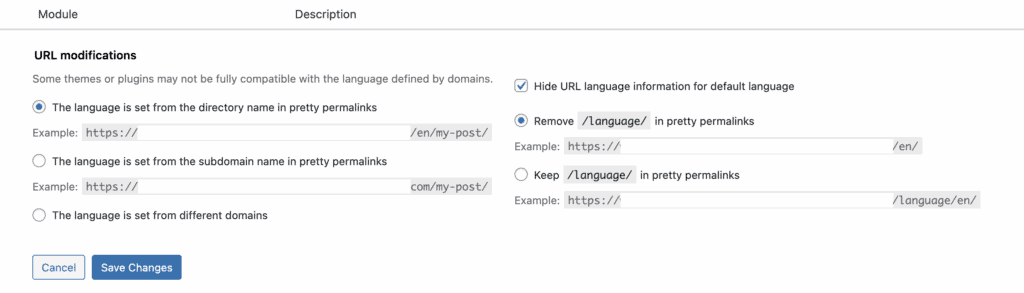
We found that it provided complete control over translating everything that matters for SEO, including URL slugs, meta titles, and descriptions. Setting up language-specific URL structures, like /es/ for Spanish, was simple and worked as expected in our tests.
The one dependency we noted was with sitemaps. We learned that to generate proper multilingual sitemaps, Polylang relies on a compatible SEO plugin like Yoast. This is a critical detail to remember, as the plugin doesn’t handle this function on its own.
Ecosystem & third-party compatibility
Polylang is not universally compatible. On one of our test sites using a complex theme, activating the plugin immediately distorted the theme’s fonts and layout, which is not an uncommon issue.
While it has official integrations with major page builders, we strongly recommend testing it on a staging site first.
For WooCommerce users, official compatibility is a key feature you only get with the Pro version.
Support resources & community
For the free version, we looked through the WordPress.org support forums. Our observation is that the community is active and helpful for common questions. For more complex issues, the official documentation on the Polylang site was our primary resource for troubleshooting errors.
Paying for the premium version grants direct access to the developers, which is the expected standard. The plugin’s frequent updates are also a positive sign of active maintenance and attention to security.
Ease of use
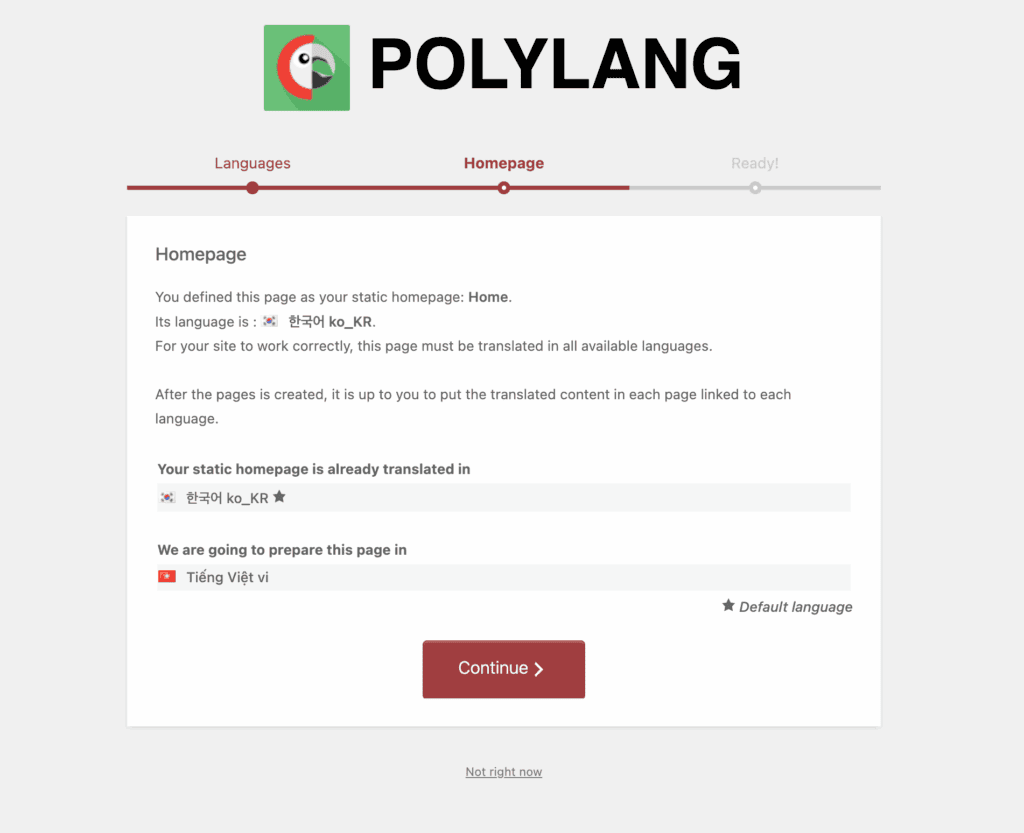
The setup wizard makes getting started quick and easy, but that’s after you’ve already made key decisions like choosing a theme and choosing plugins. For a simple site with two languages, the workflow is intuitive.
However, the user interface feels less modern than some newer plugins. The process of linking translations together is clear but manual.
As you add more languages and content types, the complexity grows quickly. For a complete beginner managing a large site, the learning curve can be steep.
Polylang pricing
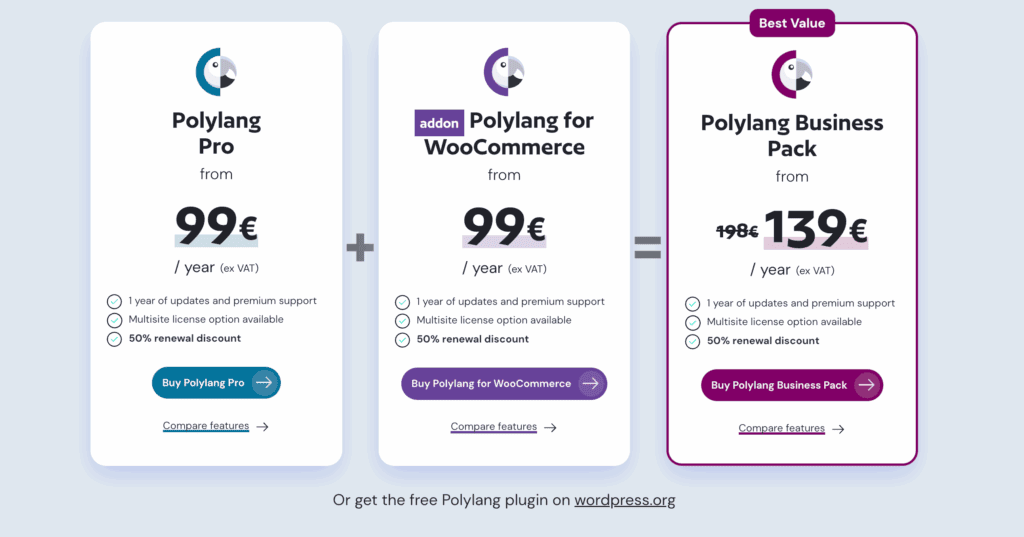
Polylang is available in a powerful free version and several premium tiers.
- Free Version: The plugin from WordPress.org is sufficient for many basic sites, including all essential features for manual translation and SEO.
- Polylang Pro: Starting at €99 per year (ex VAT), this adds premium support and advanced features like translating URL slugs and custom fields.
- Polylang for WooCommerce: Also starting at €99 per year, this dedicated add-on is required to translate an e-commerce store.
- Polylang Business Pack: This bundle combines Pro and the WooCommerce add-on for a discounted rate, starting at €139 per year.
All premium plans include one year of updates, support, and a 50% renewal discount.
Polylang pros and cons
| Pros | Cons |
| Full manual control over all translated content | No automated translations in basic versions |
| The free version is powerful enough for many basic multilingual sites | Managing many languages becomes complex |
| It requires no external account or subscription to use | Its interface is not as modern or intuitive as some alternatives |
| The code is clean and developer-friendly | It can have compatibility issues with some themes or plugins |
| Lightweight and not bulky | Essential features for e-commerce are only in the Pro version |
Is Polylang what you’re looking for?
Choose Polylang if:
- You are a developer or a technically-inclined user who values control.
- You are building a site with a limited number of languages.
- Your project is a content-heavy site, like a blog or news portal, where manual quality is key.
Avoid Polylang if:
- You need a fast, automated translation workflow.
- You are a non-technical user managing a large, complex website.
Alternatives to Polylang
While Polylang is a strong contender, its manual workflow isn’t for everyone. Here are the three main alternatives, each solving a different problem.
Weglot
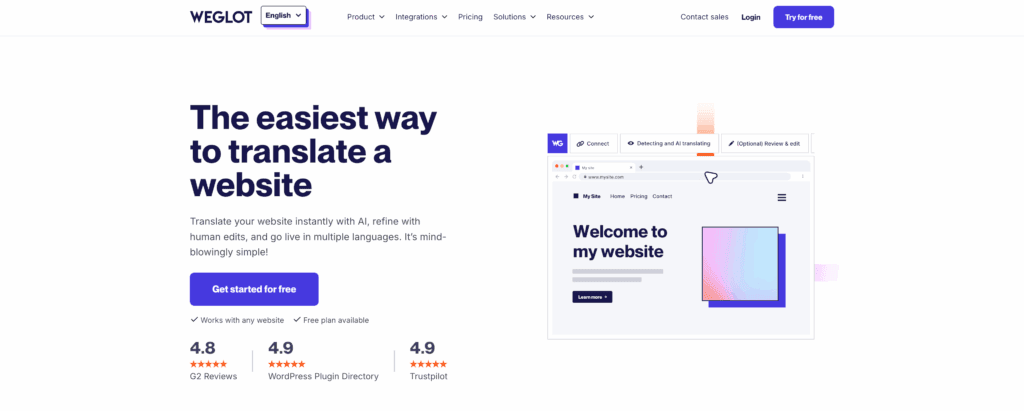
As we detailed in our Weglot review, this service automatically translates your entire site using machine learning as soon as you set it up. Its main appeal is speed, allowing you to have a multilingual site running in minutes.
It’s the best choice for users who prioritize immediate results and are willing to review and edit machine translations afterward.
WPML
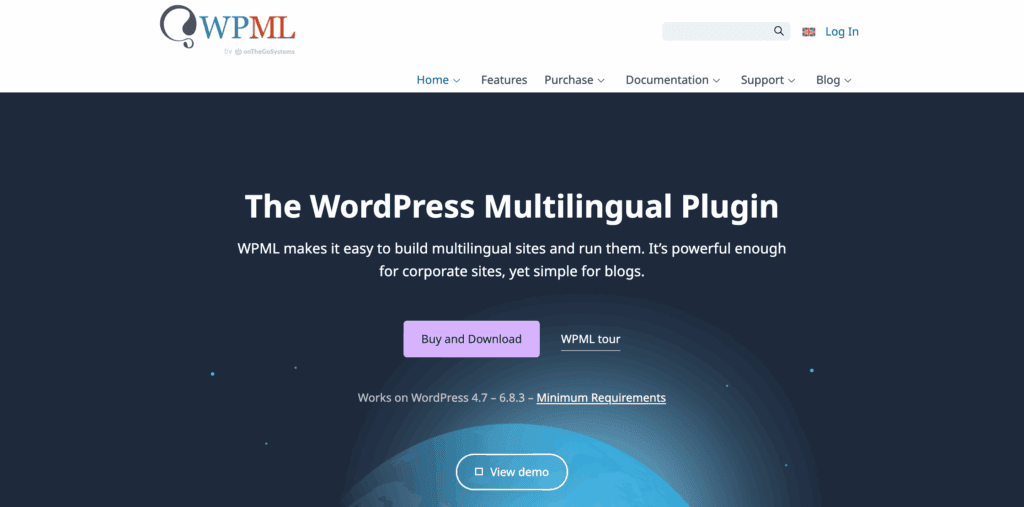
The WPML plugin, which we have also reviewed, is best understood as an all-in-one toolkit with a built-in translation management system. It allows you to assign translation jobs to users and connect to professional translation services directly from your dashboard. This makes it the best choice for larger teams and agencies needing a centralized workflow.
TranslatePress
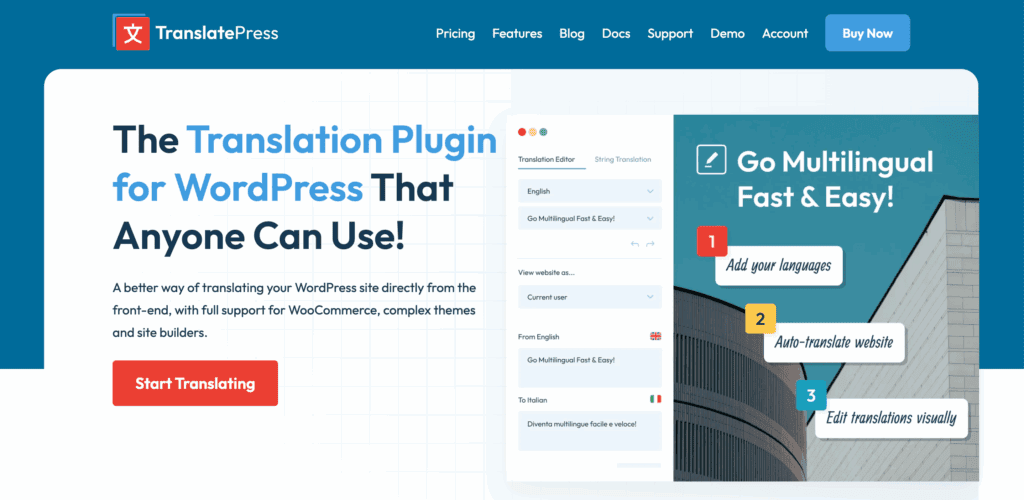
Our review of TranslatePress highlighted its completely different experience: visual, front-end editing. Instead of working in the backend editor, you click on any text you see on your site and translate it in a sidebar, providing immediate visual context. This is ideal for non-technical users or for translating text within complex page builder designs that are hard to find in the backend.
Parting thoughts
Polylang is a solid, reliable choice for manual WordPress translation, offering absolute control and good SEO functionality. The trade-off is its entirely manual workflow, so you must weigh that effort against your project’s scale.
While the free version is excellent, don’t rush the install: test it thoroughly with your theme and be prepared to fix any plugin conflicts before you commit.
FAQs
Is Polylang free?
The free version is for manual translation only. However, Polylang Pro integrates with the DeepL service for automatic machine translation.
What is the alternative to Polylang?
The main alternatives are WPML for an all-in-one solution, Weglot for automation, and TranslatePress for visual editing. Each offers a different workflow to suit different needs and technical skill levels.
How does Polylang work?
Polylang works by letting you create and link different language versions of your content within WordPress. It does not perform automatic translation; it is a tool for organizing your manual translations.
How many languages are there in Polylang?
The free version of Polylang supports an unlimited number of languages. However, the admin interface is most practical when managing only a handful of languages.
Which is the best multilingual plugin for WordPress?
There is no single “best” plugin, as the right choice depends on your project’s budget, timeline, and workflow. Polylang is ideal for manual control, while others are better for speed or different editing styles.
What are the features of Polylang?
Its key features are manual translation of all content types, SEO-friendly URL management, and automatic hreflang tags. The Pro version adds support for translating slugs, ACF fields, and WooCommerce products.
How do I translate a page in Polylang?
You translate a page by opening it in the editor and clicking the ‘+’ icon next to your target language in the “Languages” meta box. This creates a new, linked page where you can enter the translated text.
How to use the Polylang plugin?
To use it, you install the plugin, run the setup wizard to add your languages, and then manually create translations for your posts and pages. You must also translate your menus and widgets separately in their respective admin screens.

Shivani enjoys crafting guides that make every aspect of using WordPress simple and easy to follow. When she's not glued to her laptop, you can find her buried in a good book or occasionally, painting.


