
A WordPress translation plugin is a big commitment, but the real hurdle isn’t the price. It’s the fear of choosing the wrong one.
What if it breaks your site, hurts your SEO, or is just too complicated to manage?
To save you from endless research, we reviewed them all. Here’s a fair look at your options so you can choose wisely.
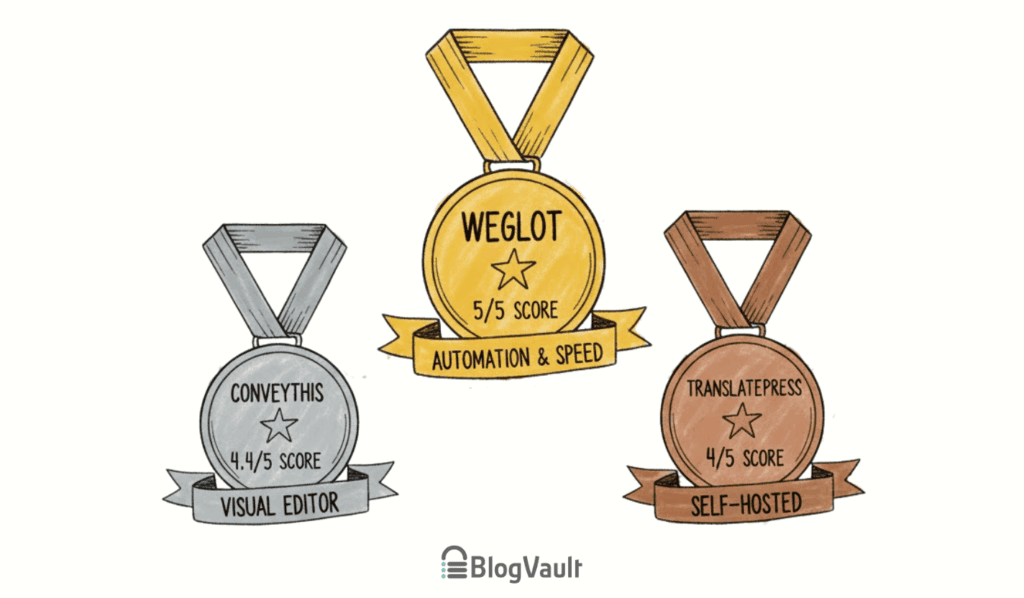
For fast, automated translation, choose a cloud service like Weglot; for total control over your data, a self-hosted plugin like TranslatePress is better. No matter your choice, use a backup plugin first to avoid potential conflicts.
Our top WordPress translation plugin picks
1. Weglot
⭐ Score: 5/5
Weglot’s primary strength is automation. After a quick setup, it automatically translates your entire site. All translations are stored externally, so you don’t end up with a slow-loading site.
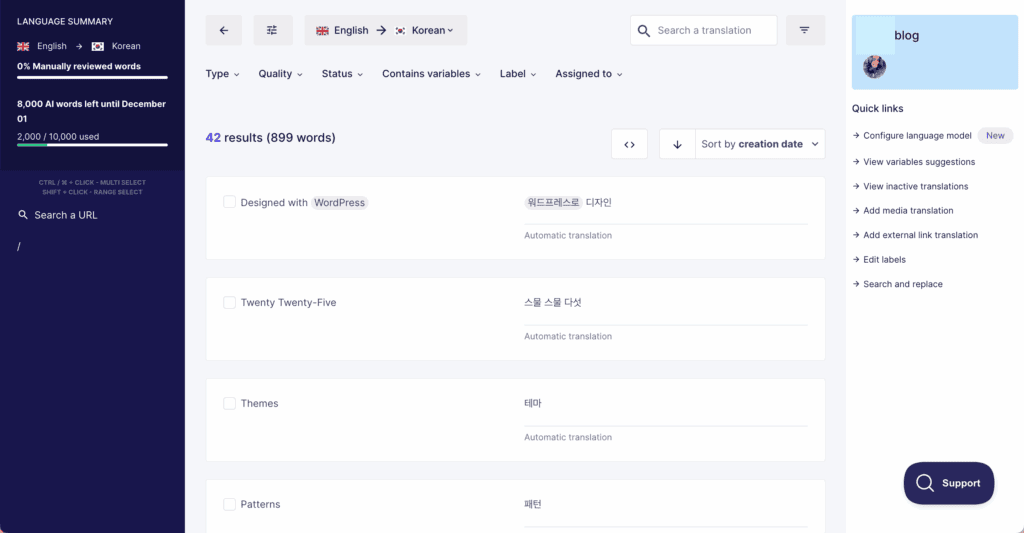
It uses high-quality machine translation as a starting point. You can then refine these translations using a visual front-end editor or a simple translation list. Critically, Weglot handles all technical multilingual SEO automatically.
However, this process can still be affected by other issues on your site, so knowing how to fix WordPress errors is crucial for keeping this system running smoothly.
It generates SEO-friendly URLs and adds the necessary hreflang tags. This makes your translated content discoverable by search engines, with no manual work required.
Pricing
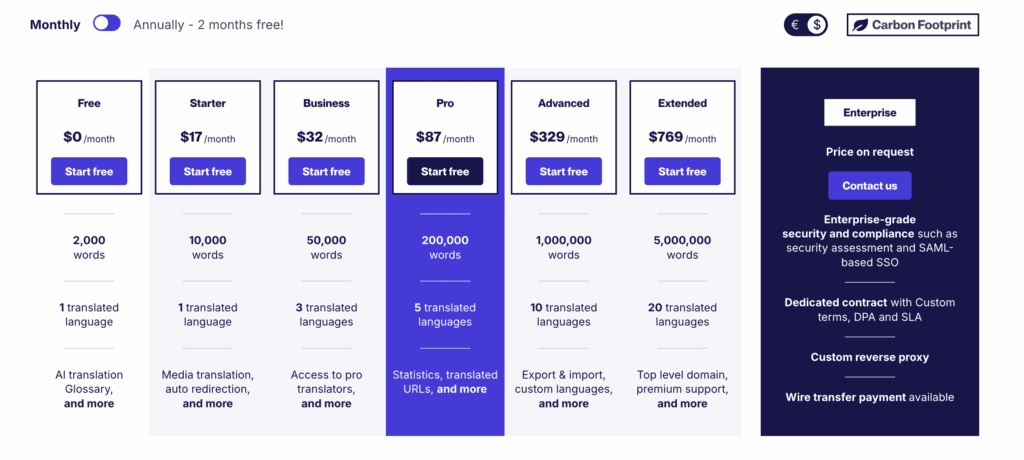
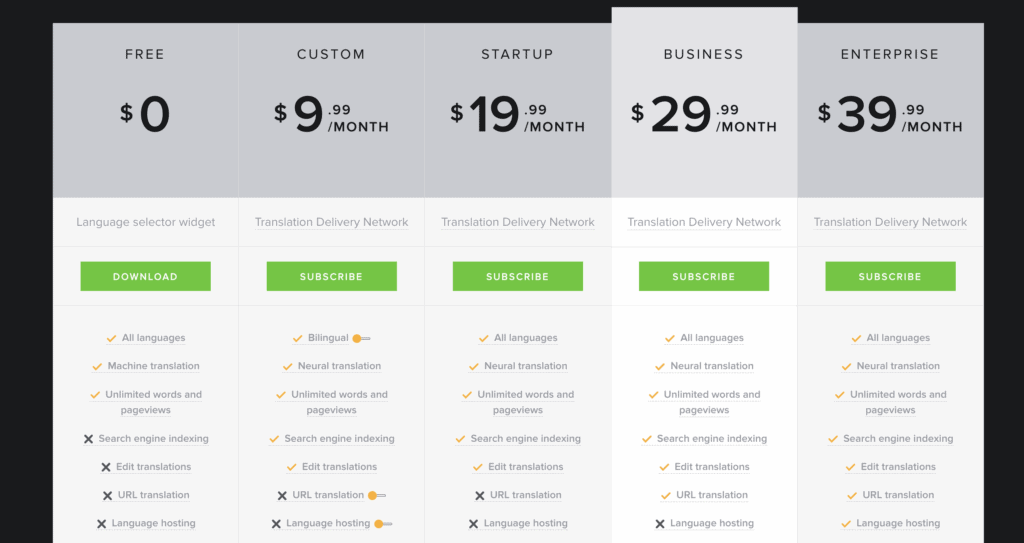
Weglot operates on a subscription model based on your site’s word count and number of languages. A free trial is available with a 2,000-word limit. Paid plans start at $17 USD for 10,000 words in one language. Higher tiers are available for larger sites.
2. ConveyThis
⭐ Score: 4.4/5
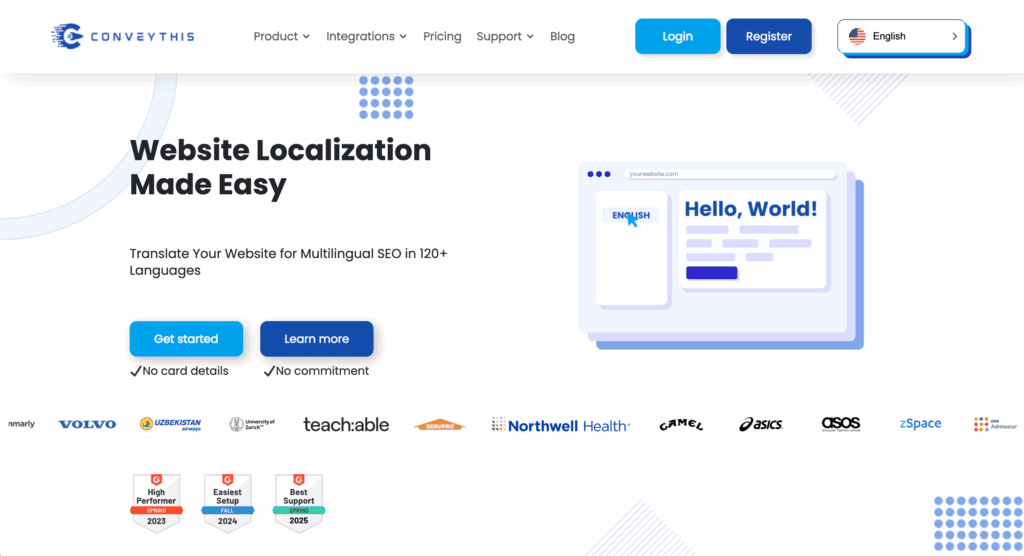
Like Weglot, ConveyThis is a cloud-based service that focuses on ease of use. It uses a mix of machine translation providers to translate your content quickly. Because it also operates externally, it doesn’t add extra load to your server.
Its standout feature is the visual front-end editor. This allows you to browse your live site, click on any piece of text, and change the translation in a small pop-up.
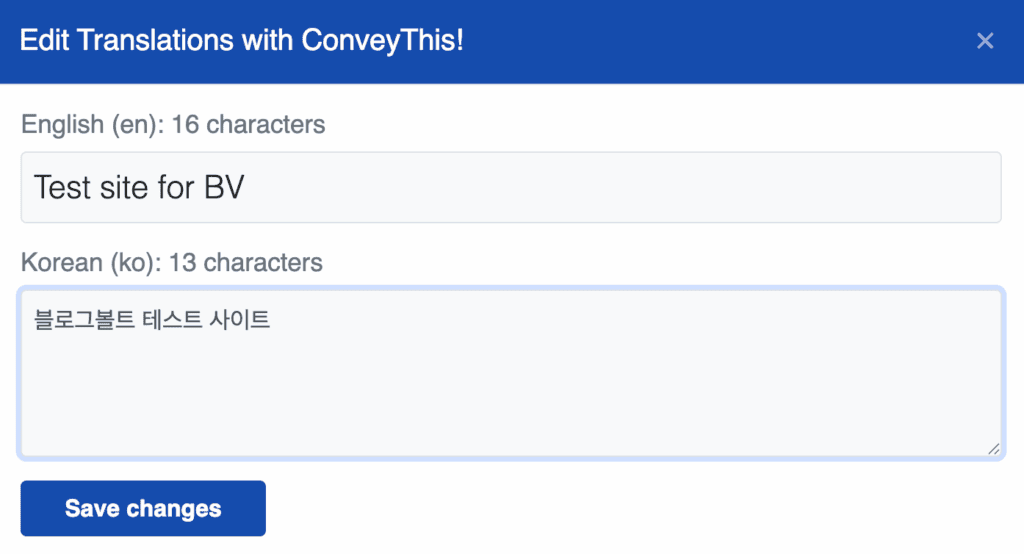
Many users find this more intuitive than a backend list. It also handles all technical SEO automatically, correctly setting up subdirectories and hreflang tags right out of the box.
Pricing
ConveyThis uses a subscription model based on three factors: your word count, number of languages, and number of domains.
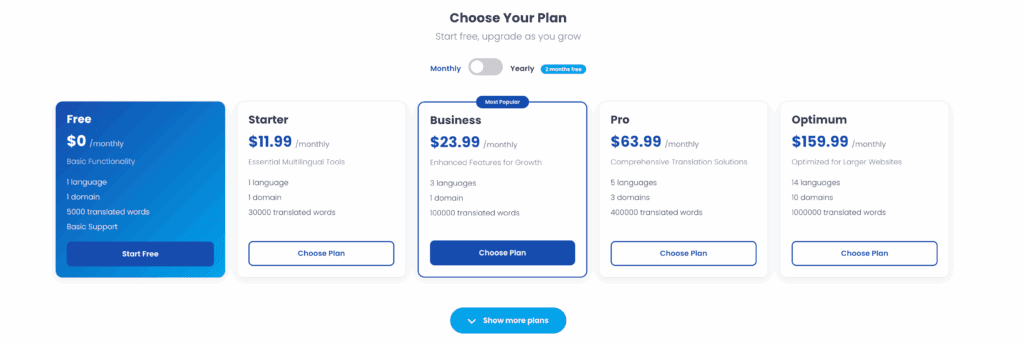
A limited free plan is available for one language and up to 5,000 words. Paid plans start at $11.99 per month for 30,000 words and scale up significantly to accommodate large, multi-domain businesses. It’s important to choose the right tier for your site’s size to avoid needing to upgrade.
3. TranslatePress
⭐ Score: 4/5
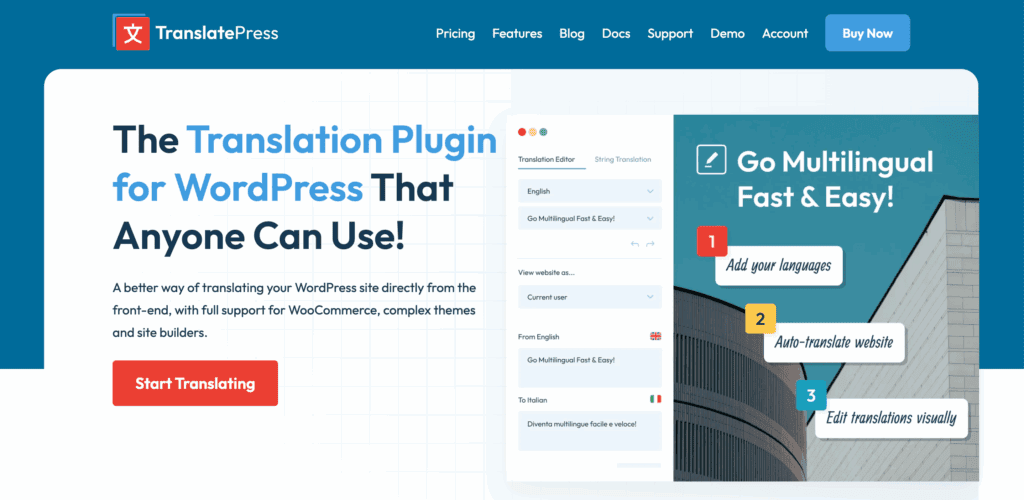
TranslatePress offers a unique visual, front-end translation experience. It uses an interface similar to the WordPress Customizer, allowing you to click on any element on your page and translate it directly in a sidebar.
The biggest difference from cloud services is that TranslatePress stores all translations in your WordPress database. This gives you full ownership of your data. However, it also means you are responsible for managing two key areas. Storing thousands of translated text strings can add extra load to your server, which may affect site speed.
You can translate everything manually for free, and the premium version connects to automatic translation APIs like Google Translate or DeepL.
Pricing
The free version is good for manual translation into one language. Paid plans are necessary for essential features like multilingual SEO and support for multiple languages.
These are annual subscriptions, starting with the Personal plan at approximately $107/year. Higher tiers add more sites and advanced features like DeepL integration.
A key advantage is that pricing is not based on word count, which makes the cost predictable.

4. WPML
⭐ Score: 3.8/5
WPML is one of the oldest and most feature-rich translation plugins available. It is known for its deep integration with thousands of themes and plugins, making it the standard choice for complex sites, especially those using WooCommerce.
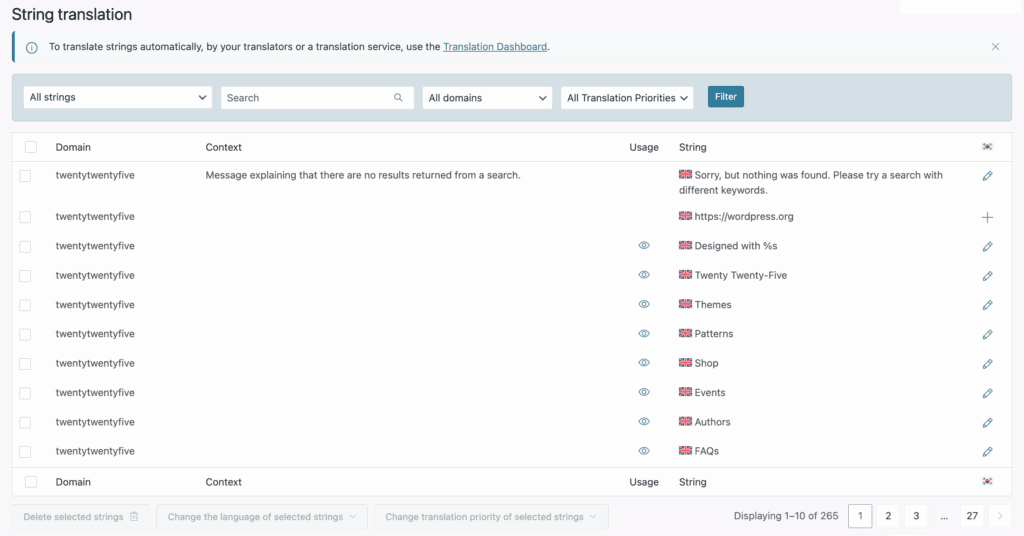
Its strength lies in its granular control. It offers a full translation management system, allowing you to assign jobs to translators, connect to professional services, and manage a team workflow. You also get advanced multilingual SEO options, giving you full control over URL slugs, meta descriptions, and hreflang tags.
However, this power comes with complexity. In our experience, the initial setup was noticeably more complex compared to the other plugins. It is a suite of components, not a single-click install, and mastering its backend interface takes time.
Pricing
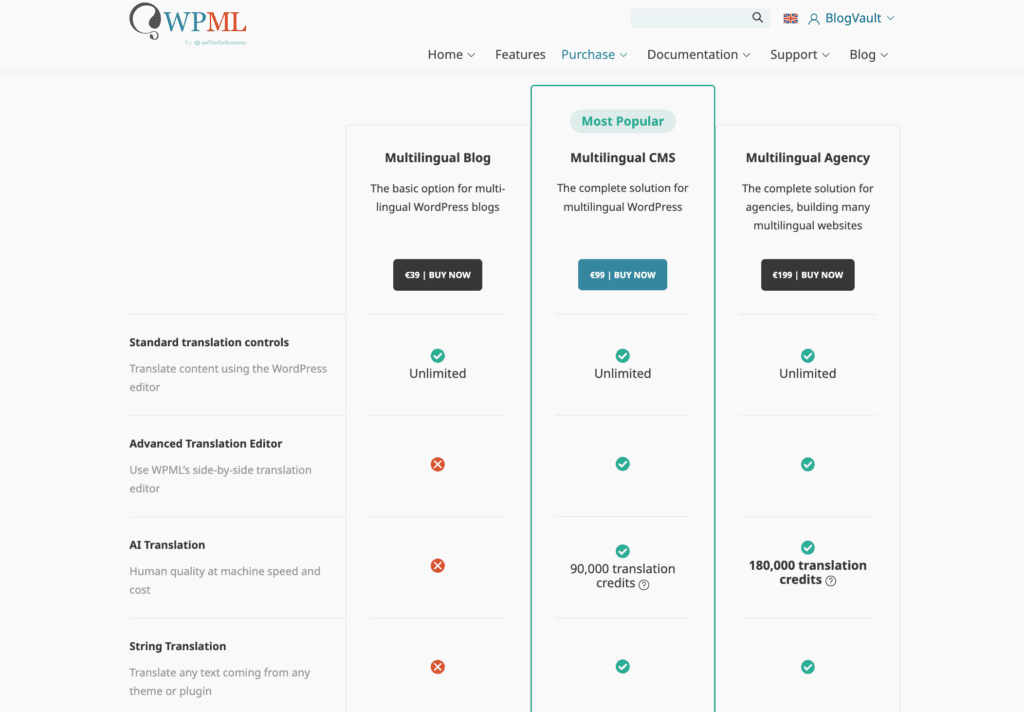
WPML is a premium-only plugin with no free version.
- Multilingual Blog (approx. $42/year): For basic content like posts and pages.
- Multilingual CMS (approx. $107/year): The standard plan that supports page builders, WooCommerce, and custom fields.
- Multilingual Agency (approx. ‘215/year): Same as CMS, but for use on unlimited sites.
5. Polylang
⭐ Score: 3.5/5
Polylang uses a very WordPress-native approach. It lets you create a separate post or page for each language and then link them together. The interface is clean and will feel familiar to experienced WordPress users.
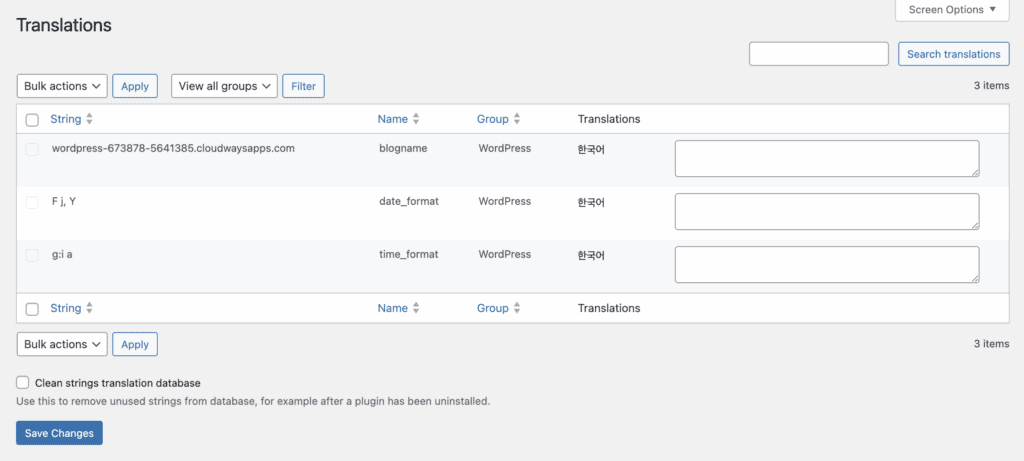
With the free version, translation is an entirely manual process. You have to type in every translated word yourself. This gives you absolute control over the content that is stored on your server.
For automatic translation and other advanced features, you’ll need the Pro version. While it handles essential multilingual SEO correctly, it may have compatibility issues with some complex themes.
Testing on a staging site is a crucial step to identify and resolve any problems before they affect your live site.
Pricing
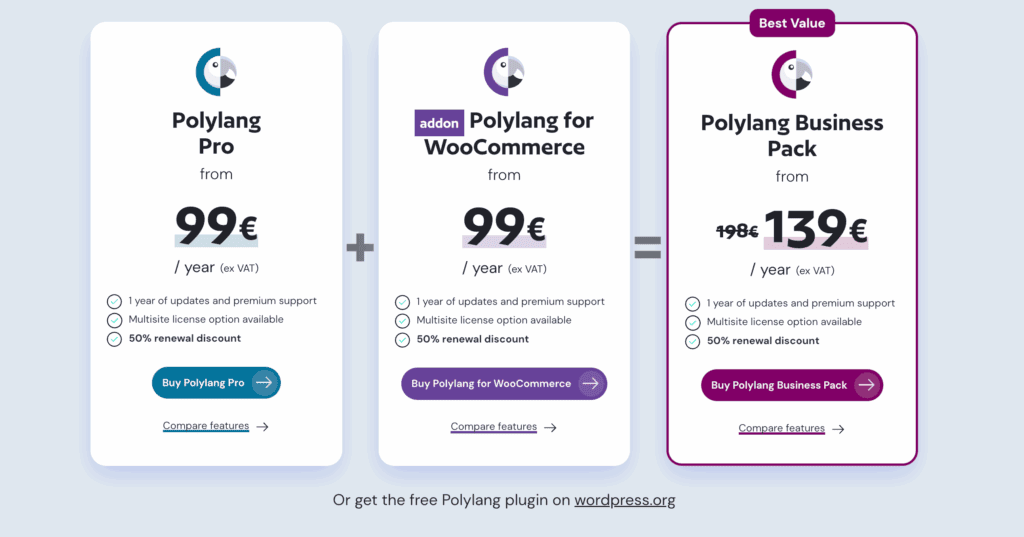
The free version is powerful enough for many basic sites. Polylang Pro starts at €99/year and adds premium support and key features like translating URL slugs. An additional Polylang for WooCommerce extension is also required to translate an e-commerce store.
6. GTranslate
⭐ Score: 3.3/5
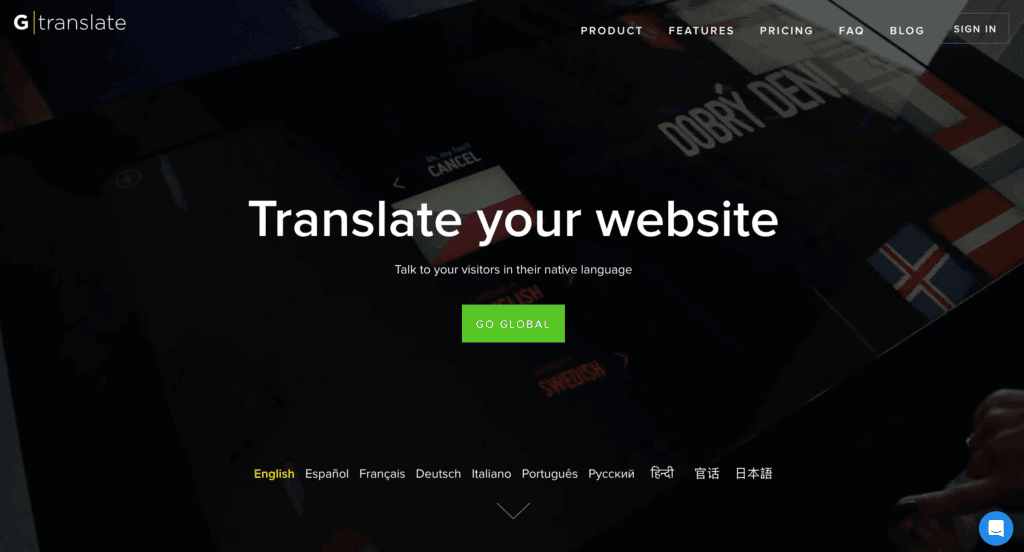
GTranslate is fundamentally a tool for embedding Google Translate on your website. The free version adds a simple language-switching widget. When a visitor selects a language, Google translates the page for them directly in their browser.
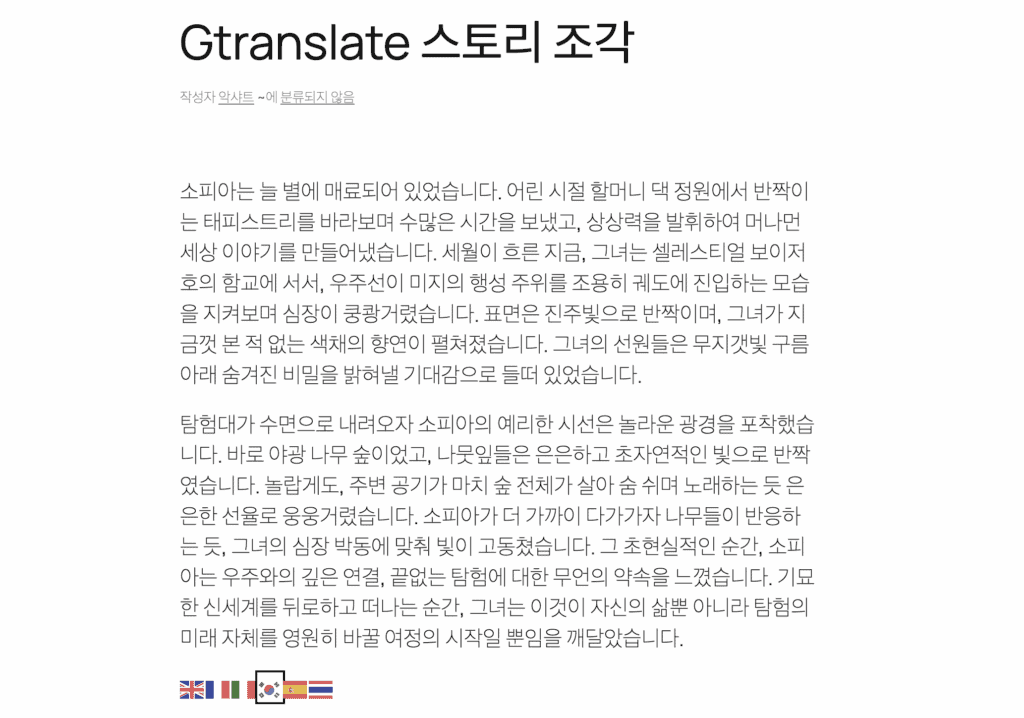
It is critical to understand the limitations here. This “client-side” translation is completely invisible to search engines. Your translated pages won’t be indexed, providing zero SEO benefit.
The paid plans fix this by creating server-side translations with indexable URLs, but the quality is still based on raw machine output, and manual editing is a premium feature.
Before upgrading, it’s important to check for plugin conflicts, as these new server-side functions will interact more deeply with your site’s existing setup.
Pricing
The free version lacks core SEO functionality. Paid plans are required for search engine indexable pages and proper URL translation. A 15-day trial is available to test the premium features and decide if the value justifies the cost.
Choosing the best fit for your site
Choosing the right plugin comes down to a few key questions about your needs and priorities. Let’s walk through them logically.
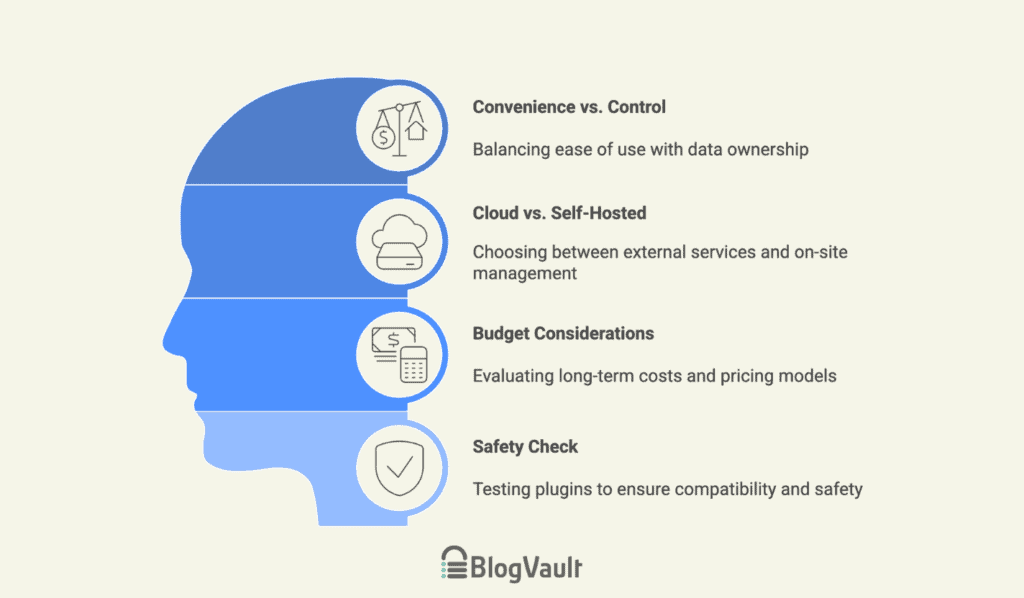
1. Decide between convenience and control. First, decide if you value convenience (automated tools) or control (managing every detail and owning your data). Your answer will point you toward one of two plugin types.
2. Choose a cloud service or a self-hosted plugin. This leads to your next choice.
- Cloud services (like Weglot) are for convenience; these external services handle everything, but usually require a monthly subscription.
- Self-hosted plugins (like TranslatePress) are for control; they run on your website, giving you full data ownership but making you responsible for site performance as translations can add load to your server.
3. Consider your budget. Cloud services are typically subscription-based and priced by word count. Be sure to consider the long-term cost, not just the initial price.
4. Perform a safety check. Finally, perform a crucial safety check. Always test your chosen plugin on a staging site first. This lets you find any issues, from checking for plugin conflicts to safely updating plugins without risking your live website.
Parting thoughts
Your choice boils down to a simple trade-off: automated convenience or hands-on control. Cloud services are fast but have subscriptions. Self-hosted plugins give you ownership but require more work. Ensure you match the tool to your budget and your skills.
The best plugin isn’t the most powerful. It’s the one you can actually manage.
FAQs
Will a WordPress translation plugin slow down my site?
Yes, any plugin can add some load, but reputable ones are optimized for performance. The final speed impact often depends more on your hosting than the plugin itself.
Do I need a separate plugin for multilingual SEO?
No, a separate plugin is generally not necessary. Quality translation plugins include essential SEO features like hreflang tags and URL management.
Can I manually edit the automatic translations?
Yes, all reputable translation plugins allow you to manually edit automatic translations. This lets you correct errors and refine the text for accuracy and fluency.
How do translation plugins handle different URL structures?
Quality translation plugins create SEO-friendly URL structures, such as subdirectories or subdomains. Basic free plugins often use methods that are not visible to search engines.
What is the best translation plugin for WooCommerce?
WPML and Weglot are generally considered the best choices due to their deep e-commerce integrations. The ideal option depends on if you prefer WPML’s granular control or Weglot’s automated convenience.

Shivani enjoys crafting guides that make every aspect of using WordPress simple and easy to follow. When she's not glued to her laptop, you can find her buried in a good book or occasionally, painting.