Choosing a translation plugin means you’re past the “if” and deep into the “how” of building a multilingual site.
You’ve seen the traffic, you’ve had the requests, and now you’re comparing tools. A process that always comes with the underlying fear of ending up with a broken site.
This TranslatePress review will show you if it solves the big worries around usability, SEO, and cost, so you can stop researching and start building.
We love TranslatePress; its visual editor is the most intuitive way we’ve found to translate a WordPress site, making the whole process incredibly simple. The premium version is a must for serious multilingual SEO, but as with any major plugin, we strongly advise using a backup plugin first to avoid potential conflicts.
Translatepress review at a glance
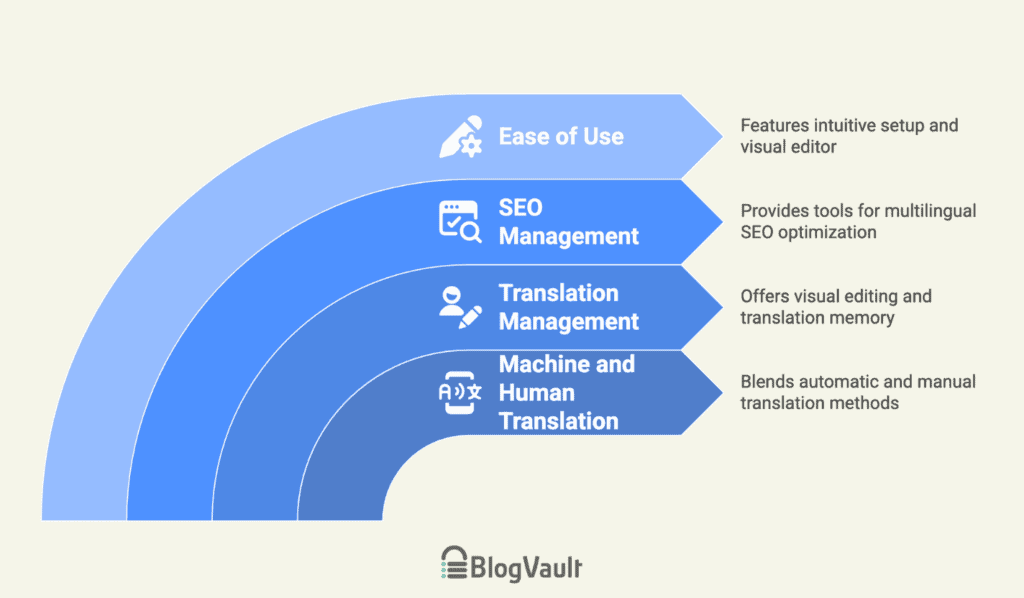
Understanding the core capabilities
Let’s look at the core capabilities that define how this plugin works:
Machine and human translation
During our testing, we found that TranslatePress offers a practical workflow by blending machine and human translation.
We used automatic translation as a starting point, which saved us a significant amount of time. The 2,000 free AI words we got from signing up were enough to get a small site translated instantly, with all of the new translated content being stored directly in our WordPress database.
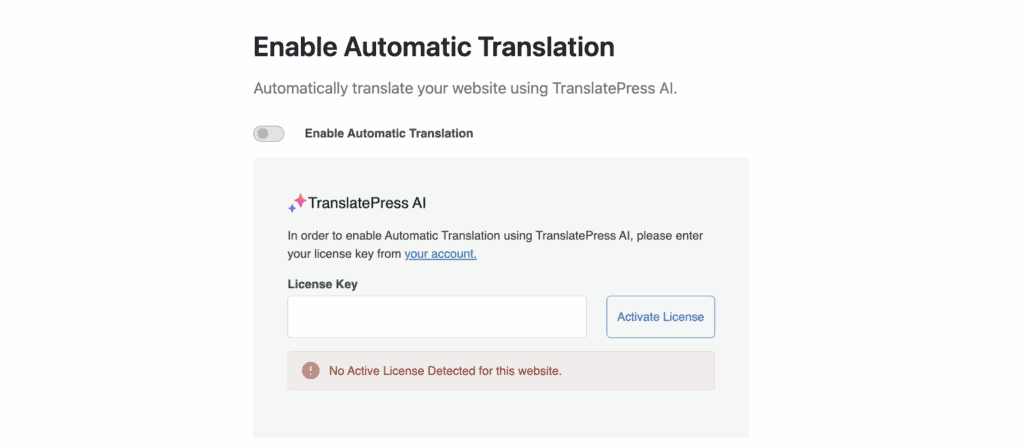
It’s important to note that all automatic translation features require a premium plan. However, the free version still provides unlimited manual translation, which is great for smaller projects.
For teams, we were particularly impressed with the premium Translator accounts feature. This allowed us to create a user account for a translator with front-end-only access. This is a key part of any good WordPress security strategy, as you’re not handing over full admin rights.
We recommend trying their free demo to experience this workflow yourself before committing.
Managing and refining your translations
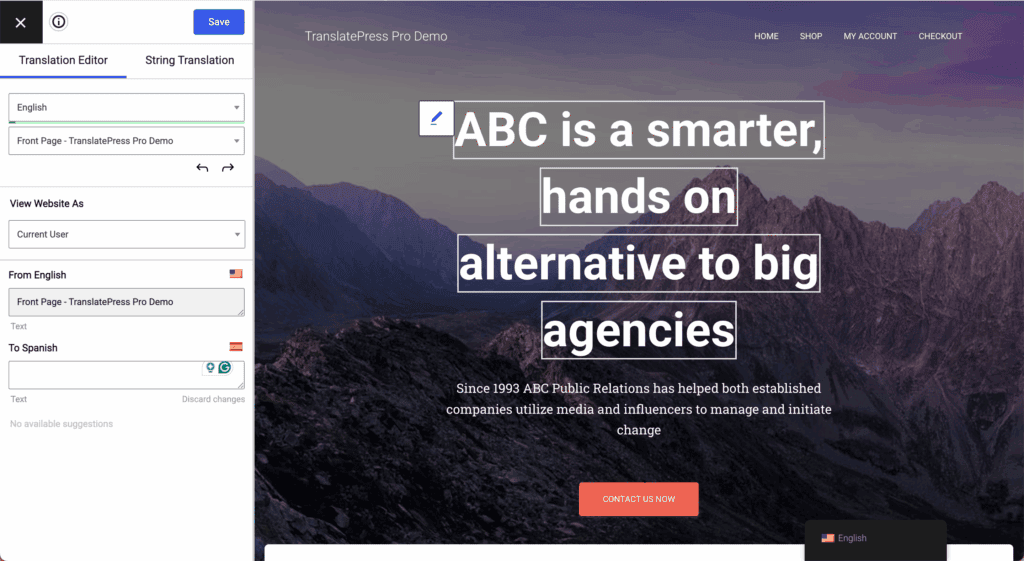
The plugin uses a simple point-and-click visual editor right inside WordPress. We found it to be very fast; because translations are saved on your site, we saw a live preview of our changes instantly. This is great, but major changes like these are always safest to test on a staging site.
Our workflow was to use automatic translation as a base, then easily refine it. A great time-saver was the translation memory, which reuses phrases you’ve already translated.
Managing SEO for multiple languages
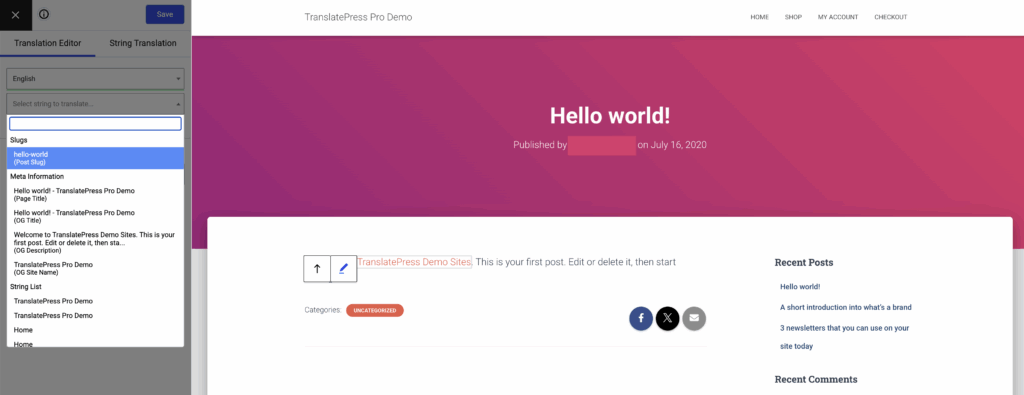
The Pro version provides a complete set of tools for multilingual SEO. These are delivered through its SEO Pack add-on, which we confirmed is required for these features. It correctly creates SEO-friendly URLs for each language and implements the proper hreflang tags automatically.
We were able to translate all crucial metadata. This included titles, meta descriptions, image alt tags, and URL slugs for each language. The plugin also generated accurate multilingual XML sitemaps and worked seamlessly with our Yoast SEO plugin setup.
Ease of use
The visual editor is incredibly intuitive, which, in our opinion, makes this plugin ideal for beginners. Because the process is so visual, we found that it has a much lower learning curve than other translation plugins we have used in the past.
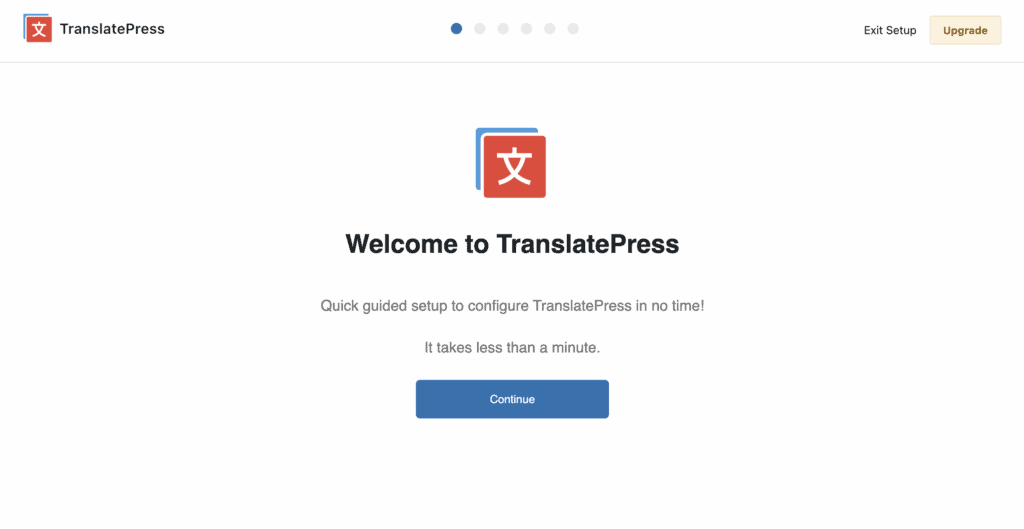
This simplicity extends right to the setup. A straightforward wizard guides you through configuring the language switcher, allowing you to choose from four different styles and locations without any guesswork. This helps reduce the chance of plugin conflicts and the need to troubleshoot issues later on.
Translatepress pricing model
TranslatePress offers a limited but functional free version. The paid plans are billed annually and start at a price of €8.25 per month (which is roughly $9 USD). The paid plans are structured as annual subscriptions (Personal, Business, and Developer).

Essential features like the SEO Pack and support for multiple languages are premium. A significant advantage we noted is that pricing is not based on word count or traffic. This provides a predictable annual cost. You can upgrade your plan anytime to access more features and AI words.
The pros and cons
Based on our hands-on experience, here is our breakdown.
| Pros | Cons |
| Unmatched ease of use with the visual editor | PRO: The most important SEO features require a higher-tier Business plan |
| Lightweight performance; it did not slow down our site | Automatic translation with Google Translate incurs separate Google API costs |
| You get 2,000 free AI words for automatic translation | The manual review process is not scalable for enormous sites |
| An accurate live preview shows all translations instantly | You must create an account to access the free AI credits |
Is TranslatePress the right choice for you?
Based on our experience testing TranslatePress on a dedicated staging site, here’s a simple breakdown to help you decide if it’s the right choice for you.
We recommend TranslatePress if:
- You prioritize ease of use and a simple, visual editing workflow.
- You run a small to medium-sized business or a WooCommerce store.
- You need robust multilingual SEO features and are willing to invest in the Pro version to get them.
You should look elsewhere if:
- You are looking for a completely free plugin that offers advanced features like full SEO support and multiple languages.
Other translation plugins in the market
We have used most of the major players, and here’s how they compare from our perspective.
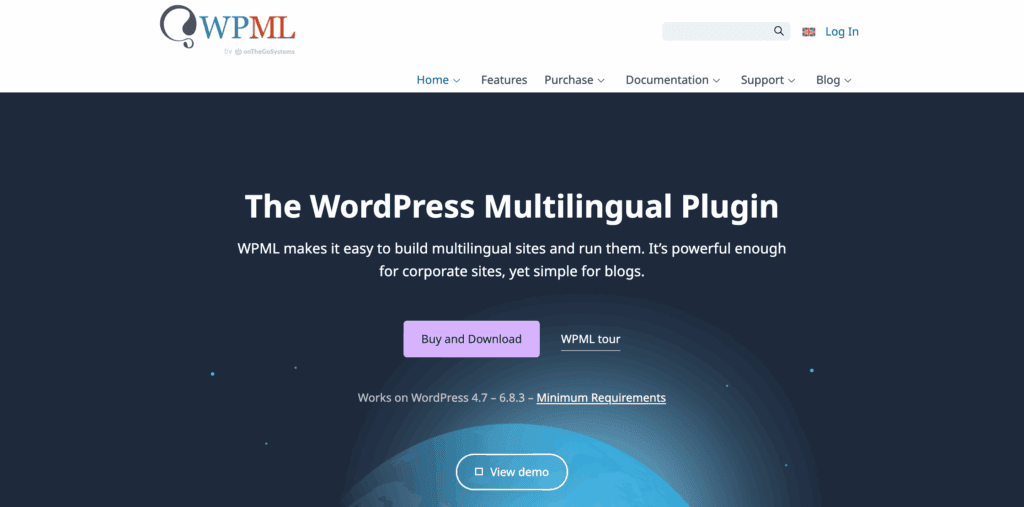
WPML: In our experience, WPML is a powerhouse. It’s the industry standard for a reason, offering granular control over every aspect of translation. However, we found it to be complex and better suited for large-scale sites where a developer is managing the implementation.
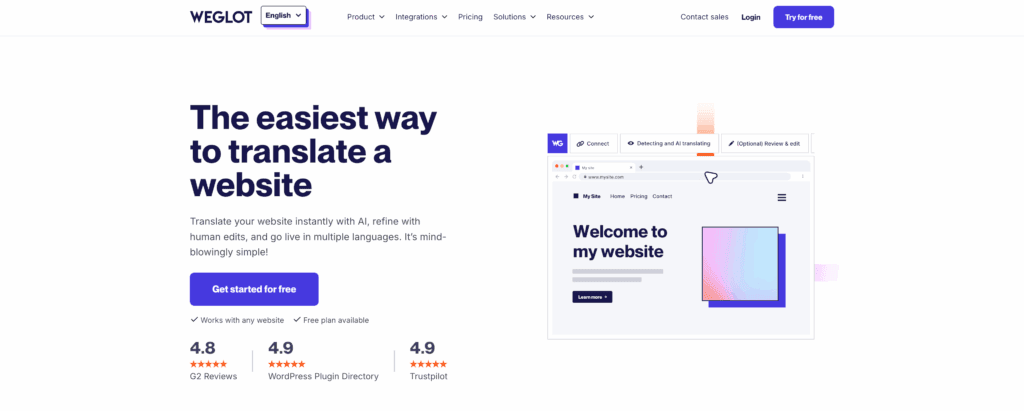
Weglot: When we tested Weglot, we were impressed by how fast it was to get a site fully translated. As a cloud-based SaaS solution, it handles everything automatically. The main consideration for us was the pricing model, which is based on word count and can become costly as your site grows.
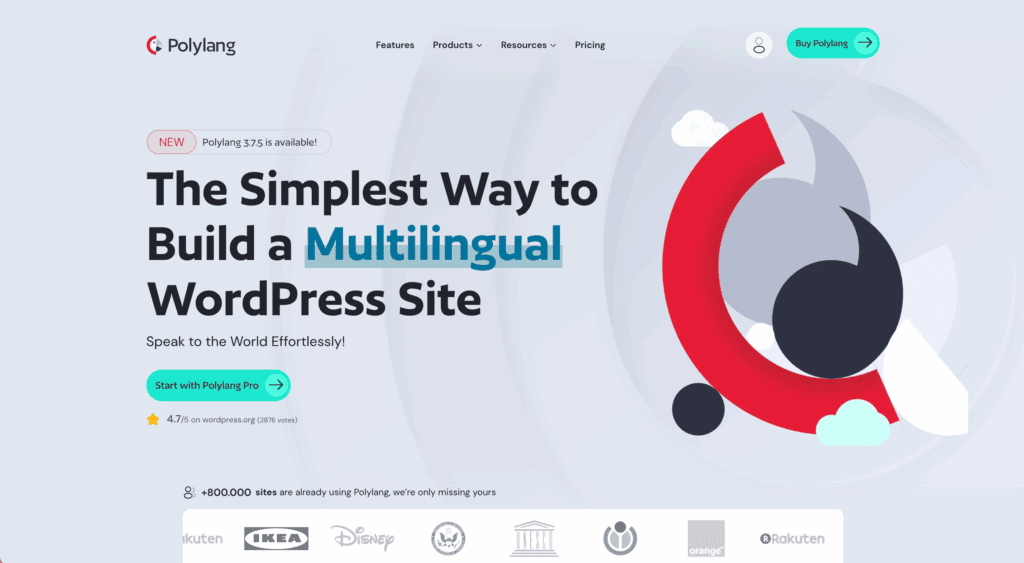
Polylang: We’ve tested Polylang for a review. While its flexibility is a huge plus, we found the setup process to be more manual and technical. It has a steeper learning curve because it’s database-driven, not visual like TranslatePress.
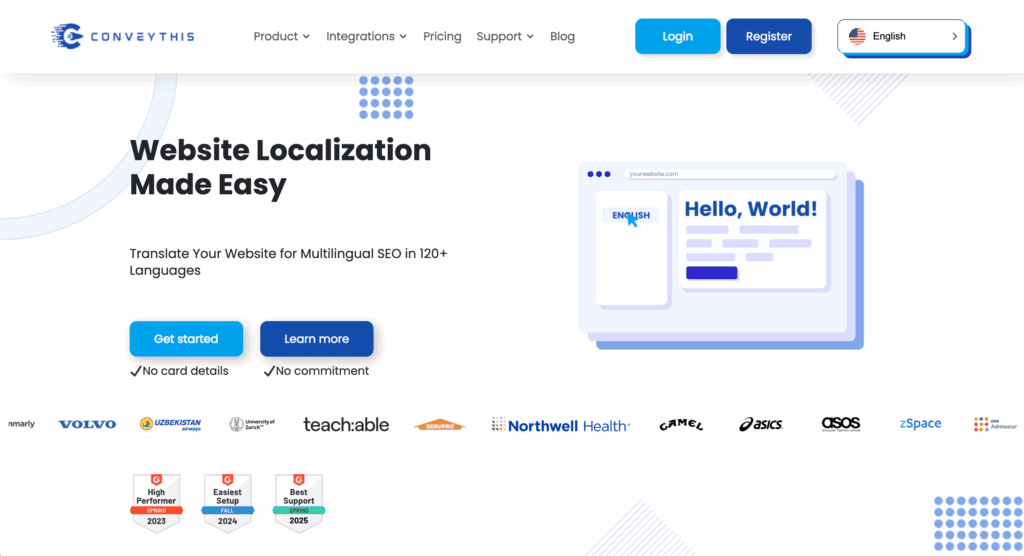
ConveyThis: Our experience with ConveyThis showed that it also focuses heavily on automation and ease of use, much like Weglot. It’s another strong contender in the cloud-based market and presents a similar trade-off: simplicity and speed in exchange for a recurring subscription fee.
Your final choice will depend on your budget, technical skill, and site complexity.
Parting thoughts
From our experience, TranslatePress significantly lowers the barrier to creating multilingual WordPress sites. Its visual approach is a major asset for accessibility, especially for non-technical users.
Once set up, managing your translations becomes a key part of your ongoing WordPress maintenance. While the free version is a good introduction, the premium version offers a complete and powerful solution. Overall, it is a leading contender in the translation market. Besides Weglot, this is the next best translation plugin that we have tried.
FAQs
What is TranslatePress and how does it work?
TranslatePress is a WordPress translation plugin that allows you to translate all of your website content directly from the front-end using a visual, point-and-click interface. It stores all translations in your own WordPress database.
Is TranslatePress completely free?
The core plugin is free and allows you to translate your site into one secondary language. However, key features like the SEO Pack, unlimited languages, and DeepL integration require a premium license.
Will TranslatePress slow down my website?
TranslatePress is generally optimized for performance and is considered lightweight. Since translations are stored locally in the database, it avoids latency from external API calls.
Can I switch from WPML to TranslatePress?
While possible, the two plugins store data differently (string level vs. post level). Translations are not directly compatible, meaning you would typically have to translate your site from scratch after switching.
Does TranslatePress support automatic translation?
Yes, TranslatePress supports both automatic and manual translation. You can integrate it with Google Translate API or use the integrated TranslatePress AI, which provides 2,000 free words upon account creation. All machine translations can be manually reviewed and refined for accuracy within the visual editor.
Is TranslatePress compatible with all themes and page builders?
Yes, one of the major strengths of TranslatePress is its universal compatibility. It works seamlessly with all popular WordPress themes, page builders (Elementor, Divi), and e-commerce plugins like WooCommerce because it translates the final HTML output of the page.

Shivani enjoys crafting guides that make every aspect of using WordPress simple and easy to follow. When she's not glued to her laptop, you can find her buried in a good book or occasionally, painting.