Newsletter plugins promise simplicity. But the research is anything but simple. You’re likely bouncing between tabs, feeling overwhelmed, and asking one key question: Can a single plugin really handle everything?
You want to manage subscribers and send emails right from your dashboard. The problem is, you’re worried about deliverability and performance. We get it.
If you’re wondering if the plugin is any good, this MailPoet review cuts to the chase. We’ll show you if it truly delivers convenience without slowing your site down or costing a fortune.
MailPoet is excellent for managing email directly inside WordPress, especially for bloggers and small businesses who value simplicity and a great free plan. Since it stores your subscribers in your site’s database, always use a reliable backup plugin to protect your valuable list.
MailPoet review at a glance
To save you time, here’s our complete MailPoet review at a glance:
| Feature | The verdict & key takeaway |
|---|---|
| WordPress integration | Excellent. You manage everything: newsletters, subscribers, and WooCommerce emails directly from your familiar WordPress dashboard. |
| Ease of use | Excellent. A beginner-friendly setup, intuitive drag-and-drop editor, and a native feel make it incredibly easy to get started. |
| Email deliverability | Good, but with a catch. Using their built-in sending service is reliable, but success ultimately depends on you managing your own sender reputation and list quality. |
| Impact on site speed | Very good. The plugin is well-optimized and offloads heavy sending tasks, resulting in minimal performance impact for the vast majority of websites. |
| Automation | Good for basics. It’s perfect for welcome emails, post notifications, and abandoned cart sequences, but lacks the complex logic of dedicated platforms. |
| Pricing & value | Excellent. The free plan is one of the most generous available, making it a low-risk and highly valuable way to start your email marketing journey. |
Core functionality
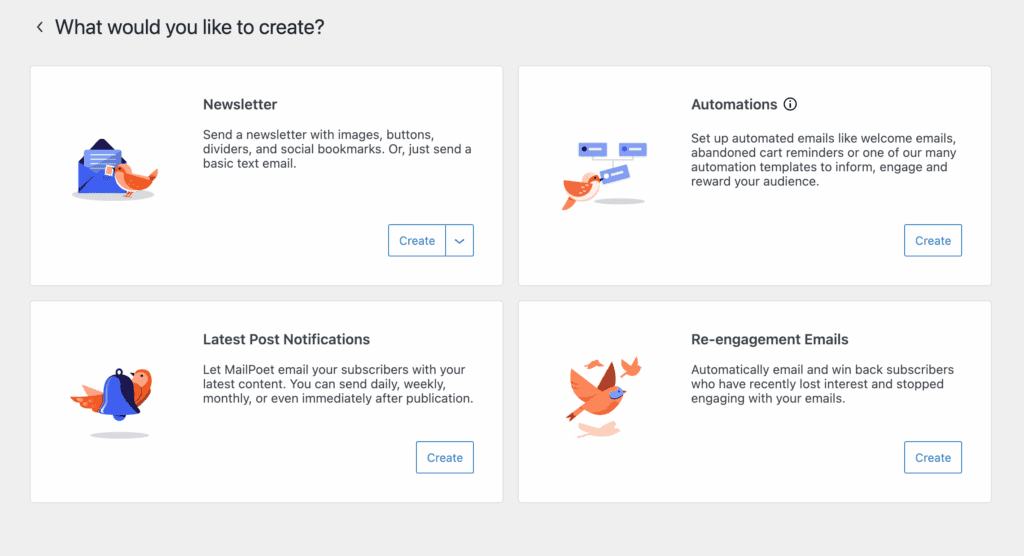
- Manage your entire email process inside your WordPress dashboard. This is the core promise. You handle subscribers and sends without ever leaving your site, letting you create newsletters, welcome emails, and post notifications all from one place.
- Drag your blog posts directly into the newsletter editor. This is a major time-saver, turning a new post into an email draft in seconds. It also sends automatic new post alerts to your list.
- Handle transactional emails for WooCommerce orders. Keep order confirmations and receipts under the same roof as your marketing.
It eliminates the distracting back-and-forth between different services. If you manage a WordPress site, this makes email a natural part of your workflow.
Ease of use
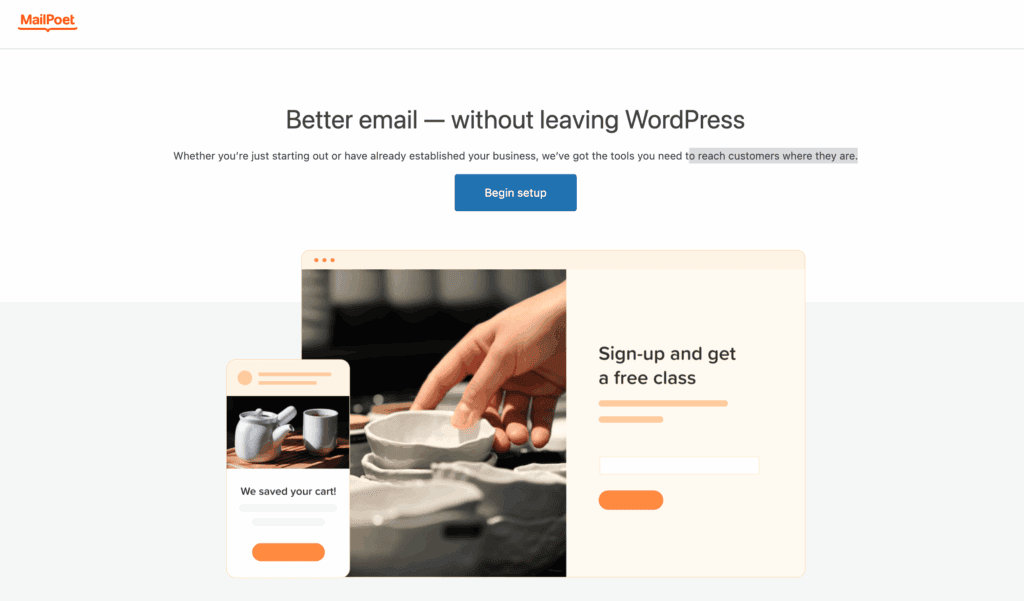
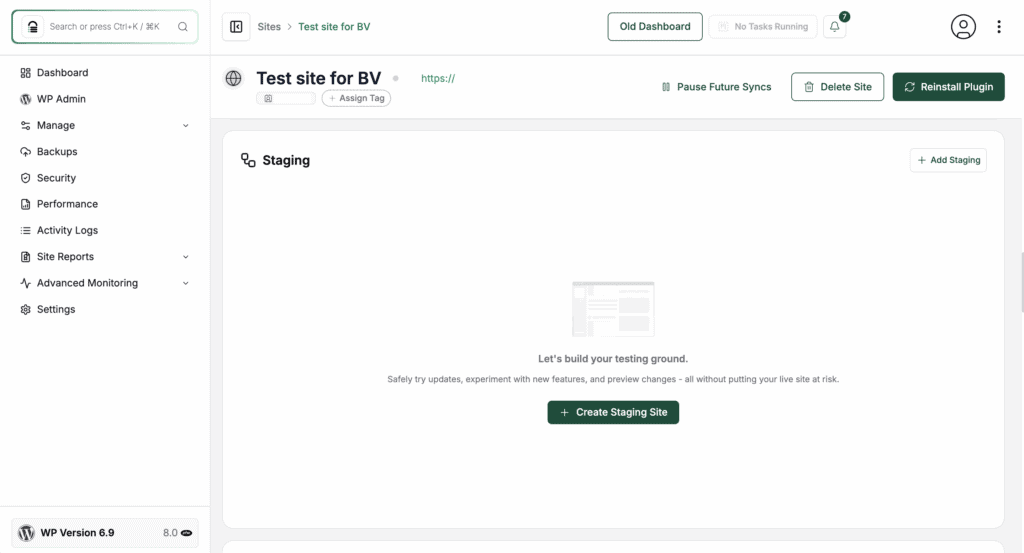
Thankfully, the plugin is built for WordPress users, not tech experts. A setup wizard gets you started, and it’s always safest to run this first on a staging site to ensure there are no plugin conflicts.
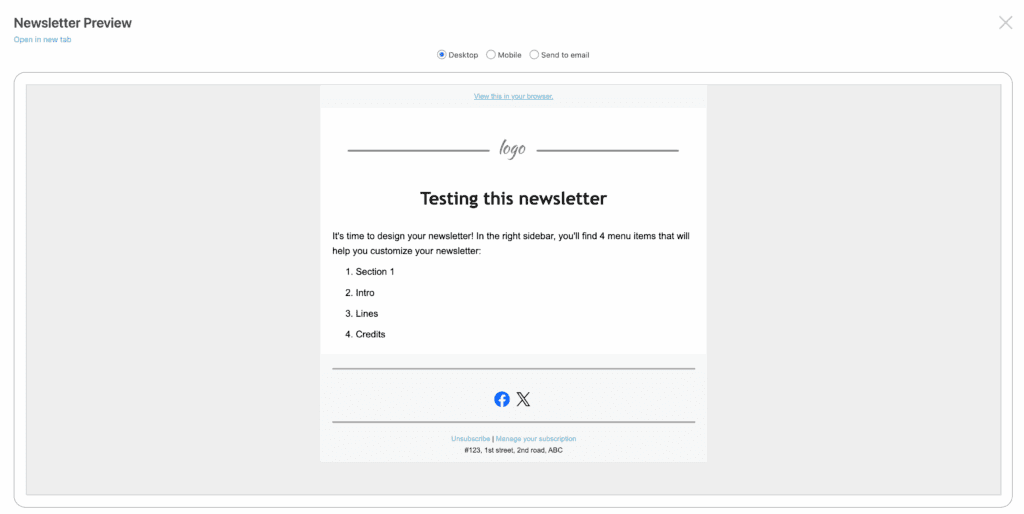
The visual editor will feel instantly familiar if you’ve used the block editor. You can choose a template, customize it with drag-and-drop, and preview it on mobile and desktop before sending.
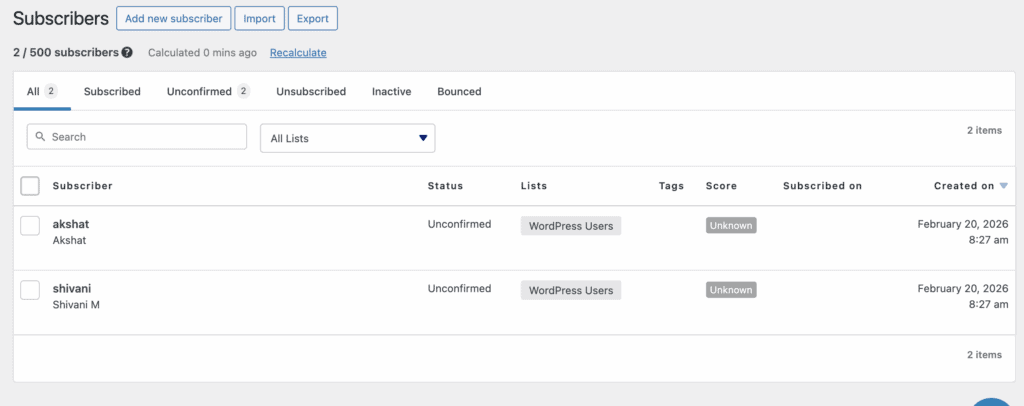
Importing an existing list via CSV is straightforward. The entire process is designed to get you from installation to your first sent campaign quickly.
Deliverability & sending infrastructure
Great features mean nothing if your emails land in the spam folder. MailPoet offers two paths: use their own sending service or connect an SMTP plugin.
The plugin provides the tools, but maintaining good practices—like using double opt-in and cleaning your list—is your responsibility.
Always complete the authentication setup (SPF/DKIM). This step is non-negotiable for inbox placement, and the plugin will guide you through it.
Impact on site speed
You might worry about adding another plugin to your site. In practice, the impact is minimal for most users. Sending is handled in the background via WordPress cron jobs. If you use the MailPoet Sending Service, the heavy processing happens on their servers, not your hosting.
The main consideration is database size. An extremely large list (tens of thousands of subscribers) will increase your database backup size, but typical blogs and small business sites won’t see a performance hit.
Subscriber management & segmentation
Organizing your audience is simple. You can create unlimited lists to segment people by interest. The Pro plan adds more powerful segmentation, like targeting subscribers who clicked a specific link or visited a certain page.
Built-in tools help with list hygiene by removing invalid addresses and support GDPR compliance with double opt-in. Keeping a clean list isn’t just about organization; it’s the foundation of good deliverability.
Automation & lifecycle marketing
Automation helps you nurture relationships without manual work. The free plan includes a basic welcome email for new subscribers. Pro plans unlock visual workflows for multi-step sequences, like a welcome series or WooCommerce abandoned cart emails.
You can also schedule newsletters to send based on your subscribers’ local time zone, which can boost open rates.
Form building & lead generation
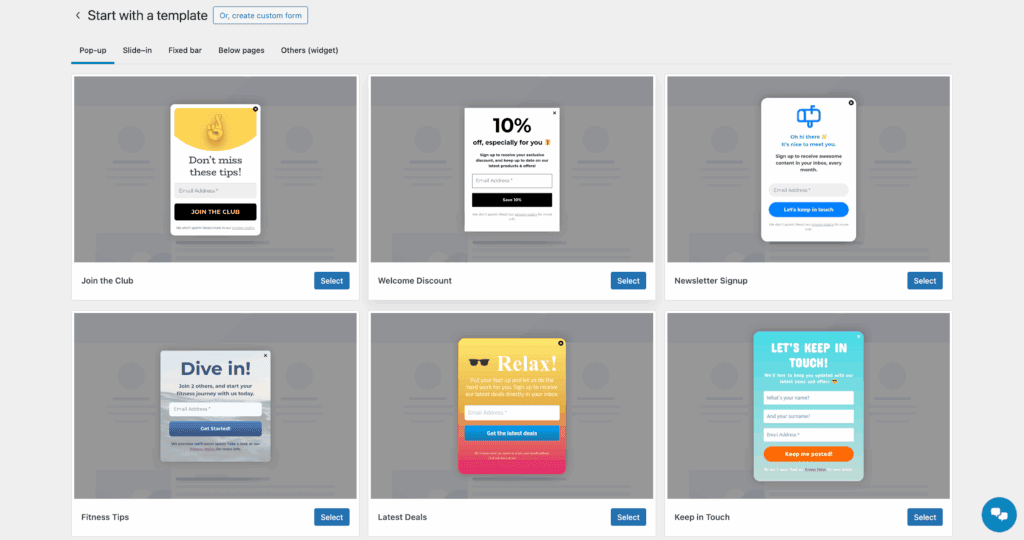
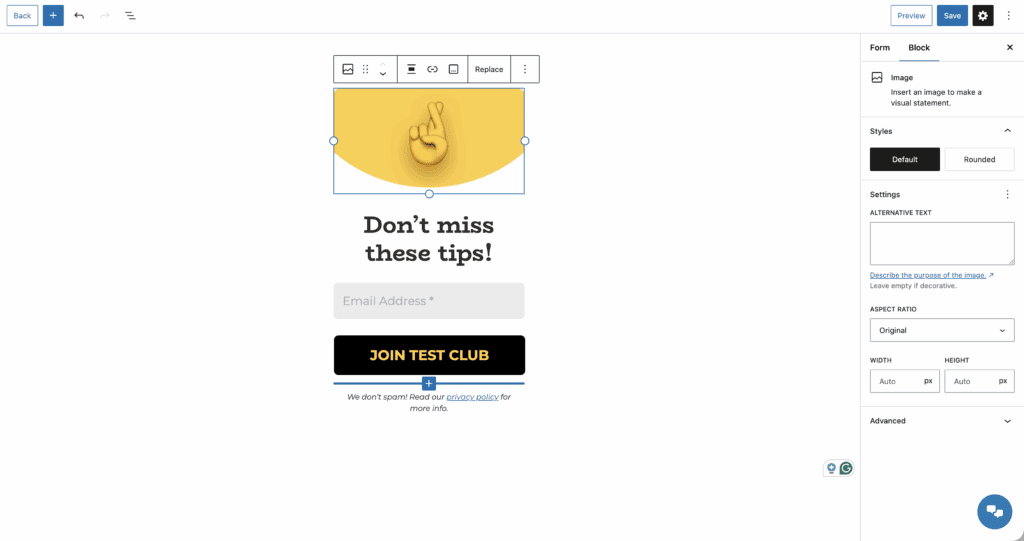
Growing your list requires effective forms. The built-in editor lets you create pop-ups, slide-ins, and embedded forms that match your site’s style. You can place them using a Gutenberg block or a shortcode, and they’re mobile-responsive by default.
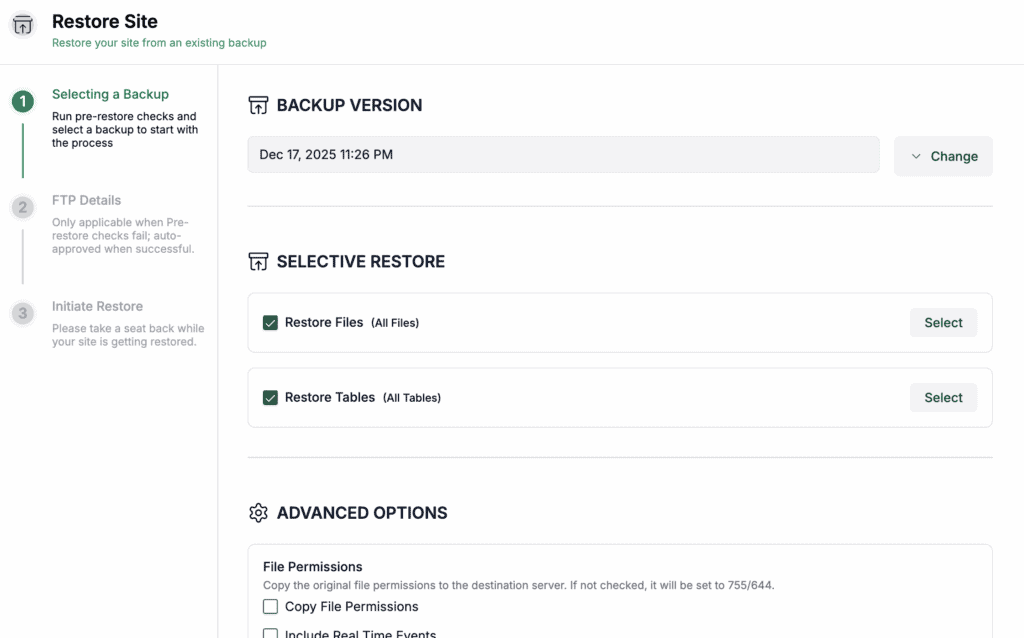
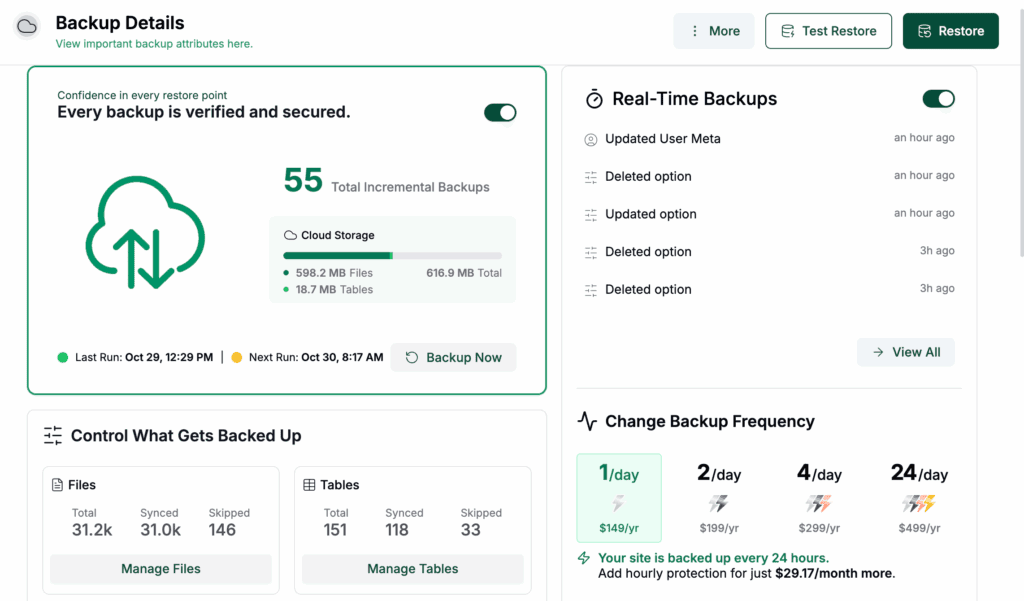
However, if a form ever breaks your site’s layout, knowing how to restore your site from a backup is your safety net.
Reporting & analytics
Understanding performance is key to improvement. The free plan provides clear charts for open and click rates. Upgrading to Pro reveals individual subscriber activity and allows connection to Google Analytics to track the revenue your emails generate.
You can safely update plugins like this on a staging copy without any worry about downtime.
Monitoring your bounce and unsubscribe rates after each campaign gives you an early warning system for potential list or content issues.
Third-party integrations
- Connect seamlessly to WooCommerce for customer emails. Customize transactional emails and marketing flows.
- Integrate with membership plugins like MemberPress. Control newsletter access for paying members.
- Connect to other apps via Zapier. Automate actions between MailPoet and thousands of other tools like your CRM.
- Manage plugins for multiple client sites with the Agency plan. A vital feature for developers and freelancers.
Pricing
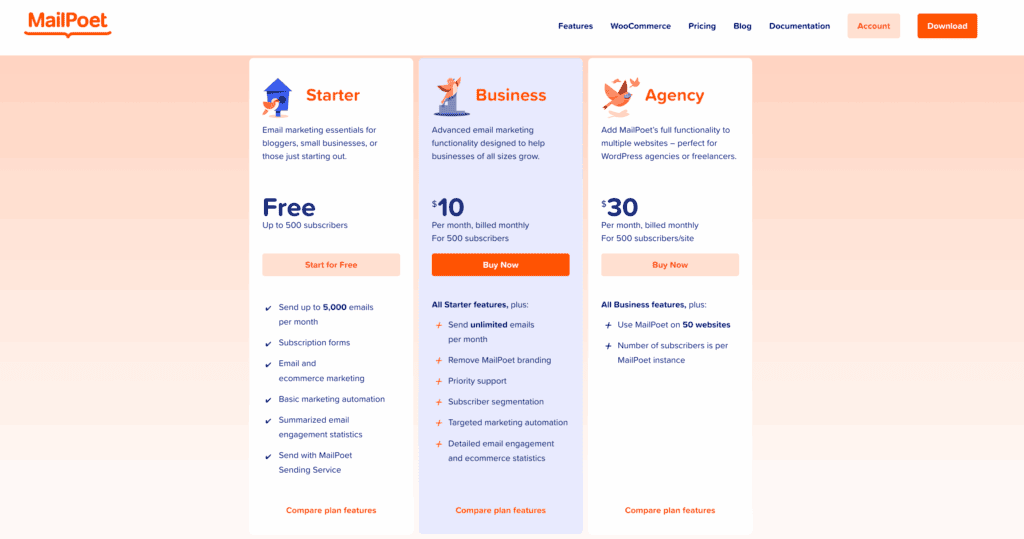
- Start completely free for up to 1,000 subscribers. This is a full-featured trial, not a stripped-down demo.
- Upgrade to a paid plan as your list grows. Prices scale with your subscriber count. The Business plan removes “Sent with MailPoet” footers.
- Choose annual billing for a significant discount. A 30-day money-back guarantee removes the risk of upgrading.
Use the free plan until you hit its limit. You’ll know exactly what you’re paying for.
Is MailPoet right for you?

Choose MailPoet if you:
- Manage a WordPress blog, business site, or online store.
- Want to handle subscribers and campaigns in one dashboard.
- Need a visual editor that’s easy to learn.
- Are budget-conscious and want to start with a powerful free tier.
Consider an alternative if you:
- Manage an email list over 50,000 subscribers.
- Require extremely complex, branching automation logic.
- Need a fully hands-off service that manages all deliverability for you.
- Are uncomfortable with any aspect of email technical setup.
MailPoet alternatives to consider
If MailPoet isn’t the right fit, one of these might be.
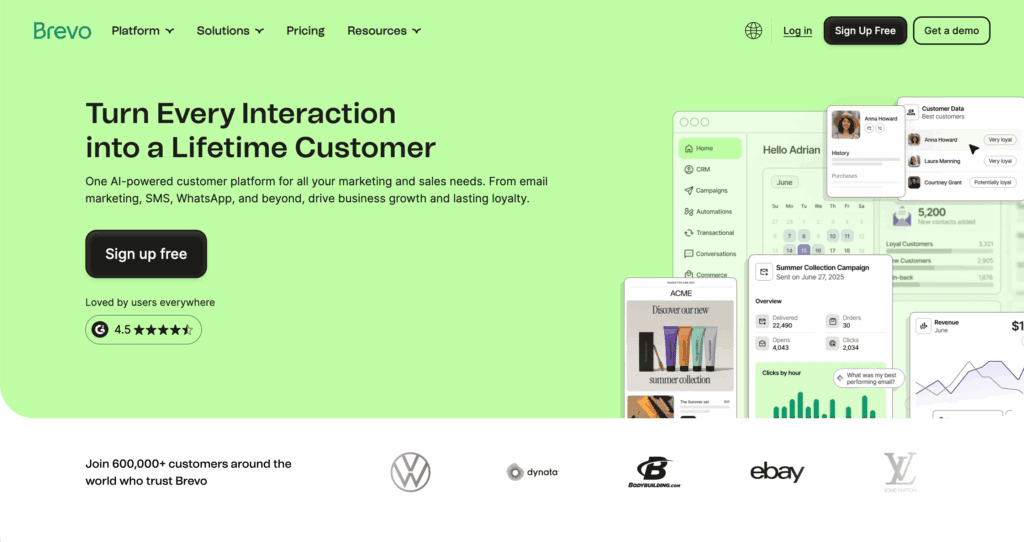
Select Brevo for more advanced automation on a free plan. It’s a logical next step if you need stronger CRM features.
Pick The Newsletter Plugin for pure simplicity. It’s ideal for sending basic content newsletters with zero extra features.

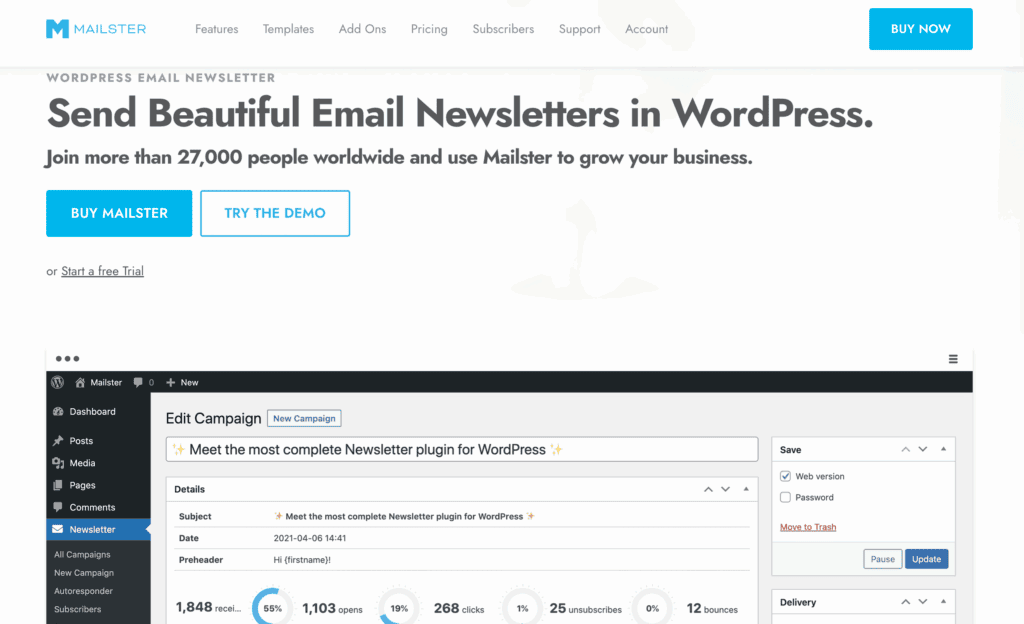
Choose Mailster for maximum design control with a one-time fee. A premium option for those who want to customize everything.
Parting thoughts
MailPoet seamlessly integrates email into WordPress. Its free plan offers real value, striking a smart balance of features and cost for most users. Focus on deliverability with a proper sending service and a clean list. Start by installing the free version to test it; the need to upgrade will become clear as you grow.
FAQs
Is MailPoet any good?
Yes, MailPoet is an excellent choice for WordPress users who want to manage their email marketing without leaving their dashboard. It’s particularly well-suited for bloggers and small businesses due to its seamless integration and generous free plan.
How does MailPoet work?
MailPoet works as a plugin inside WordPress, allowing you to build emails with a drag-and-drop editor and manage subscriber lists natively. It then sends your campaigns using either its own reliable sending service or another SMTP provider you configure.
Which Mail platform is best?
The best platform depends entirely on your needs, as no single one is universally superior. For deep WordPress integration MailPoet is a top contender, while services like Brevo or Mailchimp might be better for advanced automation or specific ecosystems.
How do I send a test email in MailPoet?
You can send a test email by clicking the “Preview” dropdown menu while in the email editor and selecting “Send a Preview Email.” Simply enter your email address to receive a test copy and verify its appearance before sending it to your subscribers.

Shivani enjoys crafting guides that make every aspect of using WordPress simple and easy to follow. When she's not glued to her laptop, you can find her buried in a good book or occasionally, painting.