

Going multilingual almost always starts with one thought: “I need a plugin for translation.”
You know how it goes from there. First comes the hopeful search, which is immediately followed by a dizzying list of options.
Eventually, that search narrows down.
If your research has brought you to the Polylang vs WPML comparison, you’re at a key decision point. We wrote this to help you make the right choice.
Choose Polylang for its speed and free version, or WPML for powerful automation. Before installing either, use a backup plugin. New plugin conflicts are common and can break your site.
Polylang vs WPML at a glance
Before we get into the details, let’s start with the cheat sheet version.
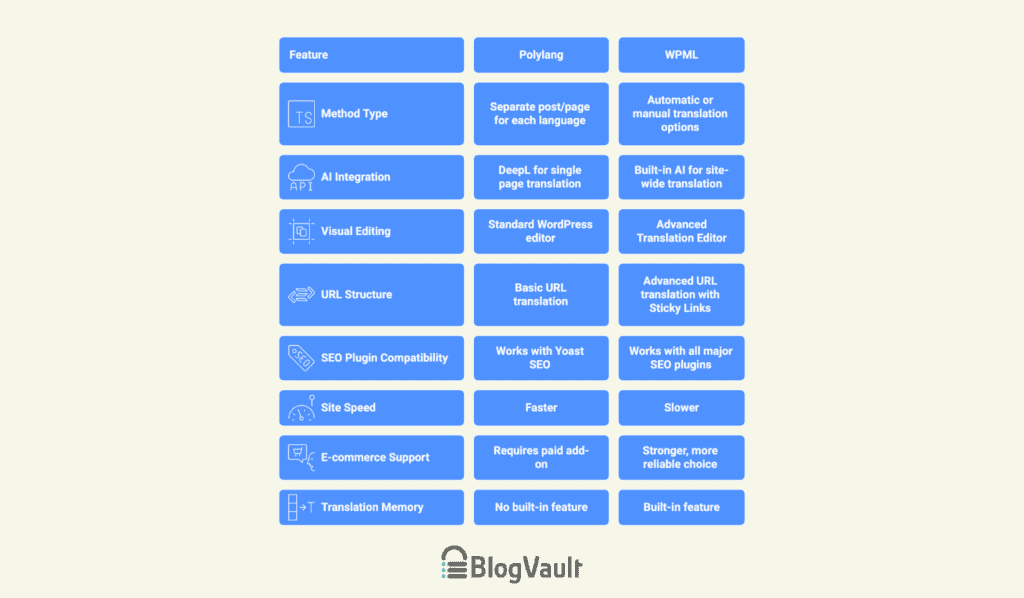
Think of Polylang as the simple and fast choice. It feels like it was always a part of WordPress because it’s light and won’t slow your site down.
With a great free version you can use forever, it’s perfect for blogs, portfolios, and small business sites where you’re translating content yourself.
WPML is the powerful, do-everything alternative. It’s a complete translation system designed for big, professional websites that need all the bells and whistles. As a paid-only tool, it’s built for large stores and businesses that require automation and professional tools to manage their workflow.
Translation methodology
This section is about how you’ll actually do the translating day-to-day.
Method type
Polylang works by creating a separate post or page for each language. An About Us page in English and a Sobre Nosotros page in Spanish are two different pages that you link together.
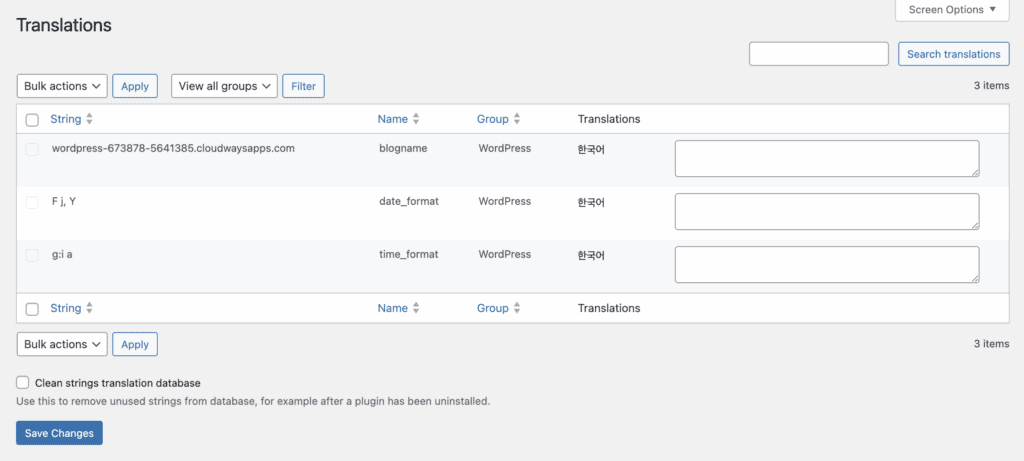
It’s a very straightforward and clean way to work. Because it uses the standard WordPress system, it’s fast. You have full manual control over every translated page.
WPML gives you a choice: automatically translate your entire site, or translate pages one by one.
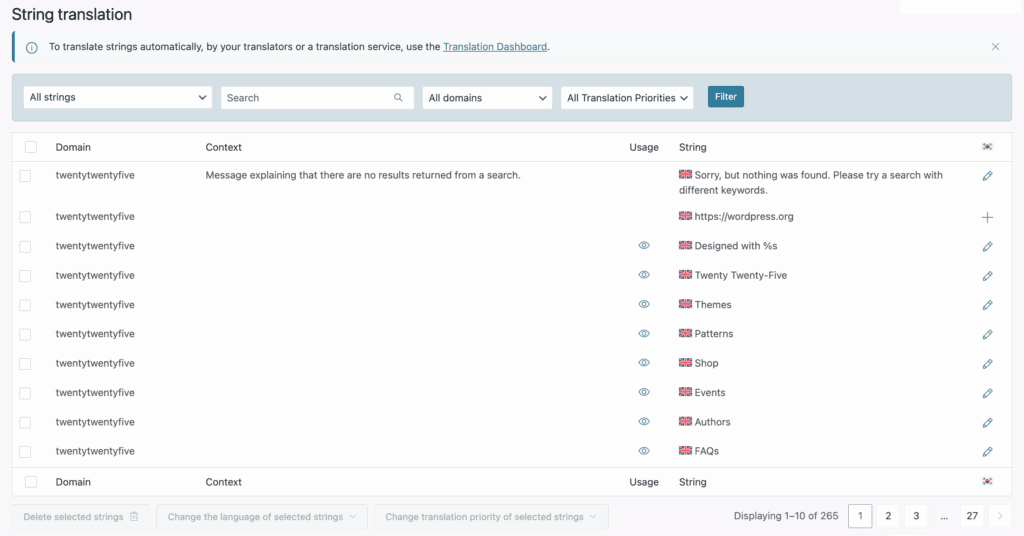
The automatic option is a huge time-saver for big websites. WPML also makes it easy to hire professional translation services directly from your dashboard.
AI integration
Both plugins can use Artificial Intelligence to translate your content, but they do it differently.
With Polylang Pro, you can use DeepL (a popular AI translator) to translate a single page with one click. It’s great for creating a first draft that you can then edit yourself. It’s an on-demand tool that keeps you in control.
WPML has its own built-in AI. Its Translate Everything mode uses this AI to translate your entire site in the background.
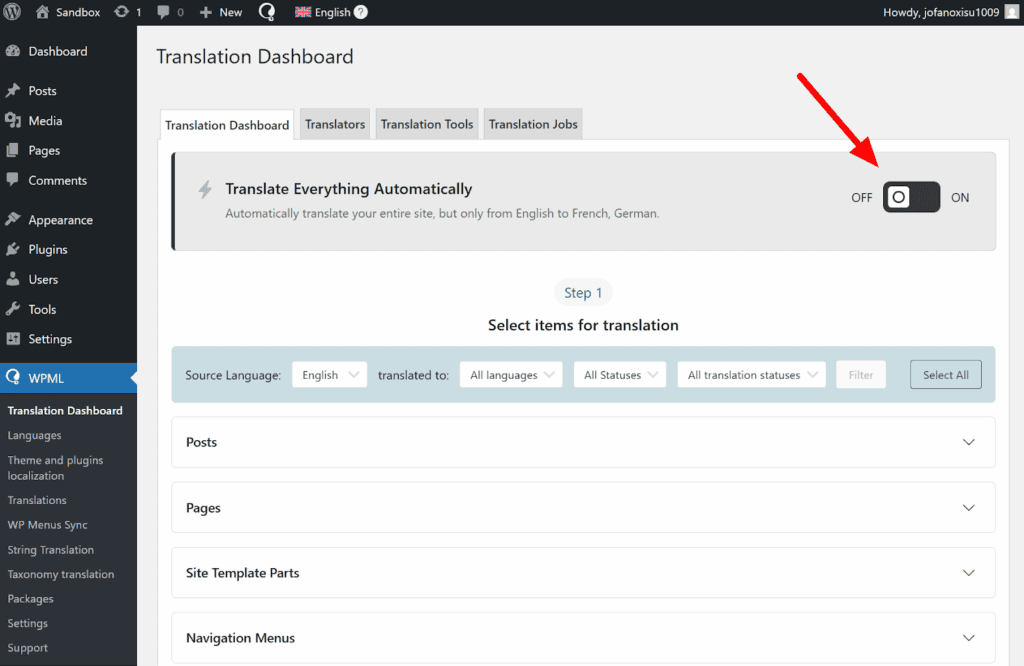
This is a set it and forget it solution. You add new content, and WPML translates it for you. It’s designed for people who want to save as much time as possible.
Visual editing
To be clear, neither plugin lets you click on text on your live website to translate it. All the translation work happens in the backend, not on the front end of your site.
With Polylang, you work inside the normal WordPress editor that you already know. It’s familiar and straightforward.
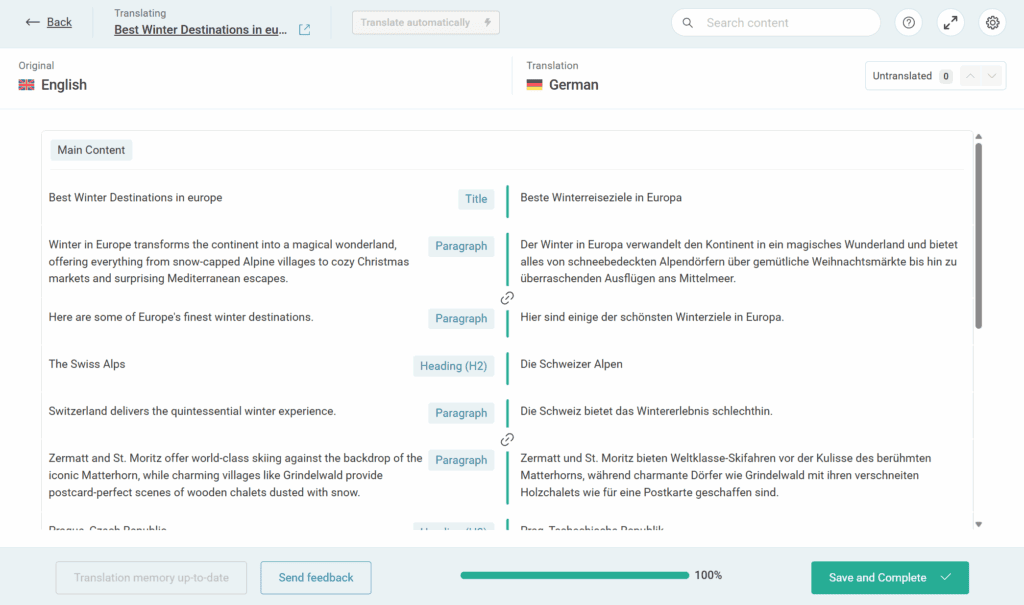
WPML uses its own interface, the Advanced Translation Editor. This is a clean, side-by-side screen where you see the original text on the left and type your translation on the right.
Multilingual SEO capabilities
SEO is how people find you on Google. This is a critical part of your decision.
URL structure
Both plugins let you set up your website links in the most common ways, like example.com/fr/ for French.
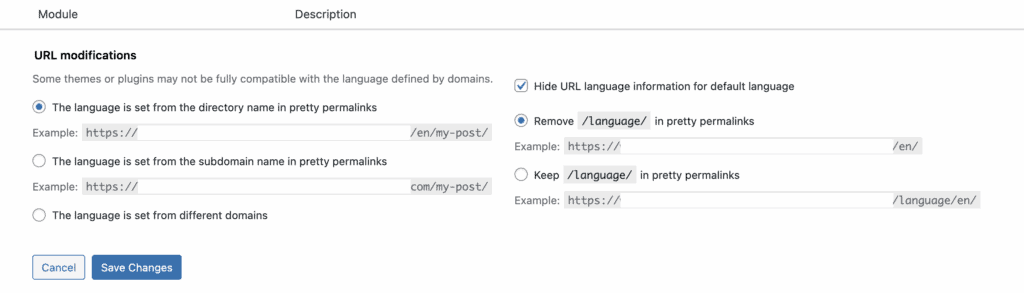
If you want to translate the link itself (like changing /contact/ to /contacto/), you’ll need Polylang Pro. WPML includes this in all its plans.
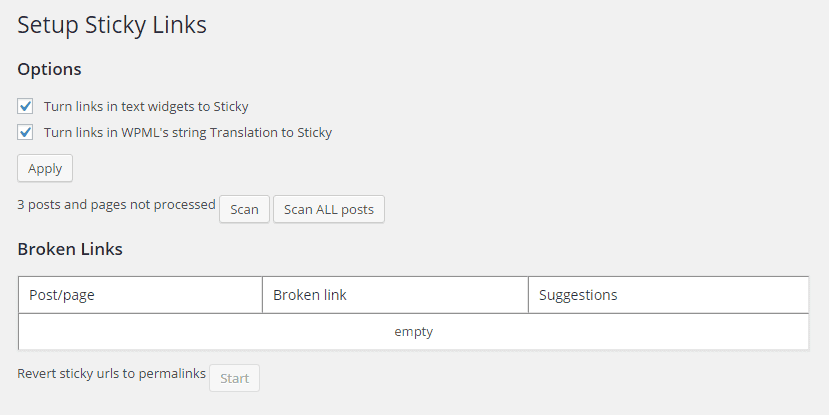
WPML has something called Sticky Links, which acts as a real-time broken link checker. If you change a link, it automatically finds and fixes it everywhere on your site. This prevents broken links and is a huge help for your SEO.
Metadata translation
Both plugins let you translate these for your pages. Just remember, before you start making site-wide changes like this, it’s critical to have a site backup. However, WPML goes a step further. It can also translate the special information needed for sharing on Facebook and Twitter, and other advanced SEO code.
For basic SEO, both are fine. For a more advanced strategy, WPML gives you more control.
SEO plugin compatibility
Polylang works perfectly with Yoast SEO. It works well with others, too, but sometimes requires extra steps to get everything working with Rank Math.
WPML is designed to work perfectly with major SEO plugins right out of the box. This means you’re less likely to run into technical headaches with WPML. It’s built to be a team player.
Technical performance & compatibility
A plugin is only as good as its performance, so let’s look at speed and compatibility.
Site speed
This one is simple: Polylang is faster. Because it’s a lighter plugin, it doesn’t add as much weight to your website. If getting the fastest possible loading speed is your top priority, Polylang is the clear winner. WPML’s many features can sometimes slow a site down if it’s not on good web hosting.
E-commerce (WooCommerce) support
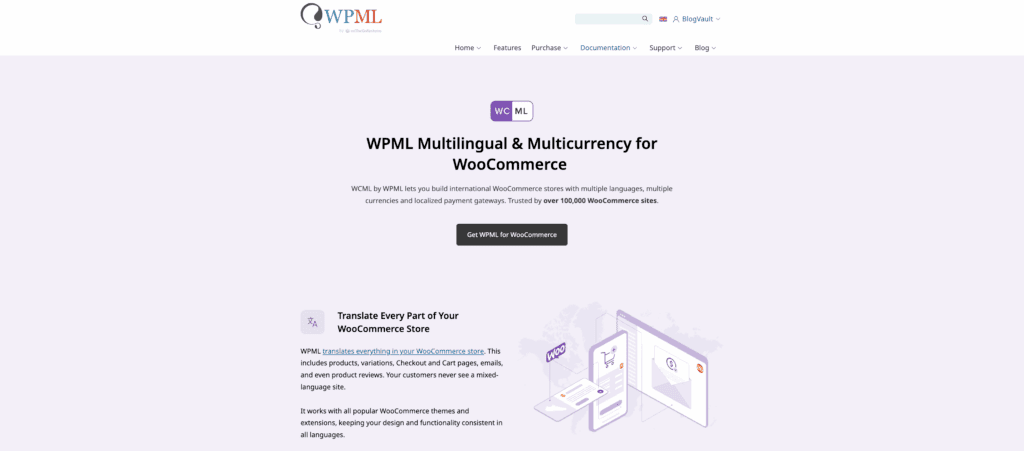
If you are selling products online with WooCommerce, this is a very important consideration.
For online stores, WPML is the stronger, more reliable choice. It’s built to handle everything an online store needs, like different currencies, taxes, and keeping your product stock numbers in sync across all languages.
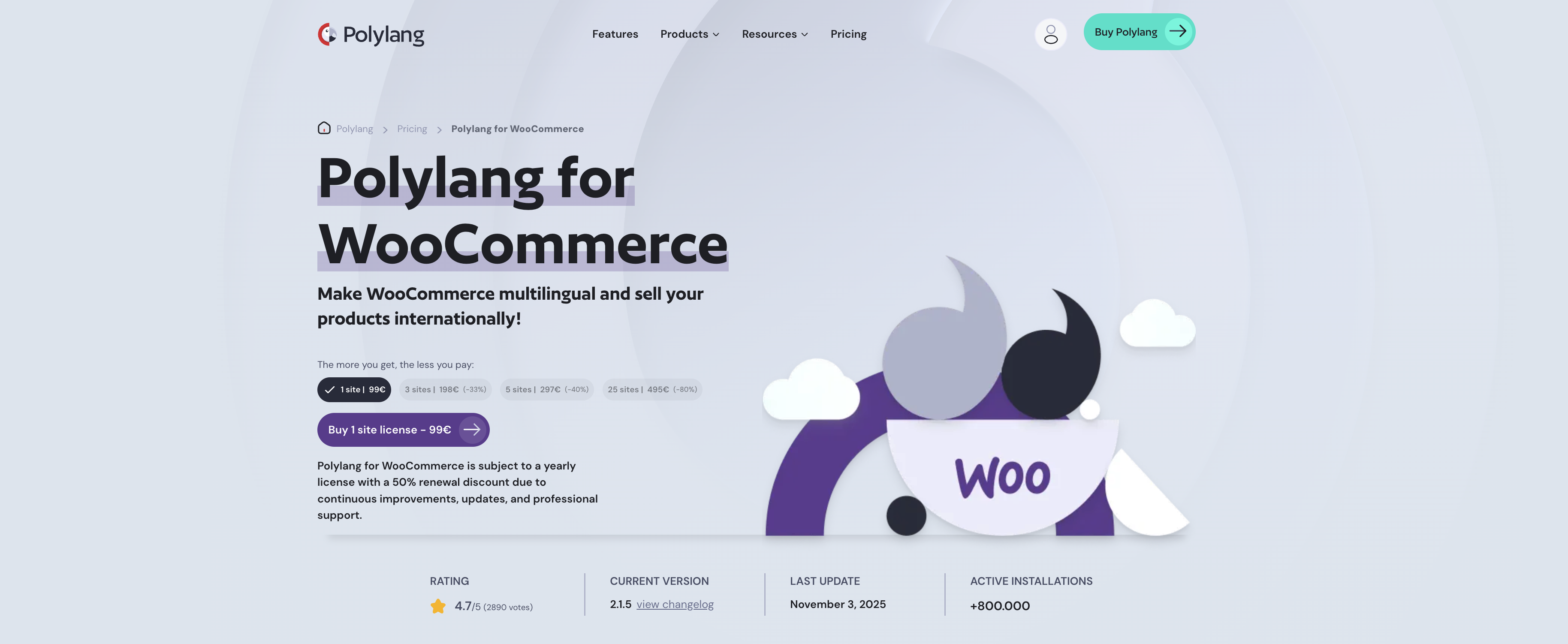
Polylang can work with WooCommerce, but it requires a separate paid add-on and is better suited for simpler stores.
Management & scalability
This is about how easy it is to manage your site as it grows, or if you work with a team.
Translation memory
WPML has this built in. For example if you translate something like Add to Cart once, it will automatically use that same translation everywhere else. This saves a lot of time and money.
Polylang does not have this feature. You have to translate repeated phrases manually every time.
Collaboration tools
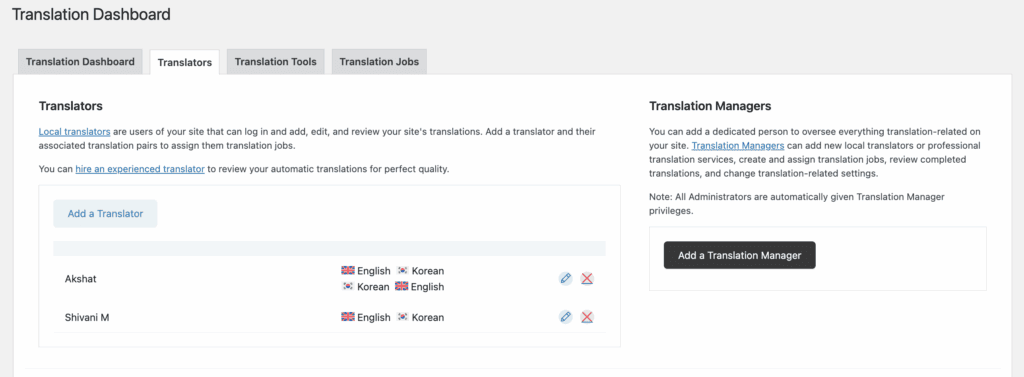
WPML is built for teams. It has a dashboard where you can assign pages to different translators and track their work.
Polylang does not have these team features. It’s designed for a single person or a small team where everyone has full access, so regular plugin updates are key to keeping the workflow secure.
Cost & licensing
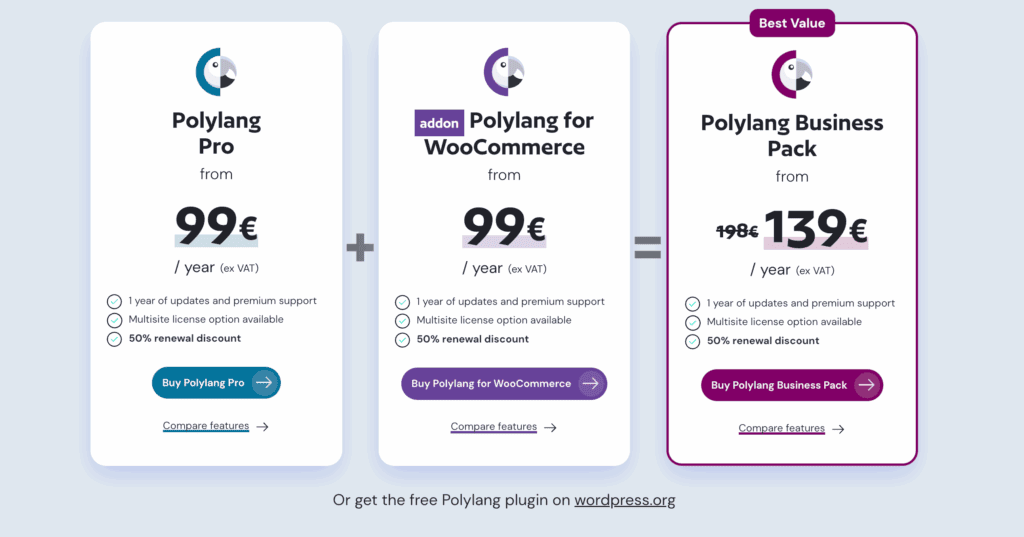
Polylang: Has a great free version. The Pro plan starts at €99/year for one website.
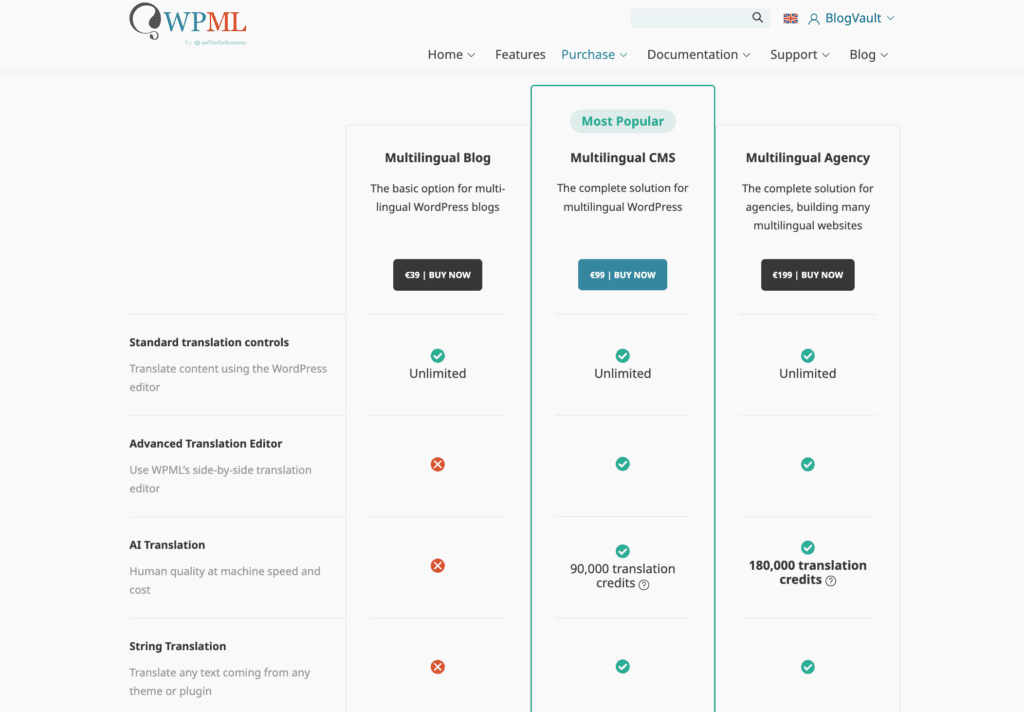
WPML: Is paid only. Its first plan is €99/year and includes three websites.
Data ownership
You always own your translated content with both plugins. But what if you want to perform a site migration or get a new translation plugin later?
With Polylang, it’s easy to switch. If you turn it off, your translated pages just become normal WordPress pages.
With WPML, it’s difficult to switch. Its system is more complex, and moving your translations to another tool can be a real headache.
How to make your pick
Let’s make this really simple.
Pick Polylang if you’re running a blog or a simple business site. It’s the winner when speed is your top priority, you’re translating everything yourself, and you need a great free solution to get started.
Pick WPML if you have a large online store or a more complex business. It’s the right choice when you want powerful, time-saving features. This includes tools for automatic translation and for managing a team of translators. You also get 24/7 customer support you can count on.
Alternate options to choose from
If neither Polylang nor WPML feels like the perfect fit, don’t worry. Here are our top two alternative suggestions, each excellent for a different reason.
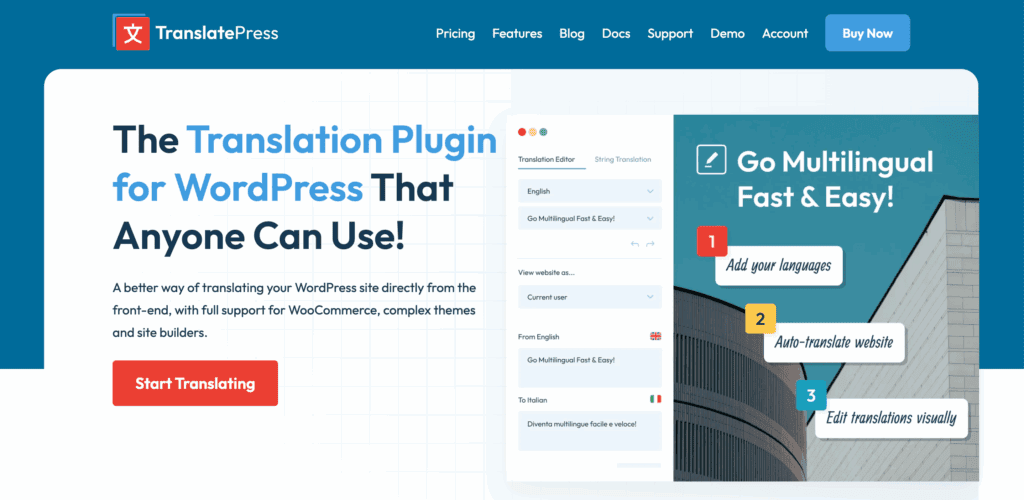
TranslatePress: This is our top recommendation if your main priority is a visual, ‘point-and-click’ editing experience. With TranslatePress, you edit your site while looking at it live, just like your visitors do.
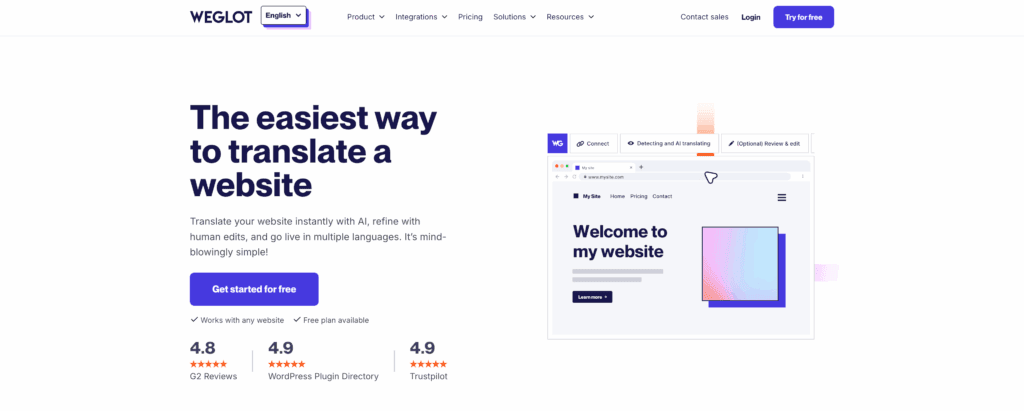
Weglot: If you want the fastest and easiest way to go multilingual, look no further than Weglot. It’s a cloud-based service that can translate your entire site automatically in minutes.
Parting thoughts
Polylang is for people who want speed, simplicity, and control. WPML is for people who want power, automation, and a tool that can handle any business need.
Before you buy anything, do one last thing: check your WordPress theme’s website to see which plugin they recommend. This can save you from a lot of problems later. Your choice should be about what fits your daily work, not just what has the longest feature list.
FAQs
Which plugin has better customer support?
WPML has better customer support because all plans include access to a dedicated, professional support team. Polylang’s support is community-based for the free version, with premium support available for paying customers.
Does WPML offer a money-back guarantee?
Yes, WPML offers a 30-day money-back guarantee on all of its plans. This allows you to try the full product on your site completely risk-free.
Does WPML include built-in automatic translation?
Yes, WPML includes its own powerful automatic translation engine. Its “Translate Everything” mode can automatically translate your entire site in the background for you.
Is Polylang faster than WPML?
Yes, Polylang is faster than WPML in almost all cases. Its lightweight design puts less strain on your server, resulting in better PageSpeed scores.
Can WPML translate theme and plugin strings?
Yes, WPML is excellent at translating theme and plugin strings. Its String Translation module is designed to find and translate text from any part of your website.
Does Polylang require additional WooCommerce plugins?
Yes, Polylang requires you to purchase a separate, paid add-on to work with WooCommerce. This functionality is not included in the standard free or Pro versions of the plugin.

Shivani enjoys crafting guides that make every aspect of using WordPress simple and easy to follow. When she's not glued to her laptop, you can find her buried in a good book or occasionally, painting.


