

Cookie consent plugin users often start with a solution like Cookiebot, but many soon find themselves searching for Cookiebot alternatives. Maybe the price increased, the setup got too complex, or it just doesn’t fit your site’s needs anymore.
Choosing the wrong tool can lead to compliance risks and a clunky experience for your visitors. It’s a common frustration that can distract you from running your website.
This article will cut through the noise and help you find a simpler, more affordable, or more powerful alternative that works for you.
We tested Complianz and found it to be the best Cookiebot alternative, as the free version is powerful enough for most sites, automatically scanning and categorizing cookies to save you a ton of technical headaches right from your dashboard.
What We Looked For in a Cookiebot Alternative
To find the best cookie plugin alternatives for Cookiebot, we didn’t just look for a list of features. We focused on what truly matters to a WordPress site owner who needs a solution that is both effective and easy to manage. Here’s the criteria we used to judge each plugin:
- Compliance Needs: First and foremost, a consent plugin must keep you legally protected. We prioritized tools that clearly support major global privacy laws like Europe’s GDPR and California’s CCPA/CPRA, ensuring you’re covered where it counts.
- Ease of Use: You shouldn’t need to be a developer to get a cookie banner running. We looked for plugins with an intuitive interface, straightforward setup wizards, and clear instructions, making them accessible for users with minimal technical experience.
- Customization: Your cookie banner is part of your website’s user experience, and it shouldn’t look out of place. We favored alternatives that allow you to easily customize the banner’s design—colors, text, and layout—to match your site’s branding without touching a line of code.
- Free vs. Premium Value: Many plugins have a free version, but its real-world value can vary drastically. We evaluated whether the free plan offered robust features for basic compliance or if critical functions, like automatic cookie blocking and consent logging, were unfairly locked behind a premium plan.
1. Complianz
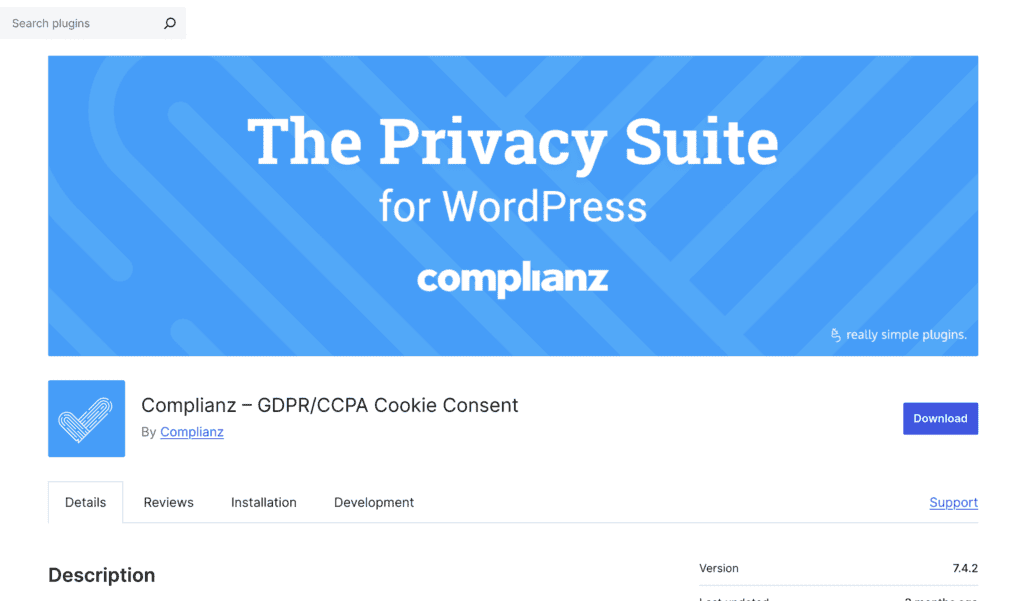
Complianz is a WordPress-first privacy plugin famous for its easy-to-use setup wizard that guides you through configuring notices for multiple global privacy laws, including GDPR and CCPA. It’s designed to make complex legal requirements accessible to non-lawyers through a simple, step-by-step process.
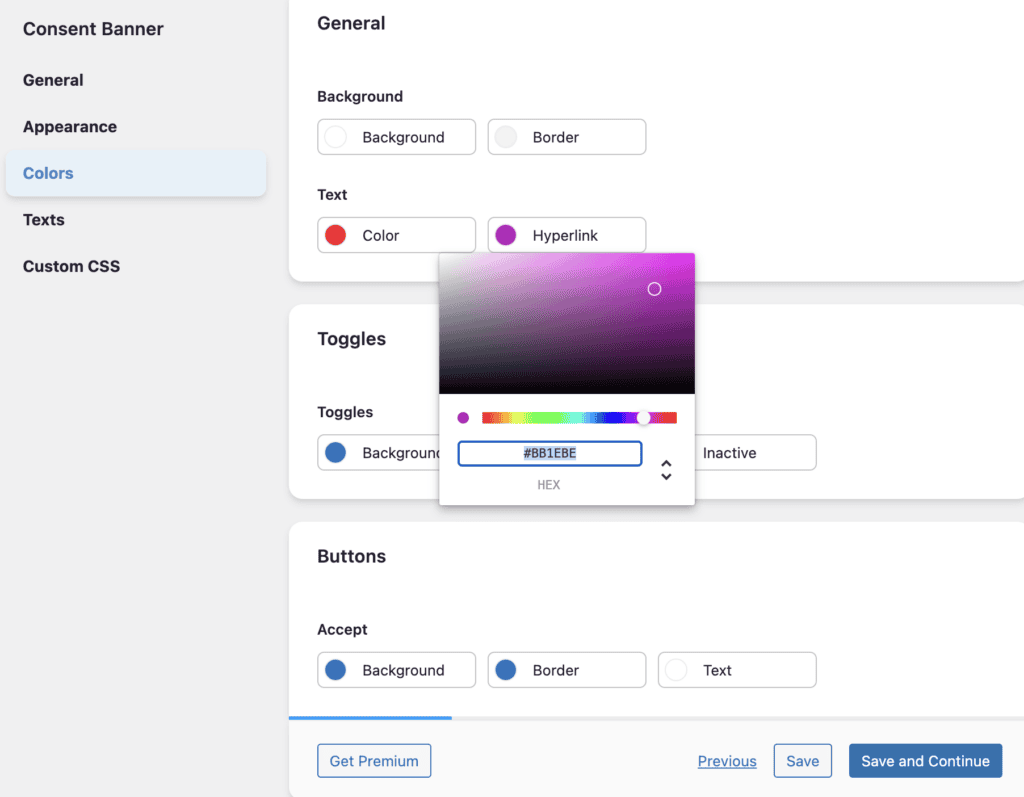
Compared to Cookiebot, Complianz stands out with its superior regional logic and dynamic content blocking. The plugin only shows a consent banner in regions where it’s legally required, and it automatically blocks third-party content like YouTube videos and Google Maps until a user gives consent. Its integration with the WordPress Consent API helps standardize how other plugins on your site handle consent, reducing the risk of misconfigurations and compliance gaps.
Key features:
- Conditional Cookie Notice: The setup wizard configures banners to show only in regions where they are legally required.
- Content Blocker: Replaces embedded content like videos and maps with a placeholder until the user grants consent.
- WP Consent API Integration: Standardizes consent communication between all your plugins.
- Dynamic Script Blocking: Automatically blocks scripts based on user consent without requiring manual rules.
- IT Law Firm-Drafted Documents: The wizard generates legally drafted privacy and cookie policy documents.
- Proof of Consent: Stores user consent records while respecting GDPR’s data minimization principles.
- A/B Testing (Premium): Test different banner designs to optimize your consent rates.
Pricing:
- Free Plan: Includes the setup wizard, cookie scans, and a basic, customizable banner.
- Premium Plans: Start at $59/year for a single site, adding features like consent records, geo-IP, and Google Consent Mode integration.
2. CookieYes
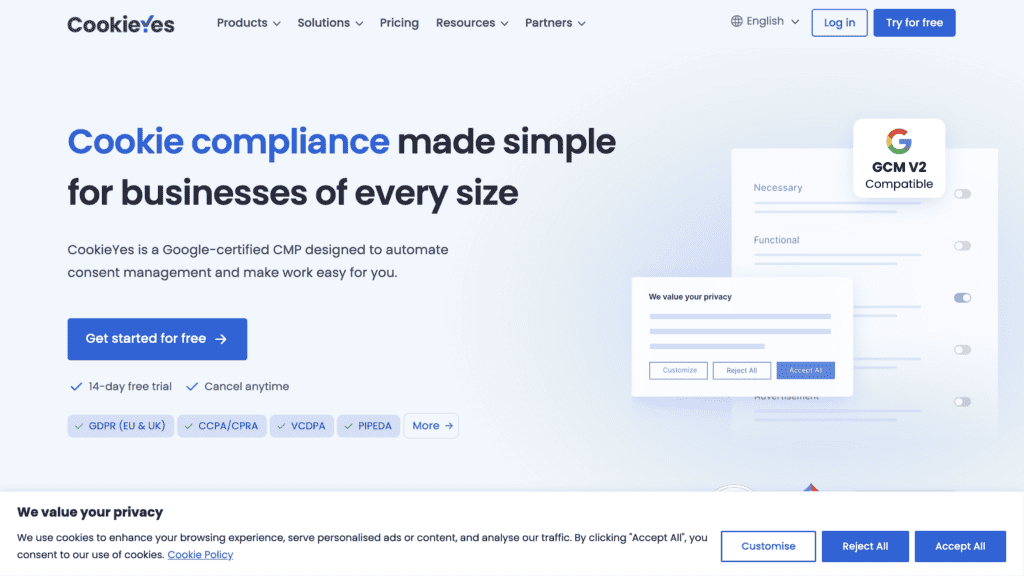
CookieYes has earned its popularity by offering a powerful yet incredibly simple platform for managing cookie consent. It’s famous for its automated scanning and categorization, which takes the guesswork out of identifying the cookies your site uses. While it integrates with many platforms, its WordPress plugin is particularly seamless.
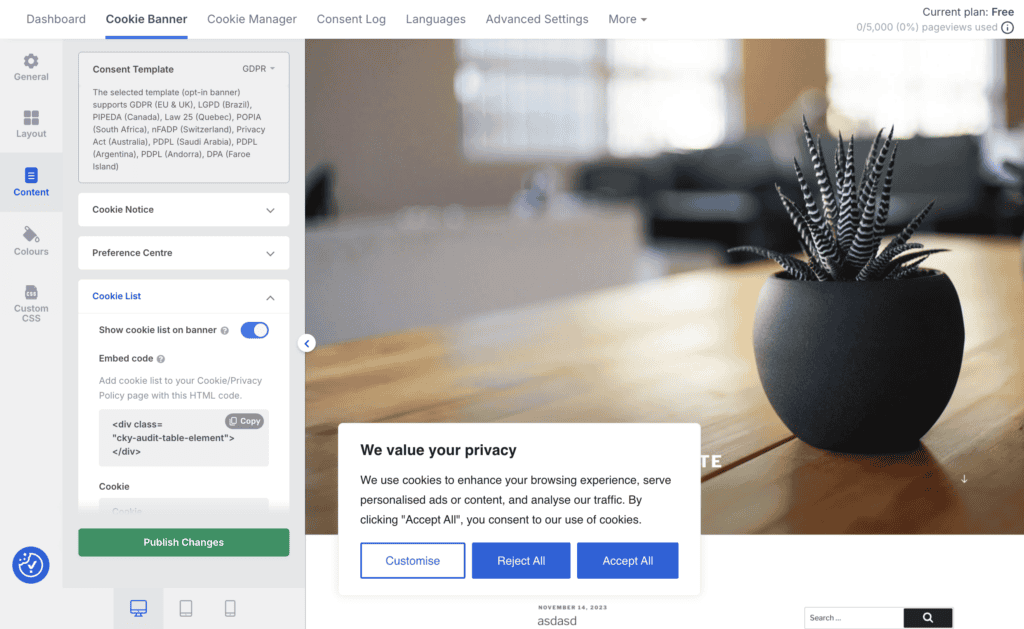
Where CookieYes shines against Cookiebot is its blend of power and simplicity. Its visual dashboard is highly intuitive, making customization easy for non-technical users. Features like automatic banner translation into over 40 languages and a clear preference center for visitors provide a better user experience out of the box. The automatic blocking of scripts like Google Analytics is reliable and easy to set up, making it a go-to choice for website owners who want to “set it and forget it.”
Key features:
- Automated Scanning and Categorization: Automatically scans your site to identify and group cookies (e.g., functional, analytics).
- Auto-Translation: Displays the banner in over 40 languages based on the user’s browser language.
- Prior Consent (Auto-Blocking): Automatically blocks non-essential scripts until the user provides consent.
- Consent Logging: Records and stores users’ consent history, providing audit-ready documentation.
- Preference Center: Gives users an easy way to change their cookie preferences at any time.
- Geo-targeting: Display different banners and apply different rules based on a visitor’s location.
Pricing:
- Free Plan: Offers a basic, customizable banner for unlimited page views.
- Premium Plans: Start at around $10/month, unlocking features like automated scans, consent logging, and geo-targeting.
3. OptinMonster
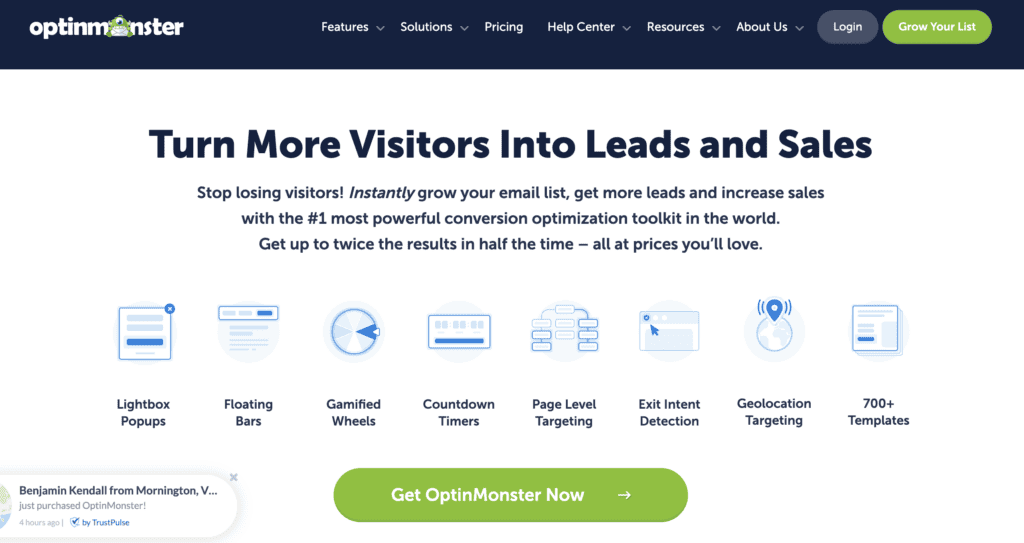
OptinMonster is famous for being a market-leading lead generation and conversion optimization tool. Its primary purpose is to grow your email list and drive sales using popups, floating bars, and other targeted campaigns. You can use its powerful campaign builder to create a cookie consent notice.
This is a completely different approach from Cookiebot. While Cookiebot focuses on automated compliance (scanning, blocking), OptinMonster focuses on optimizing user engagement. You can use its Exit-Intent® technology, A/B testing, and advanced targeting rules to show your consent message at the perfect moment. However, it’s crucial to understand that compliance is a manual process with OptinMonster—it does not automatically scan for cookies or block scripts. You must configure it carefully to meet legal requirements.
Key features:
- Advanced Targeting: Use behavior-based rules like scroll depth, page-level targeting, or referral source to display consent messages.
- Multiple Campaign Types: Create popups, floating bars, full-screen welcome mats, and more for your consent notice.
- Drag-and-Drop Builder: Easily design your banners and opt-in forms without any coding knowledge.
- A/B Testing: Test different consent messages, designs, and triggers to optimize for engagement and acceptance rates.
- Exit-Intent® Technology: Show a targeted message when a user is about to leave your site.
Pricing:
- Basic Plan: Starts at $9/month (billed annually).
- Higher-Tier Plans: Offer more advanced features and targeting rules, with pricing scaling up from there.
4. WPConsent
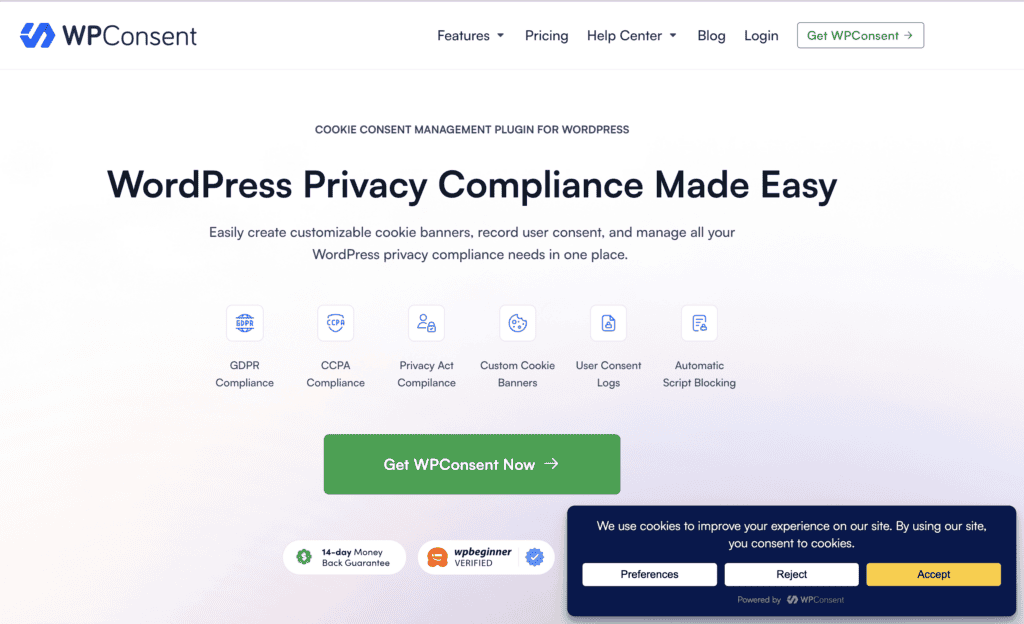
WPConsent is a newer player known for being a fast, easy-to-use plugin with a clean and intuitive dashboard. It’s designed as part of the broader WPLP Compliance Platform, offering a centralized solution for managing cookies, consent, and legal policies without bogging down your site.
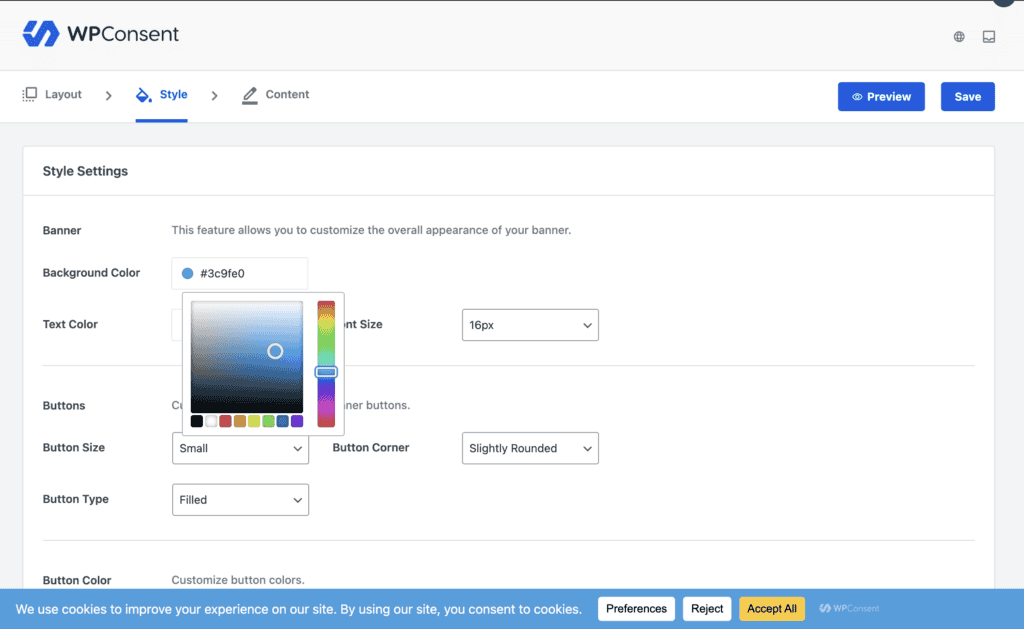
Compared to Cookiebot, WPConsent’s main advantage is its simplicity and modern user experience. The live banner preview lets you see exactly how your banner and preference center will look in real-time as you make changes. Its automatic script blocking works right out of the box, and for pro users, features like advanced scanning and a dedicated Advertiser Consent Mode offer powerful tools in a user-friendly package. It feels less corporate and more integrated into the WordPress environment.
Key features:
- Modern and Lightweight: Designed to be fast and intuitive, ensuring it doesn’t slow down your website.
- Live Banner Preview: See real-time changes to your banner and preference center before saving.
- Prior Consent (Auto-Blocking): Automatically blocks scripts from running until the user gives consent.
- Visual Editor: Easily control the banner’s design, placement, and content with a visual editor.
- Consent Logging (Premium): Records user consents for audit purposes.
- Geolocation Detection (Premium): Displays banners and applies rules based on the user’s location.
Pricing:
- Free Plan: Includes a customizable banner, auto-blocking, and a cookie policy page.
- Premium Plans: Offer advanced features like automated scans, geolocation, and consent logs (pricing not specified in sources).
Best Practices for Your Cookie Banner
Choosing the right cookie plugin is only half the battle. To be truly compliant, your cookie banner must be configured correctly to meet modern privacy standards.
- Block by Default: Set up your banner for explicit “opt-in” consent, meaning all non-essential cookies are blocked until a user actively clicks “Accept.”
- Provide an Easy “Reject” Option: It must be just as easy for a visitor to reject cookies as it is to accept them. Feature a prominent “Reject” button and avoid using deceptive designs.
- Offer Granular Controls: Include a “Customize” or “Settings” button that lets users approve specific cookie categories (e.g., analytics) individually.
- Use Geo-Targeting: Apply the correct rules for different regions by showing a GDPR-compliant banner to EU visitors and a CCPA-compliant one to Californians.
Maintaining Legal and Technical Compliance
Legal compliance like GDPR regulations isn’t just about the banner—it’s also about how you technically manage and protect your website’s data on the backend.
- Keep a Secure Consent Log: Your plugin must maintain a secure, time-stamped record of every user’s consent choice. This log is your legal proof for any audits.
- Prioritize Data Security: Protect the personal data you collect by using a security plugin and keeping your WordPress site updated. A data breach is a serious compliance failure.
- Maintain Regular Backups: Think of backups as your compliance insurance policy. If your site crashes and you lose your consent logs, you lose your legal proof.
Final Thoughts
Many WordPress users find Cookiebot to be expensive and its interface overly complex, feeling disconnected from their dashboard. This is exactly where Complianz stands out as the best alternative.
Complianz offers a powerful, affordable solution that feels like a natural part of WordPress. Its guided setup wizard simplifies complex legal rules, and its automated features work right out of the box. Ultimately, it provides a user-friendly path to compliance without the high cost or technical headaches, letting you focus on your website.
FAQs
Are there any good free Cookiebot alternatives?
Yes, absolutely. Both Complianz and CookieYes offer robust free versions that are sufficient for many small websites. Their free plans typically include a customizable banner, basic cookie scanning, and the core functionality needed for compliance. You generally only need to upgrade to a premium plan for advanced features like consent logging, geo-targeting, and A/B testing.
Will installing one of these plugins make my website fully compliant?
Not automatically. These plugins are powerful tools that provide the framework for compliance, but you are still responsible for configuring them correctly. To be fully compliant, you must ensure your banner is set to block non-essential cookies by default (explicit opt-in), provides an easy “Reject” option, and is linked to an accurate and up-to-date cookie policy.
What is the main difference between Complianz and CookieYes?
The biggest difference is their approach. Complianz is a WordPress-native solution that feels deeply integrated into your dashboard, with a strong focus on its legal setup wizard and automated content blocking. CookieYes is known for its extreme user-friendliness, multi-platform support, and a very intuitive visual dashboard, making it a great choice for beginners who want a quick and easy setup.
Do I need to know how to code to set up these alternatives?
No, you do not need any coding knowledge. All the alternatives we’ve recommended—especially Complianz, CookieYes, and WPConsent—are designed for non-technical users. They rely on intuitive setup wizards, visual editors, and simple toggles to help you configure your banner and achieve compliance without ever touching a line of code.
5. How do I switch from Cookiebot to a new plugin?
The process is straightforward. First, install and configure your new plugin completely, but do not activate its banner yet. Once you are happy with the setup of the new tool, deactivate and remove the Cookiebot plugin or script from your website. Finally, activate the new plugin’s banner and test it in an incognito browser window to ensure it’s working correctly. This prevents you from having two banners active at once or none at all.

Shreya has been a writer for as long as she can remember. Now, she writes articles that help WordPress users manage the sites that they're proud of, with little to no coding


