

A WordPress plugin is the fastest way to add new features, and a WordPress cookie plugin is one of the most important tools you can install today. Worried about data privacy laws like GDPR and how they affect your site? You’re right to be. Ignoring cookie consent isn’t just risky; it can lead to serious fines and damage your visitors’ trust.
But getting your site compliant doesn’t have to be complicated or expensive. This guide will walk you through the best and simplest cookie plugins available. We’ll help you choose the right one for your needs and get it set up in minutes, so you can focus on growing your site with peace of mind.
Verdict: We created a test site to try these plugins, and found Cookiebot to be the best. Its automatic cookie scanner simplifies compliance by identifying and categorizing all your site’s cookies, making it exceptionally user-friendly.
What We Looked For in a WordPress Cookie Plugin
With so many options available, it can be tough to know which cookie plugin is right for you. To help you decide, we evaluated each plugin based on four essential criteria:
- Compliance Needs: The primary job of a cookie plugin is to keep your site legally compliant. We prioritized plugins that explicitly support major privacy laws like GDPR in Europe or CCPA/CPRA in California, as failing to comply can lead to significant fines.
- Customization: A cookie banner is part of your website’s user experience, so it shouldn’t look out of place. We looked for plugins that offer easy customization, allowing you to change colors, text, and button styles to match your site’s branding seamlessly.
- Free vs. Premium: We know budget is a concern, so we considered both free and paid options. A good free version should cover basic compliance. However, premium versions often provide crucial features like automatic cookie blocking (which prevents cookies from loading before consent) and detailed consent logging, which are vital for robust protection.
- Ease of Use: You shouldn’t need to be a developer to protect your website. We favored plugins with an intuitive interface and clear instructions, making them accessible even if you have minimal technical experience.
1. Cookiebot
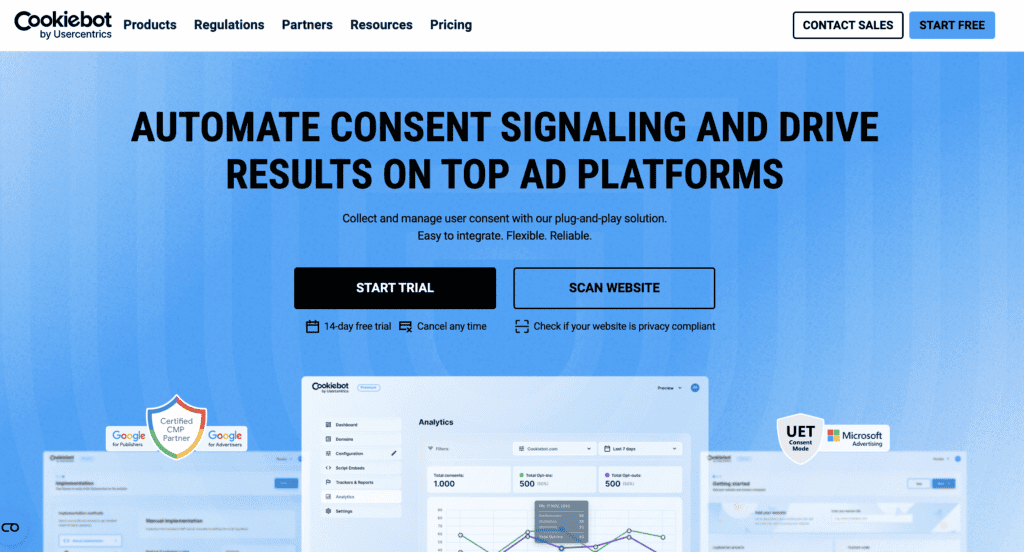
Cookiebot is a powerhouse in the world of data privacy, developed as a professional-grade compliance solution. It is famous for its patented, cloud-based automatic cookie scanning technology and is recognized as a Google-certified Consent Management Platform (CMP). This isn’t just another plugin; it’s a robust automation tool designed to take the guesswork out of legal compliance, making it a favorite among businesses that need to ensure they are fully compliant with laws like GDPR and CCPA.
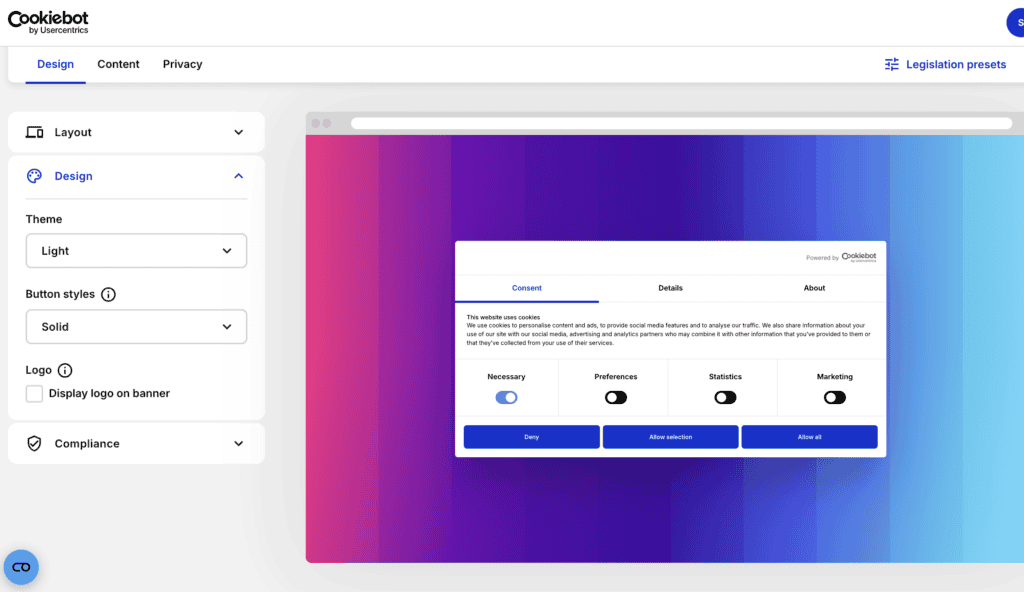
Our experience with Cookiebot is that it offers a true “set-it-and-forget-it” level of confidence. The moment you install it, its powerful scanner gets to work, identifying every tracker on your site without you having to lift a finger. This hands-off approach is perfect for website owners who want to get compliance right from the start and avoid the hassle of constant manual updates. It feels less like a simple plugin and more like an automated compliance officer for your website.
Here are some of the standout features that make Cookiebot a top choice:
- Patented Automatic Cookie Scanner: This is Cookiebot’s signature feature. It automatically detects all first- and third-party cookies and trackers on your site, categorizing them and providing clear descriptions for your visitors.
- Auto-Generated Cookie Policy: Based on its monthly scans, Cookiebot automatically generates and updates a detailed cookie declaration for your policy page, ensuring your legal information is always accurate.
- Automatic Cookie Blocking (Prior Consent): The plugin automatically blocks all non-essential cookies and trackers from running until a user gives their explicit, opt-in consent.
- Granular User Control: Visitors are given clear options to choose which cookie categories (e.g., marketing, statistics, preferences) they want to accept or reject, providing them with full control over their data.
- Audit-Ready Consent Logs: Cookiebot securely stores encrypted user consent information for up to 12 months, making it easy to demonstrate compliance if you are ever audited.
- Full Banner Customization: You can easily customize the banner’s position, layout, colors, and content to match your brand’s style. For advanced users, there’s also an option to add custom CSS for further refinement.
Pricing
Cookiebot offers a free plan that’s perfect for smaller sites, covering one domain with up to 50 subpages. This plan includes the monthly website scan and a customizable consent banner.
For more powerful features and larger websites, you’ll need a Cookiebot premium subscription. Premium plans start at $13 per month and unlock advanced capabilities essential for growing businesses. Features that require a premium subscription include geo-targeting (to show the banner only in specific regions), A/B testing to optimize consent rates, consent analytics, and more advanced customization options.
2. CookieYes
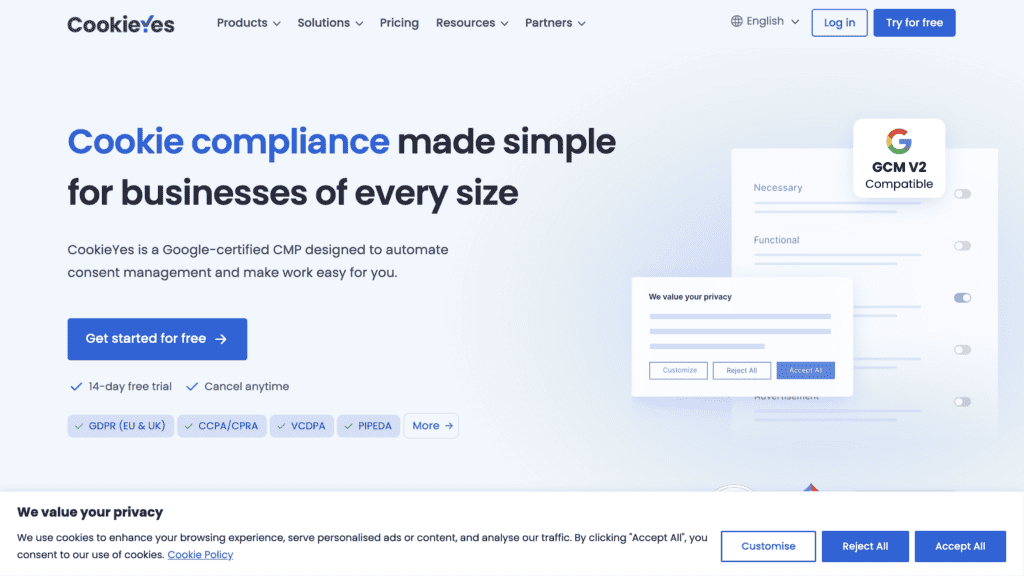
CookieYes has earned its reputation as one of the most popular and user-friendly compliance plugins on the market. It’s famous for providing a comprehensive feature set that helps websites comply with both GDPR and CCPA, all wrapped in an interface that’s accessible to everyone. For millions of WordPress users, CookieYes is the go-to solution for hassle-free cookie consent management.
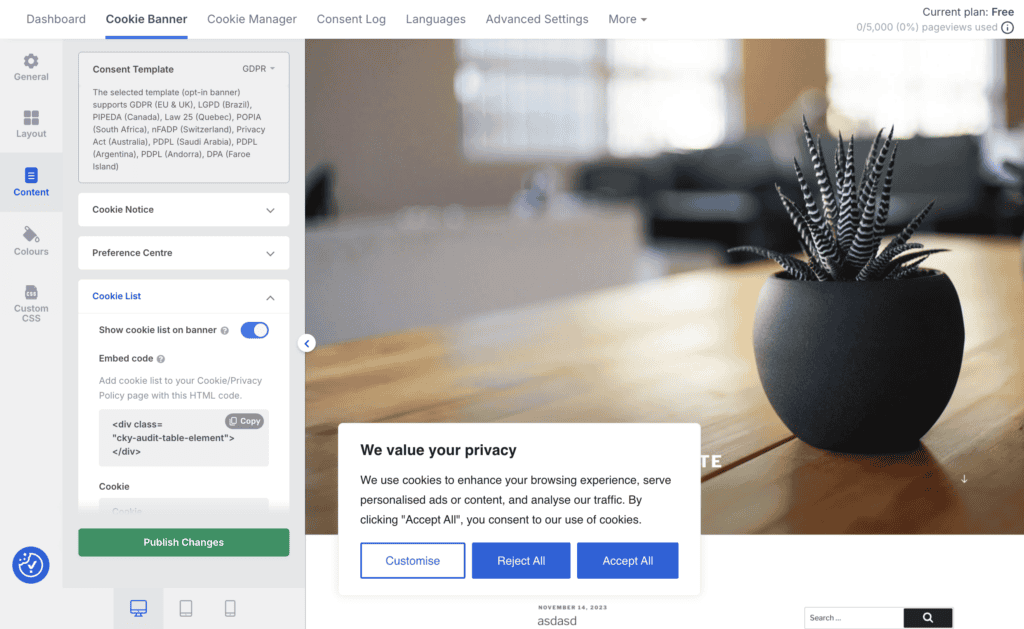
In our experience, CookieYes was exceptionally smooth. The visual dashboard is a standout feature, making the process of customizing the banner feel intuitive and straightforward. It successfully removes the intimidation factor often associated with legal compliance. This user-centric approach makes it perfect for small business owners, bloggers, and anyone who wants a reliable solution that works right out of the box without a steep learning curve.
Here are some of the standout features that make CookieYes a top choice:
- Automated Scanning and Categorization: The plugin automatically scans your website to identify and categorize all cookies, saving you the tedious work of manual configuration.
- Automatic Translation: It supports over 40 languages and can automatically translate the banner based on a visitor’s browser settings, which is excellent for international audiences.
- Auto-Blocking (Prior Consent): CookieYes automatically blocks non-essential third-party scripts (like Google Analytics) from running until a user provides explicit consent.
- Audit-Ready Consent Logging: It records and stores a complete history of user consents, providing you with the necessary documentation to prove compliance.
- Intuitive Visual Editor: You can easily customize the banner’s layout, colors, and content through a simple visual dashboard without needing any code.
- Geo-targeting: Display different banners and apply different consent rules based on a visitor’s geographical location.
Pricing
CookieYes’ pricing offers a generous free plan that includes a basic, customizable banner suitable for unlimited page views. This makes it a great starting point for new websites.
For access to its most powerful features, you will need a premium plan. The pricing varies based on the number of sites and features you require. Key functionalities like automated cookie scans, consent logging, and geo-targeting are reserved for premium users.
3. Complianz
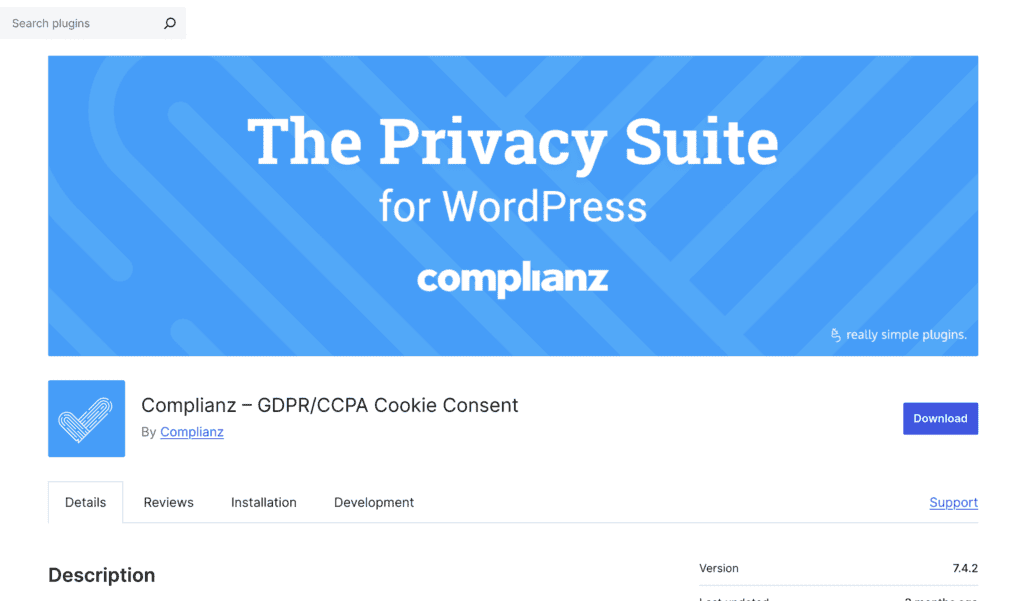
Complianz is famous for being a robust, full-featured solution designed to handle multiple global privacy laws, including GDPR, CCPA, and many others. Its signature feature is an easy-to-use setup wizard that guides you through a series of questions to configure the plugin perfectly for your site’s specific needs. This makes complex, multi-regional compliance feel simple and manageable.
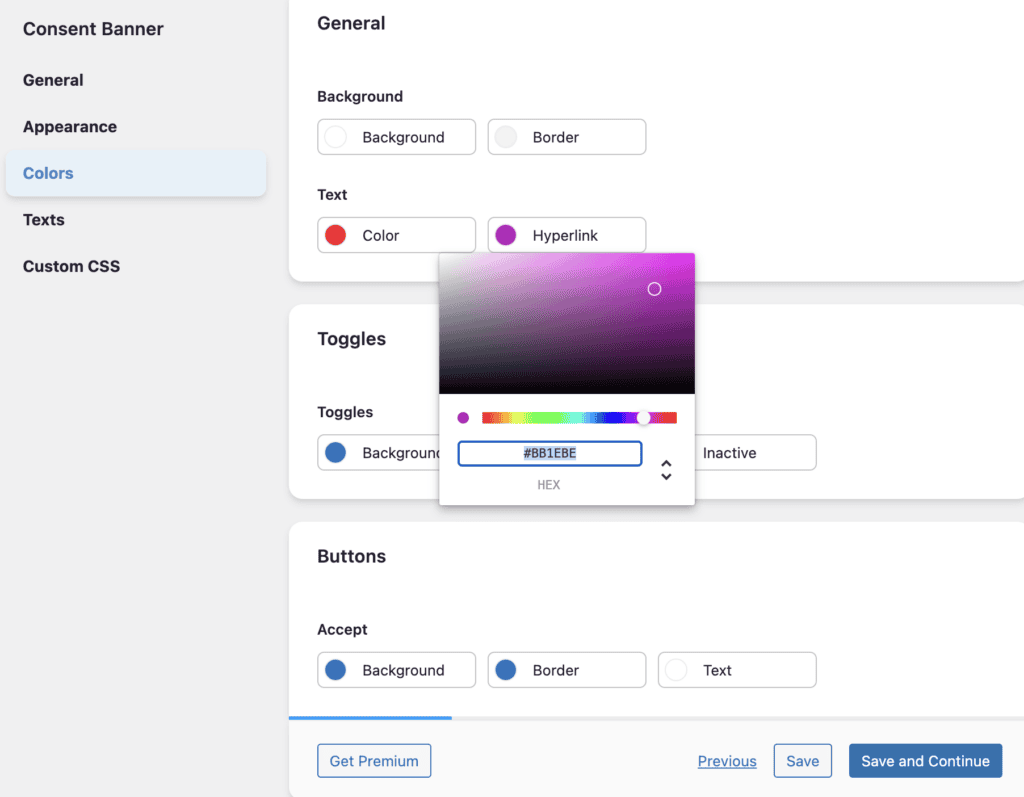
Using Complianz feels like having a legal tech expert hold your hand through the entire setup process. The wizard intelligently determines which rules apply to your site and configures everything accordingly, from the banner text to script blocking. This guided approach is perfect for users who are worried about getting the legal details wrong and want a solution that is both thorough and backed by legal professionals.
Here are some of the standout features that make Complianz a top choice:
- Guided Setup Wizard: Configures your cookie notice based on your answers to simple questions, ensuring you comply with laws relevant to your audience.
- Conditional Cookie Notice: The plugin intelligently displays a banner only in regions where it’s legally required, improving the user experience for visitors from other areas.
- Content Blocker: Automatically blocks third-party content like embedded YouTube videos or Google Maps with a placeholder until the user gives consent.
- Legally-Vetted Documents: The legal documents generated by the plugin, such as your cookie policy, are drafted by an IT law firm.
- Dynamic Script Blocking: Automatically blocks scripts based on user consent without you having to configure them manually.
- Accessibility Compliant: The banner designs follow WCAG and ADA accessibility guidelines, ensuring they are usable for everyone.
Pricing
Complianz pricing offers a free plan that includes the core setup wizard, cookie scans, and a basic banner, making it a great way to get started.
To unlock its full potential, a premium plan is required. Premium plans start at $59 per year for a single site. Upgrading gives you access to crucial features like A/B testing, consent records, geo-IP rules, and seamless integration with Google Consent Mode.
4. WPConsent
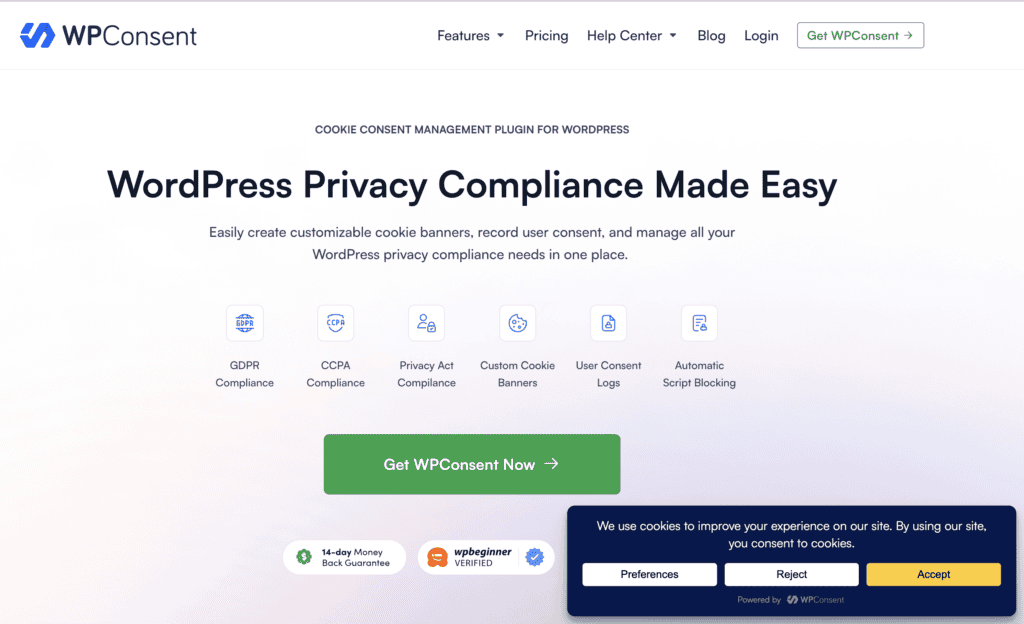
WPConsent is famous for being a lightweight, beginner-friendly, and affordable solution for privacy compliance. It’s designed to be fast and intuitive, ensuring that adding a cookie banner won’t slow down your website. As part of the WPLP Compliance Platform, it offers a clean, modern approach to managing cookies, consent, and legal policies from a centralized dashboard.
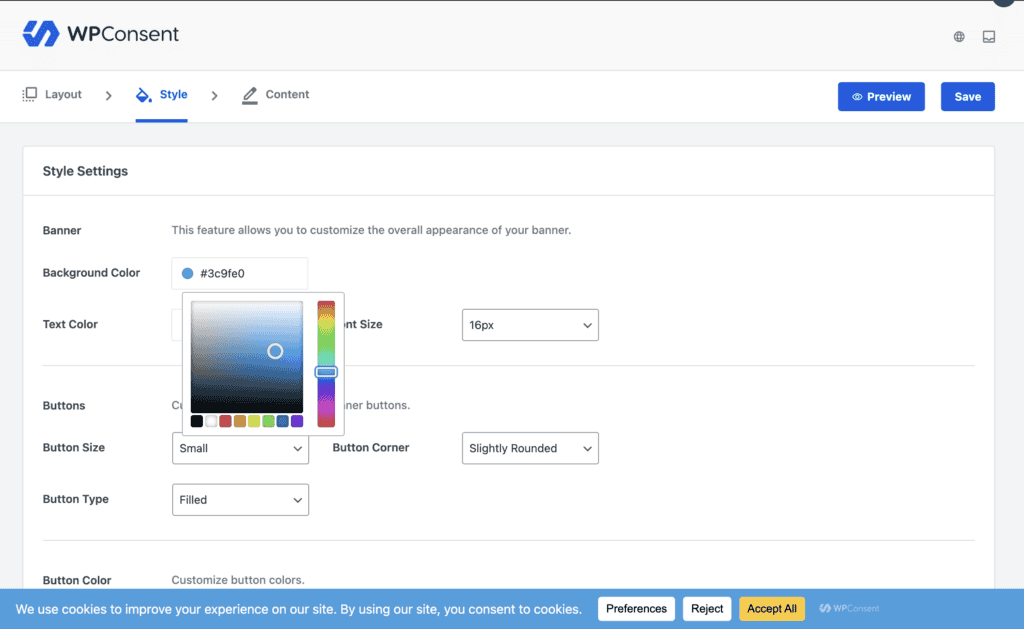
Our experience with WPConsent was refreshing. The interface is clean, and the plugin feels zippy and efficient. The live banner preview is a fantastic touch, allowing you to see your design and text changes in real-time before you save them. This plugin is ideal for users who prioritize site speed and want a simple, no-fuss tool that covers all the essential compliance bases without overwhelming them with unnecessary features.
Here are some of the standout features that make WPConsent a top choice:
- Modern and Lightweight: Built for performance, ensuring minimal impact on your site’s loading times.
- Live Banner Preview: See exactly how your banner will look on the front end as you customize it in the dashboard.
- Auto-Blocking (Prior Consent): The plugin automatically blocks scripts from running until a user gives their consent.
- Visual Editor: Features a simple visual editor to control the banner’s design, placement, and content, supported by various templates.
- Enhanced Scanning: The pro version supports advanced website scanning for up to 20,000 pages.
- Geolocation Detection: Display specific banners based on the user’s location to comply with regional laws.
Pricing
WPConsent’s free plan is quite comprehensive, including a customizable banner, automatic script blocking, and a cookie policy page generator.
For more advanced needs, you can upgrade to the WPConsent premium plan. While the exact pricing isn’t specified, premium tiers unlock key features such as automated scans, geolocation detection, and consent logs for audit purposes.
5. OptinMonster
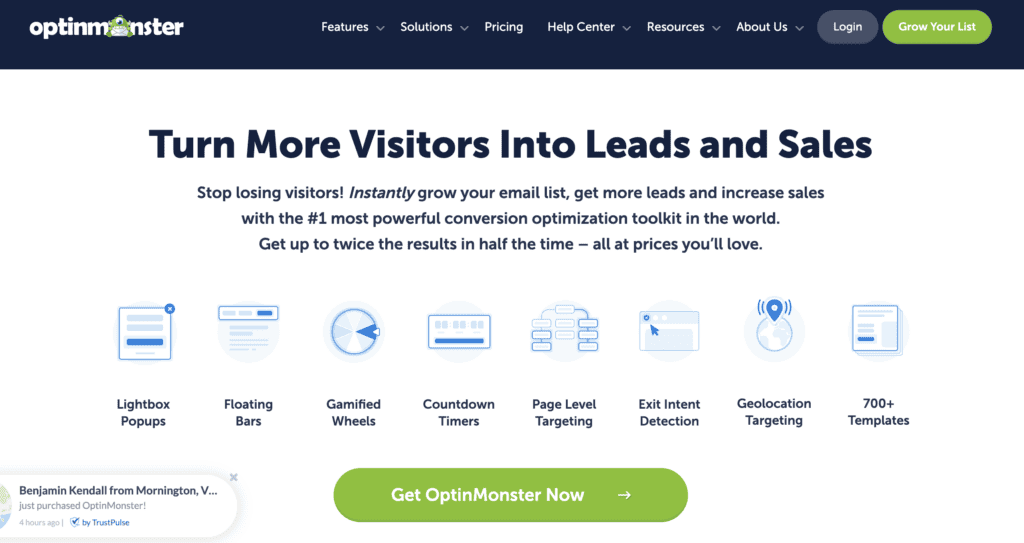
OptinMonster is famous for being one of the most powerful lead generation and conversion optimization tools in the WordPress ecosystem. It allows you to create highly customizable popups, floating bars, and other camwing paigns to capture leads. While it can be used to create a cookie consent banner, it’s crucial to understand that this is not its primary function, and it is not a dedicated compliance tool.
Using OptinMonster for cookie consent is a completely different experience from the other plugins on this list. Its drag-and-drop builder and targeting rules are unmatched for creating beautiful, high-converting campaigns. However, it offers no automatic cookie scanning or blocking. You are entirely responsible for identifying your site’s cookies and manually configuring the campaign to meet legal requirements. This makes it suitable only for advanced marketers who understand the legal nuances and can leverage its powerful features to create a custom-built consent solution.
Here are some of the standout features that make OptinMonster a top choice:
- Advanced Targeting Rules: Display your banner based on user behavior, such as Exit-Intent® (when a user is about to leave), scroll depth, or referral source.
- Powerful Drag-and-Drop Builder: Design stunning and highly customized banners, popups, and forms without any coding.
- Extensive Template Library: Choose from hundreds of pre-made, high-converting templates to get started quickly.
- A/B Testing: Test different banner designs, copy, and offers to optimize for the highest engagement and consent rates.
- Manual Compliance: It must be stressed that the plugin does not automatically block scripts or scan for cookies. The user is responsible for ensuring their campaigns are compliant.
Pricing
OptinMonster pricing starts with a Basic plan at around $7 per month (billed annually). Higher-tier plans unlock more advanced features, campaign types, and targeting rules, with prices scaling accordingly. All plans require a manual setup to be used for cookie consent.
Best Practices for Your Cookie Banner
This is the user-facing part of compliance, where you gain trust and legal permission. How you configure your banner’s functionality is critical.
- Implement Explicit “Opt-In” Consent and Block by Default Your plugin must be configured for explicit “opt-in” consent, meaning all non-essential cookies (for analytics, marketing, etc.) are blocked by default. They should only be activated after a user performs a clear, affirmative action, like clicking an “Accept” button. Banners that use “implied consent”—stating that continued browsing means you accept cookies—are not compliant with modern privacy laws like GDPR.
- Provide a Clear and Easy “Reject” Option It must be as easy for a user to reject cookies as it is to accept them. Your banner needs a prominent “Reject” or “Decline” button that is just as visible as the “Accept” button. Hiding this option, using deceptive color schemes (known as dark patterns), or forcing a user to navigate through complex menus to opt out is a direct violation of most privacy regulations.
- Offer Granular Controls for User Choice Empower your visitors by including a “Customize” or “Settings” button on your banner. This option should lead to a clear menu where users can consent to specific cookie categories (e.g., accepting functional cookies but rejecting marketing ones). This not only respects user choice but can also increase partial consent, as users who would otherwise reject all cookies might be willing to accept some categories.
- Use Geo-Targeting to Apply the Correct Rules Different regions have different laws. A robust compliance strategy involves using geo-targeting to show the correct banner to the correct audience. For example, visitors from the EU should see a GDPR-compliant banner with explicit opt-in, while visitors from California should see a banner that supports their CCPA rights, such as a “Do Not Sell or Share My Personal Information” link.
Maintaining Legal and Technical Compliance
This is the backend part of compliance, where you prove you are a responsible custodian of user data. These practices are legally required and protect you in the event of an audit.
- Maintain a Secure and Un-Editable Consent Log Your plugin must keep a secure, time-stamped record of every user’s consent choice. This log serves as your legal proof that you obtained permission and is a mandatory requirement under GDPR. It acts as an audit trail, documenting exactly when a user consented and what preferences they chose, protecting you from legal challenges.
- Prioritize Data Security to Prevent Breaches: Install a security plugin immediately. Legal compliance is directly tied to your website’s security. Regulations like GDPR require you to implement appropriate technical measures to protect the personal data you collect, including consent records. This means keeping your WordPress core, themes, and plugins constantly updated and using a security plugin to defend against hacks. A data breach resulting from poor security is a serious compliance failure.
- Keep Regular Backups as a Compliance Safety Net: Think of your backup plugin as a compliance insurance policy. If your site is compromised or crashes and you lose your consent log database, you lose your legal proof of compliance. Regularly backing up your entire website ensures that you can restore not only your content but also your legally-required consent records, protecting you from being found non-compliant due to accidental data loss.
Final Thoughts: The Best Choice for Total Compliance
Choosing the right WordPress cookie plugin is a critical step in building a trustworthy and legally sound website. While all the plugins on our list are excellent, Cookiebot stands out as our top recommendation. Its patented, fully automated cookie scanner offers a true “set-it-and-forget-it” experience that removes all the guesswork from compliance. For website owners who want the highest level of confidence and the least amount of manual work, Cookiebot is simply unmatched.
However, true compliance goes beyond just the cookie banner. Regulations like GDPR require you to protect the consent data you collect and secure your site against breaches. This is where combining your cookie plugin with a robust security and backup solution becomes essential. By using a plugin like BlogVault, you ensure that your legally-required consent logs are always backed up and your website is protected from vulnerabilities. This powerful combination—Cookiebot for consent management and BlogVault for data protection—creates a comprehensive strategy that keeps you compliant across all areas.
FAQs
How do I install a WordPress cookie plugin?
Installing a cookie plugin is just like installing any other WordPress plugin. From your admin dashboard, go to Plugins > Add New. Use the search bar to find the plugin you want (e.g., “CookieYes” or “Complianz”). Once you find it, click “Install Now” and then “Activate.” After activating, you will usually find a new menu item in your dashboard to configure the plugin’s settings.
What is the difference between a free and a premium cookie plugin?
A free plugin is great for getting started and will typically give you a basic, customizable banner that fulfills the minimum requirements. It’s perfect for new or small websites. A premium plugin offers more powerful, automated features that save you time and provide greater legal protection. These often include automatic cookie scanning, detailed consent logs for audits, geo-targeting (showing different banners to visitors from different countries), and more advanced customization options.
Do I really need a cookie plugin if my website is in the US?
Yes, it is highly recommended. While GDPR is a European law, it applies to any website that has visitors from the EU. Furthermore, several US states have their own privacy laws, like the California Consumer Privacy Act (CCPA). These laws often apply if you have visitors from that state, regardless of where your business is located. Beyond legal requirements, having a cookie banner is now a standard practice that builds trust with your audience by showing you respect their privacy.
How can I customize the look of my cookie banner?
Most cookie plugins have a user-friendly settings dashboard where you can customize the banner’s appearance without any code. You can typically change the colors to match your brand, edit the text, customize the buttons, and choose the banner’s position on the page (e.g., a bar at the bottom or a pop-up in the corner). Look for a “Design” or “Customization” tab in your chosen plugin’s settings.
Why isn’t my cookie banner showing up after I installed the plugin?
The most common reason is caching. Your website might be showing a saved (cached) version of the page. Try clearing your website’s cache (through your caching plugin) and also your browser’s cache. If that doesn’t work, double-check that you have saved your settings within the cookie plugin’s dashboard. In rare cases, there might be a conflict with another plugin or your theme, which you can test by temporarily deactivating other plugins.

Shreya has been a writer for as long as she can remember. Now, she writes articles that help WordPress users manage the sites that they're proud of, with little to no coding


