
When researching WordPress staging solutions, I started by using WP Staging. It was free and fairly simple to set up. But, I quickly started searching for WP Staging alternatives.
I didn’t like that it took up so much of my server resources. My website got sluggish over time. The free version made it impossible to push changes to my live site. I could choose to invest in the paid subscription of WP Staging or choose a different one altogether.
So I spent weeks testing every major staging plugin and service available. This article is everything I discovered. Which tools actually work for different site sizes? What features matter most when your site grows?
🏆 Verdict: BlogVault Takes the Crown
BlogVault is the only solution that handled my large site flawlessly. I loved the automated deployment, zero downtime, and integrated backups that actually work when you need them most.
There are a lot of staging plugins available. So, I knew I needed a systematic approach to find the right wp staging alternative. I wasn’t going to get burned again by a plugin that looked good on paper but failed under real-world conditions. Here’s exactly what I tested for:
- Can it handle a large site?
- Can it handle a large site?
- Can I push changes without breaking your site?
- Is it easy to use and navigate?
- Is it good value for money?
1. BlogVault
BlogVault is a comprehensive backup and security plugin that also offers a powerful staging feature. They are known for building powerful one-click solutions and their staging follows the same philosophy.
One of my biggest qualms with WP Staging was the fact that it took longer to build a staging site than for my coffee to brew. In contrast, Blogvault’s ultra fast staging was impressive. Blinked and it was done.

Another problem that I was looking to solve was to find a staging plugin that didn’t take up server resources. BlogVault’s staging sites are hosted on its own fast cloud servers. This means that creating and working with a staging website won’t slow down your live website.
I thoroughly appreciated the fact that BlogVault highlights the differences between the live and staging site. So, when I was ready to push changes to the live site, it gave me a chance to select exactly which changes I want to implement.
Lastly, the staging site was password protected. You could find the credentials on their dashboard. This brought me as close to my live site as possible, without being available to browser crawlers or customers.
It’s a great plugin for all types of sites and website admins. It’s everything you need (and more) from a staging plugin.
Pros:
- One-click staging site creation
- Hosted on fast cloud servers
- Password protection and SFTP access
- PHP version testing
- Highlights changes before merging
- Supports WordPress Multisite staging and SSL
Cons:
- There is no free version available for the staging features.
Pricing: $299 a year for staging, backups, security and more.
2. WP Stagecoach
In the ongoing debate of WP Staging or WP Stagecoach, I think WP Stagecoach wins. It’s a dedicated staging solution that hosts your staging site on its own servers. This means your live site won’t slow down during staging creation.
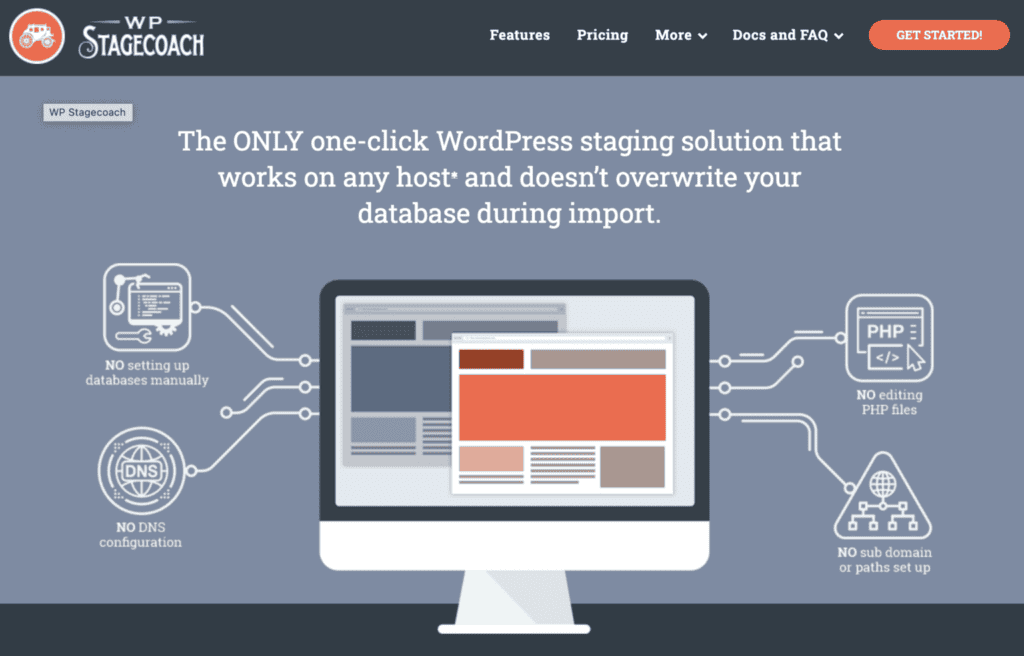
When I used the test site, I was glad it had a built-in password protection feature. Additionally, automatic “noindex” tags were also added to keep search engines from indexing the staging site. I liked the flexibility to push back just files, just the database, or both.
However, the experience wasn’t without drawbacks. Since the plugin changed ownership, updates and support have slowed noticeably. I even encountered small glitches during payment and onboarding. While the core staging functionality still works well, the signs of reduced maintenance make me question its long-term reliability.
WP Stagecoach is the lesser of two evils, when compared to WP Staging. I would prefer a more reliable solution like BlogVault.
Pros:
- Off-server staging (no load on live site)
- Built-in password protection and “noindex” for SEO safety
- Flexible push options (files only, database only, or both)
- Easy to set up
Cons:
- Premium-only (no free version)
- No multisite support
- Slower updates and support since acquisition
Price: Subscription costs vary depending on how big the size of the website is. Small websites, for example, cost $149 a year.
3. WP Time Capsule
WP Time Capsule is primarily an incremental backup plugin that saves backups to your personal cloud storage like Google Drive or Dropbox. It also leverages this technology to offer a staging feature, which I took for a spin.
My main issue with WP Staging was how it created the staging site on my live server, consuming valuable resources. WP Time Capsule immediately solves this core problem. It builds the entire staging environment on its own dedicated servers, meaning my live site’s performance was completely unaffected while I worked. This was a significant improvement.
The process begins by connecting your cloud storage and then initiating the staging creation. This involves a full backup and restore cycle to their staging servers, which took a few minutes but was a hands-off process.
When it came time to push my changes live, the process was functional. WP Time Capsule presents you with a list of modified files before you merge. However, I found myself wishing for more transparency. It doesn’t provide a detailed preview of the specific database changes or content edits within those files. This lack of a granular overview meant I had to be extra cautious before committing the changes.
Ultimately, WP Time Capsule is a solid upgrade from WP Staging but I still preferred the granular control of BlogVault.
Pros:
- Staging site is hosted externally, so it doesn’t slow down your live site
- Leverages your own cloud storage for backups
- Solves a major resource problem found in plugins like WP Staging
- Incremental backup technology is efficient
Cons:
- Staging is a premium feature
- The merge process lacks a detailed preview of database and content changes
- Setup requires connecting and authorizing a separate cloud storage service
Price: Plans start at $49 a year. Plans are similar except for backup retention periods
4. UpdraftClone
UpdraftClone is an add-on for the popular UpdraftPlus backup plugin. It’s designed for quick, temporary staging environments, and you purchase “tokens” to create them. The idea is simple enough: spend a token, get a clone.
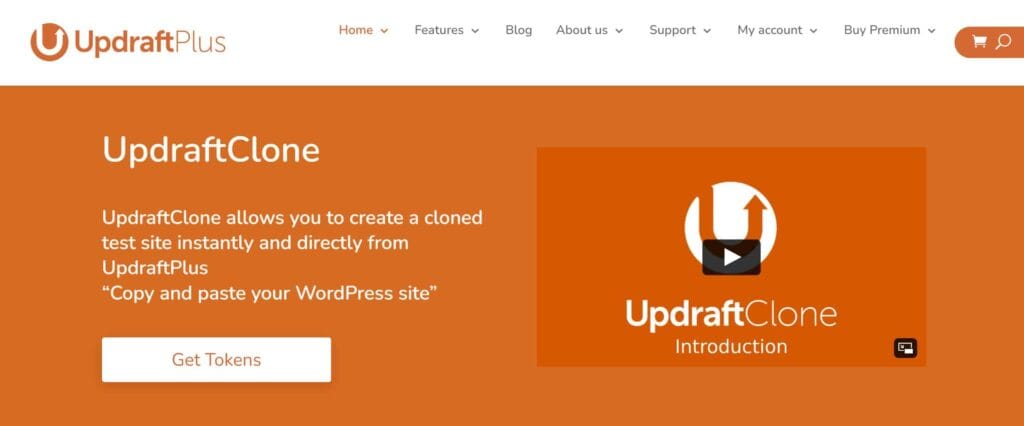
When I tested it, the staging website was created on their remote servers, which was good because it didn’t impact my live site’s resources. However, the process wasn’t instant — the wait time was noticeably longer than I expected for something marketed as quick.
The token system itself felt a bit restrictive. You have to buy and keep track of tokens, which adds a layer of complexity compared to plugins where staging is simply part of the package. Plus, if you run out mid-project, you’ll need to pause and purchase more before continuing.
While the staging site did replicate my live site faithfully, the feature set felt limited. There was no granular control over which changes to push back — it was more of an all-or-nothing affair.
It works fine if you just need a quick, temporary copy of your site for testing, but for ongoing staging needs, I found it less flexible than BlogVault.
Pros:
- Offsite hosting for clones (no load on your server)
- Faithful replication of your site
- Useful for temporary testing environments
Cons:
- Token-based pricing can be inconvenient
- Slower creation speed than expected
- Limited control over pushing changes to live
Price: They have a token system that was a little complicated to assess. It costs $15 a month for 5 tokens. If your site is 25GB or lesser, this might be enough.
5. WPvivid
WPvivid is a versatile WordPress plugin that covers backups, migrations, and staging. On paper, it sounds like an all-in-one solution — and it does deliver in several areas. The staging feature is available in the Pro version, and the setup process is fairly easy to follow.
When I tested it, the staging site was created directly on my server. This made the creation process noticeably slower, especially on a shared hosting plan. I also noticed that the process consumed quite a bit of server resources, which briefly impacted the performance of my live site.
The staging tool offered an interface that is clean and functional, with options to push the staging site back to live. However, unlike BlogVault’s neat side-by-side difference highlighting, WPvivid offered less visual guidance on exactly what was changing. This made me double-check more often than I’d like before clicking “push to live.”
Security-wise, you can password-protect the staging site, but you have to enable and configure it manually — it’s not pre-set the way BlogVault does it. That extra step isn’t a dealbreaker, but it adds friction.
WPvivid is a decent choice for those already using it for backups or migrations, but for pure speed, minimal server load, and convenience, BlogVault’s staging still comes out ahead.
Pros:
- Easy-to-use interface
- Works with existing WPvivid backup and migration tools
- Option to password-protect staging sites
- Supports both single and multisite installations
Cons:
- Staging hosted on your own server (can slow down your live site)
- Slower creation process compared to cloud-hosted solutions
- Less visual guidance when merging changes
Pricing: The free WordPress staging site lets you build a staging site on a sub-directory, but you can’t push changes to the live site. You need to upgrade to a paid plan of at least $49 a year.
Final Thoughts
After months of testing alternatives and comparing them to my original WP Staging experience, the verdict is crystal clear: WP Staging is subpar on every level that matters. It fails with large sites, lacks reliable deployment features, offers zero cloud backup integration, and leaves you stranded when things inevitably go wrong.
I would recommend that you use one of the best staging plugins, BlogVault. It’s the only staging solution that consistently delivers on its promises. While competitors struggle with sites over 10GB, BlogVault handles enterprise-level websites without breaking a sweat.
After using the plugin for other things like security, backups and updates, I found the pricing worthwhile. It’s become my go-to plugin for WordPress maintenance.
FAQs
What is the best free staging for WordPress?
UpdraftPlus with UpdraftClone offers a pay-as-you-go model that’s cost-effective for occasional staging needs. But, you’ll need a tool like BlogVault when you start to scale.
Is WP staging good?
No, WP Staging is not good—especially as your site grows. While it works fine for basic WordPress sites under 5GB, it becomes unreliable with larger databases, struggles with complex migrations, and offers zero cloud backup integration. The deployment process is manual and error-prone, often breaking URLs or missing files during the staging-to-live transfer.
My experience: WP Staging worked initially but became a liability as my site expanded. It’s a tool that works until it doesn’t—and when it fails, it fails catastrophically. Save yourself the headache and choose a more robust alternative from the start.
What is the difference between WP staging and duplicator?
Focus and approach are the key differences. WP Staging is designed specifically for staging workflows—creating test environments on the same server. Duplicator is primarily a migration and backup tool that can be used for staging, but it’s not its main purpose.
Key differences:
- WP Staging: Creates staging sites on your existing server, simpler interface, staging-focused features
- Duplicator: Creates packages for migration between servers, more complex setup, requires manual database URL fixes
- Reliability: Both struggle with large sites, but Duplicator gives you more control over the migration process
- Use case: Choose WP Staging for simple staging, Duplicator for site migrations and complex cloning needs
What is the difference between UpdraftPlus and WP staging?
UpdraftPlus and WP Staging serve different primary purposes. UpdraftPlus is fundamentally a backup plugin with staging capabilities through UpdraftClone, while WP Staging is a dedicated staging tool that happens to include basic backup features in its premium version.
Core differences:
- Primary function: UpdraftPlus backs up to cloud storage; WP Staging creates local staging sites
- Staging approach: UpdraftClone creates temporary cloud-based staging sites; WP Staging creates permanent local staging environments
- Pricing: UpdraftClone uses a token system ($15 for 5 uses); WP Staging charges annual subscriptions (€89+/year)
- Best for: UpdraftPlus excels at backups with occasional staging; WP Staging focuses on regular staging workflows

Shreya has been a writer for as long as she can remember. Now, she writes articles that help WordPress users manage the sites that they're proud of, with little to no coding