

Cookie plugin headaches are real — if you’re hunting for CookieYes alternatives, we get it. Slow-loading banners, broken Elementor forms, flaky GTM/GA4 tracking, recurring popups and spotty support can tank UX and SEO fast.
We tested a bunch of options so you don’t have to. Below are our top 4 CookieYes alternatives chosen for speed, Elementor and GTM compatibility, reliable consent management, and solid support.
Our review of CookieYes confirms that it causes significant site speed issues and conflicts. We found Cookiebot to be the best alternative because its superior automatic scanning and blocking provide robust compliance without the performance drag and compatibility headaches.
What we looked for in a CookieYes alternative
An alternative cookie consent plugin should fix the problems you have with CookieYes. Here are the practical criteria we used when testing replacements so you can choose a tool that actually works for your site.
- Compliance needs: Supports the laws that matter to you (GDPR, ePrivacy, CCPA/CPRA), includes consent logging, and can provide proof of consent when needed.
- Customization: Flexible banner and modal styling, placement options, and messaging controls so notices match your brand and don’t disrupt UX.
- Free vs. premium: Verify what the free plan covers (basic banners, manual cookie lists) versus paid tiers (automatic blocking, granular preferences, consent logs, removal of vendor branding).
- Ease of use: Intuitive dashboard, clear setup guides, and one-click integrations (WordPress, GTM, GA4). Avoid tools that demand heavy code edits or fragile workarounds if you’re non‑technical.
1. Cookiebot
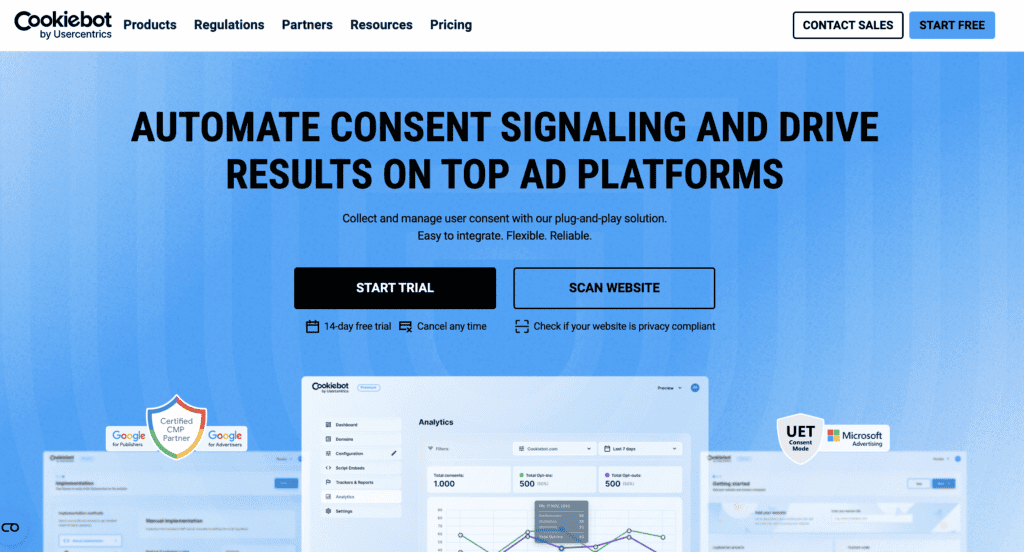
Cookiebot (by Cybot) is a Google‑certified Consent Management Platform best known for its patented cloud‑based automatic cookie scanning and auto‑updating cookie declaration. It scans first‑ and third‑party cookies monthly, matches them to a large global repository, and generates plain‑language cookie policies — which makes compliance automation its core strength.
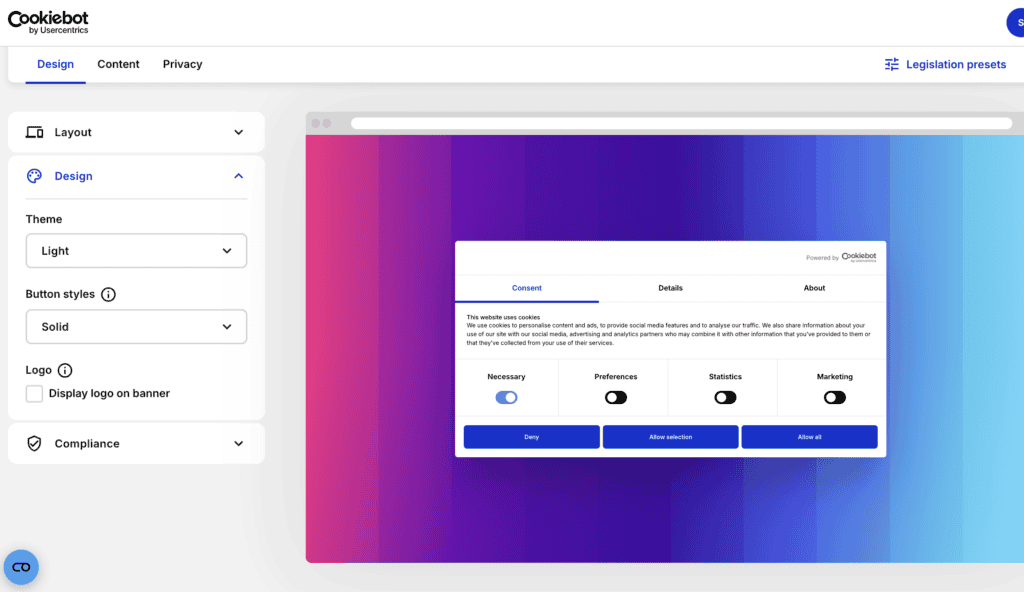
As an alternative to CookieYes, Cookiebot addresses many common pain points: its automatic blocking of non‑essential cookies reduces the manual setup that can break forms or GTM setups, and its consent logs and cross‑domain consent sharing help keep analytics and attribution more consistent. In our experience Cookiebot caused fewer slow‑loading banner issues and was less likely to interfere with page builders like Elementor — while still giving granular consent controls that meet GDPR/CCPA requirements.
Key features
- Automatic cookie scanning: Detects all first‑ and third‑party cookies and trackers with patented cloud tech.
- Auto‑updating cookie declaration: Monthly scans feed a plain‑language, auto‑generated cookie policy.
- Global cookie repository: Matches findings against a database of 13,000+ cookies for clear descriptions.
- Cross‑domain consent sharing: Share a visitor’s consent across sites and subdomains.
- Prior consent (opt‑in) blocking: Blocks all non‑essential cookies and trackers until explicit consent is given.
- Granular consent controls: Visitors can accept/reject by category (marketing, statistics, etc.).
- Secure consent logs: Stores consent records for audit purposes (up to 12 months).
- A/B testing (premium): Test banner variants to optimize consent rates.
- Display rules & custom styling: Position, layout, colors, custom CSS, and page‑level display controls.
- CCPA support: “Do Not Sell or Share My Personal Information” link for California residents.
Pricing
- Free plan: Available for websites with up to 50 subpages — includes basic scanning and banner features.
- Premium plans: Start at around $13/month for advanced features such as geotargeting, consent analytics, A/B testing, and expanded customization.
- Enterprise: Custom pricing for high‑traffic or multi‑domain deployments (contact vendor for details).
2. Complianz
Complianz is a WordPress-first privacy plugin built around a setup wizard that generates region-specific notices and legally drafted documents. It’s popular for handling multiple global privacy laws (GDPR, CCPA/CPRA, ePrivacy) and for making compliance accessible to non‑lawyers via an easy step‑by‑step setup.
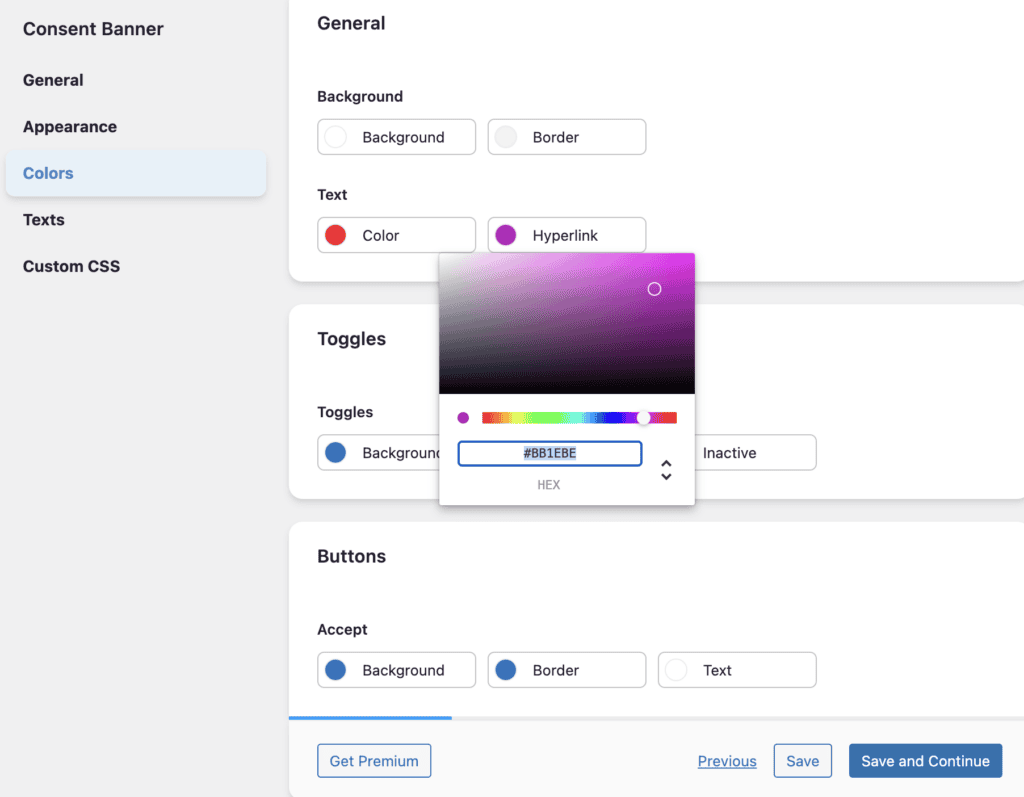
Compared with CookieYes, Complianz stands out on regional logic and dynamic blocking: it only shows notices where required, automatically blocks third‑party content (YouTube, Maps, etc.) until consent, and integrates with the WordPress Consent API to standardize consent across plugins. Those features reduce the chance of broken forms, errant GTM scripts, and recurring banners caused by misconfigured manual blocking — while giving strong documentation and legal wording drafted by an IT law firm.
Key features
- Conditional cookie notice: Show banners only in regions where needed via wizard configuration.
- Content blocker: Replace embedded content with placeholders until consent is granted.
- WP Consent API integration: Standardizes consent communication between plugins.
- Dynamic script blocking: Automatically blocks scripts by consent without manual rules.
- A/B testing (premium): Test banner variants to improve consent rates.
- Legal documents: Wizard generates IT law firm‑drafted privacy and cookie documents.
- Proof of consent: Stores consent records while respecting GDPR data‑minimization.
- Auto-anonymization: Can anonymize personal data for integrated statistics tools.
- WCAG/ADA conscious templates and Script Center for granular script control.
Pricing
- Free plan: Setup wizard, cookie scans, and a basic banner.
- Premium plans: Start at $59/year for a single site (consent records, geo‑IP, Google Consent Mode integration, more features).
- Enterprise/multi-site: Higher tiers and add‑ons available for agencies and large deployments.
3. WPConsent
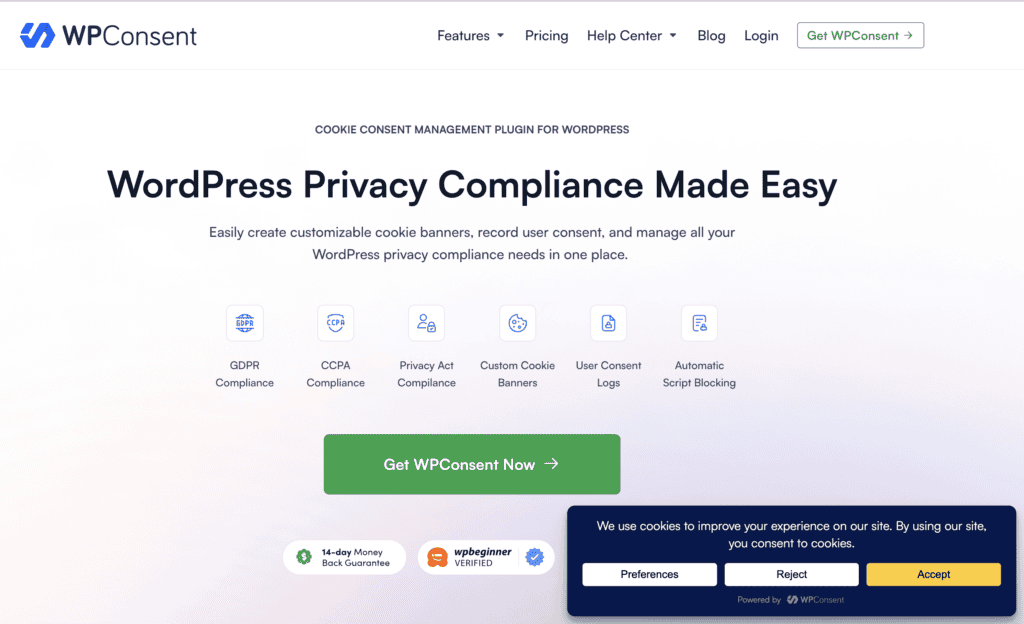
WPConsent is designed as a performance‑first, easy-to-use cookie and consent manager within the WPLP Compliance Platform. It’s aimed at site owners who want simple setup, a clean dashboard, and tools that won’t add heavy scripts to their pages.
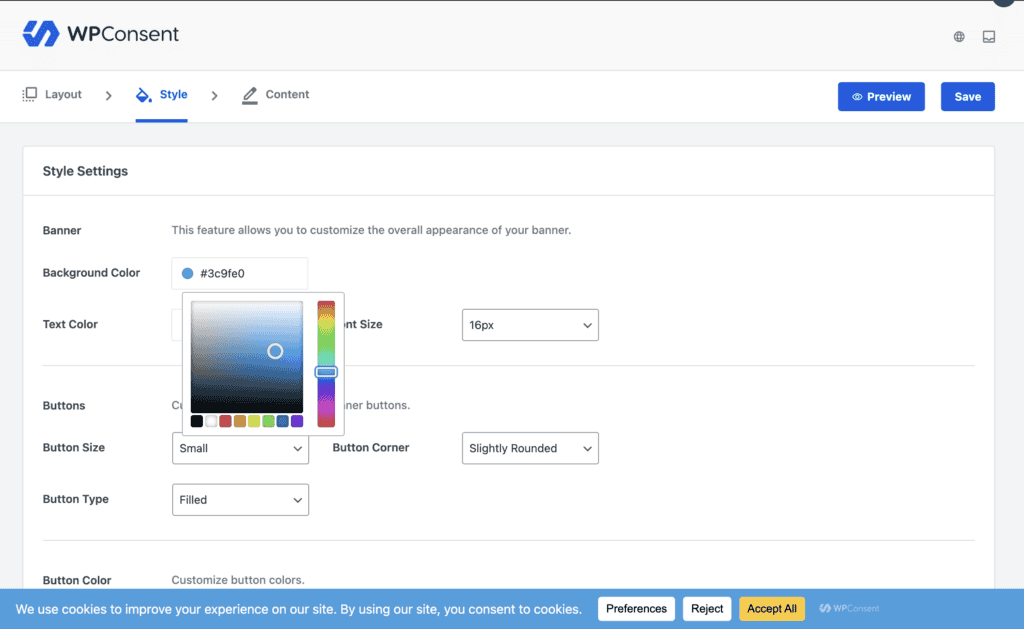
Against CookieYes, WPConsent is lightweight architecture and visual editor reduces the chance of slow banners, scrolling issues, or conflicts with page builders. Its auto‑blocking and consent logging (in Pro) cover the essentials for compliance without the overhead of more complex enterprise tools, and the live banner preview helps you avoid UX misconfigurations that can cause repeat popups.
Key features
- Modern, lightweight build for speed and minimal performance impact.
- Visual editor and live banner preview for real‑time customization.
- Prior consent auto‑blocking: Prevents scripts from running until consent.
- Enhanced scanning (Pro): Supports scans across up to 20,000 pages.
- Advertiser Consent Mode & debug tools for Google Consent Mode (Pro).
- Consent logging: Records user consents in premium versions.
- Geolocation detection (premium) to display relevant banners.
- Banner templates, CSS/branding controls, and a simple, intuitive dashboard.
Pricing
- Free plan: Customizable banner, auto‑blocking, and a cookie policy page.
- Premium plans: Add automated scans, geolocation, consent logs, and advanced features (pricing varies by tier — see vendor for exact rates).
- Designed to be affordable for single sites and small businesses.
4. OptinMonster
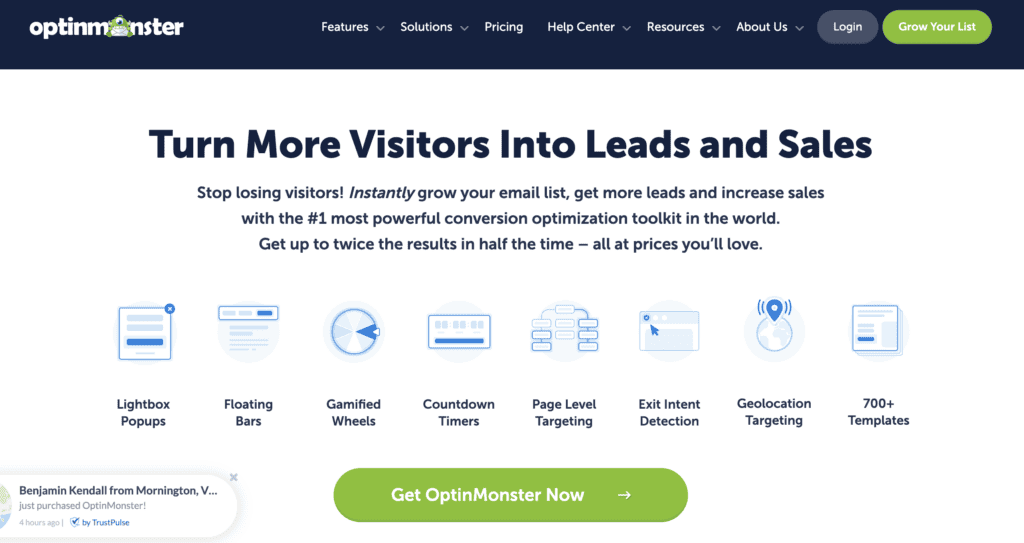
OptinMonster is a powerful lead‑generation and campaign builder known for advanced targeting, Exit‑Intent tech, and a drag‑and‑drop editor. It’s used to show popups, floating bars, and full‑screen mats that can double as consent prompts when configured correctly.
Compared with CookieYes, OptinMonster won’t solve automatic cookie scanning or script blocking. However, it can deliver prettier, more targeted consent UI with superior A/B testing and behavior triggers, but compliance is manual. That means it can avoid some performance problems (depending on how you implement it) and gives you the most control over messaging and timing, but you’ll still need a compliant blocking mechanism (via GTM, a CMP, or custom code) to meet GDPR/CCPA requirements.
Key features
- Exit‑Intent® and behavior triggers for targeted presentation.
- Multiple campaign types: popups, floating bars, full‑screen mats, etc.
- Drag‑and‑drop builder and hundreds of templates for rapid design.
- Advanced targeting: scroll depth, page targeting, referral source, etc.
- A/B testing and analytics to optimize consent messaging and conversions.
- Custom HTML/CSS and animation options for full design control.
- Targeted consent messaging: show different messages to different audiences.
Pricing
- Basic plan: Starts at $7/month (billed annually).
- Higher tiers: Add advanced targeting, rules, and integrations; pricing scales with features.
- Note: OptinMonster does not include automatic cookie scanning or blocking — consider pairing it with a CMP or GTM setup for compliance.
Cookie banner best practises
If CookieYes slowed down your site, broke your forms, or created a bad user experience, your new banner must do the opposite. It needs to be fast, clear, and compliant without getting in the way.
- Test on a staging site first: Before going live, verify the plugin doesn’t cause the same speed drops, Elementor conflicts, or GTM tracking errors you’re trying to escape.
- Block first, ask second (opt-in): All non-essential scripts (analytics, ads) must be off by default and only load after a user clicks “Accept.” This is non-negotiable for GDPR.
- Make ‘Reject’ as easy as ‘Accept’: Don’t hide the opt-out button. Equal visibility is a legal requirement and prevents user frustration.
- Offer granular controls: A “Customize” option lets users accept some cookie categories (like analytics) instead of rejecting everything, helping preserve your data.
- Use geo-targeting: Show the right banner to the right visitor (e.g., GDPR for EU, CCPA for California) to ensure you’re always compliant.
Technical and Legal Compliance Must-Haves
A fast banner is useless if the backend is unreliable or not compliant to GDPR and other regulations.. This is where you avoid the tracking inaccuracies, data loss, and legal risks that can come with a buggy plugin.
- Keep secure consent logs: Your new tool must store a time-stamped, un-editable record of every consent choice. This is your legal proof for audits.
- Automate blocking to avoid errors: Manual script blocking is fragile and a common cause of broken forms and bad analytics. A good alternative should handle this automatically and reliably.
- Back up your consent records: If your site crashes and you lose your logs, you lose your proof of compliance. Ensure your backup plugin saves the consent database from your new tool.
- Confirm it’s secure: Your consent log contains personal data. A data breach is a compliance failure, so your cookie tool must work with your security plugins to keep that data safe.
Final Thoughts
If you’re struggling with CookieYes, you’re not alone. Our review confirms what many users report: while it’s a popular tool, its recurring issues with site speed, broken Elementor forms, and unreliable GTM/GA4 tracking make it a constant source of friction for site owners who need performance and stability. These aren’t minor glitches; they are fundamental problems that can damage your SEO, user experience, and data accuracy.
After testing the top contenders, Cookiebot stands out as the best overall CookieYes alternative. It directly addresses the biggest pain points. Its patented, cloud-based automatic scanning and blocking are more reliable and less prone to conflicts with page builders and tag managers. In our tests, it delivered on its promise of robust compliance without the significant performance drag, making it a “set-it-and-forget-it” solution that just works.
FAQs
What are the main reasons to look for a CookieYes alternative?
The most common complaints about CookieYes are performance-related. Users report that its script slows down websites, negatively impacting SEO and user experience, especially on mobile. Other major issues include conflicts that break Elementor forms, unreliable tracking with Google Tag Manager (GTM) and GA4, and a recurring banner that disrupts visitors.
Why is Cookiebot considered the best alternative to CookieYes?
Cookiebot directly solves the core problems of CookieYes. Its patented, cloud-based automatic cookie scanning and blocking are more reliable and have less impact on site speed. Because its automation is more sophisticated, it’s far less likely to cause the compatibility issues with Elementor and GTM that frustrate CookieYes users, making it a more stable and dependable solution.
Will these CookieYes alternatives break my Elementor forms?
While no plugin is 100% conflict-proof, alternatives like Cookiebot and Complianz are known for better compatibility with page builders. Their automatic script-blocking mechanisms are generally more robust and less likely to interfere with how Elementor loads its JavaScript-dependent components, like forms. We always recommend testing on a staging site first.
How easy is it to switch from CookieYes to an alternative?
Switching is usually straightforward. The process involves deactivating and deleting the CookieYes plugin, then installing your chosen alternative. Most top alternatives, like Cookiebot and Complianz, have user-friendly setup wizards that guide you through configuration, automatically scan your site for cookies, and get you up and running in minutes.
Do these alternatives offer a free plan like CookieYes?
Yes, most of the top alternatives offer a free plan with basic features. For example, Cookiebot has a free plan for sites with up to 50 subpages, and Complianz offers a robust free version. However, critical features needed to fix the problems with CookieYes—such as advanced automatic blocking, consent logging, and geo-targeting—are typically part of their premium plans.

Shreya has been a writer for as long as she can remember. Now, she writes articles that help WordPress users manage the sites that they're proud of, with little to no coding


