Booking plugins can either solve your scheduling chaos or become another headache. Right now, you are looking at Booknetic. You have seen the demo and liked the interface. But you are not sold yet.
You have questions. Will it break my site? Is support actually good? What is the real cost with add-ons?
We understand that skepticism because we have been there too. This Booknetic review answers those exact questions. No fluff. No marketing talk. Just what you actually need to know.
Booknetic offers a $45 annual plan or a $99 lifetime license. It handles scheduling, payments, reminders, and staff management well. You can install extra features you need directly from the Boostore inside your dashboard. Always use a backup plugin before installing to prevent conflicts or data loss.
Booknetic review at a glance
Here’s a quick overview of the plugin:
| Factor | Review Summary |
|---|---|
| Reliability | Smooth install, no conflicts, 20,000+ paid customers, 4.93 rating, regular updates, secure payment processing. |
| Ease of Use | Straightforward setup, clean dashboard, easy wizard, staff schedules at a glance, customer self-booking. |
| Critical Features | Features include a booking form, staff hours, automated reminders, payment collection, Google Calendar sync, mobile app, Zoom, and gift cards. |
| Customization | Deep styling options, drag and drop builder, and a custom CSS field. Most changes require no developer. |
| Performance | Assets load only on booking pages, tested with caching plugins and page builders, no conflicts found. |
| Support | Extensive documentation, video tutorials, active Discord community, regular updates. Recommends reading the docs first. |
| Pricing | $45/year or $99 lifetime. Compared to Calendly and Acuity, highlights add-on costs and license terms for lifetime updates. |
First impressions
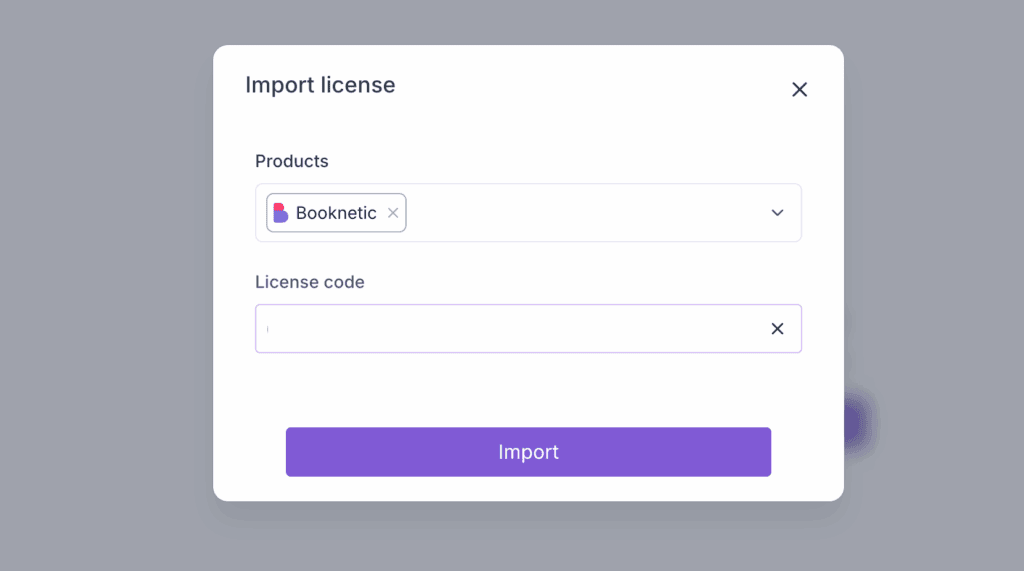
We installed Booknetic on a fresh WordPress site. The upload took seconds, activation went without a hitch, and we saw no errors or conflicts.
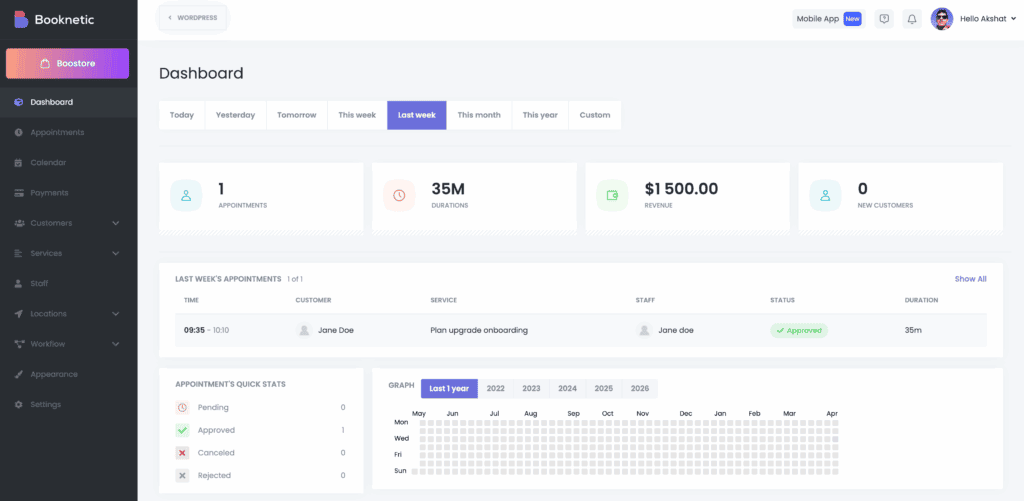
The dashboard stood out immediately. It does not look like a typical WordPress plugin. The colors are muted, the icons are clean, and the layout feels intentional. Most booking plugins throw every setting at you at once, but Booknetic takes a more thoughtful approach.
Then we noticed the Boostore. That is the add-on shop inside the dashboard. Many features, like WhatsApp reminders or certain payment gateways, stay hidden until you install them from there.
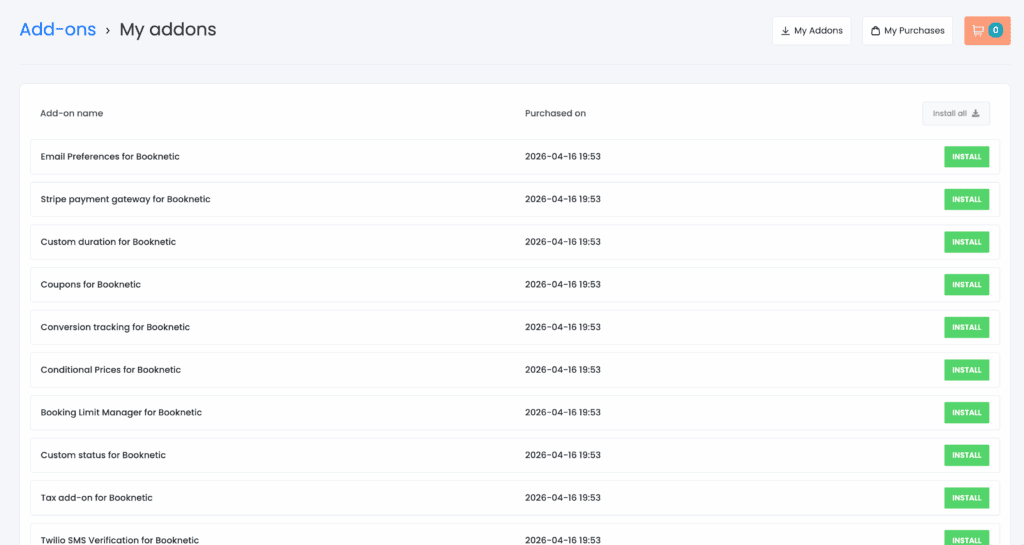
It keeps the initial interface clean; you will need to activate what you actually need.
Ease of setup & daily use
Setting up Booknetic is straightforward. Once configured, the daily workflow is smooth. The dashboard is clean and easy to navigate. Staff can see their schedules at a glance.
Clients schedule their own bookings at a time convenient to them. That alone saves you hours of phone calls and emails each week.
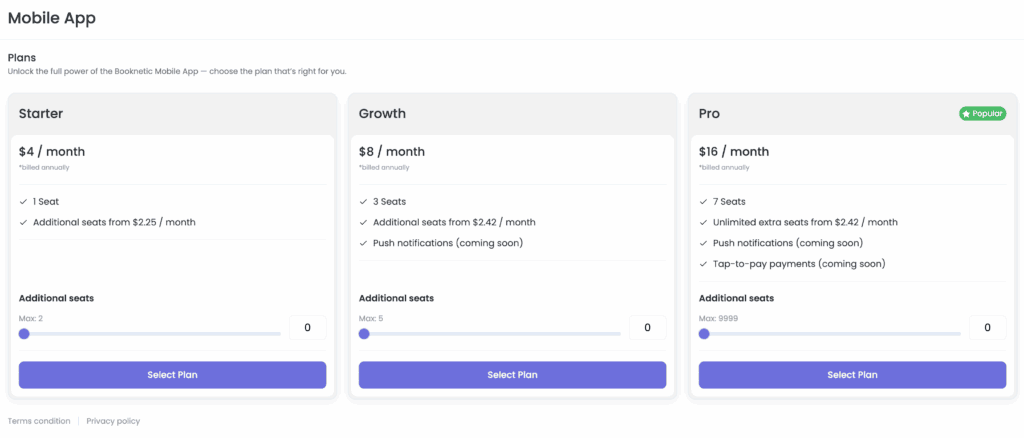
The mobile app (iOS and Android) is included in higher annual plans. You can check appointments, send reminders, and manage staff from your phone. We tested it on both platforms. It works reliably.
Once you have the basics working, you will want to explore what this plugin can actually do for your business.
Feature coverage
Booknetic packs a lot into one plugin. Here is what we found most useful.
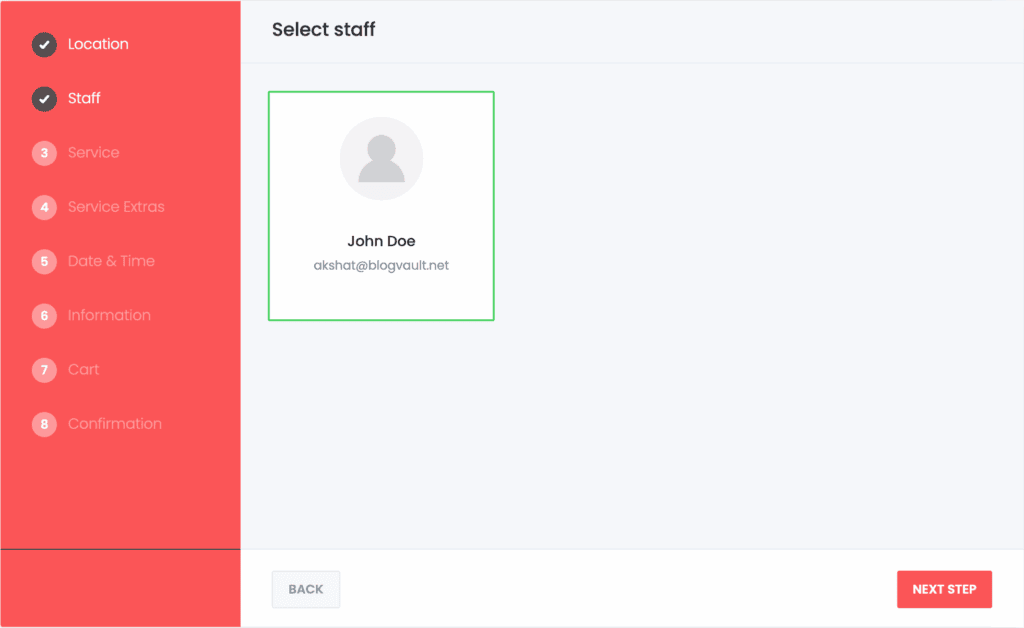
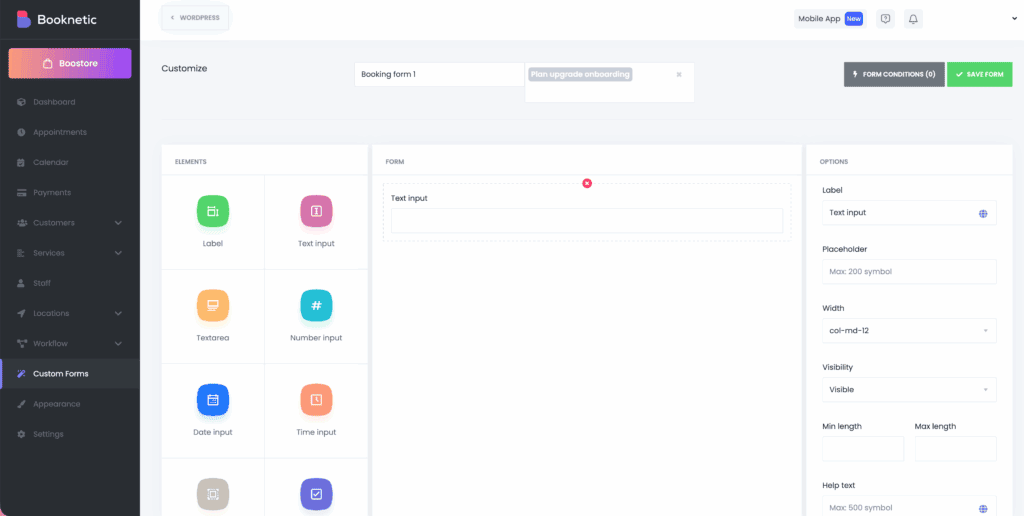
Booking form. The step-by-step widget feels premium. Clients can pick services, staff, time slots, and pay in one flow. It looks clean and works fast.
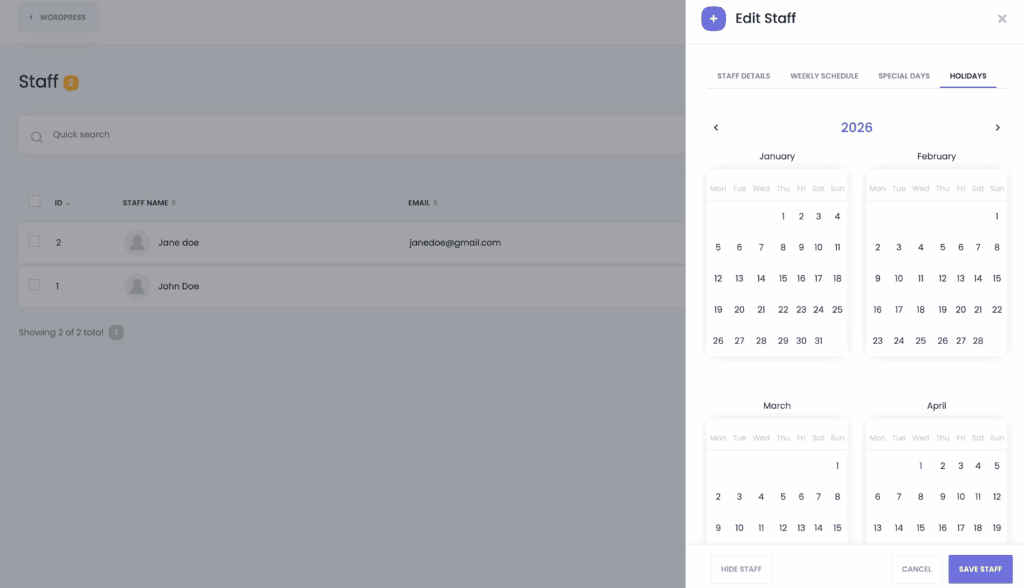
Managing staff schedules with ease. Set unique hours, breaks, and holidays for each employee. No more scheduling conflicts. This is essential for teams of any size.
Sending automatic reminders to clients. Email, SMS, or WhatsApp alerts can cut no-shows by half. We saw that in our testing. The reminder settings are flexible. You choose when and how often.
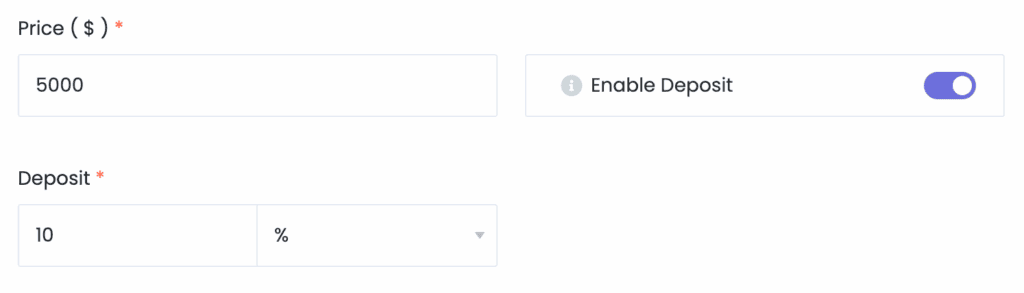
Collecting secure payments upfront. Accept Stripe, PayPal, or local cash. Deposits and full payments work seamlessly. You do not have to chase invoices or wait for payments to arrive.
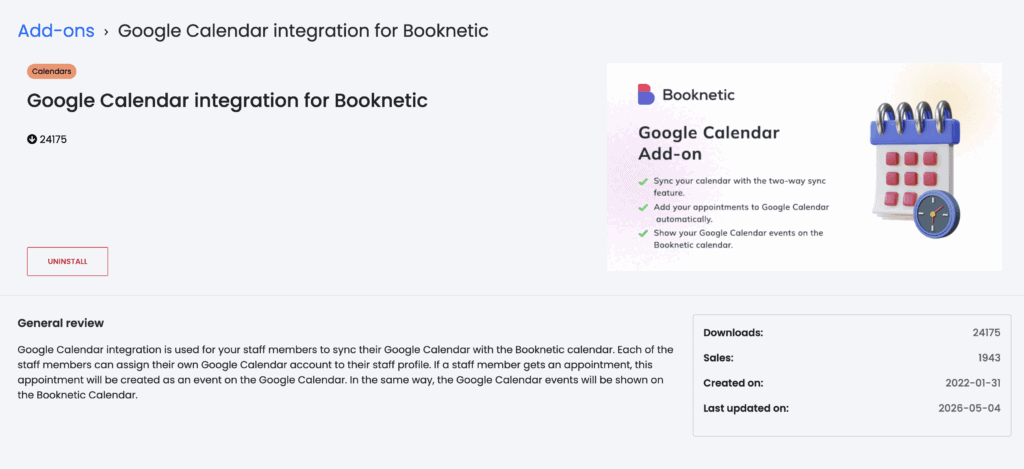
Syncing calendars to prevent double bookings. The Google Calendar integration keeps everything in check. Just be careful with time zone settings.
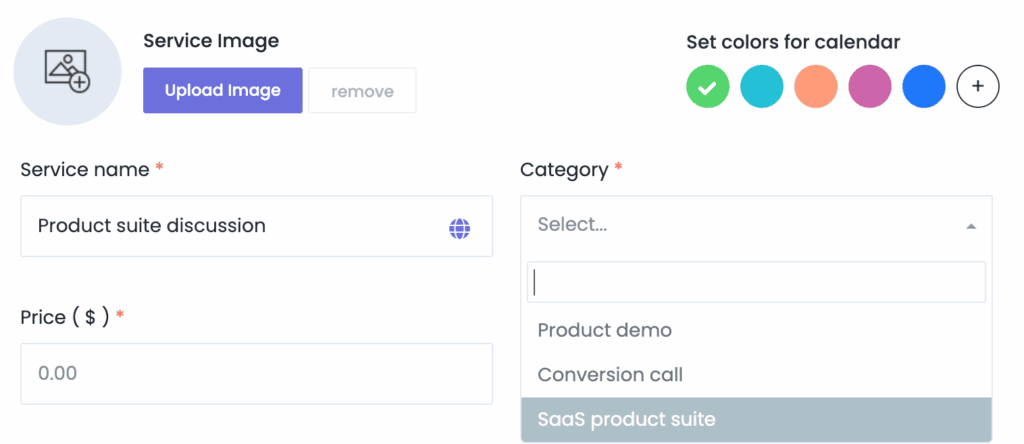
Organizing services by category. Group services into categories with different prices and durations. Easy to manage and update. Good for businesses with many offerings.
Using the mobile app on the go. Full schedule management from your smartphone. Good for checking appointments when you are away from your desk.
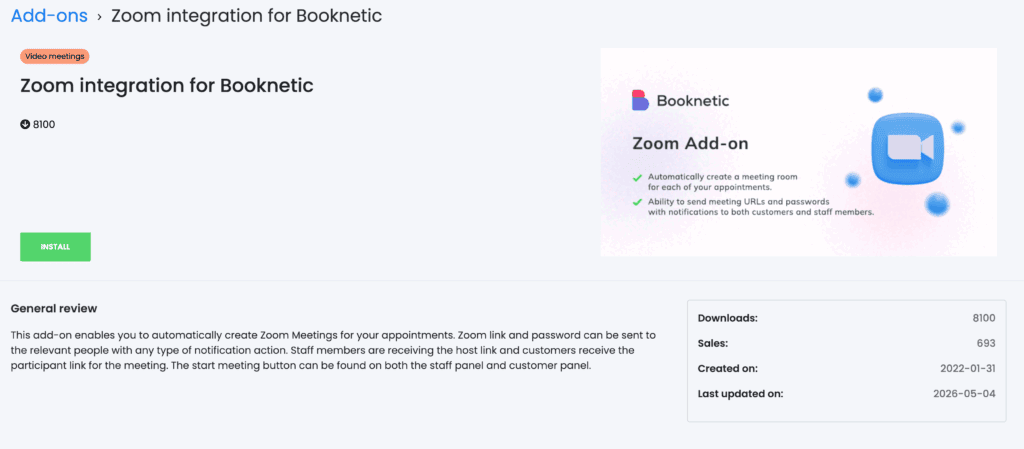
Advanced features (paid add-ons) include Zoom integration for virtual appointments and a workflow module for automated SMS and WhatsApp alerts. Gift cards and coupons are also available.
Booknetic is comprehensive, so focus on the features you actually need to avoid unnecessary complexity.
With so many options available, you’ll want control over how they look and work. That is where flexibility and customization come in.
Flexibility & customization
You can tweak almost everything in Booknetic. Deep styling options help you match your brand colors, fonts, and layouts.
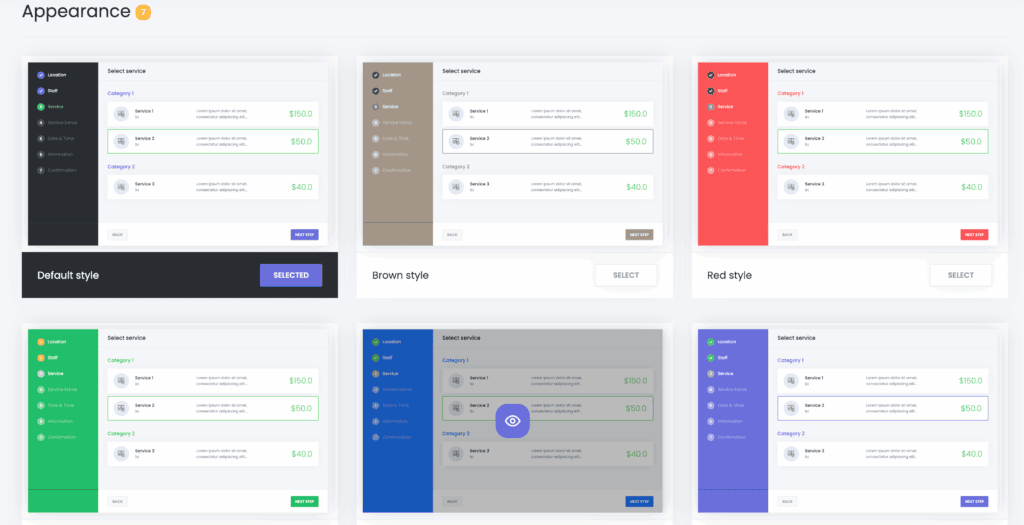
Use custom CSS for deeper styling. There is a field in settings for that. It saves you from editing core files and breaking updates. If you are comfortable with basic CSS, you can make the form match your brand exactly.
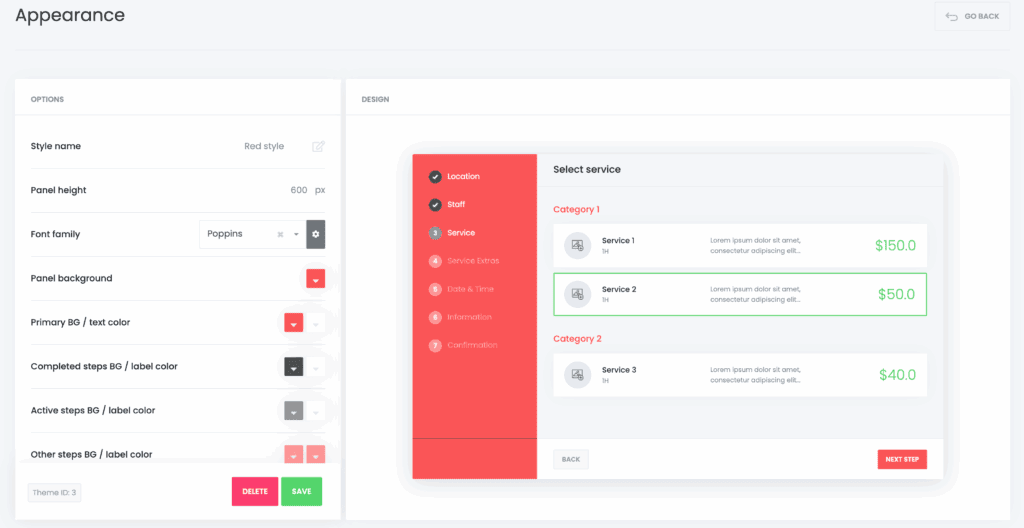
Your booking form should feel like part of your brand, not an afterthought. Booknetic gives you enough control without requiring a developer.
But all the customization in the world does not matter if the plugin slows your site down or breaks under pressure. That is where performance comes in.
Performance
Slow booking forms kill conversions. Booknetic is built for speed, loading assets only on booking pages, so it won’t slow down your site. We tested it with popular caching plugins and page builders with no conflicts.
The main thing to watch is add-ons. Don’t install them all at once, especially on shared hosting, as it can overload your server.
Performance is important, but you also want to know what happens when something goes wrong. That is where support quality comes in.
Support quality
Support for this plugin is strong, which is critical for a business tool. You can find answers in the extensive documentation, video tutorials, or the active user community. The developers also push regular updates, keeping the plugin stable and secure.
Pricing & value
Here is where Booknetic stands out. One-time payment of $99 gets you a lifetime license. Over two years, Booknetic saves you hundreds.
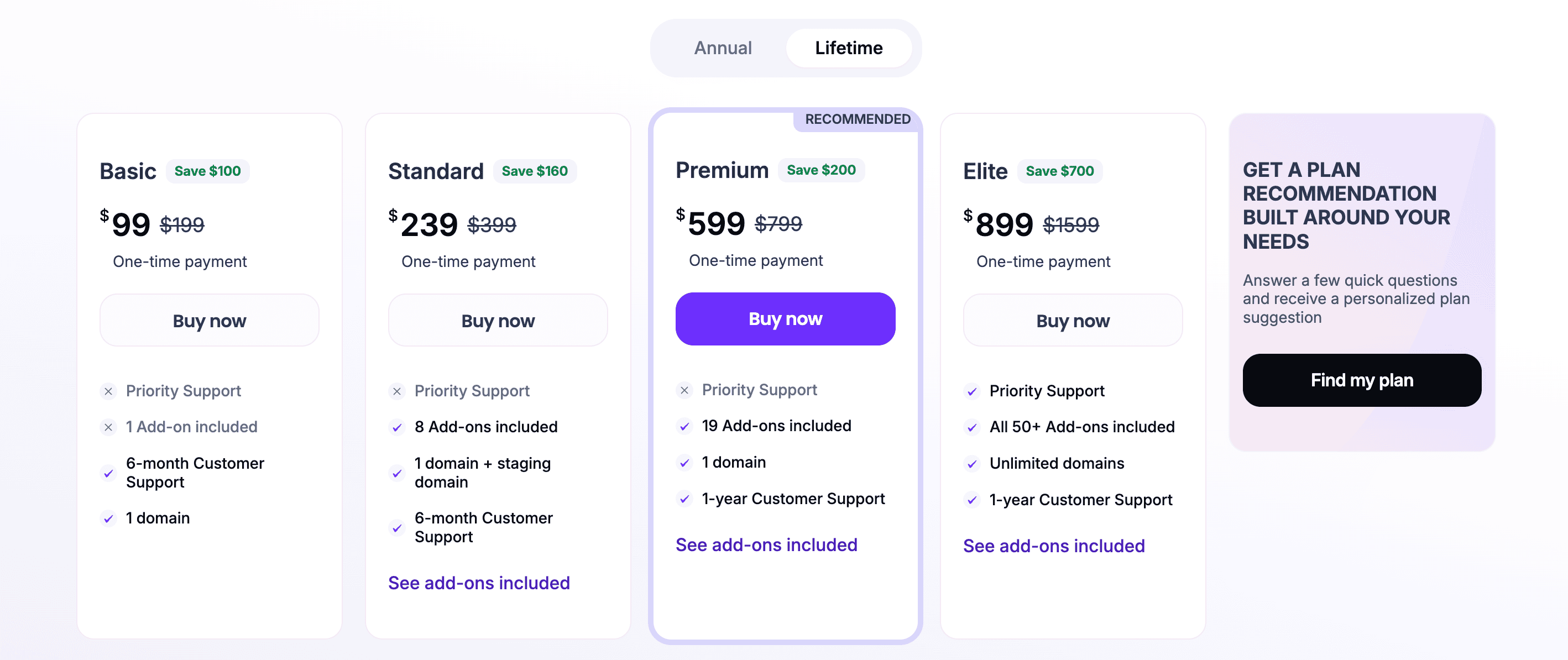
There is also an annual plan starting at $45 per year if you prefer a lower upfront cost. Both options include updates and standard support.
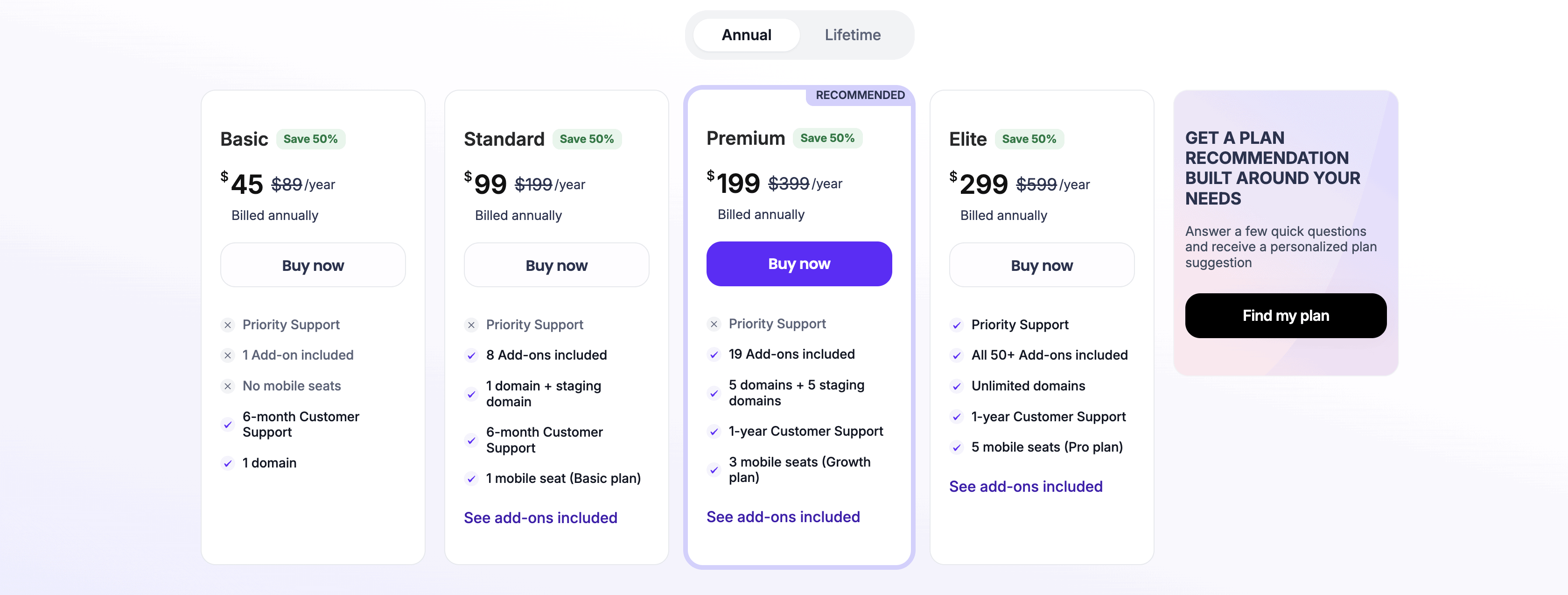
The add-ons you get depend on the plan you choose. Higher-tier plans include more add-ons. Read the pricing page carefully to see what is included at each level.
Knowing the cost is one thing. The real question is whether it is the right fit for your business.
Is Booknetic the right choice for you?
Choose Booknetic if:
- You want a visually stunning, feature-rich booking system.
- You prefer a one-time payment (lifetime license).
- You need advanced tools like staff commissions, gift cards, or a native mobile app.
- You run a business with multiple staff or locations.
Skip Booknetic if:
- You are a solo professional who needs a simple, quick setup.
- You require extensive free integrations like Apple Calendar (Booknetic currently lacks this).
- You are on a tight budget and cannot afford add-ons.
If Booknetic does not seem like the right fit, there are other options worth considering.
Booknetic alternatives to look at
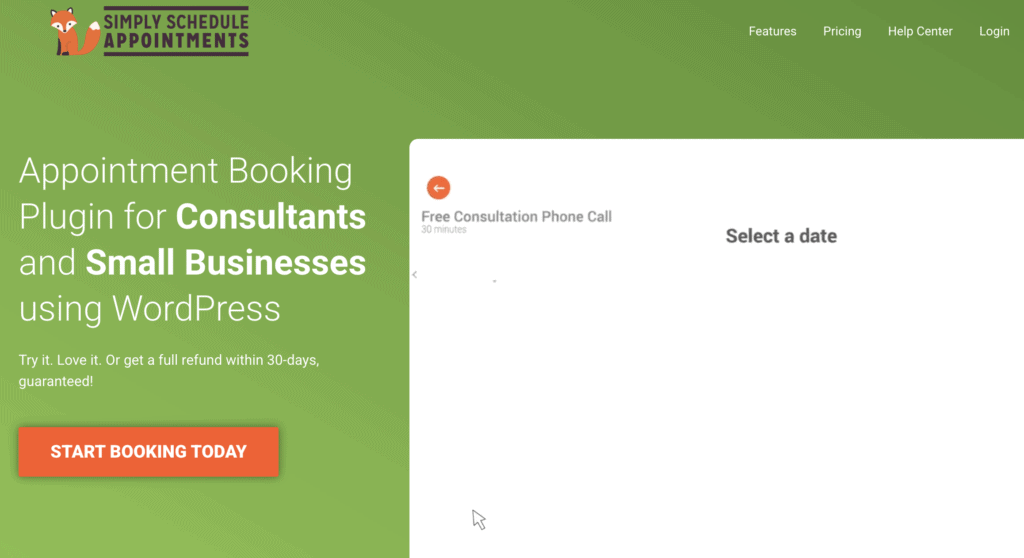
Simply Schedule Appointments. Free core version, simple for solo owners. Good if you need just the basics and do not want to spend money upfront.
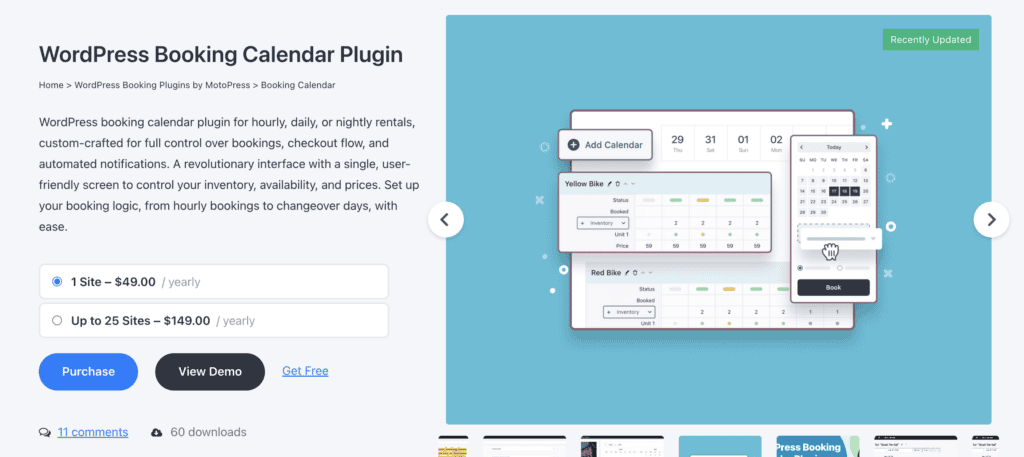
Motopress Appointment Booking. Lightweight, great for hotels and services. Easy to set up. Good if you want something simpler than Booknetic.
Amelia. Most feature-rich competitor with strong calendar UI. More expensive but also powerful. Good if Booknetic does not quite meet your needs.

Each has strengths. Evaluate based on your specific needs.
Parting thoughts
Booknetic is a top-tier choice for professionalizing any service business. It modernizes the client experience with a sleek interface and simplifies complex scheduling into a user-friendly system.
For salons, clinics, consultants, educators, and fitness studios, it is a strong investment. We recommend Booknetic for most businesses that value design, automation, and lifetime value.
FAQs
Is Booknetic a one-time payment or a monthly subscription?
Booknetic offers both options. You can pay $99 for a lifetime license or $45 per year for an annual plan.
Does Booknetic have a free version or a trial?
There is no free version of Booknetic. They do offer a free demo so you can check out the key features before buying the whole set.
Which payment gateways does Booknetic support?
Booknetic supports Stripe, PayPal, and local cash payments. WooCommerce integration is also available for more payment options.
Does Booknetic sync with Google Calendar and Zoom?
Yes, Booknetic offers two-way Google Calendar sync and Zoom integration. Both features are available as paid add-ons.
Can I send automated WhatsApp and SMS reminders to clients?
Yes, Booknetic includes a workflow module for automated WhatsApp and SMS alerts. This is a paid add-on feature.
Are the add-ons included in the base price of the plugin?
No, add-ons are not included in the base price. The add-ons you get depend on which plan you choose.
Is Booknetic compatible with Elementor and other WordPress page builders?
Yes, Booknetic works well with page builders like Elementor, Divi, and other popular page builders. We tested it and found no conflicts.

Shivani enjoys crafting guides that make every aspect of using WordPress simple and easy to follow. When she's not glued to her laptop, you can find her buried in a good book or occasionally, painting.