

Choosing the right WordPress website builder is the most critical first step in creating your online presence. These powerful drag-and-drop tools let you design a professional-looking site without ever touching code, giving you full creative freedom. But with dozens of options, it’s easy to get lost wondering which one is actually the best for your specific needs.
To build a WordPress site that performs well and is easy to manage, you need the right foundation. This guide breaks down the absolute best builders on the market today. We’ll compare their features, pricing, and unique strengths to help you make a confident, informed decision.
We created a test site to explore these tools. We tried Elementor and found that it has an intuitive live visual editor. This makes it easy to design your WordPress with its massive widget library and designer templates.
With over twenty major options, the goal is to find the right type of builder for your project’s specific needs, your technical skills, and your long-term goals. To cut through the noise, we’ve sorted every contender into one of five core categories based on its fundamental approach to building.
- Visual Page Builders: These are plugins that add a comprehensive drag-and-drop layer on top of WordPress
- Elementor
- Divi
- Beaver Builder
- Brizy
- WPBakery
- Themify Builder
- SiteOrigin Page Builder
- Visual Composer
- WP Page Builder
- MotoPress
- Thrive Architect
- Full-Site / Block Editors: Tools that use and extend the native WordPress block editor (Gutenberg):
- Kadence
- Astra
- GeneratePress
- Hybrid & High-Performance Builders: Advanced, theme-based builders that blend visual editing with developer-level control and clean code for speed.
- Bricks
- Oxygen
- Breakdance
- Specialized & Lightweight Builders: Focused tools built for specific use cases like landing pages, speed, or simplicity.
- SeedProd
- Nimble Page Builder
- Live Composer
- Foundational Themes: Highly customizable themes that provide deep integration and control, forming the perfect base for a builder.
- OceanWP
With that in mind, let’s dive into them.
1. Elementor
Elementor is a leading live visual website builder that empowers users to create pixel-perfect websites without touching a single line of code. Founded by Yoni Luksenberg and Ariel Klikstein, it has grown into the most widely used builder in the WordPress ecosystem, known for its intuitive drag-and-drop interface and powerful design capabilities.
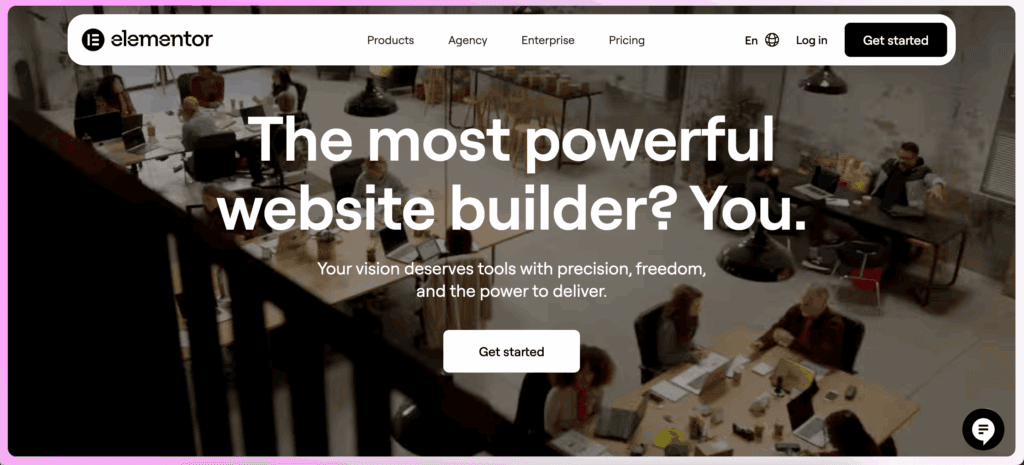
This builder is the top choice for designers and agencies who demand high creative flexibility and access to a massive ecosystem. Its greatest strength lies in its vast library of native widgets and an unparalleled selection of third-party addons, which allow for virtually limitless functionality and design possibilities.
Pricing: Free version available; Pro plans start at $59/year.
Best for: Designers wanting high creative flexibility and a massive ecosystem.
Key Features:
- Live drag-and-drop visual editor with 100+ widgets.
- Full Theme Builder for custom headers, footers, and site-wide templates.
- Extensive template library with over 300 designer-made kits.
- Integrated Popup Builder, Form Builder, and Motion Effects.
- AI tools for generating copy, images, and custom code.
- Deep WooCommerce integration for building custom online stores.
- Advanced mobile responsiveness with custom breakpoints.
- Collaboration tools for leaving notes and feedback directly on designs.
2. SeedProd
SeedProd is a high-performance landing page and theme builder specifically engineered for speed and efficiency. Created by John Turner and now part of the Awesome Motive brand family, it provides a lightweight, bloat-free environment for constructing fast-loading websites, from simple landing pages to complete custom themes.
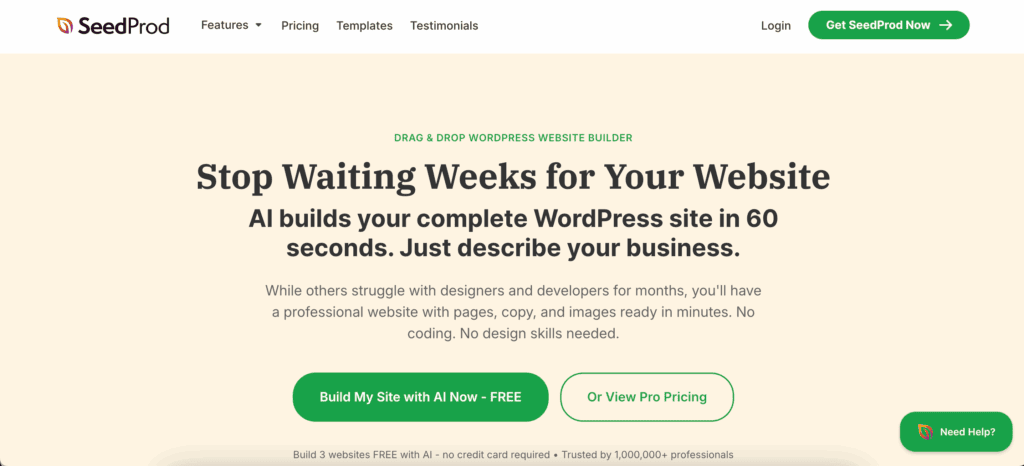
Primarily built for marketers and business owners, SeedProd’s core focus is on maximizing conversions and lead generation. Its standout feature is its simplicity and speed, offering a streamlined editor and built-in “Coming Soon” and “Maintenance” modes that are perfect for pre-launch campaigns and site updates without impacting performance.
Pricing: Paid plans start at $39.50/year.
Best for: Marketers and business owners focused on conversions.
Key Features:
- Fast, lightweight drag-and-drop editor focused on conversions.
- Built-in “Coming Soon,” Maintenance, and 404 page modes.
- Theme Builder for creating custom headers and site-wide layouts.
- 180+ landing page and theme templates.
- AI website builder that generates sites from text prompts.
- Bloat-free code for extremely fast page loading speeds.
- Direct integration with major email marketing services.
- Custom blocks for WooCommerce checkout pages.
3. Divi
Divi is a complete, all-in-one theme and visual builder ecosystem from Nick Roach and the Elegant Themes team. It uniquely combines a powerful, feature-rich theme with an integrated visual page builder, providing a single, cohesive package for creating virtually any type of website without needing additional plugins.
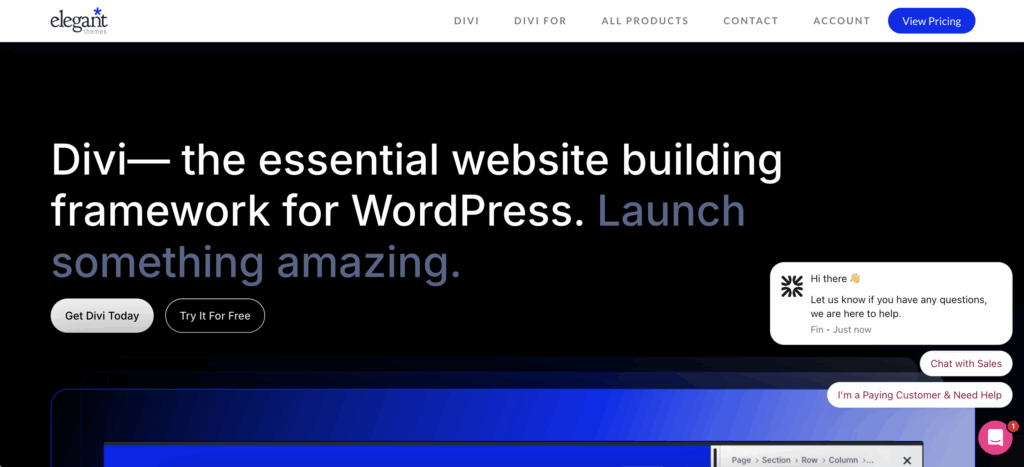
This platform is an excellent fit for agencies, freelancers, and designers who build many websites and want a predictable, fixed cost. Divi’s signature offering is its flexible lifetime license, which provides unlimited website usage and access to all Elegant Themes products forever, making it an incredible value proposition for professionals.
Pricing: $89/year or a one-time fee of $249 for lifetime access.
Best for: Agencies and designers who want unlimited site usage for a fixed cost.
Key Features:
- True on-page visual editing with a drag-and-drop interface.
- Full Theme Builder for complete control over headers, footers, and templates.
- Hundreds of complete, multi-page website layout packs.
- Built-in A/B split testing for design and conversion optimization.
- AI assistant for generating text, images, and entire layouts.
- Extensive WooCommerce modules for building custom online stores.
- Includes the Bloom email opt-in and Monarch social sharing plugins.
- Global styling presets for reusable and consistent design elements.
4. Bricks
Bricks is a modern, high-performance WordPress theme that comes with an integrated visual site builder. Created by Thomas Ehrig, it was designed from the ground up for developers and technically-minded users who demand clean code, flexibility, and top-tier performance without sacrificing visual design capabilities.
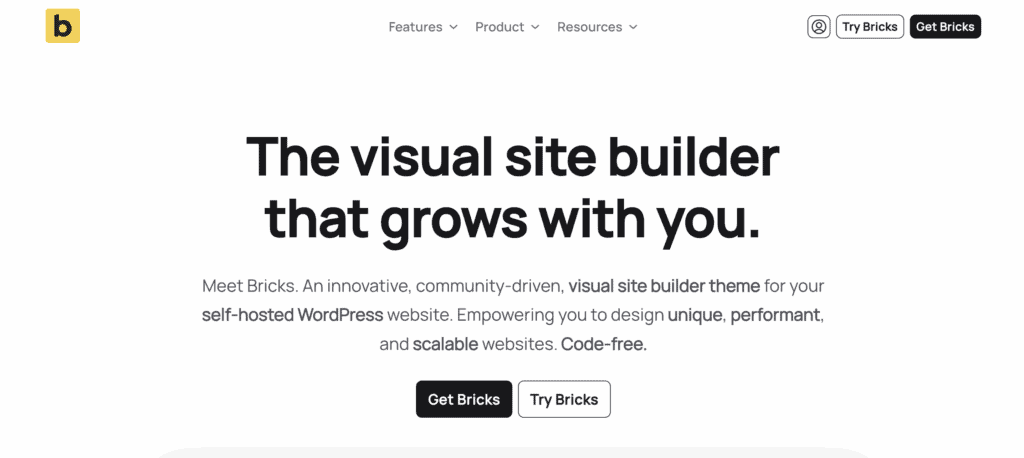
The builder’s unique selling point is its commitment to lean code—it uses no jQuery and outputs clean, semantic HTML powered by a fast Vue.js interface. This developer-first approach provides unparalleled control over site structure and styling, making it a favorite among professionals who prioritize speed and maintainability.
Pricing: Lifetime licenses start at $79 (check current pricing).
Best for: Developers seeking dev-level freedom and top-tier performance.
Key Features:
- Modern, Vue.js-powered visual interface for fast editing.
- Comprehensive Theme Builder for all site templates (header, footer, archives, etc.).
- Generates extremely lean, semantic HTML/CSS for exceptional page speed.
- Powerful Query Loop builder for displaying any type of custom data.
- Deep native support for dynamic content from ACF, Meta Box, and JetEngine.
- Advanced global classes and style management system.
- Integrated Interaction Builder for creating complex animations without code.
- Deeply integrated WooCommerce builder elements.
5. Beaver Builder
Beaver Builder is a stable and reliable page builder known for its clean, professional code output and user-friendly interface. Created by Justin Busa, Billy Young, and Robby McCullough, it has built a strong reputation as a dependable tool for building and maintaining websites over the long term.
Its primary advantage is its stability; it rarely causes issues or breaks sites after major WordPress updates, making it a safe choice for agencies and developers who prioritize predictability and client satisfaction. This focus on reliability, combined with a developer-friendly API, makes it a trusted workhorse in the WordPress community.
Pricing: Starts at $99/year for unlimited sites.
Best for: Agencies and developers who value long-term site stability.
Key Features:
- Reliable frontend visual editor with a clean, easy-to-use interface.
- Outputs lightweight, well-structured markup for fast load times.
- Full theme building capabilities are available via the Beaver Themer addon.
- Developer-friendly with an extensive API for creating custom modules.
- White labeling is available on higher plans for agency branding.
- Connects layout fields to dynamic data from custom field plugins.
- Strong customer support and an active user community on Slack.
- Centralized global styling controlled via the WordPress Customizer.
6. Breakdance
Breakdance is a powerful, all-in-one website builder that combines Elementor-like design power with a strong focus on performance and lean code. Built by Louis Reingold and the Soflyy team (creators of Oxygen), it provides a complete suite of professional tools out of the box, eliminating the need for numerous third-party addons.
Designed for performance-focused users, its standout feature is its ability to deliver sophisticated layouts and deep WooCommerce functionality while generating extremely clean code. This makes it an ideal choice for those who want advanced creative control without compromising on Core Web Vitals or site speed.
Pricing: Pro version costs $99.99/year.
Best for: Performance-focused users wanting deep WooCommerce tools.
Key Features:
- Sleek visual editor with 130+ built-in professional elements.
- Specialized WooCommerce builder with 20+ modules for custom shops.
- Designed specifically to ace Core Web Vitals and performance tests.
- Native system for creating custom headers, footers, and global blocks.
- Integrated Form Builder, Popup Builder, and Mega Menu builder.
- Deep dynamic data integration with ACF and Meta Box.
- Global styling system with centralized colors and typography ratios.
- Conditional element display based on user data and other triggers.
7. Kadence (Blocks/Theme)
Kadence is a performance-first ecosystem that enhances the native WordPress block editor (Gutenberg) to create sophisticated websites. Developed as part of the StellarWP brand, Kadence combines a lightweight theme with a powerful blocks plugin to deliver an intuitive and fast site-building experience.
Its unique selling point is its ability to achieve complex, page-builder-like layouts while sticking to the native WordPress core, resulting in blazing-fast speed. By avoiding the overhead of traditional page builder plugins, it’s the perfect solution for users who want beautiful designs without sacrificing performance.
Pricing: Free; Pro Bundle starts at $129/year.
Best for: Sites avoiding heavy page builder plugins.
Key Features:
- Enhances Gutenberg with advanced Row/Layout blocks and design controls.
- Minimal resource usage for top-tier performance and fast loading times.
- Intelligent CSS loading system only loads styles for the blocks used on a page.
- “Hooked Elements” for visually inserting custom layouts anywhere on your site.
- Advanced typography and site-wide color palettes for consistent branding.
- Dynamic content support for connecting blocks to custom field data.
- AI tools to generate content and entire page patterns.
- Ultimate Mega Menus for creating complex site navigation.
8. Astra (Theme + Spectra)
Astra is the world’s most popular third-party WordPress theme, renowned for its lightweight foundation and incredible versatility. Developed by Brainstorm Force, it serves as a fast and stable base that can be customized for any project, from blogs to large e-commerce stores and corporate sites.
Its key advantage lies in its massive library of over 250 ready-to-import “Starter Templates.” This feature, combined with the Spectra block builder plugin, allows users to launch a complete, professionally designed website with just a few clicks, making it one of the most efficient ways to get a new site online.
Pricing: Free; Astra Pro starts at $49/year.
Best for: Multi-purpose sites using Starter Templates.
Key Features:
- Uses the Spectra plugin to enhance the block editor for visual page building.
- Feather-light theme requiring under 50KB of resources for optimal speed.
- Largest library of ready-to-import website layouts (250+ Starter Templates).
- Custom Header and Footer builder for full site design control.
- AI-driven site builder for rapid launches based on text prompts.
- Integrated Schema Pro for easy and effective schema markup implementation.
- Mobile-first architecture designed for better user experience and SEO rankings.
- Seamless WooCommerce integration, including off-canvas sidebar options.
9. Brizy
Brizy is a modern and visually stunning page builder designed with simplicity and user experience at its core. Created by Dimi Baitanciuc and the ThemeFuse team, it offers one of the most intuitive and beginner-friendly interfaces on the market for creating beautiful websites quickly.
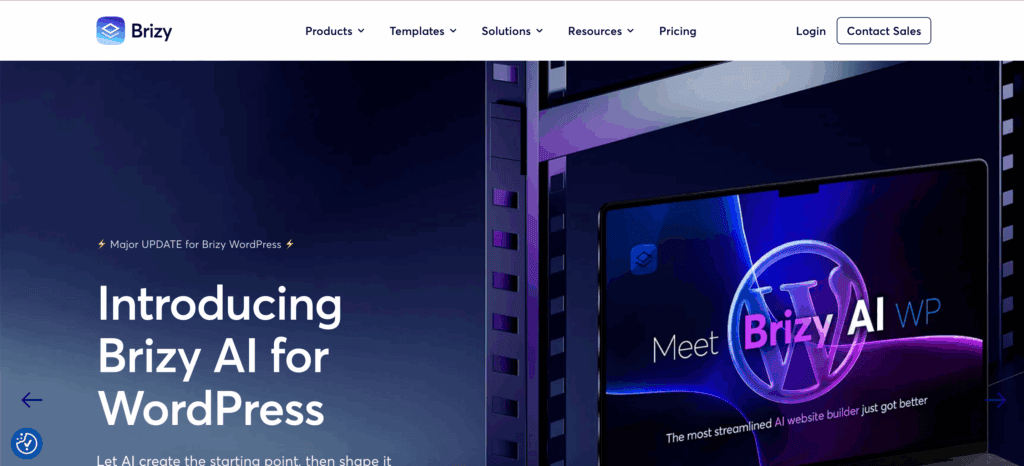
Its innovative, clutter-free editor is its main draw. By moving most tools and options directly on-screen and contextually, Brizy minimizes menu-diving and provides a clean, distraction-free canvas. This, combined with beautifully designed pre-made blocks, makes it a top choice for those who value aesthetics and ease of use.
Pricing: Free; Pro plans start at $49/year.
Best for: Beginners wanting a modern and intuitive interface.
Key Features:
- Innovative, clutter-free editor with on-screen contextual tools.
- Beautifully designed library with over 500 pre-made blocks.
- AI tools capable of generating complete sites in minutes.
- 4,000+ premium icons and global styling for rapid design changes.
- Integrated Popup Builder and dynamic content capabilities.
- Freehand positioning for Photoshop-like creative control over elements.
- Built-in Mega Menu builder and client role manager permissions.
- Undo/Redo functionality for safe and stress-free design changes.
10. WPBakery Page Builder
WPBakery Page Builder is a classic WordPress plugin famous for being bundled with thousands of premium themes on marketplaces like ThemeForest. As the most-sold plugin on CodeCanyon, it has a long history and is a familiar tool for many WordPress users and developers.
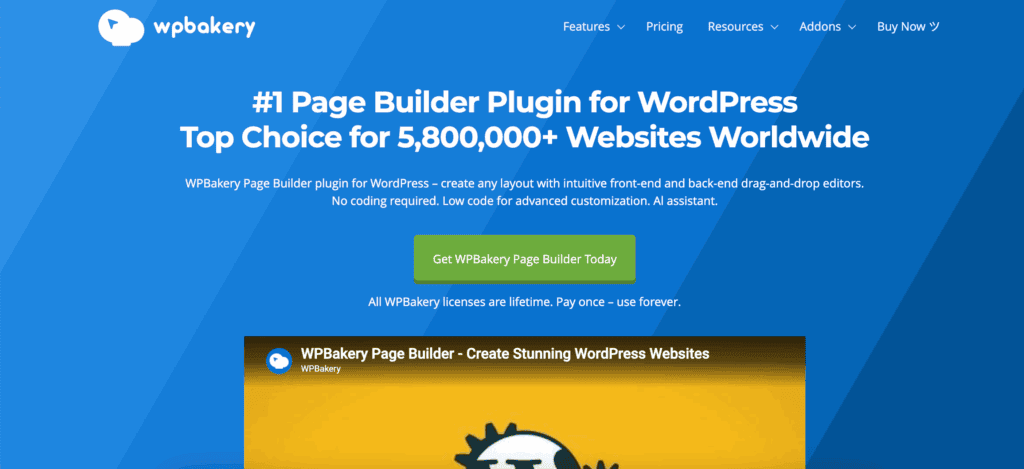
Its unique selling point is its widespread compatibility, which stems from its shortcode-based system. This ensures that it works with almost any theme, making it the go-to builder for editing and customizing websites that were originally built with a premium theme that included it.
Pricing: A single site license costs $59.
Best for: Editing premium themes from ThemeForest.
Key Features:
- Offers both backend schematic and frontend visual editing modes.
- Includes 50+ built-in content elements and a cloud-based template library.
- Shortcode-based system ensures broad compatibility with third-party themes.
- Supported by an extensive addon ecosystem with over 250 third-party extensions.
- Advanced grid builder for creating custom post and portfolio layouts.
Expert Advice: If you want more options for displaying your portfolio, use a gallery plugin like FooGallery. They give you additional flexibility and design options for your photographs.
- Built-in role manager to control user access to editing features.
- Multilingual support through a seamless integration with WPML.
- Allows for custom CSS and JavaScript to be added on a per-page basis.
11. Live Composer
Live Composer is a page builder designed for users who want to create custom website designs without a budget. Developed by Slobodan Kostić and his team, this builder stands out in a crowded market by being truly open-source and offering its core features completely for free.
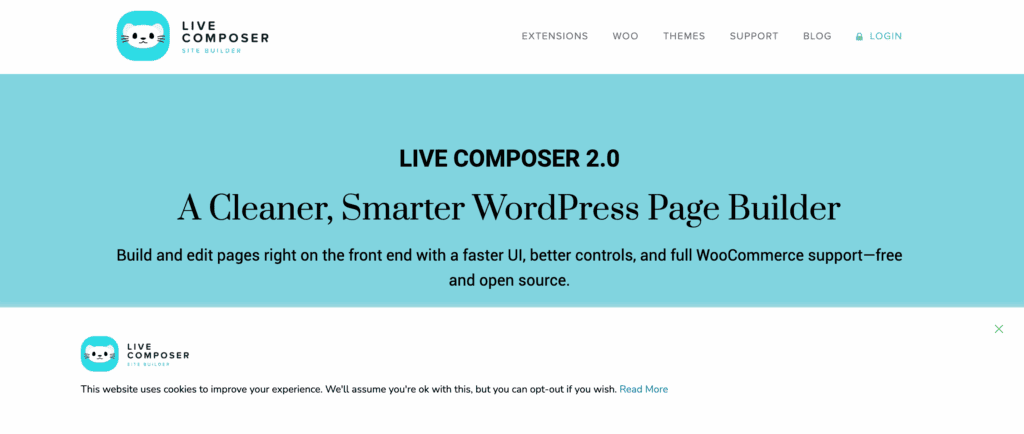
This commitment to being a free, community-driven tool is its greatest strength. It provides a full frontend, “what you see is what you get” editing experience, allowing users to build everything from standard pages to custom headers and footers visually, making it an incredibly accessible option for any project.
Pricing: The core plugin is free; premium extensions are available for purchase.
Best for: Creating custom designs for free.
Key Features:
- Frontend-only drag-and-drop building interface.
- Visually build custom headers and footer templates for your site.
- Mobile-specific styling controls are available directly within the editor.
- Developer-friendly API allows for the creation of custom modules.
- Export and import custom layouts across multiple websites.
- Includes interactive elements like accordions, tabs, and sliders.
- Dedicated templates for building staff and testimonial sections.
- WooCommerce compatibility is available via a paid extension.
12. Nimble Page Builder
Nimble Page Builder is a unique, lightweight tool designed to make fast, simple edits directly within the WordPress Customizer. Developed by the Press Customizr team, it provides a streamlined and intuitive experience by integrating seamlessly with the native WordPress interface.
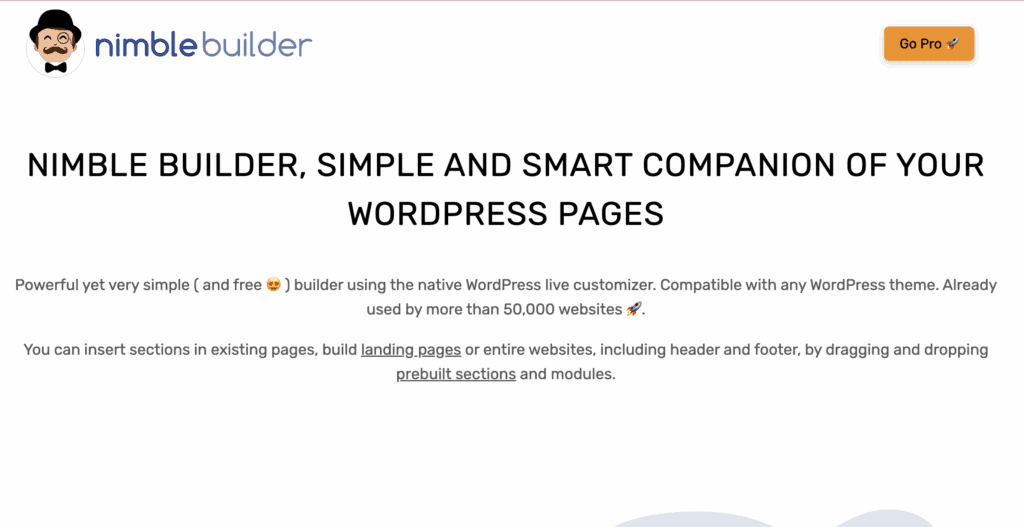
Its standout feature is that it operates entirely within the live customizer, a familiar environment for most WordPress users. This approach avoids a separate, complex builder interface, making it perfect for users who need to make quick layout adjustments or build clean, simple pages without a steep learning curve.
Pricing: Free version available; Pro starts at $39/year.
Best for: Fast edits inside the WordPress Customizer.
Key Features:
- Real-time visual editing that leverages native WordPress tools and controls.
- Operates entirely within the live customizer interface.
- Lightweight code ensures rapid page rendering and performance.
- Inherits styles directly from your active theme for perfect design integration.
- Real-time mobile and tablet preview modes.
- Includes pre-built sections for common elements like hero areas and features.
- Snap-to-grid layout system helps create clean, perfectly aligned designs.
- Google Fonts integration and a custom CSS editor for styling tweaks.
13. Themify Builder
Themify Builder is a flexible and powerful page builder that comes integrated with all themes from Themify. Created by Nick La and Darcy Clarke, it offers a robust set of tools for creating custom layouts, complete with advanced styling and animation effects.
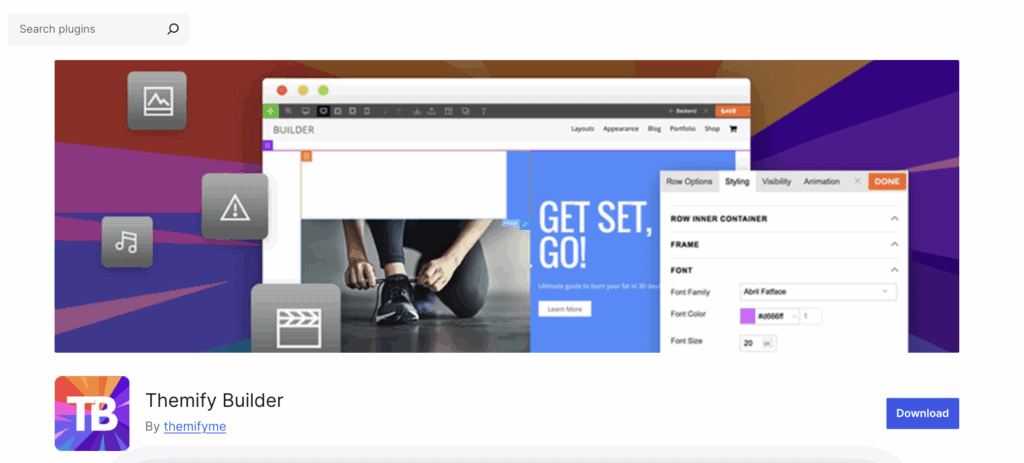
Its unique advantage is the ability to use the standard WordPress editor and the Themify Builder on the same page. This hybrid approach offers unparalleled content flexibility, allowing users to write standard blog posts or articles while inserting complex, builder-designed sections wherever needed.
Pricing: Included with Themify themes and memberships, starting at $59/year.
Best for: Visual layouts with advanced animation effects.
Key Features:
- Supports both backend schematic editing and frontend live visual editing.
- Includes over 40 professional, pre-designed layouts to start with.
- Features entrance animations that can be triggered on page scroll.
- Global styles and reusable layout parts for efficient workflows.
- Modular system only loads the script files required for elements on the page.
- Dedicated WooCommerce module is available for styling shop pages.
- Supports video and interactive map backgrounds for sections.
- Responsive grid system ensures layouts look great on all devices.
14. SiteOrigin Page Builder
SiteOrigin Page Builder is a free, intuitive tool that has long been a staple in the WordPress community for its simplicity and performance. Developed by Greg Priday, it takes a unique approach to page building by leveraging a resource that every WordPress user is already familiar with: widgets.
Its core strength is its widget-based workflow. By using standard WordPress widgets as its building blocks, it ensures maximum compatibility with thousands of existing plugins and provides a familiar, grid-based interface that is easy for anyone to pick up. This, combined with its lightweight code, makes it a reliable choice for performance-focused sites.
Pricing: Free; Premium addons start at $29/year.
Best for: Users wanting a free, widget-based workflow.
Key Features:
- A simple, grid-based system that uses standard WordPress widgets.
- Extremely lightweight and performance-focused code.
- Fully compatible with most standard WordPress widgets out-of-the-box.
- A history browser allows you to easily undo and redo changes.
- Layout cloning feature enables rapid duplication of pages and sections.
- Responsive settings for every column and row to control mobile display.
- Styles are inherited directly from your theme for design consistency.
- A live CSS editor provides a way to make real-time style tweaks.
15. Visual Composer
Visual Composer is a modern, all-in-one website builder designed for professionals who need a comprehensive solution for creating complete websites. Developed by a new team and entirely separate from the classic WPBakery plugin, this builder offers a full suite of tools for designing every aspect of a site within a single, unified interface.
Its key differentiator is its holistic approach. Unlike page-only builders, Visual Composer is a complete site builder, providing a React-based editor to create custom headers, footers, popups, and layouts. This, combined with its cloud-based library of elements and templates, makes it a powerful and extendable platform.
Pricing: Free; Premium plans start at $49/year.
Best for: Professionals building complete business websites.
Key Features:
- All-in-one visual editor for every site element, including headers and footers.
- A cloud-based Hub with 100+ site templates and design elements.
- Includes a full-site Theme Builder for complete design freedom.
- Built-in Popup Builder for marketing and lead generation.
- Dedicated WooCommerce elements for custom shop and product page design.
- Responsive design controls for creating custom layouts on different devices.
- Advanced parallax scrolling and video background effects.
- Fast, modern editor built on React technology.
16. GeneratePress
GeneratePress is a lightweight, performance-focused WordPress theme designed for users who value speed, stability, and adherence to WordPress standards. Developed by Tom Usborne, it is famous for its tiny footprint and clean code, serving as a highly optimized foundation for building any type of website.
The theme’s unique selling proposition is its minimalist philosophy and zero external dependencies, like jQuery. Paired with its companion plugin, GenerateBlocks, it allows for sophisticated visual building directly within the native block editor, offering the power of a page builder without the associated bloat and performance cost.
Pricing: Free; GP Premium starts at $59/year.
Best for: Performance purists who prefer to build with blocks.
Key Features:
- Visual building is achieved through the lightweight and powerful GenerateBlocks plugin.
- One of the fastest WordPress themes, with a tiny footprint and no dependencies.
- The powerful “Elements” module in GP Premium allows you to hook custom content anywhere.
- Advanced layout controls for sidebars, footers, and page-level settings.
- Inherently mobile-friendly and accessible architecture.
- Native support for dynamic data blocks to create custom sites with ease.
- Integrated Google Fonts and an advanced typography management system.
- Detailed spacing and padding controls for every element.
17. Oxygen
Oxygen is a professional-grade site builder for WordPress that offers unparalleled control over a website’s design and code output. Created by Louis Reingold and the Soflyy team, it is designed for developers, agencies, and advanced users who want to build sites from the ground up with clean, semantic code.
Its unique selling point is that it completely bypasses the traditional WordPress theme system. This gives users direct control over the site’s HTML structure, allowing for the creation of completely custom, bloat-free websites with a powerful visual editor that writes clean code for you.
Pricing: Lifetime licenses starting at $129.
Best for: Advanced users and developers prioritizing a lean structure.
Key Features:
- Powerful visual builder for creating div-based structures with clean code.
- Bypasses the WordPress theme system for absolute design control.
- Generates zero bloat code for top-tier speed scores and performance.
- Deepest integration available for ACF and Toolset custom field plugins.
- A flexible flexbox and CSS grid layout engine for creating modern layouts.
- Granular control over every CSS property at every custom breakpoint.
- Full dynamic data support for custom post types and taxonomies.
- Global colors and typography settings for easy site-wide updates.
18. Thrive Architect
Thrive Architect is a visual page builder created specifically for marketers and business owners focused on conversion optimization. Developed by Shane Melaugh and the Thrive Themes team, it is more than just a design tool; it is a complete system for creating high-converting landing pages, sales pages, and marketing funnels.
Its primary advantage is its extensive suite of built-in marketing and lead-generation tools. Everything from countdown timers and testimonials to advanced A/B testing and seamless integration with email marketing services is included, making it a comprehensive, all-in-one solution for anyone whose main goal is to drive action and grow their business.
Pricing: Part of the Thrive Suite membership, which costs $299/year.
Best for: Marketers focused on conversion optimization.
Key Features:
- A conversion-focused, “what you see is what you get” frontend editor.
- Hundreds of conversion-optimized landing page templates.
- Built-in A/B testing for optimizing designs and headlines for better results.
- Integrates seamlessly with Thrive Theme Builder for full site design.
- Smart marketing widgets like countdown timers, testimonials, and credit card icons.
- Direct, API-level integrations with all major email marketing providers.
- AI assistant for generating compelling, conversion-focused copywriting.
- Mobile-specific elements and visibility toggles to optimize for every device.
19. WP Page Builder
WP Page Builder is a free, user-friendly, drag-and-drop website builder developed by the team at Themeum. It was created to provide a simple and intuitive solution for WordPress users, especially beginners, who want to create professional-looking page layouts without needing technical skills or a large budget.
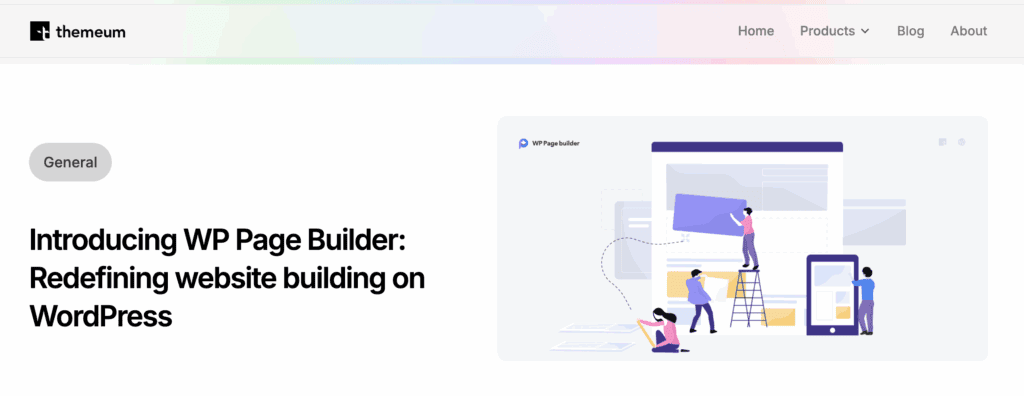
The builder’s core strength lies in its simplicity and its generous offering of free features. It provides a real-time frontend editing experience packed with a rich library of pre-designed blocks and layouts, allowing users to build pages visually and efficiently. This makes it an ideal choice for new users who want a straightforward, no-frills visual building experience to get started.
Pricing: Free version available; Pro plans start at $39/year.
Best for: Beginners and users who need a simple, powerful, and free page builder.
Key Features:
- Live frontend drag-and-drop visual editor.
- A large library of ready-to-use design blocks and layout packs.
- Includes a significant number of free addons for elements like forms, carousels, and accordions.
- Device-specific responsiveness controls for fine-tuning mobile and tablet views.
- Ability to save and reuse custom-designed blocks across your site.
- Developer-friendly with options to create custom addons.
- Translation-ready and fully compatible with WPML for multilingual sites.
- Simple import and export functionality for transferring layouts.
20. MotoPress Content Editor
MotoPress Content Editor is a versatile drag-and-drop page builder designed to enhance the standard WordPress editor and work seamlessly with any theme. Developed by the MotoPress team, it offers a flexible way to build responsive page layouts and structure content visually, without being locked into a specific theme ecosystem.
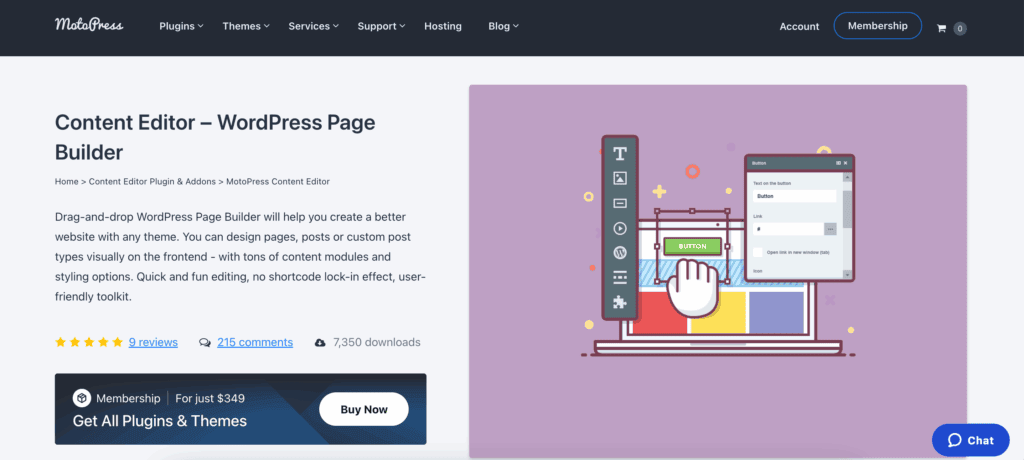
The primary advantage of MotoPress is its ability to act as a powerful yet unobtrusive content creation tool. It extends the functionality of the default editor rather than completely replacing your theme’s system, making it a great middle-ground solution for users who love their current theme but want more control over their page content. It’s an excellent choice for adding visually rich sections to posts and pages.
Pricing: Starts at $39/year for a single site.
Best for: Users looking for a flexible content editor that works with any theme.
Key Features:
- Frontend visual editing for a real-time, “what you see is what you get” experience.
- Guaranteed compatibility with any WordPress theme.
- Extensible with a library of addons for pricing tables, Google Maps, and more.
- Includes predefined layouts to help you start building pages quickly.
- Full WPML compatibility allows for the creation of multilingual websites.
- A built-in style manager for customizing the appearance of elements without CSS.
- Fully responsive layouts that are optimized for mobile and tablet devices.
- Object-oriented code for fast performance and easy developer customization.
21. OceanWP
OceanWP is a highly popular, multipurpose WordPress theme that serves as a powerful and flexible foundation for page builders like Elementor. While not a standalone builder itself, its deep integration with leading builders and extensive customization options allow it to function as a core part of the site-building process, giving users control over every aspect of their site’s design.
The theme’s unique selling point is the sheer number of features and customization controls it offers for free. It provides page-builder-like control over global site elements such as headers, footers, and page layouts directly within the WordPress Customizer. Combined with its best-in-class WooCommerce integration and a huge library of importable demo sites, it’s the perfect starting point for users who want maximum design freedom without the cost.
Pricing: Free; The Core Extensions Bundle starts at $43/year.
Best for: Users wanting a highly customizable free theme with deep e-commerce support to pair with a page builder.
Key Features:
- Seamless, deep integration with Elementor, Beaver Builder, and other major builders.
- Extensive customization options in the live WordPress Customizer for real-time changes.
- Advanced WooCommerce features, including a native cart popup and a floating add-to-cart bar.
- A large library of one-click importable demo sites to launch websites quickly.
- Page-level controls for layouts, headers, and titles for building custom landing pages.
- Performance-focused, with the ability to disable scripts and styles you don’t need.
- Built-in advanced mega menu and responsive mobile menu options.
- White labeling is available in the premium bundle for agency branding.
Essential Best Practices for Your New WordPress Site
Launching a successful website goes far beyond just picking a design tool. To ensure your site is secure, fast, reliable, and easy to manage from day one, follow these critical best practices.
- Choose Quality Hosting: A good hosting provider is your site’s foundation. Opt for a reputable service known for speed, uptime, and WordPress-specific support. Avoid overly cheap, shared hosting for business-critical sites.
- Install a Security Plugin: Before adding any content, install a robust security plugin. Configure it to set up a firewall, limit login attempts, and actively monitor for malware and suspicious activity.
- Set Up Automated Backups: Install a backup plugin immediately and configure it to perform automatic, daily backups stored securely in an off-site location like cloud storage.
- Caching & Speed Optimization: A caching plugin is non-negotiable for performance. It creates static versions of your pages to dramatically reduce load times. Combine this with image optimization and code minification features.
- Contact Forms: Choose a flexible form plugin that allows you to build various forms (contact, survey, application) and integrates with your email service.
- SEO Foundation: Install a dedicated SEO plugin to guide you in optimizing page titles, meta descriptions, XML sitemaps, and schema markup, giving your content the best chance to rank in search engines.
- Update regularly: Always keep WordPress core, your theme, and plugins updated to the latest stable versions. This is your primary defense against security vulnerabilities. Always test major updates on a staging site first.
- Practice Good Password Hygiene: Use strong, unique passwords for your WordPress admin and hosting accounts. Enable two-factor authentication (2FA) wherever possible.
- Implement a Staging Site: A test site is a clone of your live website. Use it to safely test updates, new plugins, and major design changes before making them public.
Final thoughts
When choosing your website builder, always prioritize your core needs and skill level over popularity or feature lists. For instance, Elementor is an excellent choice if your top priorities are an intuitive live editor, a vast selection of design elements, and a massive ecosystem of third-party add-ons. However, if your primary goal is achieving the absolute highest possible site speed with the leanest code, a different category of builder, like a high-performance or block-based option, would be a more strategic long-term fit.
FAQs
Is WordPress website builder free?
Yes, many popular WordPress website builders offer robust free versions with core drag-and-drop functionality. Builders like Elementor, SeedProd, and Kadence have free plans that let you design complete pages. However, to unlock advanced features like theme building, WooCommerce tools, and premium templates, you typically need a paid Pro license, following a “freemium” model.
Why are people moving away from WordPress?
Some users, particularly beginners or those running simple sites, move away due to the perceived complexity of managing updates, security, and performance optimization. All-in-one platforms like Wix or Squarespace offer a more hands-off, hosted solution. However, this shift often trades long-term flexibility and ownership for short-term simplicity. WordPress remains dominant because it offers unparalleled control and scalability for growing businesses.
Which is better, Wix or WordPress?
There’s no universal “better” option; it depends on your priorities. Wix is better for absolute beginners who want the simplest, all-in-one solution with no technical management. WordPress is better if you need full ownership of your site, unlimited design customization, powerful SEO control, and the ability to scale or add complex functionality (like membership sites or advanced e-commerce) in the future.
Can WordPress build my website?
Absolutely. WordPress can build virtually any type of website, from simple blogs and business brochures to complex online stores, membership communities, and large corporate portals. Its vast ecosystem of themes and builders (like the ones in this list) allows you to create a custom, professional site without coding. The real question is whether you want to manage the platform yourself or use a more guided, all-in-one service.

Shreya has been a writer for as long as she can remember. Now, she writes articles that help WordPress users manage the sites that they're proud of, with little to no coding


