Choosing an SMTP plugin for WordPress is about one thing: making sure your emails actually arrive.
Right now, your decision has likely come down to FluentSMTP vs WP Mail SMTP.
We’ll skip the fluff and compare them directly on the features that matter, so you can pick one and stop worrying about your emails.
Go with FluentSMTP for powerful free features or WP Mail SMTP for a polished setup with paid support. Always keep a backup plugin active as a safety measure against potential conflicts.
FluentSMTP vs WP Mail SMTP at a glance

Head-to-head feature comparison
Here’s how FluentSMTP and WP Mail SMTP stack up.
Core functionality
With FluentSMTP, every feature is free from the start. With WP Mail SMTP, the most valuable tools are reserved for the paid Pro version.
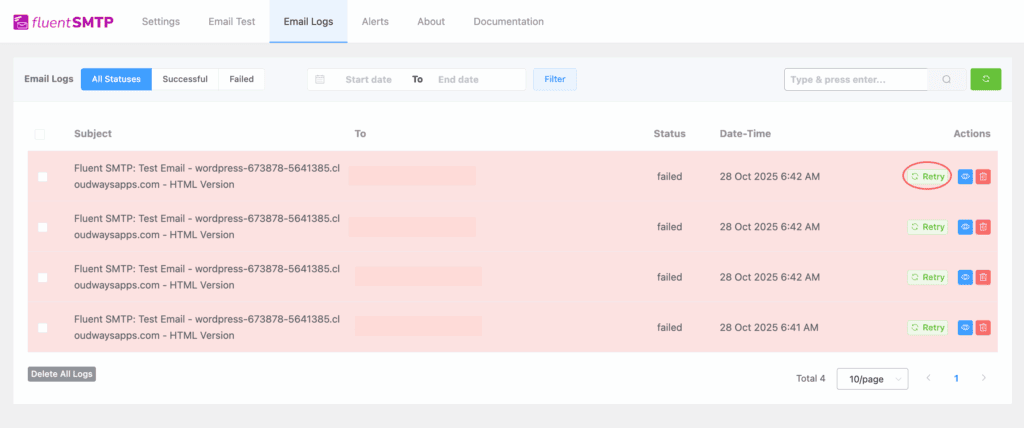
The most critical example is email logging. FluentSMTP gives you a complete history of every email your site sends for free, which is essential for troubleshooting. To get that same feature in WP Mail SMTP, you must buy a Pro license.
Another major advantage of FluentSMTP is its ability to handle multiple email connections for free. This allows you to route different emails through different services, like Amazon SES for orders and Mailgun for newsletters. This is also a paid feature in WP Mail SMTP.
Mailer integrations
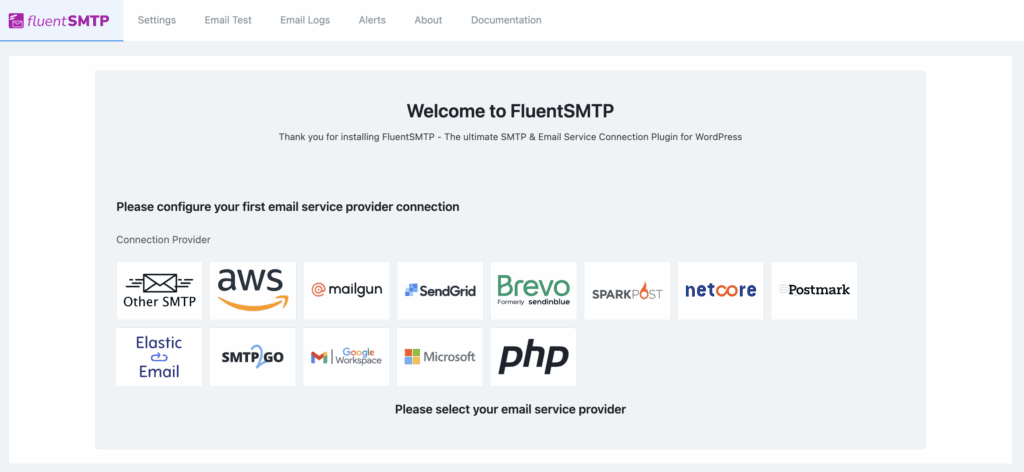
Before adding any new integration, it’s wise to first backup your WordPress site. Once that’s done, you’ll find that both plugins do an excellent job connecting to the mailers you would expect. This includes SendGrid, Mailgun, Amazon SES, and Gmail.
You are not going to have a problem with either one here.
FluentSMTP offers a huge list of native API connections without charging a dime. WP Mail SMTP’s free version has fewer options, reserving many of the best integrations like Amazon SES and Microsoft 365 for Pro users.
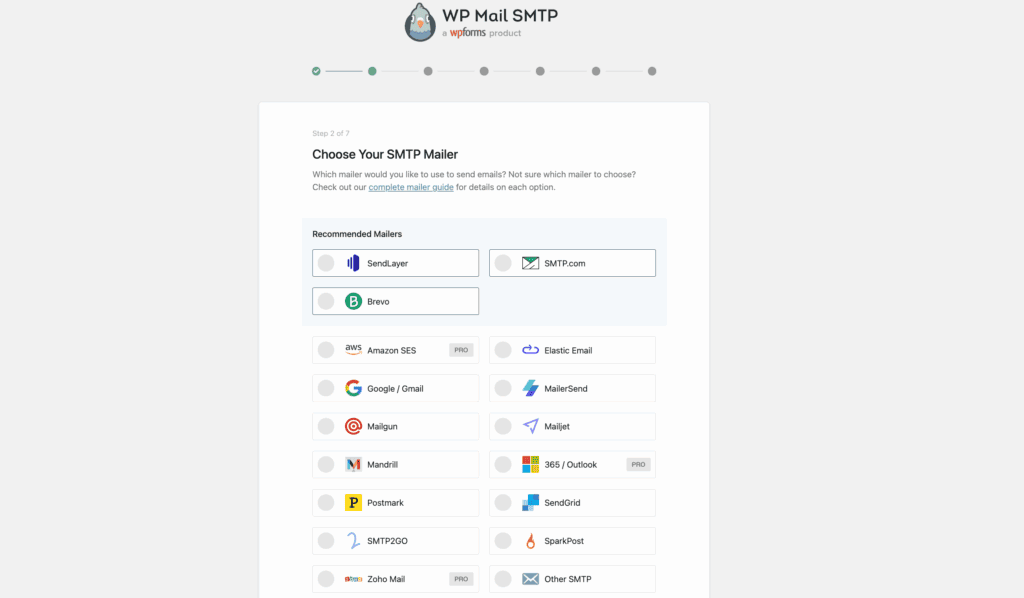
The one clear advantage of WP Mail SMTP Pro is its exclusive one-click setup for Microsoft, which is a huge convenience if your business runs on their platform.
Support and add-ons
This is what you are really paying for with WP Mail SMTP Pro. Their premium plans include dedicated, private ticket support. When your emails are down and you need an expert fast, that access is worth the price. Some plans even offer a “White Glove Setup” service where they configure everything for you.
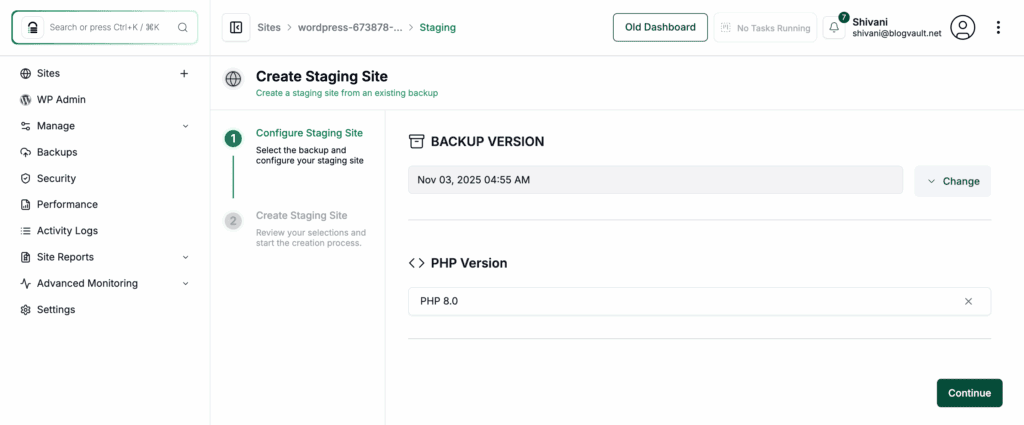
A WordPress staging site is the safest way to go if you want to handle the setup yourself. This lets you make changes without breaking anything.
FluentSMTP’s support is community-based. The documentation is solid and there are active user forums, but ultimately, you are on your own.
Set up and ease of use
In our experience, both are simple to configure, but one is clearly more beginner-friendly.
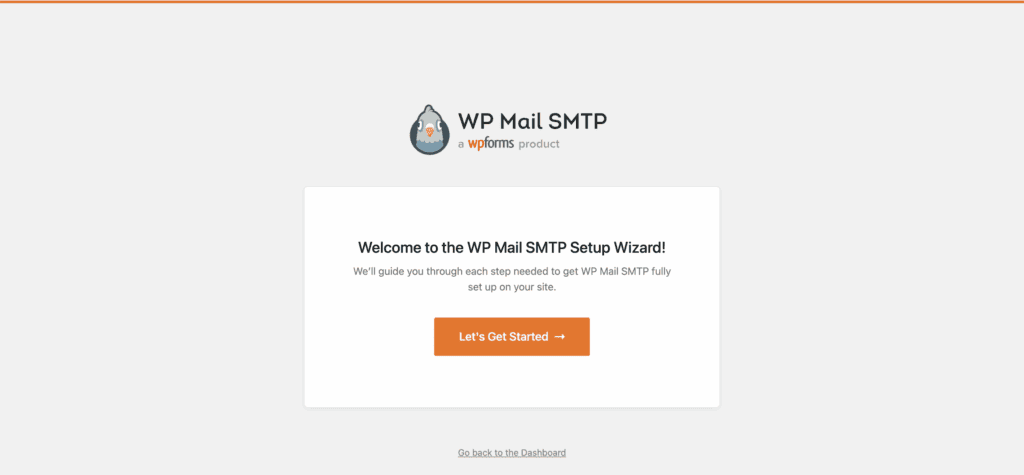
WP Mail SMTP has a definite edge for anyone new to this. Its setup wizard is exceptionally polished and holds your hand through every step. The entire interface feels clean and less intimidating.
FluentSMTP is not difficult, but its dashboard is more data-dense. It feels more like a power-user’s tool. If you know your way around SMTP settings, it is fast and no-nonsense.
However, an incorrect setting in any plugin can sometimes lead to the dreaded white screen of death, so always test changes on a staging site first
Pricing comparison
This part of the review is simple.
FluentSMTP is 100% free. There are no paid versions or hidden add-ons. Every feature, including logging and multiple connections, is free forever.
WP Mail SMTP uses a freemium model. When you’re running multiple plugins (both free and premium), it’s important to know how to diagnose plugin conflicts if something goes wrong.
- WP Mail SMTP (Lite): The free version. It reliably connects your site to a single mailer and sends your emails. That is it.
- WP Mail SMTP Pro: The paid version, which starts at around $49 a year for a single site license. This is required for email logs, advanced reports, and the full range of mailer integrations.

Remember, both plugins require a separate email sending service (like Amazon SES), which may have its own cost. But looking only at the plugins, FluentSMTP delivers premium functionality without the premium price.
Which plugin should you choose?
There is no single best choice, only the best choice for a specific situation. Based on our testing, here are our direct recommendations.
- Choose FluentSMTP if: You are on a budget, manage multiple websites, or consider yourself technically proficient. The value is unbeatable, especially with free email logging. If you do not need dedicated support, this is the powerhouse choice.
- Choose WP Mail SMTP if: You are a beginner who values a polished, guided experience. The free version is perfectly fine for a simple blog or portfolio site that just needs emails to work.
- Choose WP Mail SMTP Pro if: You are running a business where email is mission-critical. The dedicated support is your insurance policy, and features like open/click tracking can provide valuable data for e-commerce or marketing.
Other alternatives to pick from
While FluentSMTP and WP Mail SMTP dominate the conversation, they are not the only options.
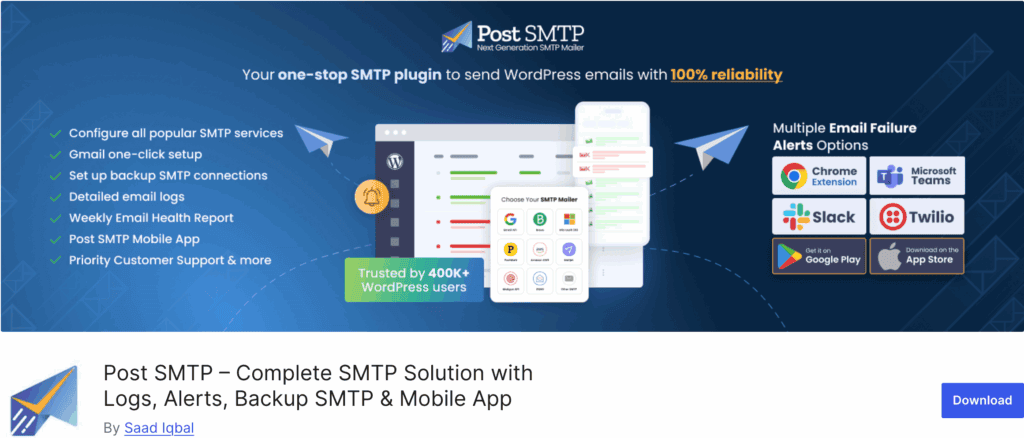
Post SMTP Mailer is an excellent and powerful freemium plugin. It offers a setup wizard, email logging, and broad compatibility, making it a very strong competitor to FluentSMTP.
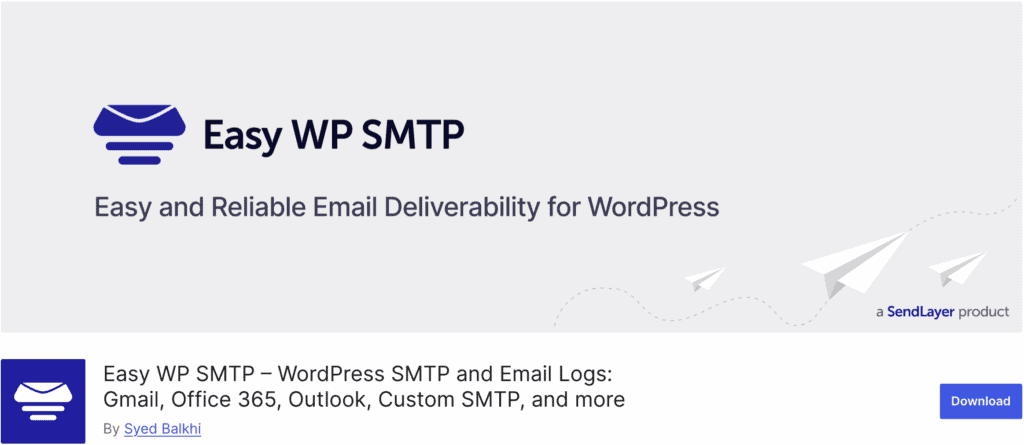
Easy WP SMTP is a much simpler, lightweight choice. If you just need to connect your site to one SMTP provider and do not care about advanced features, it is a fuss-free tool that works.
Best practices to follow after you install
Your job is not done after clicking “Activate.” To ensure your emails actually land in the inbox, here are a few things we always do.
- Use a dedicated mail service. Do not use your web host’s email. Sign up for a service like AWS SES, SendGrid, or Mailgun.
- Set up your DNS records. This is critical. Add the SPF, DKIM, and DMARC records provided by your mailer to your domain’s DNS settings. This proves your emails are legitimate.
- Check your logs periodically. Once a week, take a quick look at your email logs in the plugin to spot any delivery failures.
- Test your forms. Go through your website and submit a test entry on every single form to confirm you receive the notification.
Parting thoughts
You honestly can’t go wrong here, as both plugins are excellent fixes for WordPress’s default emails not sending problems. FluentSMTP offers incredible value for free, making it a no-brainer for many.
However, WP Mail SMTP remains the market leader for its unmatched ease of use and professional support, which is a crucial safety net for businesses. Your choice is simply a trade-off between a powerful free tool and a polished, premium experience.
FAQs
What is the best SMTP plugin for WordPress?
The best SMTP plugin depends entirely on your needs. FluentSMTP is our top choice for free features, while WP Mail SMTP is unmatched for its ease of use and premium support.
Is WP Mail SMTP safe?
Yes, WP Mail SMTP is extremely safe. It is trusted by millions of websites and uses modern, secure authentication methods to protect your email credentials.
Is WP Mail SMTP free?
WP Mail SMTP offers a free version that handles basic email sending effectively. However, crucial features like email logging require an upgrade to a paid Pro license.
What is an easy SMTP plugin for WordPress?
WP Mail SMTP is widely considered the easiest SMTP plugin for WordPress beginners. Its polished setup wizard makes the entire configuration process simple and straightforward.
Is Fluent SMTP free?
Yes, FluentSMTP is completely free. All of its powerful features, including email logging and support for multiple mailers, are available at no cost.
What is the best free SMTP server?
There is no single best server, but services like SendGrid and Brevo are excellent starting points. They both offer generous free plans that are perfect for most small to medium websites.

Shivani enjoys crafting guides that make every aspect of using WordPress simple and easy to follow. When she's not glued to her laptop, you can find her buried in a good book or occasionally, painting.