

While many WooCommerce plugins are built for selling physical products, you need a dedicated WordPress booking plugin if you’re selling your time. Tired of the endless email chains just to schedule one appointment?
Manually managing your calendar is more than just a hassle—it’s a bottleneck that costs you time and potential clients. A good booking system works for you 24/7, capturing leads, securing payments upfront, and reducing no-shows with automated reminders, turning your website into an efficient, money-making machine.
But with dozens of options, choosing the right one is tough. We’ve tested the top contenders to bring you a definitive list, breaking down their best features, pricing, and who they’re perfect for so you can find your ideal match in minutes.
We used a staging site to test all these booking plugins. After extensive testing, our top recommendation is Booknetic. It delivers a modern, software-like experience with robust features for teams. Its excellent value, especially the one-time lifetime license, makes it the best choice for businesses wanting to escape monthly subscription costs.
What to look for in a WordPress booking plugin
Before you dive into the list, it helps to know what you’re looking for. Not all booking plugins are created equal, and the “best” one is the one that fits your specific business needs. Use this quick checklist to evaluate each option and find the perfect match for you.
- Core Features: At a minimum, a good plugin must handle the basics flawlessly. This includes two-way calendar synchronization to prevent double-bookings, automated email or SMS notifications for you and your clients, and the ability to set up different appointment types.
- Payment Integration: If you want to reduce no-shows and secure revenue, getting paid upfront is critical. Make sure the plugin integrates directly with trusted payment gateways like Stripe and PayPal.
- Ease of Use: How intuitive is the plugin for you to configure? And more importantly, how smooth is the booking process for your customers? A confusing interface will cost you business.
- Scalability: Think about your future growth. Does the plugin offer a good free version to start with? Is there a clear and affordable upgrade path to a premium plan when you need more power?
- Your Specific Needs: Do you have multiple staff members who need their own schedules? Do you operate from several locations? Do you need to book resources like equipment or rooms? Look for plugins that cater to these advanced requirements.
1. Booknetic
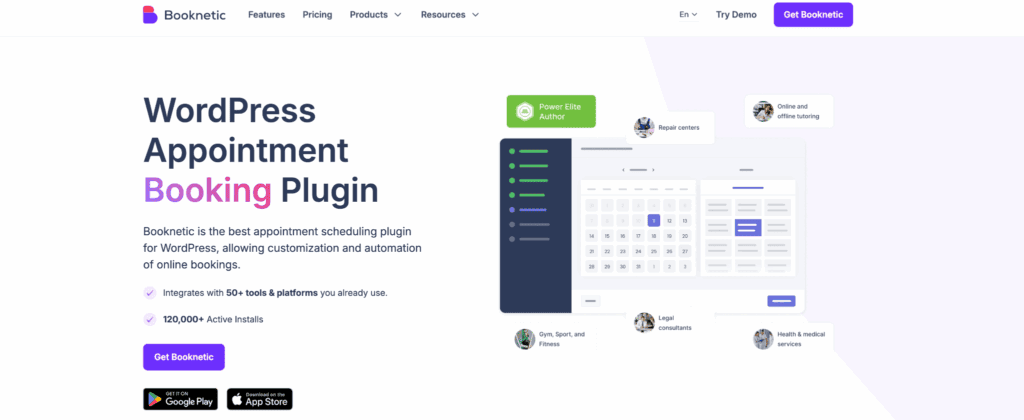
Having tested dozens of booking plugins, Booknetic immediately feels different. It runs with the polish and speed of a dedicated software application, not a clunky WordPress add-on. It’s clearly built for service businesses that need to solve real operational problems like double bookings and no-shows.
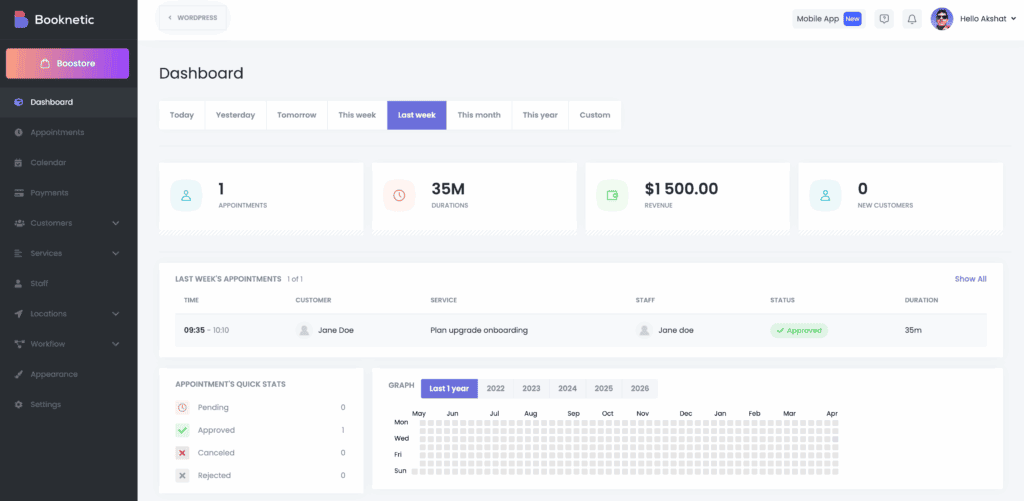
The dashboard looks incredibly clean because many of its best features aren’t enabled by default. You’ll find things like WhatsApp alerts or Google Calendar sync in a built-in app store and activate only what you need.
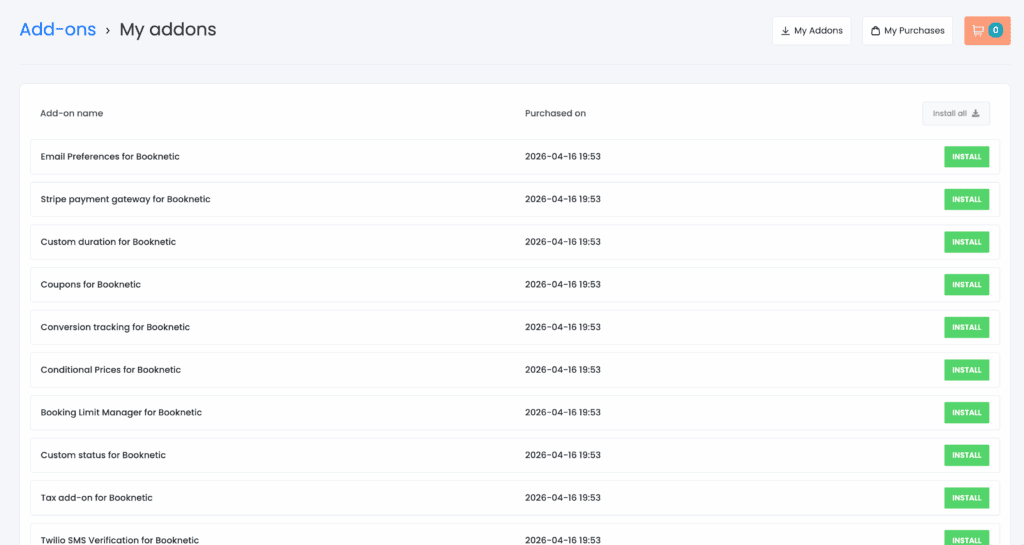
This keeps the interface from being a cluttered mess, which is a smart design choice, but it does mean your first step after installing is to enable the tools you plan to use.
Key Features:
- Intuitive, mobile-friendly forms convert visitors into paying clients.
- Easily manage complex team schedules without any conflicts.
- Automated SMS & WhatsApp alerts reduce client no-shows.
- Securely take upfront payments with Stripe and PayPal.
- Two-way sync works reliably with your Google Calendar.
- Manage your entire business on the go from your phone.
Pricing: The value proposition here is one of the best on the market. Booknetic offers two straightforward pricing models. The annual plan starts at a very reasonable $45 per year. The lifetime license is a one-time payment of $99.
2. BookingPress
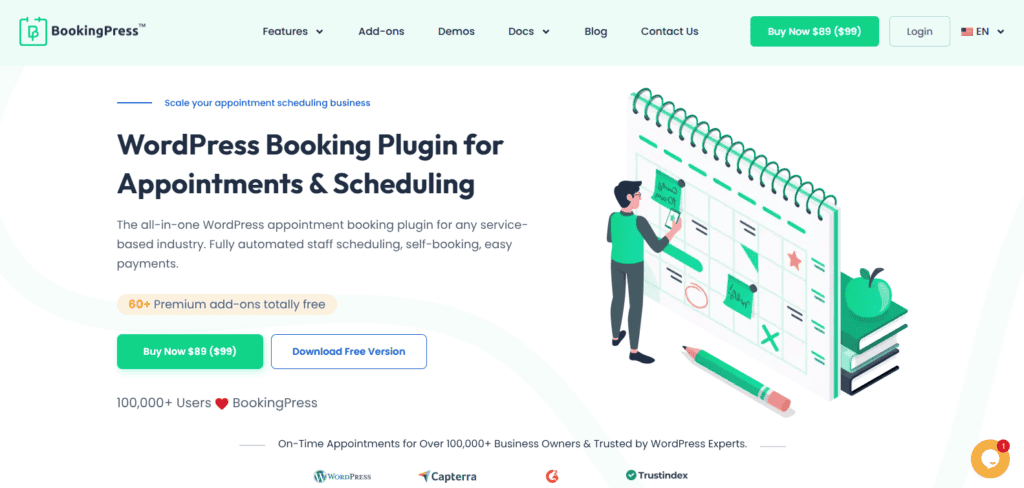
When I opened BookingPress, the setup process felt straightforward. The easy setup wizard made onboarding effortless, and I was able to configure the basics in a short amount of time and begin accepting online appointments without much technical effort. Once inside, the interface felt more streamlined than the typical WordPress settings experience, and the centralized dashboard made it easier to navigate key features without much confusion.
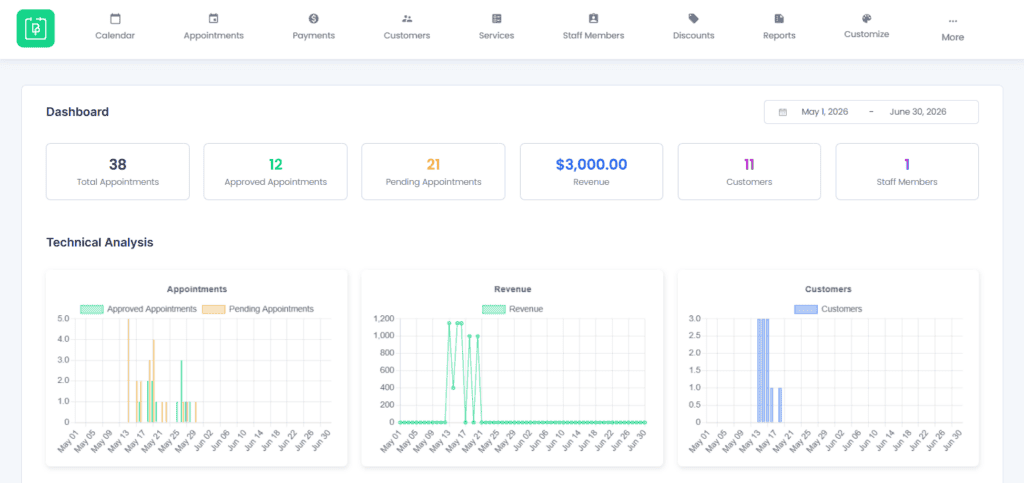
One of the more noticeable aspects was the overall ease of management. Creating services, assigning staff members, setting business hours, and configuring booking rules was relatively straightforward. The interface was organized in a way that made key settings accessible, which helped keep the setup process clear and manageable, including for users with limited technical experience.
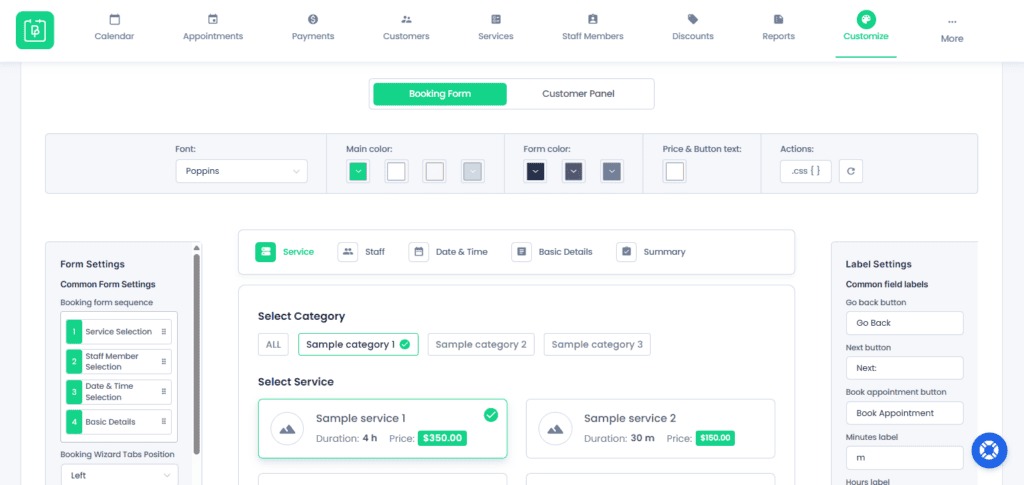
BookingPress delivers a polished front-end booking experience, with mobile-friendly forms and useful customization options for both design and booking flow. It also supports a range of communication and business features through its add-ons, including WhatsApp, Telegram, SMS, and email notifications. With 60+ add-ons available, BookingPress can be a more flexible option for businesses with more advanced scheduling, automation, and integration needs.
Key Features:
- Customizable multi-step booking forms
- Staff management with individual availability settings
- Two-way sync with Google, Outlook, and Apple Calendars
- Support for multiple locations
- Notifications via email, SMS, WhatsApp, and Telegram
- Support for 20+ payment gateways, including PayPal, Stripe, Razorpay, and POS
- Options for solo, group, and recurring appointments
- Built-in coupon management, tax settings, and invoicing tools
- Integrations with WooCommerce, Zoom, Zapier, Mailchimp, Elementor, and more
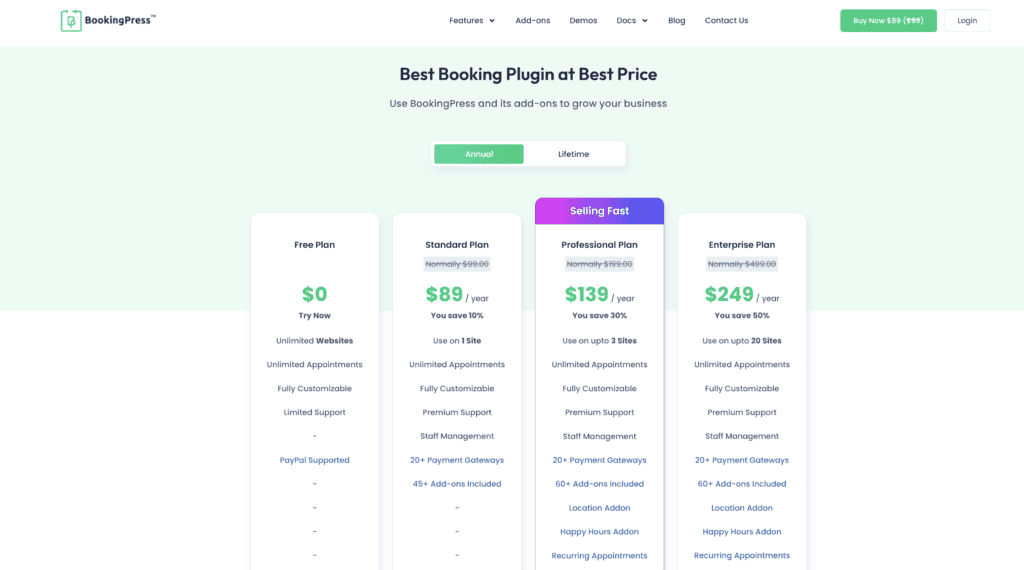
Pricing: BookingPress includes a free version that supports unlimited appointments, services, custom booking forms, and PayPal integration. Paid plans start at $89 per year, with higher tiers unlocking more advanced features. Lifetime licenses are also available, starting at $229 as a one-time payment.
3. Amelia

When I started reviewing Amelia, it was clear this plugin is in a different league. Instead of the typical, cluttered WordPress settings page, I was greeted by a clean, modern dashboard that felt more like a premium software tool.
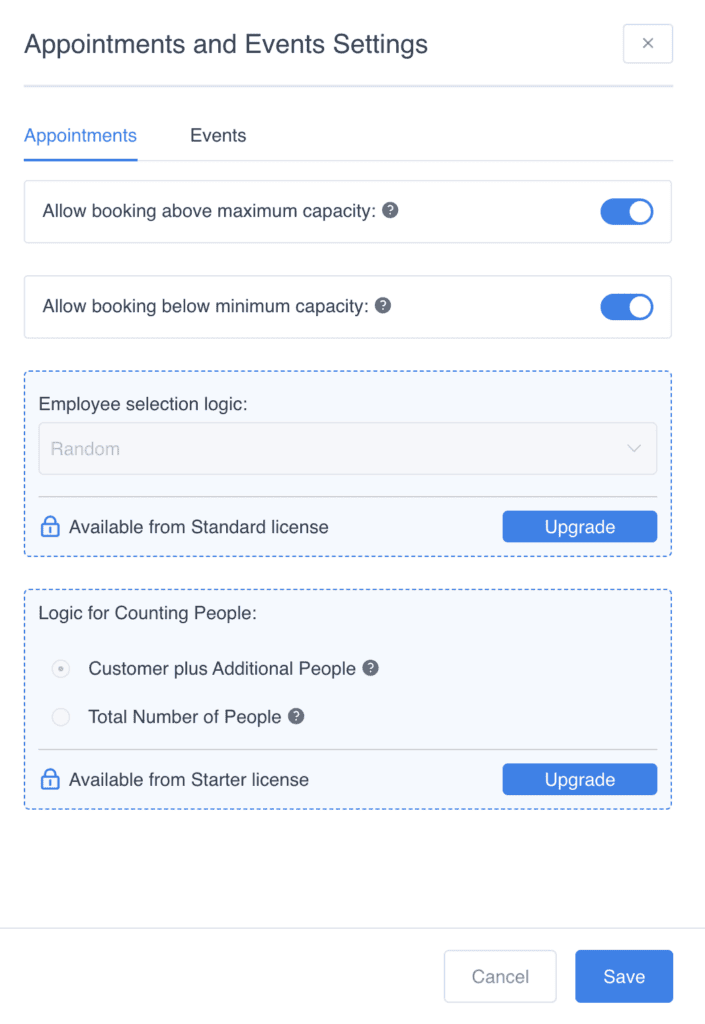
Setting up my first service and assigning a staff member took just minutes, and the front-end booking form is hands-down one of the slickest I’ve tested. This isn’t just about looks; my experience shows that Amelia is built from the ground up to be intuitive, powerful, and to provide a smooth, professional journey for your clients from the very first click.
Key Features:
- Unlimited customizable services
- Manage staff schedules & leaves
- Support for multiple locations
- Two-way Google & Outlook sync
- Automated email, SMS, WhatsApp alerts
- Accept PayPal & Stripe payments
- Manage recurring events, tickets
- Dashboard with business analytics
Pricing: Amelia offers a capable free version, with premium plans starting at approximately $59 per year to unlock its full suite of features.
4. Simply Schedule Appointments
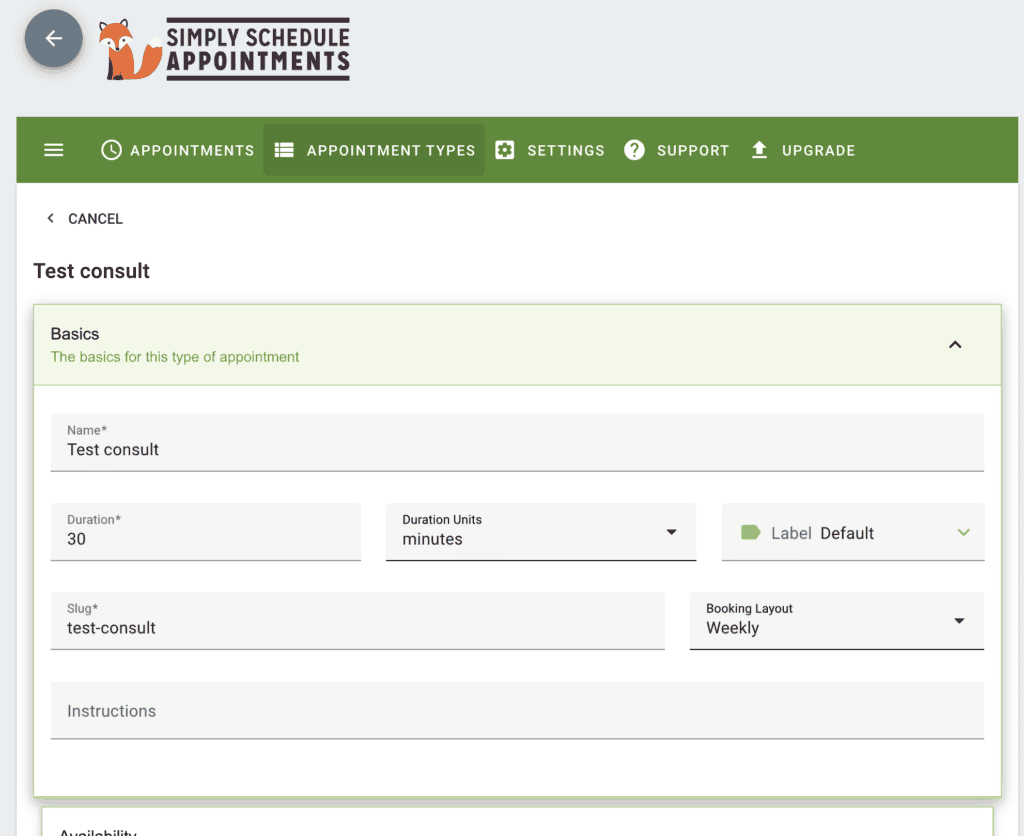
After testing Simply Schedule Appointments, I found that it was a breath of fresh air. It lives up to its name with a laser focus on simplicity and ease of use. I had a functional booking calendar embedded on a page in minutes, without getting lost in menus.
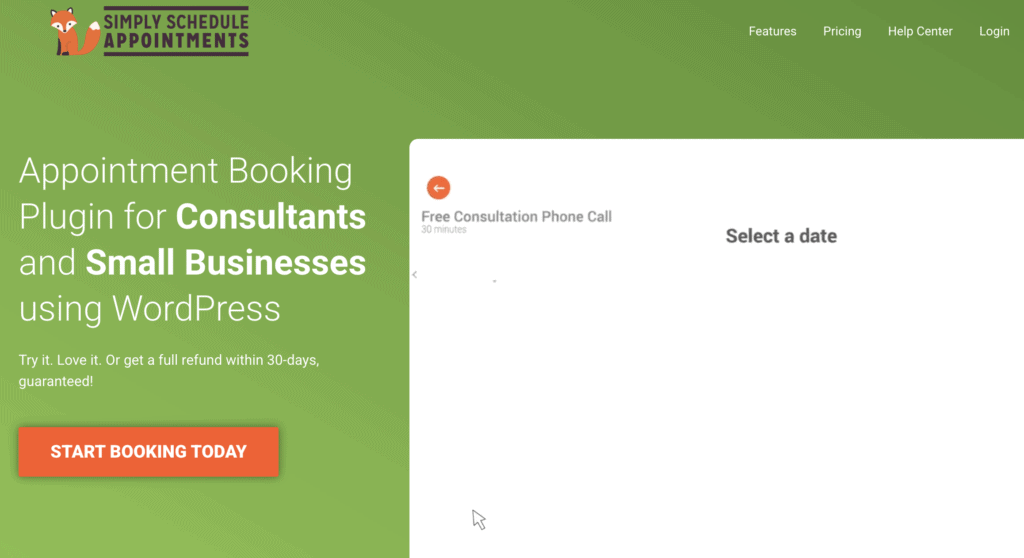
The free version is pretty basic and I would recommend the premium upgrades. It is perfect for small businesses or individuals who need a reliable solution without a steep learning curve.
Key Features:
- Unlimited booking calendars
- Advanced availability rules & buffers
- Integrates with popular page builders
- Google Calendar sync (Premium)
- Accepts payments via Stripe/PayPal (Premium)
- Group bookings and classes (Premium)
- Zoom and Google Meet links (Premium)
Pricing: Free plugin with plans starting at $49 for a domain.
5. Appointment Hour Booking
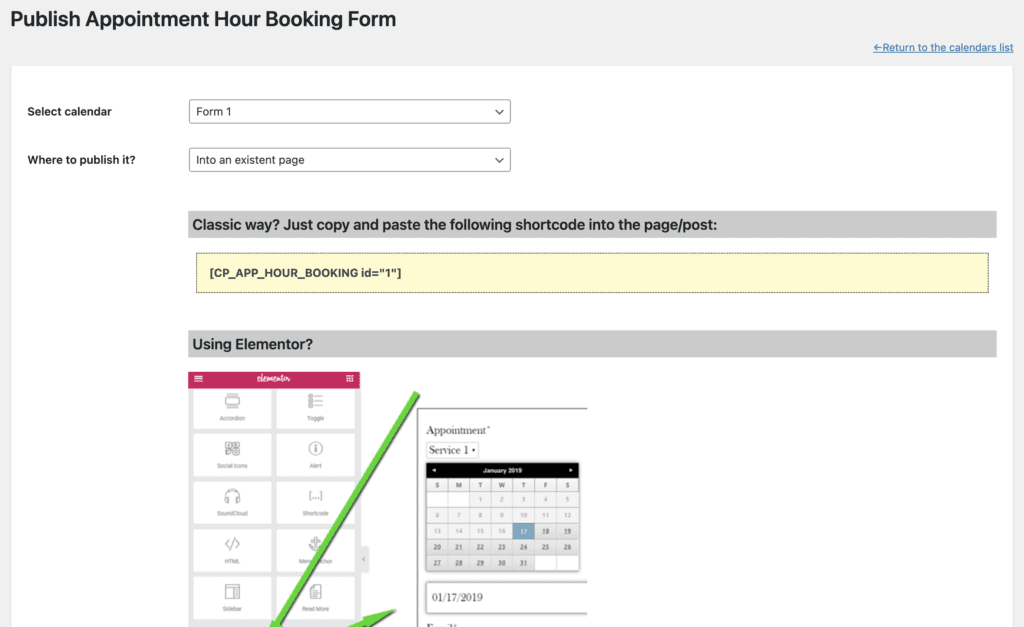
We enjoyed our tests of Appointment Hour Booking plugin. We were able to easily design and publish an event in minutes.
Appointment Hour Booking is a scheduling plugin focused on core configuration. Its primary functions allow administrators to define working hours and set fixed durations for services. The plugin lacks complex staff management features, instead providing precise control over available time slots, making it suitable for businesses operating on a fixed and repeatable schedule.
Key Features:
- Define specific start times and open hours
- Set fixed durations for services (e.g., 15-min, 30-min, 1-hour)
- Add buffer time between appointments
- Prevent bookings within a certain timeframe (e.g., no same-day bookings)
- Accept payments via PayPal and Stripe (in Pro version)
- Automated email notifications for admin and users
- Integrates with Google Calendar
Pricing: Appointment Hour Booking offers a highly capable free version. The Professional plan, which unlocks features like payment processing and more calendar options, starts at approximately $55 per year.
6. MotoPress Hotel Booking
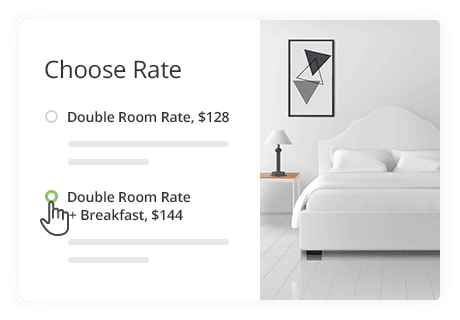
To test MotoPress Hotel Booking, I set up a small demo rental property, and it’s obvious this is a professional-grade property management system.

My key takeaway was the power of the iCal sync, which allowed my test site to communicate with platforms like Airbnb, preventing the dreaded double-booking. The included mobile app is a game-changer for on-the-go property managers.
Key Features:
- Manage unlimited rental properties
- Flexible and seasonal pricing rules
- Real-time availability calendar
- Syncs with Airbnb, Booking.com
- Offer extra paid services
- Multiple booking confirmation modes
- Manage bookings via mobile app
Pricing: For MotoPress Hotel Booking, the lowest plan is $139 for a single site.
7. The Events Calendar
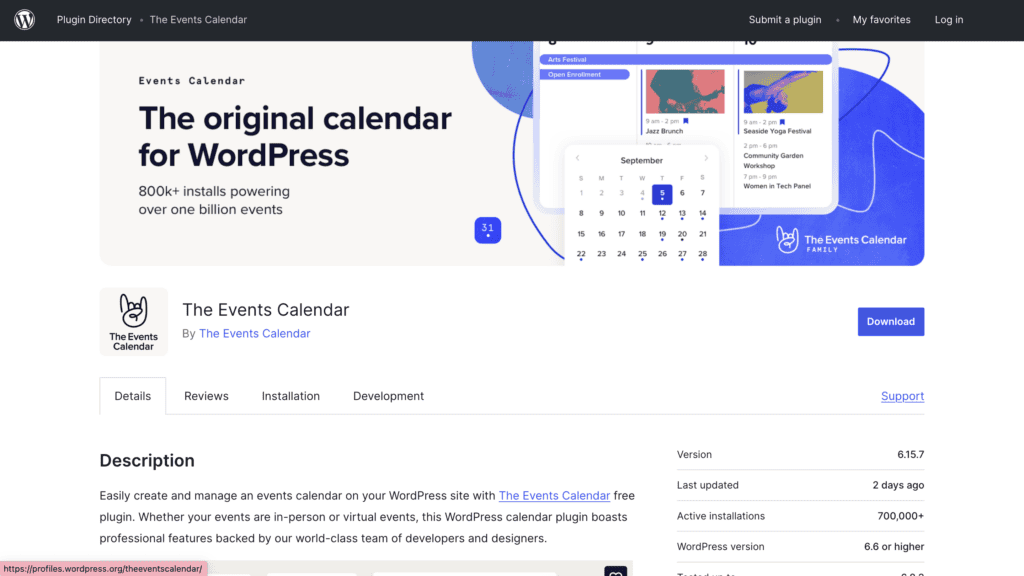
When I first reviewed The Events Calendar, it felt like a native WordPress feature built for publishing a schedule. The setup is remarkably straightforward, and creating your first event is as intuitive as writing a blog post. It’s not designed for one-on-one appointments; it’s designed to create a public-facing calendar for your community.
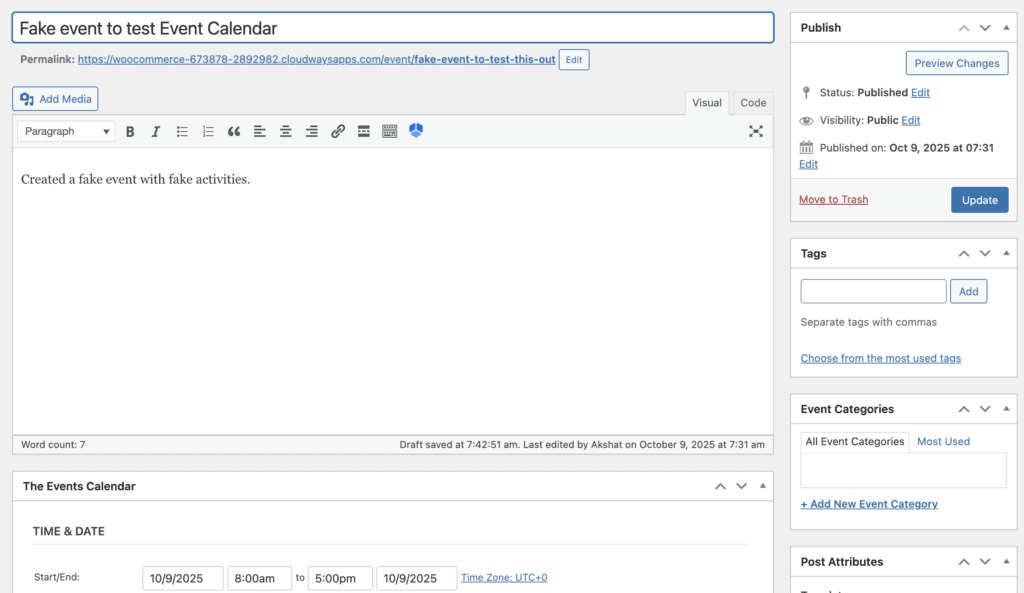
My experience is that this plugin is a powerful foundation. You start with the core calendar and then bolt on exactly what you need, whether it’s ticketing, virtual event management, or community submissions, making it an incredibly flexible and scalable system.
Key Features:
- Multiple calendar views (Month, List, Day)
- Save and reuse venues and organizers
- Google Maps integration for physical events
- Extensive add-on library for ticketing, recurring events, etc.
- Highly customizable for developers
- Event search and filtering capabilities
- Responsive and mobile-friendly design
Pricing: The core plugin is free and powerful. The Events Calendar Pro, which unlocks recurring events and premium views, starts at $99 per year.
8. FluentBooking
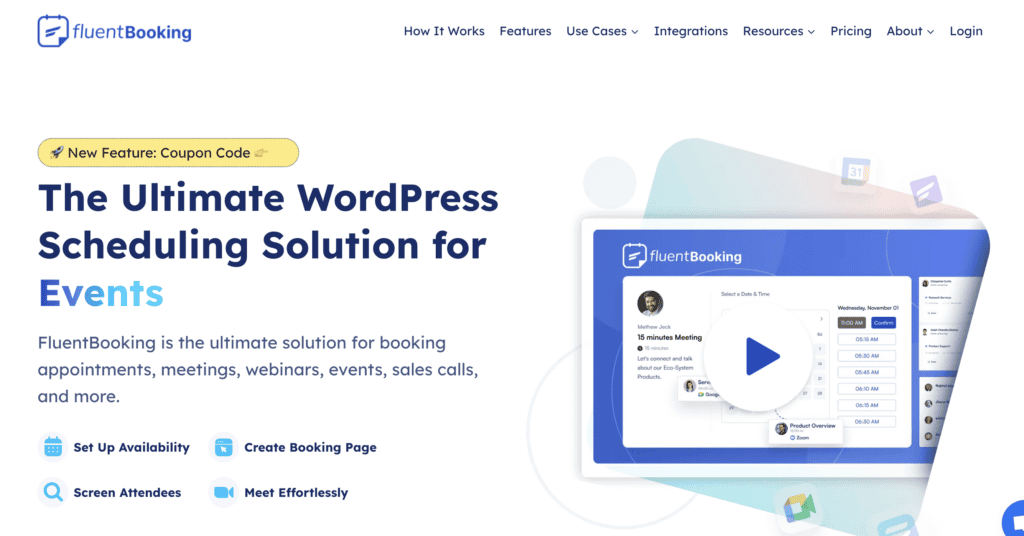
While testing FluentBooking, I found that it was incredibly clean and modern. It can help setup your availability and meeting types with zero friction. It feels less like a traditional WordPress plugin and more like a polished, standalone scheduling app.
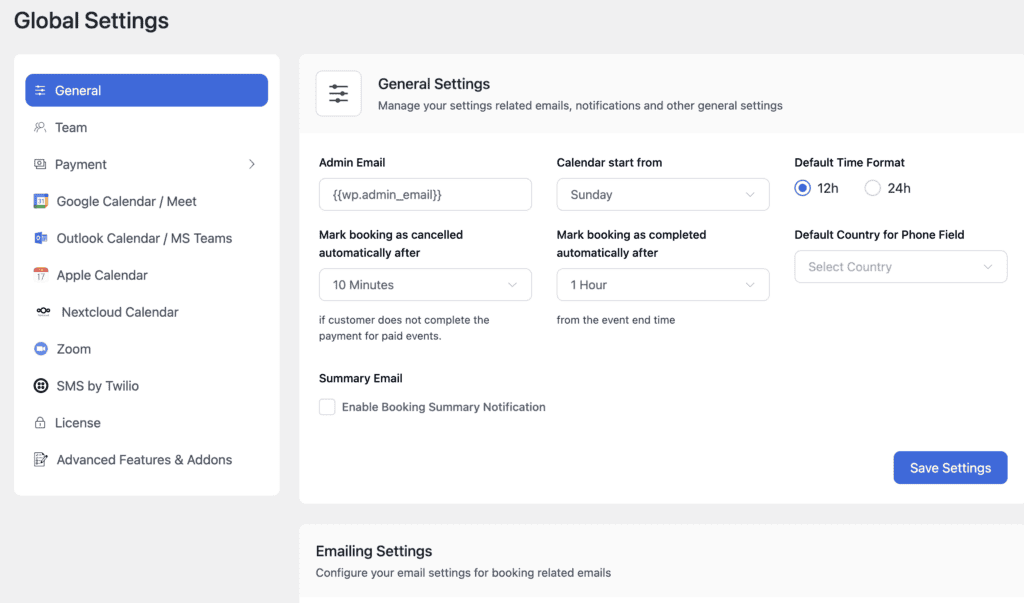
My hands-on experience shows that its real power lies in automation; it seamlessly connects your personal calendar, your web forms, and your video conferencing tools to create a completely hands-off booking process for meetings and consultations.
Key Features:
- Unlimited hosts and bookable events
- Two-way sync with Google Calendar & Outlook Calendar
- Direct integration with Zoom, Google Meet, and other tools
- Automated email notifications and reminders
- Team distribution for “round-robin” style bookings
- Accept payments via Stripe & PayPal
- Customizable booking forms and schedules
Pricing: FluentBooking has a free version for basic scheduling. Premium plans, which unlock more advanced integrations and features, start at approximately $99 per year.
Why you need a WordPress booking plugin?
The endless email chains. The missed calls while you’re with another client. The constant fear of double-booking yourself. If this sounds familiar, you’re spending more time managing your schedule than your business. A WordPress booking plugin is the single most powerful tool you can add to your website to stop the chaos and automate your entire scheduling process.
But is it really worth it?
If you’re on the fence, use a test site to explore any of these booking plugins first.
A good booking plugin does more than just fill your calendar; it transforms your business by helping you:
- Save Dozens of Hours: Automate your scheduling and end the time-consuming back-and-forth emails for good.
- Reduce Costly No-Shows: Send automatic email and SMS reminders to clients, ensuring they show up on time.
- Get Paid Instantly: Secure your revenue by requiring deposits or full payments at the time of booking.
- Accept Bookings 24/7: Let clients book your services anytime, day or night, even while you sleep.
- Look More Professional: Offer a seamless, modern booking experience that builds client trust and sets you apart from the competition.
But with so many options, which one is right for you? In this guide, we’ve tested and reviewed the best WordPress booking plugins to help you find the perfect fit for your specific needs and budget.
Final Thoughts
Choosing a booking plugin is about finding a tool that fits your unique business workflow. While every plugin on this list has its strengths, after extensive testing, Booknetic consistently stood out as our favorite. It strikes the perfect balance between powerful, enterprise-level features and a beautiful, intuitive design that makes both your life and your clients’ lives easier.
FAQs
What to look for in a booking plugin?
Focus on the features that will have the biggest impact on your business. The key things to look for are ease of use (for both you and your clients), reliable payment gateway integration (like Stripe or PayPal), two-way calendar synchronization (with Google or Outlook), and automated email/SMS notifications.
What’s the best free booking plugin?
For the most features in a free package, BookingPress is the clear winner. It includes over 20 payment gateways and advanced customization options without a paid subscription. For absolute, no-fuss simplicity, Booking Calendar is a classic and reliable choice for displaying a basic availability calendar.
Which booking plugin offers payment integration?
Nearly all modern booking plugins offer payment integration, though it is often a premium feature. Booknetic, Amelia, Bookly, LatePoint, and Simply Schedule Appointments all have robust payment options. Notably, BookingPress offers extensive payment gateway support for free, and PluginHive’s WooCommerce Bookings leverages your entire existing WooCommerce payment setup.
What’s the best plugin for appointment bookings?
For general appointment bookings for service businesses like consultants, salons, and clinics, Booknetic is the best all-around plugin. Its combination of a polished user interface, powerful staff and service management, and seamless automation makes it the top choice for a professional and reliable system.

Shreya has been a writer for as long as she can remember. Now, she writes articles that help WordPress users manage the sites that they're proud of, with little to no coding


