

When searching for an appointment plugin for WordPress, you’ll find that The Events Calendar is one of the most popular choices. It’s great for managing group events like workshops, webinars, and community gatherings. It offers a clean, interactive calendar that makes your organization look more professional.
This article will break down everything you need to know about The Events Calendar. We’ll explore its features, compare the free and paid versions, and help you decide if it’s the right tool for you.
A staging website provides a safe, private copy of your site to test The Events Calendar plugin without any risk to your live visitors. This allows you to experiment with all its features and check for conflicts, ensuring it works perfectly with your theme before your audience ever sees it.
What Is The Events Calendar Plugin?
The WordPress booking plugin, The Events Calendar lets you easily create, manage, and display events directly on your website. It’s perfect for all kinds of occasions, from in-person workshops and community gatherings to virtual webinars. The plugin organizes your schedule into a clean, professional, and customizable calendar for your visitors, and is available in both a free version for basic needs and a premium version for more advanced features.
Before plugins like this, website owners had to manually list events on a static page or in a blog post, which was often messy and hard for visitors to navigate. The Events Calendar was created to solve this problem by providing a dedicated, easy-to-use tool for managing multiple events in one place. It transforms a confusing list into an interactive calendar, making it simple for your audience to find event details and see what’s coming up next.
Review of The Events Calendar’s Booking & Ticketing Features
The Events Calendar, especially with its “Event Tickets” add-on, transforms your site into a full-fledged event management system. It gives you all the tools you need to sell tickets, manage attendees, and automate communication from one central place.
- Multiple Ticket Types: Create different tickets for the same event, like “General Admission” and “VIP.”
- Inventory Control: Set a limit on available tickets to create urgency and prevent overselling.
- Free RSVPs: Easily track attendance for free events without needing a complex ticketing setup.
- View Attendees: See everyone who has registered for an event directly from your dashboard.
- Export to CSV: Download your attendee list for easy check-ins or for use in other marketing tools.
- User Dashboard: Attendees can view their own tickets and manage their bookings from their account page.
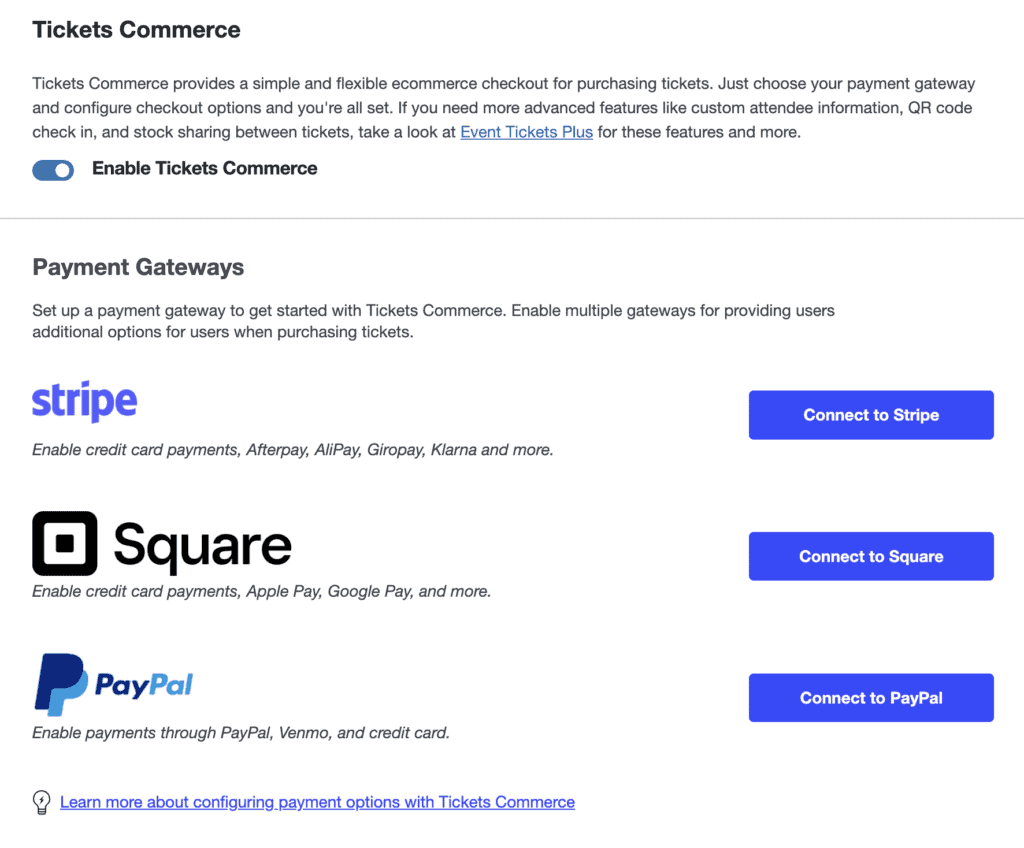
- Easy Payments: Accept payments directly on your site with built-in PayPal and Stripe integrations.
- QR Code Check-ins: A unique feature that allows for fast, professional ticket scanning at the door.
- Custom Checkout Questions: Collect specific information from attendees, like dietary restrictions or t-shirt size.
- Automated Reminders: Send automatic event reminders and follow-up emails to your attendees.
Empowering Your Attendees: What They Can Do After Booking
A great event platform isn’t just about making your life easier—it’s also about providing a smooth and professional experience for your attendees. The Events Calendar gives your clients the autonomy to manage their own bookings, which reduces your support workload and keeps them informed.
- Edit Their Own Information: Attendees can update personal details on their own tickets, saving you from doing it manually.
- Get Digital & Apple Wallet Tickets: A standout feature where attendees can instantly download a PDF ticket or add it directly to their Apple Wallet for easy access.
- Update Their RSVP Status: If their plans change for a free event, they can easily change their RSVP from “Going” to “Not Going.”
- Add Events to Their Personal Calendar: With one click, attendees can add the event to their Google Calendar or iCal, ensuring they don’t miss it.
- Control Their Public Visibility: Attendees can choose whether their name appears on the public “Who’s Going?” list, giving them control over their privacy.
- Receive Automatic Confirmations & Reminders: The system automatically sends ticket confirmations and can be set up to send event reminders, keeping everyone in the loop without any extra work from you.
Usability: The Events Calendar Review
A powerful plugin is only useful if it’s easy to navigate and doesn’t require a technical degree to set up. Fortunately, The Events Calendar is widely praised for its user-friendly design, allowing even WordPress beginners to get a professional-looking calendar up and running quickly.
- Works Right Away: You can install it and have a working calendar on your site in minutes, with no coding needed.
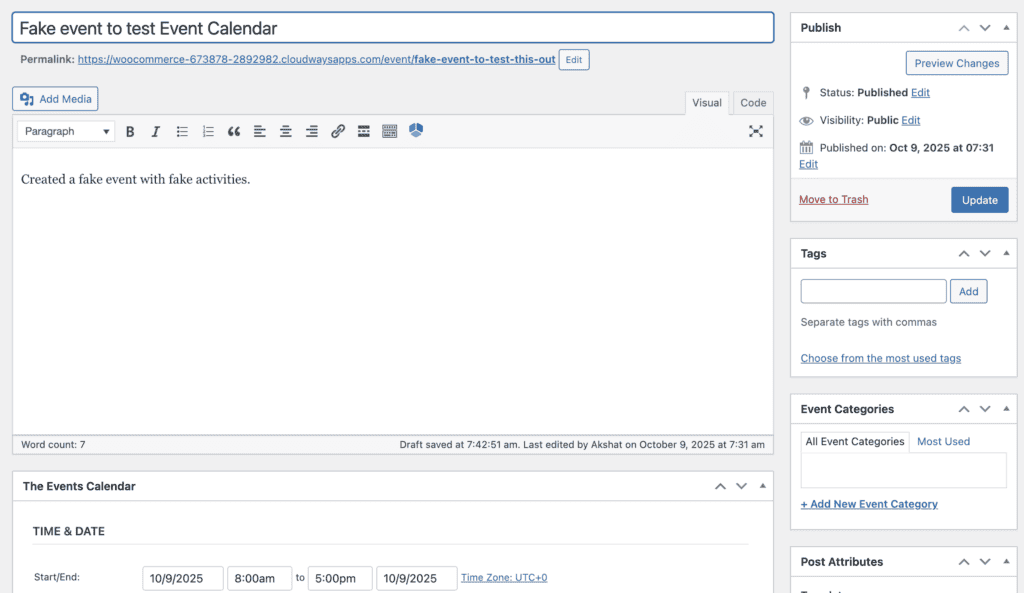
- Familiar Interface: Creating an event is as simple as writing a new blog post in your WordPress dashboard.
- Generous Free Version: The free plugin is powerful enough for many users, packed with essential features at no cost.
- Can Get Complex: While add-ons add power, some users find that installing too many can make the plugin feel slow or complicated.
- Highly Customizable: For those with technical skills, the plugin can be fully customized to match any website design.
Events Calendar Pro Pricing
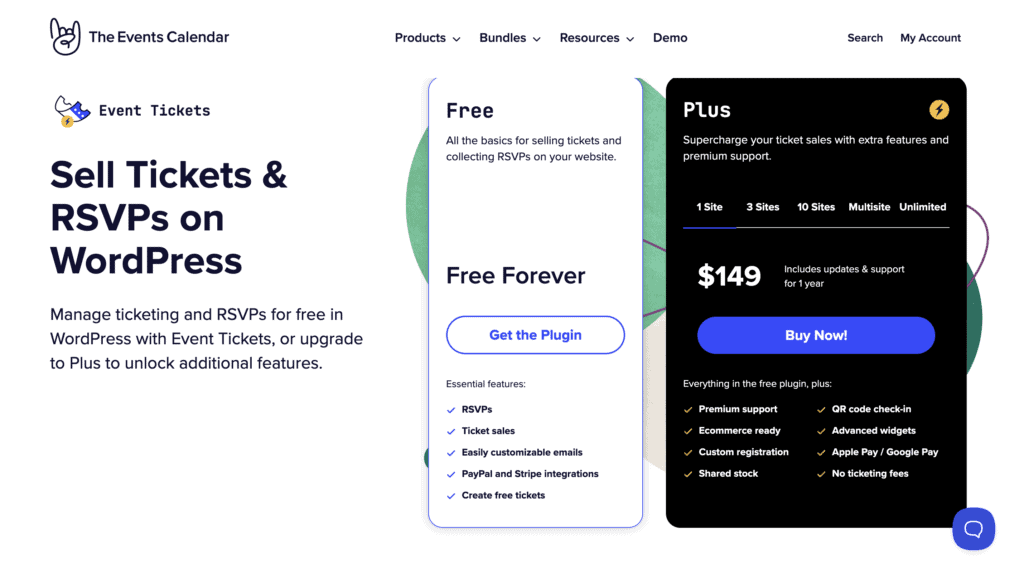
If the free version doesn’t cover all your needs, Events Calendar Pro unlocks more advanced features. The pricing of the Events Calendar plugin is based on an annual subscription, which gives you access to premium support and all plugin updates for one year.
- 1 Site: $149 per year
- 3 Sites: $299 per year
- 10 Sites: $499 per year
What’s Missing? Potential Downsides
No plugin is perfect, and based on user reviews, there are a few common areas where The Events Calendar could improve. These are important to consider before you commit to the paid version.
- Key Features Require Pro: Many users feel that basic, essential features are locked behind the Pro version. This includes crucial functions like creating recurring events (e.g., “every Tuesday”) and adding more calendar views like a week or photo view.
- Limited Free Version Functionality: To get RSVP functionality for free events, you need to install a separate “Event Tickets” add-on, which some users feel should be part of the core plugin.
- No Automatic Organizer Link: The plugin doesn’t automatically assign the logged-in user as the event organizer when they create an event. This has to be done manually every time.
- Inconsistent Block Editor Support: Some users have reported that the plugin’s blocks for the new WordPress editor (Gutenberg) can be “finicky” and don’t always display events correctly.
Alternatives to The Events Calendar
While The Events Calendar is excellent for listing group events, it may not be the right fit if you need to book one-on-one appointments. For that, you should consider a dedicated appointment booking plugin.
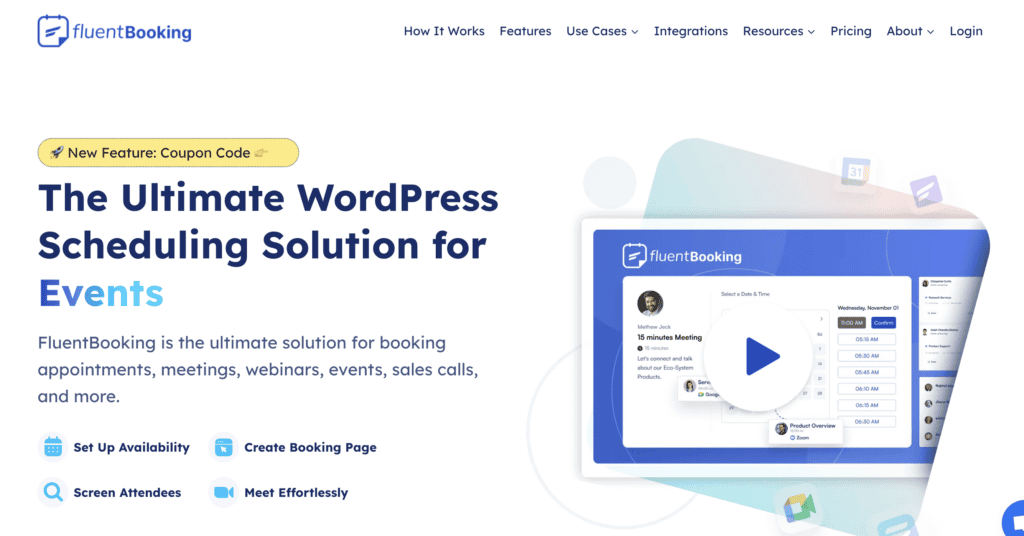
- FluentBooking: our review of FluentBooking revealed a modern scheduling plugin ideal for automating meeting and consultation bookings. It offers seamless integrations for Google Calendar and video conferencing tools.
- Appointment Hour Booking: We found, in our tests of Appointment Hour Booking, that it is a versatile plugin for businesses that operate with fixed-duration services. It allows you to define specific time slots that customers can book from a calendar.
Final Thoughts
The Events Calendar is a fantastic and reliable solution for adding a professional events section to your WordPress site. The free version is powerful enough for most small businesses and organizations, and the Pro version offers a clear path for growth.
Exploring it on a test site is a great way to figure out if the plugin is for you. A staging site is a private copy of your website where you can explore all the features, check for conflicts with your theme, and make sure everything works perfectly before your visitors ever see it.
FAQs
Is The Events Calendar plugin free?
Yes, there is a very popular and feature-rich free version available in the WordPress plugin directory. A paid “Pro” version with more advanced features is also available.
What is an event calendar?
An event calendar is a tool or plugin for your website that allows you to create, manage, and display a schedule of events (like workshops, webinars, or meetings) in a clean, organized format for your visitors.
How to check calendar events?
As a site owner, you can view and manage all your events from the “Events” tab in your WordPress dashboard. Your website visitors can see the upcoming events on the public-facing calendar page on your site.
What is the difference between The Events Calendar free and pro?
The free version is ideal for basic, one-time events and includes month, list, and day views. The Pro version unlocks key features like recurring events, additional views (week, photo, map), advanced widgets, and premium customer support.

Shreya has been a writer for as long as she can remember. Now, she writes articles that help WordPress users manage the sites that they're proud of, with little to no coding


