

A WordPress newsletter plugin is the key to turning visitors into a lasting community. You’ve worked hard for your traffic; letting it disappear is not an option.
But choosing the wrong tool can lead to slow load times or frustrating plugin conflicts.
We’re here to help you cut through the noise and find the right fit, so you can finally own your audience.
Choose MailPoet for the best all-in-one simplicity inside WordPress or Brevo for scaling large lists on a tight budget. To avoid potential hiccups with any tool you pick, always protect your vital email list by using a reliable backup plugin.
Our top WordPress newsletter plugin picks
To simplify your decision, here’s how the best newsletter plugins compare at a glance.
1. MailPoet

⭐ Score: 4.8 / 5
MailPoet is designed to feel like a native part of WordPress, and it succeeds completely. Its primary advantage is that you manage everything from your WordPress dashboard.
This unified workflow is a massive benefit. It comes with its own reliable sending service, which is crucial for ensuring high deliverability without the headache of a technical SMTP setup.
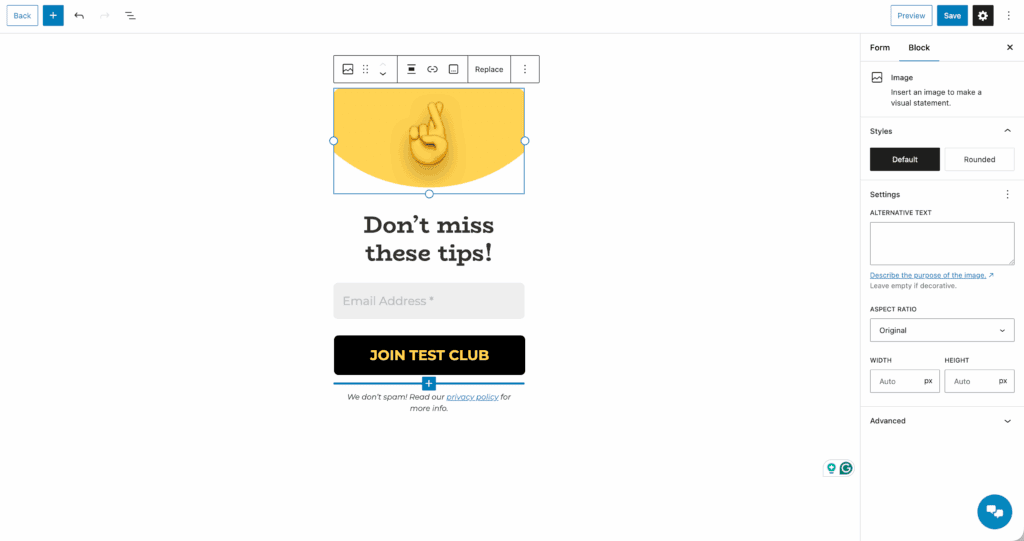
The free plan includes basic automation, perfect for a simple welcome series. Upgrading to PRO unlocks the advanced workflows and detailed analytics necessary for growth.
For anyone selling online, its deep, native integration with WooCommerce is a standout feature for e-commerce marketing.
Pricing
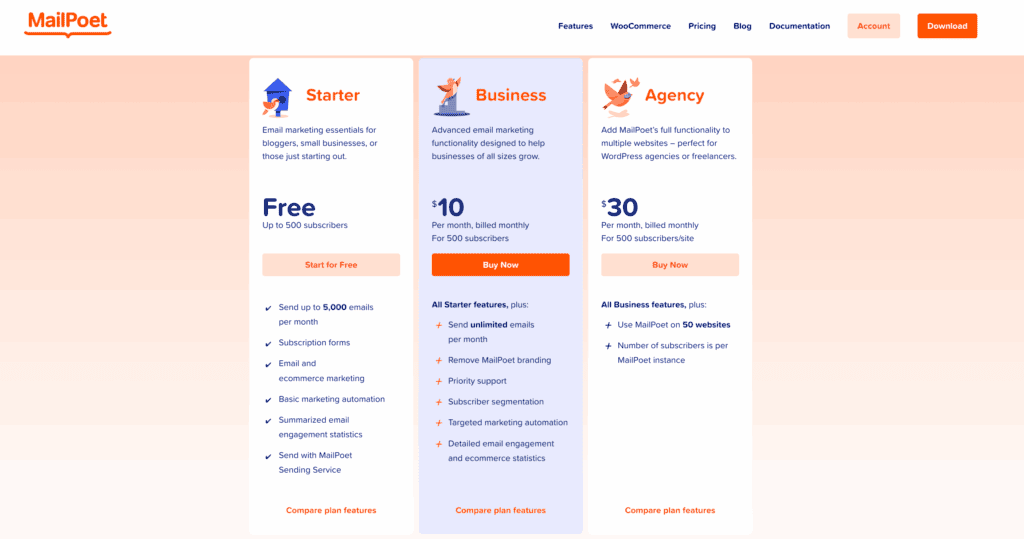
The free plan is generous, covering you for up to 1,000 subscribers. Paid plans scale based on subscriber count. The pricing tiers are transparent and offer excellent value. Just know that email sends are metered, not unlimited, even on paid plans.
Best for:
- Users who demand a fully integrated, all-in-one solution inside WordPress.
- WooCommerce store owners who need powerful, native email marketing features.
- Beginners looking for a user-friendly tool that won’t be quickly outgrown.
2. Brevo (formerly Sendinblue)
⭐ Score: 4.7 / 5
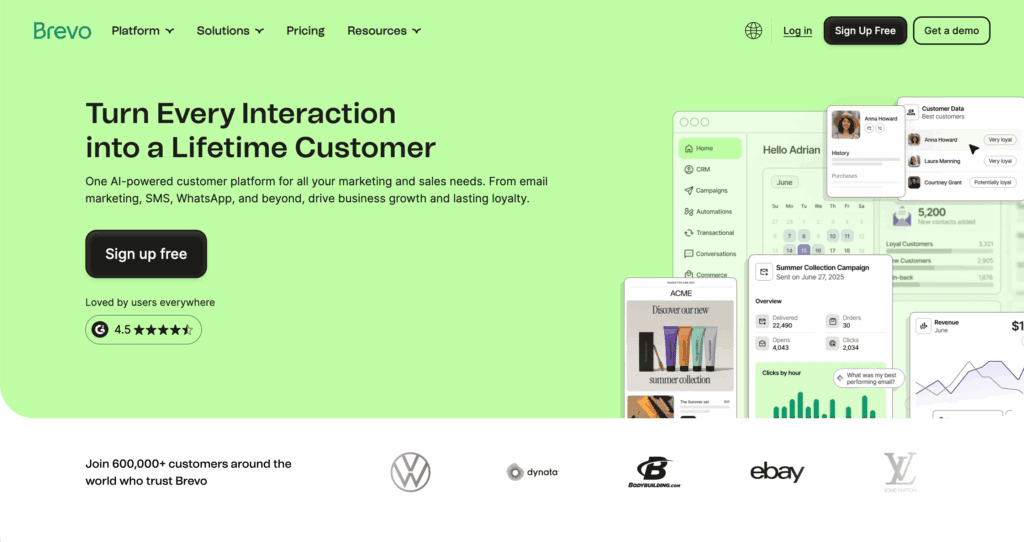
Brevo is a full-scale marketing platform that connects to WordPress via an API. Its most important feature is the pricing model: Brevo charges for email volume, not contact list size. This provides incredible value if you’re focused on building a large audience that you don’t email daily.
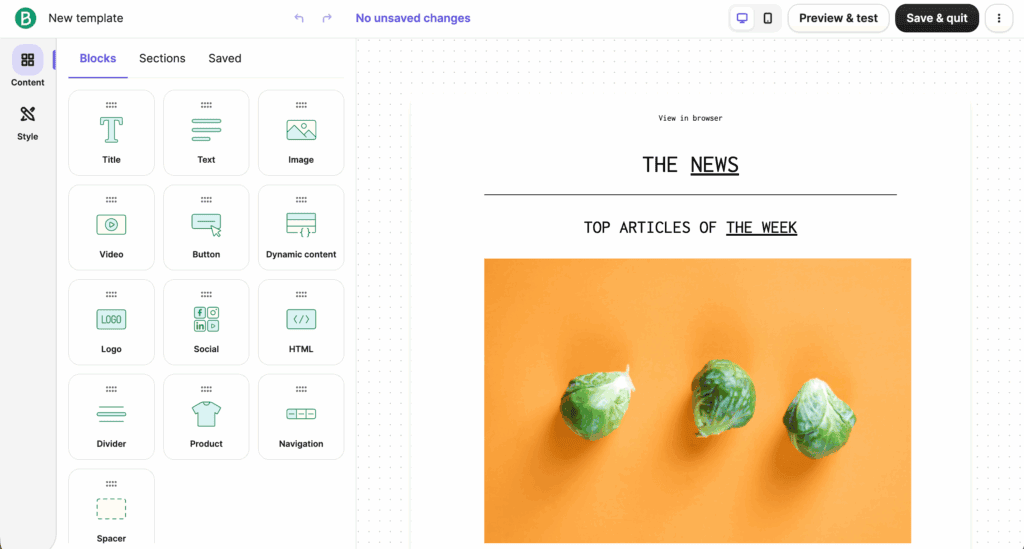
Its free plan is one of the best available, offering 300 emails per day with unlimited contacts. Brevo also includes a built-in CRM, plus SMS and WhatsApp marketing channels.
The trade-off for this power is that all campaign management happens on Brevo’s external platform.
Pricing
The pricing model is based on email sends. The free plan is more than enough to get started, and you only upgrade when your sending volume increases. Higher tiers remove Brevo branding and add professional features like send-time optimization.
Best for:
- Businesses needing to scale large contact lists on a tight budget.
- Marketers who want multi-channel campaigns using email, SMS, and WhatsApp.
- Users who prefer paying for what they use, not how many subscribers they have.
3. Omnisend

⭐ Score: 4.6 / 5
Omnisend is a specialist tool built for one purpose: e-commerce. It excels at this with a deep WooCommerce integration that drives sales. Its core strength is the library of pre-built, behavior-triggered automation workflows.
Abandoned cart sequences and welcome series are ready to go, which saves a tremendous amount of setup time.
The platform combines email, SMS, and push notifications into unified campaigns. Another major strength is its support. Our experience and user reports confirm that its 24/7 live chat and email support is exceptionally responsive and helpful.
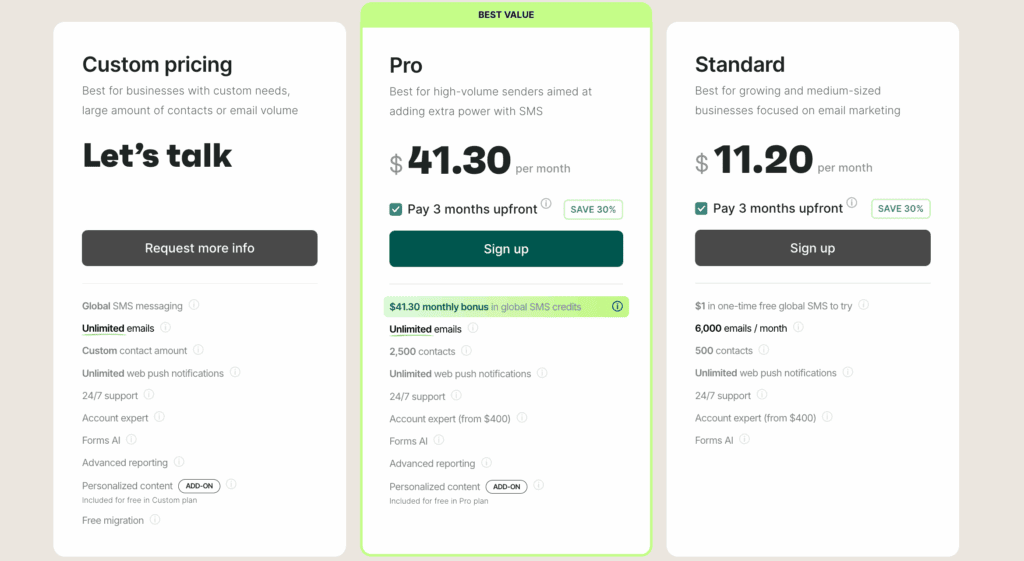
Be aware that the free plan is limited to only 500 emails per month. Expect to upgrade once your store gains traction.
Pricing
There is a free plan to get started, but it has a low monthly email limit. Paid plans are based on your subscriber count and are competitively priced within the e-commerce niche. To get the real value, you need the Standard plan, which unlocks all the essential automation features.
Best for:
- E-commerce stores of any size, particularly those using WooCommerce.
- Store owners who want powerful, ready-made abandoned cart automations.
- Users who prioritize access to top-tier, responsive customer support.
4. The Newsletter Plugin

⭐ Score: 4.2 / 5
The Newsletter Plugin is a self-hosted plugin for users who want complete control and data ownership. All your subscriber data stays on your own server. The free core plugin is incredibly powerful, allowing for unlimited subscribers and unlimited sends.
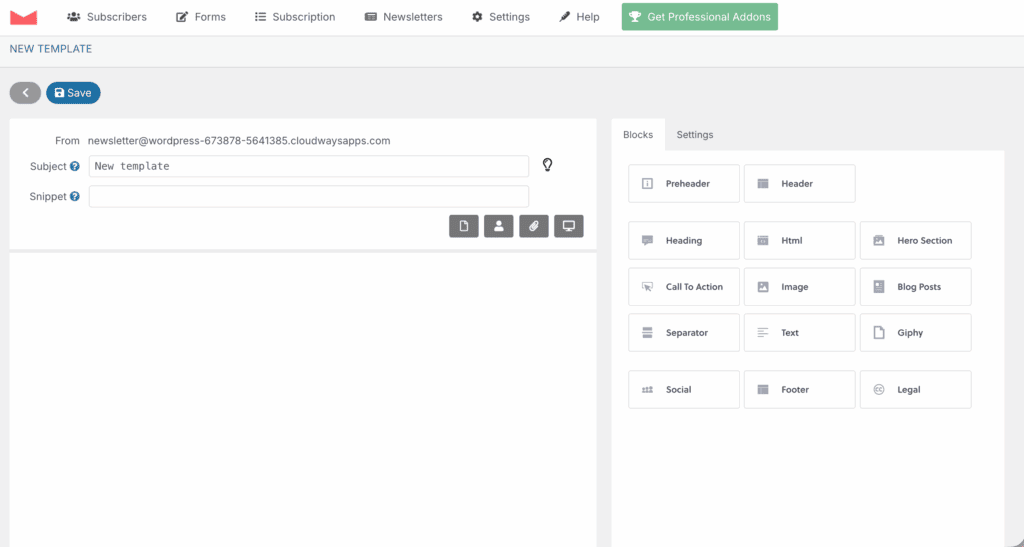
This control comes with technical responsibility. You absolutely must connect the plugin to an external SMTP service for good deliverability; otherwise, your emails will land in spam.
A self-hosted plugin can also be resource-intensive, so monitor your server performance. Pro features like advanced analytics are available through paid add-ons.
Pricing
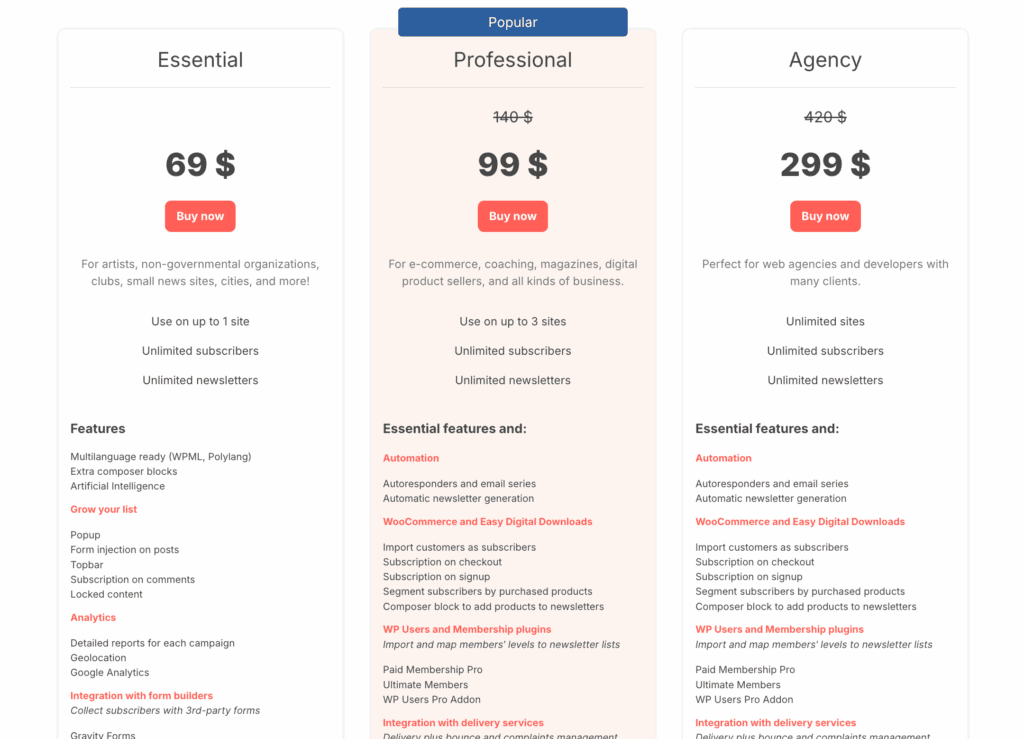
The core plugin is 100% free for unlimited subscribers. Premium features are sold as add-ons with a yearly subscription. For large lists, this model provides exceptional long-term value compared to the monthly fees of SaaS platforms.
Best for:
- Users who demand full ownership of their subscriber data.
- Managing very large email lists on a minimal budget.
- People who are technically comfortable configuring SMTP and server settings.
5. Noptin
⭐ Score: 4.0 / 5
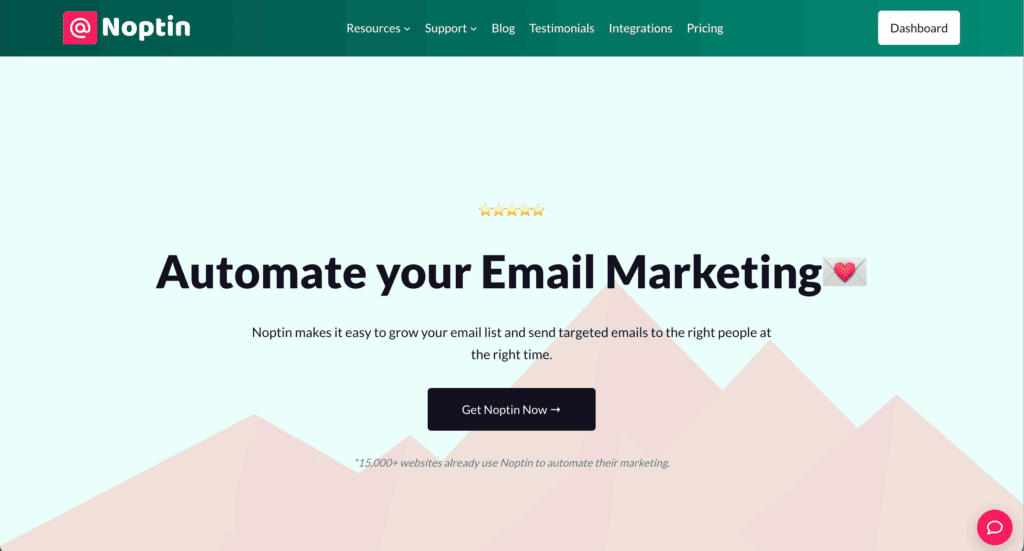
Noptin is a fast, lightweight plugin that operates entirely inside WordPress. Its clean, intuitive dashboard simplifies list and campaign management, making it a great alternative to bloated platforms. The free version allows you to send up to 1,000 emails per month.
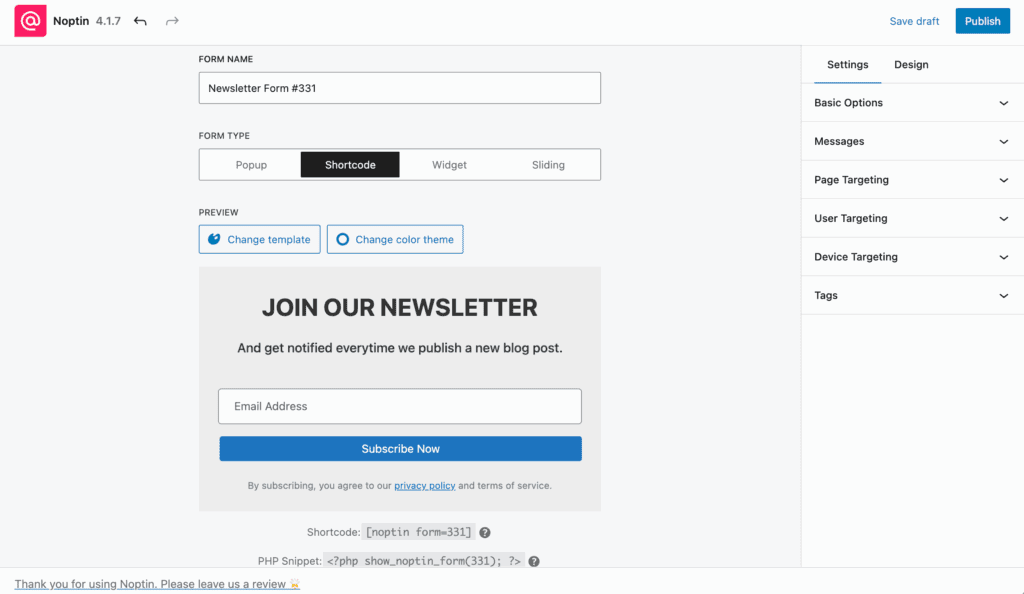
Like other self-hosted plugins, you must configure an SMTP service for reliable delivery. Its focus is on simplicity and speed over an endless feature list. It offers good built-in analytics and unlimited subscription forms.
The main limitation is that the visual drag-and-drop editor is a PRO feature.
Pricing
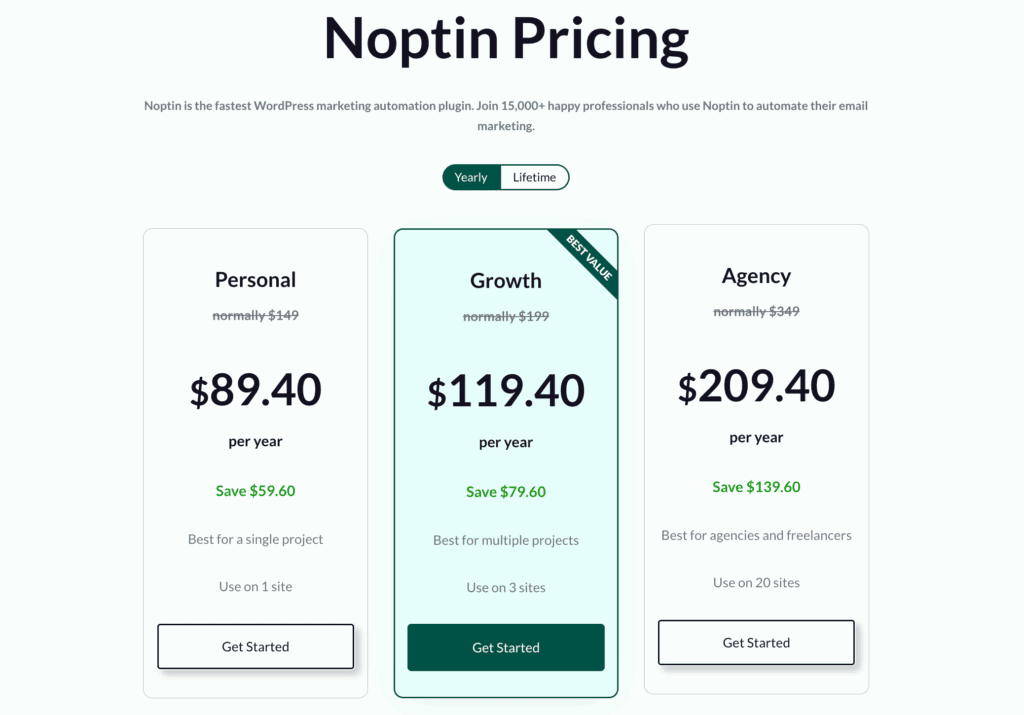
The free version is highly functional for basic newsletter needs. A single premium license unlocks all PRO features. It’s a competitive one-time annual fee, not a monthly per-subscriber cost, making the upgrade path clear and affordable.
Best for:
- Users who want a simple, fast, and fully integrated WordPress solution.
- Bloggers and small sites that primarily need post notification emails.
- Those wanting to avoid the weight and complexity of large external platforms.
6. Newsletter Glue
⭐ Score: 4.0 / 5
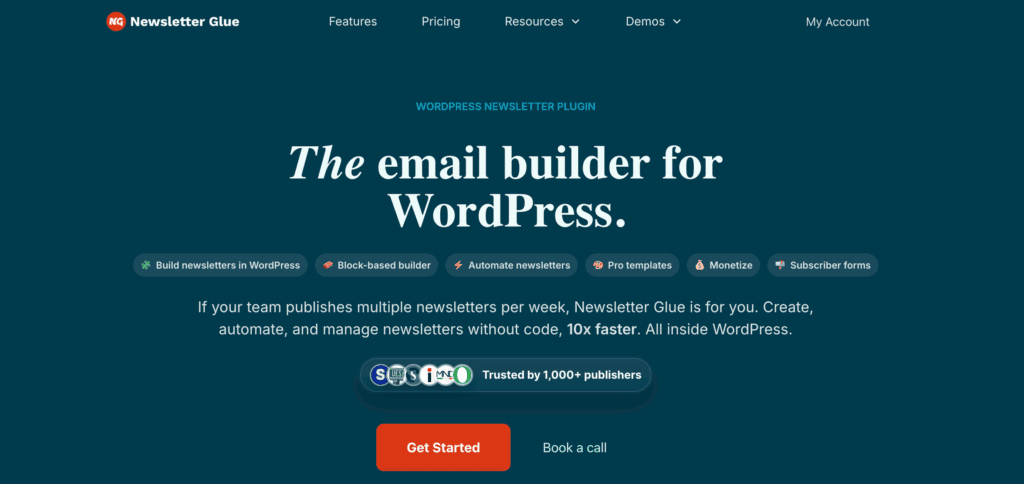
Newsletter Glue is a publishing tool, not a sending service. Its sole purpose is to bridge your WordPress editor with your main email service provider (ESP).
It allows you to write newsletters in the Gutenberg editor and then send the finished content to your ESP, like Mailchimp or Brevo, for delivery.
This dramatically streamlines the workflow for content-heavy publishers. It offers no list management or sending capabilities itself.
You must have a separate, paid ESP to use it. This plugin is about a more efficient process, not replacing your already existing email service.
Pricing
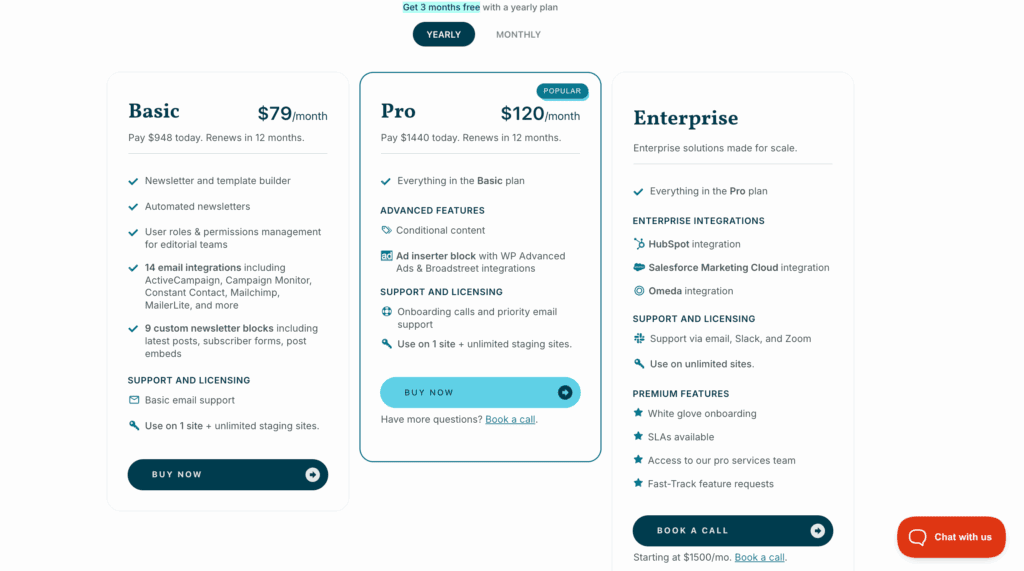
Newsletter Glue is a premium plugin with a straightforward annual license fee. One price unlocks all features. Remember that you must also pay for your chosen ESP separately. The investment here is purely for workflow efficiency.
Best for:
- Publishers and bloggers already using a service like Mailchimp or MailerLite.
- Content creators who want a more efficient way to turn posts into newsletters.
- Those who want a Substack-like publishing experience on their own site.
7. Mailster
⭐ Score: 4.0 / 5
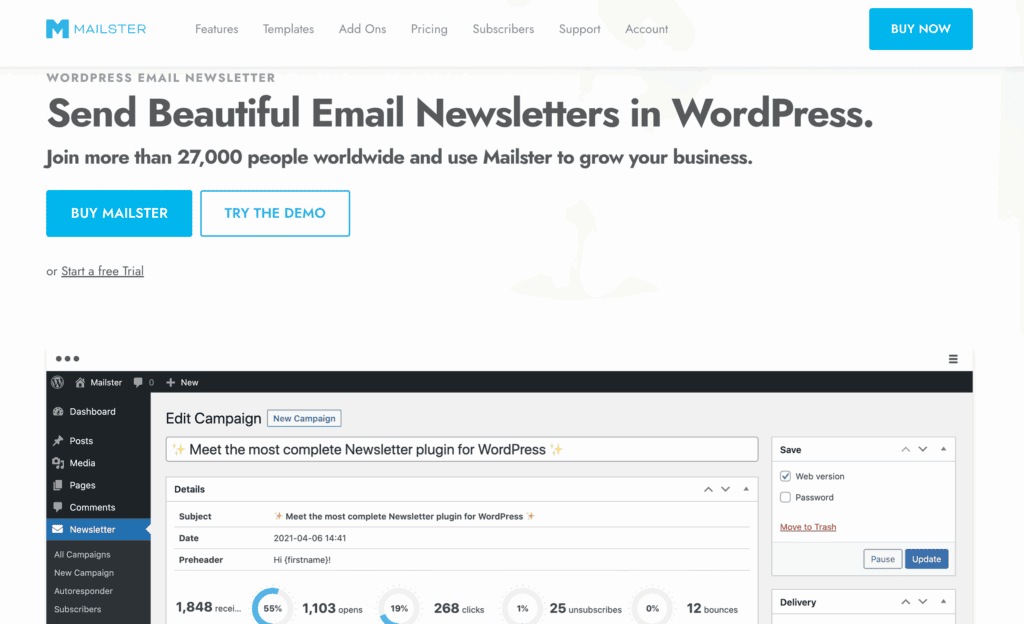
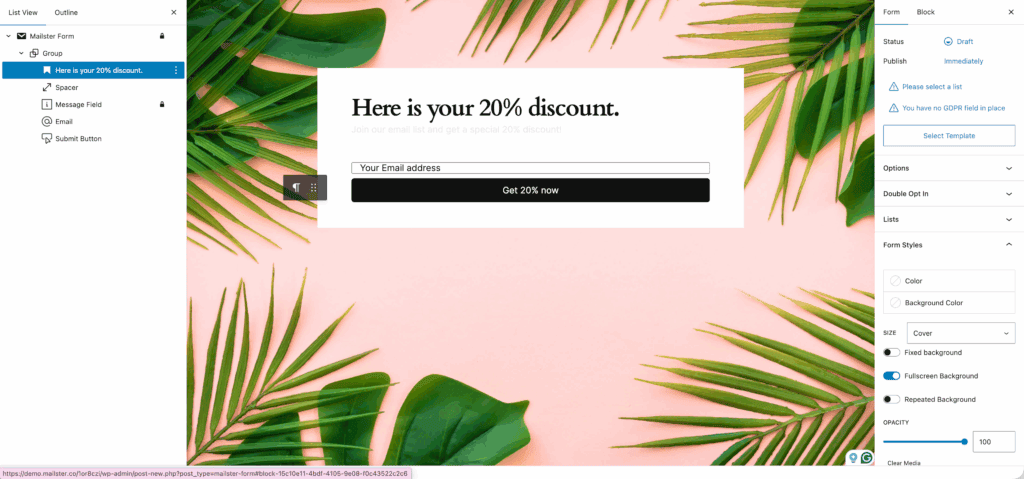
Mailster is a premium, self-hosted plugin that packs a professional feature set into a single purchase. It offers a strong drag-and-drop editor, templates, and robust automation features. You get full control and keep all your data on your own server.
However, a manual setup with an external SMTP service is required. Your deliverability and performance are entirely dependent on your server and SMTP provider.
This tool provides extensive control, which is often best suited for developers and agencies.
Pricing
You pay an annual license fee for updates and support. There are no monthly fees and no subscriber limits. The Starter plan limits your number of active automations, while higher tiers offer more.
Best for:
- Agencies and developers managing multiple client sites.
- Users comfortable with the technical demands of email infrastructure setup.
- Those who prefer a powerful, one-time purchase over a recurring monthly bill.
8. Mailchimp
⭐ Score: 3.9 / 5
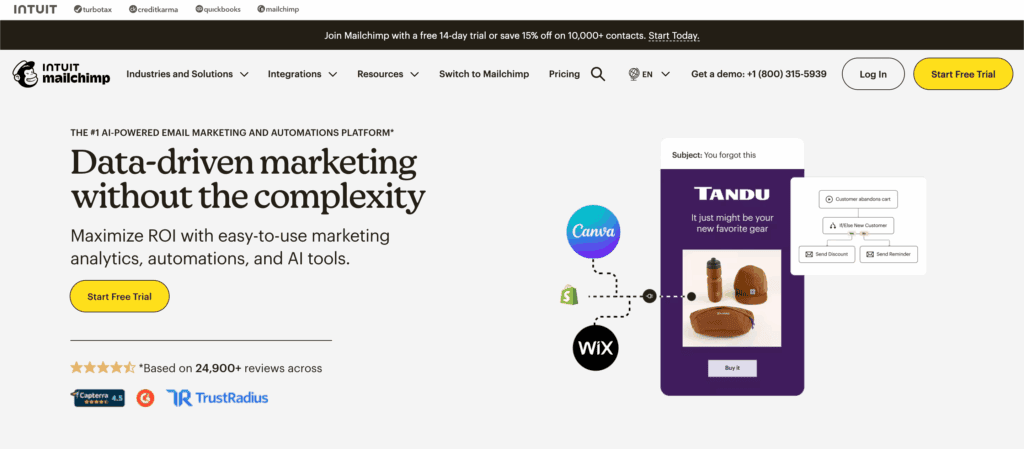
Mailchimp is the most recognized name in email marketing, and its drag-and-drop editor remains intuitive for absolute beginners. It offers a vast library of mobile-responsive templates and connects with an extensive list of third-party apps.
However, the platform has grown complex and is not always intuitive to navigate. The most valuable features, like advanced automation and segmentation, are locked behind expensive higher-tier plans.
It becomes significantly more expensive than competitors as your list grows. Customer support on lower-tier plans is also a well-known point of frustration.
Pricing
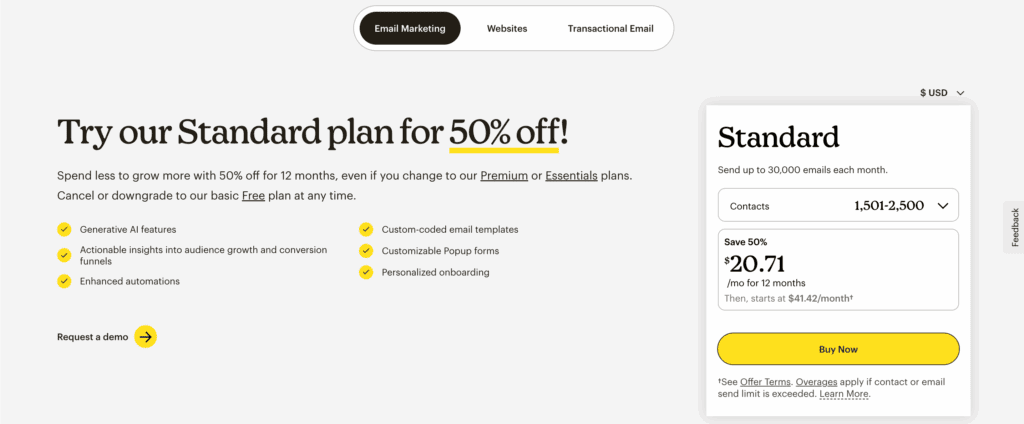
The free plan is now very limited, covering just 500 contacts with a low daily sending cap. The pricing scales aggressively with both subscriber count and feature needs. Before committing, carefully project your costs at 5,000 or 10,000 subscribers to see the real financial impact.
Best for:
- Absolute beginners who are already familiar with and trust the Mailchimp brand.
- Small businesses already invested in Mailchimp’s other marketing tools.
- Users with very small lists who value template variety over advanced features.
Which one to pick
Let’s simplify the decision:
- For all-in-one WordPress simplicity: Choose MailPoet.
- For large lists on a budget: Choose Brevo.
- For e-commerce and automation: Choose Omnisend.
- For data ownership and unlimited subscribers: Choose The Newsletter Plugin.
- For a lightweight, integrated experience: Choose Noptin.
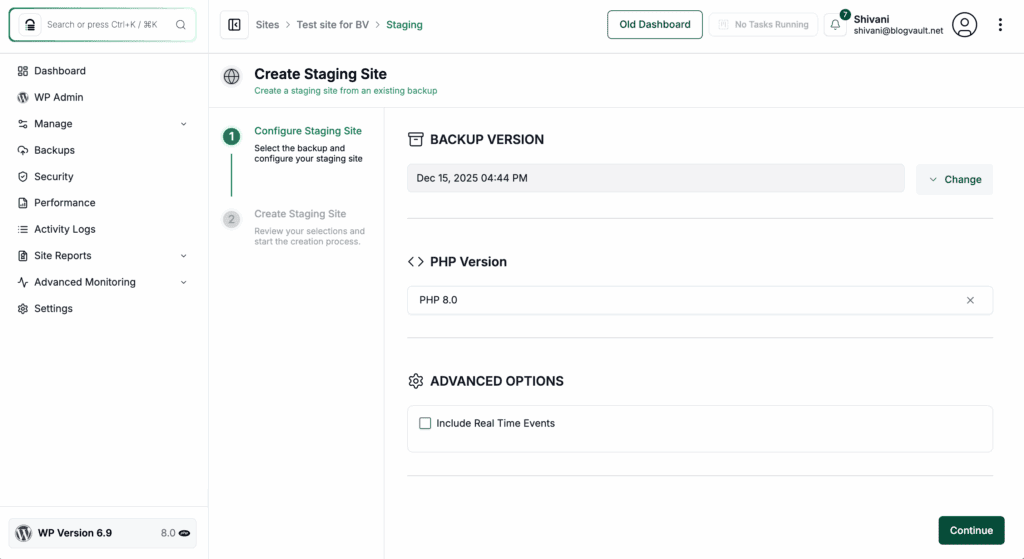
Always test the free plan on a staging site or demo first. The right tool is the one that fits your primary goal.
Parting thoughts
Reliable deliverability is non-negotiable; if you choose a self-hosted plugin, configuring a proper SMTP service is the most critical step. One final tip: treat your email list like the vital business asset it is.
To protect it from potential hiccups like plugin updates or conflicts, ensure you have a robust backup plugin running. It’s the simple step that provides peace of mind and protects all your hard work.
FAQs
What is the best newsletter plugin for WordPress?
The best plugin depends entirely on your needs, but MailPoet is excellent for its all-in-one simplicity within WordPress. For large lists on a budget, Brevo is a top choice, while Omnisend is unmatched for e-commerce automation.
Does WordPress have a newsletter feature?
No, WordPress does not have a built-in newsletter feature by default. You must install a dedicated plugin to add the functionality for collecting subscribers and sending email campaigns.
What is a newsletter plugin?
A newsletter plugin is a tool that adds email marketing capabilities directly to your WordPress website. It enables you to collect email addresses, manage subscriber lists, and send targeted email campaigns.
Is a WordPress newsletter good?
Yes, a WordPress newsletter is an excellent way to build a direct and reliable connection with your audience. It helps you own your traffic and become less dependent on unpredictable search engine and social media algorithms.
What are the three types of newsletters?
The three main types of newsletters are promotional (focused on sales), relational (focused on building community), and informational (focused on sharing valuable content). Each type serves a distinct purpose in engaging your audience and achieving your goals.
Is the newsletter plugin free?
Many of the best newsletter plugins offer great free versions, but they typically have limitations on subscribers or features. To grow your list and access powerful tools like automation, you will usually need to upgrade to a paid plan.

Shivani enjoys crafting guides that make every aspect of using WordPress simple and easy to follow. When she's not glued to her laptop, you can find her buried in a good book or occasionally, painting.


