

You’re past the beginner stage of hunting for plugins for newsletter growth and are now vetting the top contenders. You’re trying to avoid hidden costs, performance drains, or worse, causing plugin conflicts.
This is precisely where most reviews fail. They simply list features instead of providing a real verdict on what truly matters.
That’s why this newsletter plugin review is different. We deliver the practical analysis you need, focusing on performance, ease-of-use, and long-term value. Our goal is simple: to give you the clarity required to make the right choice today.
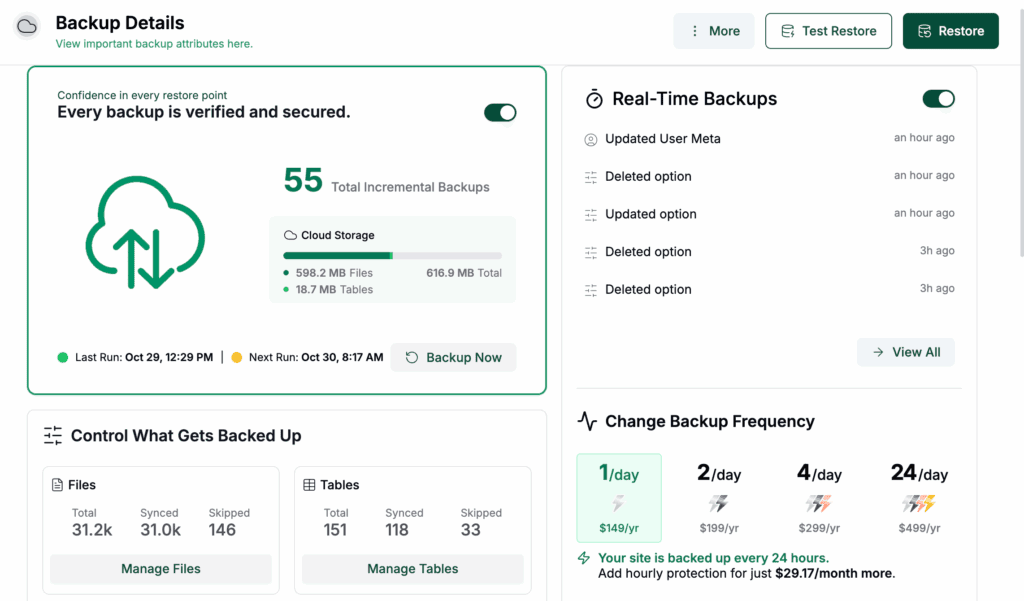
The newsletter plugin is one of the best free solutions for owning your email list if you’re comfortable with a simple technical setup for sending emails. Since it’s self-hosted, using a robust backup plugin is non-negotiable to protect your most valuable asset.
The newsletter plugin review in a nutshell
If you’re short on time, here is our at-a-glance verdict on the plugin:
| Feature | Our Verdict |
|---|---|
| Email Builder | Functional drag-and-drop builder; responsive layouts are great, but the best templates require a paid add-on. |
| List Management | Strong tools for quality list growth (double opt-in, GDPR), though advanced segmentation is a premium feature. |
| Automation | The free version perfectly handles essentials like welcome emails and automated post notifications. |
| Deliverability | User-managed. You must use an external SMTP service for reliable inbox placement; do not use the default server sending. |
| Integrations | Excellent native integration with WordPress content. Key business integrations (like WooCommerce) are premium. |
| Ease of Use | A clean, straightforward interface inside WordPress, though the design feels more functional than modern. |
| Support | Actively developed with good community support. Priority help requires a paid license. |
Core email creation and management
The plugin includes a visual drag-and-drop builder, so you can create professional emails without writing code. Its layouts are responsive, meaning they look good on desktops and phones. You can preview both versions before sending, which is a necessary final check.
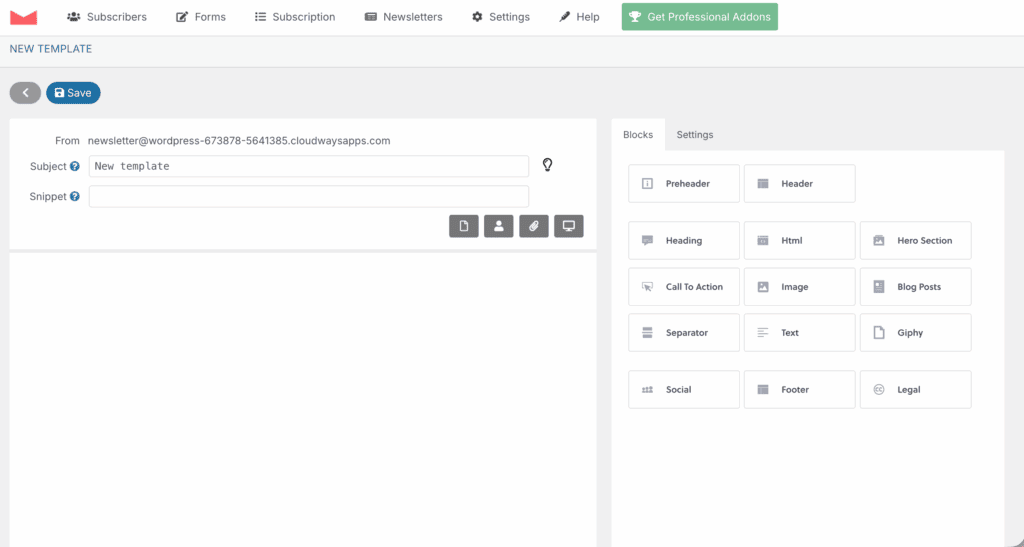
It comes with some customizable templates for basic use cases. But here’s a crucial point. Most of the high-end, pre-designed templates are locked behind the Professional Addons. You can still build anything you want from scratch. But for a quick, polished look, you may need to upgrade.
Content blocks are easy to use and support images, buttons, and a great feature that automatically fetches your latest posts.
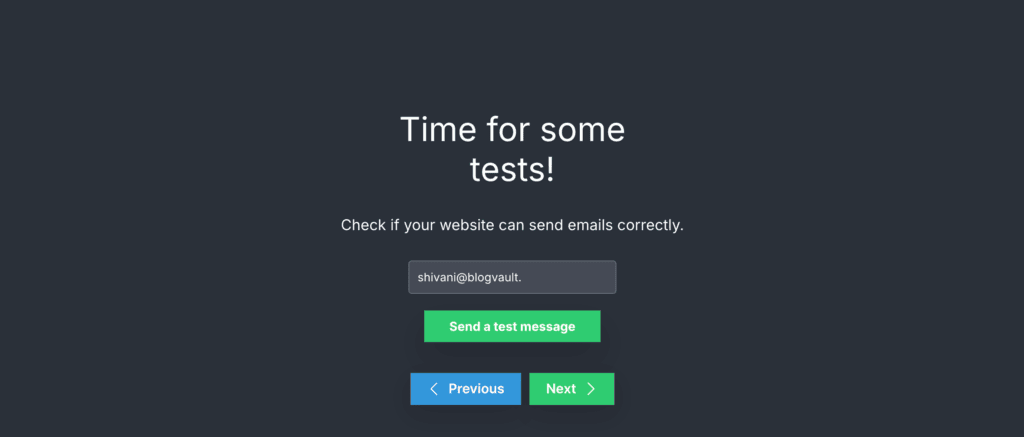
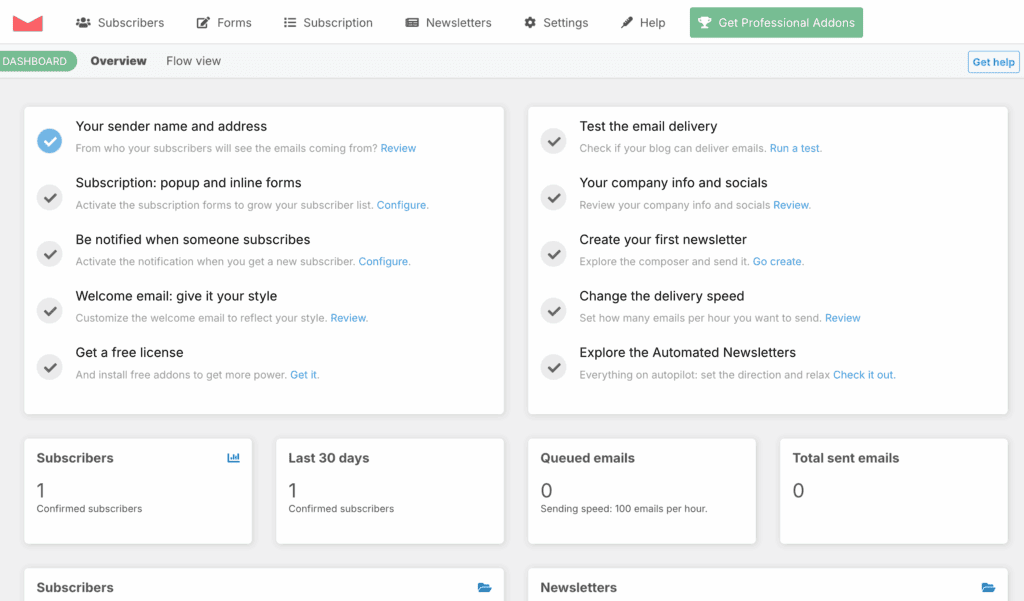
There is also a helpful onboarding tutorial for beginners. We found the integrated testing tool very useful. It verifies that your server can actually send emails, which can save you from a lot of troubleshooting errors later.
List building and subscriber management
A newsletter tool needs to be good at growing your list. This one provides flexible forms. They support custom fields for collecting specific subscriber data. You can place these forms anywhere using widgets or shortcodes.
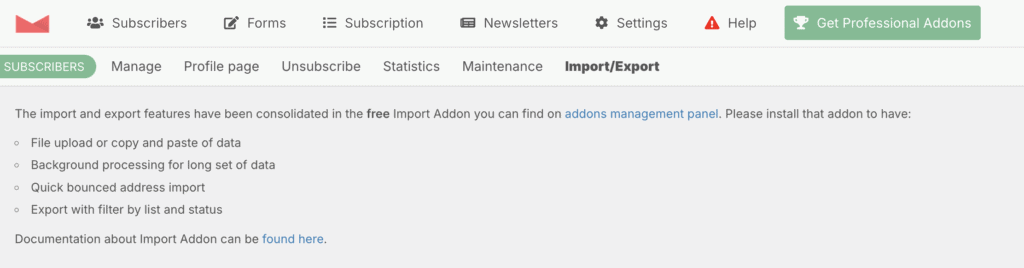
We appreciate the focus on list quality. The plugin has double opt-in settings to ensure you get engaged subscribers. It also includes native GDPR tools like checkboxes and privacy policy links. If you have an existing list, you will need to install a separate (but free) Import Add-on.
It’s an extra step, but it handles migrations well. A consolidated dashboard lets you manage all your subscribers, their status, and their preferences in one place. Keep in mind that advanced segmentation based on user activity is a pro feature.
Automation and workflows
The free version handles the essentials of automation perfectly.
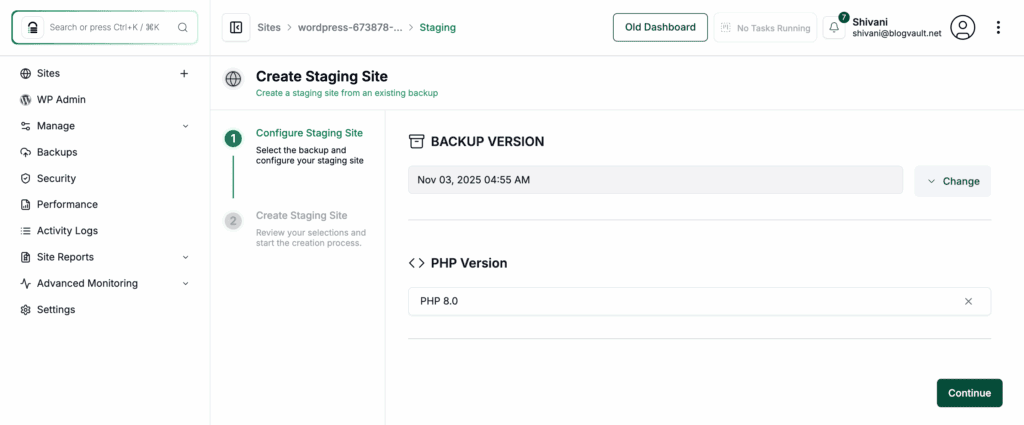
You can set up a simple welcome email for new subscribers and customize transactional messages. It is a wise idea to test this on a staging site.
The automated blog notification feature is a standout. It can automatically send your latest posts to your subscribers, saving you a ton of time.
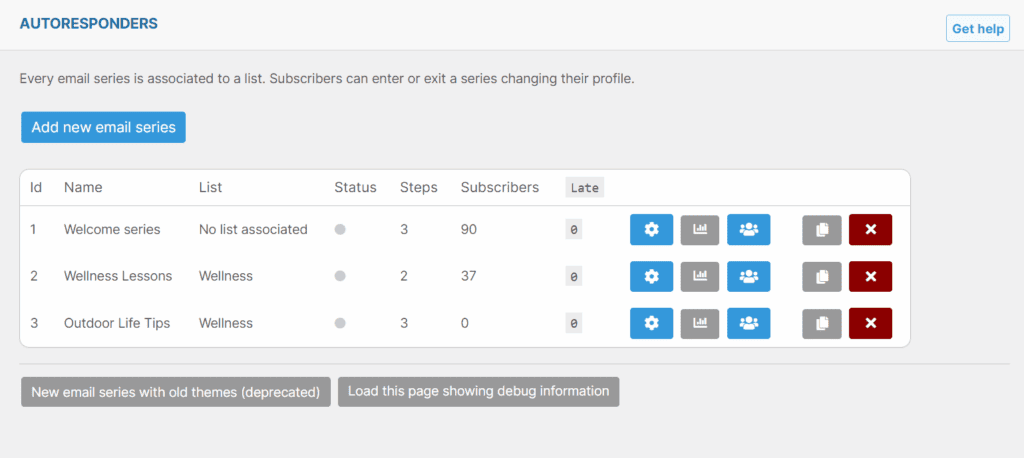
If you need to create multi-step follow-up sequences to nurture leads, that capability is part of the premium package. Complex autoresponders triggered by specific user actions are also a pro feature.
Performance and deliverability
The plugin has an internal delivery engine that sends emails directly from your web server. We strongly recommend that you do not rely on this for any serious volume. Your emails have a much higher chance of ending up in spam folders.
The correct approach is to use the external SMTP plugin integration. This allows you to connect with a dedicated sending service like Amazon SES for much better inbox placement.
The plugin gives you settings to control sending speeds. This prevents you from exhausting your server’s resources.
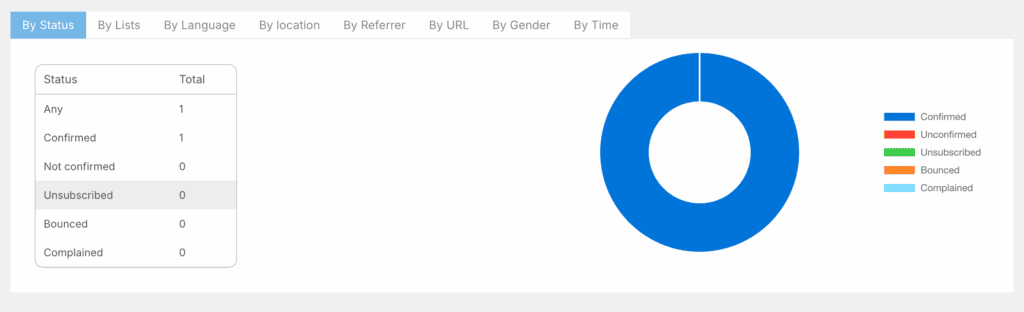
You can also track open rates and click-throughs directly within your WordPress dashboard. Additionally, you can connect to external tracking tools. The reports are detailed, even showing subscriber geo-location and device data. Deeper engagement insights, however, require the Google Analytics add-on.
Integrations and extensibility
The plugin’s greatest strength is its deep integration with WordPress itself. It syncs with your existing WordPress user roles and can pull in content from your posts, categories, and even custom post types.
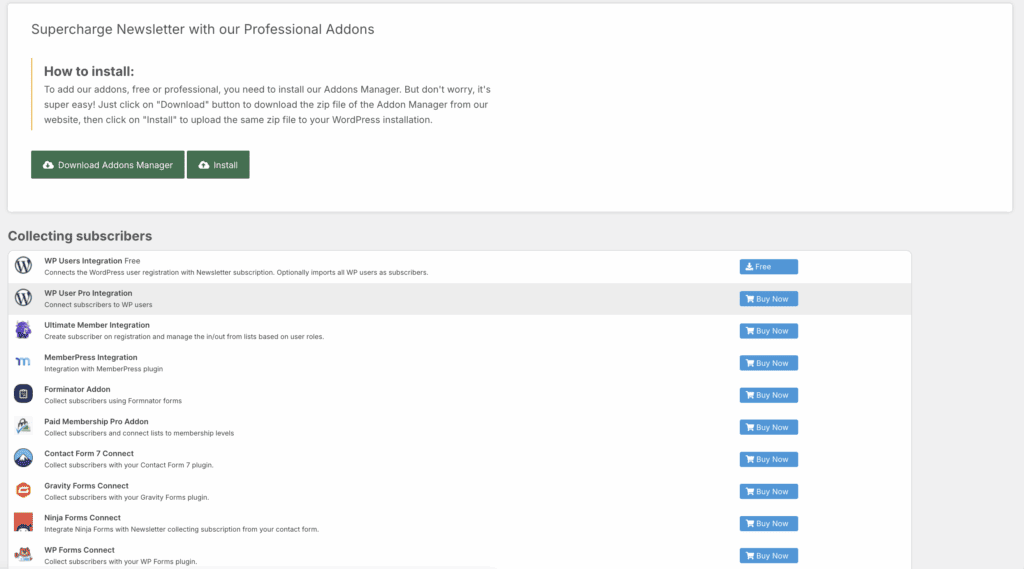
It also connects well with popular form plugins like WPForms and Elementor for more advanced sign-up forms.
The most valuable integrations are premium. These include a WooCommerce integration for abandoned cart recovery emails.
User experience and interface
The dashboard is clean, running on your WordPress database. It centralizes all your marketing tasks within WordPress. We have to be honest, the design feels a bit plain compared to slicker, modern alternatives.
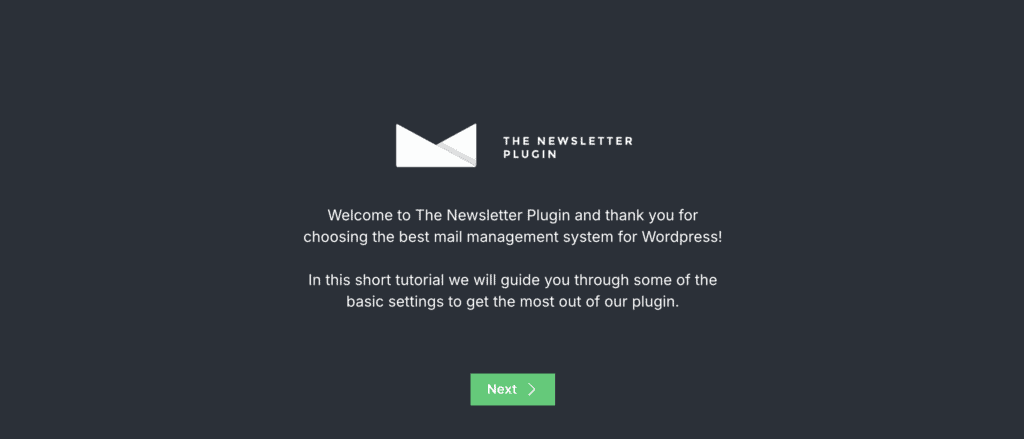
It is more functional than beautiful, but it is very straightforward to use. An intuitive wizard simplifies the initial setup, but it’s still wise to have a WordPress backup first.
The entire workflow, from creating a list to sending a campaign, is logical. For any questions, there is extensive documentation and video tutorials available. The code is also developer-friendly, allowing for deep CSS and HTML customization if you need it.
Support and development
This plugin is actively and reliably maintained. We’ve observed frequent updates that ensure compatibility with the latest WordPress versions preventing plugin conflicts.
Consistent security patching helps keep your subscriber data safe. The development team is also transparent with a public roadmap on their site.
For free users, there is a large, active community that offers peer-to-peer advice. For businesses or anyone who can’t afford downtime, we recommend a paid license. This gives you access to priority ticket-based support.
Pricing and value proposition
The free version allows unlimited subscribers and unlimited newsletters. You do not have to worry about the monthly per-subscriber fees that are typical of SaaS competitors. This alone can save you hundreds or even thousands of dollars a year.
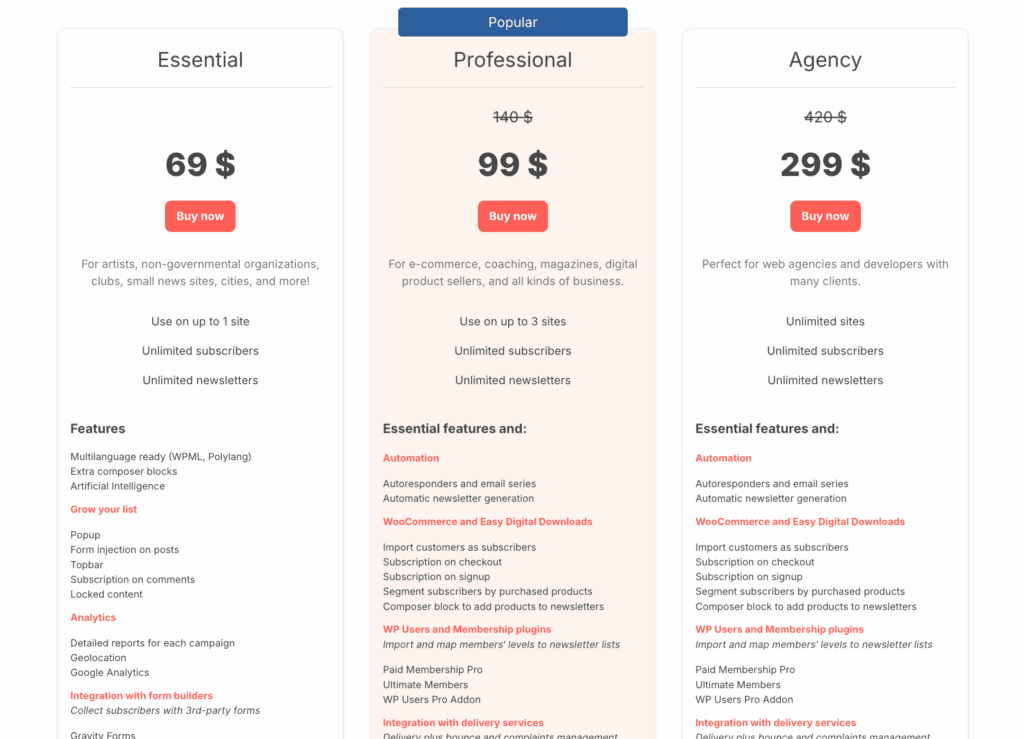
Premium plans start at a reasonable annual fee, usually around $69. They are sold as bundle deals that provide access to all available extensions. The value is exceptionally high for anyone managing large, cost-sensitive lists. The main trade-off is that you are responsible for maintaining server-side deliverability yourself.
Is the newsletter plugin right for you?
This tool is not for everyone. Here is our direct assessment to help you decide.
Choose the newsletter plugin if you:
- Want to maintain total ownership of your subscriber data.
- Need to avoid monthly per-subscriber subscription fees.
- Manage a large email list on a tight budget.
- Require deep integration with WordPress post types.
- Prefer to manage everything from one WordPress dashboard.
- Are comfortable configuring basic server-side mail settings.
Avoid this plugin if you:
- Prefer a hands-off, cloud-based email service.
- Do not want to manage SMTP configurations at all.
- Are on a web host that has strict hourly email limits.
- Lack the technical confidence to troubleshoot delivery issues.
- Need advanced, multi-channel CRM features built-in.
- Have a server with extremely limited or slow resources.
Alternatives to consider
If this doesn’t sound right, there are other great options:
MailPoet: This plugin offers a similar in-WordPress experience. It keeps everything neatly inside your dashboard. Its main advantage is an integrated sending service. This simplifies the technical setup considerably.

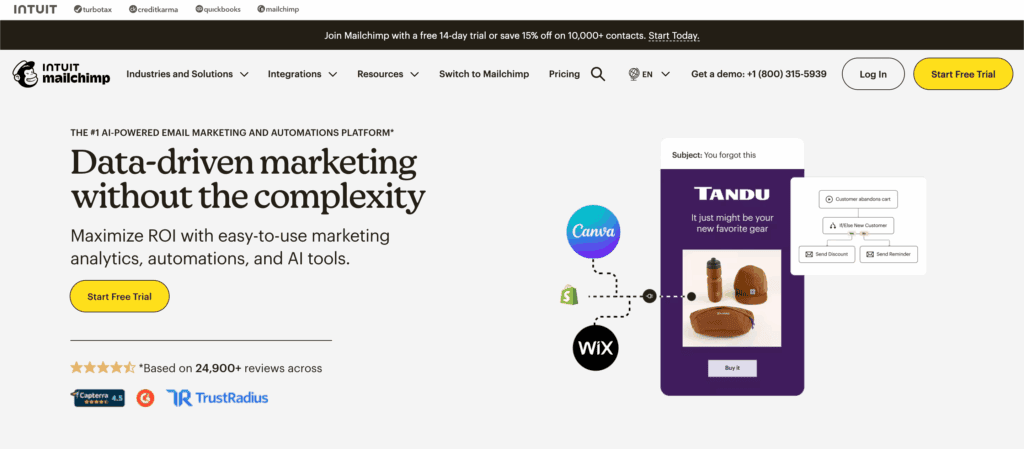
Mailchimp: This is a solid choice if you prefer keeping your email marketing completely separate from your website. As a cloud-hosted service, it handles all aspects of deliverability for you automatically.
Parting thoughts
The Newsletter Plugin is the most robust self-hosted email solution available for WordPress. Its performance is reliable and backed by more than a decade of consistent development.
It perfectly balances a huge set of professional features with a generous and sustainable free model. If you value control, ownership, and long-term cost savings, it is an outstanding choice.
FAQs
Is the newsletter plugin free?
Yes, The Newsletter Plugin has a core version that is completely free. It also allows for unlimited subscribers and emails. Premium features like advanced automation and professional templates are available through paid add-ons.
What is the newsletter plugin?
The Newsletter Plugin is a self-hosted email marketing tool for WordPress that lets you create and send newsletters directly from your dashboard. It provides tools for list building and analytics, giving you full control over your subscriber data.
Which platform is best for newsletters?
The best platform depends on your needs. Options like The Newsletter Plugin offer control, while cloud services like Mailchimp offer convenience. Consider your budget, technical comfort, and list size when making a choice.
What are the disadvantages of a newsletter?
The main disadvantages are the time required to create consistent, quality content and the challenge of maintaining good email deliverability. Poor engagement can also lead to high unsubscribe rates, diminishing its value.
Is creating a newsletter worth it?
Yes, creating a newsletter is absolutely worth it because it builds a direct line of communication with an audience that you own. Unlike social media, your email list is a reliable asset that isn’t controlled by algorithms.

Shivani enjoys crafting guides that make every aspect of using WordPress simple and easy to follow. When she's not glued to her laptop, you can find her buried in a good book or occasionally, painting.


