Directory plugins are a serious commitment; choosing the wrong one means wasting months of effort and money.
If you’re caught in the HivePress vs Directorist decision, consider this your final stop.
We’re providing a practical breakdown. It’s focused on what truly matters for your future. We’ll cover long-term costs, room for growth, and your sanity.
Choose HivePress for new, performance-focused marketplaces using its dedicated themes and a one-time payment model. Always secure your work by using a backup plugin before installing new extensions.
HivePress vs Directorist at a glance
Here’s a quick breakdown of the key differences to help you see which plugin aligns better with your project needs:
| Feature | HivePress | Directorist |
|---|---|---|
| Core Philosophy | Lightweight and modular. You add only the features you need. | All-in-one and feature-rich. More is included from the start. |
| Design Approach | Works best with its own dedicated themes for a polished look. | Theme-agnostic. Designed to integrate smoothly with your existing theme. |
| Customization | Uses the native WordPress Customizer. Simpler but less flexible. | Includes a visual drag-and-drop layout builder for more control. |
| Performance | Faster and lighter out of the box due to its minimal core. | Heavier due to more features; requires good hosting and caching. |
| Monetization (Payments) | Relies on WooCommerce, giving access to 100+ payment gateways. | Uses its own payment system or can connect to WooCommerce. |
| Standout Feature | Deep WooCommerce integration and a clean, developer-friendly codebase. | Native mobile app builder (premium) and multi-directory support. |
| User Experience | Simple, clean, and less cluttered. Easier learning curve. | Powerful and feature-dense, but with a steeper learning curve. |
| Free Version | Includes free private messaging and review extensions. | Includes more robust monetization and front-end management tools. |
Core functionality and key features
The two plugins are built on fundamentally different ideas. Here’s what you need to know.
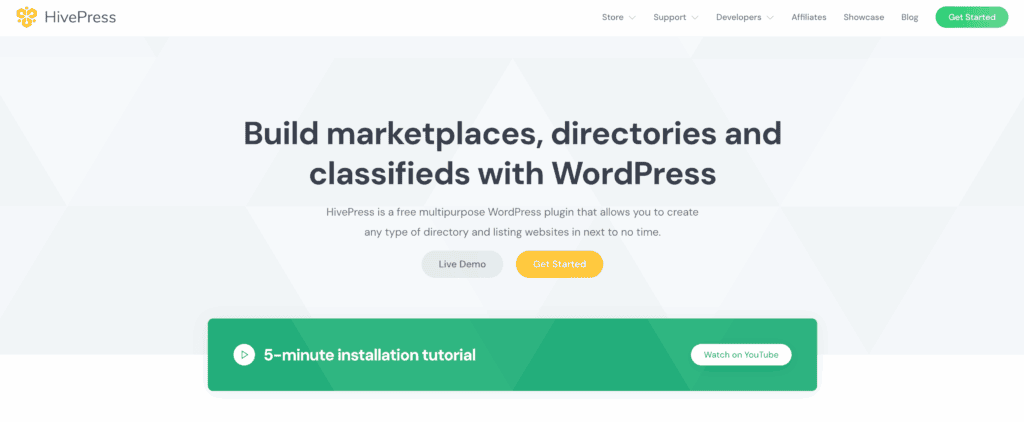
How HivePress works
- It’s built on a lightweight, modular core for better performance.
- You start with a fast foundation and add only the features you need via extensions.
- Its free version includes private messaging, which is great for building communities.
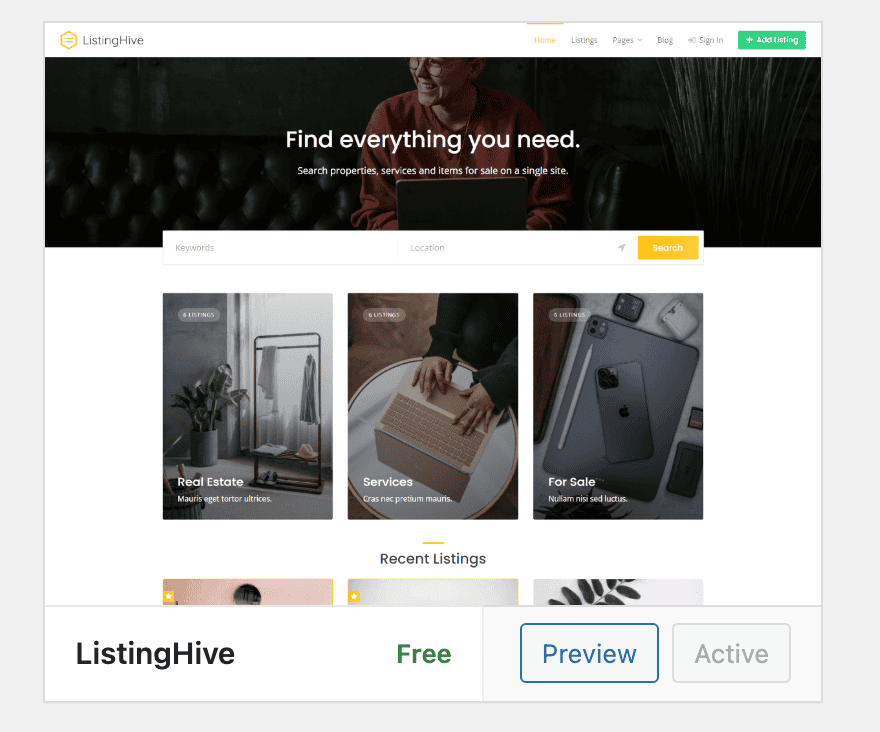
- It relies on its own dedicated themes for a polished, integrated look.
- You’ll need to buy premium extensions for advanced features like monetization.
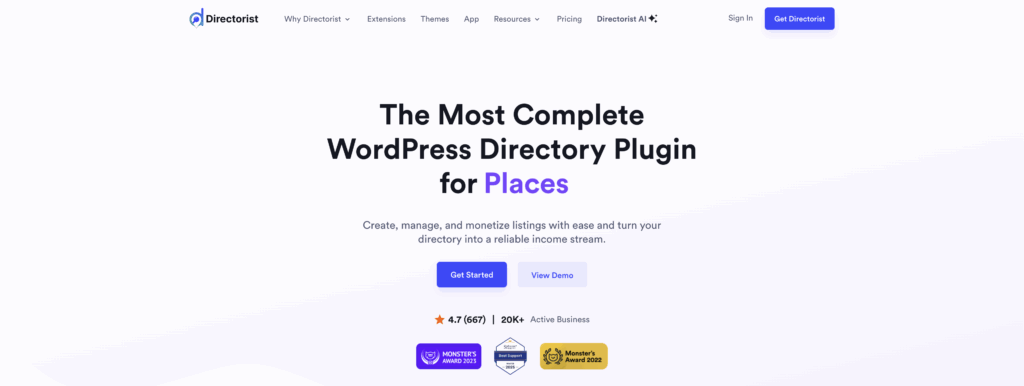
How Directorist works
- It’s a comprehensive, all-in-one suite with many features built-in.
- Its free version is very powerful, letting you build a robust site right away.
- A standout feature is its ability to run multiple directory types from one site.
- It is designed to integrate smoothly with your existing website theme.
What they both do well
- Both plugins easily handle the essentials like custom fields, categories, and search filters.
- They both output Schema.org markup, which helps improve your site’s performance in search results.
Design flexibility and customization
The design of a HivePress site is tightly coupled with its official themes. Using one of them gives you a polished, cohesive look. Using non-official themes can trigger compatibility issues. It may require custom code to look right. Customization is handled through the native WordPress Customizer, which is simple but has its limits.
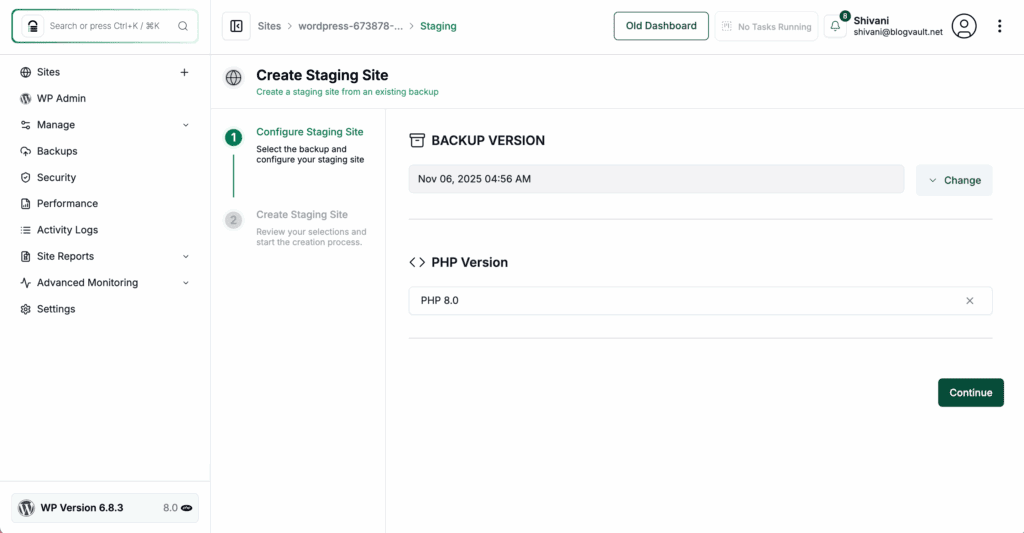
Directorist is highly theme-agnostic. This means it’s designed to blend into most existing designs smoothly, a process you should always test on a staging site first. This is a major plus if you already love your site’s look.
For layout control, Directorist includes a visual drag-and-drop builder. For deep visual changes, especially on listing pages, you may find that it works best with a page builder like Elementor.
Both plugins allow developers to override template files for advanced changes. But for most users, the choice is clear. If you want a controlled, theme-based system, HivePress is your pick. If you need to drop a directory into an existing site, Directorist offers more freedom.
User experience (front-end and admin)
For your website visitors, the HivePress front-end dashboard is minimalist and very clean. The Directorist user dashboard is much more feature-rich. This is powerful but can feel busier.
Both allow users to submit and manage their listings from the front end. A key advantage for Directorist is that it permits guest submissions. This avoids forcing users to register, which can significantly increase your initial listings.
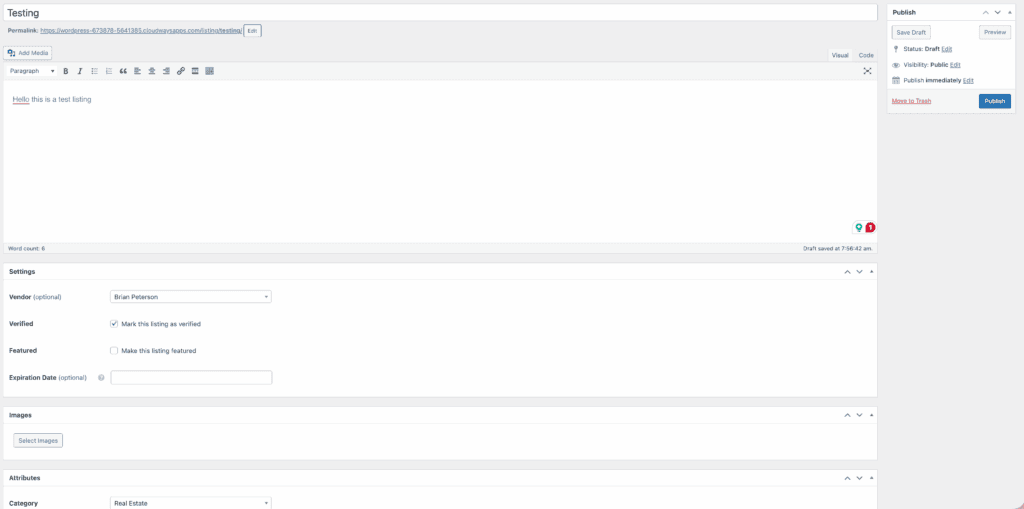
In the WordPress admin area, the HivePress interface feels simple and less cluttered. In our testing, finding settings was quick and intuitive. The Directorist admin panel is powerful, with many more options. This also means it comes with a steeper learning curve.
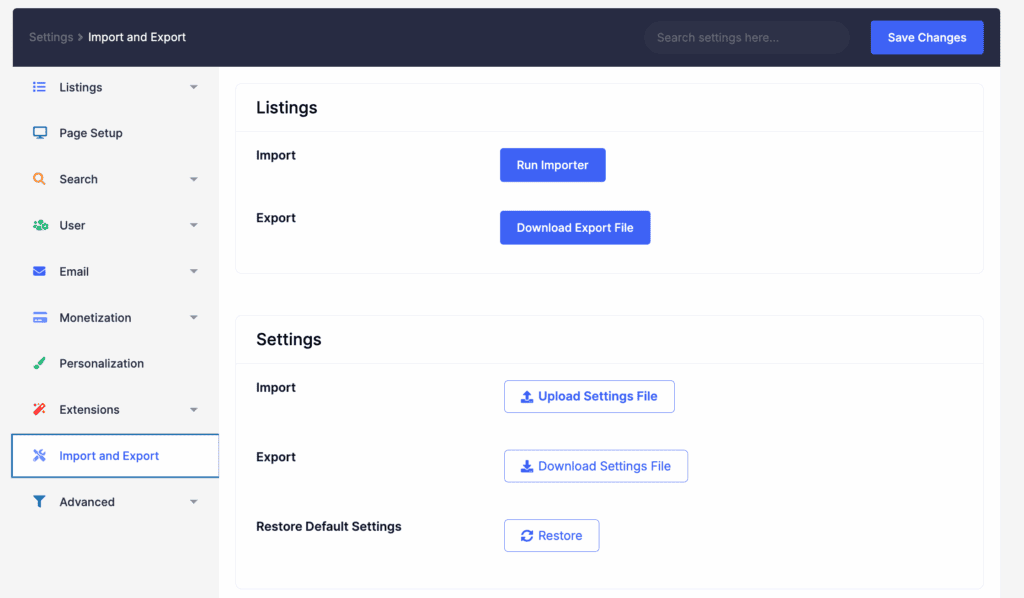
Be prepared to spend some time exploring its settings. To help, Directorist includes a great setup wizard with a demo, but always have a backup ready in case you need to restore WordPress. HivePress offers a similar one-click demo import, but it comes via a separate plugin.
Performance and scalability
By design, HivePress is architected to be lightweight and fast. Its minimal core almost always delivers better performance right out of the box. Directorist’s extensive features can create more load. Because of this, it requires more attention to optimization.
However, both plugins can scale with the right environment, and a reliable site backup is your safety net during growth. Your hosting quality is the single most important factor. On a cheap server, both will struggle. Using a good caching plugin is critical for either tool. This is especially true for Directorist.
For massive sites, the simpler codebase of HivePress is an advantage. This helps with long-term maintenance. On the user-facing side, Directorist uses AJAX search. This improves the search experience by not requiring a full page reload.
Integrations and ecosystem
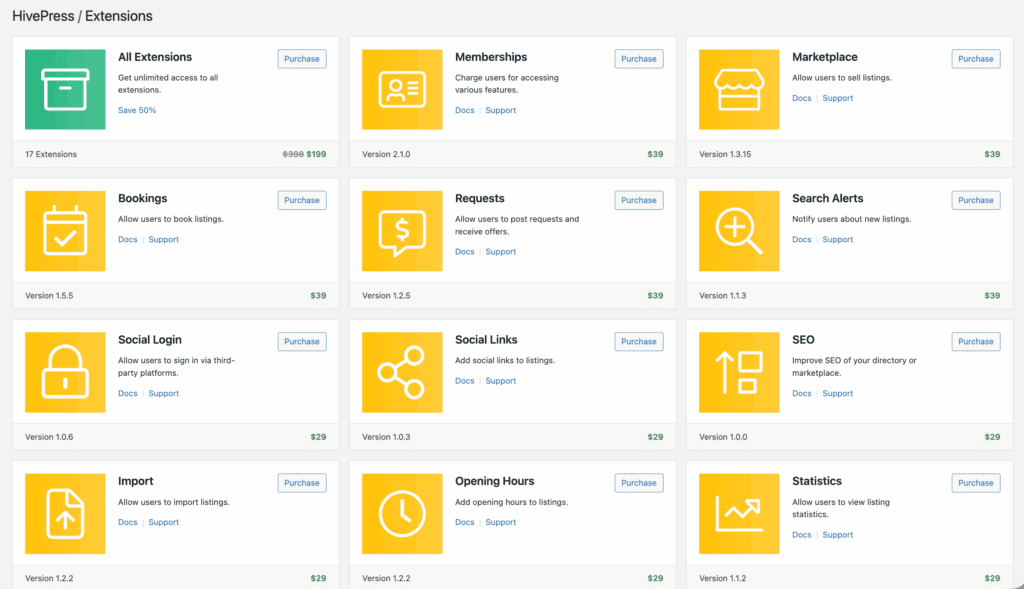
HivePress’s biggest strength here is its full integration with WooCommerce for monetization, a feature that demands a robust WooCommerce backup. This gives you immediate access to over 100 payment gateways, from Stripe to regional providers. This flexibility is a massive business advantage.
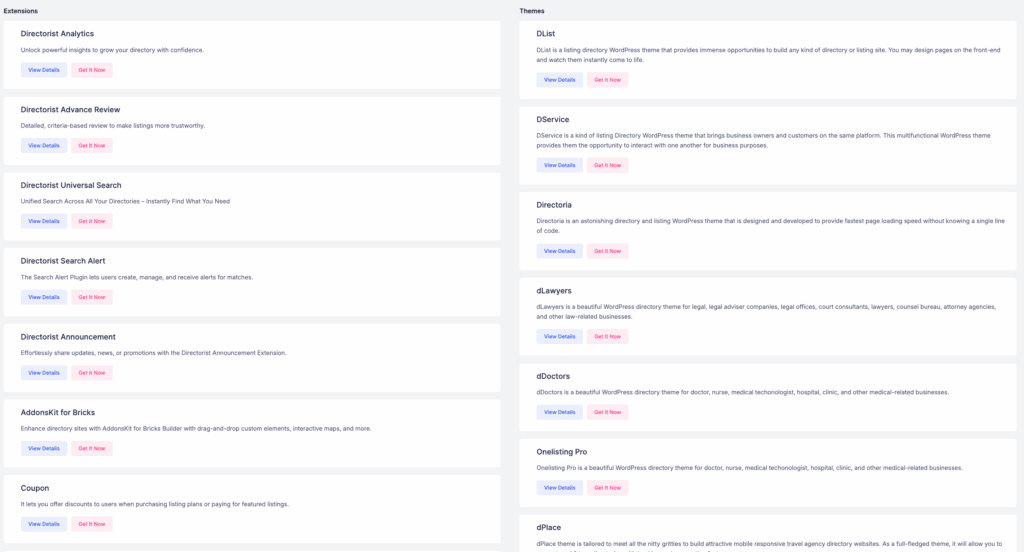
Directorist uses its own payment system, but can also use WooCommerce for subscriptions. Its truly unique feature is a premium add-on for building native iOS and Android mobile apps. If a real mobile app is on your roadmap, this could save you tens of thousands of dollars.
Both plugins integrate with major map services like Google Maps and OpenStreetMap. They are also compatible with multilingual plugins like WPML. For communication, Directorist has a live chat extension (pro), while HivePress has a dedicated extension for reviews and ratings.
Pricing tiers
The cost models are completely different, so this section is important. We’ve made it easy to scan.
- HivePress model: Freemium core plugin. To make money, you’ll need premium extensions, which cost around $29 to $39 each. The best part? HivePress extensions come with a one-time lifetime license. You pay once and own it forever.
- Directorist model: An exceptionally usable free core version. However, its premium extensions use an annual subscription model. You’ll have to pay every year for updates and support.
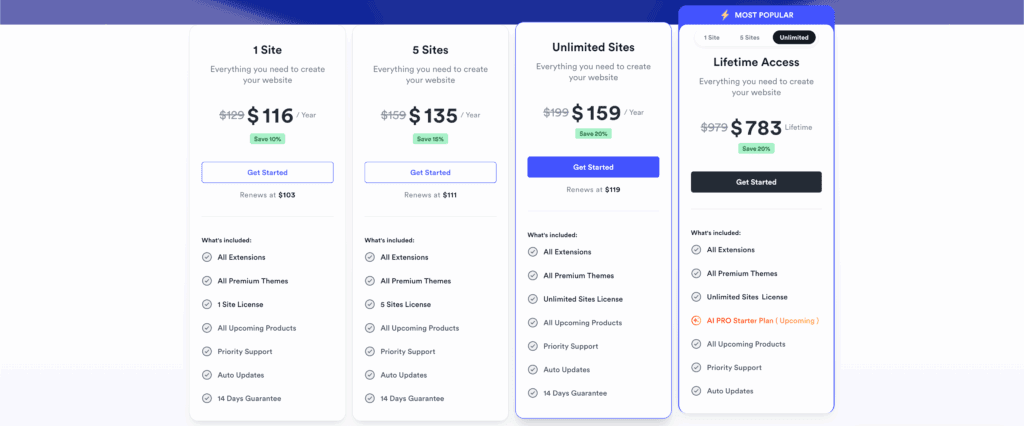
The true cost of Directorist adds up if you need multiple premium features. It does offer “All Access” bundles for a single yearly fee. Always budget for necessary extensions beyond the free core of either plugin.
Which plugin is for you?
This decision comes down to your project’s specific needs. To make it simple, we’ve broken it down by plugin.
Go with HivePress if…
- You prioritize clean code and top-tier performance from the start.
- You plan to build your site using one of its official, highly integrated themes.
- You prefer a one-time lifetime license fee over yearly subscriptions.
- You are a developer looking for a flexible, non-bloated framework.
Go with Directorist if…
- You need to integrate a directory deeply into your current website theme.
- You want to earn revenue using just the free version of the plugin.
- Having native mobile apps for your directory is a key part of your business plan.
- You need to manage multiple different directory types on a single site.
Alternatives to consider
If neither feels like a perfect fit, two other solid options exist:
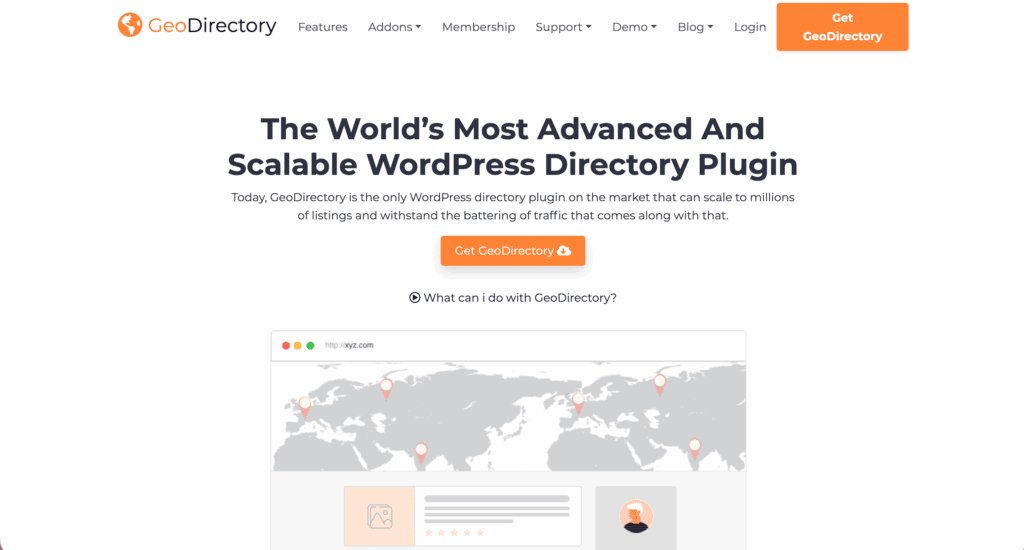
GeoDirectory: Built for extreme scalability and map-centric directories. If your project is location-heavy with thousands of listings, this is the one to look at.
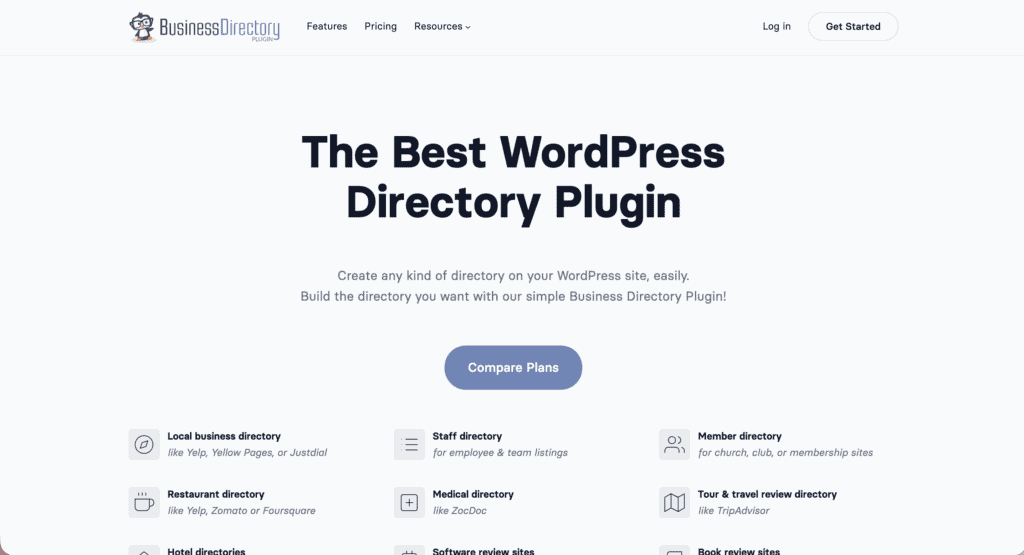
Business Directory Plugin: A straightforward, classic option. It’s reliable and perfect for simpler sites that don’t need extensive features.
Parting thoughts
For a serious marketplace project, go straight to HivePress for its clean themes, top performance, and lifetime pricing.
If you’re just exploring or need a low-risk trial with your existing theme, start with Directorist’s free version. Remember, good hosting is non-negotiable, and your list of must-have features is the ultimate tie-breaker.
FAQs
Which plugin is better for a multi-vendor marketplace?
HivePress is generally better for building a multi-vendor marketplace. It has specific marketplace themes and extensions. Its entire ecosystem is geared towards vendors managing their own listings and services.
Which one is easier to customize for a non-coder?
Directorist is easier for a non-coder to customize visually. It has a built-in drag-and-drop layout builder. HivePress relies more on its theme settings and is less flexible without custom code.
Are there more free extensions available for HivePress or Directorist?
HivePress offers more free extensions. It provides official add-ons for features like private messaging, favorites, and reviews. Directorist packs more features into its core free plugin instead of offering many separate free extensions.
Which plugin provides better monetization options out of the box?
Directorist’s free version provides better monetization options out of the box. It includes features for creating paid listing plans. With HivePress, you need to purchase a premium extension to enable paid listings.
Do I need a specific theme to use these plugins?
You don’t strictly need a specific theme. However, HivePress functions and looks best when paired with one of its official themes. Directorist is designed to be theme-agnostic and will integrate smoothly with almost any theme.

Shivani enjoys crafting guides that make every aspect of using WordPress simple and easy to follow. When she's not glued to her laptop, you can find her buried in a good book or occasionally, painting.