

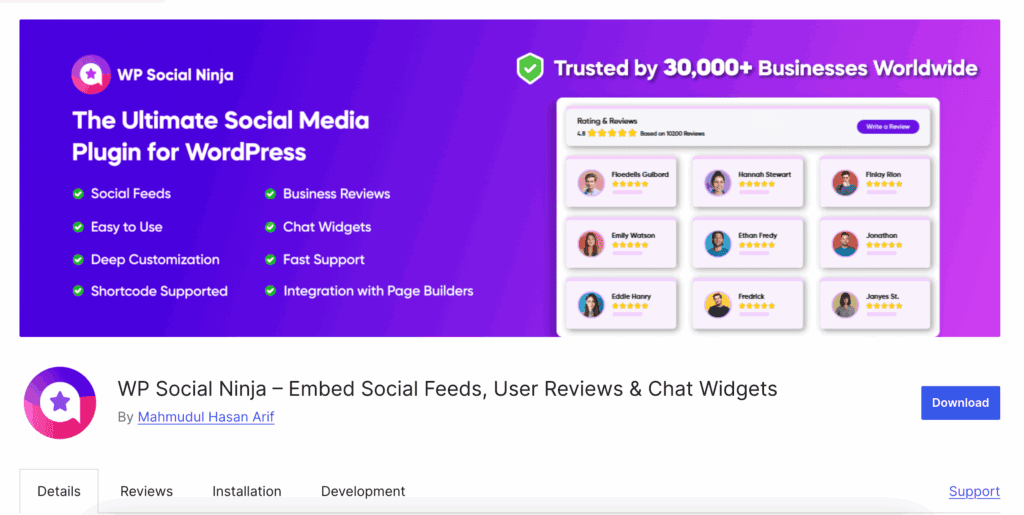
Tired of juggling separate plugins just to show off your great reviews and social posts? This WP Social Ninja review will help you decide if this all-in-one tool is the answer. It’s designed to pull customer reviews, social feeds, and chat widgets from over 30 platforms directly onto your site, boosting visitor trust without you needing to write a single line of code.
The best social feed plugins must be fast and simple to manage. We’ll test if WP Social Ninja lives up to this promise and is worth your time, helping you decide if it’s the right tool to build the credibility your website deserves.
WP Social Ninja is a lightweight and powerful plugin for displaying social reviews, feeds, and chat widgets without slowing your site down. It successfully combines multiple tools into one easy dashboard, but its most advanced features and platform integrations are locked behind the Pro version.
We recommend that you test the plugin on a WP test site first. This allows you to connect a few platforms and see how the layouts work with your website’s design before committing to a paid plan.
WP Social Ninja is an all-in-one WordPress plugin designed to display social feeds, customer reviews, and chat widgets on your website. It allows you to automatically pull content from over 30 platforms like Google, Instagram, and Facebook, helping to increase your site’s trust, social proof, and visitor engagement.
To give you a definitive answer, we tested WP Social Ninja on a test site against the key benchmarks that define a top-tier social proof plugin:
- Performance & Site Speed
- Ease of Use & Setup
- Customization & Design
- Platform Integrations
- Automation & Reliability
- Developer Support
With that in mind, let’s dive into our experience and testing
Performance & Speed
Social proof plugins are notorious for bloat. Multiple API calls, unoptimized scripts, and heavy assets can destroy your page load times. The benchmark for a professional tool is zero noticeable impact. We test for lean code, intelligent asset loading, and a robust caching mechanism that respects your server and your visitors.
- Modular Control: Disable scripts for platforms you don’t use. This prevents unnecessary code from ever loading on your site.
- Asset Optimization: A central panel controls how CSS and JavaScript load, ensuring resources are delivered as efficiently as possible.
- Aggressive Caching: Caches API data locally. This drastically cuts down on external requests during page load, directly protecting your site speed.
Social Proof & Data Integrity
Social proof is useless if it isn’t credible. A plugin’s job is to pull real, verifiable data from authoritative sources and give you absolute control over its presentation. We look for features that not only display proof but also allow you to curate it for maximum positive impact without being misleading.
- Review Aggregation: Pulls genuine reviews from primary sources like Google, Yelp, and Facebook to build instant credibility.
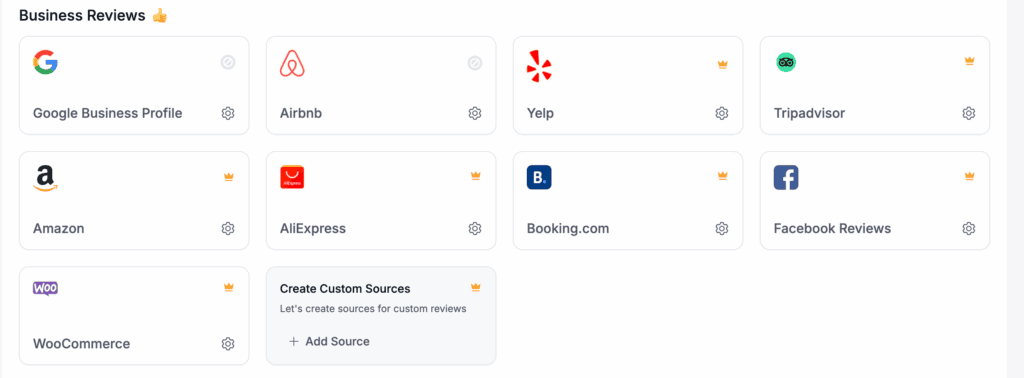
- Social Count Display: Displays follower counts and star ratings, using hard data as a powerful and undeniable authority signal.
- Strategic Filtering: Set display thresholds to show only high-rated reviews, ensuring your best social proof is always front and center.
Content-Specific Optimization
A generic, one-size-fits-all feed isn’t good enough. A professional-grade plugin must offer controls tailored to the specific content type, whether it’s an Instagram image gallery or a YouTube video playlist. The goal is to optimize the display to encourage the visitor action you want.
- Platform-Specific Styling: Customize the aesthetic of each feed to match the native look and feel of its platform.
- Advanced Video Integration: Surgically control YouTube feed elements like play buttons, titles, and view counts to drive clicks.
Design & User Experience (UX)
The admin panel is just as critical as the front-end display. A superior plugin must provide an intuitive interface that offers maximum design flexibility without requiring custom code or endless guesswork. The benchmark is simple configuration that produces a professional result.
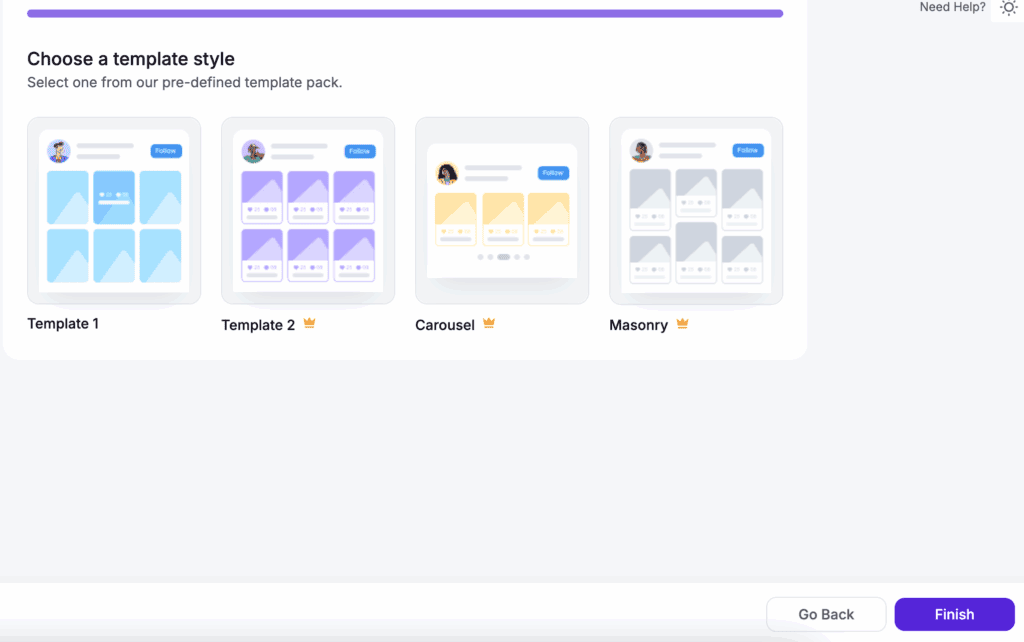
- Layout Versatility: Provides over 26 pre-built templates, including grids, carousels, and masonry layouts, for immediate professional results.
- Responsive Breakpoints: Manually adjust column layouts for mobile devices, ensuring a perfect and “thumb-friendly” user experience on any screen.
- Live Preview Editor: See your design changes in real-time within the backend, eliminating the frustrating cycle of saving and refreshing.
Privacy & GDPR Compliance
On the modern web, privacy isn’t an optional feature. Any plugin handling data from third-party platforms must respect user privacy and avoid creating compliance liabilities for the site owner. It should act as a secure bridge for data, not a collector of it.
- Local Image Storage: Stores social media images on your own server, preventing hotlinking and giving you full control over the assets.
- Compliance-Friendly Core: Does not track your site visitors or store their personal data. Its sole function is to display public information.
Automation & Distribution
Manual updates are an unacceptable waste of time and a point of failure. A superior plugin must automate content fetching to keep the site fresh. Furthermore, it must integrate with your SEO strategy to ensure the social proof it displays is recognized by search engines.
- Automatic Syncing: Schedules automatic fetching for new posts and reviews, keeping your website’s content fresh without any manual intervention.
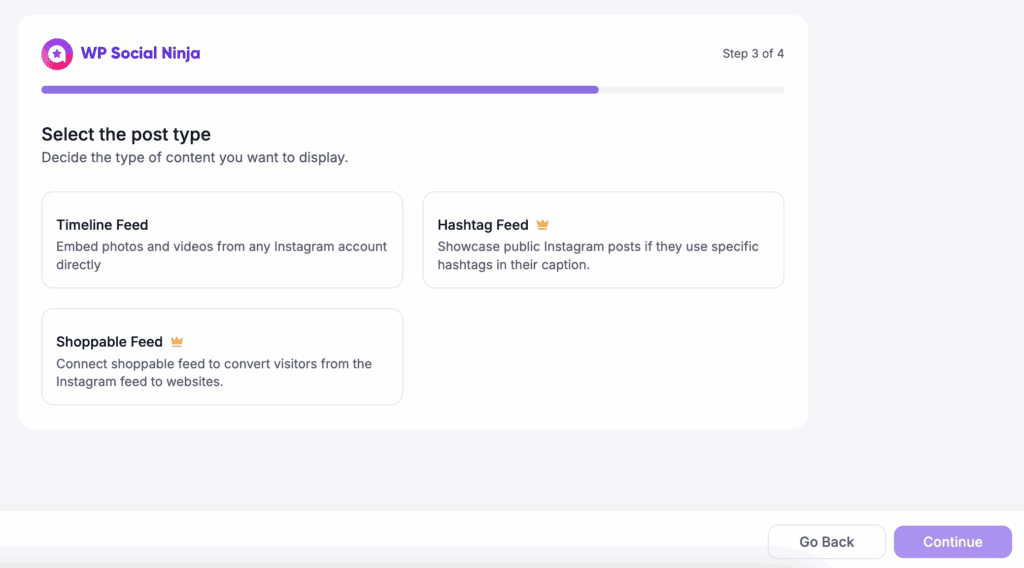
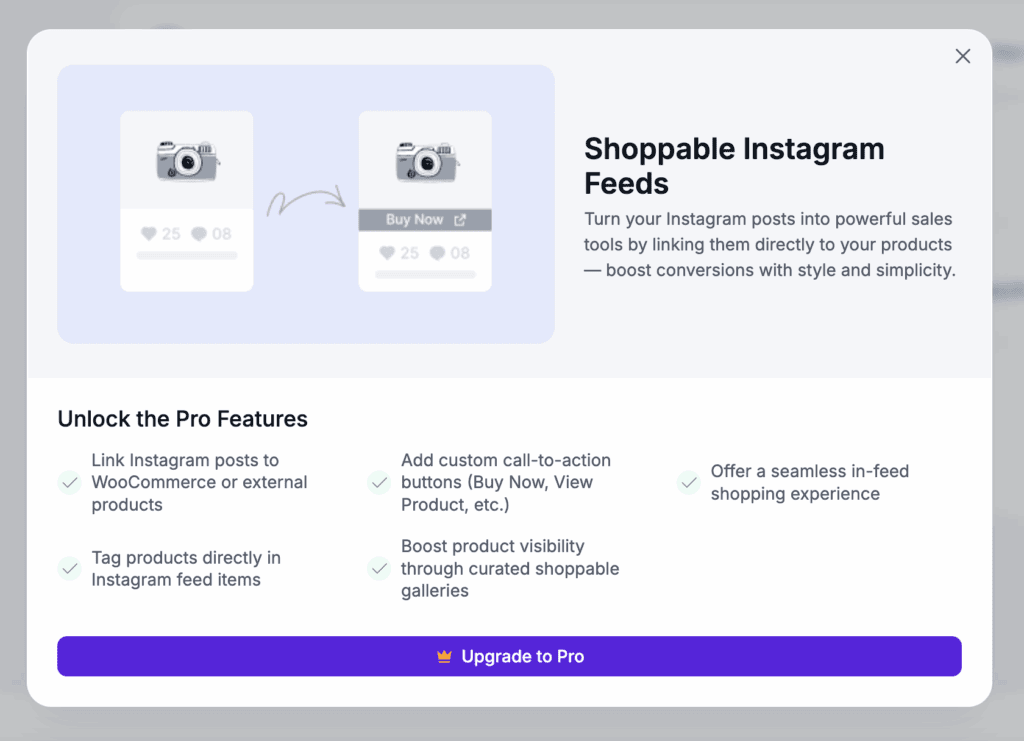
- Shoppable Feeds: Integrates Instagram posts directly with WooCommerce products, automating the customer journey from social proof to purchase.
- SEO Compatibility: Uses Schema.org markup for reviews, which is essential for helping your star ratings appear in Google search results.
Developer Support & Code Health
A plugin’s long-term value is a direct reflection of its developers. We look for a proven track record, a public commitment to high-quality code, and a consistent history of stable updates. This is non-negotiable for a tool that relies on third-party APIs.
- Reputable Developer: Built by WPManageNinja (the team behind Fluent Forms), a company known for its high-quality, lightweight, and reliable plugins.
- Frequent Updates: A consistent release schedule keeps the plugin secure and compatible with the ever-changing APIs of social media platforms.
Price
I found WP Social Ninja’s pricing to be a mixed bag. The Pro version offers exceptional value by replacing at least three separate plugins. The free version provides a solid entry point for basic needs.
- Free Version: Available on WordPress.org, this is perfect for testing core functionality with a limited set of platforms.
- Pro Version: Starts around $79/year for a single site, unlocking all 30+ platforms and advanced customization features.
- Value Proposition: Consolidates the function of separate review, feed, and chat plugins, making the pro license a cost-effective and logical investment.
Limitations of this Plugin
With WP Social Ninja, the primary constraint is its absolute reliance on external APIs and the clear feature gap between its free and paid versions.
- Third-Party Dependency: The plugin is useless without active, well-maintained social media and review platform accounts.
- Limited Free Chat: The most useful chat functionalities and platforms are reserved for Pro users, making the free version feel incomplete.
Alternatives to WP Social Ninja
While WP Social Ninja excels at displaying social proof, it is not a social sharing plugin. Visitors cannot use it to share your content on their profiles. If that is your primary requirement, you must look at entirely different tools.
- Social Warfare: This is a performance-focused plugin strictly for adding social share buttons to your content. While it offers powerful features for Pinterest and share count recovery, its history of critical security vulnerabilities makes it an unacceptable risk for any serious website.
- Social Snap: Another popular tool for social sharing, Social Snap offers a broader feature set than Social Warfare, including “click to tweet” boxes and social auto-posting. However, like Social Warfare, it solves a completely different problem than WP Social Ninja.
Final Thoughts
WP Social Ninja is a best-in-class solution for displaying social feeds, reviews, and chat widgets without hurting site speed. This powerful tool replaces multiple plugins, offering excellent value with an intuitive backend that’s accessible to users of all skill levels.
Before installing, test it on a staging site first—this is non-negotiable. A test environment lets you check for theme and plugin conflicts, preventing fatal errors or broken layouts from ever damaging your live website’s function 5ality and user experience.
FAQs
What is WP Social Ninja?
WP Social Ninja is an all-in-one WordPress plugin that automatically pulls and displays social proof on your website. It integrates social feeds (Instagram, YouTube), customer reviews (Google, Yelp), and chat widgets (Messenger, WhatsApp) from over 30 platforms into a single, easy-to-manage dashboard.
How much is Social Ninja?
WP Social Ninja offers a free, feature-limited version on WordPress.org. The Pro version, which unlocks all platforms, advanced templates, and premium features, typically starts at $79 per year for a single site license. For the most current pricing, check their official website.
What are the best WP chat plugins?
If you only need chat functionality, a dedicated plugin might be better. While WP Social Ninja’s Pro version includes robust chat features, popular standalone options include Tawk.To (free and powerful) and Crisp for more advanced, marketing-focused chat solutions.
Is Jetpack Social free?
Jetpack has a free version that includes basic social sharing buttons and auto-posting your new content to social media profiles. However, it does not aggregate social feeds or customer reviews like WP Social Ninja. The two plugins serve fundamentally different purposes.

Shreya has been a writer for as long as she can remember. Now, she writes articles that help WordPress users manage the sites that they're proud of, with little to no coding


