
BlogSecurity
Security, explained.
Keeping WordPress sites safe from attacks, and recovering when one gets through.
Page 2
101 articles · page 2 of 9
How To Change WordPress Admin Password (6 Easy Ways)
If you suspect a hack, it’s important to know how to change WordPress admin password. Maybe, you’re trying to log in, and the password you know is correct fails. Maybe you’ve…
Read more
How to Change WordPress Password in Under 5 Minutes
For the sake of WordPress security, you will eventually need to update your login. Whether you’re doing a routine update or are completely locked out, you need a reliable fix…
Read more
Why and How To Change the Default Username on WordPress
On WordPress websites, you can easily reset your user password in the admin area or using the “Lost your password?” link displayed on the WordPress login form. Unfortunately…
Read more
How To Delete A Theme In WordPress: Quick & Easy Guide
Setting up a WordPress site often means trying out a few designs before you find the perfect one. Now you’re left with 4 themes that you don’t use. Those old, inactive themes…
Read more
WordPress Change URL: A Complete Step-by-Step Guide
Your website’s URL is its online address, helping people find your content. Sometimes you need to change it—maybe you’re migrating your site, rebranding, or switching to HTTPS…
Read more
2 Easy Solutions For index.php File Corrupted on WordPress Site
Broken links and scrambled pages—not something you want to deal with and definitely not what you want your visitors to see. One common cause could be a corrupted index.php file…
Read more
What Are WordPress Access Logs and Why They Matter
Your site’s server generates WordPress access logs constantly. But what are they, what do they do, and how do you find and read these records? Without understanding how to…
Read more
WordPress Change Logs 101: A Beginner’s Guide
WordPress change logs, among the various logs in WordPress, can be tricky to understand at first glance. You might have come across them and felt unsure about what all that…
Read more
WordPress Administration: Beginner’s Guide
Managing a WordPress site can be overwhelming for new admins. With so many features and settings in your admin area, it’s easy to feel lost. This confusion can lead to mistakes…
Read more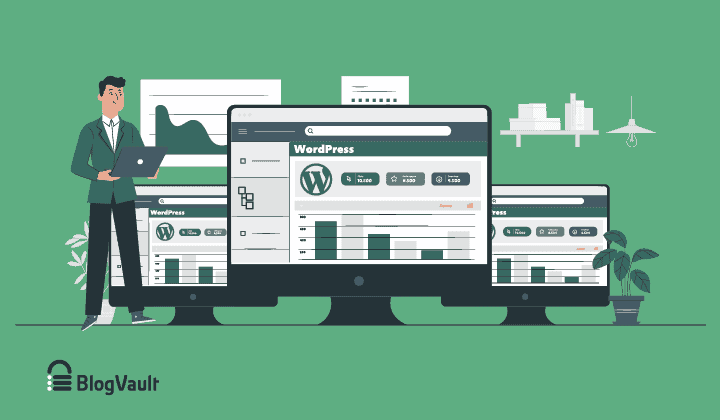
How To Efficiently Manage Multiple WordPress sites
Management tools help agencies become well-oiled machines. Each task is completed with the least amount of effort and highest rate of accuracy. For people managing WordPress…
Read more
How to Install WordPress Plugins (It’s Easier Than You Think!)
You’ve installed WordPress and set up your site. The next step is adding features with plugins, but this raises a critical question: How to install WordPress plugins without…
Read more
WordPress Multisite User Roles: Understand, Manage, and Secure
WordPress multisite networks put you in an impossible position. Do you give team members enough access to do their jobs, or do you worry about them accidentally breaking other…
Read more
Backups built for scale. Restores for the bad day.
No credit card · 14-day money-back guarantee