

If you are looking for BuddyBoss vs BuddyPress, you’re probably just as confused as I was before I started. Are they the same thing? Are they built by the same people? Are they equally good? I had so many questions, and I have the answers for you.
When searching for forum plugins, both BuddyPress and BuddyBoss are popular options that frequently appear. They’ve been around for a while. In fact, BuddyBoss was created with the help of BuddyPress. However, at some point, they split and have now evolved into two separate tools and platforms.
This article will be a detailed comparison. But the short answer is that neither is very good for creating WordPress forums. You’re better off using a tool like Discourse. However, if I had to choose, BuddyBoss is better.
BuddyPress no longer offers forum features out of the box. BuddyBoss has a free open-source plugin that can help you easily build a forum, but it’s not as robust as I would have liked. You’re better off using a third-party tool like Discourse.
However, try either plugin on a staging site before you commit to either. This gives you a playground to experiment without any issues.
Quick look at BuddyPress vs BuddyBoss
Here’s the essential breakdown. BuddyPress provides the core social features, but for forums, you have to combine it with bbPress. BuddyBoss is basic, but it integrates really well with a whole suite of third-party tools that can make it more robust. In this section, we’ll dive deeper into the two.
BuddyPress
BuddyPress was designed to be a free, open-source plugin that transforms a standard WordPress website into a fully-functional social network. It was built to provide the essential building blocks for an online community. It comes with features like customizable user profiles, private and public groups, activity feeds, and direct messaging.
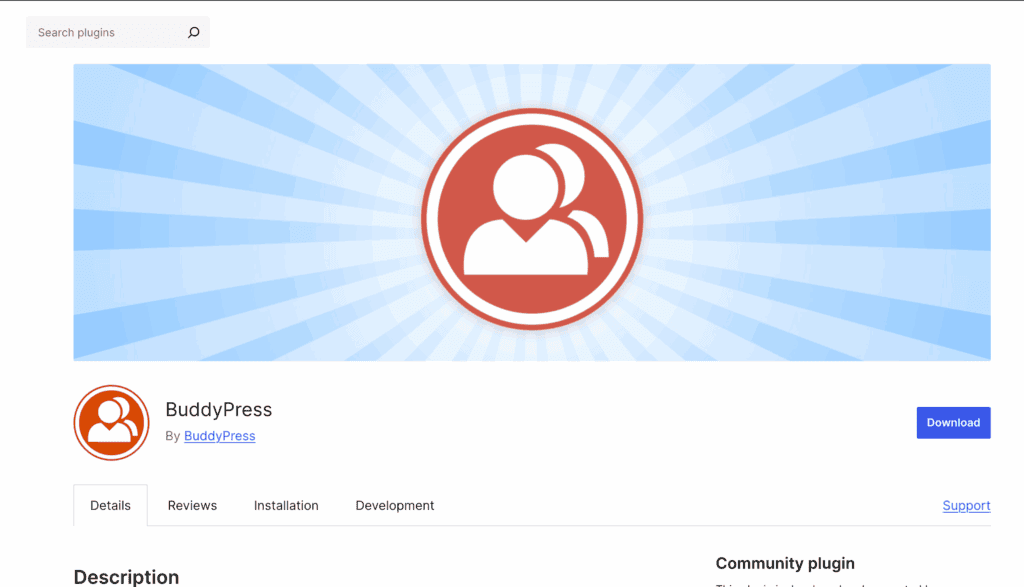
However, you can’t create forum pages out of the box. You need to combine it with other plugins like bbPress. Together, they give you a decent foundation for your forum plugin.
Another thing to note is that, at the time of writing this article, the plugin is in limbo. No new features are being built, and only patches are being released. As of late 2024, their lead developer quit, and there was a lot of instability that they still seem to be recovering from.
As I tested the plugin, I found that it was very outdated. You have a handful of settings that you can customise to your requirements. It’s designed for somebody who has the technical skills to take the basics that BuddyPress offers and modify the code, and run with it.
BuddyBoss
BuddyBoss’s developers took the original open-source code of BuddyPress and built a premium, commercial platform upon it. Today, it operates as a complete, standalone solution designed to replace BuddyPress entirely.
We’ve reviewed the BuddyBoss Platform plugin and found that it provides all the powerful social networking functionality and is designed to be a direct replacement for BuddyPress and bbPress combined. It provides robust user profiles, groups, activity feeds, forums, and private messaging that form the backbone of your community.
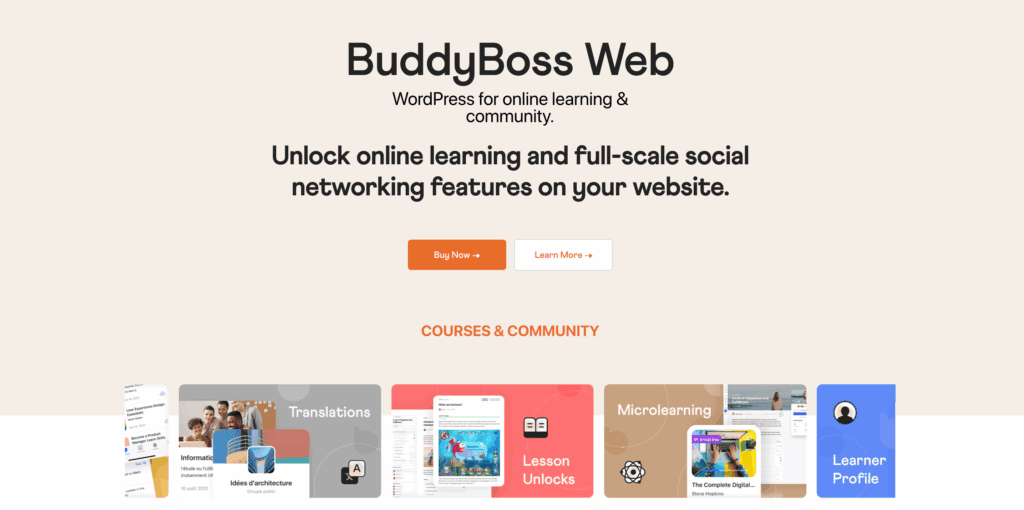
However, the free platform plugin itself is unstyled; it provides the features, but it relies on your existing WordPress theme to determine its appearance.
This is where the premium BuddyBoss Theme comes into play. The theme is the paid product specifically designed to work perfectly with the free platform plugin. You are paying for the premium design, seamless integrations, and dedicated support that transform the powerful free features into a market-ready community website right out of the box.
Now, let’s get into the head-to-head comparisons of some critical factors:
User Experience & Engagement
A successful community thrives on member interaction and a user-friendly interface. This section evaluates the tools each platform provides to not only connect members but also make the experience enjoyable and compelling, encouraging them to return.
BuddyPress: With BuddyPress, you get all the essential building blocks you need to start a community. Think of it as the foundational toolkit for your WordPress social network plugin. It allows your members to create detailed profiles, connect as friends, send private messages, and post updates on a main activity feed, much like a classic social media wall.
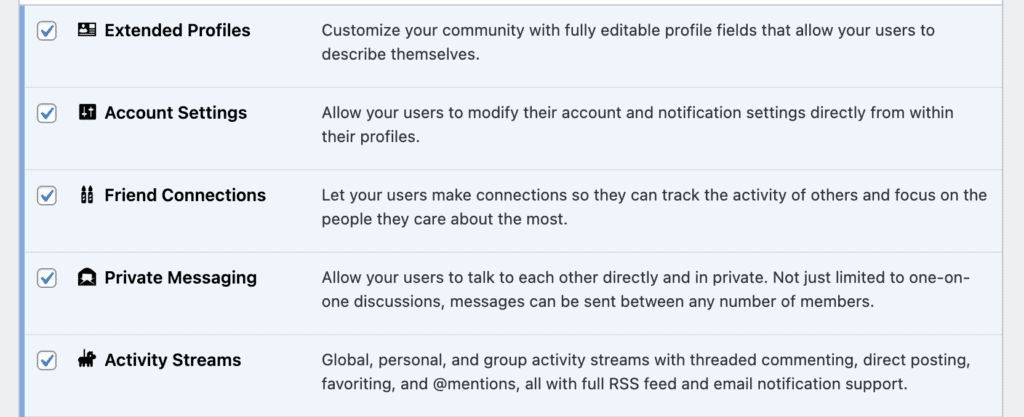
All of this is functional and provides a solid base to build upon. However, the experience can feel a bit dated. The features, while effective, are basic in their execution. They lack the modern, interactive flair—like emoji reactions or easy media sharing—that users have grown accustomed to on major social platforms. It’s a powerful engine, but you’ll need to add the polish yourself.
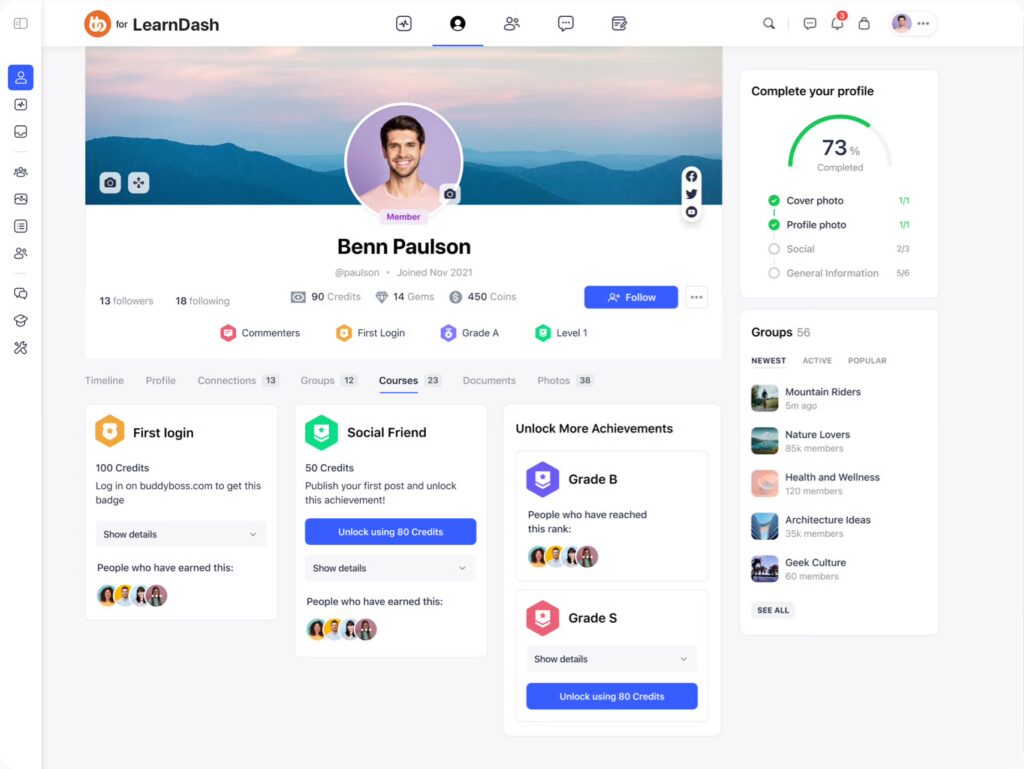
BuddyBoss: BuddyBoss takes that core foundation and gives it a massive, modern upgrade. Right away, your users will notice the slick interface and enjoy engaging features like emoji reactions, interactive polls, and the ability to easily share photos and videos directly in the feed.
Administration & Moderation
Knowing how to build a community website that is safe and well-managed is crucial for long-term success. This section compares the backend and frontend tools available to administrators for controlling member access, moderating content, and simplifying user onboarding.
BuddyPress: Administration tools in BuddyPress are quite basic. Site owners can manage members from the WordPress dashboard, mark users as spammers, and delete activity items. However, more advanced and necessary moderation features, such as allowing members to report inappropriate content, are missing and require installing third-party plugins to implement.
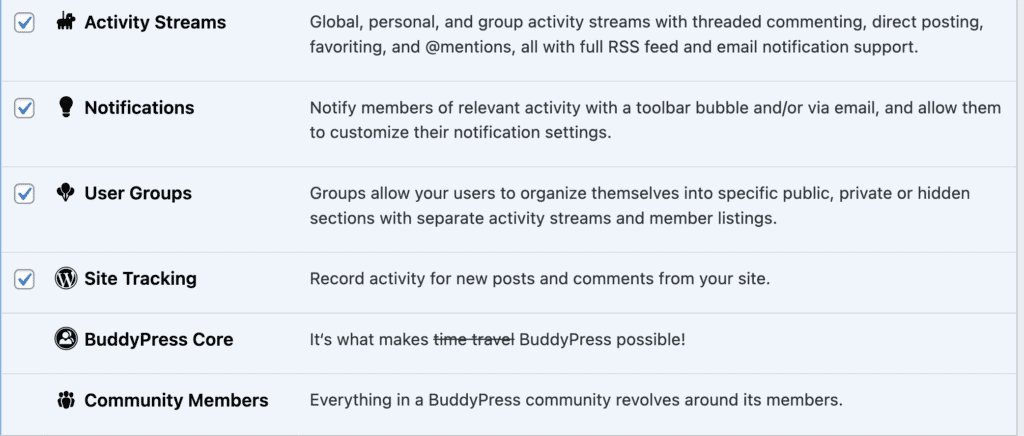
In my experience, any forum/community-specific moderator features were hard to navigate.
BuddyBoss: BuddyBoss includes comprehensive moderation and administration tools as a core part of the platform. It features robust access controls to restrict who can see member directories or send messages based on user roles. It also simplifies onboarding with integrated social logins (Facebook, Google, etc.) and provides professional moderation tools that empower members to report content directly from the frontend, making community management far more efficient.
Design & Customization
The visual identity of your community is critical. This section examines how each platform handles design and the level of effort required to customise its appearance to match your brand. The core challenge is achieving a professional look without being a professional designer or developer.
BuddyPress: BuddyPress is designed for extensibility, making it a blank canvas for developers. Out of the box, its appearance is visually basic and relies entirely on your theme for styling. While it has a compatibility layer to work with most themes, achieving a polished, modern look almost always requires significant custom CSS coding, which is why many users end up searching for BuddyPress alternatives.
BuddyBoss: BuddyBoss is built around its premium, highly customizable theme. It offers specialized layouts for member dashboards and course grids and integrates deeply with page builders like Elementor, allowing for drag-and-drop design of community pages. The new ReadyLaunch mode is a game-changer, providing theme-independent templates that can be branded and deployed instantly for a polished look, regardless of your primary WordPress theme.
Integration & Monetization
For many, a community is a business. This section compares how well each platform connects with essential tools for selling memberships, online courses, and physical products, and its ability to extend its reach to mobile.
BuddyPress: BuddyPress can be monetized, but it relies entirely on external, third-party plugins to do so. To sell memberships or integrate with an LMS, you must install and configure separate plugins like MemberPress or a LearnDash community plugin. While possible, these integrations are not native and can sometimes feel disconnected or require additional “bridge” plugins to work smoothly.
BuddyBoss: BuddyBoss was built with monetization and social learning at its core. It offers deep, native integration with leading LMS platforms like LearnDash, LifterLMS, and TutorLMS, creating a seamless experience for students. It also works perfectly with WooCommerce for selling products or access. Most importantly, it offers a fully white-labeled native mobile app, allowing you to launch a branded iOS and Android app with push notifications, a feature BuddyPress simply cannot offer.
Looking Beyond WordPress
While BuddyBoss and BuddyPress help add social features to a WordPress site. But the platform is very limiting if your primary goal is to build a large and active discussion forum.
The core of the problem lies in architecture. WordPress was originally designed as a blogging platform, and its database structure reflects that. A busy forum, however, generates a completely different kind of database load. Thousands of small, interconnected entries that are constantly being written and read. This can lead to significant performance issues as your forum grows.
Here are some alternatives that are better designed for forums
- Discourse: A modern, open-source platform built for discussion. It excels at creating fast, real-time forums that feel more like a chat app than a traditional message board. It offers features like trust levels, badges, and powerful moderation. Just install the official WP Discourse plugin and integrate your website.
- Mighty Networks: An all-in-one, hosted community platform designed for creators and brands. It goes beyond simple forums by integrating online courses, paid memberships, live events, and group chats into a single, seamless experience. Use Zapier to integrate it with WordPress without any code.
Final thoughts
WordPress was not originally designed to be a high-performance forum engine. For this reason, if your primary goal is to build a large, dedicated discussion hub, you are almost always better served by specialized tools like Discourse, which are purpose-built for the job.
That being said, use a staging site to test everything if you are set on using either BuddyPress or BuddyBoss. A staging site is a private clone of your live website where you can experiment without any risk to your visitors.
FAQs
What is the difference between BuddyPress and BuddyBoss?
The main difference is that BuddyPress is a free, open-source plugin that provides a basic foundation for a social network, while BuddyBoss is a premium, all-in-one platform that offers a complete, professionally designed solution. BuddyPress gives you the core features, but you are responsible for the design and adding extra functionality with other plugins. BuddyBoss includes a modern theme, advanced features, and dedicated support in a single package.
Does BuddyBoss require BuddyPress?
No, BuddyBoss does not require BuddyPress. This is a common point of confusion because of their shared history. BuddyBoss is a standalone platform designed to be a complete replacement for BuddyPress. You should never run both plugins at the same time, as they will conflict with each other.
Is BuddyBoss free?
Partially. The core BuddyBoss Platform plugin, which provides all the social functionality, is free and available on the WordPress repository. However, to get the polished, modern design and professional user experience that BuddyBoss is known for, you need to purchase the premium BuddyBoss Theme, which is designed to work with the free plugin. The complete solution is considered a premium product.
What is BuddyBoss used for?
BuddyBoss is used to build powerful and engaging online communities and social networks on WordPress. Its most popular uses include creating social learning platforms for online courses (by integrating with LearnDash), building paid membership sites, developing corporate training portals for employees, and launching niche social networks for specific hobbies or interest groups.

Shreya has been a writer for as long as she can remember. Now, she writes articles that help WordPress users manage the sites that they're proud of, with little to no coding


