

Directory plugins often leave you caught between hope and skepticism. You need a solution that actually works, not just a flashy demo that ends up causing plugin issues.
We get it. You’re wondering if the Business Directory Plugin is a reliable workhorse or simply outdated. This Business Directory Plugin review cuts through that uncertainty.
We’ve installed, configured, and tested it to give you a practical, no-fluff answer on whether it’s your solution or if you should look elsewhere.
TL:DR: The Business Directory Plugin is a reliable, powerful tool for monetizing listings, but its visual design is dated and lacks customization options. Always test the free version first and protect your directory with a solid backup plugin.
The Business Directory Plugin review in a snapshot
For those who just want the bottom line, here’s the quick breakdown:
| Core Functionality & User Experience | Payment and Monetization | Admin Management & Customization | Site Performance and SEO Impact |
|---|---|---|---|
| Intuitive listing management, similar to post writing. | Free listings; premium modules for paid features. | Central dashboard; frontend user edits allowed. | Clean code; doesn’t slow the site. |
| Functional design needs custom CSS. | Supports Stripe, PayPal, Authorize.net. | Theme-dependent appearance; no template builder. | Efficient performance with many listings. |
| Basic frontend forms; test on staging first. | Features for sticky/featured listings. | Familiar categorization; integrates with SEO plugins. | Outputs SEO-friendly Schema.org markup. |
| Simple drag-and-drop form builder. | Logical monetization workflow. | Claim Listings module for monetization. | Lightweight; enhanced by SEO-friendly themes. |
| Reliable CSV import; Google Maps is premium. | Works well with caching and optimization tools. |
Core functionality & user experience
Managing listings in the WordPress backend is intuitive; if you can write a post, you can use this. The design is functional but looks dated out of the box. Frontend submissions work well, but the forms are basic.
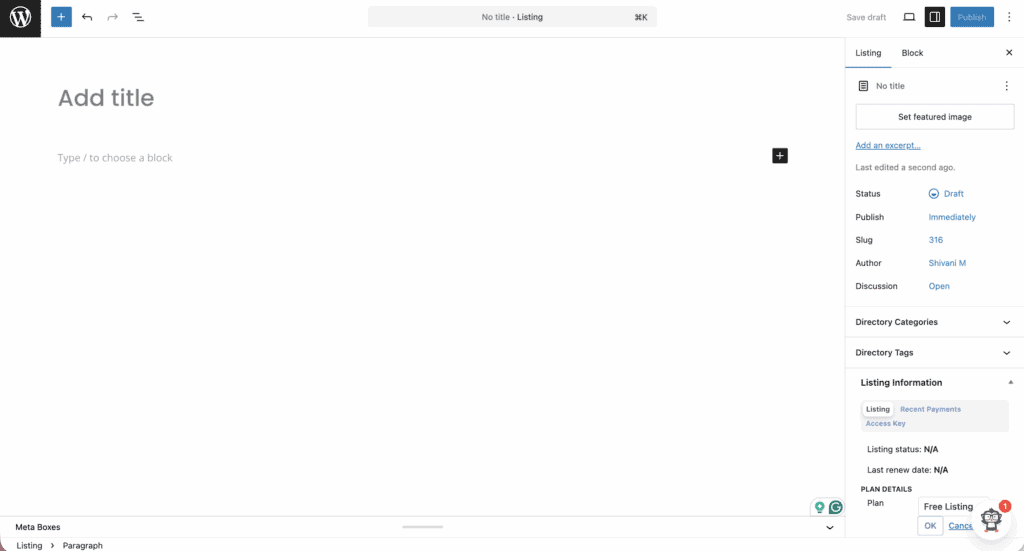
Plan on using custom CSS to match your brand. It is always safest to test on a staging environment before deploying live. While the drag-and-drop form builder is simple, the reliable CSV import is a standout feature for bulk uploads and migrations.
Also note that Google Maps is not a core feature. It is a premium feature included in paid bundles, making a good backup strategy essential to protect your configuration. The same goes for advanced functions like ZIP Code Search.
Payment and monetization
The free core plugin allows you to accept free listings to get your site populated. Keep in mind that any site handling user data must follow strong WordPress security practices.
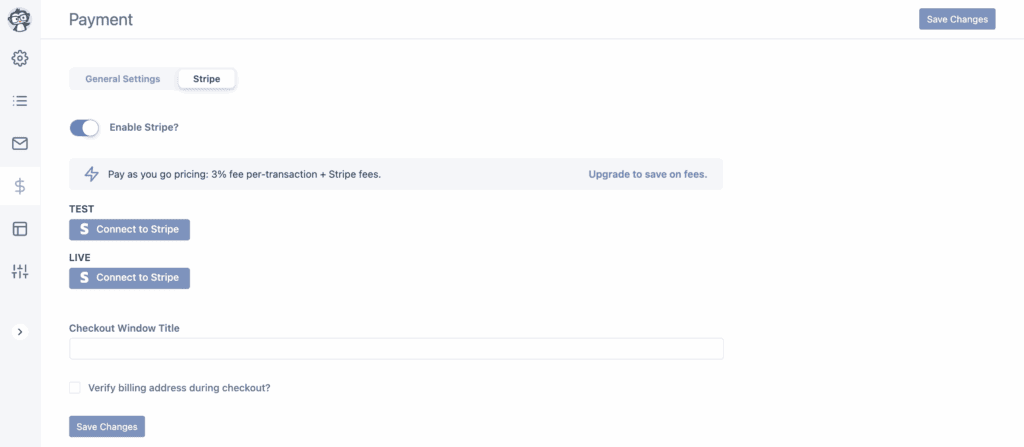
The real power comes with the premium modules. You can set up paid listings with one-time or recurring fees. It supports major payment gateways like Stripe, PayPal, and Authorize.net through these premium features.
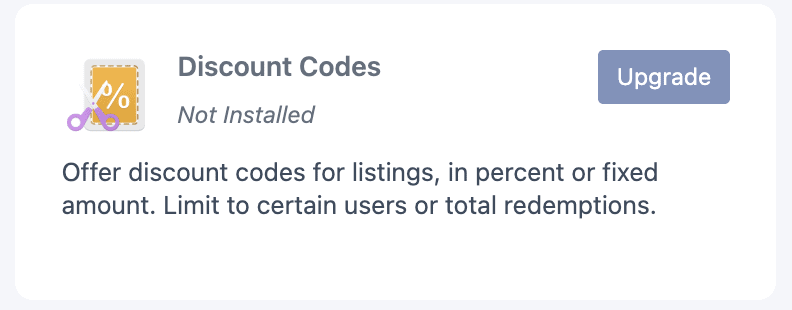
You can easily enable sticky or featured listing upgrades to highlight top listings for an extra fee. There is also a dedicated Discount Codes module for running promotions. The entire monetization workflow is logical and covers common business models well.
Admin management & customization
Management is handled from a central WordPress dashboard. A key feature is the frontend dashboard, letting users edit their own listings without backend access. The categorization system mirrors WordPress posts with very few customization options, making it familiar.
The Claim Listings module is another great tool for monetization, which is a feature best tested on a staging site to ensure it works correctly.

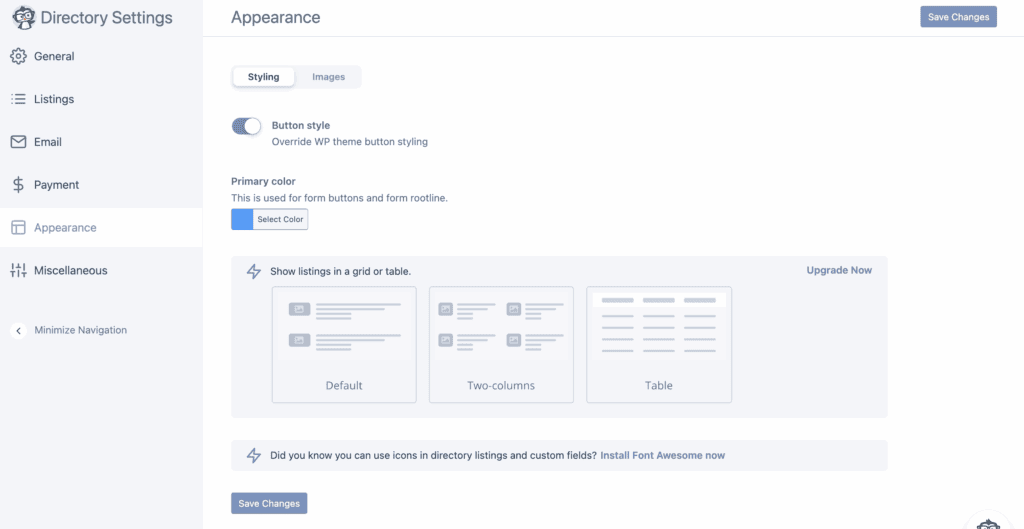
The main limitation is customization. The plugin’s look is heavily dependent on your theme; there is no drag-and-drop template builder. However, it integrates well with SEO plugins like Yoast and Rank Math.
Site performance and SEO impact
You do not need to worry about this plugin slowing down your website. The plugin code is clean and does not inherently hurt site speed.
Our tests show that performance scales well with quite a few listings. The pagination and search features are efficient, which contributes to a good user experience.
You get permalink settings feature within the Lite version. For those with a premium plan, the plugin outputs clean Schema.org markup for listings and reviews, which is great for SEO. We found no major SEO drawbacks when it is configured correctly.

It is well-coded and does not conflict with other major plugins.
Understanding the cost structure
A robust free version exists, but premium features require a yearly subscription for WordPress updates and support.
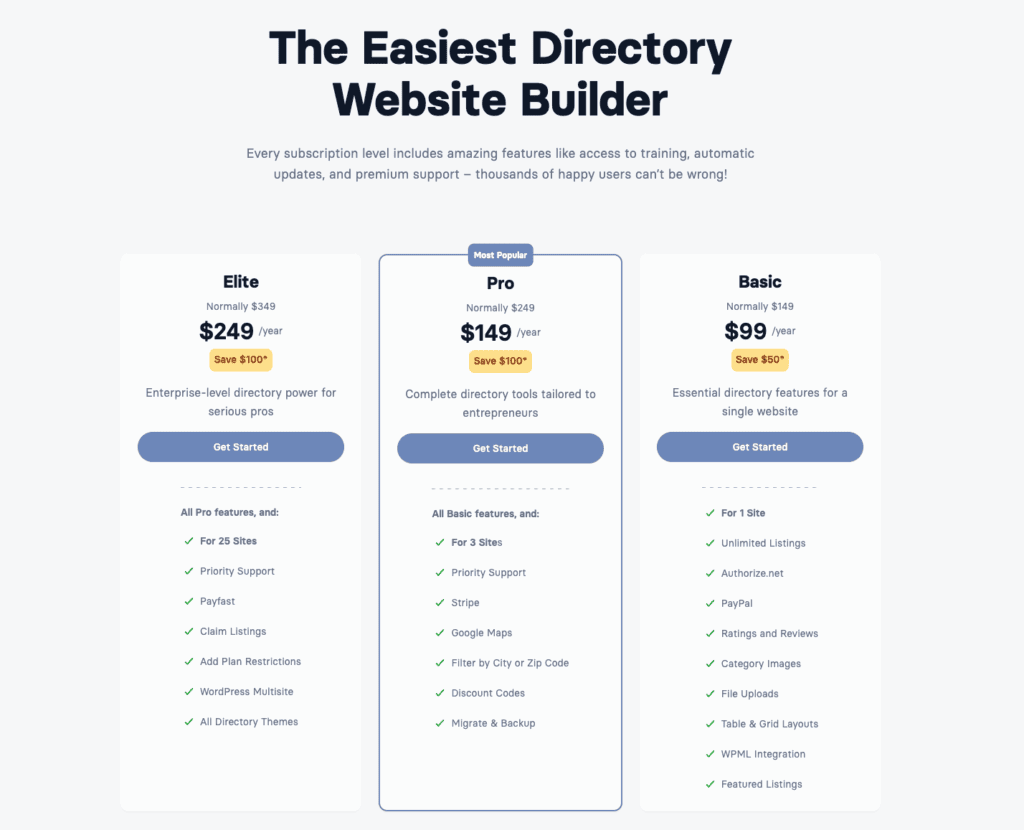
The plugin now uses a bundled model. You cannot buy individual add-ons like Maps or Reviews anymore. Instead, you purchase a plan (Basic, Pro, Elite) that includes them. This makes the entry cost higher, but the value is competitive.
Advantages and limitations
Here is a straightforward look at the good and the bad.
| Pros | Cons |
| Easy guided setup wizard | The out-of-the-box user interface looks dated |
| Clean frontend dashboard for users | There is no drag-and-drop template builder |
| Fast, lightweight, and SEO-ready | Heavily dependent on your theme’s style |
| Robust free version and strong CSV import tool | Google Maps requires a paid plan |
| Flexible and simple monetization plans | Must buy feature bundles, not individual add-ons |
| Top-tier and highly responsive help | Yearly subscription needed for plugin updates |
Making your decision
So, should you use this plugin?
Choose this plugin if:
- You prioritize reliability and straightforward monetization.
- You need a set-and-forget directory with minimal fuss.
- You value direct access to quality developer support.
Avoid this plugin if:
- You demand modern, visually customizable frontends.
- You need deep, native customizations without add-ons.
- Your budget is very tight and you need many advanced features.
Our advice: always try the free Lite version first to confirm the core functionality fits your project. It remains a top choice for pragmatic, business-focused directory sites.
Top competitors and worthy alternatives
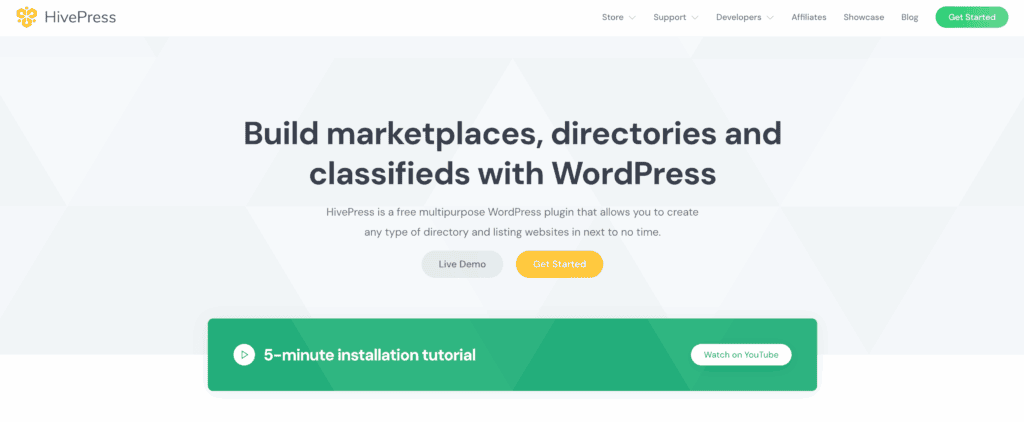
HivePress: Ideal for lightweight, fast directories integrated with specific themes.
Directorist: Better for all-in-one features and modern design control.

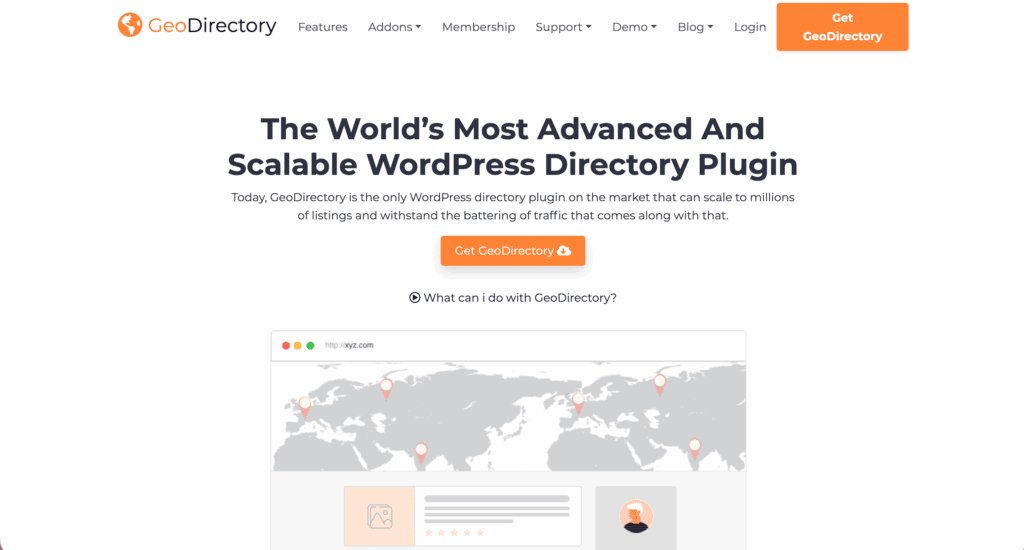
GeoDirectory: Superior for advanced location-based features and scalability.
Parting thoughts
The Business Directory Plugin is a dependable, professional-grade tool. It excels at its primary job: managing and monetizing listings, which makes backing up your WordPress site essential to protect that valuable data.
Its age reflects maturity, not abandonment, but this does limit its modern flair. For a no-surprises, business-ready directory, it is still a compelling choice. Just remember to install the free version first to ensure it fits your workflow.
FAQs
Is the Business Directory Plugin free to use?
Yes, the core Business Directory Plugin is free to use and available on WordPress.org. However, advanced features like paid listings and maps require a premium subscription.
Does the plugin include Google Maps integration in the core version?
No, Google Maps integration is not included in the free core version of the plugin. It is a premium module that you must get by purchasing one of their paid plans.
How well does the Business Directory Plugin scale for thousands of listings?
The plugin scales very well and can handle thousands of listings without significant performance issues. Its clean code ensures that the site remains fast even with a large directory.
Can I monetize my directory using this plugin?
Yes, monetization is one of the plugin’s core strengths, but it requires a premium version. You can create paid listing plans, offer featured listings, and accept payments.
Is the Business Directory Plugin SEO-friendly?
Yes, the plugin is very SEO-friendly and integrates with popular SEO plugins like Yoast. The premium version also adds Schema.org markup to improve search visibility.

Shivani enjoys crafting guides that make every aspect of using WordPress simple and easy to follow. When she's not glued to her laptop, you can find her buried in a good book or occasionally, painting.


