

Your search for a WordPress directory plugin led you to Directorist. Now you’re stuck wondering if it’s worth the investment or if a hidden deal-breaker, like a plugin conflict, is waiting for you.
Wel, we’ve been there.
This Directorist review is here to give you that clarity. We will be breaking down the honest pros, cons, and core features so you can finally make a confident choice.
Directorist is a powerful directory plugin with a fantastic free version. However, it relies on slightly pricey extensions for advanced features and requires good hosting. Given its complexity and potential for plugin conflicts, always protect your work with a good backup plugin.
Directorist review in a nutshell
Here’s everything you need to know about Directorist at a glance:
| Aspect | Details |
|---|---|
| Usability | Ideal for developers and budget users. |
| Core Features | Free version offers strong fundamentals like submission forms and search filters. |
| Paid Extensions | Adds advanced features like booking, multiple directories, and live chat. |
| Monetization | Offers paid listings, subscriptions, and a commission system. |
| Customization | Moderate appearance customization; relies on themes and page builders. |
| Performance | Built for scalability but requires good hosting and caching for large directories. |
| SEO | Outputs clean code with Schema markup and SEO-friendly permalinks. |
Inside Directorist’s capabilities
Directorist is a plugin that turns WordPress into a business listings platform. Its free core plugin handles the essentials: front-end submission forms, user management, and customizable search filters. You can build a working directory without paying anything.
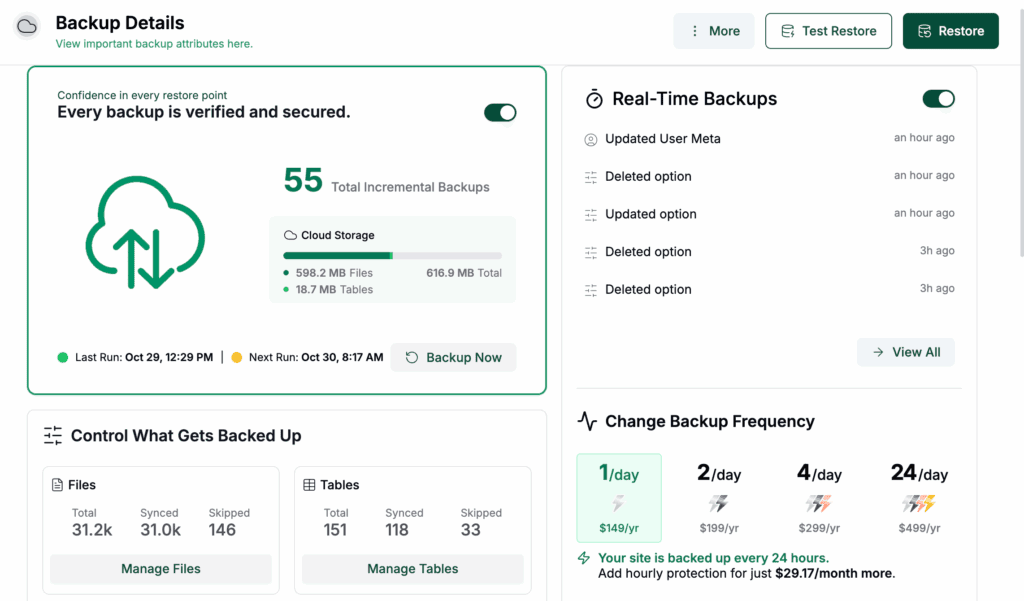
The powerful features come from paid extensions. These add advanced fields, booking systems, and even let you run multiple directory types on one site. This kind of setup may require choosing a better WordPress host to handle the load.
For specialized tools like a live chat function between users and owners, you will need to buy an extension.
The front-end and back-end experience
For visitors, the experience is modern and user-friendly. The front-end submission process for business owners is also intuitive. In the back-end, the admin dashboard is clean, and managing listings is straightforward.
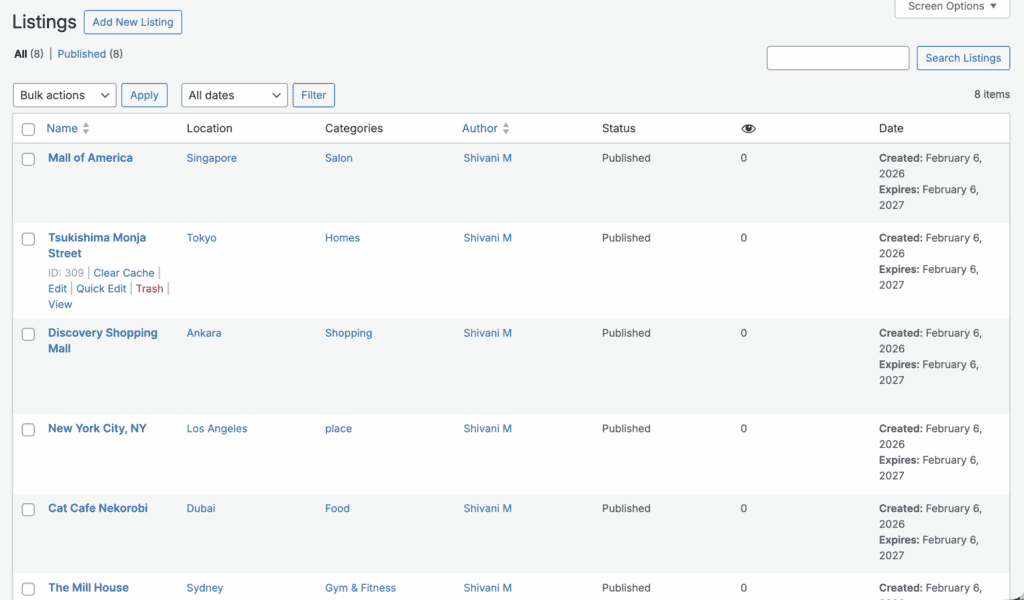
However, the settings area can get overwhelming as you add more extensions. This is why making changes on a WordPress staging site first is always the safest approach. It offers deep control but feels slightly cluttered.
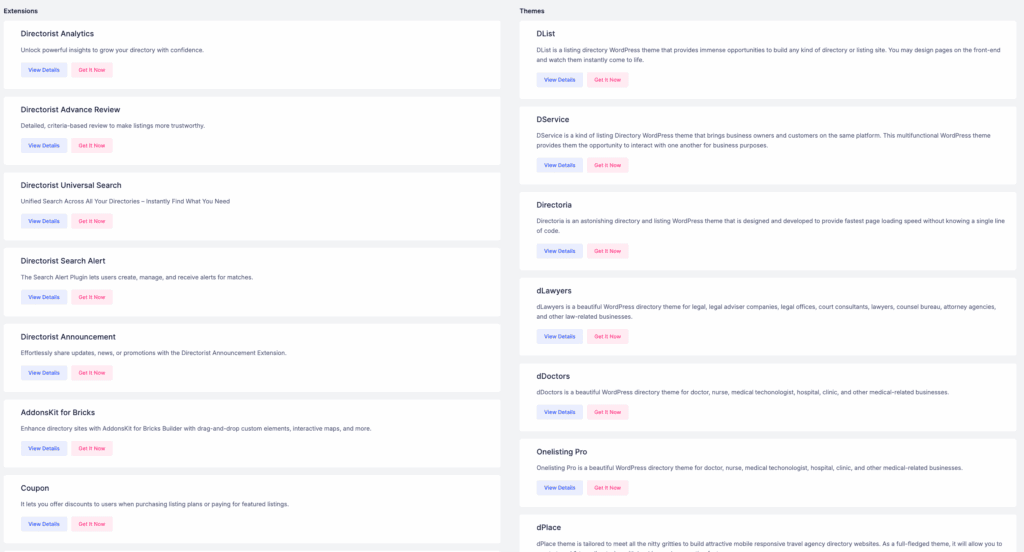
Customizing forms requires some configuration, but the drag-and-drop builder for layouts and forms makes this much easier. The plugin integrates seamlessly with most themes and includes a modern user dashboard for people to manage their listings.
Directorist’s revenue and growth tools
Monetization is driven by paid extensions. Pro features let you set up paid listing submissions, recurring subscription plans, and even a commission system. This is a feature set that demands strong WordPress security. You can earn revenue for free with the core plugin by offering “featured listings” for a fee.
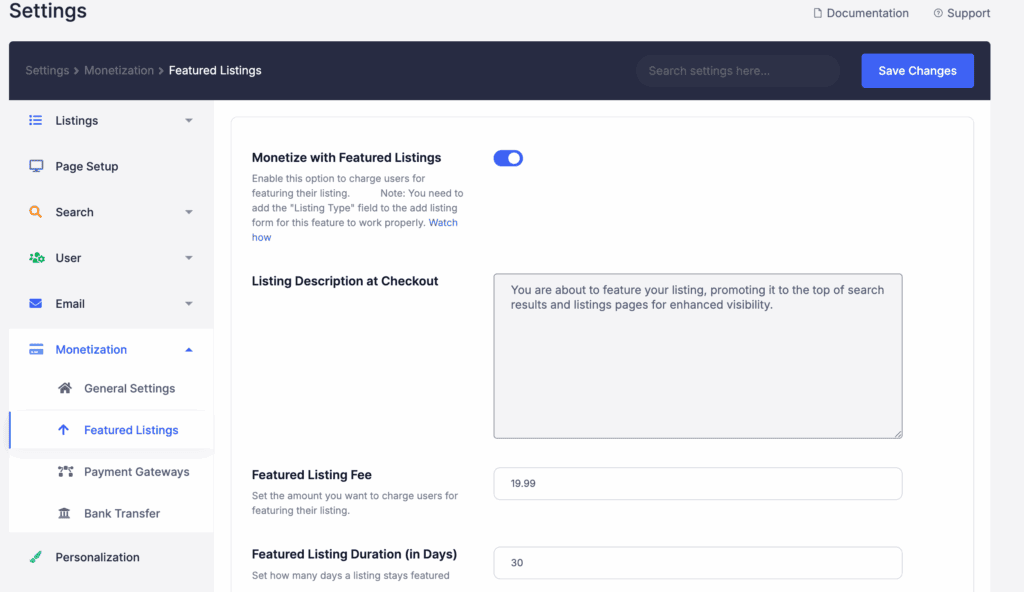
Directorist offers dedicated extensions for advanced ads and major gateways such as PayPal/Stripe. Directorist’s extension library lets you add these features modularly without the bloat of a full e-commerce system.
The PayPal option also requires its own extension to work correctly. The revenue tools are robust, but they add to the total cost.
Managing and tailoring your directory
Directorist gives you significant control. You can set a default directory location and use robust tools to create custom fields and categories. A central dashboard makes managing user submissions simple, and you can use bulk actions to edit many listings at once. This is why having a reliable WordPress backup is essential.
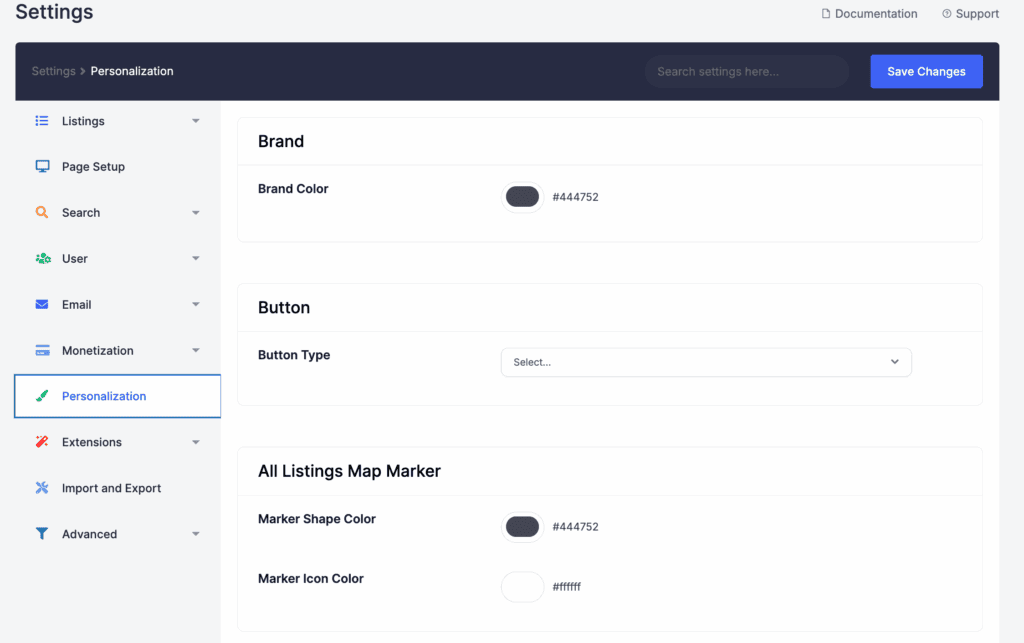
The CSV bulk importer is excellent for adding thousands of listings quickly. You can also create custom badges for Verified or New listings and edit all email notification templates. While the plugin is powerful functionally, its appearance customization is moderate.
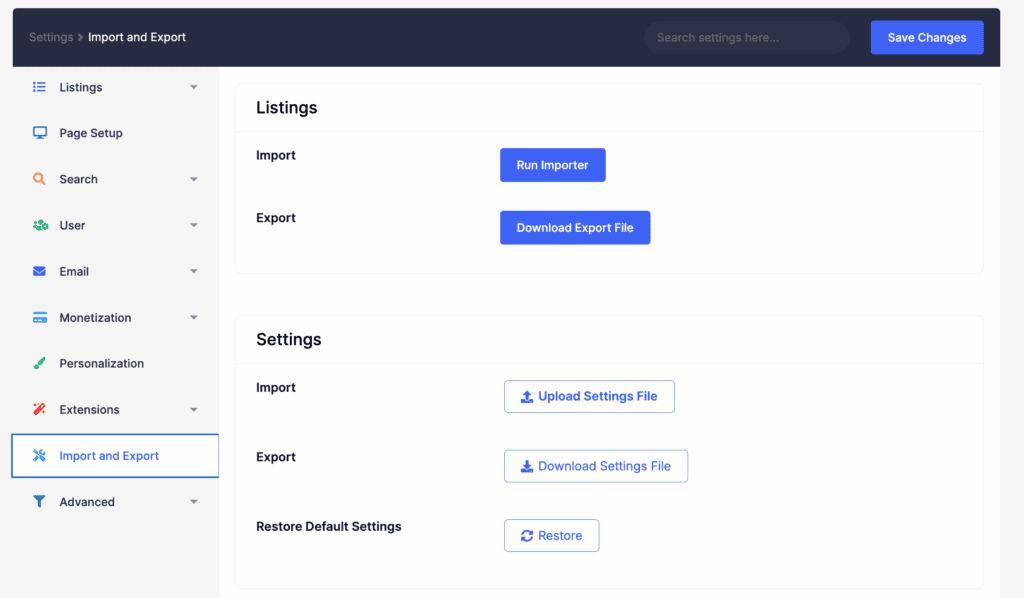
Your site’s final look is mostly tied to your theme or a page builder like Elementor. This makes choosing a WordPress theme that’s compatible and lightweight a critical decision.
Directorist for performance and SEO
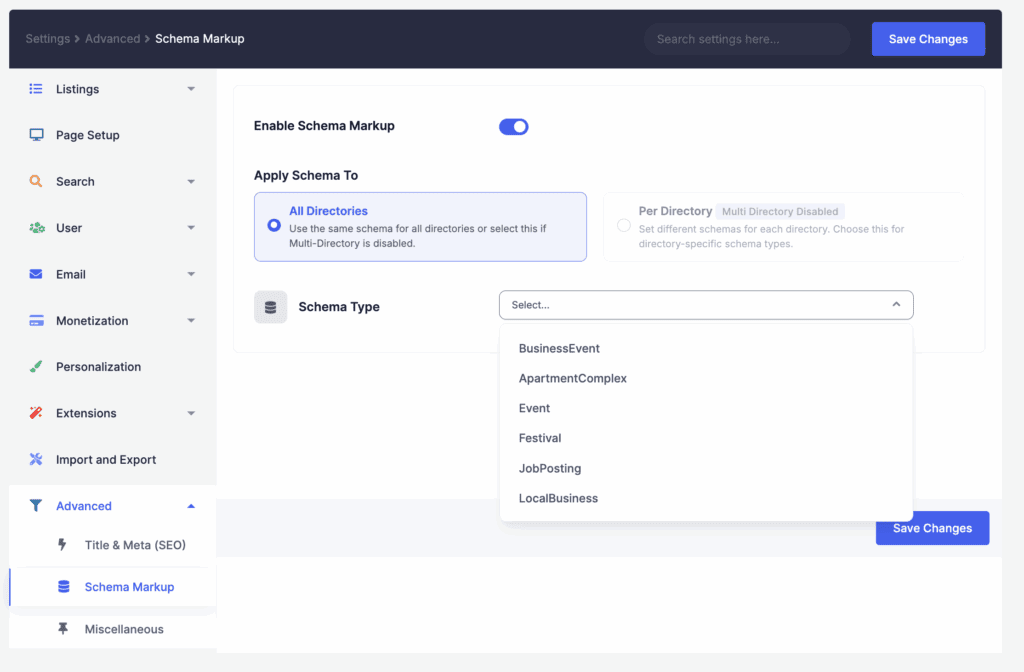
The plugin is built with search engines in mind. It outputs clean code and includes Schema markup integration for listings, which helps you get rich results in Google search. It also creates SEO-friendly permalinks for all your directory pages.
A directory with many listings and extensions can impact site speed. This makes it crucial to update the plugin safely to avoid performance-draining conflicts. Your site’s performance will depend heavily on your hosting quality.

While it has built-in caching support, you’ll often get the best results with a dedicated WordPress caching plugin. You will still need good hosting for a large directory.
Understanding Directorist’s cost
Directorist operates on a modular pricing model: the core plugin is free, while advanced features are paid extensions. The free version is genuinely powerful on its own. You can buy premium extensions one by one or get them all together in a site quantity dependent membership.
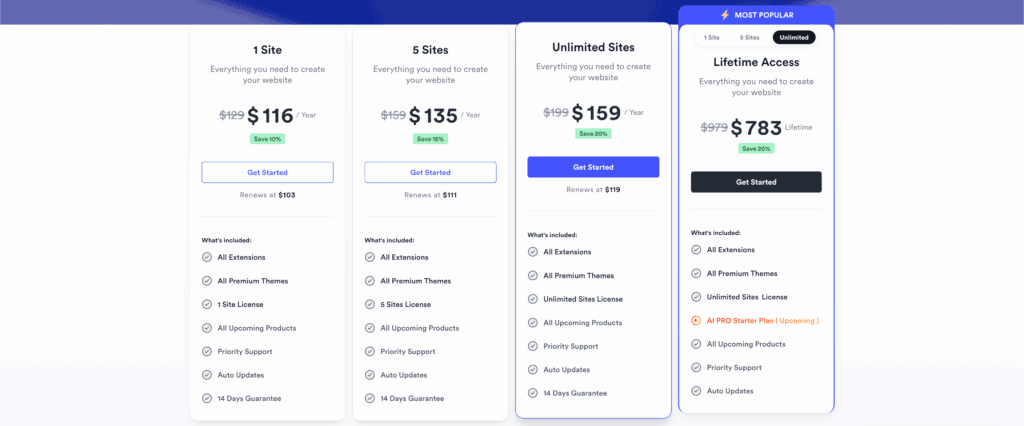
This is where the true cost comes in, so it’s smart to budget for the specific extensions you’ll need. For the best long-term value, consider the lifetime license when it becomes available.
A balanced look at the trade-offs
Here is a straightforward breakdown of the plugin’s strengths and weaknesses.
| Pros | Cons |
| Free core features | Inconsistent support: many users report this |
| Multiple revenue options | Limited appearance customization |
| Centralized management | Pricey premium add-ons |
| Mobile-friendly design | Conflicts with heavy themes |
| Supports many listings |
Who should (and shouldn’t) use Directorist
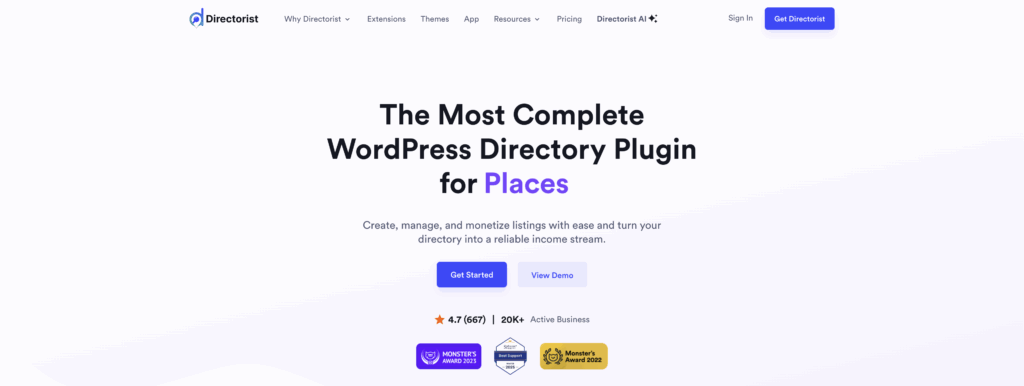
Is this the right plugin for your site?
You should use Directorist if:
- You are a developer needing a highly scalable, flexible directory foundation.
- You are on a budget and require robust free features to get started.
- You want a dedicated mobile app integration for your business.
You should not use Directorist if:
- You are a beginner looking for a “one-click” simple solution.
- You require high levels of visual customization without writing code.
Other directory plugins to consider
Directorist is a good choice, but it’s not the only one.
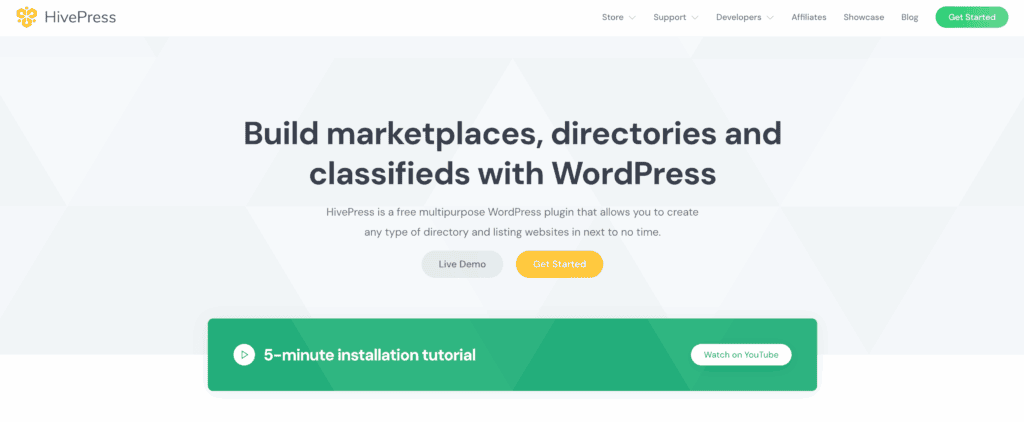
HivePress: A modern, lightweight alternative with great booking features that is also free.
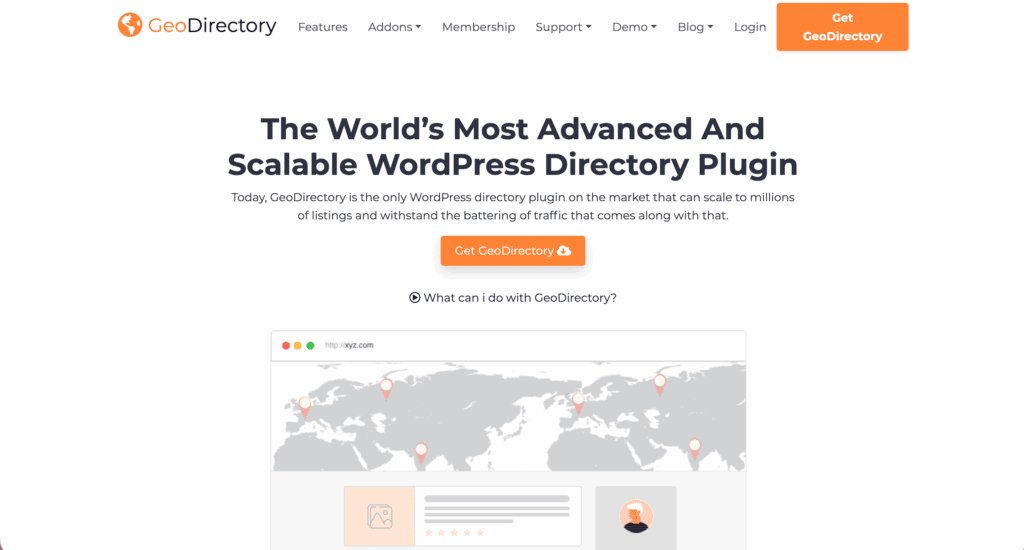
GeoDirectory: Best for massive, global-scale directories focused on maps.
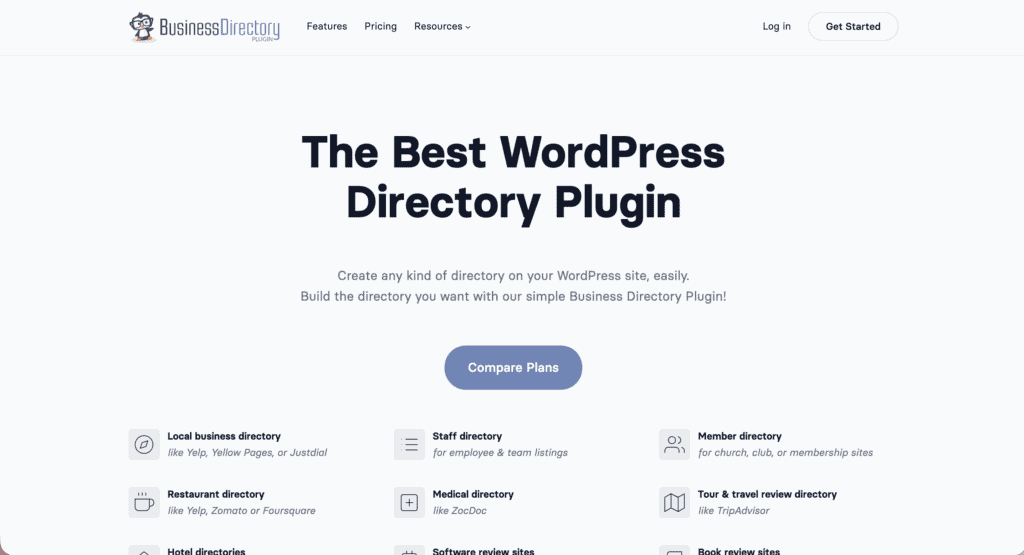
Business Directory Plugin: A simpler, more traditional “yellow pages” style plugin.
Parting thoughts
Directorist is a top-tier choice for most WordPress directories. The AI integration sets it apart from older competitors, and its free core version offers tremendous value. However, be prepared for potential add-on costs as you grow.
Before you commit, test the free version on a staging environment thoroughly. Verify its compatibility with your specific SEO stack and see if its design integration meets your needs. If it does, Directorist is a powerful and legitimate starting point for your project.
FAQs
Is the core Directorist plugin actually free?
Yes, the core Directorist plugin is completely free to download and use from the WordPress repository. It includes all essential features for a basic directory, while advanced functions require paid extensions.
Does it integrate with any WordPress theme?
Yes, Directorist is designed to integrate seamlessly with virtually any well-coded WordPress theme. Its styling adapts to your theme’s design, but deep visual customizations may still require some CSS.
How do I monetize my directory listings?
You can monetize your directory through paid listing submissions, recurring subscriptions, and featured listings. Most of these powerful monetization features are unlocked through premium, paid extensions.
Is there a native mobile app available?
Yes, a native mobile app is available as a premium feature that syncs directly with your website’s data. The mobile app builder creates dedicated iOS and Android apps, a unique offering in this space.
Can I bulk import listings via CSV?
Yes, Directorist includes a powerful CSV bulk importer that allows you to add thousands of listings at once. This feature is crucial for migrating from another system or populating your directory quickly.
Does it support automated recurring subscription payments?
Yes, Directorist supports automated recurring subscription payments through its premium extensions. This functionality often requires integration with WooCommerce to manage the subscription cycles.
Is Directorist compatible with major SEO plugins?
Directorist is generally compatible with major SEO plugins like Yoast SEO and Rank Math. However, some users report occasional conflicts, so it is always wise to test it with your specific setup.

Shivani enjoys crafting guides that make every aspect of using WordPress simple and easy to follow. When she's not glued to her laptop, you can find her buried in a good book or occasionally, painting.


