You’ve likely narrowed your translation plugin choice to GTranslate vs WPML. Now comes the hard part, because you can only choose one.
Each plugin represents a completely different approach to translation. This isn’t just a technical detail. It affects your entire global strategy.
Choosing the wrong one can cost you time and money, and we want to avoid that. This guide provides the clarity you need to make the right choice.
Choose WPML for professional control and e-commerce, or GTranslate for a fast solution on simpler sites. Just remember to safeguard your site with a backup plugin before installing either one.
GTranslate vs WPML: A quick comparison
Let’s break down the key differences between GTranslate and WPML side-by-side.
| Feature | GTranslate | WPML |
| Translation Method | Real-time machine translation | Advanced Translation Editor with AI support |
| Manual Editing | Visual front-end editor (Pro) | Split-screen editor |
| Multilingual SEO | SEO support in paid version | Full SEO control with hreflang tags |
| URL Structure | Subdomains/subdirectories (Paid) | SEO-friendly URL structures |
| Integration | Works with any theme | Deep integration with WooCommerce, Elementor |
| Cost | Free; Paid $9.99-$29.99/mo | Starting at $39; $99 annual Multilingual CMS |
How you’ll translate content
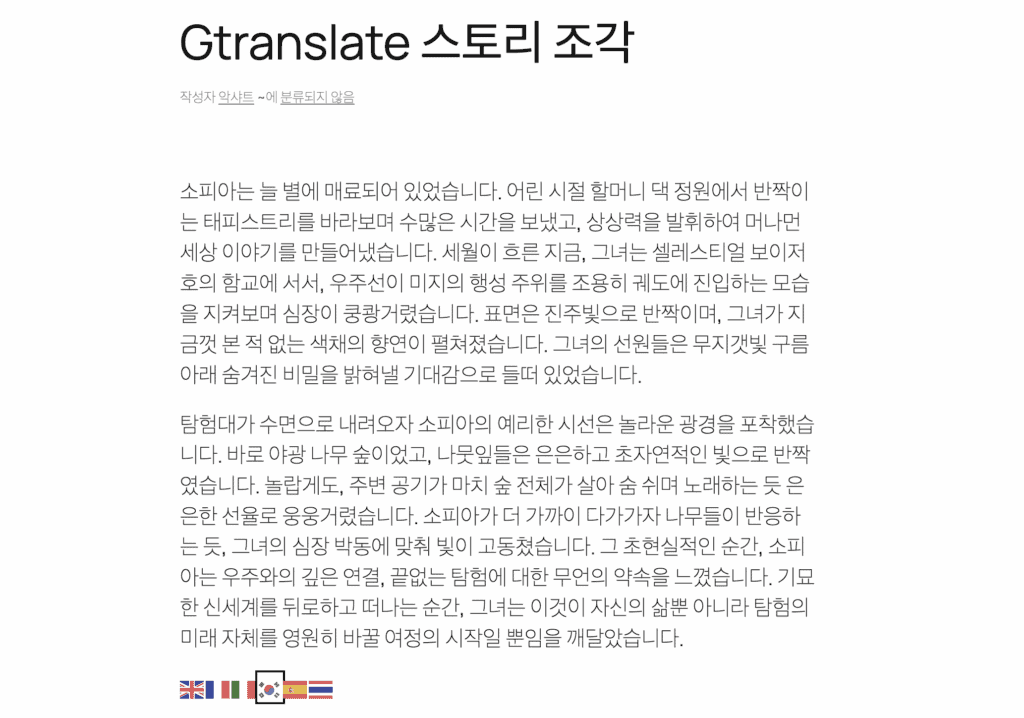
GTranslate is all about hands-off automation. It utilizes Google’s machine translation to translate your content for visitors. There’s no complex backend editor to learn.
If you find a translation that’s a bit off, the Pro plans let you fix it with a visual editor right on the front end of your site. It’s designed to be a set it and forget it solution.
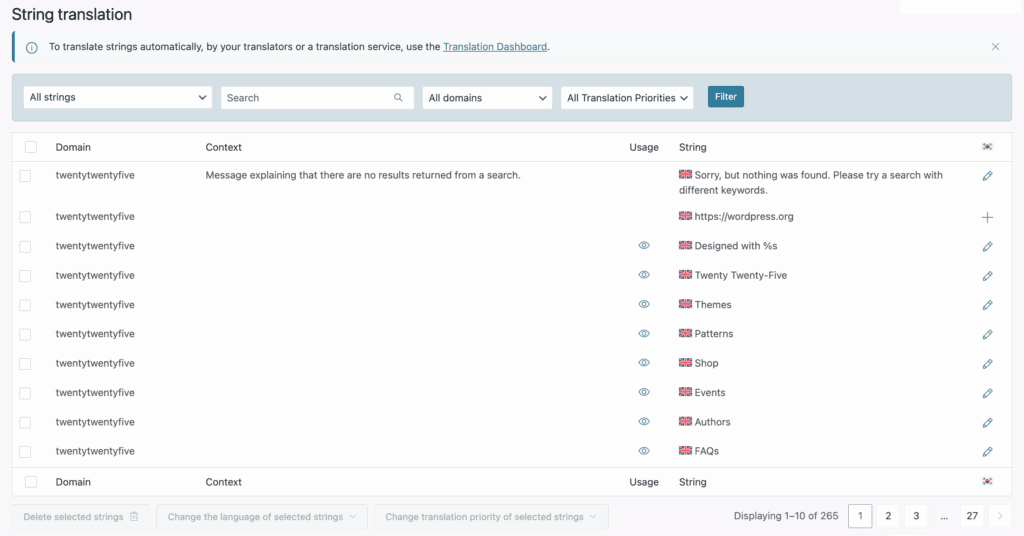
WPML, on the other hand, is a professional content management tool. While it gives you a dedicated Advanced Translation Editor for perfecting every single line, it also offers powerful automation.
You can activate its Translate Everything mode to have all your content translated automatically. It supports multiple engines but the whole point is that you can choose your level of control—from full automation to assigning jobs to professional services right from your dashboard.
Multilingual SEO and URL control
From an SEO perspective, the free version of GTranslate is a non-starter. The translations are dynamic and cannot be indexed by Google. Search engines will only ever see your original language. We’ve seen many people install it, thinking they’ve made their site multilingual for SEO, but they haven’t.

The paid versions of GTranslate fix this fundamental problem by creating indexable URLs (either on subdomains or in subdirectories). This is a massive improvement and makes your content visible to search engines.
WPML, however, was built for multilingual SEO from day one. It gives you total control over your URL structure and automatically adds the critical hreflang tags that tell Google which language to show to which user. More importantly, WPML lets you translate every SEO element you can think of:
- URL slugs
- SEO meta descriptions
- Image alt text
It also integrates flawlessly with the top SEO plugins like Yoast and Rank Math. This deep integration means you have the tools not just to be found, but to actually compete and rank in different markets.
Compatibility and workflow
GTranslate’s main strength is its wide compatibility. Because it translates the final HTML output of your site, it works with almost any theme or plugin you can throw at it. It also has a very low impact on your server’s performance, since the translation processing happens in the cloud.
WPML works by integrating deeply into your WordPress site’s database. This is what gives it such precise control, especially for complex sites using WooCommerce or page builders like Elementor. It has dedicated tools for translating things other plugins miss, like theme text and custom fields.
Ongoing support and updates
With GTranslate, updates are handled for you. It’s one less thing to worry about. Their email support for paid plans is quite responsive, especially for setup and configuration issues.
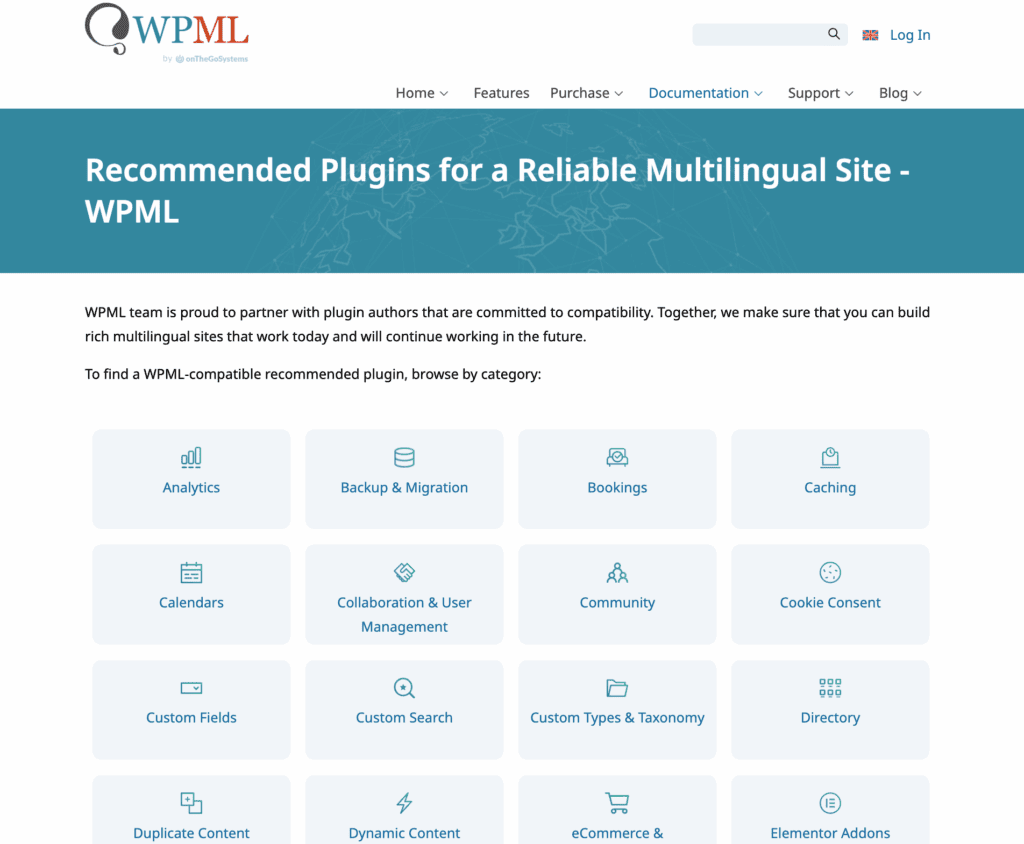
WPML’s support system is more comprehensive. As an established plugin, it provides extensive documentation, forums, and reliable ticket-based help. They also maintain an official list of compatible plugins, giving you confidence that your tools will work together seamlessly.
The cost comparison
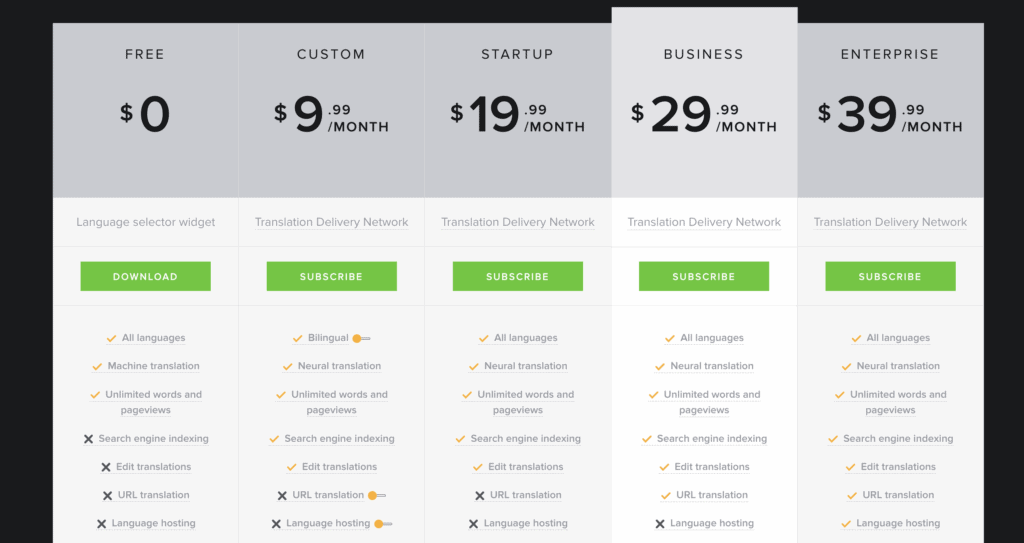
The GTranslate plugin offers a free version with unlimited machine translation. To get the essential SEO features, you’ll need a monthly subscription, which runs from about $10 to $40 a month.
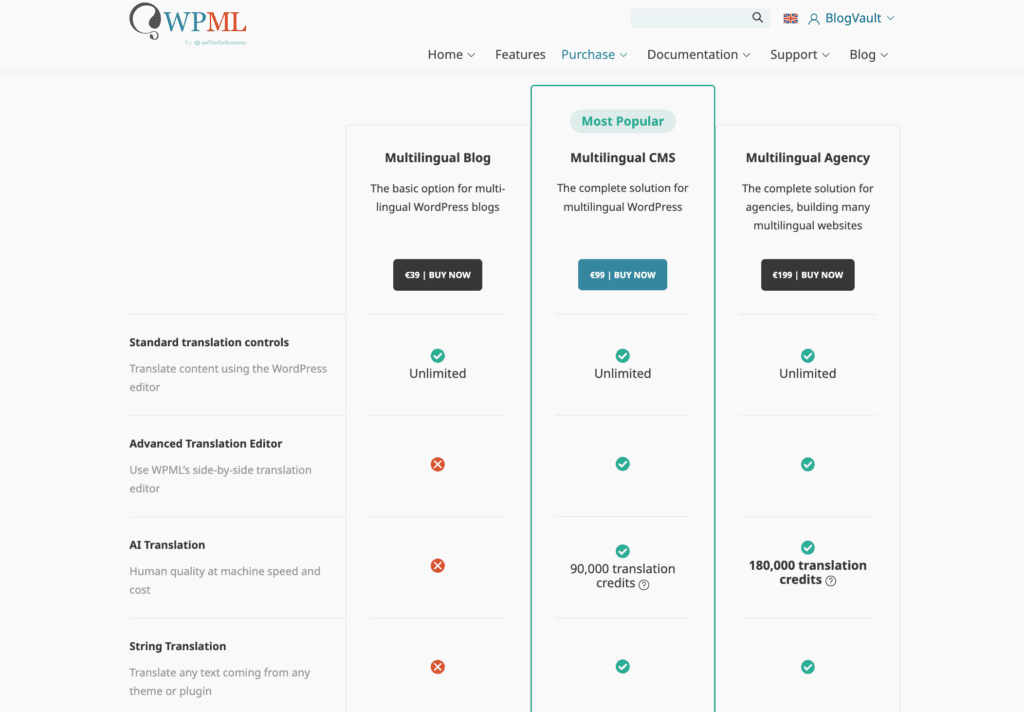
The WPML plugin has no free version. It’s sold as an annual license, with the main Multilingual CMS plan costing $99 per year.
Both offer a safety net. GTranslate has a 15-day free trial on its paid plans, while WPML has a 30-day money-back guarantee.
Which one should you pick?
- Your goal is basic accessibility, not SEO-driven growth.
- You have absolutely no budget for translation management.
- Your site has a complex or custom theme, and you need something that is almost guaranteed to work.
Choose WPML if:
- SEO is a critical part of your business strategy.
- You run a WooCommerce store or another complex business site.
- Brand voice and translation accuracy are non-negotiable.
- You need a professional workflow for managing translators.
Our experience shows that for lead generation and e-commerce, WPML’s precision is worth the investment. For informational blogs or community sites, GTranslate’s paid plan is a surprisingly powerful and affordable tool.
A few alternatives to consider
While these are the two giants, they aren’t your only choices.
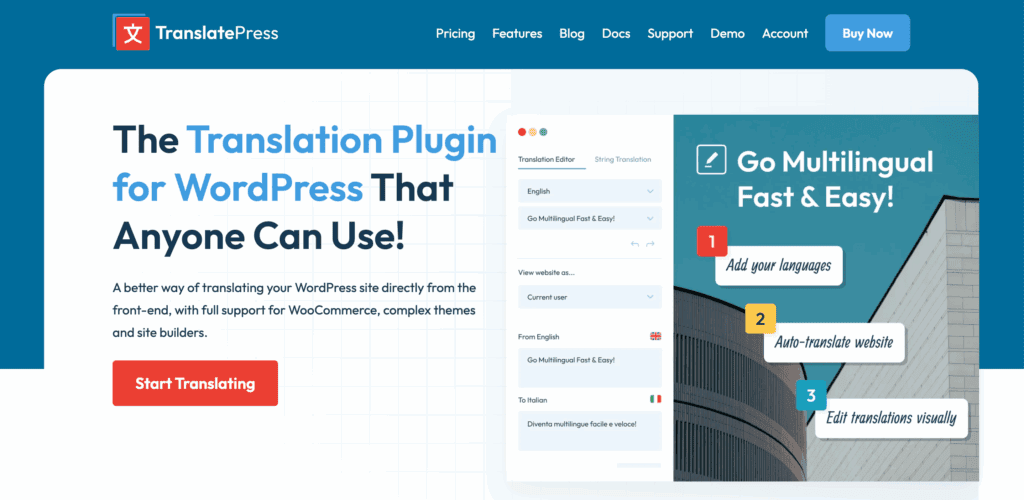
- TranslatePress: Our go-to recommendation for people who want to translate visually. You edit translations right on the front end of your site. It’s very intuitive.
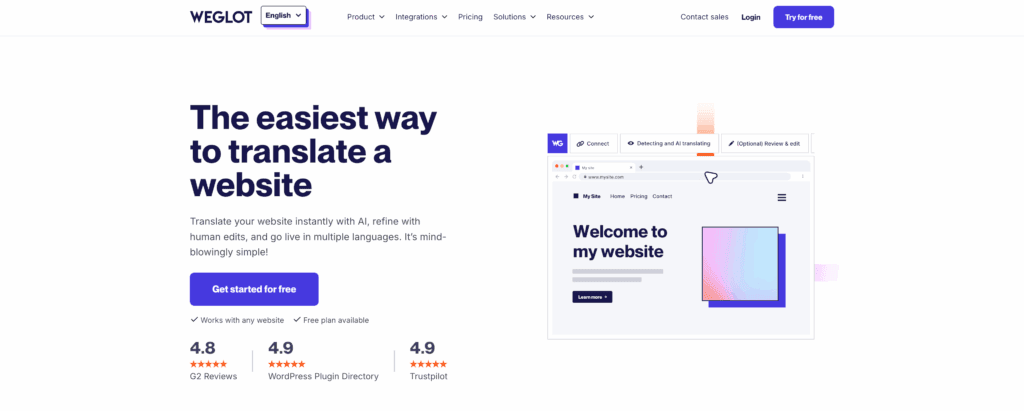
- Weglot: A freemium service that’s incredibly easy to set up and very fast. It’s a great product, but the subscription can be more expensive.
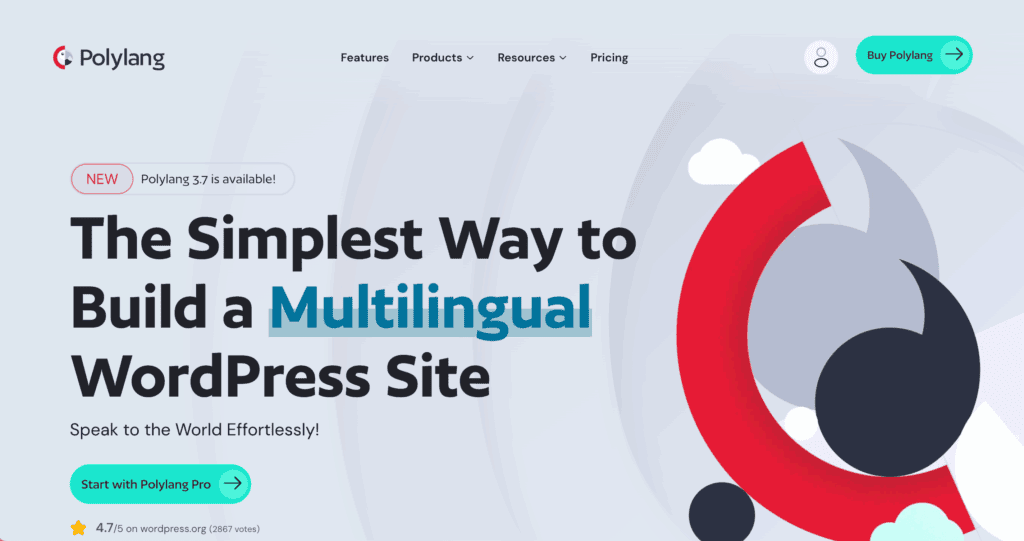
- Polylang: A popular, lightweight choice for manual translation. It has a solid free version, but you (or a translator) will be doing all the work.
Parting thoughts
The right choice between GTranslate and WPML depends entirely on your long-term goals for control and SEO. Because either plugin represents a significant change to your site’s structure, protecting your work is crucial.
Always create a complete WordPress backup before you install one, ensuring your decision is a safe one.
FAQs
Does GTranslate or WPML offer better SEO results?
WPML is superior for SEO because it stores translations in your database, allowing search engines to index individual language pages with custom URLs and hreflang tags. The free version of GTranslate does not provide any SEO benefits; you must upgrade to a paid plan to get indexable subfolders or subdomains.
Can I manually edit the automatic translations?
Yes, but the method differs. In WPML, you use a dedicated backend Advanced Translation Editor to review and refine machine output. GTranslate only allows manual edits in its Pro versions through a live, front-end visual editor.
Which plugin is easier for beginners to set up?
GTranslate is significantly easier; it can be live in minutes by simply activating the plugin and choosing your languages. WPML requires more configuration, such as setting up URL structures and choosing translation methods for different content types.
How do the costs compare between the two?
GTranslate: Offers a free version for unlimited machine translation. Paid tiers range from $9.99 to $29.99/month.
WPML: No free version. Plans start at $39/year, with the standard CMS plan at $99/year. Note that WPML uses a credit system for automatic translations beyond its initial free allowance.
Is WPML or GTranslate better for WooCommerce?
WPML is generally better for e-commerce because it offers deep integration with WooCommerce, allowing you to translate product attributes, checkout pages, and system emails. GTranslate provides quick translation but lacks specific e-commerce features like currency switching linked to language.

Shivani enjoys crafting guides that make every aspect of using WordPress simple and easy to follow. When she's not glued to her laptop, you can find her buried in a good book or occasionally, painting.