
Searching for plugins for newsletters is overwhelming. We get it. You’re weighing features, pricing, and the nagging fear of plugin conflicts, all while your audience is waiting.
As you weigh the MailPoet vs Newsletter Plugin decision, the choice forces a trade-off: immediate, out-of-the-box ease vs deep, long-term control.
This guide provides the clear verdict you need to stop researching and start connecting with your readers.
This is a choice between MailPoet’s out-of-the-box convenience and The Newsletter Plugin’s long-term control and flexibility. Whichever you choose, always use a backup plugin if any conflicts arise.
MailPoet vs Newsletter Plugin review in a nutshell
Here’s a quick side-by-side look at how MailPoet and The Newsletter Plugin stack up:
| Feature | MailPoet | The Newsletter Plugin |
|---|---|---|
| Pricing Model | Free for 1,000 subs (includes sending). Paid plans are a recurring subscription. | Free for unlimited subs. Paid extensions for advanced features (often one-time costs). |
| Key Feature | All-in-one system with excellent native WooCommerce integration. | Highly flexible and modular, customizable with many add-ons. |
| Ease of Use | Modern, intuitive drag-and-drop editor. Very beginner-friendly. | Functional but dated interface. Steeper learning curve for advanced settings. |
| Sending Service | Includes a built-in, high-deliverability sending service. | Requires you to bring your own third-party SMTP service. |
| Performance Impact | Minimal impact on your site. Offloads sending to its own servers. | Can be resource-intensive. Sends using your server’s resources. |
| Best For | WooCommerce users, beginners, and those who want an all-in-one solution. | Technical users, developers, and those on a budget with large lists who want full control. |
Pricing & overall value
MailPoet’s approach is simple and predictable. It offers a fantastic free plan for up to 1,000 subscribers, and this includes its professional sending service. For a new site, this is an incredible value. Once you grow, you move to paid plans that scale with your list size, making it a recurring operational cost.

The Newsletter Plugin, on the other hand, gives you its core plugin for free with unlimited subscribers. This sounds amazing, but the catch is that advanced features, like e-commerce tools or advanced analytics, require premium extensions. You buy these as needed.

A common pitfall we see is users choosing The Newsletter Plugin for the “free subscribers” benefit without calculating the true cost. Before you commit, add up the one-time cost of the 3-4 extensions you’ll likely need. It can sometimes be more than a year’s subscription to MailPoet.
Core features & flexibility
MailPoet is a complete, integrated system. Its absolute killer feature is its native WooCommerce integration. You can set up abandoned cart emails, send follow-ups after a first purchase, or create newsletters featuring your products right out of the box.
It works seamlessly. Its automation builder is also visual and simple, perfect for welcome series or basic workflows.
The Newsletter Plugin is a modular powerhouse. Its free version is great for standard broadcasts, but you build its true strength with add-ons. To get those e-commerce features, for example, you’ll need to buy and install an extension.
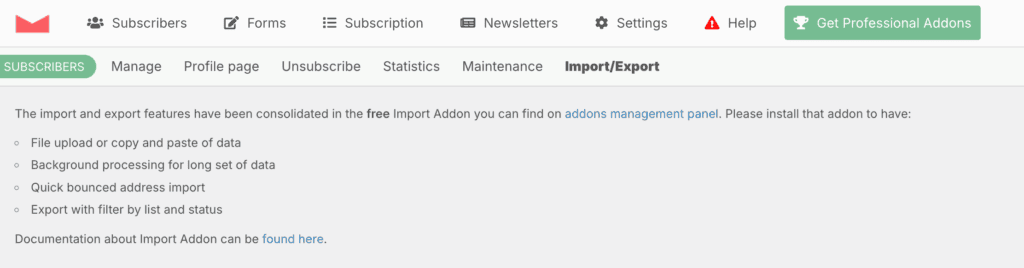
Its automation can be far more complex and customized than MailPoet’s, but you have to be willing to construct those workflows yourself.
Ease of use & learning curve
MailPoet feels modern. It has a clean, intuitive drag-and-drop editor and a guided setup wizard that makes getting started easy. The entire interface feels like a natural part of the modern WordPress dashboard.
From our tests, even a complete beginner can design a professional-looking email in under 30 minutes.
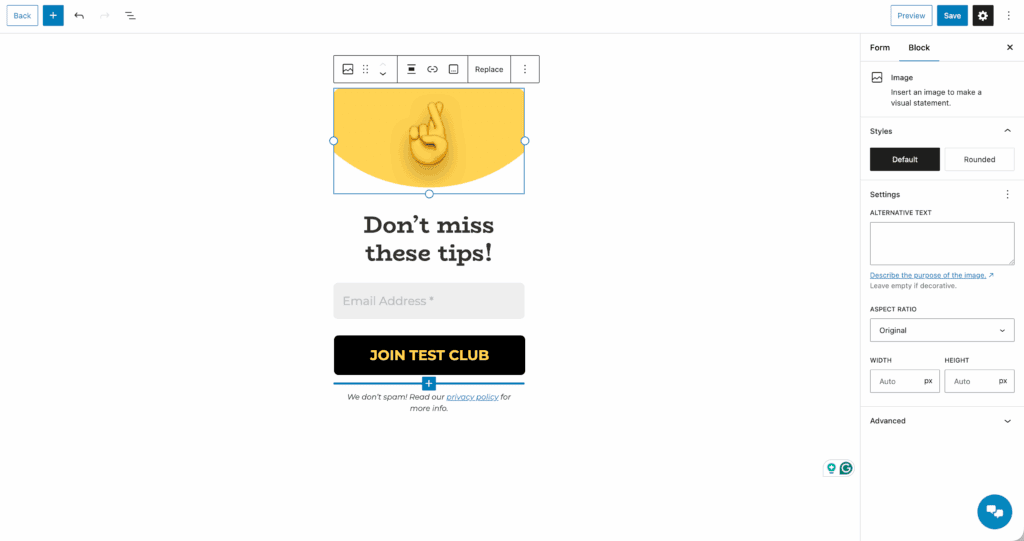
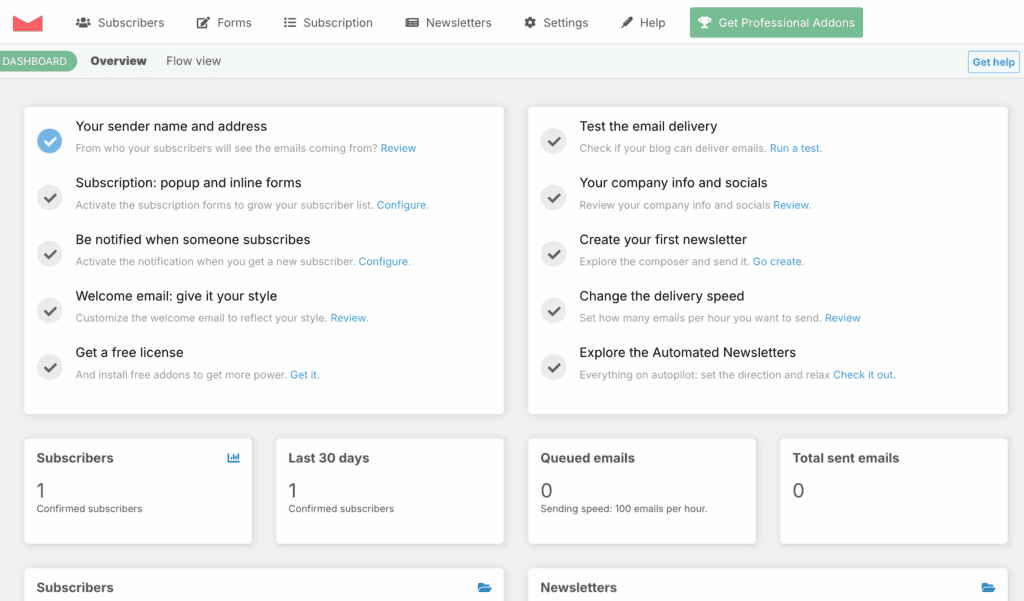
The Newsletter Plugin is powerful but has a more dated interface. It’s functional, but it feels more like a traditional WordPress settings panel. While there’s an onboarding tutorial, achieving an advanced setup means navigating through dense menus.
Both plugins, it should be said, allow for template-based or fully custom email design, but it’s crucial to know how to update plugins safely to avoid breaking your templates.
Sending infrastructure & deliverability
MailPoet includes its own high-deliverability sending service. This is a huge advantage. They handle all the technical authentication and reputation management for you. The trade-off is the free plan limits you to 5,000 emails per month.
A necessary warning: MailPoet also has very strict anti-spam policies and will proactively suspend accounts with high complaint rates to protect its network.
The Newsletter Plugin requires you to bring your own sending service. By default, it will try to send through your web host, which is a terrible idea. We cannot stress this enough: never do this.
You must configure a third-party SMTP plugin to get good deliverability. This gives you full control over your sender reputation, but it also makes you fully responsible for it.
Performance & reliability
A newsletter should build your audience, not crash your website. Because MailPoet offloads the heavy work of sending emails to its own servers, it has a minimal performance impact on your web host. This is a massive benefit, especially for sites on shared hosting plans. It also uses WP-Cron for reliable background task handling.
The Newsletter Plugin can be resource-intensive. Sending a campaign to a large list runs on your server, consuming CPU and memory, which can slow your site down.
This requires optimization and a good hosting plan to manage. Both plugins are actively developed and updated frequently, and it’s important to note that both will increase your database size as your list grows.
Who should choose what?
Here is a clear, actionable breakdown based on who you are and what you need.
You should choose MailPoet if:
- You run a WooCommerce store. The native integration is a game-changer.
- You value an all-in-one solution and don’t want to deal with technical configurations.
- You prioritize a modern, user-friendly interface for creating beautiful emails quickly.
- You’re a beginner looking for the easiest and most reliable path to getting started.
You should choose The Newsletter Plugin if:
- You have a large list but a small budget and your needs are simple (like weekly broadcasts).
- You are a technical user or developer who loves to customize and control every setting.
- You need granular, complex automation that goes beyond a simple welcome series.
- You already have a third-party SMTP plugin that you want to use.
Alternatives to consider
If neither of these feels like a perfect fit, here are a few other excellent tools.
Brevo (formerly Sendinblue): A great option for its powerful marketing automation on its free plan.
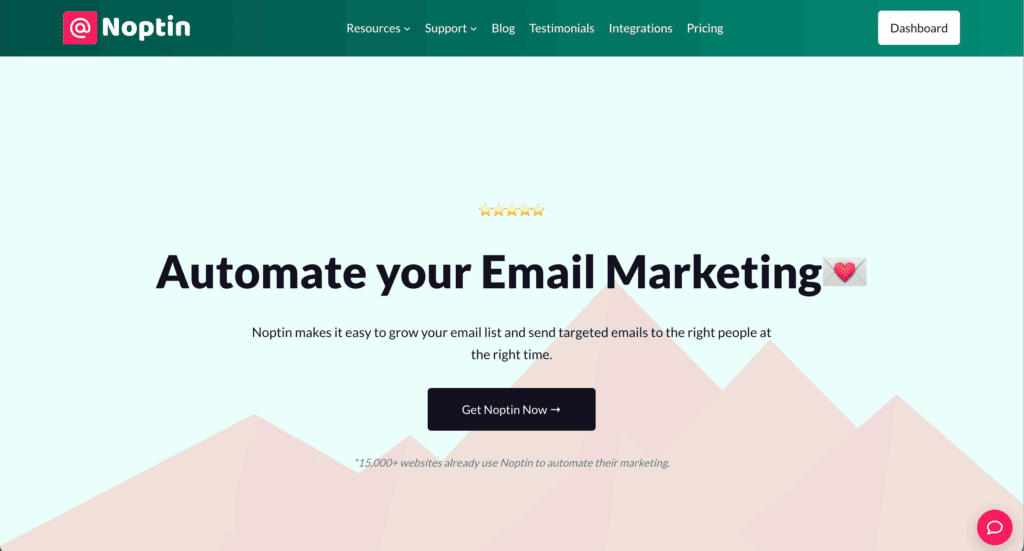
Noptin: A solid pick if you just need a lightweight, free, and simple plugin to get the job done.
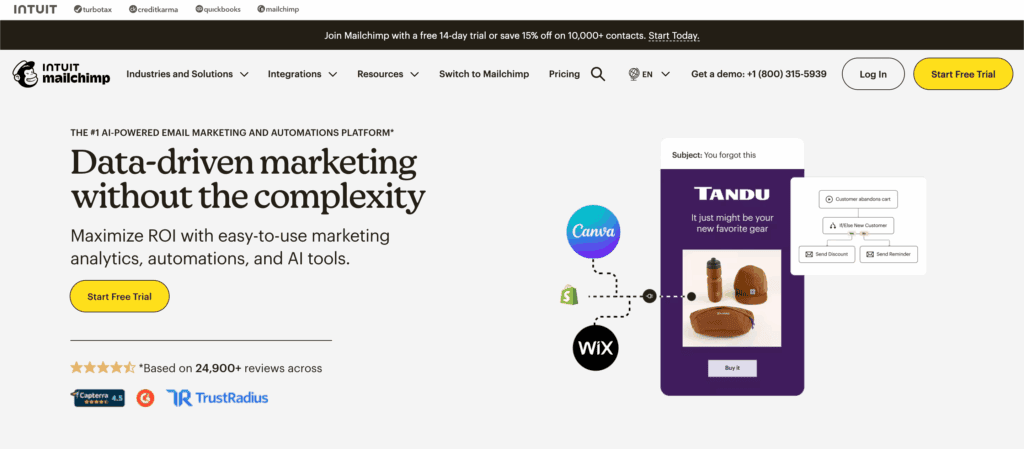
Mailchimp: Still a top choice for its amazing templates and huge number of third-party integrations.
Parting thoughts
This choice isn’t about which plugin is “better,” but which philosophy aligns with your needs. MailPoet sells convenience and reliability, removing the technical hurdles for you. The Newsletter Plugin offers total control and flexibility to own and customize completely.
Honestly assess your technical skills, budget, and goals for the next year. This information should give you everything you need to make a confident choice.
FAQs
Is MailPoet free to use?
Yes, MailPoet has an excellent free plan that is fully featured for up to 1,000 subscribers. This plan includes its professional email sending service at no cost.
How many subscribers does The Newsletter Plugin allow?
The free core version of The Newsletter Plugin allows for unlimited subscribers. However, advanced features often require purchasing premium extensions to manage that list effectively.
Does MailPoet work with WooCommerce?
Yes, MailPoet has outstanding native integration with WooCommerce. This lets you easily create abandoned cart emails and product newsletters without needing any extra add-ons.
Does MailPoet include a sending service?
Yes, all of MailPoet’s plans, including the free one, come with their own reliable sending service. This means you do not have to configure a separate SMTP provider.
How do I set up SMTP for The Newsletter Plugin?
You set up SMTP by using a dedicated SMTP plugin or by purchasing a premium integration from them. You will need credentials from a third-party service like SendGrid or Amazon SES.
Does The Newsletter Plugin have an automation feature?
Yes, The Newsletter Plugin offers basic automation for free through its Automated extension. For more advanced, multi-step visual workflows, you will need to buy its premium Automation extension.

Shivani enjoys crafting guides that make every aspect of using WordPress simple and easy to follow. When she's not glued to her laptop, you can find her buried in a good book or occasionally, painting.