
You’ve gone through the translation plugin lists, and it’s come down to this.
The choice in the Polylang vs TranslatePress debate isn’t about which one has more features; it’s about which workflow fits your reality.
Sure, they both say it’s easy—but what does ‘easy’ actually mean to you? Is it a tidy backend or a visual editor? That’s the question we’re going to answer.
Choose Polylang for backend control and performance, or TranslatePress for its simple, visual editor that’s perfect for clients. Whichever path you take, using a reliable backup plugin before you start is non-negotiable to keep your site safe.
Polylang vs Translatepress: Key differences at a glance
Before we get into the weeds, here’s a quick look at the main differences. This table is for those of you who just need the highlights before reading the full breakdown.
| Feature | Polylang | TranslatePress |
|---|---|---|
| Editing Style | Backend (Standard WP Editor) | Visual (Live Front-end Editor) |
| Data Storage | Duplicates posts for each language | Custom database tables for strings |
| Free Tier Limit | Unlimited languages | One additional language only |
| SEO Support | Native in Free; Pro for URL slugs | SEO Pack Add-on required (Paid) |
| Automation | Via third-party plugins or Pro via DeepL | Built-in (Google/DeepL) |
1. How they handle translation
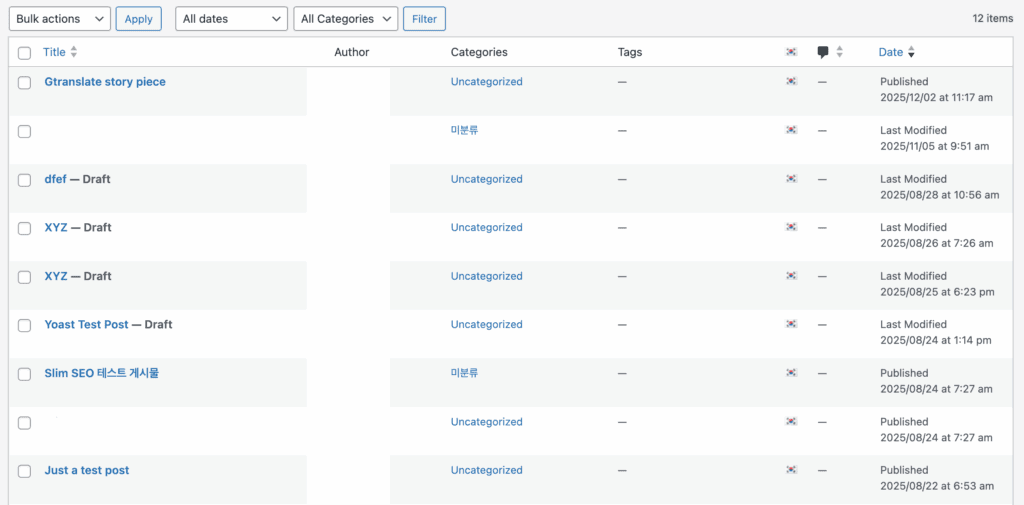
Polylang works by creating a separate, unique post in your database for each language, so you’ll have one page for English and a new one for Spanish.
This method aligns with how WordPress was built to work, but it’s important to know that the free version is entirely manual; automatic translation using services like DeepL requires an upgrade to Polylang Pro.
In contrast, TranslatePress doesn’t create new pages at all. It uses a visual editor to save translations as “strings” of text that are tied to the original page.

A huge advantage here is that you can start with automatic translation for free. If you sign up, you get 2,000 credits, which is often enough to get a small site translated instantly.
2. User interface and compatibility
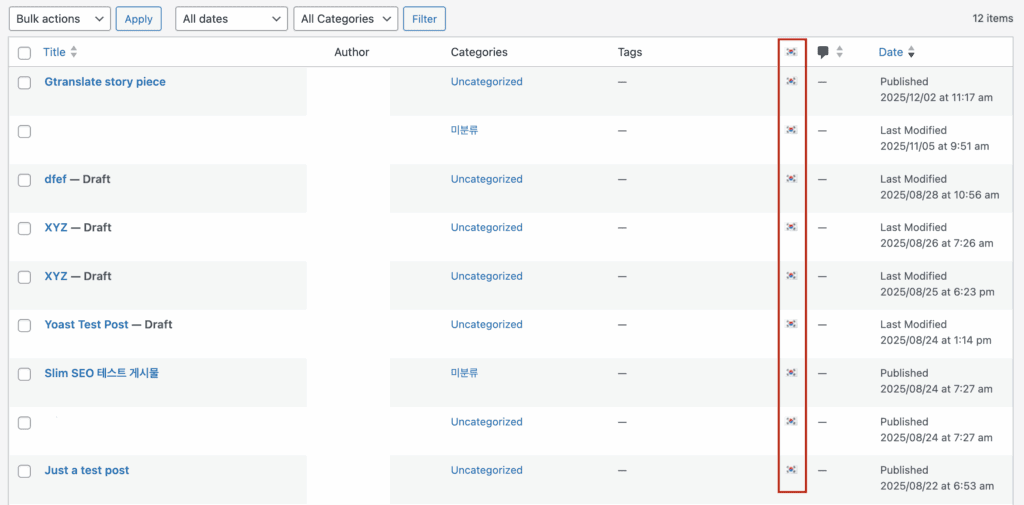
With Polylang, you’ll work entirely in the admin area, seeing your posts in a list with little flags next to them to track translations. Because it treats each translation as a separate page, it adds new entries to your WordPress database with each one.
This gives you a powerful advantage: the ability to create completely different layouts for each language, which is perfect for advanced projects.
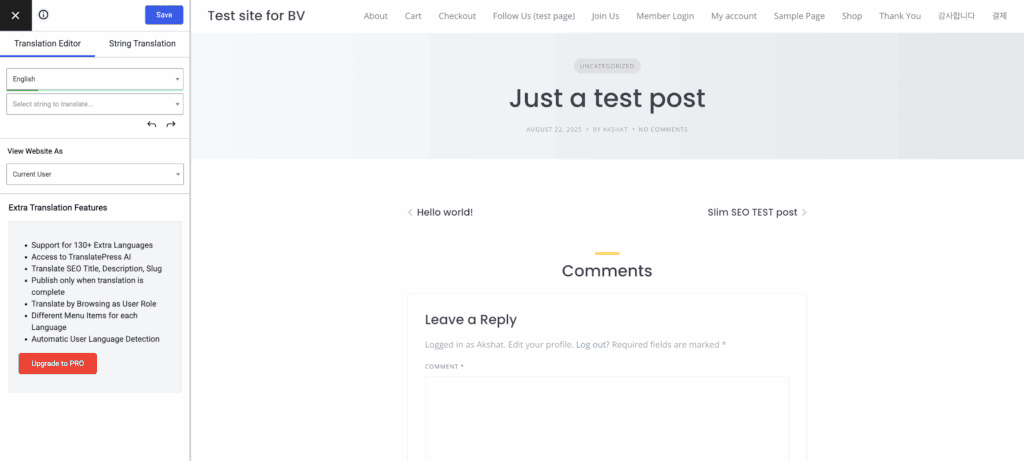
TranslatePress offers the opposite experience. It uses a visual, front-end interface similar to the WordPress Customizer. You just browse your live site and click on any text you want to change.
While both plugins work well with page builders, we have to point out a critical issue. This isn’t just something we’ve run into; Polylang even warns about it on their own site: using their PRO version’s automatic translation with DeepL often causes plugin conflicts with Elementor.
3. SEO optimization and global reach
A multilingual site needs to be understood by Google. Both plugins handle the critical technical SEO, like hreflang tags, correctly.
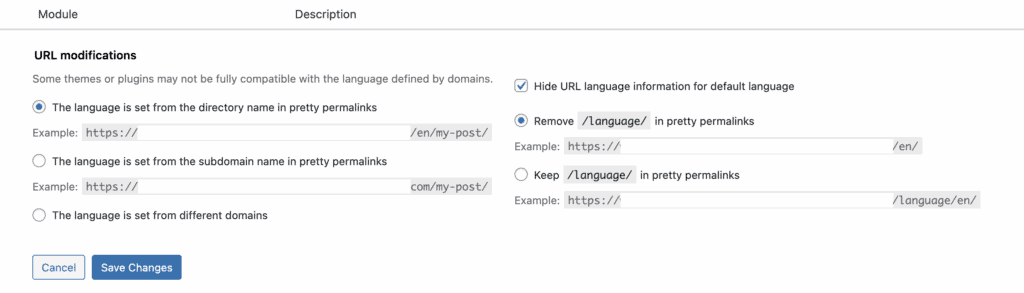
The biggest difference here is cost. Polylang gives you the most important SEO tools in its free version. You’ll get the hreflang tags you need right away so Google can properly index your languages.
TranslatePress makes you upgrade to its paid SEO Pack to translate things like URL slugs, SEO titles, and meta descriptions.
Without it, your language variants will share the same metadata, which isn’t great for search rankings. If your budget is zero, Polylang is the clear winner for SEO.
4. Performance, reliability & support
Site speed is everything. In our experience, Polylang is noticeably lighter on your server. Because it just loads a different post from the database, the performance hit is nearly zero. It’s as fast as your site already is.
TranslatePress has to do more work on every page load, finding all the text and swapping it out. This adds a small processing overhead. To be clear, it’s not slow, but a good caching plugin isn’t optional with TranslatePress—it’s a requirement.
For massive websites with thousands of articles, Polylang’s lean architecture will scale better. For a standard business site, you probably won’t notice a difference if your caching is configured correctly. For both, you’ll need a pro license to get ticket-based support.
The real cost: free vs. paid features
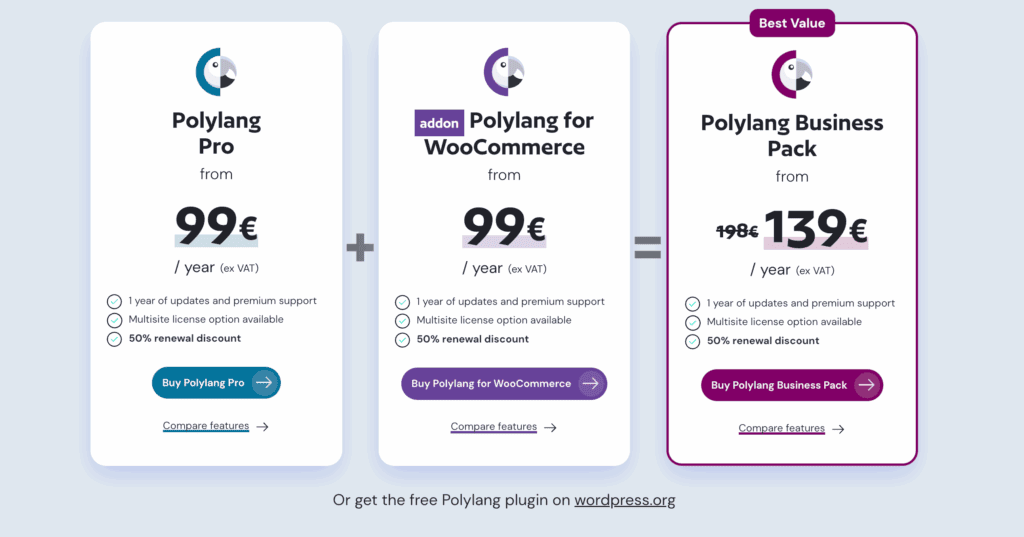
The biggest one is the language limit. Polylang’s free version lets you add unlimited languages. The free version of TranslatePress only lets you add one extra language.

Both plugins make you pay for the big stuff. If you want to translate a WooCommerce store, you need the pro version of either plugin. The same goes for translating URL slugs.
One unique feature worth mentioning is TranslatePress’s Translator Account in its PRO version. It creates a limited user role for someone who can only translate content and can’t break anything else on your site. It’s a fantastic feature for working with freelance translators.
Choosing the right translation plugin
There is no “best” here, only what’s best for your project.
Go with Polylang if:
- You are a developer or are very comfortable in the WordPress backend.
- Performance is your number one priority.
- You’re building a huge site with a lot of content, like a blog or a directory.
- You need the flexibility to create different page designs for different languages.
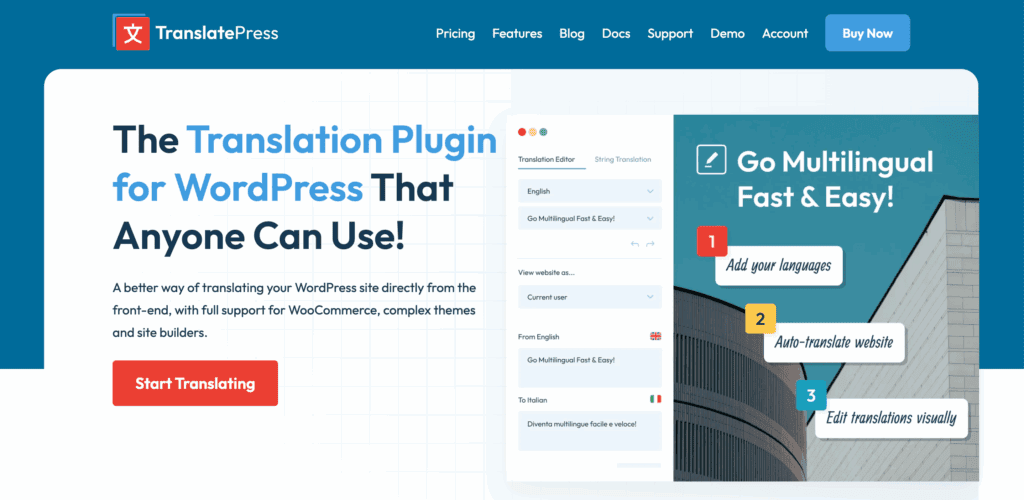
- You or your client strongly prefer a visual, point-and-click way of working.
- You want the simplest possible workflow, especially for a site built with a page builder.
- The person doing the translations is not technical.
Alternative plugins to pick from
If neither of these seems like a perfect fit, you have other options.
WPML: As we covered in our WPML review, this is the original, most feature-rich plugin. It integrates with almost everything but is also a heavier, more complex system.
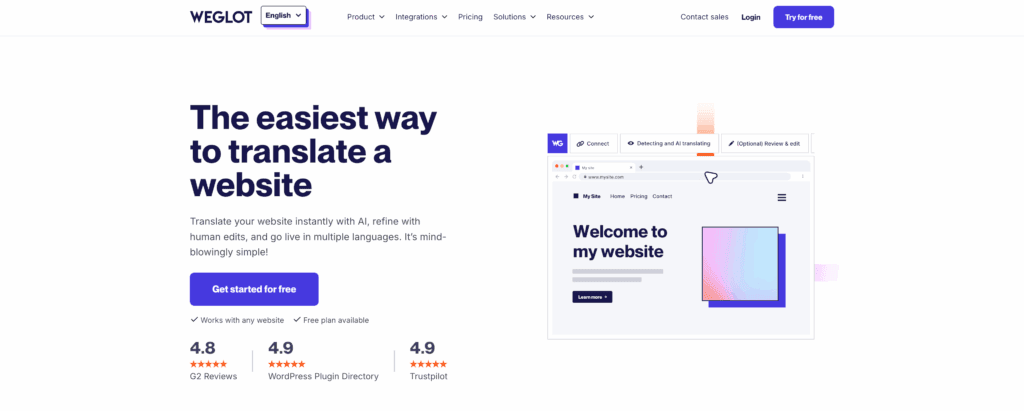
Weglot: Our testing of Weglot found this cloud-based service to be incredibly easy to set up. It works on a freemium model and is very hands-off, but the cost is ongoing.
Parting thoughts
Your choice should come down to workflow. Who is actually going to be doing the translating? If it’s a client, TranslatePress will save you from support headaches. If it’s you or a savvy content team, Polylang offers more control and better performance.
No matter which you pick, do these two things: back up your entire site before you install anything, and if you run an online store, test the entire checkout process in every language. You’ll thank yourself later.
FAQs
How beginner-friendly are Polylang and TranslatePress?
TranslatePress is significantly more beginner-friendly. Its visual front-end editor lets you point and click to translate, while Polylang requires you to work entirely within the WordPress backend.
Do Polylang and TranslatePress work with Elementor or Divi?
Yes, both plugins have excellent compatibility with major page builders like Elementor and Divi. However, be aware that Polylang PRO’s automatic translation can sometimes conflict with Elementor widgets.
How do Polylang and TranslatePress affect site performance and speed?
Polylang has a minimal impact on speed due to its lightweight design. TranslatePress adds a small overhead that can affect load times, which is easily managed with a good caching plugin.
What free SEO features do Polylang and TranslatePress offer?
Polylang offers better SEO control for free, including essential hreflang tags. TranslatePress requires you to upgrade to its paid SEO Pack to translate most metadata like titles and descriptions.
Do the free versions of Polylang and TranslatePress offer automatic translation?
No, automatic translation is a premium feature for both. Polylang requires a Pro plan, while TranslatePress offers a small amount of free credits upon signup before needing an upgrade.
Do Polylang and TranslatePress support WooCommerce for free?
No, neither plugin supports WooCommerce in its free version. You must upgrade to a paid plan on either platform to translate an e-commerce store.
How do Polylang and TranslatePress scale with large, content-heavy websites?
Polylang is generally the better choice for large websites. Its lightweight, database-native architecture scales more efficiently than TranslatePress’s string-based translation method.

Shivani enjoys crafting guides that make every aspect of using WordPress simple and easy to follow. When she's not glued to her laptop, you can find her buried in a good book or occasionally, painting.