
Choosing a WordPress translation plugin often leads to a core dilemma. Ease versus control. This is the heart of the Weglot vs Polylang debate.
Weglot promises translation in minutes, while Polylang is all about perfect, manual craftsmanship.
This guide will translate those differences into what they mean for your daily workflow and your budget. Getting this decision right will shape your entire global strategy.
Weglot offers automated translation for a fee, while Polylang provides a manual framework for free. For a hassle-free solution, our final verdict favors Weglot. Just remember to use a backup plugin to protect your site from potential plugin conflicts or setup errors.
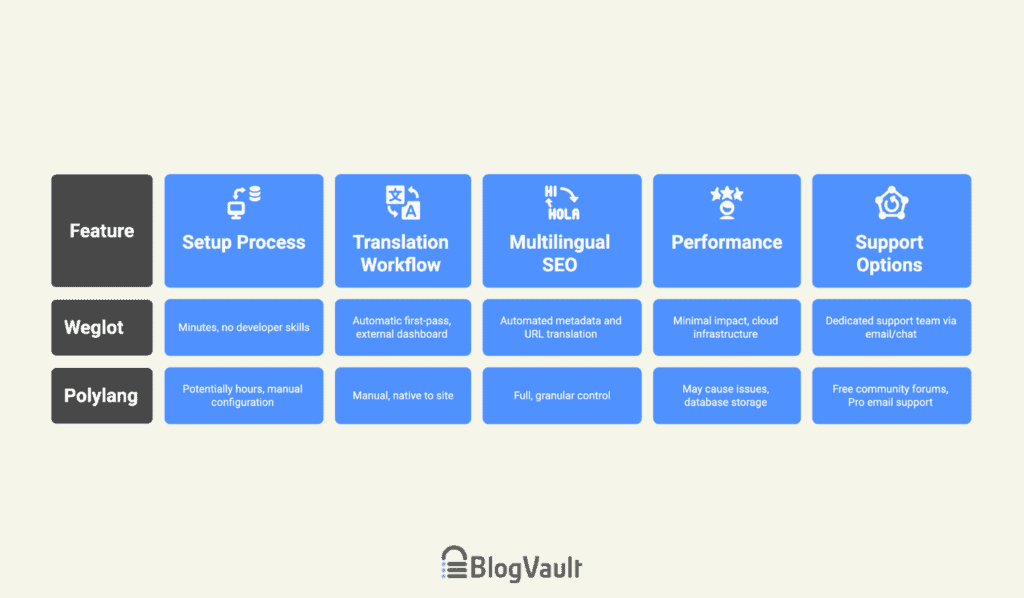
Weglot vs Polylang at a glance
Weglot overview
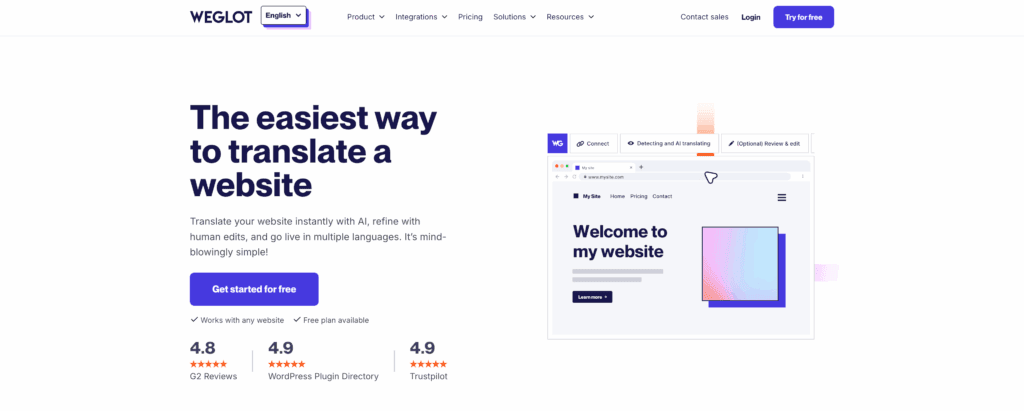
Weglot is a cloud-based Software as a Service (SaaS). It does not run on your server. When installed, it automatically detects all content on your site. It then uses machine translation from providers like DeepL for a first draft.
You can then make manual edits using its in-context visual editor. You can also order professional human translations directly from the Weglot dashboard.
All translations are hosted on Weglot’s external servers and delivered to visitors via a fast Content Delivery Network (CDN). When you publish new content, its real-time sync automatically translates it.
Polylang overview
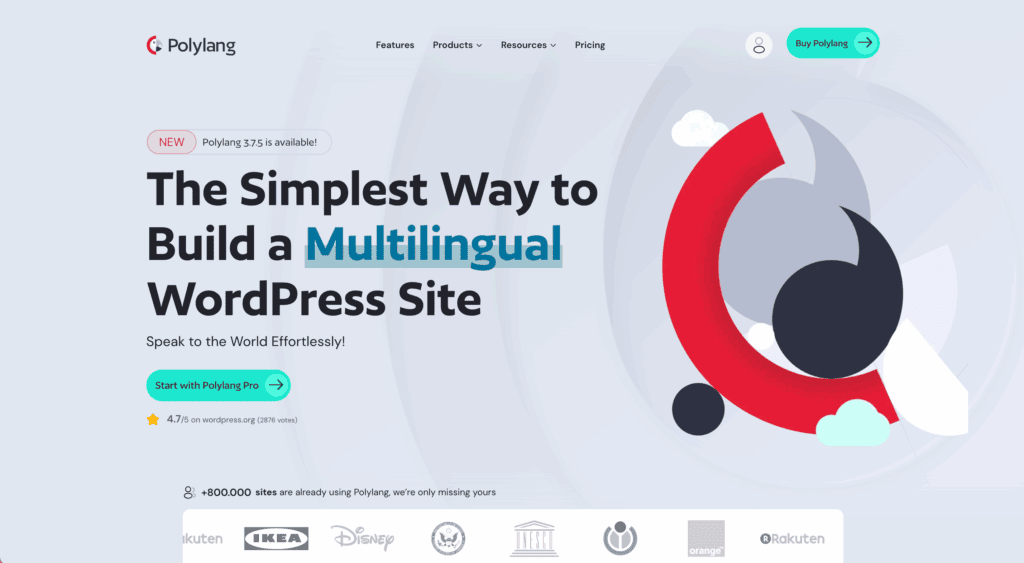
Polylang is a WordPress-native plugin that operates entirely on your website using a manual workflow. You create a corresponding version for each post in your new languages, and all translation data is stored in your WordPress database, giving you full ownership.
The free version is powerful for basic translation, but paid add-ons are required for WooCommerce or machine translation helpers. Because it’s manual, translations can fall out of sync, creating “content drift.”
The ultimate feature face-off
Setup process
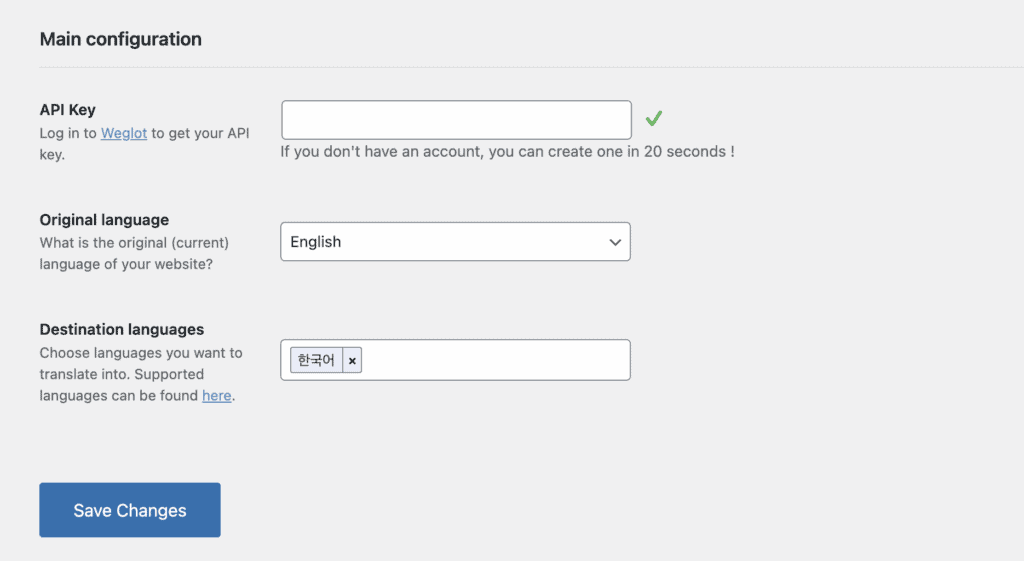
Weglot’s setup involves installing a plugin and connecting an API key. It takes minutes and requires no developer skills.
Polylang’s plugin installation is also simple, but requires significant post-setup configuration of menus, strings, and widgets.
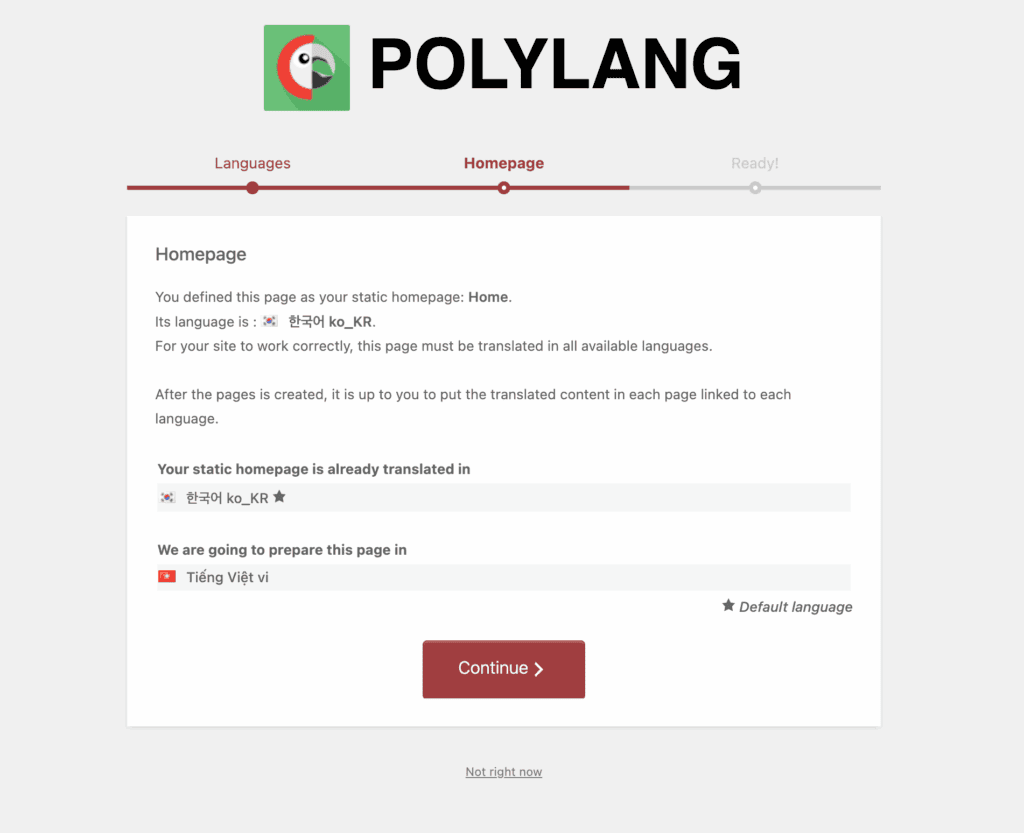
The key difference is the setup of minutes for Weglot versus potentially hours (depending on your site’s content) for Polylang.
Translation workflow
Weglot provides a seamless, automatic first-pass translation. You manage everything from a single external dashboard using a simple visual editor.
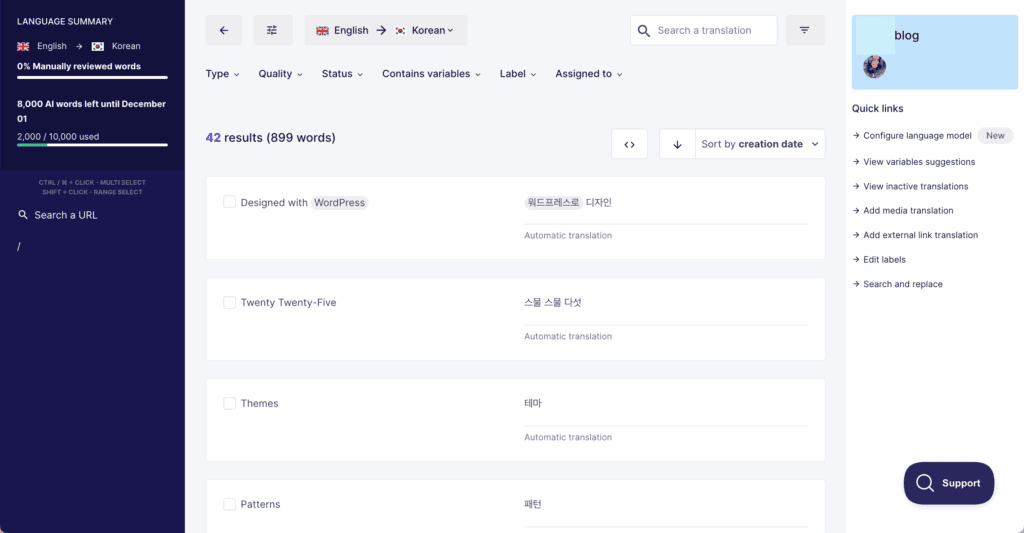
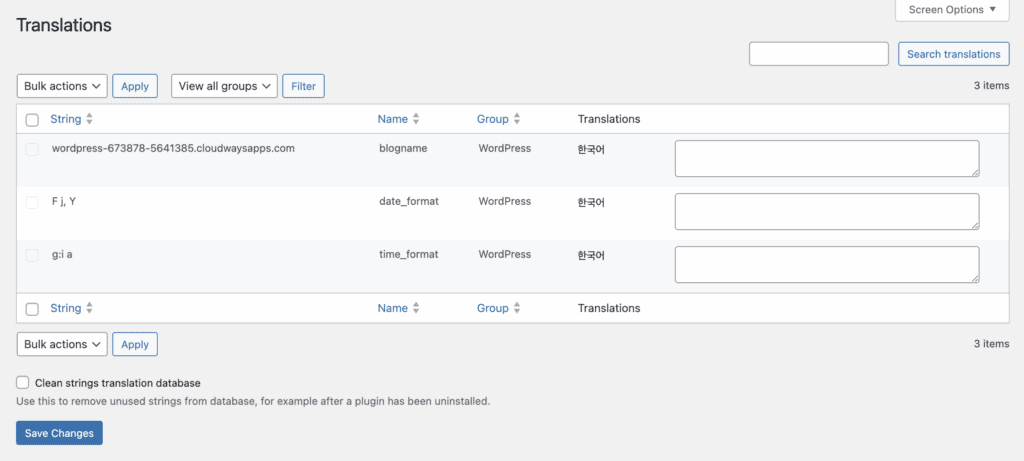
Polylang’s workflow is the complete opposite. It’s native to your site, which means your choice of WordPress hosting can directly impact its performance. You translate posts from the WordPress editor sidebar, managing each language version by hand. If you want assistance,
Multilingual SEO and site structure
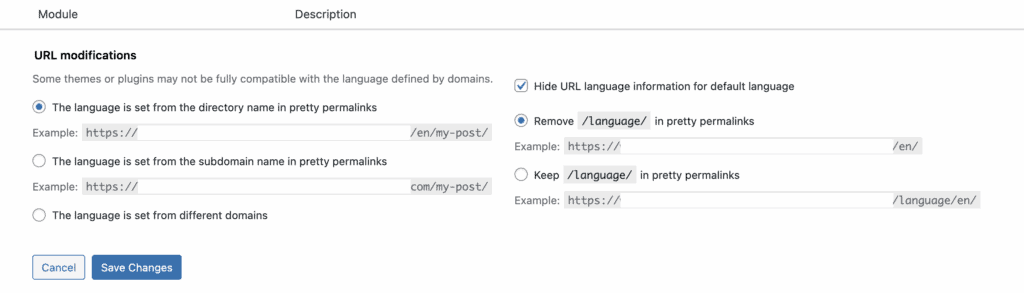
Both plugins correctly implement technical SEO best practices like hreflang tags. You can choose subdomains or subdirectories with either.
Weglot automatically translates metadata and URLs (URL transliteration is a Pro feature), making it ideal for non-experts.
In contrast, Polylang gives you full, granular control over subdirectories, subdomains, or different domains.
This requires you to manage all SEO elements manually, so a daily WordPress backup is non-negotiable to protect your work. The choice is between automated SEO handling and customizable control.
Performance
Weglot has a minimal impact on site speed because it leverages its own cloud infrastructure and CDN. It does not burden your server.
Polylang stores all translations in your database, which can increase the database size and queries. On large sites, this may cause performance issues.
Support options
As a premium service, Weglot includes a dedicated support team via email or chat with all paid plans, which is invaluable while troubleshooting WordPress issues. Higher tiers also receive priority support.
Polylang, in contrast, offers free support through the public WordPress community forums. For direct, priority email support, you must purchase the Pro version.
Pricing structures
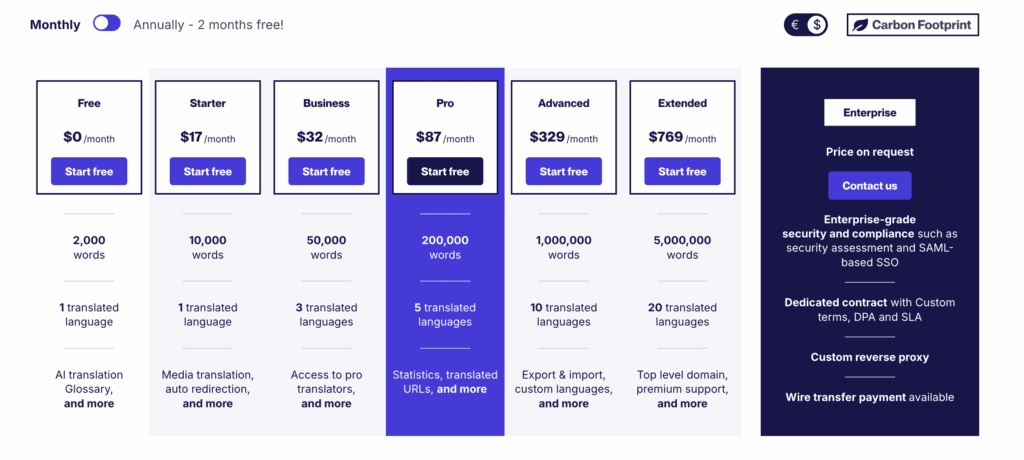
Weglot is a subscription service based on word count and languages.
- A free plan is available for one language and under 2,000 words.
- Paid plans start around $17/month for 10,000 words.
Polylang has a powerful free core plugin.
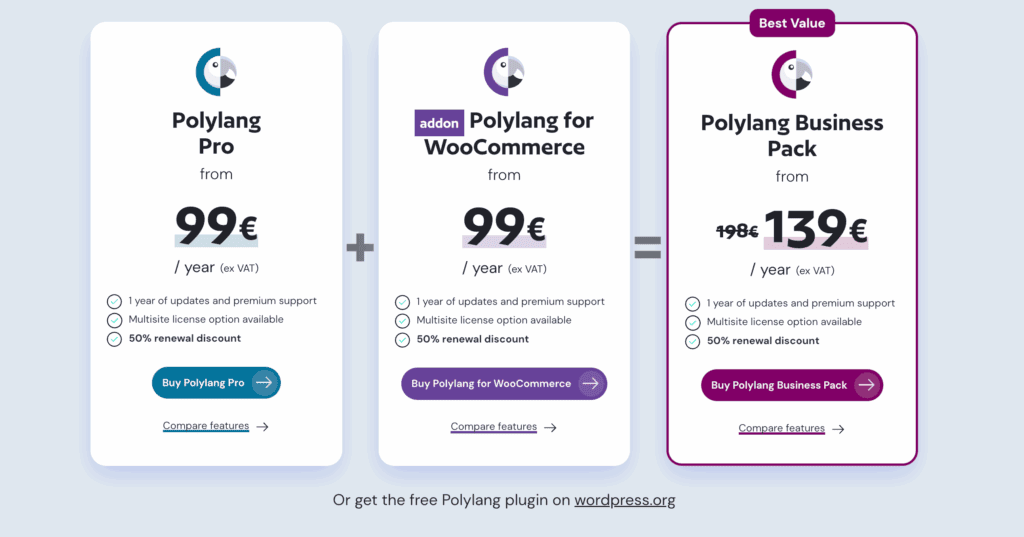
- Polylang Pro adds premium support and is €99/year per site.
- The WooCommerce add-on is a separate €99/year fee.
- A Business Pack bundles everything for €139/year.
How to choose the right tool
Choose Weglot if:
- You need speed, simplicity, and a managed service.
- You run a large e-commerce store where performance is critical.
- You lack the resources for manual translation management.
Choose Polylang if:
- You need a powerful free option for a smaller website.
- Data ownership and storing translations in your database is a requirement.
- You prefer perfect, manual control and have translators.
Alternative translation solutions
The market for translation plugins has other excellent options worth considering.
TranslatePress
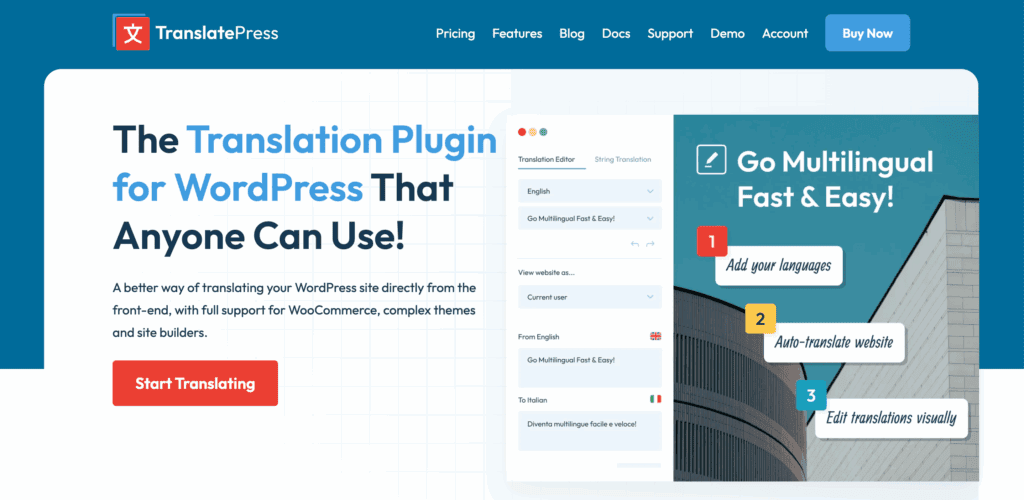
We have also spent time with TranslatePress, which offers a unique live front-end visual translation interface. In our experience, it feels like a nice hybrid, storing data on your site like Polylang but with a simpler visual workflow. It’s a strong option to consider if you prefer to avoid a subscription model.
WPML
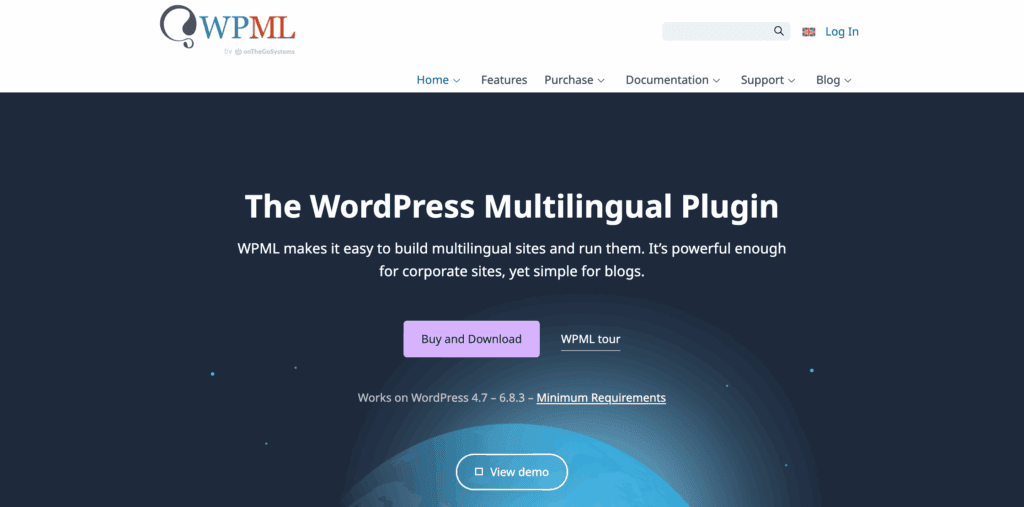
WPML is one of the oldest solutions available, and we’ve reviewed it as well. It provides a very deep level of control, which some users with complex sites might find helpful. We did find that this power comes with a steeper learning curve and can be a bit heavy on site resources.
ConveyThis
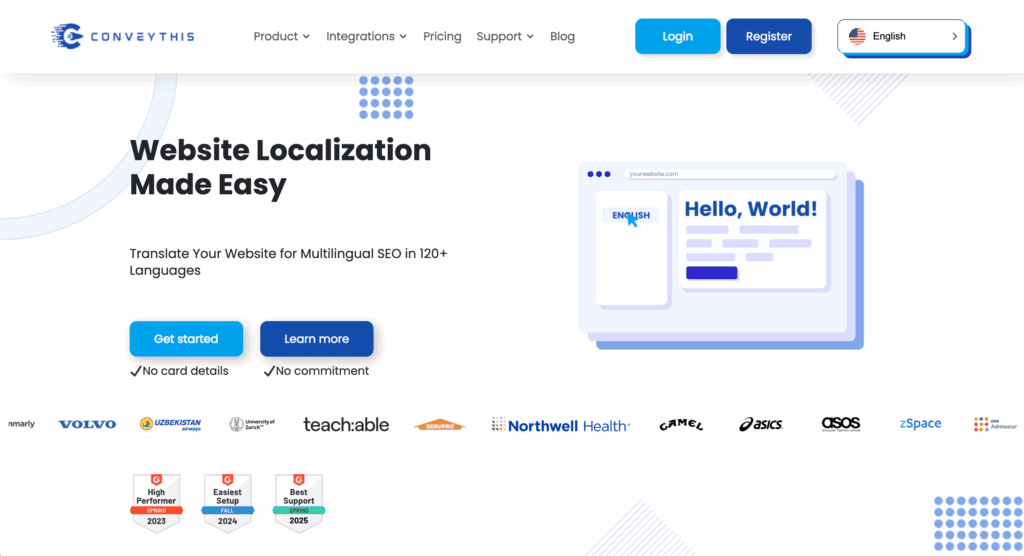
We also looked into ConveyThis, which is another cloud-based service very similar to Weglot. Our testing showed that it offers a comparable automated workflow and performance benefits. It’s certainly another key alternative to look at if you’re leaning toward a managed translation service.
Parting thoughts
The choice between Weglot and Polylang reflects two different approaches. Manual control vs automated performance. Your site’s size and budget will heavily influence your decision.
From an objective standpoint, the efficiency and performance benefits of a managed service align well with the needs of a growing business. This positions Weglot as a logical premium solution.
FAQs
What is the difference between Polylang and Weglot?
The main difference is where the translations are stored. Weglot is an automated cloud service that hosts translations externally. Polylang is a manual plugin that stores all data in your WordPress database. This makes Weglot faster and easier. Polylang offers more direct control.
Is Weglot any good?
Yes, Weglot is an excellent solution for businesses that need fast, automated, and high-performance translation. Its key strengths are its rapid setup and intuitive editing interface. It also has a minimal impact on site speed.
What is the alternative to Polylang?
A popular alternative to Polylang is WPML. It’s another plugin that stores translations on your site but offers a more comprehensive feature set. For a similar manual approach with a visual editor, TranslatePress is also a strong contender.
What is the difference between Weglot and TranslatePress?
The primary difference is where the translations are stored. Weglot hosts your translations on its cloud servers. TranslatePress stores them in your WordPress database. Both offer a visual editor, but Weglot’s model results in a lighter performance footprint on your site.
Can I use Weglot for free?
Yes, Weglot offers a free plan. It lets you translate up to 2,000 words into one additional language. This is ideal for very small websites or for testing the service before upgrading.
Is Polylang free?
Yes, the core Polylang plugin is free. It provides powerful tools for manually translating posts, pages, and menus. You only need to purchase paid add-ons for premium features like WooCommerce support.
Does Weglot use AI?
Yes. Weglot uses AI-powered machine translation from top providers as a starting point. This provides a high-quality first draft. You can then manually refine it for perfect accuracy.

Shivani enjoys crafting guides that make every aspect of using WordPress simple and easy to follow. When she's not glued to her laptop, you can find her buried in a good book or occasionally, painting.