

When your translation plugin list narrows to TranslatePress vs WPML, you’ve reached a critical decision. But this isn’t about a feature list; it’s about understanding the real investment.
We believe the real cost isn’t the price tag. It’s the time you’ll dedicate to the learning curve, maintenance, and the effort needed to make it work your way.
Our purpose here is to look past the sales pages and give you a clear reason to disqualify one, saving you from that nagging “what if I picked wrong?” feeling down the road.
Choose TranslatePress for its simple, visual editor, perfect for beginners and small business sites. Choose WPML for its powerful features and deep control, ideal for large, complex projects. Regardless of which one you choose, always use a backup plugin to avoid potential conflicts.
Translatepress vs WPML at a glance
Before we get into the weeds, here’s the simple breakdown. It’s the quick version that will help you make your choice.
| Feature | TranslatePress | WPML |
| Translation Method | Visual, front-end editor for live preview | Traditional back-end dashboard interface |
| Ease of Use | Beginner-friendly with minimal configuration | Feature-rich, suitable for complex, enterprise sites |
| Free vs. Premium | Offers a functional free version (1 additional language) | Premium-only with no free trial version |
| Automatic Translation | Integrates with services like Google Translate and DeepL | Also offers automatic translation through various services |
| Fundamental Focus | Simple, visual workflow | Powerful, management-focused system |
Core functionality
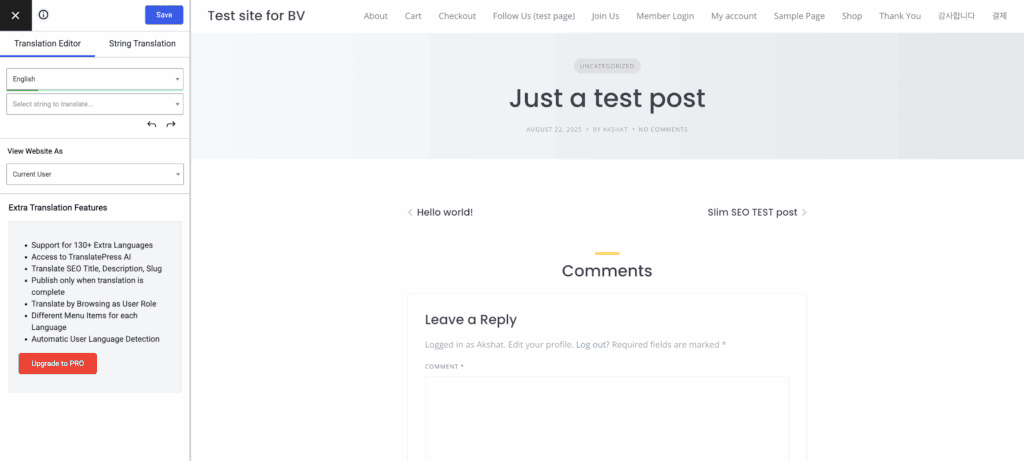
TranslatePress works by translating the final page exactly as it appears to your visitors, making it compatible with any theme or page builder.
To make this process even easier, its Browse As feature is a standout, allowing you to view your site as a non-logged-in user would to spot and translate every string of text.
For teams, we were also impressed with the premium Translator accounts feature, which extends this simplicity to collaborative workflows.
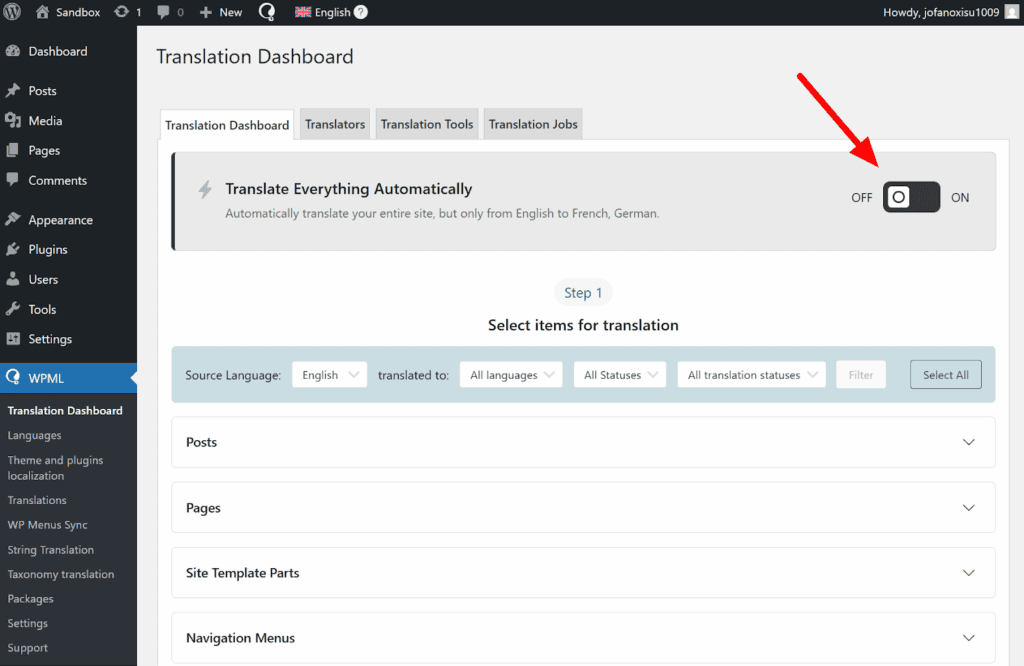
WPML integrates deeply with the WordPress database by creating separate entries for translated content, providing granular control for large teams and professional services.
For those who prefer automation over manual editing, WPML’s Translate Everything mode is its own highlight, offering a powerful set-it-and-go approach to translate an entire site in bulk.
SEO & technical performance
Both plugins support essential multilingual SEO practices, like translating URL slugs, SEO titles, and meta descriptions.
WPML includes these SEO settings in its main packages and provides more advanced options, such as using separate domains for each language version.
Performance is where we see a significant difference. In our experience, TranslatePress is generally lighter on your website’s database and has less of an impact on site speed.
We have frequently observed that WPML can slow down the back-end admin performance of a website, especially as the amount of content grows. This can make daily site management feel sluggish.
Both plugins are compatible with major caching solutions to help with front-end speed. However, because of its approach, TranslatePress naturally avoids the broken string and database synchronization issues that can sometimes require troubleshooting in WPML.
Compatibility & workflow
TranslatePress works with virtually all themes and page builders right out of the box. Its method of translating the final page means it doesn’t need special integration for most tools. This makes it particularly effective for translating dynamic content.
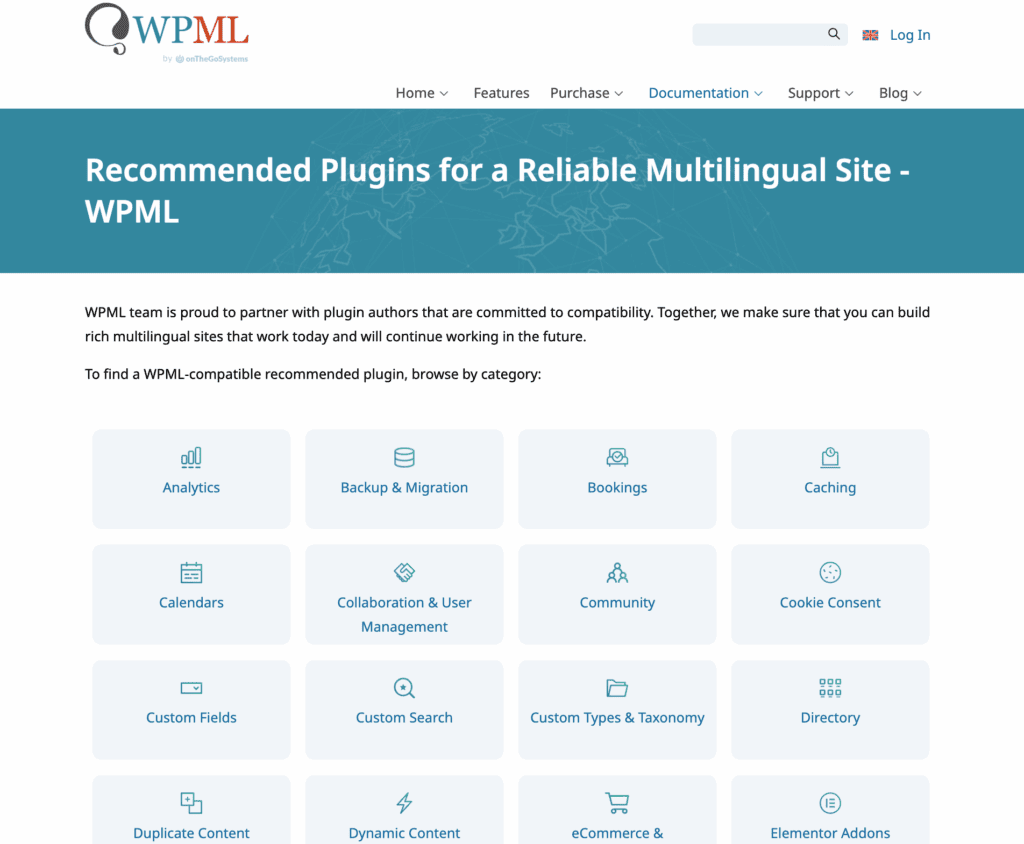
WPML maintains a list of officially compatible plugins and themes. While it works with most major tools like Elementor, Divi, and Gutenberg, you may need to check for compatibility with more complex or niche plugins.
For large WooCommerce stores with many product variations and custom fields, WPML often provides more robust and reliable translation of back-end data.
If your workflow involves hiring outside help, WPML’s direct integration with over 80 professional translation services is a massive advantage. For agencies managing multiple client sites, the management tools within WPML are tailored for that exact purpose.
Maintenance & support
WPML, having been a market leader for years, has extensive documentation and a large community forum for support. TranslatePress offers fast and responsive email support to its premium license holders.
Pricing model

The TranslatePress plugin offers a very useful free version for adding a single language, making it perfect for trying the plugin out. For automatic translation, the plugin uses a system with free credits, which are included in its premium plans to get you started.
Premium plans, which include the essential SEO pack, start at approximately €99 per year. The pro version also includes a developer license for use on client sites.
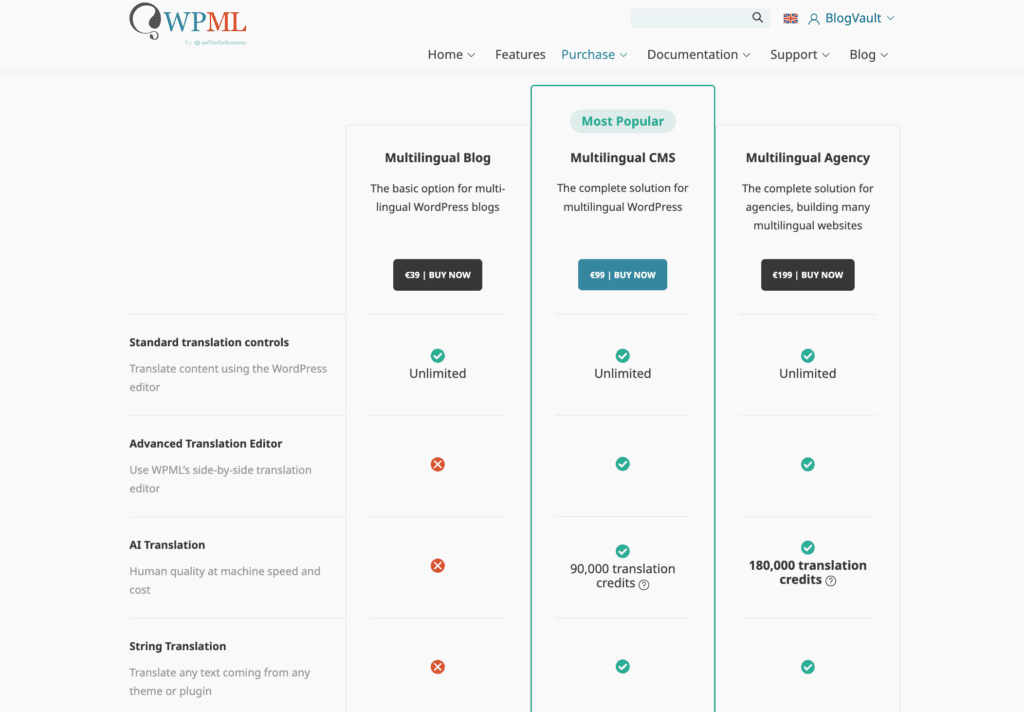
WPML is a premium plugin has no free version. Plans start at $39 for a basic site, but for most businesses using page builders or e-commerce, the CMS plan at $99 is necessary.
How to choose?
Don’t ask which plugin is better. Ask which is better for your specific project.
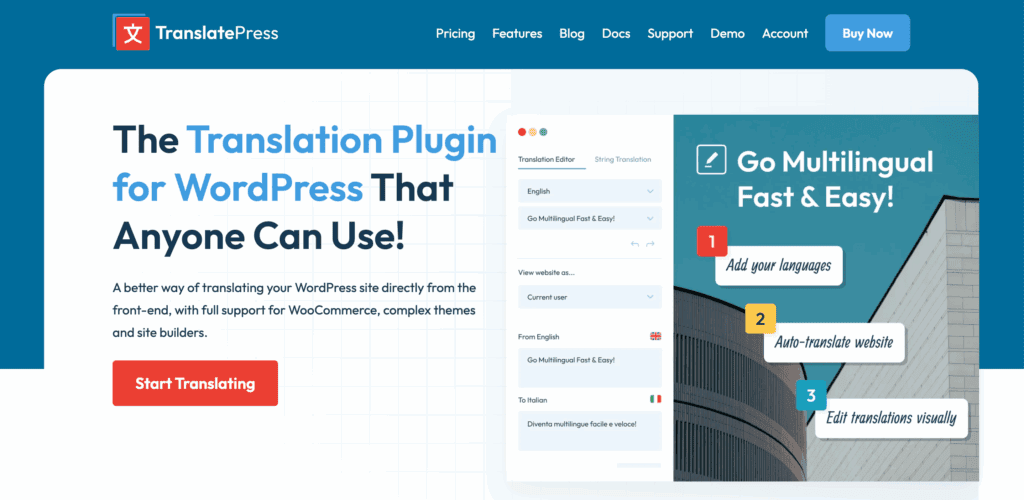
Pick TranslatePress if: You run a small business site, blog, or portfolio. You want a simple, visual, and fast workflow and prefer to edit on the front end. It is the best choice for quick, “set it and forget it” setups.
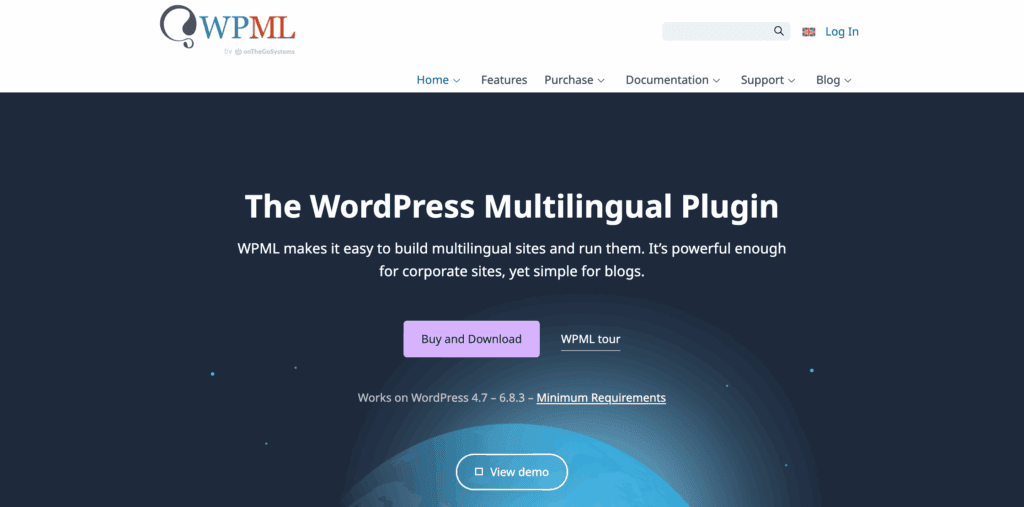
Choose WPML if: You are building a complex directory, a massive e-commerce store, or an enterprise-level site. You need to manage a team of translators or require deep control over every single translatable string.
Alternatives to pick from
These two are not your only options. Consider these as well.
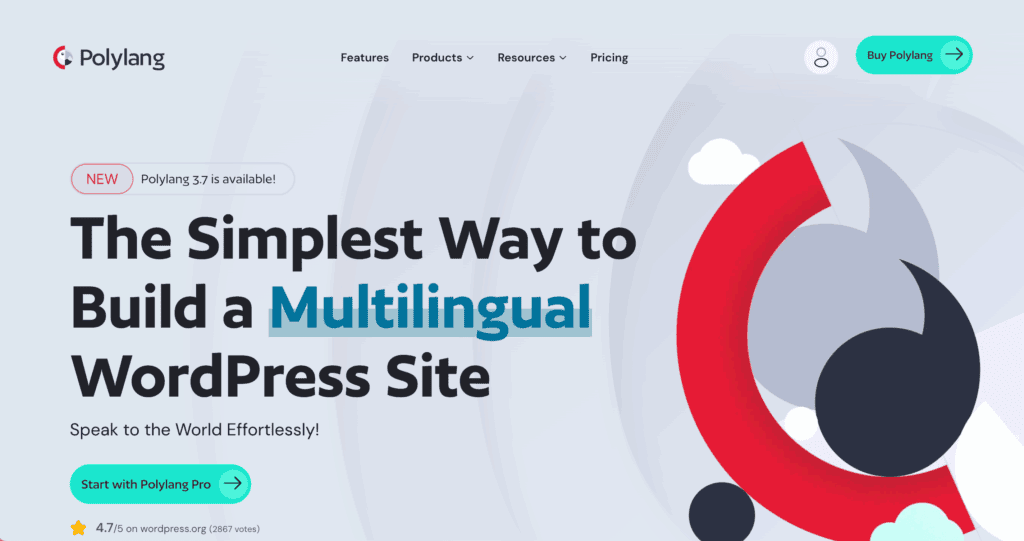
Polylang: A popular, lightweight plugin that is often seen as a simpler alternative to WPML. It also offers a solid free version. It functions similarly to WPML by managing translations in the back end, so it lacks a visual front-end editor.
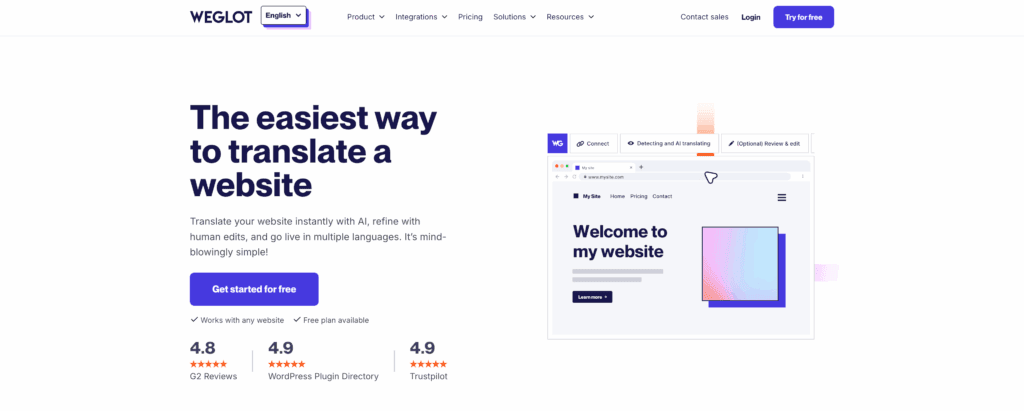
Weglot: A SaaS-based solution that is extremely fast to set up. It operates on a freemium model, which can become costly for larger sites. Because it’s a service, your translations are hosted on their servers, meaning they will disappear if you cancel your plan.
Parting thoughts
The choice is simple: TranslatePress offers a modern, visual experience, while WPML provides powerful, industrial-strength control. Our advice is practical: test both plugins on a staging site before installing either on your live website.
Ultimately, your decision depends on your site’s complexity, your technical comfort level, and your budget.
FAQ
Is TranslatePress better than WPML for beginners?
Yes, TranslatePress is significantly better for beginners. Its intuitive visual editor allows you to translate content directly on the page, requiring minimal technical knowledge.
Does WPML slow down WordPress site performance?
Yes, WPML can slow down a WordPress site, especially the back-end admin area. This is due to its database-intensive approach, though performance can be managed with good hosting.
Is there a free version of WPML available?
No, there is no free version of WPML. It is a premium-only plugin, whereas TranslatePress offers a functional free version to translate your site into one extra language.
Can I translate my entire site automatically?
Yes, both plugins allow you to translate your entire site automatically using services like DeepL. This feature is part of their premium plans and operates on a credit-based system.
Does TranslatePress support multilingual SEO features?
Yes, but only in its paid premium versions. The free version of TranslatePress lacks crucial SEO features like translating URL slugs and meta descriptions.
Which plugin is best for large WooCommerce stores?
WPML is generally the better choice for large, complex WooCommerce stores. Its robust back-end system offers more granular control over product variations and custom fields.

Shivani enjoys crafting guides that make every aspect of using WordPress simple and easy to follow. When she's not glued to her laptop, you can find her buried in a good book or occasionally, painting.


