Finding the best WordPress social media plugin is essential for driving traffic, but with thousands of options, it’s easy to feel overwhelmed. These powerful tools automate posting, display your live social feeds, and add share buttons, turning your website into a marketing engine. They bridge the gap between your content and your community, saving you countless hours of manual work.
A WP plugin for social media is a strategic choice that impacts your site’s speed and user experience. This guide cuts through the noise. We’ll break down the top plugins by category—from lightweight sharing to powerful feeds—so you can pick the perfect one for your specific goals and get it running in minutes.
We tested Smash Balloon and found it to be the most reliable plugin for displaying beautiful social feeds without breaking your site, thanks to its smart caching and SEO-friendly design.
To give you recommendations you can rely on, we installed every plugin on a clean staging site and put them through a rigorous testing process. We wanted to see what happened behind the marketing claims, focusing on real-world impact.
Our tests measured everything from raw speed to the quality of developer support. Here’s a look at the exact criteria we used to judge each plugin:
- Performance & Site Speed: We used GTmetrix and Query Monitor to measure the plugin’s impact. We looked at how many scripts it added, the size of those files, and how many database queries it made. A plugin had to be fast and efficient to even be considered.
- Ease of Use & Setup: We evaluated the entire setup process from a beginner’s perspective. Was the interface intuitive? Could you get the main features working in under five minutes without needing to consult a single support document?
- Key Features & Functionality: We tested the core promise of each plugin. If it was for social sharing, did the buttons work on mobile? If it was to display an Instagram feed on a website, did it sync reliably? We checked that every advertised feature worked as expected.
- Customization & Design: A plugin should match your brand, not the other way around. We looked for simple, effective controls for changing colors, button shapes, layouts, and styles without needing to write any custom CSS.
- Social Proof & Data Integrity: For plugins that display share counts, we tested their accuracy. We also looked for critical features like the ability to recover share counts after moving from HTTP to HTTPS, which is crucial for maintaining social proof.
- Developer Support & Code Quality: We checked the WordPress repository for recent updates, resolved support threads, and overall developer responsiveness. A well-maintained plugin is a sign of long-term reliability and security.
1. Smash Balloon: The Gold Standard for Social Feeds
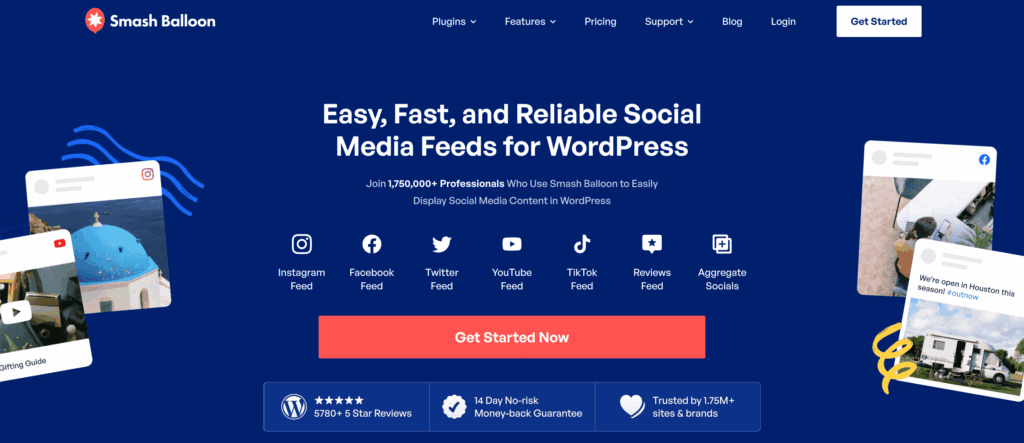
If your primary goal is to display a beautiful, auto-updating feed from Instagram, Facebook, X (Twitter), or YouTube directly on your WordPress site, Smash Balloon is the undisputed industry leader. Founded by developer John Brackett and now part of the trusted Awesome Motive family (creators of WPBeginner and WPForms), it’s built a reputation for unparalleled reliability.
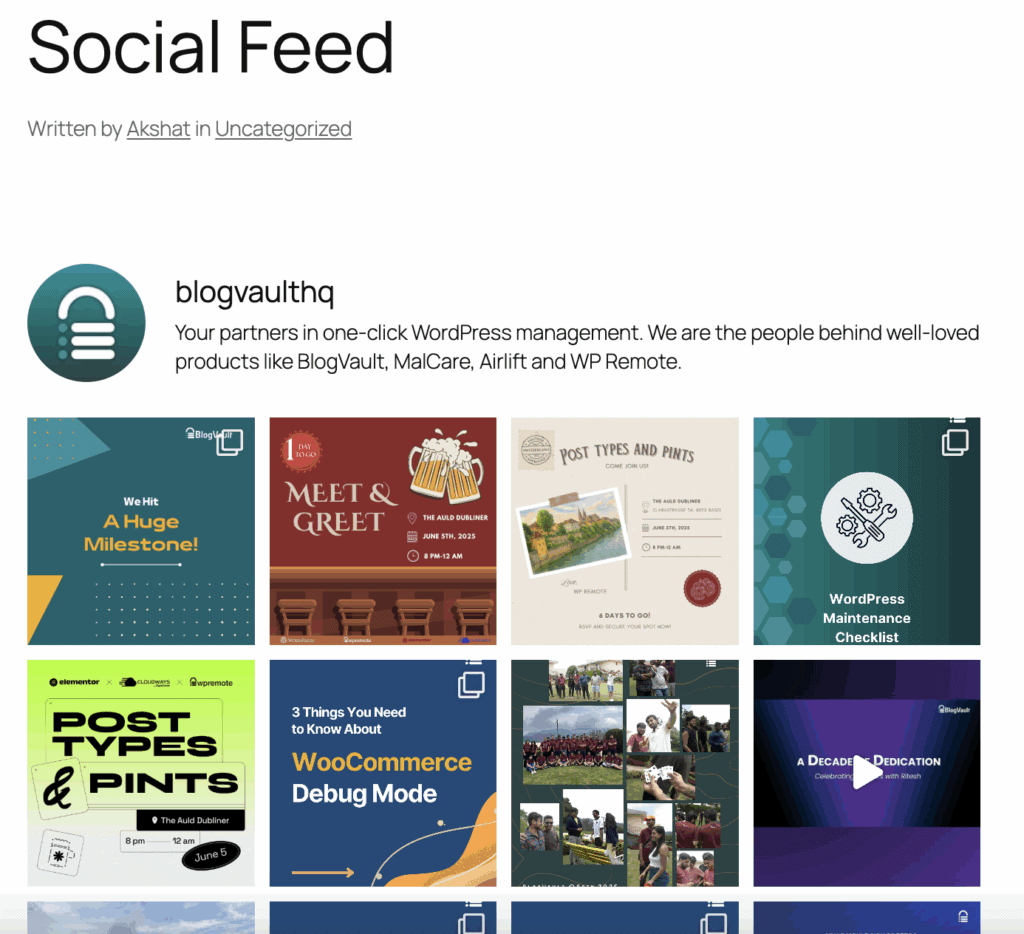
When we tested Smash Balloon apart is its “no-break” promise. Social platform APIs are notorious for occasional outages, which can leave blank spaces on your site. Smash Balloon’s intelligent caching system serves a stored version of your feed if the live connection fails, ensuring your site always looks complete. Setup is remarkably simple with a “no-code” wizard, and feeds automatically inherit your site’s fonts and colors for a seamless look. Crucially, it embeds content directly (not in an iframe), making the text in your social posts crawlable by search engines.
Key Features:
- Intelligent Caching: Keeps your feed visible even if the social platform’s API goes down.
- Automatic Styling: Inherits your WordPress theme’s styles for instant, native integration.
- SEO-Friendly Embeds: Content is embedded directly on the page for better SEO.
- Visual Customizer: A live preview editor lets you tweak layouts, colors, and headers in real-time.
- Shoppable Feeds: For e-commerce, link Instagram posts directly to product pages.
Best For: Anyone who wants a set-and-forget, beautifully integrated social feed from major platforms without worrying about it breaking their site’s layout or speed.
2. Novashare: The Performance Specialist
In an era where every millisecond of load time impacts user experience and search rankings, Novashare carves out its niche as the fastest social sharing plugin available. Created by the performance-obsessed Jackson brothers (who also built the acclaimed Perfmatters plugin), Novashare is engineered for one thing: adding essential social sharing functionality with virtually zero impact on your site’s speed.
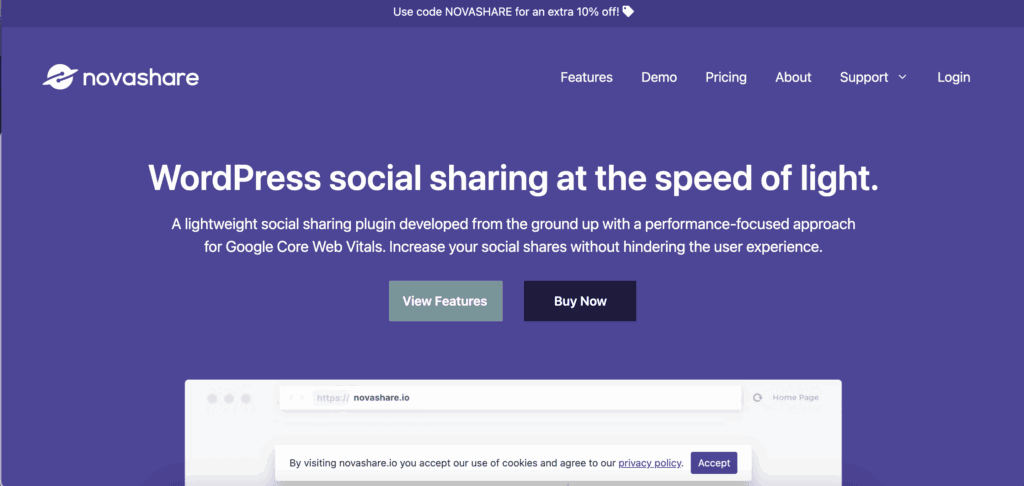
We tested Novashare and found that adds less than 5KB to your page size, a fraction of what many competitors require. It achieves this by using inline SVG icons (no external requests) and completely avoiding bloated scripts. Beyond raw speed, it solves a common pain point: share count recovery. If you’ve ever migrated your site or switched to HTTPS and watched your hard-earned social proof disappear, Novashare can automatically restore those numbers. Its clean, focused interface is a breath of fresh air, free from distracting upsells.
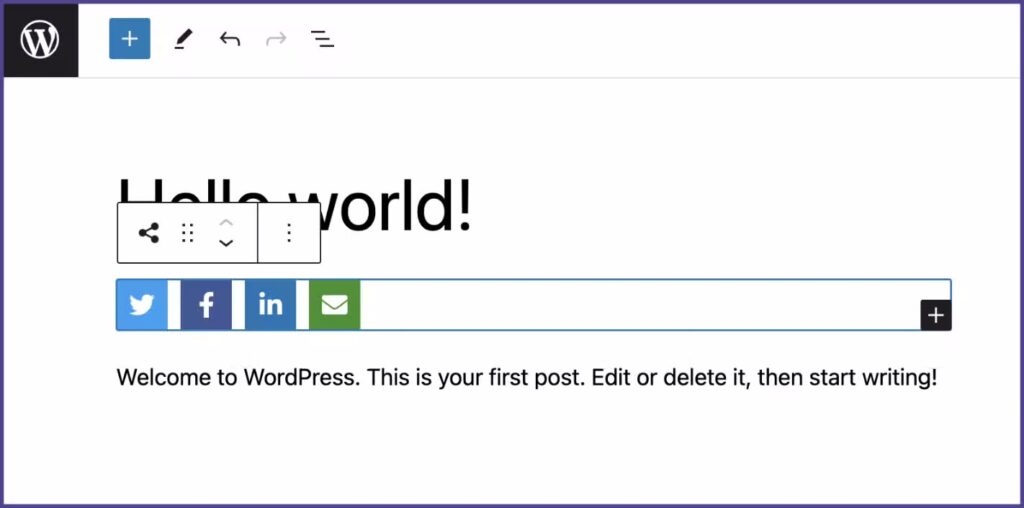
Key Features:
- Ultra-Lightweight: Consistently adds under 5KB (often ~3.2KB) to your front-end load.
- Zero Third-Party Requests: Uses inline SVGs and avoids external libraries for maximum speed.
- Share Count Recovery: Automatically restores lost share counts after site migrations.
- Pinterest Hover Pins: Fast, inline CSS hover buttons for pinning images.
- Click-to-Tweet Boxes: Easily create stylish, shareable quote boxes within your content.
Best For: Website owners and developers for whom Core Web Vitals and page speed are non-negotiable priorities.
3. WP Social Ninja: The All-In-One Powerhouse
WP Social Ninja is the versatile “Swiss Army knife” of social plugins, combining feeds, reviews, and chat widgets into a single, powerful dashboard. Developed by the reputable team at WPManageNinja (behind Fluent Forms), it’s perfect for small businesses looking to consolidate tools and display robust social proof.
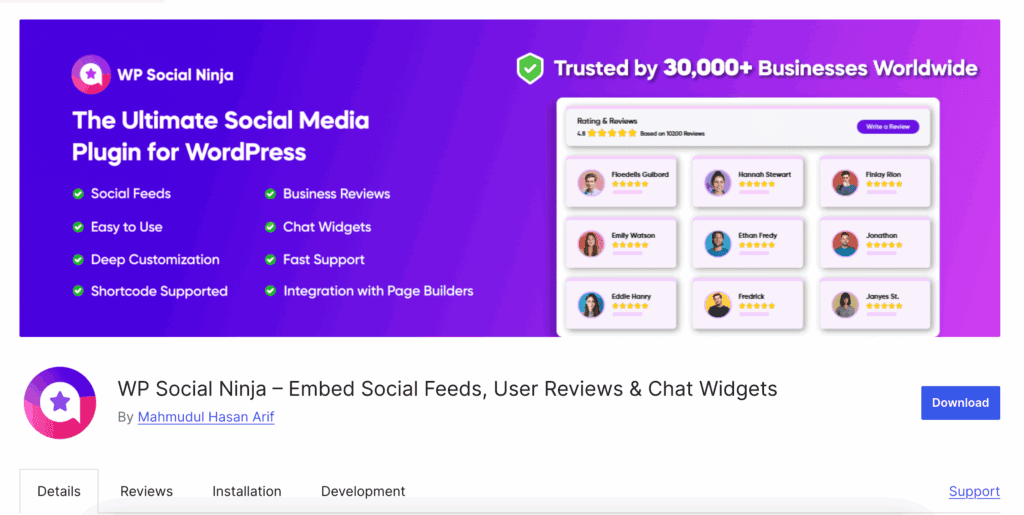
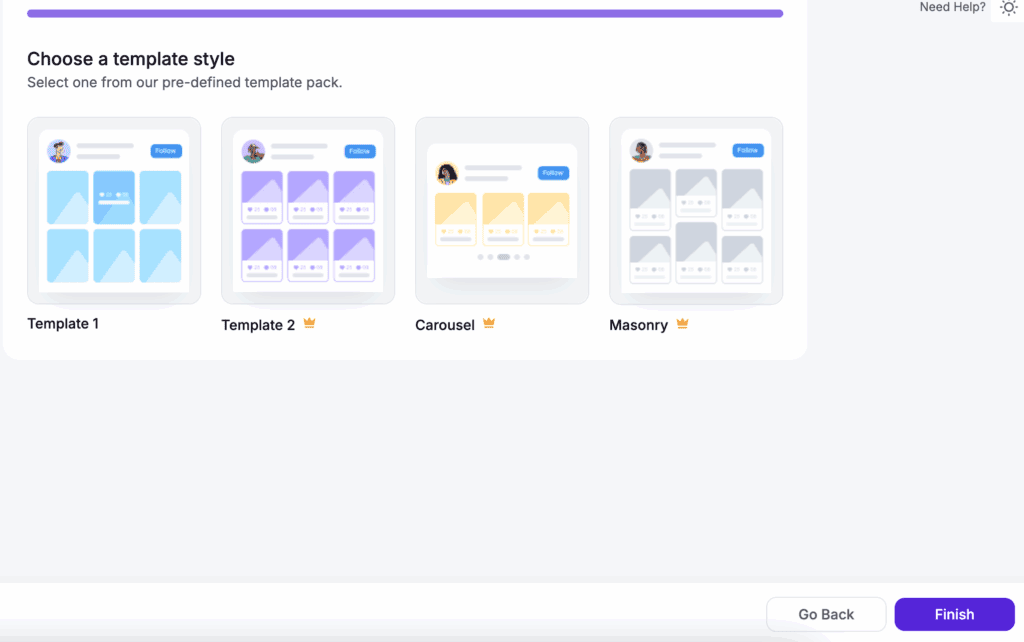
We reviewed WP Social Ninja and loved that it can automatically pull and display customer reviews from Google, Yelp, Facebook, and other platforms. This transforms your website into a trust-building hub. It also adds practical engagement tools like live chat widgets for WhatsApp and Messenger. The templates are polished and professional, requiring minimal setup to look great, which saves you significant time and effort.
Key Features:
- Multi-Platform Feeds & Reviews: Supports displays from 30+ sources, including social media and review sites.
- Automated Review Sync: Imports and periodically updates customer reviews to keep your testimonials fresh.
- Integrated Chat Widgets: Adds clickable chat icons for WhatsApp, Messenger, and Telegram.
- Social Proof Notifications: Displays pop-up notifications of recent reviews or actions to build trust.
- Advanced Moderation: Filter feeds and reviews by keyword, rating, or content.
Best For: Small to medium businesses that want an all-in-one solution to display social feeds, showcase customer reviews, and offer live chat options.
4. Social Snap: The Feature-Rich Alternative
For the user who views social sharing as a core growth strategy, Social Snap is less of a simple plugin and more of a complete social media toolkit. It goes far beyond basic buttons with innovative placement options and automation features designed to maximize your content’s reach.
We tried Social Snap and loved the “Share Hub,” a modern, floating action button that expands into a full sharing panel. It also includes a “Sticky Bar” optimized for mobile users. On the automation side, Social Snap can both auto-post new content and intelligently “boost” old posts by re-sharing them to your profiles. It even includes a content locker to incentivize viral sharing. If you love deep customization and want advanced analytics and strategic tools, Social Snap is a compelling choice.
Key Features:
- Share Hub & Sticky Bar: Unique, highly visible placement options for share buttons.
- Social Auto-Poster: Schedule or instantly share new posts to connected social accounts.
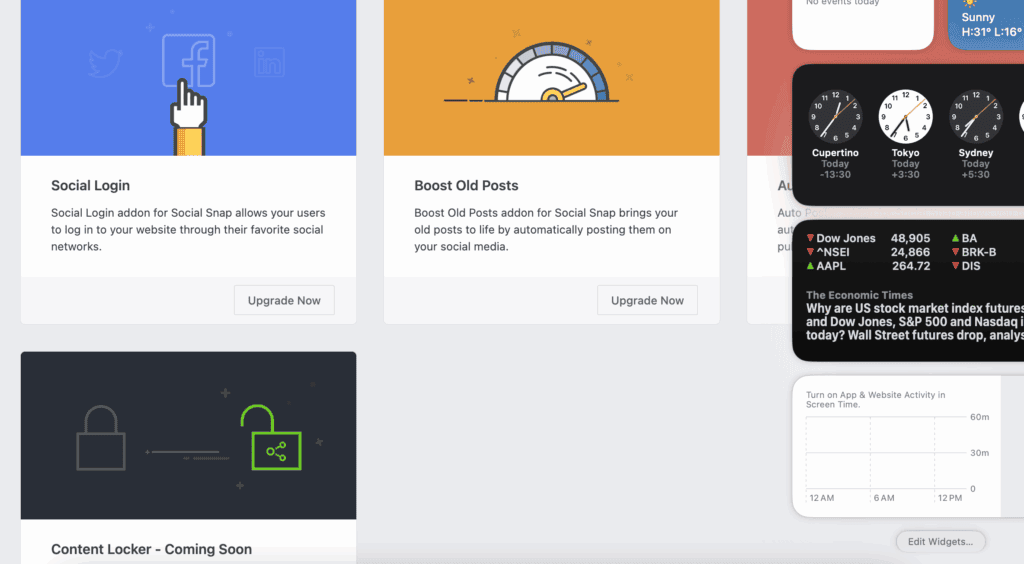
- Boost Old Posts: Automatically re-shares evergreen content to drive recurring traffic.
- Social Login: Allows visitors to register/login using their social media accounts.
- Content Locker: Gated content feature that requires a share for access.
Best For: Marketers and content creators who want advanced strategic tools, deep customization, and automation to maximize their social reach.
5. Social Warfare: The Legacy Choice with Visual Flair
A pioneer in the space, Social Warfare earned its loyal following by focusing on visually striking share buttons and robust share-count preservation. It appeals to users who believe that the presentation of sharing options matters and who want to leverage social proof data in other parts of their site.
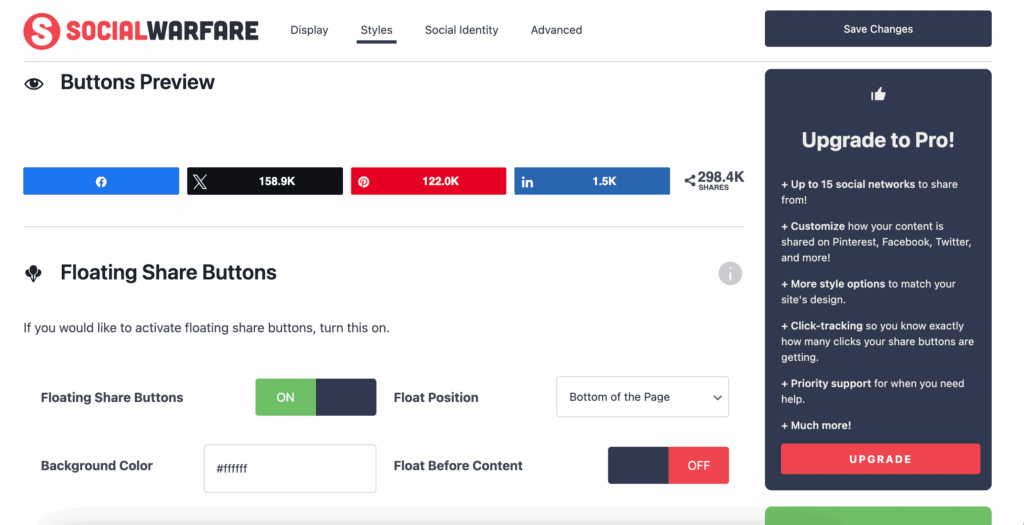
In our experience of Social Warfare, it is famous for its bold, customizable button styles and its “Popular Posts” widget, which ranks your content based on actual social share data—a powerful tool for keeping visitors engaged. It also offers granular control, like setting a minimum share count threshold before numbers display (to avoid “negative social proof”) and specifying a hidden, Pinterest-optimized image for each post. It’s a legacy plugin that continues to serve its specific audience well.
Key Features:
- Premium Button Designs: Offers a wide array of distinctive, “bold” button style combinations.
- Popular Posts Widget: A sidebar/widget that displays posts dynamically ranked by social shares.
- Share Count Recovery: Robust system to maintain and restore your share counts.
- Minimum Social Proof: Hide share counts until they reach a number you set.
- Pinterest-Specific Tools: Upload a dedicated, vertical image for Pinterest that’s hidden from the article.
Best For: Bloggers and publishers who prioritize distinctive button aesthetics and want to use social share data to power features like a “Popular Posts” widget.
Best Practices for Your WordPress Site
Adding a new social media plugin is exciting, but it’s also a change to your website’s ecosystem. To ensure your site remains secure, fast, and stable, it’s crucial to follow a few core best practices. These habits protect you from common issues and keep your site running smoothly.
- Always Have a Backup Plan: Install a backup plugin to schedule automated, complete backups of your website. A reliable backup stored in an off-site location (like Google Drive or Dropbox) is your ultimate safety net. If a plugin update or a conflict breaks your site, you can restore it in minutes.
- Deploy a Web Application Firewall (WAF): Install a security plugin that includes a firewall. A WAF is your site’s first line of defense, proactively blocking malicious traffic and hacking attempts before they can even reach your WordPress installation.
- Implement Caching for Speed: Use a caching plugin to dramatically improve your site’s loading speed. Caching creates static copies of your pages, which are served to visitors much faster. This reduces server load and significantly enhances the user experience.
- Optimize Your Images: Use a speed optimization plugin to automatically compress and resize images upon upload. Large image files are one of the biggest causes of slow page speeds, and this simple step ensures your site remains fast and lean.
- Guide Search Engines with an XML Sitemap: Ensure your site has an XML sitemap configured, which is often a feature in SEO plugins. A sitemap acts as a roadmap for search engines like Google, helping them discover, crawl, and index all of your important content more efficiently.
- Secure Logins with Two-Factor Authentication (2FA): Implement two-factor authentication for all administrator accounts. 2FA adds a critical layer of security by requiring a second verification code (usually from your phone) during login, making it nearly impossible for brute-force attacks to succeed.
- Ensure Privacy Law Compliance: Install a cookie consent plugin to display a consent banner. Depending on your audience’s location, laws like the GDPR require you to get user consent before using tracking cookies. A plugin is the easiest way to manage this and stay compliant.
- Keep Everything Updated: Regularly update the WordPress core, all your plugins, and your theme. Updates often contain critical security patches in addition to new features. Running outdated software is one of the most common vulnerabilities hackers exploit.
- Test Changes on a Staging Site: Before installing a new plugin or running a major update on your live site, test it on a staging site first. A staging site is a private clone of your website where you can safely check for conflicts or errors without affecting your visitors.
Final thoughts
Our experience with Smash Balloon boils down to trust. Its intelligent caching ensures your social feeds never look broken, even if a platform’s API is down. It’s incredibly easy to set up, automatically matches your site’s style, and simply works flawlessly. It’s a reliable, professional tool that provides peace of mind.
No matter which plugin you ultimately choose, your first step should always be to install it on a staging site. This private copy of your website is the perfect sandbox to test for conflicts or performance drops, ensuring your live site remains stable and fast for all of your visitors.
FAQs
What is the best lightweight social sharing plugin for WordPress?
For website owners who prioritize speed and performance above all else, Novashare is the definitive answer. It’s engineered to be the fastest option available, adding virtually zero weight to your site. If you’re looking for a free alternative, a plugin like Sassy Social Share is also a great lightweight choice for simple share buttons.
How can I automatically share my WordPress blog posts to social media?
To auto post to Facebook from WordPress and other networks, you need an automation plugin. Tools like Social Snap have this feature built-in, allowing you to automatically share new posts and even re-share old ones. Other dedicated options like Revive Social or Blog2Social are excellent for creating a full content-sharing schedule without manual effort.
What’s the best plugin to embed an Instagram or Twitter feed on my site?
Smash Balloon is widely considered the gold standard for embedding social media feeds. It’s incredibly reliable, easy to set up, and uses smart caching to ensure your feed never appears broken on your site. Its dedicated plugins for Instagram, Facebook, and X (Twitter) provide a seamless and professional look.
Can I use one plugin for multiple social media functions (sharing, feeds, login)?
Yes, all-in-one solutions exist. WP Social Ninja is a great example, combining social feeds, customer reviews, and chat widgets into a single package. While this can reduce the number of plugins you manage, it’s often a trade-off. For the best performance, many site owners prefer using specialized plugins for each job—like Novashare for sharing and Smash Balloon for feeds.
Are free social media plugins good enough, or do I need a premium one?
Free plugins are often perfectly fine for basic needs, like adding simple share buttons. However, if you need reliability, dedicated support, and advanced features (like displaying a non-breaking Instagram feed or recovering share counts), a premium plugin is a worthwhile investment. Premium tools are professionally maintained, which is crucial for your site’s security and performance.

Shreya has been a writer for as long as she can remember. Now, she writes articles that help WordPress users manage the sites that they're proud of, with little to no coding