When looking for an analytics tool for WordPress sites, it is common to come across the Google Analytics vs WP Statistics debate. We know that they track traffic differently but is one better than the other? Is one more accurate than the other?
This article will make the choice simple. We’ll break down exactly why their data differs and help you decide which tool is the right fit for your website and your goals, no technical jargon required.
We’ve tried WP Statistics and use Google Analytics regularly. They’re both accurate and good in their own way, and it boils down to what you need. Choose WP Statistics if you want simple, privacy-focused stats directly in your WordPress dashboard. Choose Google Analytics if you need powerful, deep marketing data to track goals and understand audience behavior.
What is WP Statistics?

WP Statistics is a free analytics plugin that brings all your website data directly into your WordPress dashboard. Its biggest advantage is privacy. Instead of sending your visitor information to a third-party company, it stores everything on your own website’s database.
This gives you complete ownership and control over your data, making it an excellent choice for complying with privacy laws like GDPR, often without needing an annoying cookie consent banner.
Once installed, it provides all the essential metrics in simple, easy-to-read charts. You can quickly see how many people visit your site, which pages are most popular, where your traffic is coming from (like search engines or social media), and what devices they use.
What is Google Analytics?
Google Analytics is the most powerful and widely used web analytics platform in the world. It works by adding a small piece of JavaScript code to your site, which tracks how visitors interact with your content and sends that data to Google’s servers.
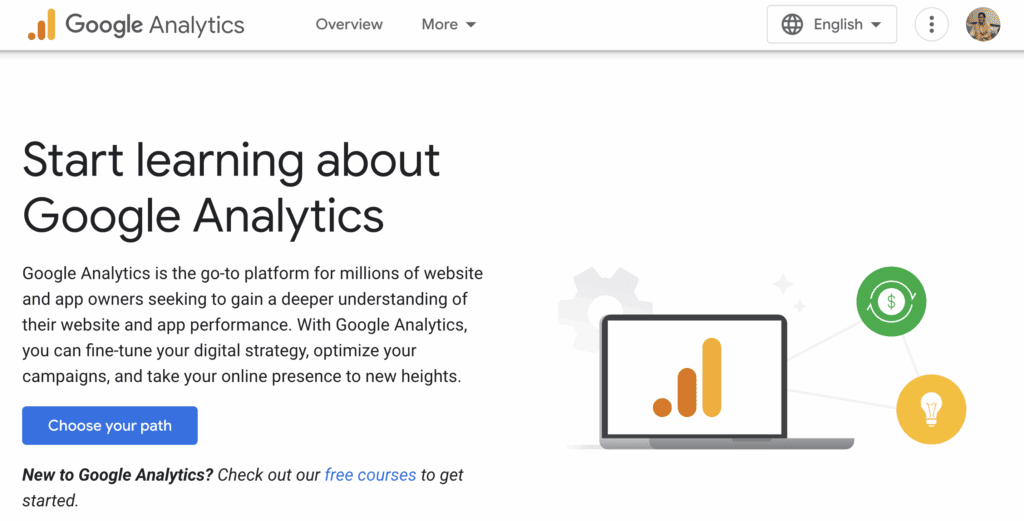
You can use an analytics plugin like MonsterInsights to integrate GA to your WordPress dashboard. In our experience, such plugins can also help you simplify the complex data.
Its main purpose is to provide deep, detailed insights that go far beyond basic page views. You can track specific goals like newsletter sign-ups and see detailed demographic information about your audience. It helps you understand the entire customer journey.
It also offers a seamless integration with tools like Google Ads and Search Console, making it essential for anyone serious about digital marketing, SEO, or running paid advertising campaigns.
Server-Side vs. Client-Side Tracking
This section explains the core technology behind each tool. The fundamental difference lies in where the tracking happens: in the visitor’s browser (client-side) or on your website’s server (server-side).
Google Analytics
Google Analytics is a client-side tool. It works by placing a small piece of JavaScript code on your website. When a visitor arrives, their browser runs this code, which then collects data about their activity—like which pages they visit and how long they stay. This information is sent to Google’s servers for processing.
This method is excellent at filtering out most bot traffic to give you a cleaner picture of real human engagement. But it has a weakness: if a user has JavaScript disabled or uses an ad blocker, their visit might not be recorded at all.
WP Statistics
WP Statistics is a prime example of the server side analytics approach. Instead of relying on the visitor’s browser, it records traffic directly on your website’s server using PHP. The moment a request is made for a page—even before it fully loads, the plugin logs it. All this data is stored in your own WordPress database, never leaving your site.
Because it doesn’t depend on JavaScript, it can capture traffic that ad blockers would normally hide. However, this also means it logs every single hit, including visits from search engine bots and crawlers, which often results in higher traffic numbers.
Basic Metrics vs. Deep Marketing Insights
The data a tool can track determines what you can learn about your audience. Are you just looking for a quick overview of your most popular pages, or do you need to track complex marketing funnels and sales conversions? This section compares the depth of data each tool provides.
WP Statistics
WP Statistics focuses on providing the essentials without overwhelming you. It tracks core traffic metrics like total visits, unique visitors, and page views. You can also see real-time data on online users, their geographic location, the browsers they use, and top-performing pages. It’s the perfect tool for getting simple website statistics at a glance.
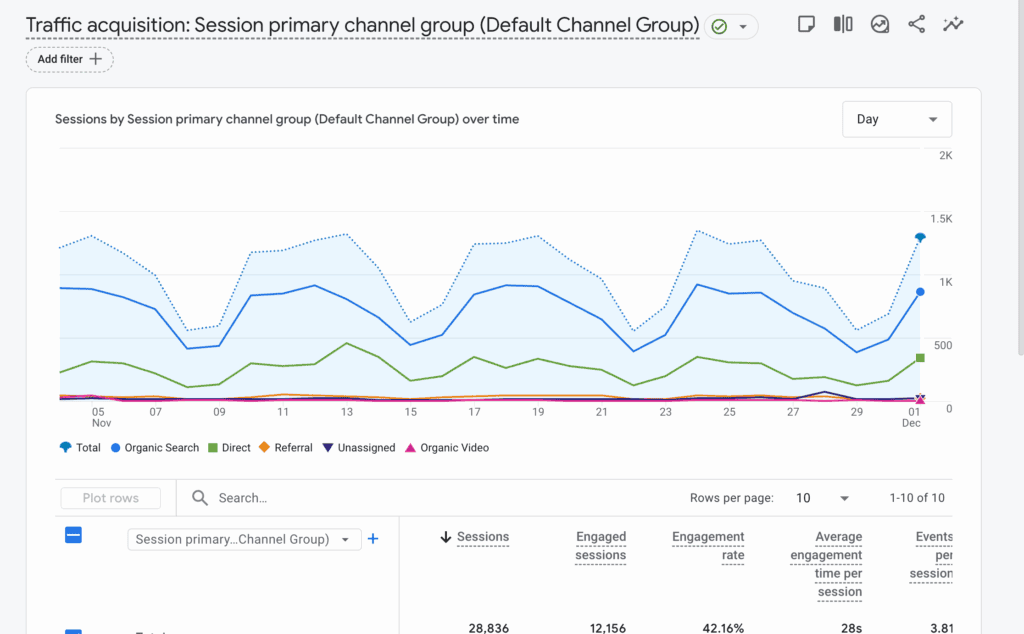
For more advanced tracking, like analyzing UTM campaigns or file downloads, you will need to purchase premium add-ons.
Google Analytics
Google Analytics is built for deep-dive analysis. It tracks everything WP Statistics does and adds layers of powerful marketing data, including audience demographics (age, gender, interests), conversion goals (form submissions, sign-ups), and detailed e-commerce performance (revenue, transaction numbers).
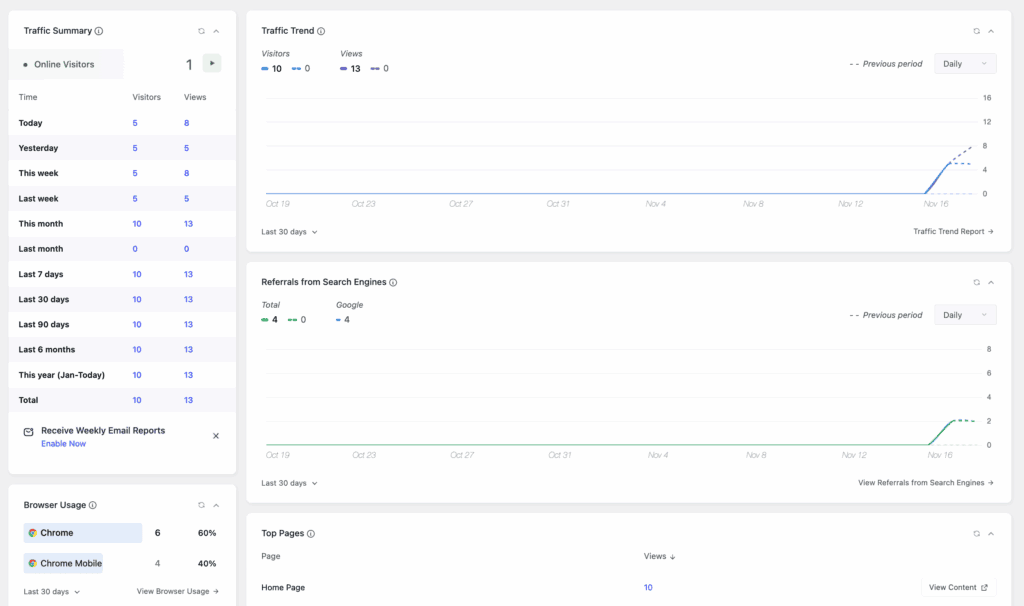
Its ability to track user behavior flows and integrate seamlessly with Google Ads makes it an indispensable tool for understanding campaign ROI and making data-driven business decisions.
Your Data vs. Google’s Data
In an era of strict data privacy laws, how an analytics tool handles user data is a critical concern. This section looks at which tool makes it easier to protect your visitors’ privacy and stay compliant with regulations like GDPR.
WP Statistics
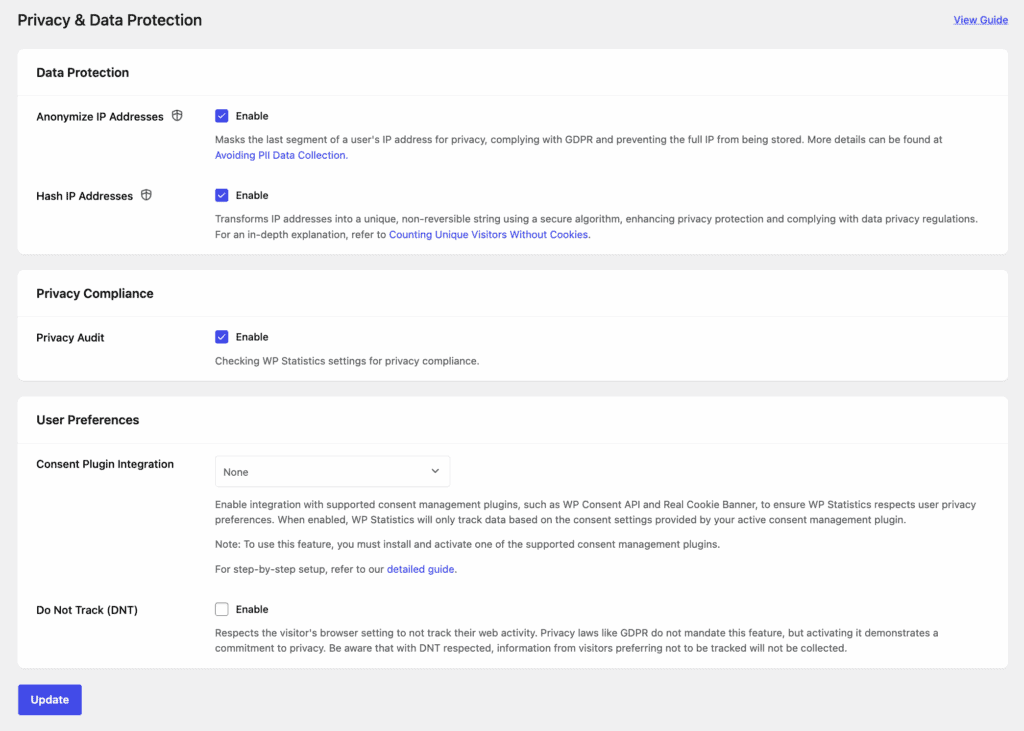
WP Statistics is designed with privacy as its foundation. All collected data is stored directly in your own WordPress database—it never leaves your server or gets sent to a third-party company. By default, it operates without cookies and anonymizes visitor IP addresses, which often eliminates the legal need for an intrusive cookie consent banner. This makes it an ideal choice if you are looking for GDPR compliant analytics for WordPress that works right out of the box.
Google Analytics
Using Google Analytics requires you to take active steps to ensure compliance. The platform collects personal data and sends it to Google’s servers in the US, a practice that has faced legal challenges in several EU countries. To use it legally, you must get explicit, opt-in consent from users via a cookie banner, configure data retention settings, update your privacy policy, and sign a Data Processing Agreement with Google. The burden of compliance falls entirely on you, the website owner.
Usability: Simplicity vs. Power
An analytics tool is useless if you can’t understand it. We compared how easy it is to set up each tool and find the data you need without getting lost in complex menus and reports.
WP Statistics
WP Statistics has virtually no learning curve. You just install the plugin, and it automatically starts tracking traffic. All your data is presented in clean, easy-to-understand reports and charts directly within your WordPress admin area.
Its simplicity makes it a fantastic Google Analytics alternative that WordPress users can adopt without any prior training or technical knowledge.
Google Analytics
Google Analytics can be a case of information overload for new users. The dashboard is not integrated with WordPress, so you have to log into a separate website to view your data. While its interface is incredibly powerful, it’s not intuitive and comes with a learning curve. It requires customization and filters to make the most out of it.
Although plugins like MonsterInsights can bring some Google Analytics data into your dashboard, the full, complex experience remains on Google’s platform.
Which Tool Should You Use?
Now that we’ve compared the core differences in technology, tracking, privacy, and usability, the choice comes down to your specific needs. There is no single “best” tool, only the best tool for you.
WP Statistics is the ideal choice for website owners who prioritize simplicity and data privacy. It’s perfect for beginners, bloggers, and anyone who wants straightforward traffic insights. There are no advanced marketing tools but that also means it’s not complex.
All data is stored on your own server. So, it’s good for privacy-conscious users or for websites that have low-to-medium traffic sites.
On the other hand, Google Analytics is the go-to tool for users who need deep, actionable data. It’s essential for marketers and businesses who need to measure the ROI of their campaigns, track marketing funnels, and optimize ad spend. E-commerce stores rely on it to monitor sales, conversion rates, and cart abandonment. Data analysts will also find its highly customizable reports and behavioral analysis tools invaluable for making strategic decisions. Finally, it’s the only practical choice for high-traffic websites, as Google’s powerful infrastructure handles all the data processing without slowing down your server.
Alternatives to WP Statistics and Google Analytics
While WP Statistics and Google Analytics are two of the most popular choices, they aren’t the only ones. If you like the server-side, privacy-first approach of WP Statistics but want to explore other options, Slimstat Analytics is a very similar plugin that also keeps all data on your server.
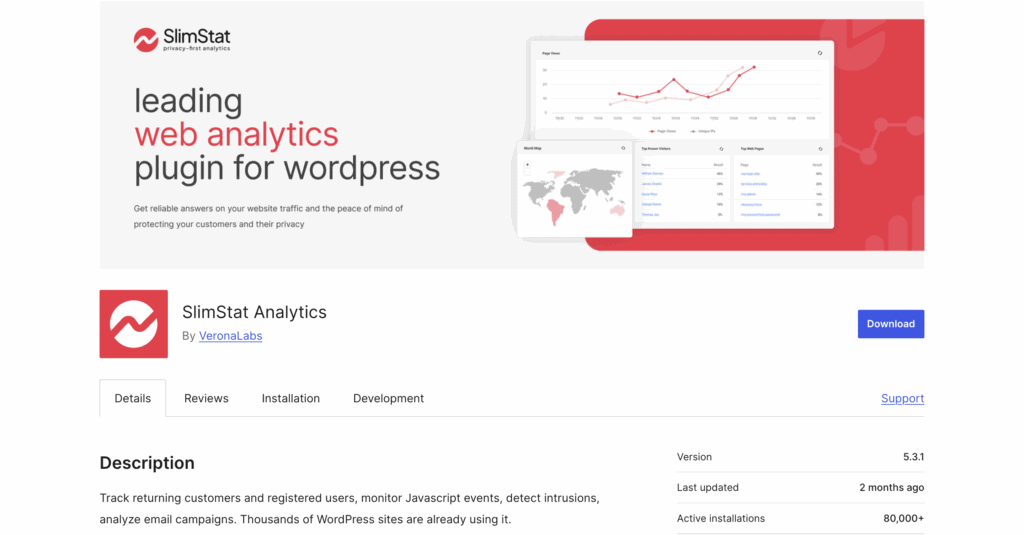
In our review of SlimStat analytics, I found that it’s a powerful, self-hosted alternative offering highly detailed reports directly within WordPress. It provides more granular data than many free plugins but can be resource-intensive on your database. It’s a great choice for data-savvy users who closely monitor their site’s performance.
Final Thoughts
The debate between Google Analytics vs. WP Statistics isn’t about which tool is more “accurate,” but which tool is right for your goals. They are built for different purposes and measure traffic in fundamentally different ways. This is why their numbers will never perfectly match.
If you value simplicity and data privacy, WP Statistics is an excellent choice. If you need marketing insights, tracking conversions, and measuring the ROI, Google Analytics is what you need. By understanding what each tool does best, you can stop worrying about conflicting numbers and start using the data that truly matters for your website’s growth.
As a side note, if you end up using WP Statistics, you should use a backup plugin like BlogVault. This makes sure your data is always stored in a safe place.
FAQs
Is WP Statistics good?
Yes, WP Statistics is very good for what it’s designed for: providing simple, private, and easy-to-understand analytics directly within your WordPress dashboard. It’s an excellent choice for bloggers, small businesses, and anyone who wants to own their data without needing complex marketing features.
Is there something better than Google Analytics?
“Better” depends on your needs. For users who find Google Analytics too complex or have strong privacy concerns, alternatives like WP Statistics, Fathom, or Plausible are considered better because they are simpler and more privacy-respecting. However, for deep marketing analysis, e-commerce tracking, and integration with advertising platforms, Google Analytics remains the most powerful and feature-rich option available.
Does WordPress use Google Analytics?
No, WordPress does not include Google Analytics by default. WordPress is a content management system, and it doesn’t come with any built-in analytics tool. To use Google Analytics on a WordPress site, you must add it yourself, typically by using a plugin like Site Kit by Google or MonsterInsights.
Why are people moving away from Google Analytics?
There are two primary reasons people are looking for alternatives. The first is privacy. Growing concerns over data collection and strict regulations like GDPR have made its use legally complex, especially in the EU. The second reason is complexity. The latest version, Google Analytics 4 (GA4), has a steep learning curve that many users find overwhelming and confusing for getting simple traffic metrics.

Shreya has been a writer for as long as she can remember. Now, she writes articles that help WordPress users manage the sites that they're proud of, with little to no coding