
Selecting a membership plugin is likely the next decision you need to make for your business. If you’re considering MemberPress vs MemberMouse, the choice often narrows down to choosing between an all-in-one simple solution or a more specialized, marketing-centric toolkit.
We understand that this decision can be daunting. Your choice will dictate everything from daily administrative workflows to your capacity for long-term growth. We’ve tested both plugins and this article will dive into everything we learnt, experienced and more.
Our experience with MemberPress was the better of the two. It was quick and easy to setup. There’s a centralized dashboard to assess your business in a glance. MemberMouse was an enterprise-grade platform that was complicated to navigate.
MemberPress: An Overview
As far as WordPress membership plugins go, MemberPress has earned a reputation as a premier, turnkey solution. It provides a comprehensive suite of tools for selling subscriptions, courses, and digital files directly within a single, cohesive package.
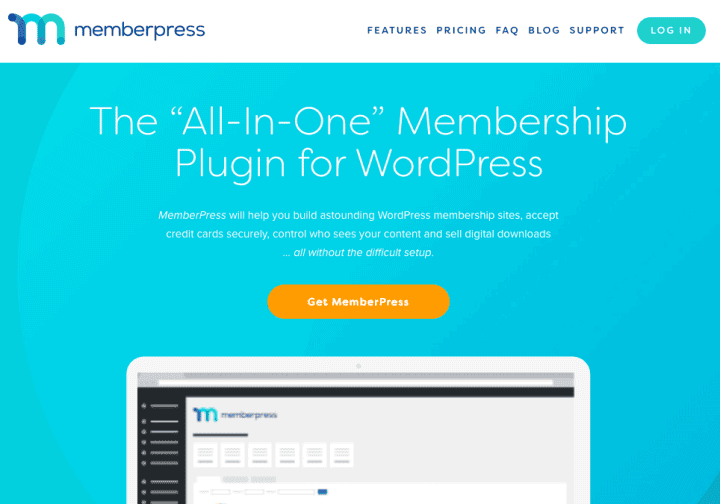
Our testing of MemberPress confirmed the plugin’s focus on a streamlined administrative workflow and out-of-the-box stability. The setup wizard was exceptionally intuitive and helped navigate payment gateways, membership levels and email are addressed correctly.
However, the most significant advantage we identified was its exclusive ReadyLaunch™ feature. It generates all essential membership pages like the login, registration and the user account area. They are designed to be entirely theme-agnostic. This eliminates the need for custom CSS or or introducing site-breaking conflicts.
MemberMouse Summary
MemberMouse positions itself as a high-performance tool for established businesses and data-driven marketers. Its core strength lies in providing a sophisticated e-commerce and optimization framework with features like one-click upsells. prorated billing, and dynamic content personalization using SmartTags.
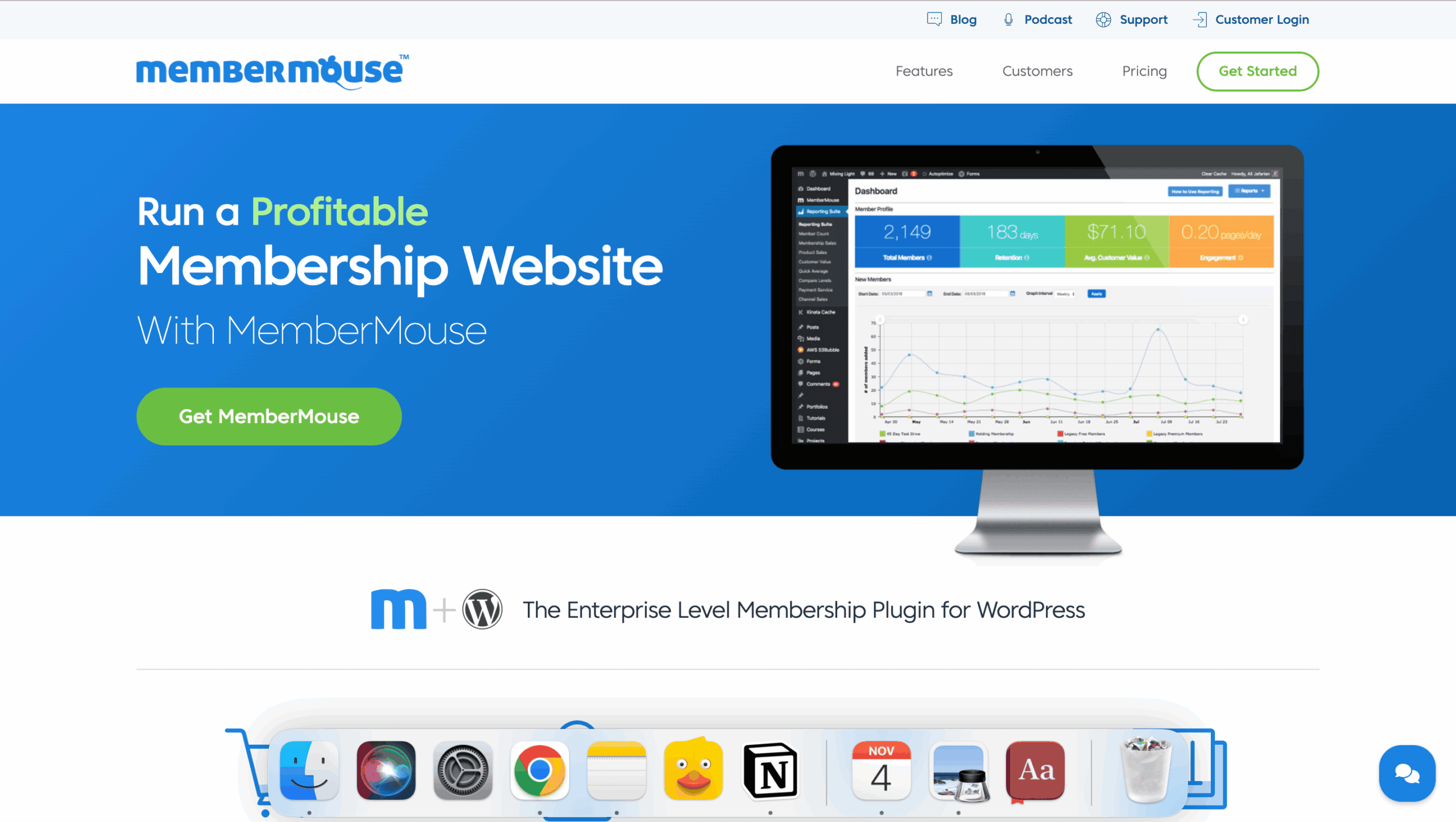
During our MemberMouse review, the power under the hood was immediately apparent. The ability to create dynamic offers and split-test pricing is a game-changer for serious businesses. However, this power comes with a steeper learning curve. The admin interface felt less intuitive than MemberPress.
Manage Membership Plans and Access Control
The core of any membership site is controlling who sees what. I tested how each plugin handles content protection.
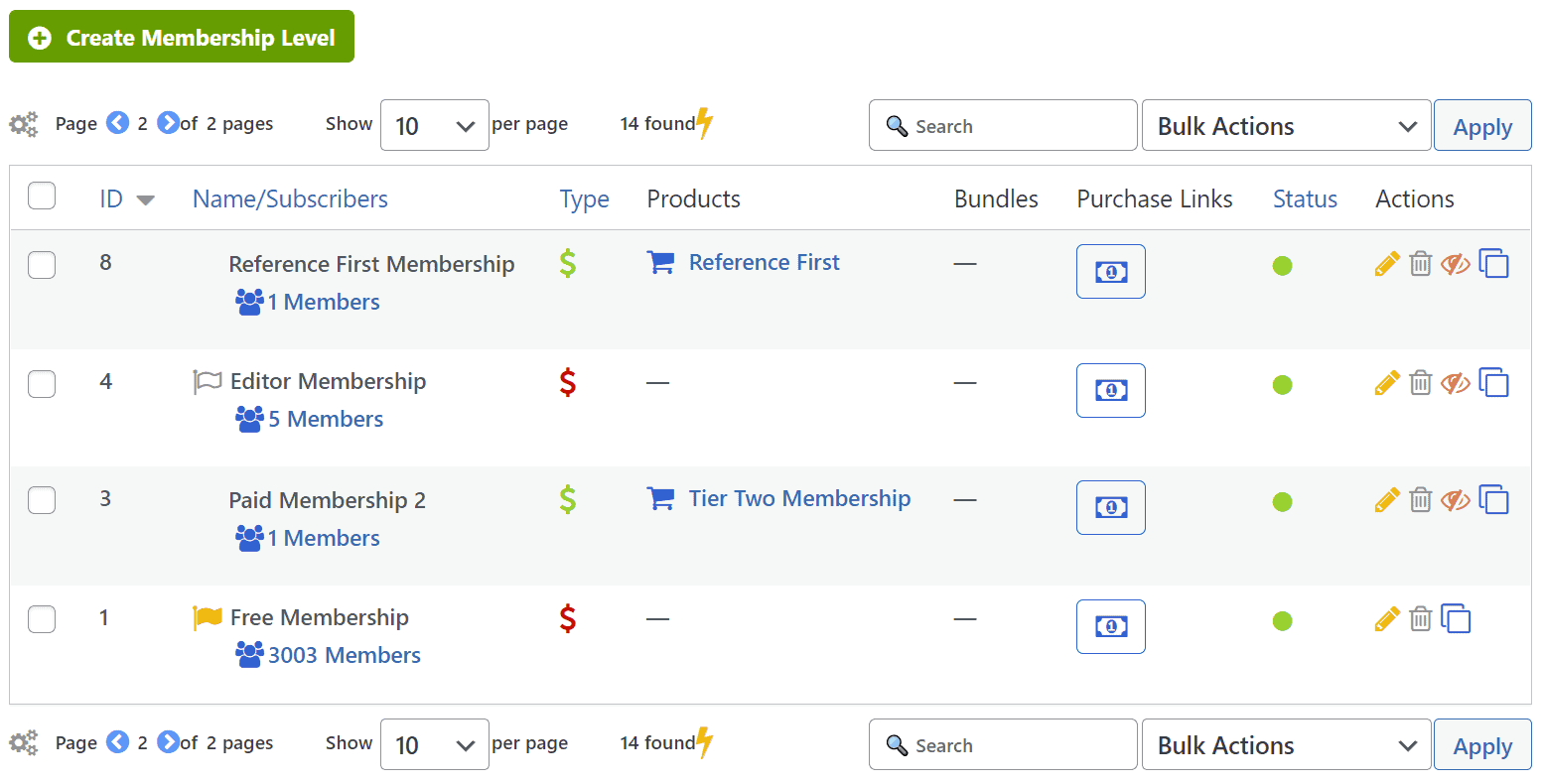
MemberPress: Setting up membership tiers was incredibly intuitive. I could create unlimited free, one-time, or recurring plans and then apply access rules with surgical precision. The rules-based system is its greatest strength—I could lock down entire categories, specific posts, or even individual PDF files with just a few clicks. The partial content protection was perfect for creating “teaser” content to drive sign-ups. It’s comprehensive without being complicated.
MemberMouse: This plugin offers a more layered approach. On top of standard membership levels, it introduces “Bundles,” which are perfect for one-off purchases or add-on content packs. Where it truly stands out is with SmartTags. These shortcodes allowed me to display different content—like a special offer for existing members versus a “Buy Now” button for visitors—on the same page. This level of dynamic personalization is a powerful marketing tool, though it requires more strategic setup than MemberPress’s straightforward rules.
Manage Members
Effective member management is crucial for reducing churn and support requests. I looked at both the admin and member-facing experiences.
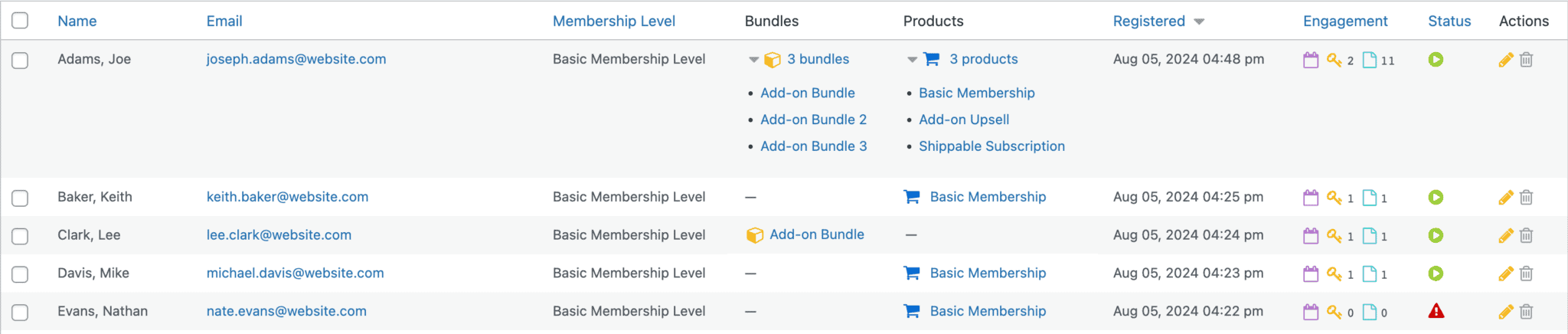
MemberPress: The member experience is sleek and professional. Subscribers get a self-service dashboard to update profiles, view payment history, and manage their billing without needing to contact support. On the admin side, the built-in reporting provides clear, actionable insights into revenue, member growth, and overall site health. It gives you everything you need and nothing you don’t.
MemberMouse: This plugin excels at providing tools for a more mature business. Members get a similar self-service area, but admins benefit from features like prorated billing for upgrades/downgrades and the ability to create limited-access employee accounts for support staff. The option for social sign-on is another nice touch that can reduce friction for new members.
Content Dripping
Releasing content over time is vital for courses and engagement-focused memberships.
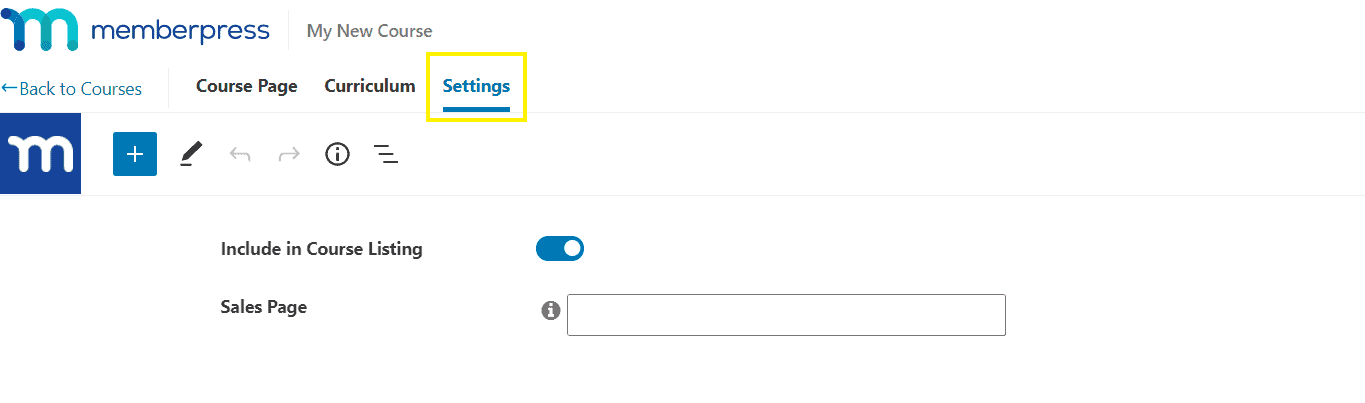
MemberPress: Content dripping is a core, flawlessly integrated feature. I could easily schedule posts or lessons to become available a set number of days after a member signs up. The integration with its built-in course builder makes structuring a learning path visually intuitive. You can set a schedule and forget it, knowing it will work perfectly.
MemberMouse: MemberMouse also offers powerful drip functionality, which it calls a “Drip Content Schedule.” The centralized interface to manage all time-released content is useful, and the ability to preview the site as a member on a future date is a fantastic feature for quality assurance. The functionality is all there and works great, but it feels slightly less integrated than MemberPress’s all-in-one course environment.
Payments and Subscriptions
Your payment system is critical to your business. Ideally, your membership plugin integrates seamlessly with a payment gateway of your choice.
MemberPress: Payments are simple and reliable. It integrates directly with Stripe, PayPal, and Authorize.net, handling recurring subscriptions and coupons effortlessly. The automated billing and reminder system is excellent for reducing churn. It’s an end-to-end system that just works. It’s important to note the entry-level plan has a 4.9% platform fee, which is removed on higher tiers.
MemberMouse: This is where MemberMouse pulls away for marketers. Beyond standard subscriptions, it offers true e-commerce power tools. 1-Click Upsells for existing members, automatic prorated billing for plan changes, and overdue payment handling are built-in. These features are designed to maximize revenue from every single transaction and are indispensable for anyone running a sophisticated sales funnel.
Design and Customization
Your member area is a critical customer touchpoint. A clunky or generic design undermines your brand’s professionalism. We’re evaluating how each plugin empowers you to create a seamless, on-brand experience that reinforces value and improves member retention.
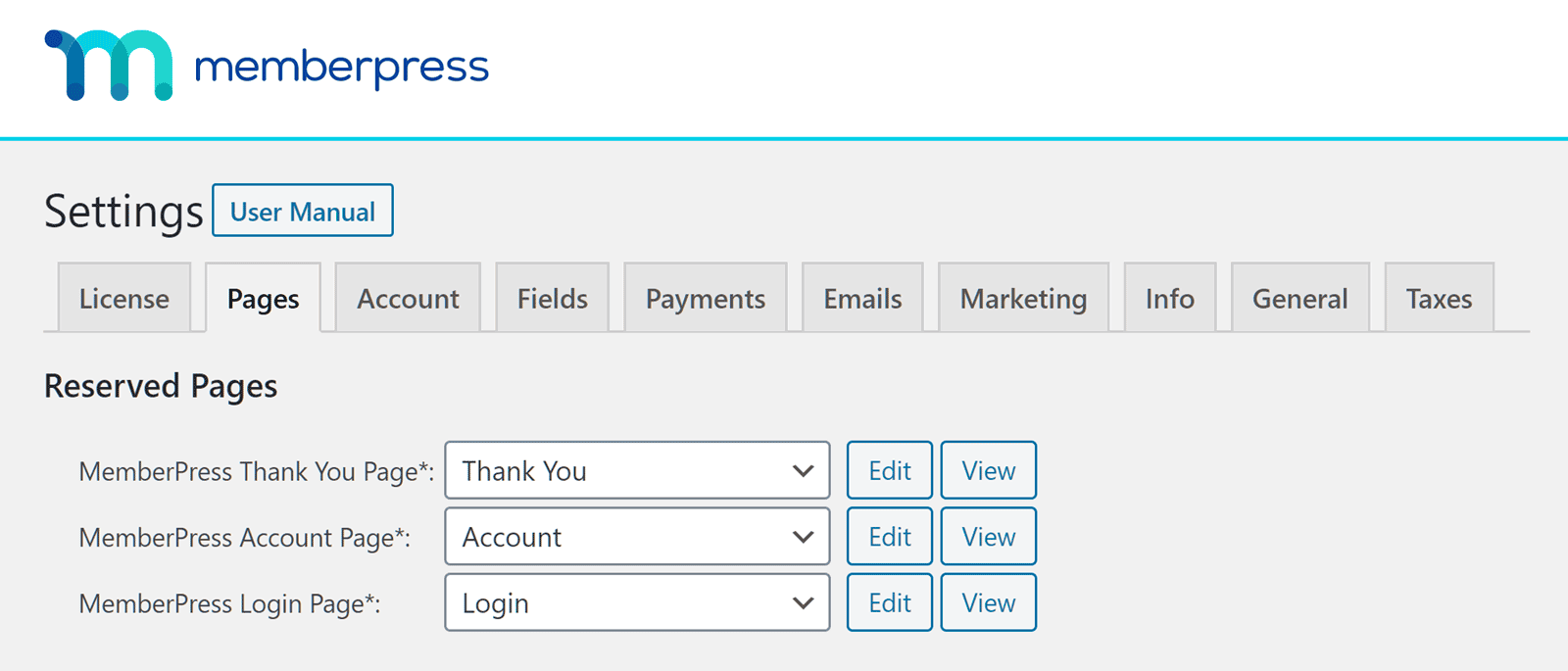
MemberPress: The ReadyLaunch™ feature is a game-changer. With a single click, it creates modern, responsive, and theme-proof registration, login, and account pages. This saves a huge amount of time and removes the headache of theme conflicts, making it perfect for users who want to focus on content, not code.
MemberMouse: MemberMouse is theme-agnostic and relies on your theme for its styling. Its power lies in customization through SmartTags and its developer API. This allows for deep personalization and integration, but it requires technical skill. You can build a highly custom experience, but you (or your developer) will be doing the building.
Privacy, Security and Compliance
Members provide sensitive personal and payment data, and protecting it is non-negotiable. We scrutinize these features because these plugins are handling the bulk of this data.
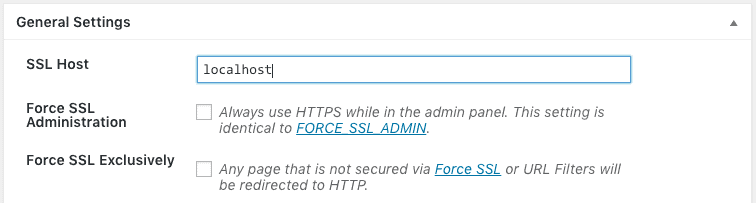
MemberPress: It covers all the essential bases well. It has tools to assist with GDPR compliance, secure file protection for digital downloads, and works seamlessly with SSL. It provides a strong, secure environment for a standard membership site.
MemberMouse: It also handles the fundamentals like SSL and login attempt limits. Its standout feature is the ability to auto-lock shared accounts, which can be a significant revenue-saver for businesses selling high-value content. This single feature shows a deep understanding of the business of selling access.
Usability
How easy is it to actually build and run your site?
MemberPress: The experience is smooth from start to finish. A setup wizard holds your hand through the initial configuration, the interface is clean, and everything is logically organized within the familiar WordPress dashboard. It is designed to get you from installation to launch as quickly as possible.
MemberMouse: While the member-facing experience is excellent, the admin backend is a common point of criticism. In our testing, the interface felt clunky and outdated, requiring more clicks to perform simple tasks. The conceptual distinction between “Membership Levels” and “Bundles” also takes time to fully grasp. It’s a powerful toolkit, but one that requires an investment of time to master.
Pricing and Value
The financial model is a key differentiator.
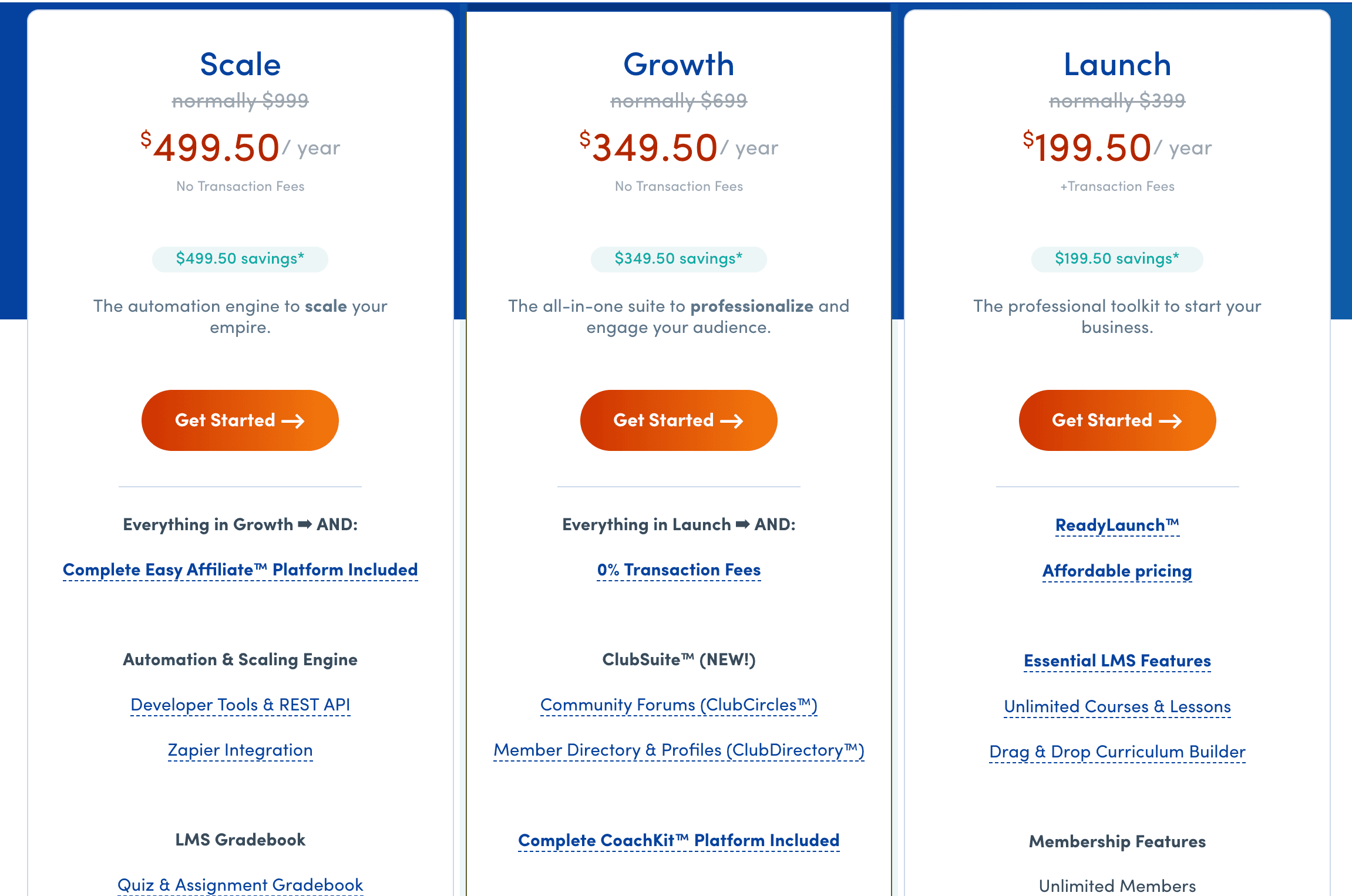
MemberPress: MemberPress plans and pricing uses a traditional annual license model. Pricing starts around $199.50/year for the first year. Higher-tier plans remove transaction fees and add powerful features like content dripping and affiliate management.
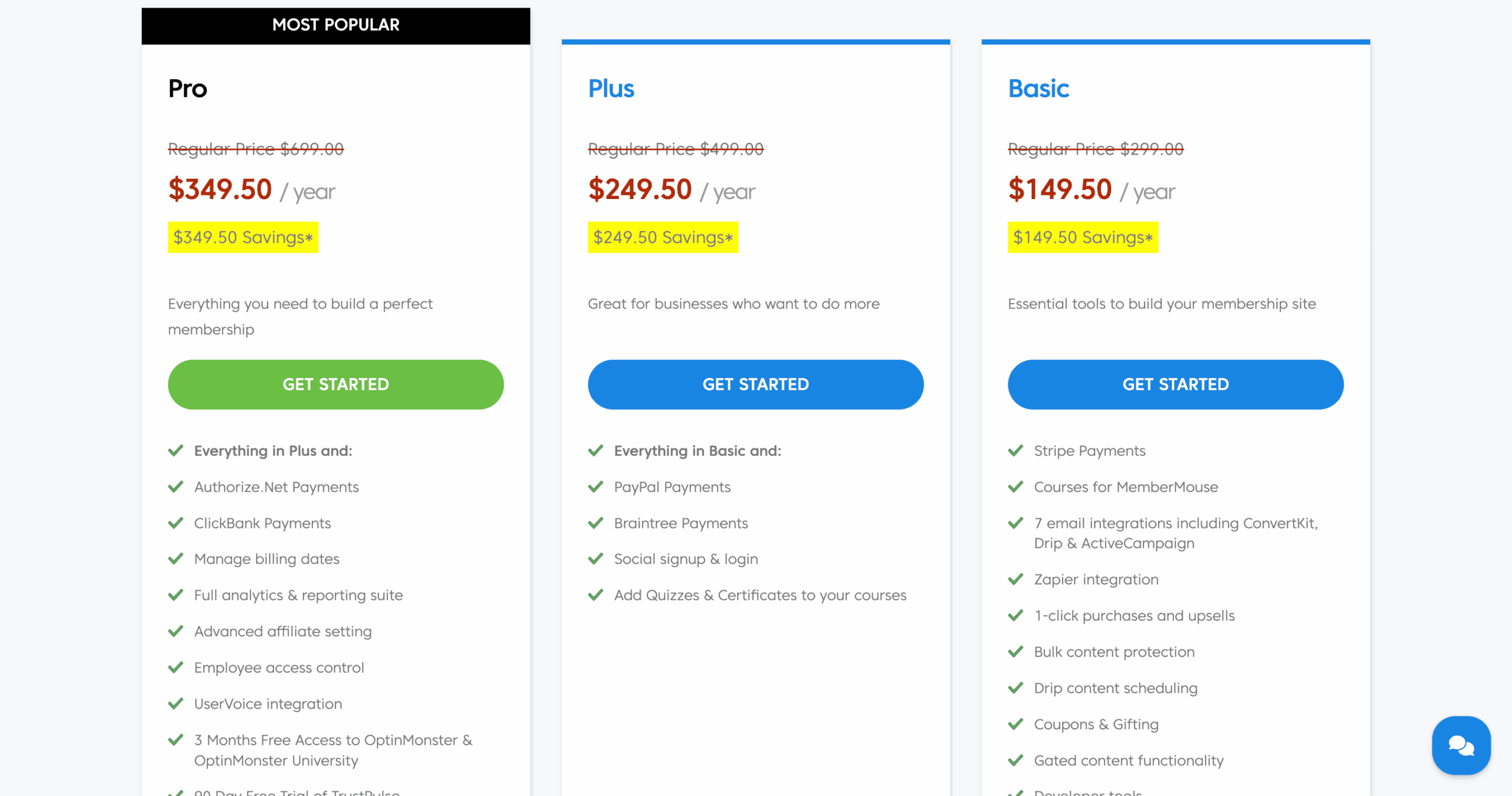
MemberMouse: MemberMouse’s pricing operates on a recurring annual subscription. Plans start at $149 a year. The plans are tiered based on features. For example, higher plans offer PayPal integration.
Alternatives to MemberPress and MemberMouse
MemberPress can get you launched quickly, but you may soon hit a ceiling. Conversely, MemberMouse offers that power but can bog you down in a complex system. Whatever your reason for needing an alternative, here are our top two recommendations:
- Ultimate Membership Pro: A feature-rich plugin known for its design flexibility, Ultimate Membership Pro offers an extensive template library. It’s a strong all-in-one alternative with a different interface.
- ARMember: A compelling freemium option, ARMember packs an impressive number of features into its free version. It’s a great choice for those on a tight budget who still need advanced functionality.
Final Thoughts
Your choice between MemberPress and MemberMouse comes down to your business model and technical comfort level.
Choose MemberPress if you are an entrepreneur, creator, or small business owner who wants a powerful, reliable, and user-friendly system to sell content or courses. Its all-in-one nature and intuitive design will let you launch quickly and manage your site without needing a developer.
Choose MemberMouse if you are a data-driven marketer or an established business focused on maximizing revenue per customer. Its sophisticated e-commerce tools like one-click upsells, prorated billing, and dynamic content are built for optimization and are worth mastering if you run a high-volume sales operation.
Irrespective of your choice, build a staging environment first. This ensures you can fully test the features and confirm compatibility with your theme before launching to your audience.
FAQs
What is the difference between MemberMouse and MemberPress?
The core difference is their focus. MemberPress is a user-friendly, all-in-one solution for selling content and courses. MemberMouse is a sophisticated marketing and e-commerce platform designed to optimize sales with features like one-click upsells and advanced analytics.
What is the best membership plugin?
The “best” plugin depends entirely on your goals. For ease of use and a fast launch, MemberPress is a top contender. For maximizing revenue through advanced marketing funnels, MemberMouse is often the superior choice.
What is MemberPress used for?
MemberPress is primarily used to create and manage premium membership sites, sell online courses, and protect digital downloads. It’s an all-in-one tool for monetizing access to content on a WordPress website.
How much does MemberPress cost?
MemberPress is a premium plugin with annual pricing. Its plans typically start at around $199.50 for the first year for a single site, with higher-tier plans offering more features and removing transaction fees.

Shreya has been a writer for as long as she can remember. Now, she writes articles that help WordPress users manage the sites that they're proud of, with little to no coding


