

Choosing a table plugin feels simple until it’s not. Your WordPress site has outgrown basic tables, leaving you stuck in the wpDataTables vs TablePress debate.
This comparison cuts through the noise.
We’ll directly address the features, costs, and limitations so you can avoid wasted time and choose the right tool with confidence.
Choose TablePress for its simplicity with static, manually-entered data, and wpDataTables for its power with live, dynamic data from databases. Regardless of your choice, use a backup plugin to avoid potential mishaps.
wpDataTables vs TablePress: Core capabilities compared
Here’s a quick breakdown of how their core features compare side-by-side.
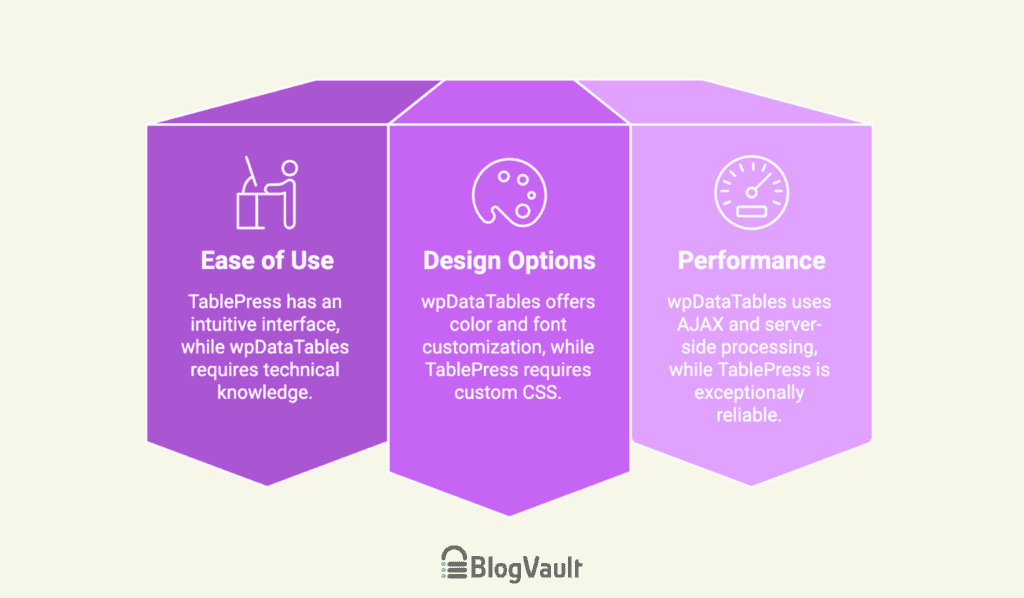
Ease of use and learning curve
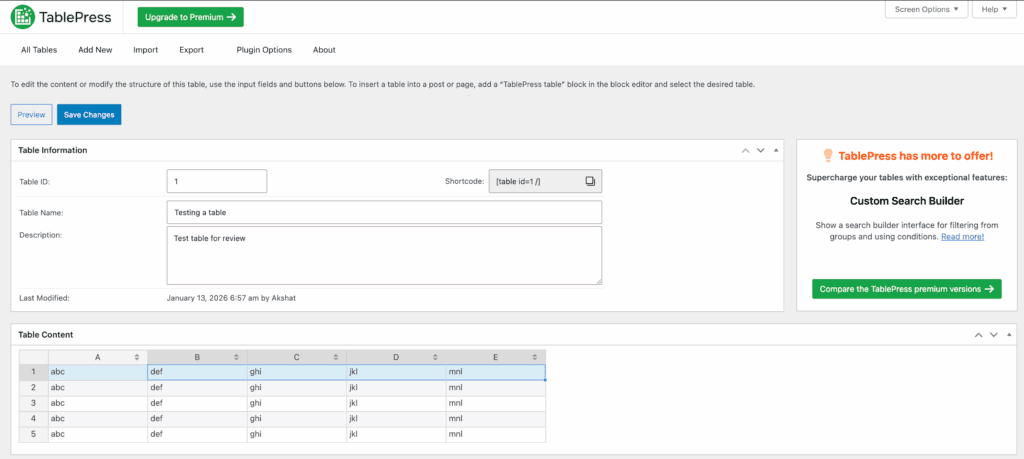
The TablePress plugin has an intuitive, spreadsheet-like backend. You can install it and have a table running in minutes. Managing rows and columns is simple, and its dedicated Gutenberg block makes embedding easy.
For all basic tasks, the learning curve is minimal.
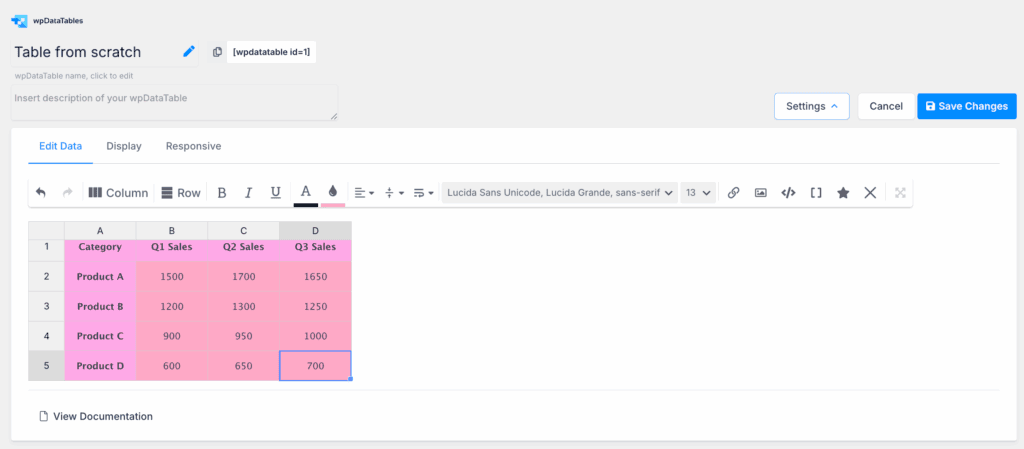
On the other hand, wpDataTables uses a setup wizard, but its interface can feel fragmented. A word of warning: to use its best features, you will need technical knowledge, as writing SQL queries is a necessary skill.
A small frustration is that the editor only shows a shortcode, so you can’t see a live preview as you build.
Design and customization options
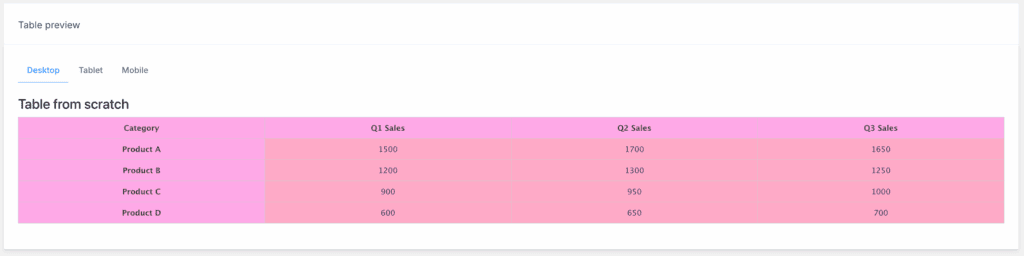
Even in its free version, wpDataTables offers color and font customization and pre-built templates. A quick tip: modifying these templates requires some HTML/CSS skills.
A powerful feature we love is conditional formatting, which lets you highlight data based on rules you create.

TablePress keeps its design simple. Its clean look inherits fonts from your theme, blending in perfectly. The free version requires you to write your own code in a Custom CSS box for styling. A major plus we’ve found is that TablePress supports images, links, and even other shortcodes inside any cell.
Performance and reliability
To handle large amounts of data, wpDataTables uses AJAX and server-side processing. This smart method helps prevent issues like the white screen of death when loading a huge table.. The trade-off is that its scripts are a bit heavier, which can add a tiny bit to your initial page load time.
TablePress is exceptionally reliable with a long history of stable updates. We’ve found it’s coded to high standards, which means you’ll face minimal plugin conflicts. It also uses server-side processing, so it handles large datasets efficiently and won’t slow down your site.
Pricing and value

TablePress has a robust and completely free version that is powerful enough for most users. The PRO plan, which adds features like automatic syncing, starts at about $89 per year. Just be sure to test it on a staging site first.

The free version of wpDataTables is best for basic, manual tables. To access its key features for dynamic data, you have to upgrade. In our view, the PRO features are essential for its main purpose, and they offer both annual and lifetime licenses.
Strengths and weaknesses of each
No tool is perfect for every single job.
wpDataTables strengths:
- Excellent for dynamic data, handling large scales, and creating charts.
- Ideal for developers and sites with a lot of data.
wpDataTables weaknesses:
- Has a steeper learning curve and requires a premium license for its best features.
- Simple manual tables in the free version lack some key interactive features.
TablePress strengths:
- It is super user-friendly, reliable, and has a very strong free version.
- The perfect tool for content managers and general site owners.
TablePress weaknesses:
- Less suited for dynamic data; advanced styling needs the PRO version or CSS skills.
- The free version’s mobile view defaults to horizontal scrolling, which you might not like.
Making the right choice for your needs
To make this simple, we’ve broken down the decision into two clear paths based on your project’s requirements.
Choose TablePress if…
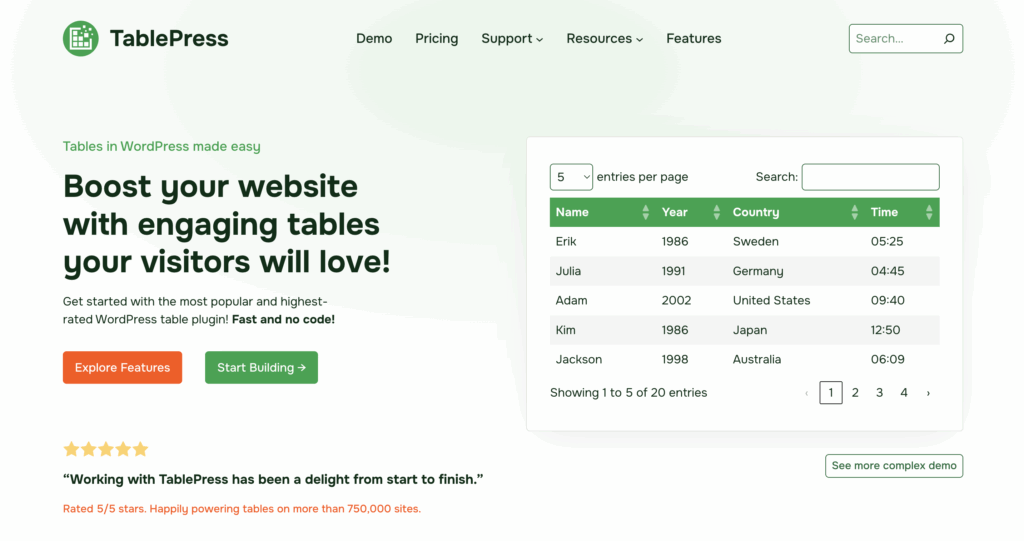
- You are working with simple, static, or manually entered data.
- You prioritize ease of use and a gentle learning curve above all else.
- Your main task is importing data from a CSV or Excel file for display.
- You are working with a minimal budget and need a powerful free tool.
Choose wpDataTables if…
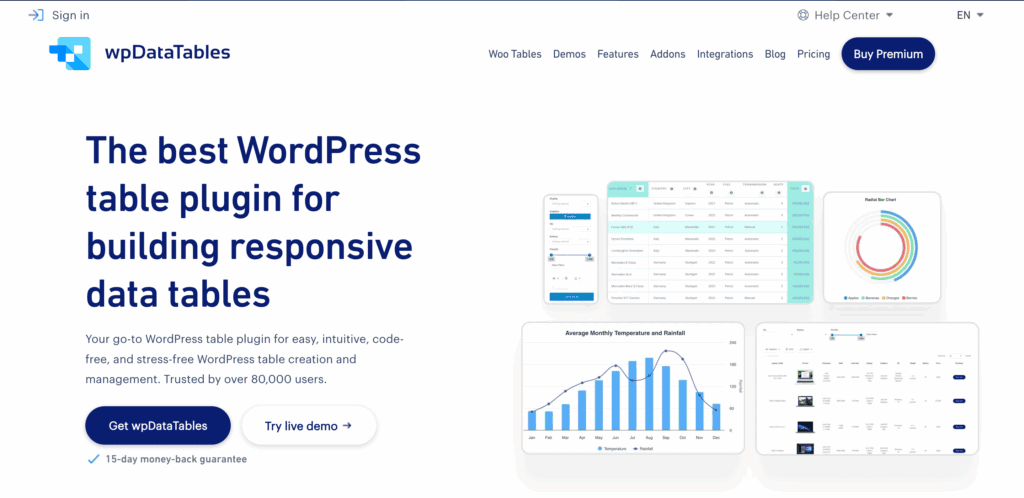
- You need to display large, live, or dynamic data from an external source.
- You want to create charts and graphs directly from your table data.
- You need to connect to and query a MySQL database directly.
- You want to allow users to edit table information from the front end of your site.
Alternative options to consider
If neither plugin feels like a perfect fit, you have other good choices.
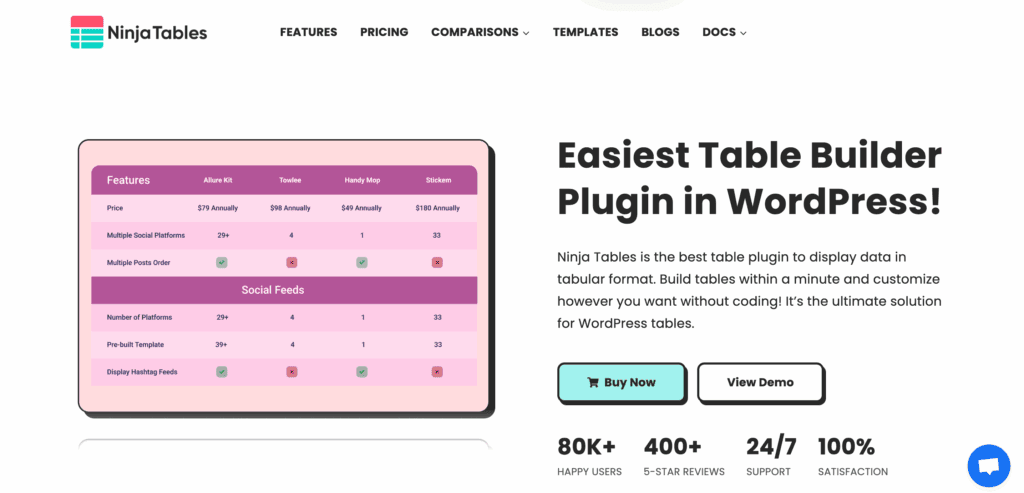
Ninja Tables: A great middle-ground option that balances a strong feature set with a user-friendly interface.
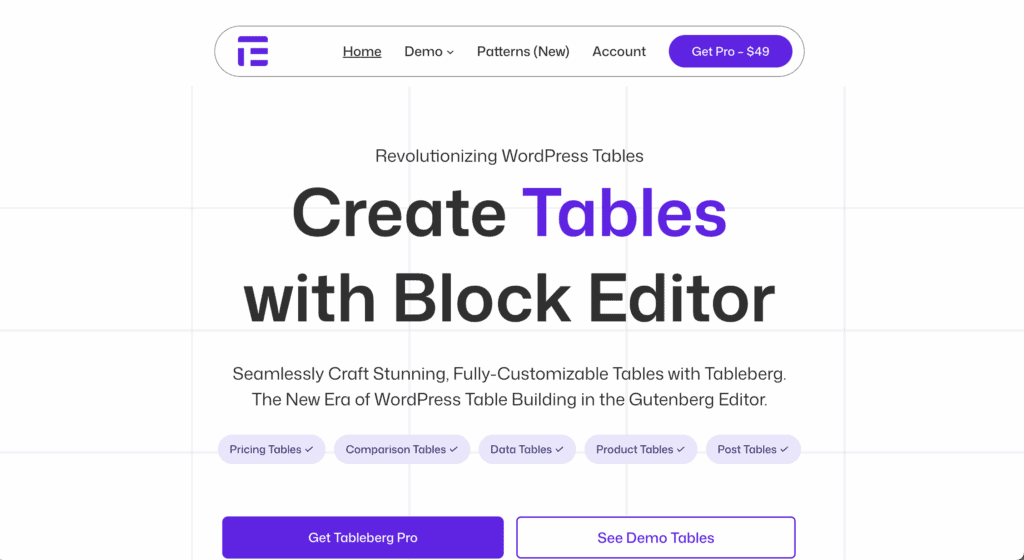
Tableberg: A modern, block-based editor built specifically for the Gutenberg editor.
WP Table Builder: A drag-and-drop visual editor that’s ideal for beginners who want to avoid code.

Parting thoughts
Your specific data needs and your technical skills will decide the ideal choice for you. TablePress wins on simplicity. In contrast, wpDataTables wins on raw power. Our best advice is to take a full backup of your site first, then install the free versions of both. A few minutes of hands-on experience will tell you more than any article can.
FAQs
Does TablePress offer a free version with all features?
No, TablePress does not offer a free version with all its features. The free version is incredibly robust for manual tables, but advanced features like automatic syncing and visual styling require a PRO license.
Can I create interactive charts and graphs directly from my tables?
Yes, you can create interactive charts and graphs directly with wpDataTables. This feature is built into the plugin, whereas TablePress would require a separate tool or add-on to achieve this.
Which plugin is easier for a beginner with no coding or CSS knowledge?
TablePress is much easier for a beginner with no coding knowledge. Its interface is simple and spreadsheet-like, allowing you to create and manage tables immediately without touching any code.
Is it possible to pull data from a live MySQL database automatically?
Yes, wpDataTables is specifically designed to pull data automatically from a live MySQL database. This is a core feature of its PRO version, which TablePress does not offer in the same way.
Do both plugins support mobile responsiveness out of the box?
Yes, both plugins offer mobile responsiveness out of the box. TablePress typically defaults to a horizontal scroll, while wpDataTables provides more advanced options like hiding specific columns on mobile.
Can I import data from Google Sheets or Excel files?
Yes, both plugins allow you to import data from Google Sheets and Excel files. TablePress is great for one-time imports, while the PRO version of wpDataTables can automatically sync with a live Google Sheet.
Which plugin allows users to edit table data from the front-end of the website?
wpDataTables allows users to edit table data from the front-end of your site. This is a powerful PRO feature that TablePress does not offer.

Shivani enjoys crafting guides that make every aspect of using WordPress simple and easy to follow. When she's not glued to her laptop, you can find her buried in a good book or occasionally, painting.


