
When you need a translation plugin, you’ll inevitably end up comparing two giants: WPML and Weglot. But the choice between them is about more than just features.
It’s about avoiding a wasted budget, a frustrated team, and a website that’s a headache to manage.
Getting this right is critical for engagement, as visitors spend double the time on sites in their own language. This WPML vs Weglot comparison cuts the marketing fluff to find the right answer for your needs.
While WPML is excellent for developers, we recommend Weglot for its unmatched simplicity and performance. As a rule, always use a reliable backup plugin before adding a major plugin to protect your existing work from conflicts.
WPML vs Weglot: Head-to-head comparison
WPML in a nutshell
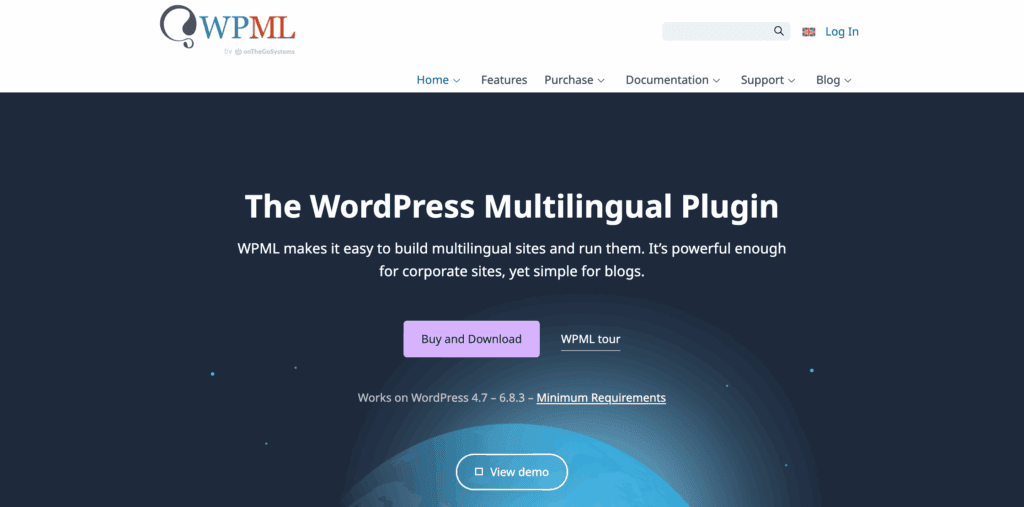
WPML is a self-hosted translation plugin for WordPress. It stores all translation data directly in your WordPress database. This architecture provides complete data ownership. You also get deep, granular control over every translated element on your site.
Its main strength is managing complex sites. Especially large WooCommerce stores or those with custom post types and advanced fields.
Getting full functionality requires installing multiple add-on plugins. WPML is a premium-only solution. It is best suited for users who are technically proficient and require precise control over their multilingual setup.
Weglot in a nutshell
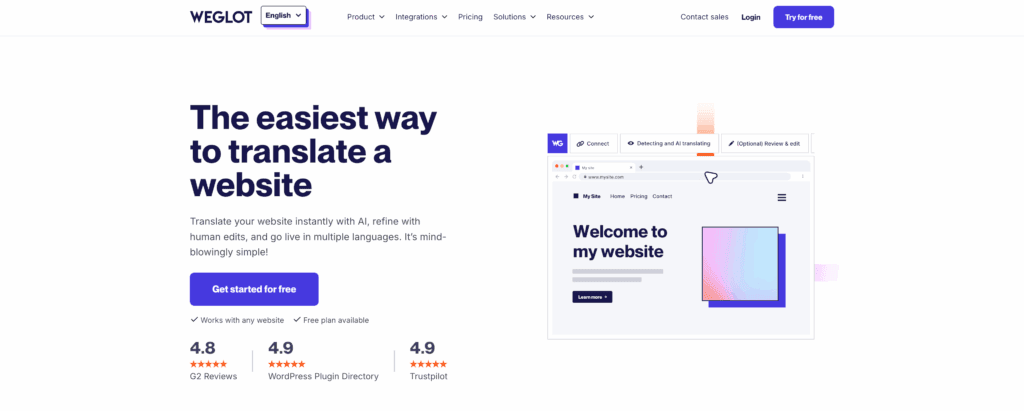
Weglot is a cloud-based SaaS platform that takes a different approach to translation. It uses a single lightweight plugin to connect your site to its service. All translations are stored and managed externally. This is similar to how off-site WordPress backups provide a crucial layer of data protection.
This method keeps your database clean for better performance. Weglot’s fast, automatic setup works on WordPress, Shopify, Wix, and more. Focused on speed and simplicity, it offers a free trial for you to test.
Key feature comparison
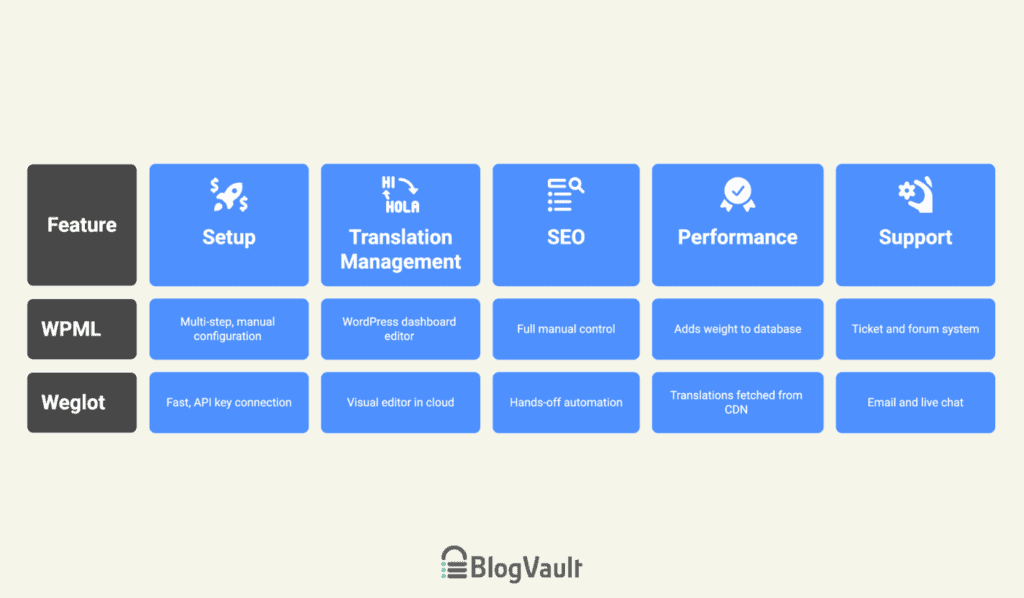
Here is a breakdown of how both plugins stack up in the areas that matter most.
Set up and initial configuration
WPML requires a multi-step installation of its core plugin and necessary add-ons. This is followed by a detailed configuration wizard. This manual process demands more technical knowledge.
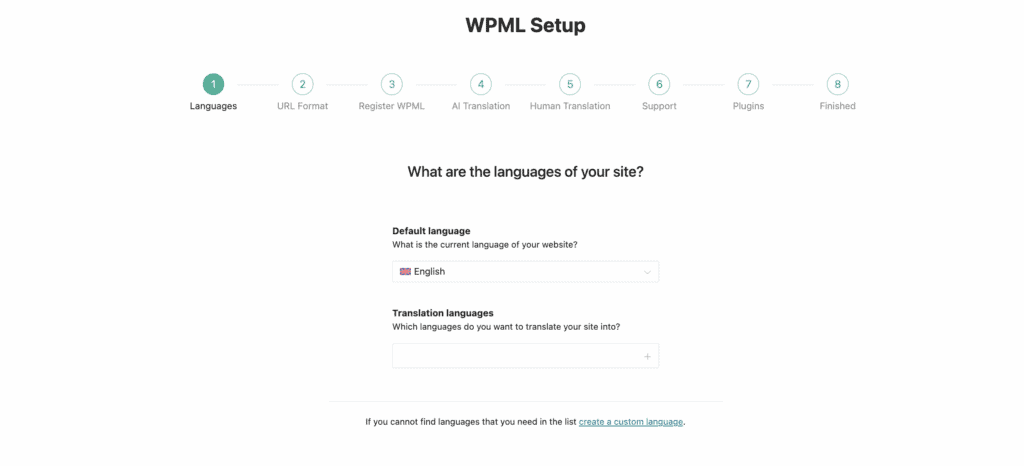
From our experience, checking for compatibility beforehand is a critical step to avoid potential plugin conflicts. This approach gives you total control from the start, but it requires patience.
Weglot, in contrast, offers a significantly faster installation. You install one plugin and connect it with an API key. The service immediately scans your site and displays a translated version.
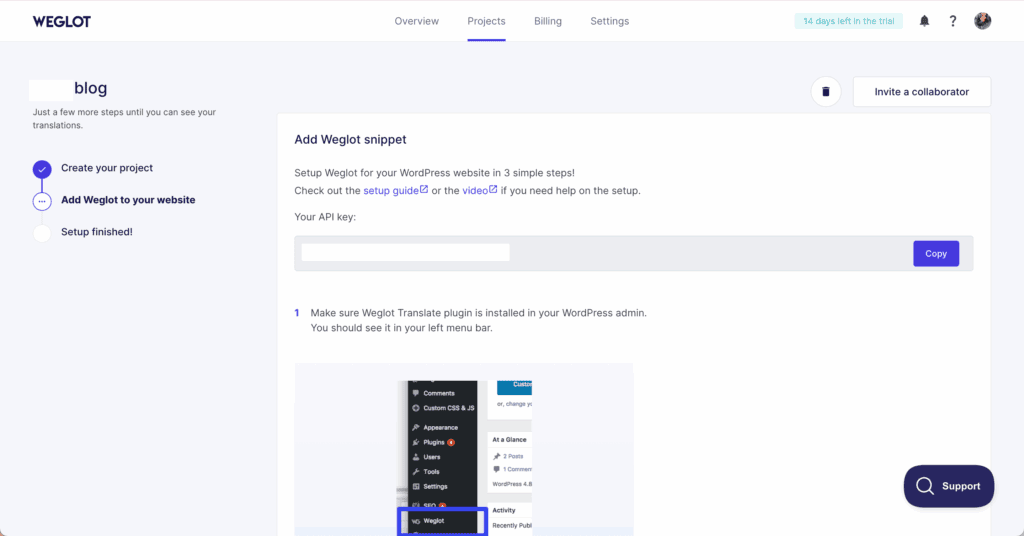
This process requires minimal technical skill. The result is a multilingual site in minutes, making it ideal for users who prioritize speed over granular setup options.
Translation management
With WPML, you’ll work entirely within the WordPress dashboard using its Advanced Translation Editor. For text outside of posts and pages (like in themes or widgets), you have to locate it in the separate String Translation module.

When original content is updated, you may also need to manually re-sync the translations.
Weglot avoids this by using a Visual Editor in its cloud dashboard. It shows a live preview of your site, similar to how a staging environment lets you see changes safely.
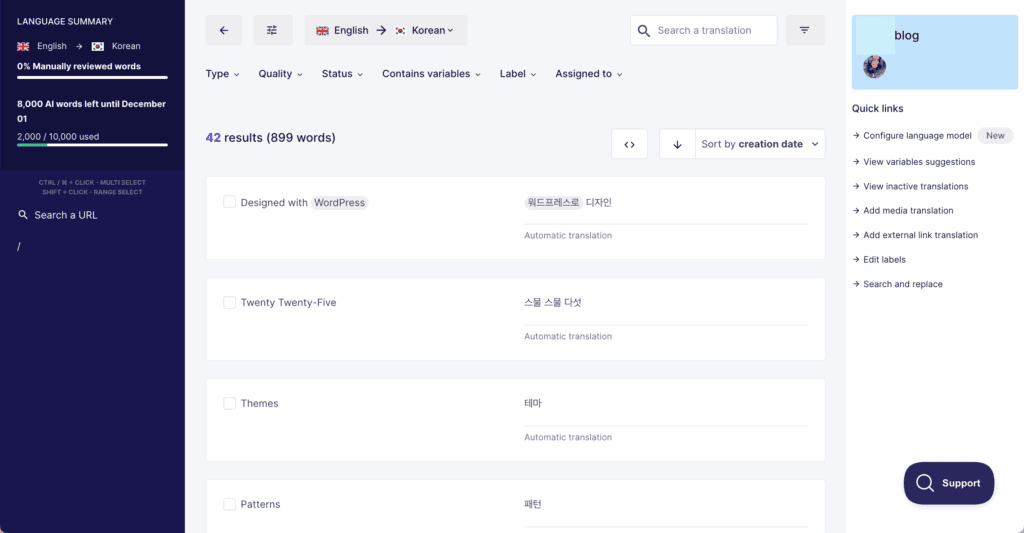
You edit translations simply by clicking on the text you see. This removes all guesswork, and new content is automatically translated. This removes all guesswork, and new content is automatically translated.
SEO and multilingual structure
WPML provides full manual control. You can meticulously edit every URL slug, meta description, and alt tag. It integrates deeply with major SEO plugins and generates comprehensive XML sitemaps. This is perfect for SEO experts who want to manage every detail.
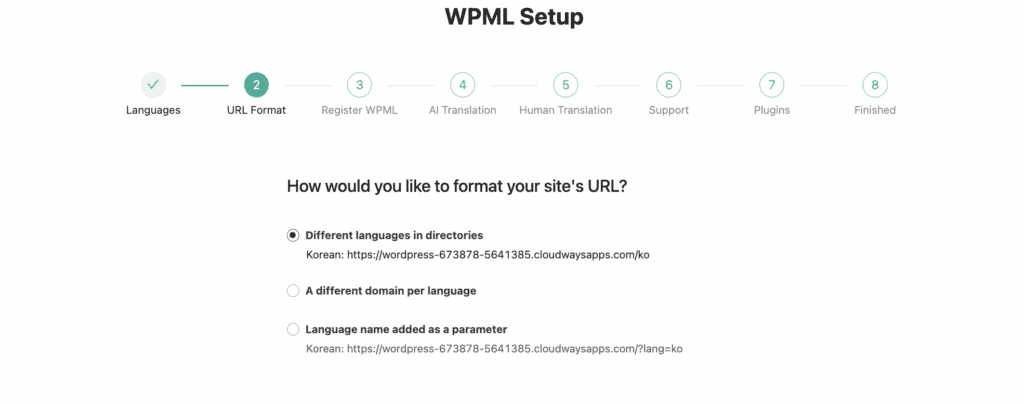
Weglot focuses on hands-off automation. It correctly implements SEO-friendly language subdirectories and technical signals like hreflang tags by default. You can still edit metadata easily, but the system is designed to handle the technical heavy lifting for you.
Both ensure your translated pages are properly indexed, which requires good WordPress hosting to maintain uptime. The choice comes down to whether you prefer manual precision or automated efficiency.
Performance and technical impact
Because WPML stores all translations in your WordPress database, it naturally adds more “weight” to your site. This increases the number of database queries and can slow down page load times on large sites.
To maintain optimal performance with WPML, high-quality hosting and a robust caching setup are non-negotiable.
Weglot avoids this issue because translations are fetched from its optimized cloud network (CDN). Your server does less work, and your local database remains lightweight. This gives Weglot a distinct advantage for anyone for whom site speed is a top priority.
Support
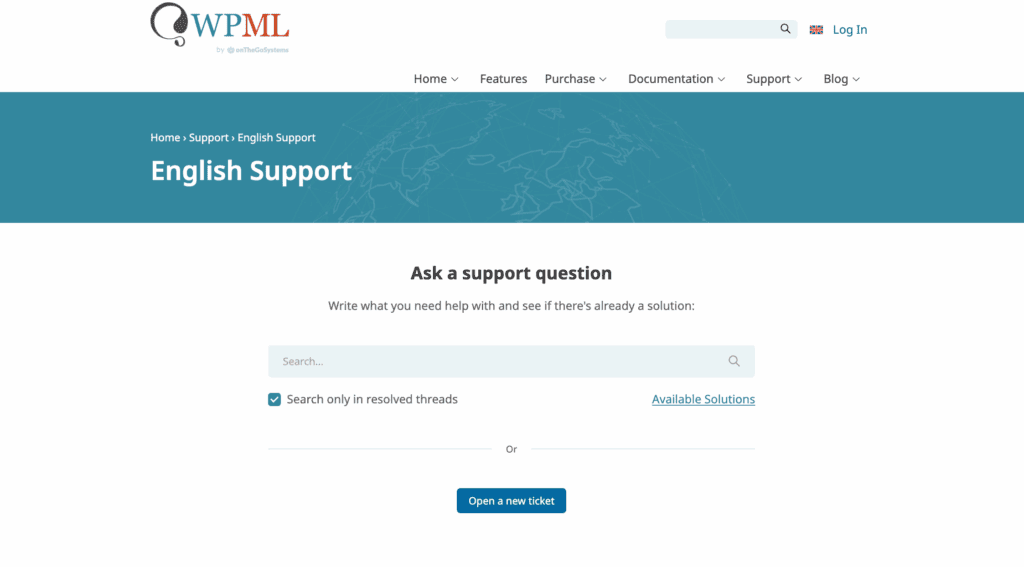
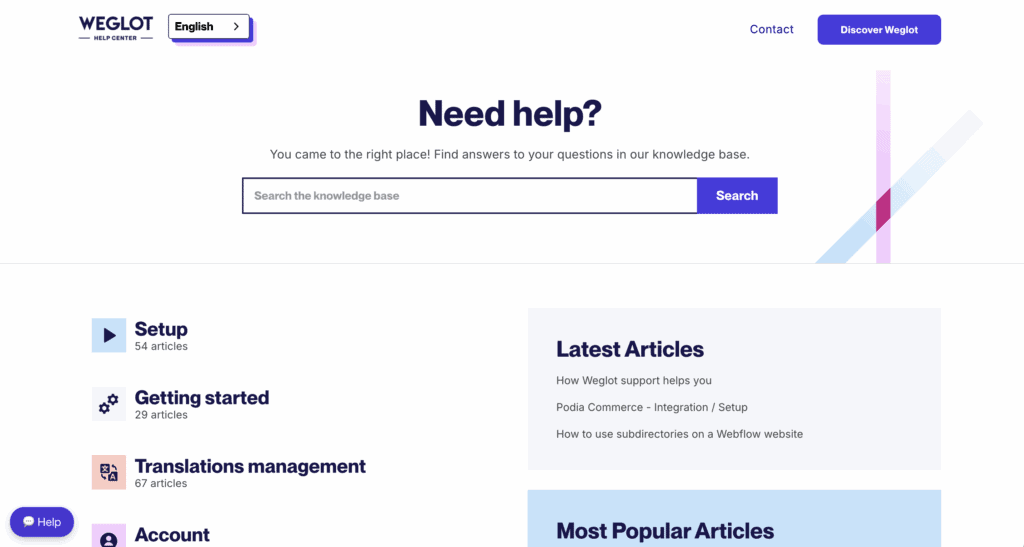
WPML offers a more traditional and thorough approach through a ticket and forum system. It’s backed by a comprehensive knowledge base and a team that is proficient across multiple languages.
Weglot provides a faster, more conversational experience via email and the Help Center. The response times are generally quick, and this speed is crucial for problem-solving. In the same way, a good backup strategy is crucial for allowing a fast recovery.
Pricing models
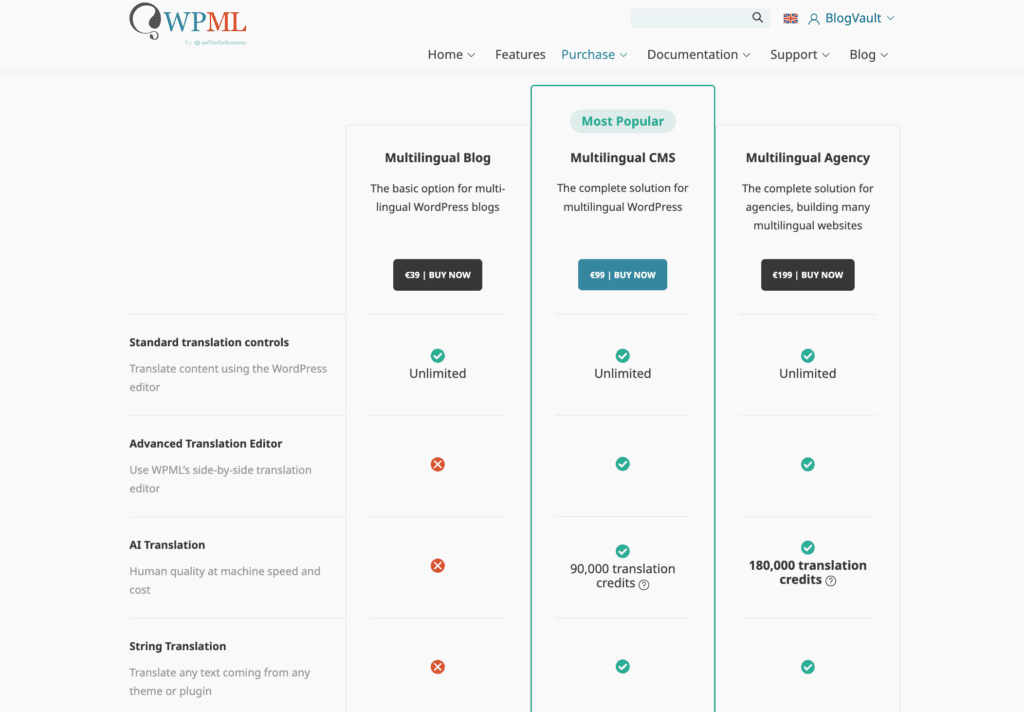
WPML is sold as an annual license. This single yearly fee covers the software, updates, and support. Automatic translation is managed with a separate credit system. Users can purchase credits as needed.
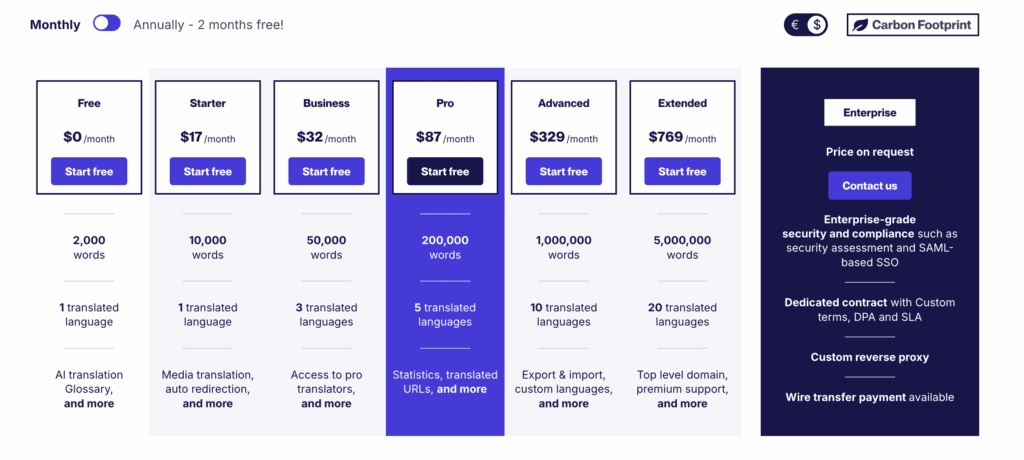
Weglot uses a recurring SaaS subscription. The fee is based on your site’s total word count and the number of languages required. This subscription covers all technology, translation hosting, and support.
How to pick the right one?
The correct choice depends on your project requirements and your team’s technical capabilities.
Choose WPML if:
- You are a developer or have technical staff.
- You require direct database access and want to host all data locally.
- Your site has complex custom fields or WooCommerce configurations.
- You prefer a predictable, one-time annual software fee.
Choose Weglot if:
- Speed and a simple setup are your primary requirements.
- Non-technical team members will be managing translations.
- You need a multilingual site functional in the shortest possible time.
- Website performance and a lightweight database are critical.
The most important factor is determining who will manage the site daily.
Other top translation plugins worth a look
If neither WPML nor Weglot seems like the perfect fit, here are a few other top-tier options to consider.
TranslatePress
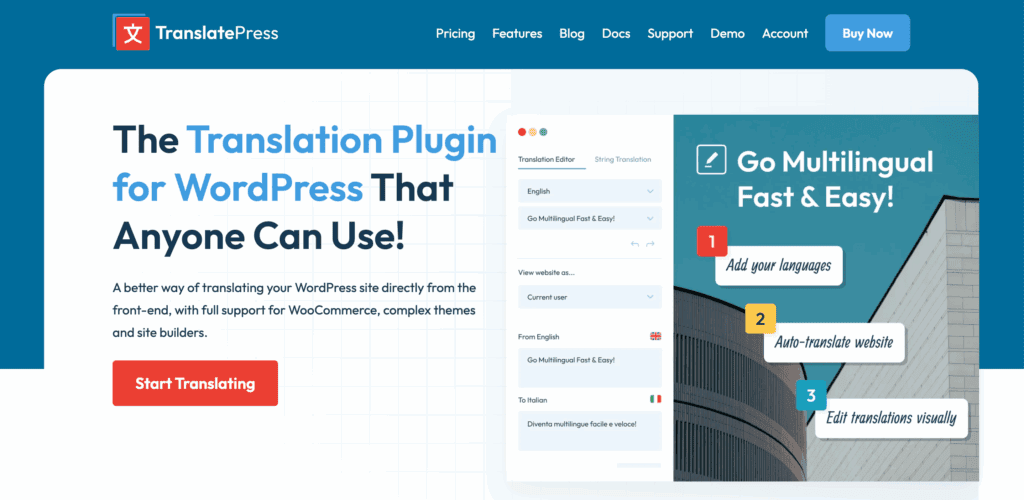
TranslatePress is the perfect middle ground. It combines WPML’s self-hosted nature with a visual editor that is very similar to Weglot’s. This means you keep all data on your own server. If you like Weglot’s editing but want to avoid a SaaS fee, this is an excellent choice.
Polylang
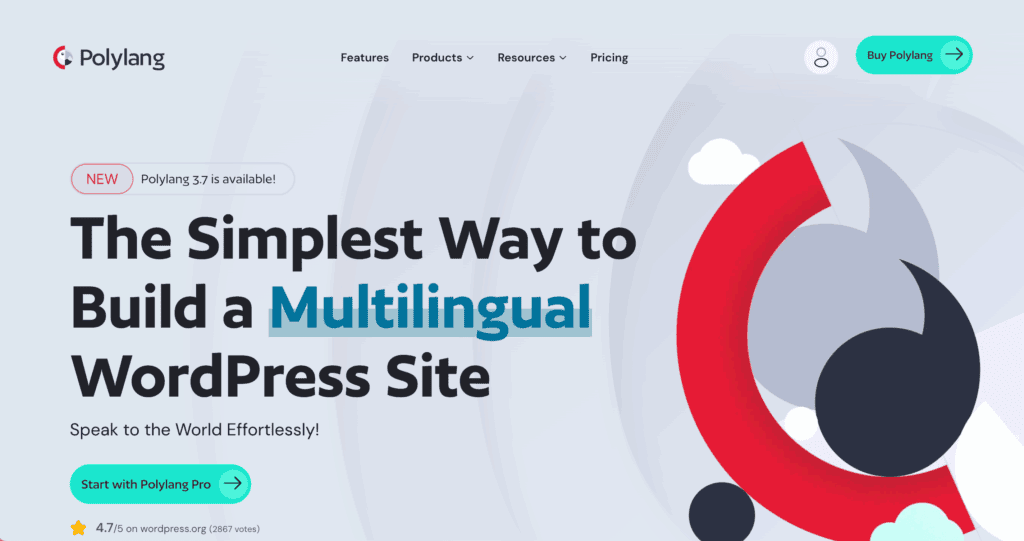
Polylang is a popular lightweight alternative to WPML. It is also self-hosted and has a very capable free version. This makes it a great starting point for simpler blogs or portfolios. We recommend it for core translation needs without the heavy resource usage of WPML.
ConveyThis
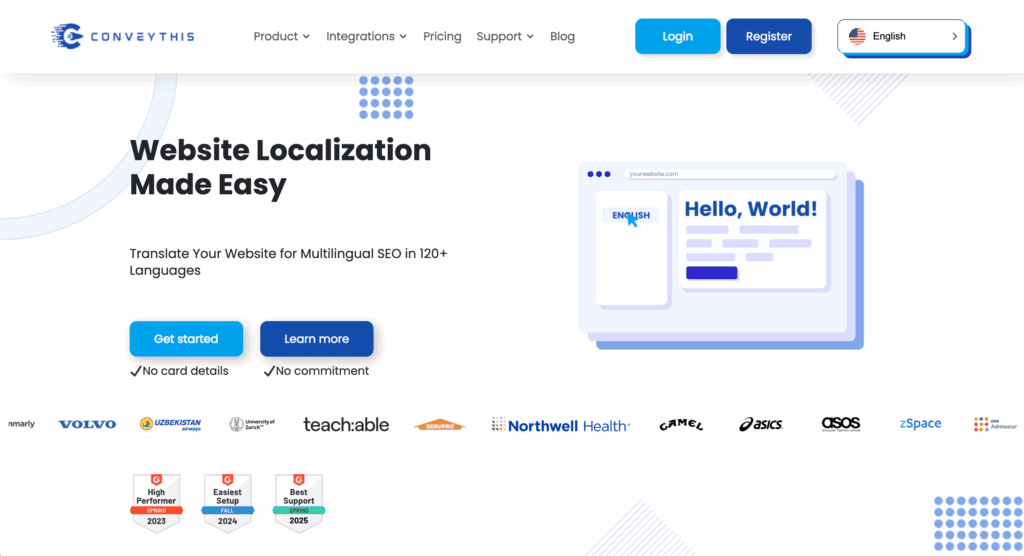
ConveyThis is another cloud-based service and a direct competitor to Weglot. It offers a similar automated setup and an external dashboard for translations. Its focus is also on speed and simplicity. If you like the SaaS model, it’s worth comparing its pricing to Weglot’s.
Parting thoughts
While there is no single “best” plugin, our clear recommendation for most users is Weglot. The choice depends on the maintenance you’re willing to handle.
With WPML, you are responsible for updates and performance. Weglot, on the other hand, handles that technical maintenance for you. This delivers a simpler, faster experience.
FAQs
Is Weglot worth it?
Yes, Weglot is worth the cost. It’s ideal if you value a fast setup, minimal maintenance, and high performance. The subscription fee pays for a service that removes significant technical overhead.
What is the alternative to WPML?
The most common self-hosted alternative is Polylang. It’s a more lightweight option. TranslatePress is another strong choice, offering a visual front-end editor in a self-hosted package.
What is the best translation plugin for WordPress?
The best translation plugin is user-dependent. WPML is the superior choice for developers who need total control. Weglot is better for users who prioritize speed and ease of use.
Can I use Weglot for free?
Yes, Weglot offers a free plan. It is for websites under 2,000 words and one target language. This makes it suitable for testing the service or for small-scale projects.
Does Weglot use AI?
Yes, Weglot uses an initial layer of machine translation from leading AI providers. This provides an instant, high-quality baseline. You can then manually edit these translations for accuracy.
Is WPML good for SEO?
Yes, WPML is highly effective for SEO. It provides all the necessary tools to translate SEO elements. It also correctly implements technical requirements like hreflang tags.
What is the difference between Polylang and Weglot?
Polylang is a self-hosted plugin that stores translations in your local database. Weglot is a cloud-based service that manages translations externally to optimize site performance.

Shivani enjoys crafting guides that make every aspect of using WordPress simple and easy to follow. When she's not glued to her laptop, you can find her buried in a good book or occasionally, painting.