

Picking a directory plugin can feel like an endless loop. You get stuck comparing features and pricing. We get it. The Directorist vs GeoDirectory debate is a big one.
That’s because you’ve heard both are fantastic tools. But you need more than a feature list.
You need to know which one truly fits your project’s goals and your own comfort level. Let us help you cut through the noise and find the right answer.
Choose Directorist for a user-friendly directory with a mobile app option. Pick GeoDirectory for a highly scalable, map-focused site. Whichever you choose, use a WordPress backup plugin. This will prevent any potential mishaps.
Directorist vs GeoDirectory in a nutshell
Here’s a quick look at how the two plugins stack up in key areas:
| Feature | Directorist | GeoDirectory |
|---|---|---|
| Ease of Use | User-friendly and fast. Features an AI setup wizard for quick configuration. | Powerful but has a steeper learning curve. Requires more time to master. |
| Core Strength | An all-in-one solution. Strong on front-end user submissions and a modern user experience. | A scalable framework. Built on custom post types and optimized database tables. |
| Design & Customization | Integrates well with most themes. Visual customization can feel limited without custom code. | Deep integration with page builders (Elementor/Divi). Offers limitless design freedom. |
| Performance | Good for small to medium sites. Performance relies heavily on quality hosting and caching. | Excellent for large-scale sites. Optimized database handles thousands of listings efficiently. |
| Monetization | Basic monetization is included in the free version (e.g., featured listings). | Requires a paid add-on (Pricing Manager) to charge for listings. |
| Best For | User-friendly directories, small/medium projects, and anyone who wants a native mobile app. | Large-scale, map-centric directories, high-traffic sites, and users who want deep control. |
Core capabilities and feature set
To understand them best, let’s look at what each plugin offers, starting with their free versions and then their paid upgrades.
Directorist

- Complete front-end submissions: The free version provides a full front-end system. This is a huge deal for user experience. Your visitors can add and manage listings. They never have to touch the WordPress backend.
- Quick & easy setup: During our testing, the AI-powered setup wizard was fast. It got a basic directory configured in under ten minutes. The plugin is built for speed.
- Native mobile apps: The pro version has a unique ability. It can create native iOS and Android apps from your directory. This is a massive advantage for certain businesses.
- Advanced functionality: Paid extensions add powerful features. These include advanced booking calendars. You also get more monetization tools.
GeoDirectory

- Rock-solid data foundation: Its free version is all about creating powerful, custom post types. This provides a stable foundation. We’ve found this is critical for building very large and complex directory sites.
- Deep customization: This plugin offers deeper control from the start. It comes with over forty custom field types. This is perfect for building highly detailed listings for any niche.
- Advanced map integration: When you upgrade, GeoDirectory doubles down on its core strengths. This includes deep Google Maps integration.
- Built-in review system: It also adds a powerful, built-in review system. This system can handle multiple categories for each listing.
Design control and adaptability
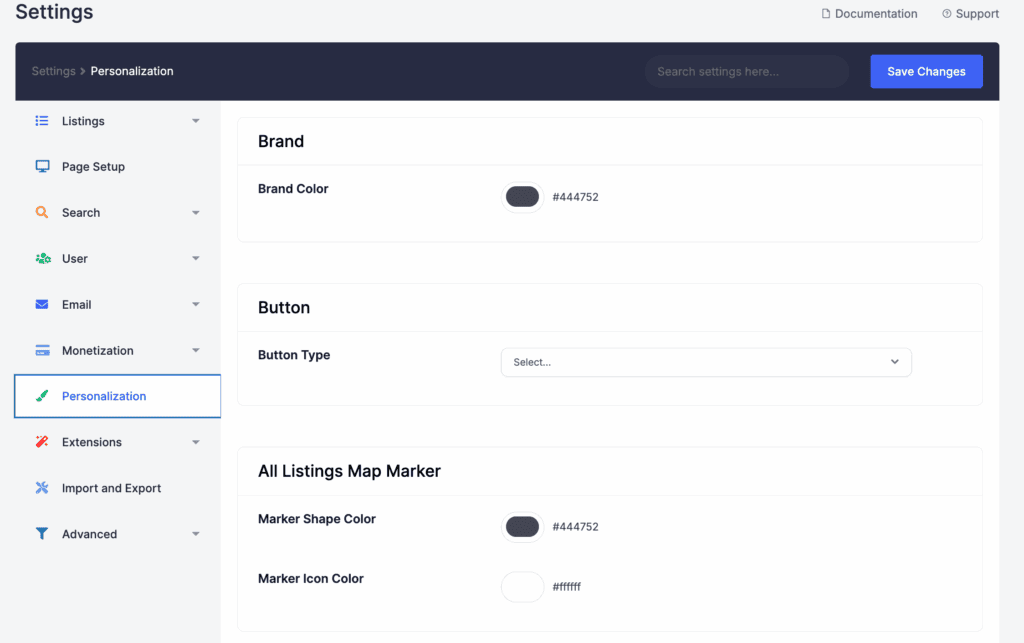
How your directory looks is just as important as how it works. Directorist is designed to integrate with most existing WordPress themes, automatically trying to adopt your theme’s styles. This can save a lot of setup time. It also uses a visual drag-and-drop builder for its submission forms.
GeoDirectory has deep, native integration with Elementor and Divi. If you’re a fan of these builders, it feels like a natural extension of your toolkit. It comes packed with over forty Gutenberg blocks and Elementor widgets, giving you total freedom.
Keep in mind that Directorist’s customization can feel limited without custom CSS.
GeoDirectory allows limitless styling, but it completely depends on your page builder skills. While both offer front-end form building, GeoDirectory’s ability to create custom listing types gives it a clear edge for complex projects.
Administrator and visitor experience
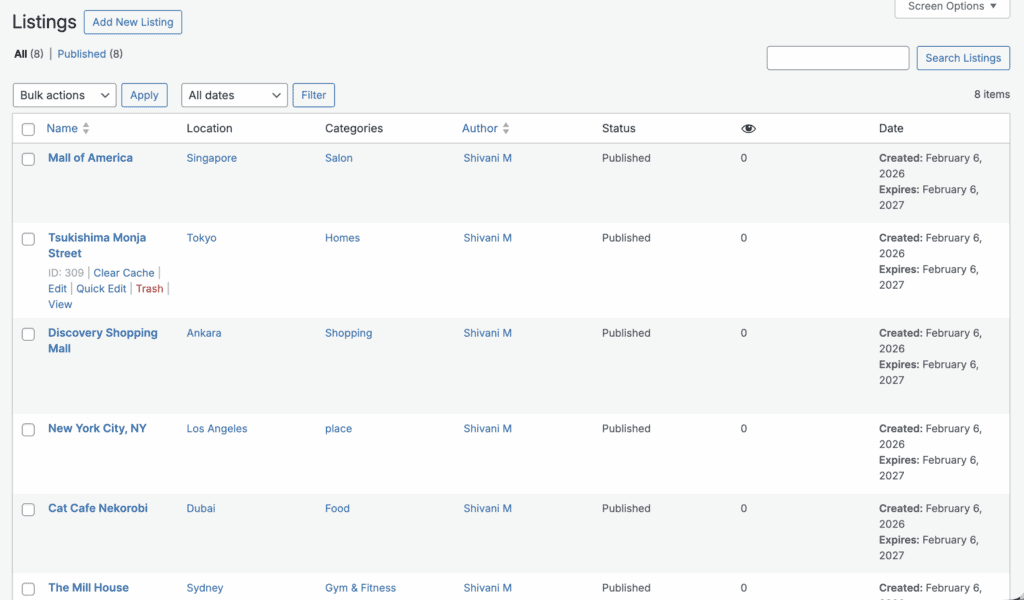
For an easier start, Directorist is the clear choice. Its setup wizard is intuitive and its admin dashboard feels cleaner. The result is a modern front-end dashboard your visitors will find simple to use. A fast site is a crucial part of that experience, making speeding up WordPress a top priority.
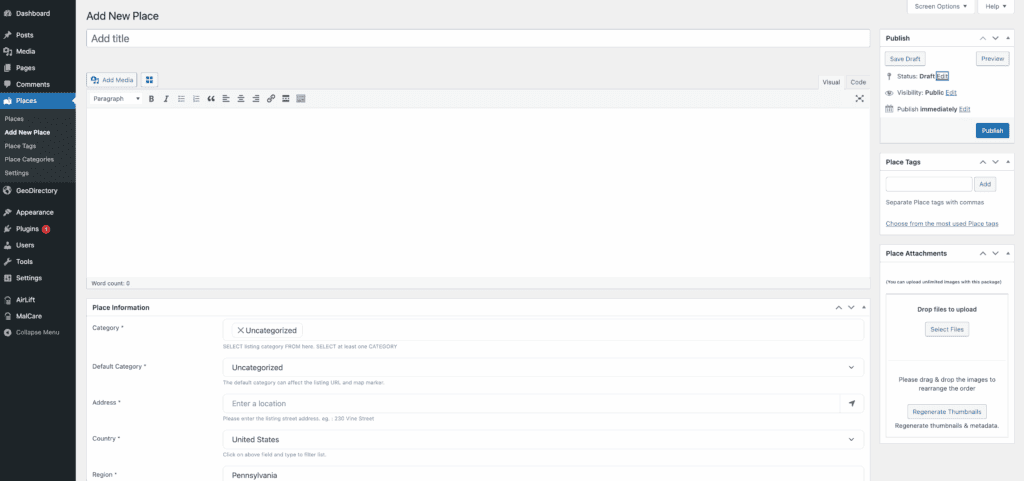
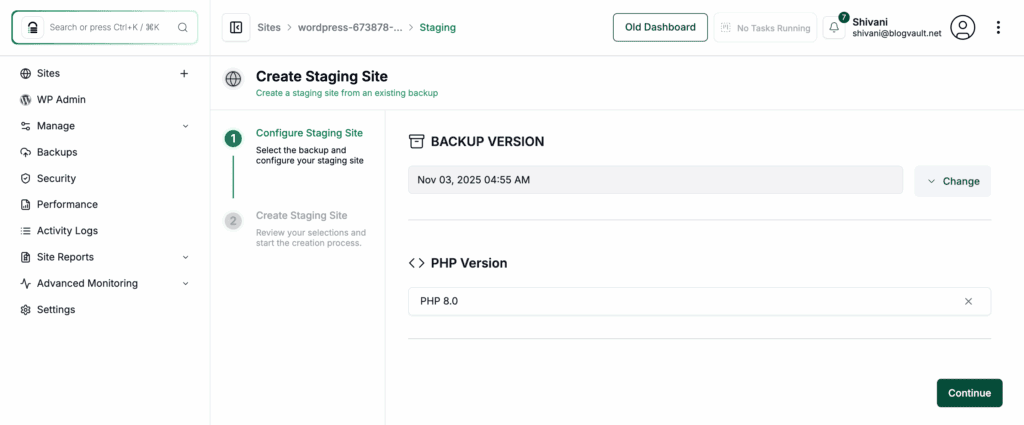
For more power, GeoDirectory’s admin area is comprehensive. It can feel overwhelming at first, so there is a learning curve. This is best handled on a staging site where you can learn without risk. The learning curve isn’t a weakness. It’s a sign of its deep capabilities. It rewards you with incredible control over your site. You also get powerful bulk management and import/export tools.
Directorist allows guest submissions without mandatory registration. This can help you get more listings early. However, this requires great WordPress security to protect your site from spam. We did notice its backend can get cluttered when many extensions are enabled.
GeoDirectory avoids this, but the trade-off is needing to learn its structure. They offer plenty of video tutorials to guide you.
Add-ons, extensions & compatibility
Both plugins are built on a core-plus-extensions model, which means it’s always possible you’ll run into plugin conflicts as you add more functionality.

Directorist sells paid extensions for advanced functions like live chat or WooCommerce gateways. GeoDirectory uses a similar premium add-on model for features like Advanced Search or its Pricing Manager.

The main difference is the approach. Directorist’s ecosystem feels like adding features to a complete product. GeoDirectory’s is more modular, letting you buy only the specific pieces you need, which can be more cost-effective.
A word of caution from our tests: Directorist can occasionally conflict with some third-party SEO plugins, so always test on a staging site first. GeoDirectory, due to its deep page builder integration, tends to be very compatible within that environment.
Speed and stability
Performance is everything. This is where GeoDirectory has a clear architectural advantage. It uses optimized, separate database tables. For a large site, this is its secret weapon. It allows the plugin to handle high traffic and tens of thousands of listings far more efficiently.
Directorist’s performance is more dependent on your hosting quality and can become resource-heavy with many extensions enabled. We found that it benefits greatly from full-page caching. GeoDirectory’s PRO map marker clustering is also essential for keeping large maps fast.
One thing is certain for both: if you’re building a serious directory, you need quality hosting.
Cost structure & plans
Both plugins offer very capable free versions, which we strongly recommend you test before buying anything.
When you’re ready to upgrade, Directorist sells extensions individually or as an all-access bundle.

A huge plus is that they occasionally offer lifetime license deals. GeoDirectory uses a yearly subscription model for its premium add-ons and bundles.

It’s important to know that Directorist’s free core includes basic monetization. For GeoDirectory, you need the paid Pricing Manager add-on to charge for listings. The total cost for each platform depends entirely on the features you need.
Choosing the right tool
There is no single “winner,” only the right choice for your specific project. Let’s break it down.
When to choose Directorist
- All-in-one, user-friendly start. It’s perfect if you value a modern user interface and want to get your directory running quickly.
- Better initial theme compatibility. It often looks better out of the box with less tweaking required.
- Good mobile experience. The ability to create native iOS and Android apps is a unique and powerful advantage.
- Long-term value if securing a one-time lifetime license is an important part of your budget.
When to choose GeoDirectory
- Complex, large-scale projects. If you anticipate thousands of listings, its performance and scalability are unmatched.
- Ultimate design and data control. Its deep integration with Elementor and Divi, plus its ability to create custom fields and listing types, offers limitless potential.
- Map-centric directories. Its native Google Maps integration and efficient marker clustering are best-in-class.
- Unique data flexibility, especially if you need “location-less” directory options for things like online businesses or services.
Our final, most important tip: install the plugin and test the free version of both. An hour spent inside each plugin’s dashboard will tell you more than any review ever could.
Additional directory plugin solutions
Business Directory Plugin: A simpler, more traditional option. It’s rock-solid for basic lists and has a long history of reliability.

HivePress: A lightweight and very modern alternative. It’s free, flexible, and has strong booking features, making it a compelling choice.

Parting thoughts
Both Directorist and GeoDirectory are powerful, legitimate choices. Before you proceed, ensuring you have a solid WordPress backup is the most important first step. The best one for you depends entirely on your project’s scale and your own comfort level with the technology.
Always test the free core version before buying premium add-ons. Verify compatibility with your theme and other critical plugins. And remember to budget for the necessary extensions to bring your vision to life. The best plugin is the one that empowers you to build your business, not the one that gets in your way.
FAQs
What is the difference between Directorist and HivePress?
Directorist is an all-in-one solution with more built-in features. HivePress is a lightweight, free, and modular framework for building various types of listing sites. Generally, HivePress is more flexible and developer-friendly, while Directorist offers more out-of-the-box power.
What is the alternative to GeoDirectory?
The most direct alternative to GeoDirectory is Directorist. Both are powerful plugins designed for creating large-scale, professional directory websites. For a simpler, non-map-focused option, Business Directory Plugin is also a strong contender.
What is the difference between GeoDirectory and HivePress?
GeoDirectory is a high-performance framework. It is optimized for massive, map-centric directories. HivePress is a flexible, general-purpose listing plugin that is easier for beginners. GeoDirectory excels at scalability, while HivePress focuses on a clean user experience and modularity.
Is GeoDirectory free?
Yes, GeoDirectory has a powerful free core plugin. This allows you to build a fully functional directory site. However, advanced features like event management and monetization require paid premium add-ons.
What is the best free directory theme for WordPress?
The best free directory theme is a lightweight, compatible one like Astra, Kadence, or Blocksy. These themes work seamlessly with top directory plugins. They provide a clean foundation, allowing the directory plugin itself to manage the core design and functionality.

Shivani enjoys crafting guides that make every aspect of using WordPress simple and easy to follow. When she's not glued to her laptop, you can find her buried in a good book or occasionally, painting.


