
You’ve moved past the translation plugin listicles, and now you need to make a decision: MultilingualPress vs WPML.
Choosing feels difficult because they aren’t just competitors; they’re built on completely different technical foundations.
We’re here to explain that core difference clearly. Our goal is to help you pick the right plugin for your project, so you can be sure your choice will work for you long-term.
Pick WPML for its unified simplicity or MultilingualPress for its high-performance, separated structure. Whichever path you choose, use a backup plugin to safeguard your site against potential plugin conflicts.
MultilingualPress vs WPML in a nutshell
If you just want the highlights, here’s how the two stack up:
| Feature | WPML | MultilingualPress |
| Core Architecture | Single Site (Single database) | WordPress Multisite (Network) |
| Ease of Setup | Moderate; works out-of-the-box | High; requires configuring a Multisite network |
| Translation Style | Link-based (copies posts in same DB) | Site-based (separate site per language) |
| SEO | Dedicated URLs, hreflang support | Native SEO; separate domains/subdomains per site |
| WooCommerce | Robust, includes multi-currency | Requires separate setup per language site |
| Pricing | From $39/year | From $99/year |
Initial setup and configuration complexity
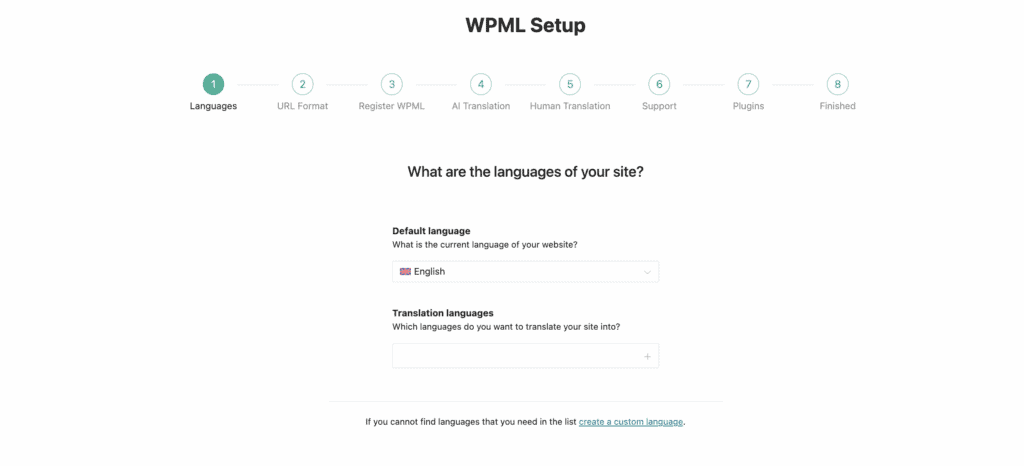
Getting started with the WPML plugin is simple, using a streamlined setup wizard on your existing single WordPress site. You can configure languages and connect translation services quickly, as WPML handles technical details like language folders automatically.

MultilingualPress requires a different approach, as it will only work on a WordPress Multisite network. If you try installing it on a standard site, the plugin will fail to activate and show an error. This means your first step is the technical task of converting your site to multisite.
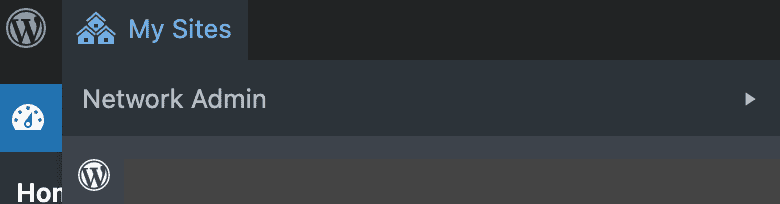
With MultilingualPress, you must install it as a network plugin. The setup involves creating individual sites for each language and then mapping them together.
Translation workflow & content management
WPML centralizes everything into one admin dashboard. It provides an Advanced Translation Editor and supports automatic translation from services like DeepL or Azure. This also requires strong WordPress security when connecting to external APIs.
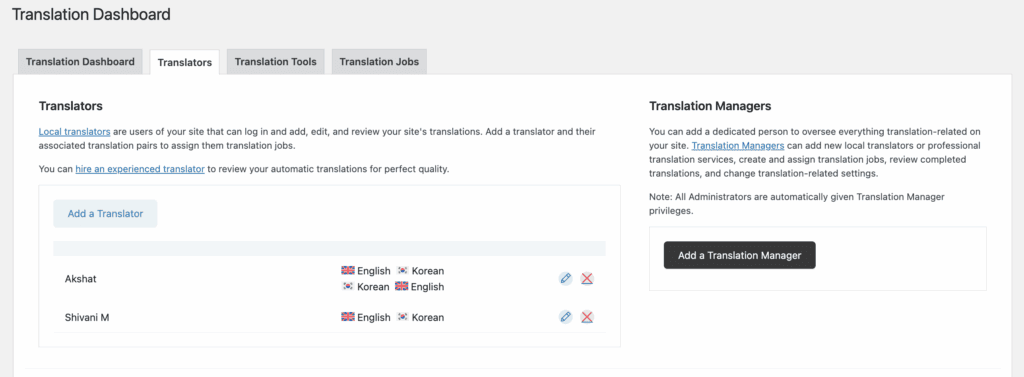
This unified system is effective for teams that need to assign and track translation jobs.
MultilingualPress uses a decentralized system via a WordPress Multisite network where each language is an independent site. Content is connected through linking, not stored in one database.
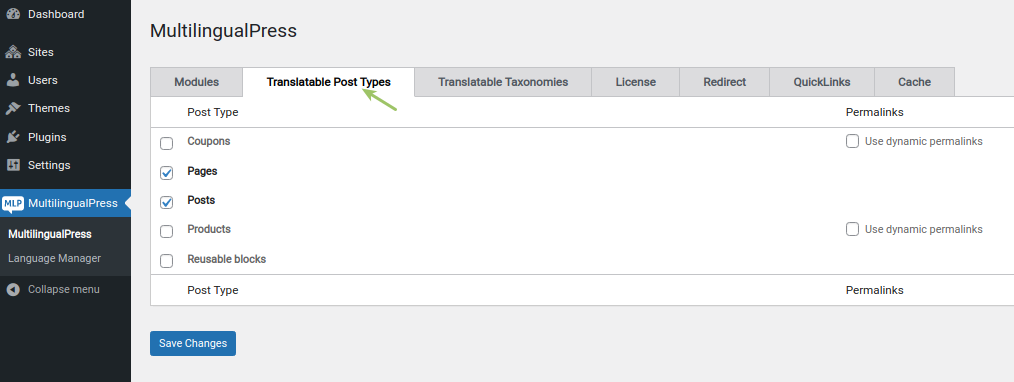
To manage translations, you switch between site dashboards and edit directly on each site’s editor screen, and use a meta box to link content. This is why having a staging site to test changes first is so important. Critically, it lacks a central translation queue or management dashboard.
Compatibility & the ecosystem
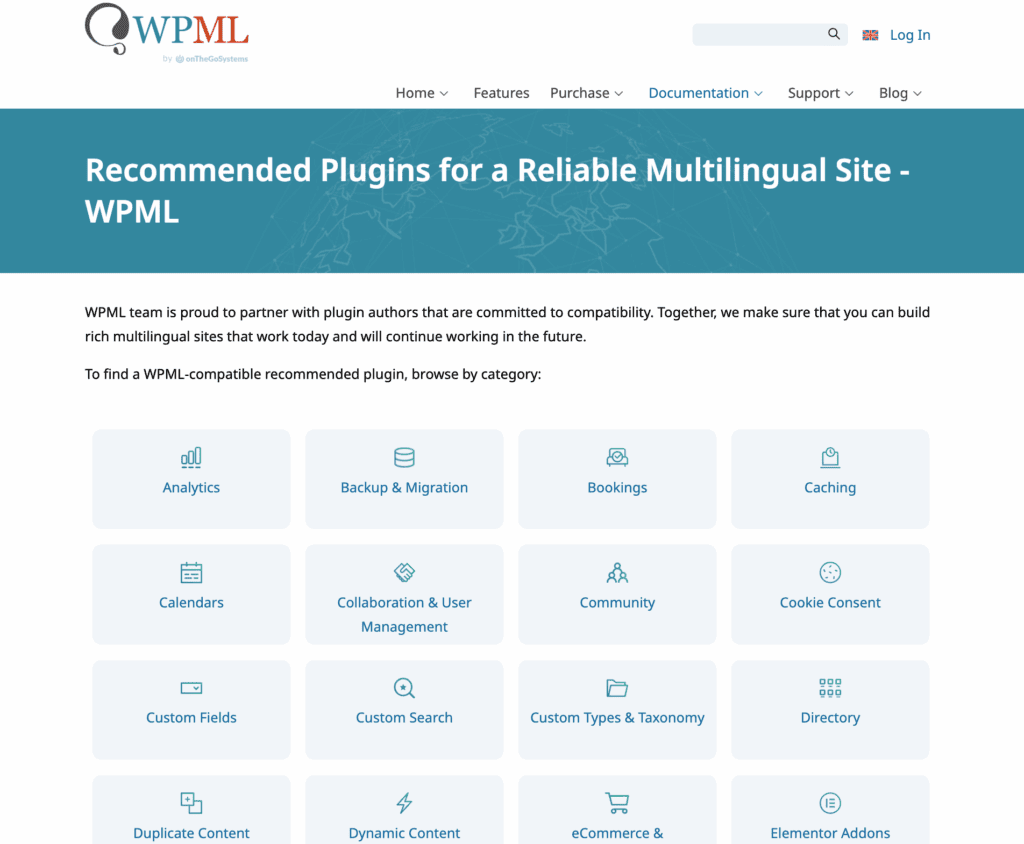
WPML has the largest network of compatible themes and plugins. They also provide you with a compatibility list on their website. Many developers explicitly test for compatibility, and its Advanced Translation Editor works well with page builders.
The downside is that its database filters can sometimes cause conflicts with complex plugin stacks.
MultilingualPress compatibility depends on a theme or plugin being Multisite-friendly. Its key advantage is that you can use different themes and plugins on each language subsite. This is a powerful feature that avoids conflicts by isolating them, making it a safe choice for custom-coded projects or sites with specific regional needs.
SEO management
WPML automatically handles hreflang tags within your one site. This tells search engines about your different language versions. It provides clear SEO options for translated slugs and metadata.
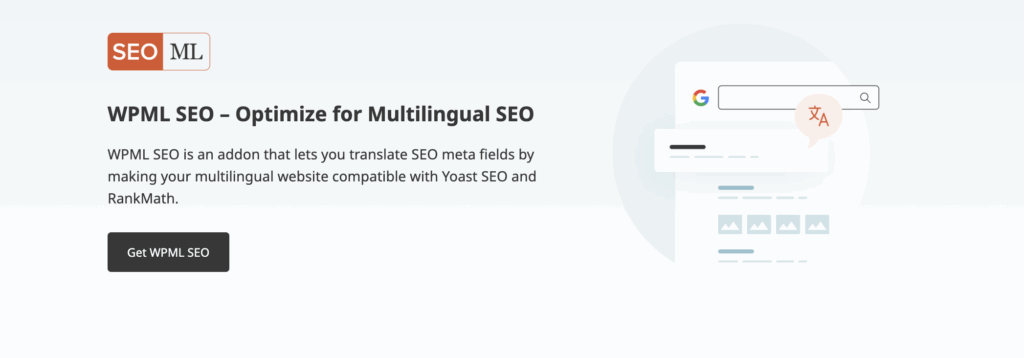
All your SEO plugins work from a single installation. A key warning here is vendor lock-in. If you ever deactivate WPML, it will cause all the translations you created using WPML to disappear from the front end. This will lead to a broken user experience for non-default languages.
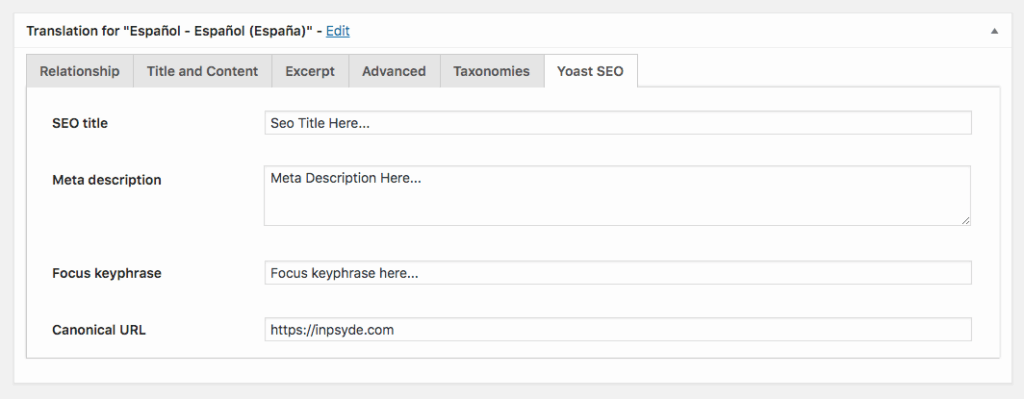
With MultilingualPress, you must configure hreflang tags across your separate sites. Each subsite also needs its own SEO plugin configuration.
While this is more initial work, it offers superior separation for region-specific SEO campaigns. Its ability to map domains per language is a core strength for international branding.
Performance & site speed impact
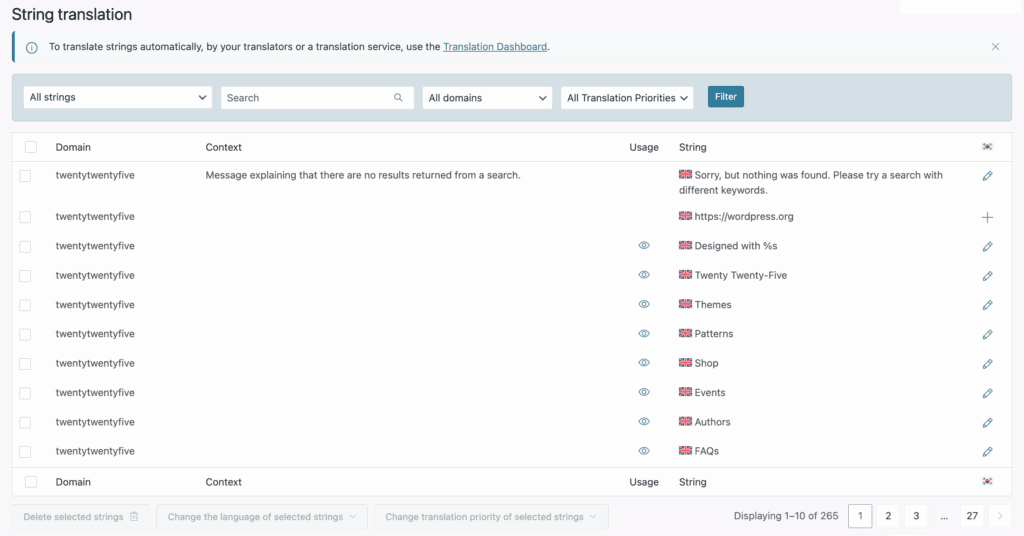
WPML stores all language data in your primary site’s database. This can slow queries on large, translation-heavy sites, and its String Translation module is resource-intensive. Caching also requires careful setup, especially for sites with logged-in users.
MultilingualPress distributes data across separate databases per language site. This isolates traffic and improves query performance, as each database is smaller. Full-page caching is generally simpler to implement per site, and the multisite network adds little overhead.
Pricing, support, and total cost of ownership
Keep in mind that both are premium plugins.
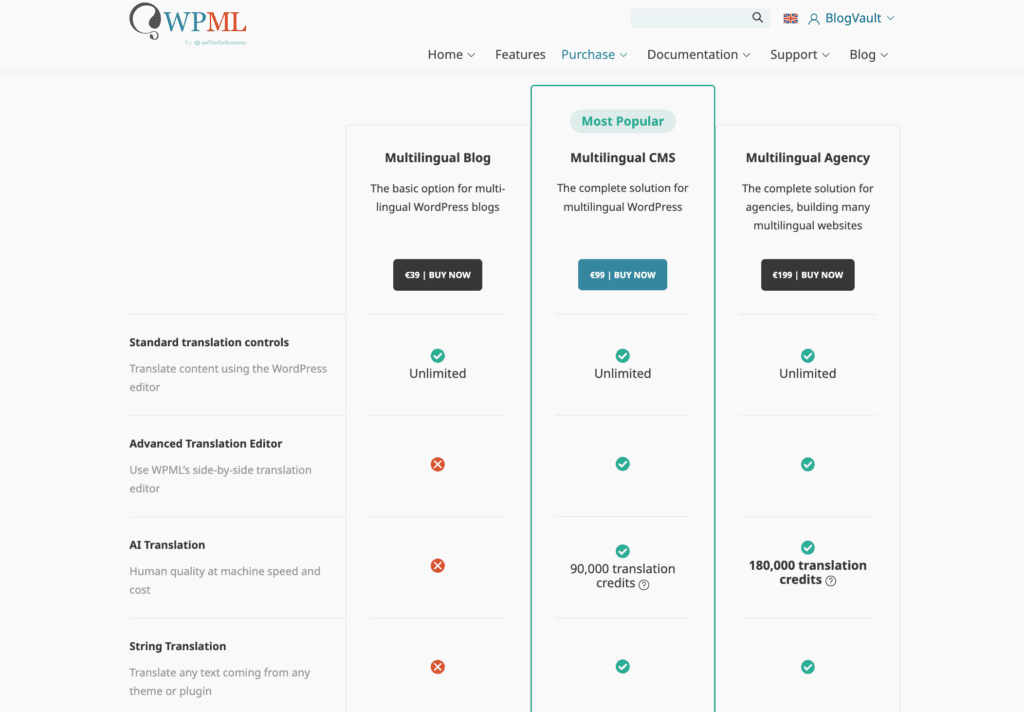
WPML starts at a lower price of $39 for a blog license, going up to $199 for an agency license. A crucial cost to consider is the recurring expense for Automatic Translation credits on higher-tier plans. Support is extensive, offered 24/6 in multiple languages.
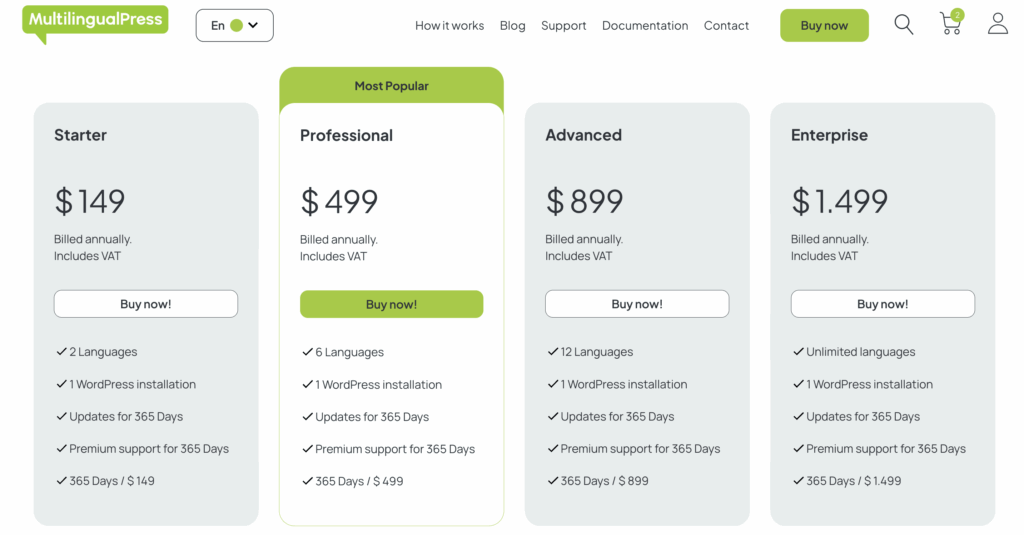
MultilingualPress is a premium-only plugin starting at $99. Its price scales based on the number of sites you need. A major benefit is that all features are included in its base license, and it avoids vendor lock-in. If you stop using it, your language sites remain as independent WordPress installations. Their support is high-quality but geared toward more technical users.
Which translation plugin should you go with?
- Choose WPML if you are building a standard, unified single-site project. It is the right choice when you need the largest support ecosystem and your team prefers working from one admin dashboard.
- Choose MultilingualPress if your project architecture requires a WordPress Multisite. This is the best solution when you need strict separation of languages, want different themes per language, or are building a large-scale, performance-critical project.
Match the choice to your technical skill and your project’s performance needs.
Alternatives available in the market
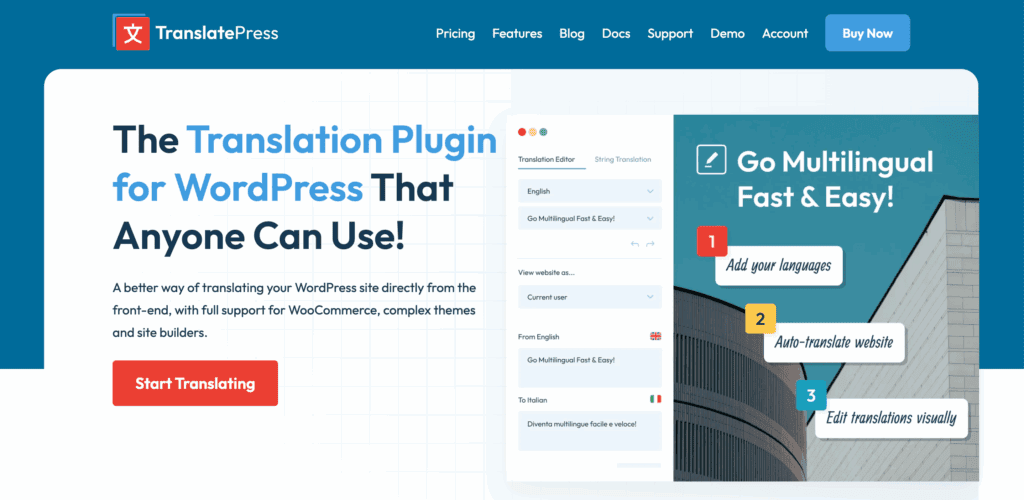
- TranslatePress: Known for its visual front-end editing. The Pro version includes useful features like Automatic User Language Detection.
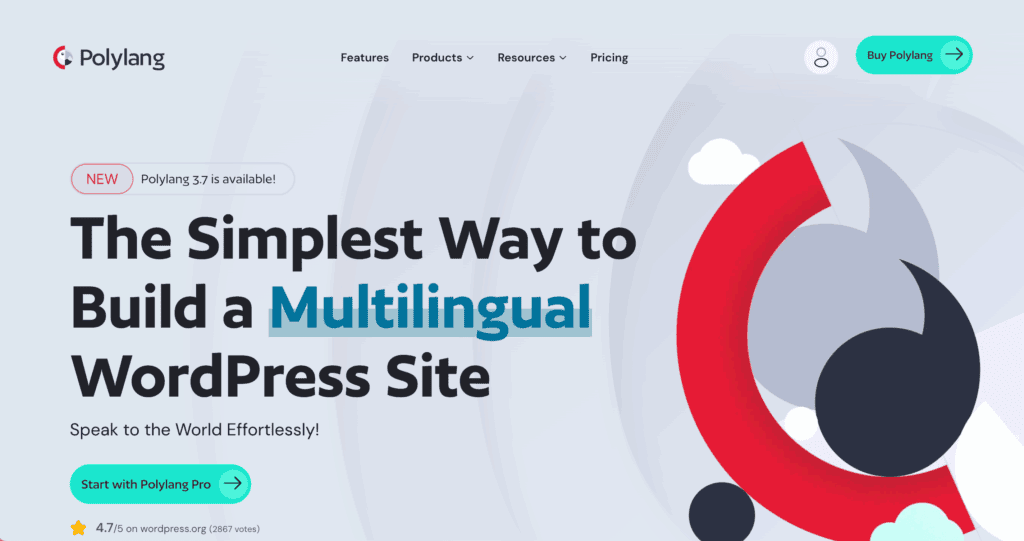
- Polylang: A popular, lightweight choice for manual translations. Its Pro version offers REST API support, making it good for headless builds.
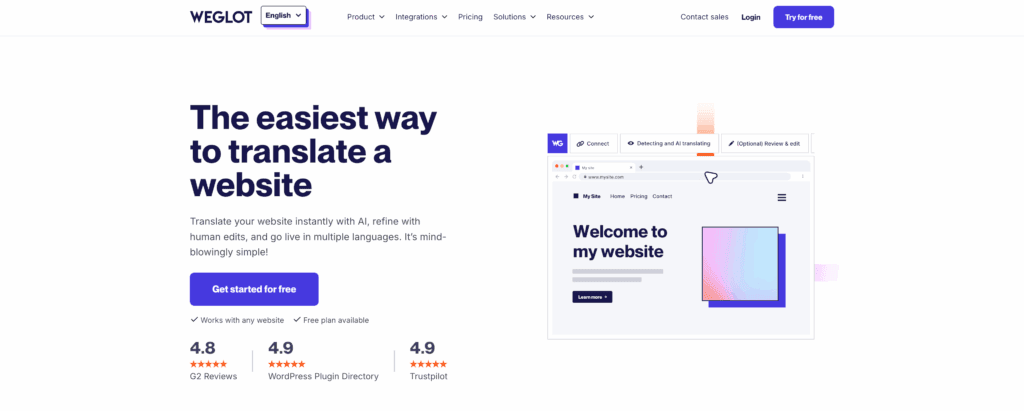
- Weglot: A SaaS-based solution with the fastest setup. It has higher monthly costs because it handles translation hosting outside your WordPress database.
Parting thoughts
This decision will define your site’s foundation for years. There is no universal “best,” only what is “best for your needs.” Your team’s technical comfort is as important as any feature list. Consider your future scale and management workflow carefully.
As a final tip, always test either plugin in a staging environment first.
The most critical factor is the core architectural difference. Understanding whether a single site or a multisite network is right for you is the key to your long-term success.
FAQs
Which is the best multilingual plugin for WordPress?
No single plugin is the best. The right choice depends on your site. Use WPML if you want something easy. Use MultilingualPress for very large and fast websites.
What is the alternative to WPML?
Good options besides WPML are Weglot, Polylang, and TranslatePress. They all work in different ways to help you translate your site.
What is the difference between Polylang and TranslatePress?
The main difference is how you edit. With Polylang, you work inside the WordPress dashboard. With TranslatePress, you edit your text right on your live website.
Is WPML worth the money?
Yes, WPML is worth the money if you want an easy plugin with great support. It works with many themes. It makes translating your website simple.
Is WPML good for SEO?
Yes, WPML is great for SEO. It helps search engines like Google find all your translated pages. This means more people can find your site.

Shivani enjoys crafting guides that make every aspect of using WordPress simple and easy to follow. When she's not glued to her laptop, you can find her buried in a good book or occasionally, painting.