

Choosing a WordPress directory plugin feels like a major commitment, doesn’t it? You’re not just picking features; you’re laying the foundation for your entire project.
That’s why we’re here to help you navigate the Business Directory Plugin vs HivePress decision.
We’ll cut through the marketing talk to find the right tool for what you actually want to build.
Choose Business Directory Plugin for its all-in-one, subscription-based system, ideal for traditional directories. Opt for HivePress if you want a flexible, modern framework with one-time costs and free maps. Before installing either, protect your site with a reliable backup plugin.
Business Directory Plugin vs HivePress in a nutshell
Let’s see how both plugins stack up in a simple side-by-side comparison:
| Feature | Business Directory Plugin | HivePress |
|---|---|---|
| Core Architecture | Monolithic (a complete, all-in-one system) | Modular (a lightweight core with add-on extensions) |
| Setup Process | Guided configuration wizard for easy setup | Demo content import to learn by example |
| Design Approach | Works with your existing theme; may require custom CSS | Works best with its own official themes; deep Gutenberg integration |
| Customization | Simple drag-and-drop form builder | Allows for deep template editing for advanced control |
| Purchasing Model | Bundled features in annual subscription plans | Individual extensions, often with a one-time lifetime license |
Core architecture
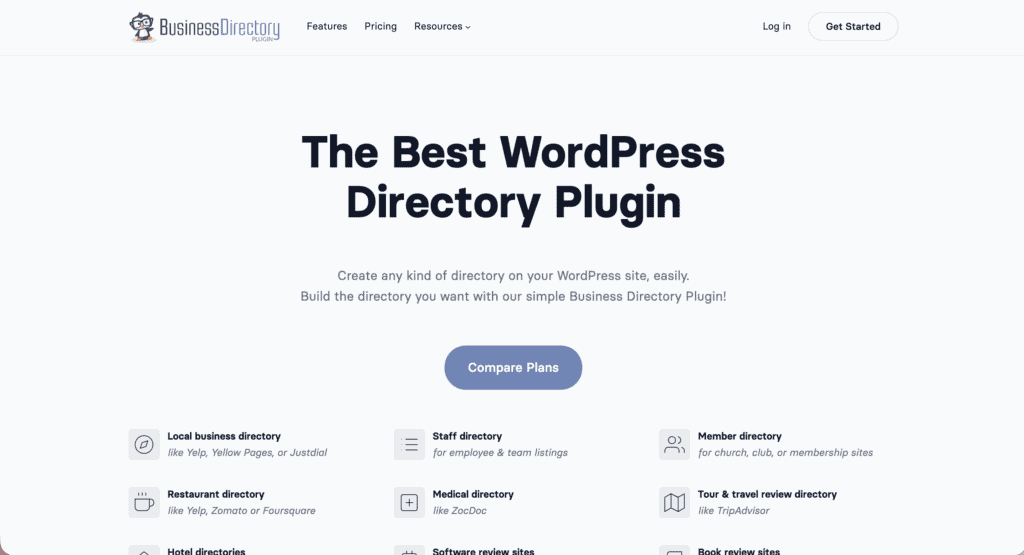
Business Directory Plugin: This plugin is monolithic, meaning most features are built into one solid package. You get a complete system right away, but it’s less flexible.
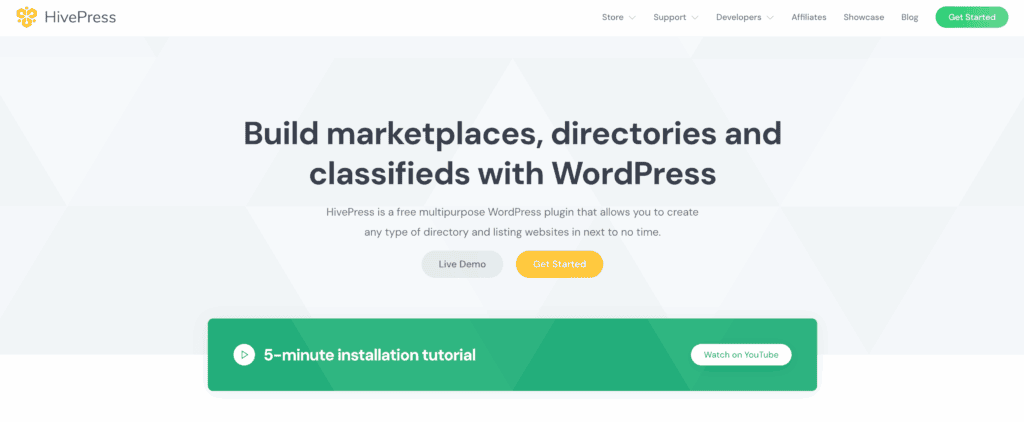
HivePress: This plugin is modular. You start with a lightweight core and add only the features you need as separate extensions, keeping your site lean.
Here is a direct comparison of what that means for you:
- Purchasing model: Business Directory Plugin bundles features into annual plans. HivePress sells extensions individually, often with lifetime licenses.
- Maps integration: Google Maps is a premium module in the Business Directory Plugin. HivePress integrates geolocation and maps into its core plugin for free.
The takeaway is simple. If your directory is location-based, the free map functionality in HivePress is a huge factor right from the start.
Visual design control
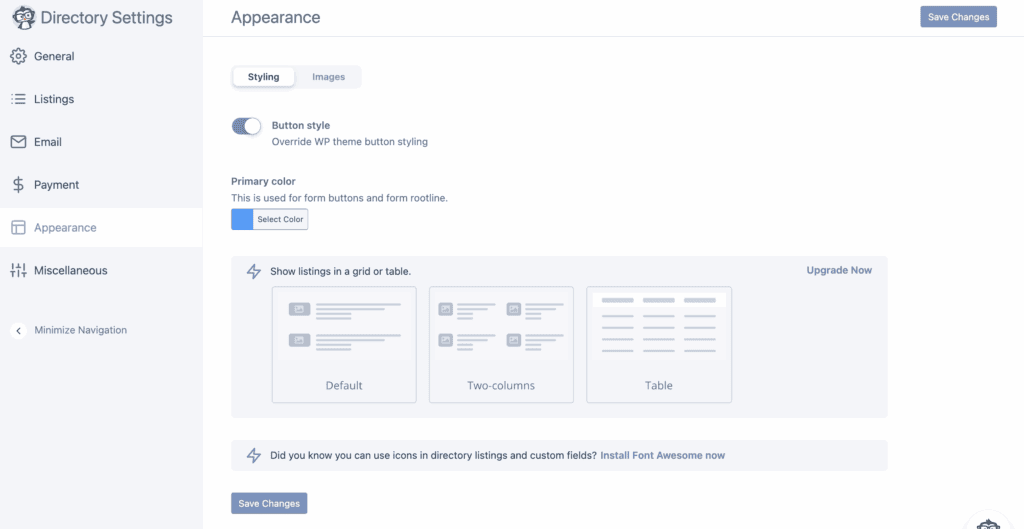
Business Directory Plugin is designed to work with your existing theme. Its templates can sometimes look a bit dated without some tweaking. You will likely need to write some custom CSS to make it blend perfectly with your site’s design.
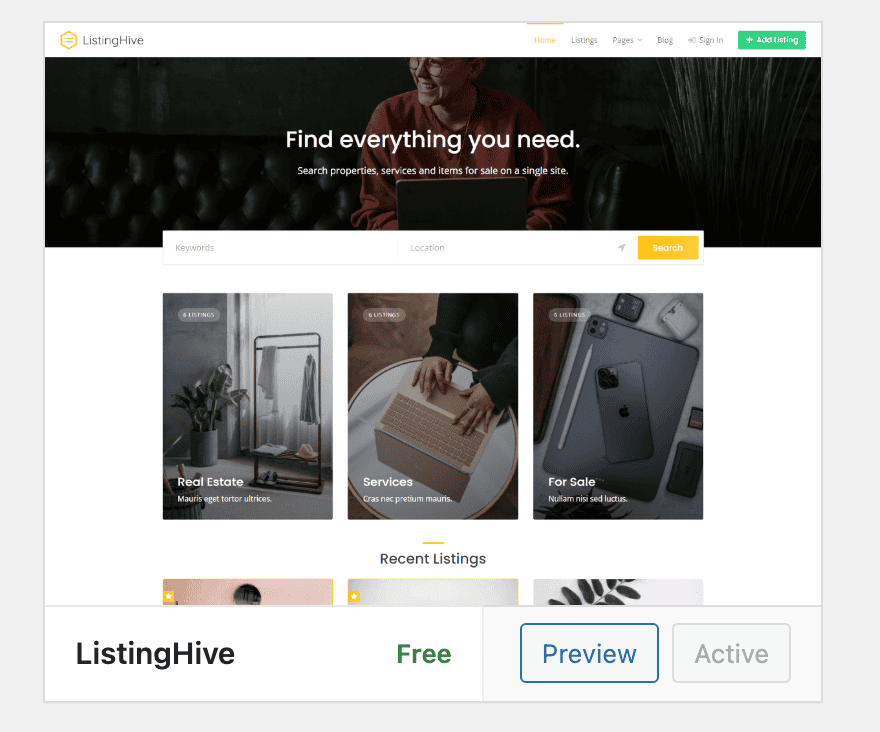
HivePress, in contrast, is built for the modern Gutenberg block editor. It is designed to work perfectly with its own official themes. When we tested it with their free ListingHive theme, the visual compatibility was flawless. HivePress uses the standard WordPress Customizer for global styles, which feels very natural.
While Business Directory Plugin has a simple drag-and-drop form builder, HivePress allows for deep template editing, which is a huge benefit for advanced users who want total control.
Visitor & admin experience
Both plugins provide a front-end dashboard for users to manage their listings. This is a standard and well-executed feature in both. On the back end, however, they feel quite different.
The Business Directory Plugin admin area is intuitive and well-organized. During our setup, its guided configuration wizard had us up and running in minutes.
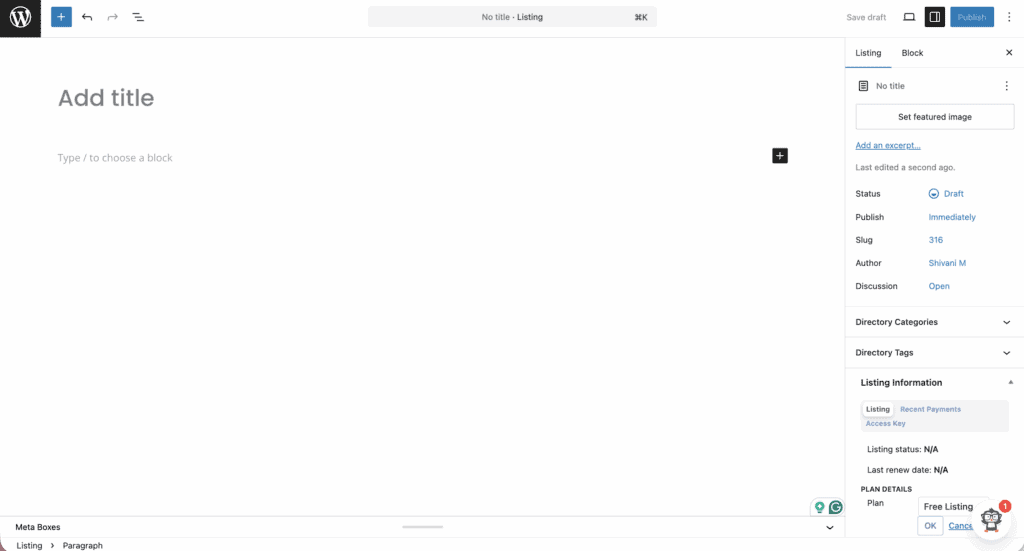
Its bulk CSV import tool is also excellent and one of the best we’ve tested. This is a lifesaver if you have an existing list of businesses. Of course, always create a backup before any large import.
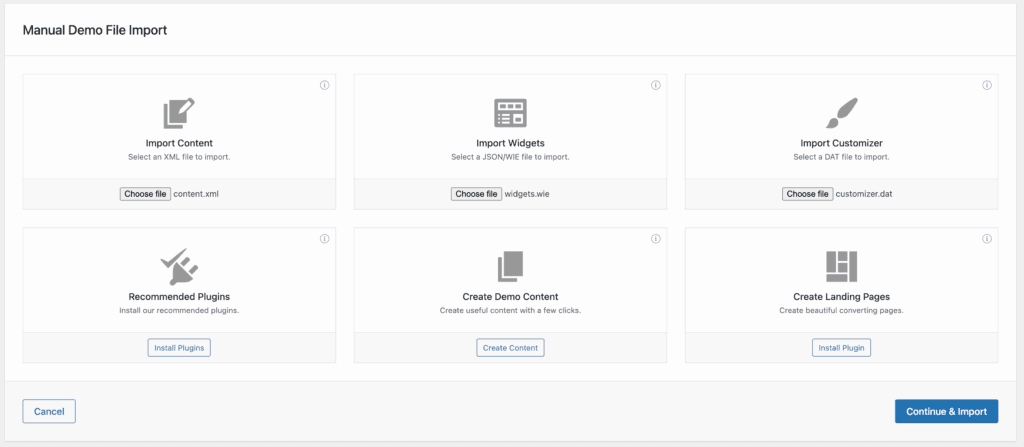
The HivePress admin is more minimalistic. It feels like a native part of the WordPress dashboard, which many people prefer. It doesn’t have a wizard, but it does offer demo content for quick setup, which is best tested on a staging site. This lets you see a fully built site and learn by example.
Extensions & add-ons
Business Directory Plugin bundles its features into tiered annual plans (Basic, Pro, and Elite). A word of caution here: you cannot buy individual add-ons. If you need just one feature from the Pro plan, you have to buy the entire Pro plan.
This simplifies access because a single plugin installation unlocks all the features in a given tier, but it can also be expensive.
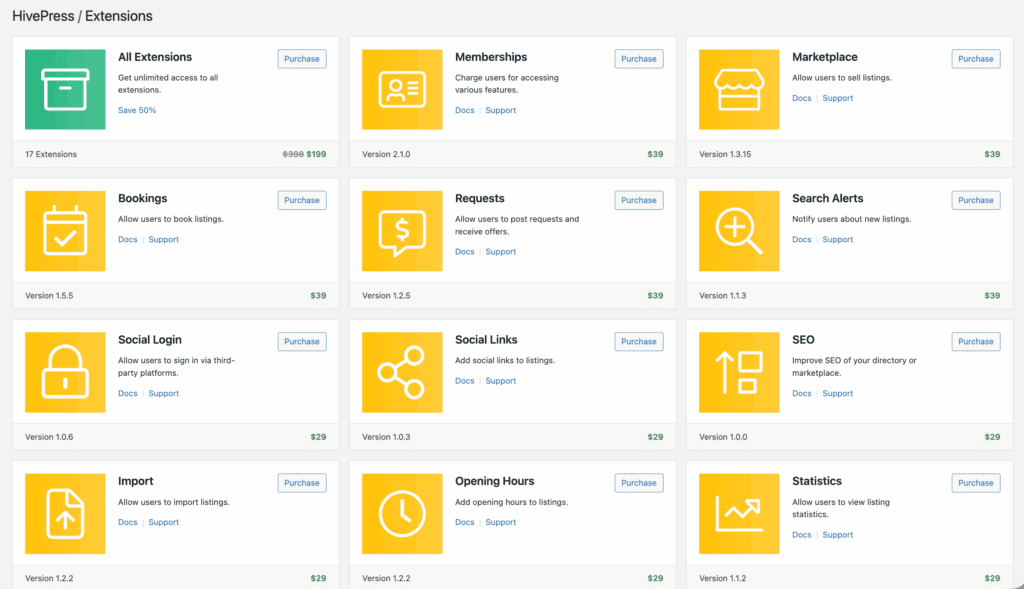
HivePress sells its premium extensions individually. Most of these come with a lifetime license, meaning you pay once and you’re done. This can save you a lot of money in the long run. The official extension library is smaller than BDP’s bundled offerings, but it covers all the essentials.
For payments, Business Directory Plugin uses premium modules for specific gateways. HivePress integrates with WooCommerce.
This is a game-changer because it gives you access to a massive ecosystem of payment gateways from all over the world. Advanced features, like bookings, require premium extensions for both plugins.
Pricing models & cost
Both plugins offer great free versions to test, and using a staging site is the best way to do this before committing. Their premium models, however, are very different.
Business directory plugin:
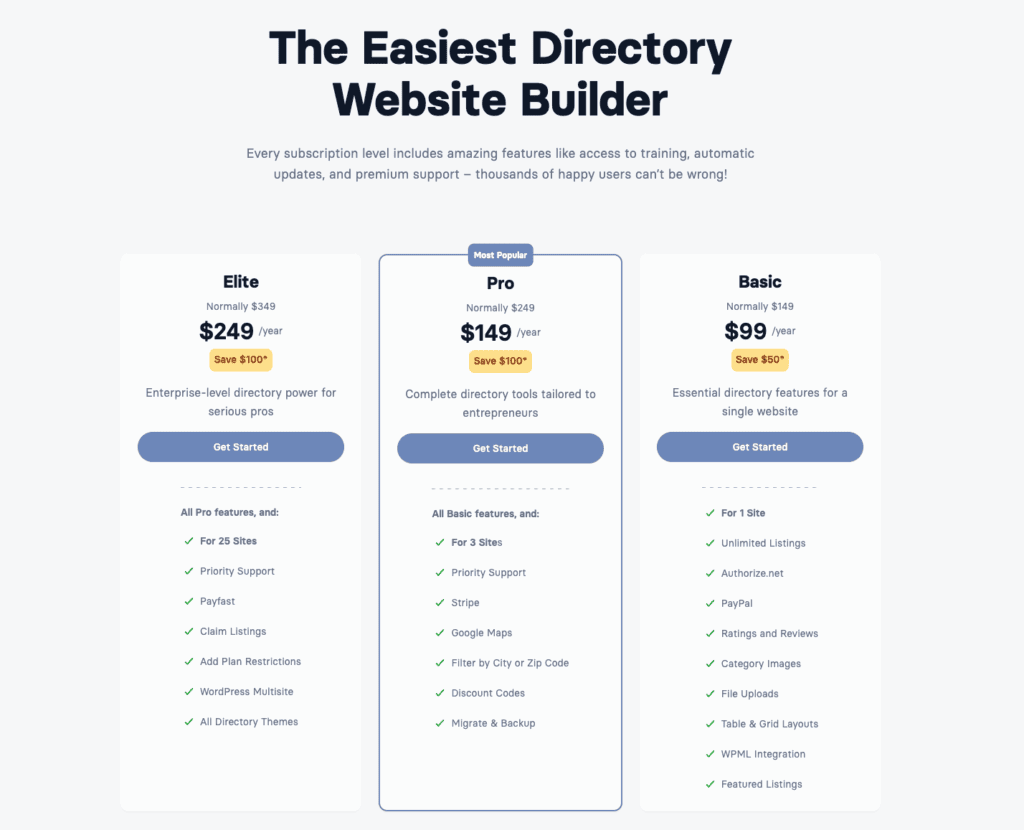
- It uses a straightforward annual subscription fee for all premium features.
- You must renew each year for updates and support, and the cost scales with your site count. Because you get many features at once, a good WordPress caching plugin can help maintain site speed.
Hivepress:
- It sells extensions individually, most with a one-time payment for a lifetime license, though you are still responsible for applying plugin updates.
- The upfront cost may be higher and themes are sold separately, but you avoid recurring fees.
A key difference is that map functionality is a paid feature in Business directory plugin’s plans but free in HivePress. Over several years, the HivePress model is often more cost-effective.
Making your choice
There is no single best plugin. The right choice depends entirely on your needs, your budget, and how you like to work.
Choose Business Directory Plugin
- Your goal is a proven, set-and-forget system for a traditional directory.
- Access to high-quality, responsive support is a major factor for you.
- A classic layout is perfectly fine, and you don’t need modern drag-and-drop design tools.
When to choose HivePress
- Flexibility from a modern, modular architecture is your top priority.
- Deep integration with the WordPress block editor (Gutenberg) is a must-have.
- The plan includes using one of its official themes for the best results.
- Clean, extendable, and developer-friendly code is important to your project.
Your technical comfort with the block editor is a key factor here. Always test the free version of either plugin first.
Alternative solutions
If neither of these feels quite right, there are other strong contenders.
Directorist is a powerful alternative that often includes more features in its core plugin. It also has a larger ecosystem of third-party add-ons.

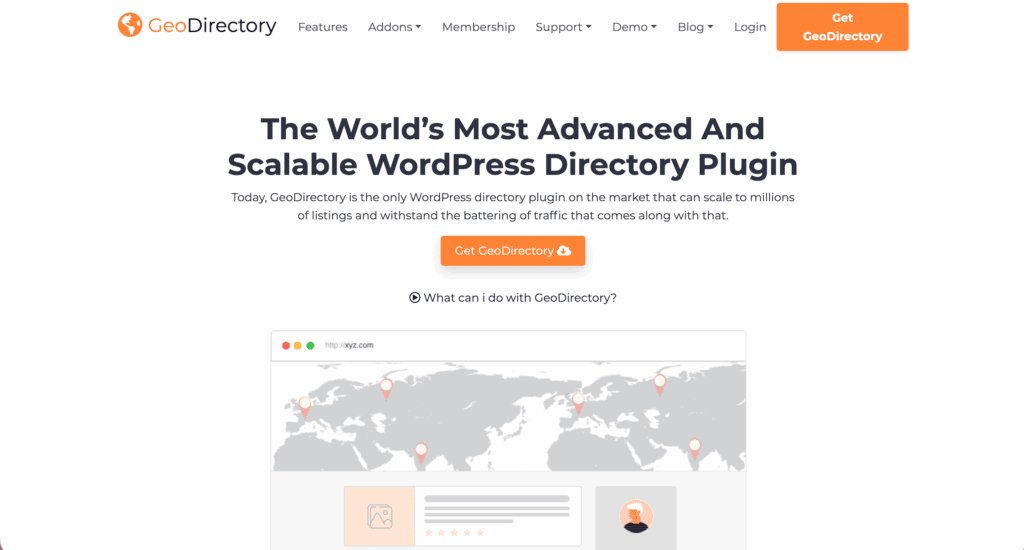
GeoDirectory is the best choice for massive, location-centric directories, but be warned: it has a much steeper learning curve.
Our advice is to make a list of your “must-have” features before you even look at these alternatives.
Parting thoughts
Your choice depends on your project’s goals: Business Directory Plugin is reliable and mature, while HivePress is modern and flexible. The only way to be sure is to test the free versions. Whichever plugin you choose, make sure you have a good backup strategy in place before you start building.
FAQs
What is the best free directory plugin?
HivePress is often considered the best free directory plugin due to its powerful core framework and free extensions. It allows you to add features like paid listings and reviews without any initial cost.
Which business directory is best?
The best business directory plugin depends on your needs; Business Directory Plugin is excellent for traditional listings. For more complex, marketplace-style directories, HivePress offers superior flexibility and modern architecture.
What is the difference between Directorist and HivePress?
The main difference is that Directorist is an all-in-one solution packed with built-in features, while HivePress is a lightweight, modular framework. HivePress stays lean by letting you add only the specific functions you need via extensions.
What is the best free directory theme for WordPress?
ListingHive is arguably the best free directory theme because it is developed by the creators of HivePress. This guarantees seamless integration and a professional design right out of the box.
Is there a free directory?
Yes, you can create a fully functional free directory using the core versions of plugins like HivePress or Business Directory Plugin. While the basic directory functionality is free, you will typically need to pay for advanced monetization features.

Shivani enjoys crafting guides that make every aspect of using WordPress simple and easy to follow. When she's not glued to her laptop, you can find her buried in a good book or occasionally, painting.


