

Ready to turn your knowledge into a successful online business? The right WordPress course plugin transforms your website into a professional teaching platform, but picking the wrong one can be a frustrating and costly mistake. This guide makes the decision simple by breaking down the very best options available today, helping you find the perfect tool to create, manage, and sell your courses with confidence.
WordPress plugins add powerful features to your site without you needing to write any code. We’ll compare the top contenders on ease of use, key features, and pricing to help you confidently launch your course and start enrolling students.
We’ve tested LifterLMS and think it’s great for building an entire learning community. As an all-in-one system, it combines courses with native membership features, removing the need for extra plugins. It’s the ideal foundation for a comprehensive training business managed from a single dashboard.
Before committing, test plugins on a staging site. This private copy of your website lets you explore every feature and setting without any risk or disruption to your live, public-facing school.
To give you an honest review, we installed each plugin and tested its performance. We focused on the key features that matter most to course creators to see how they stacked up in a real-world environment:
- The power of its all-in-one course and membership builder.
- How easy the drag-and-drop course builder is to use.
- The depth of its quiz and assignment options.
- The true cost of integrating Stripe & PayPal.
- The quality of its built-in certificates and achievement badges.
- How reliably it could drip content on a schedule.
- The clarity and detail of its student reporting.
- The plugin’s impact on overall site speed.
LifterLMS: The All-in-One Membership & Course Builder
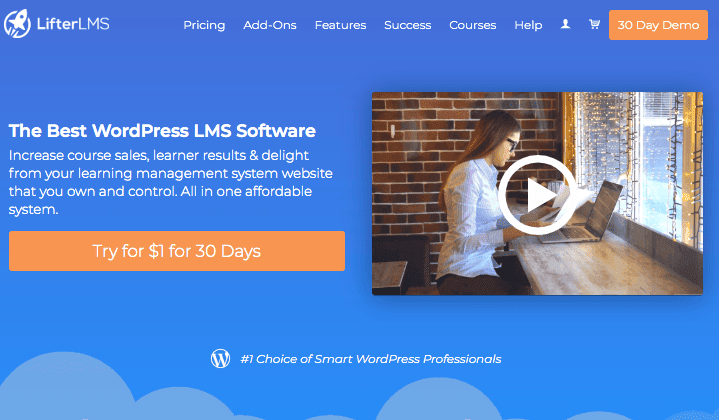
Launched in 2014, LifterLMS is designed specifically for “education entrepreneurs” who want to build a high-value training business. It was created to provide a complete solution for coaches, experts, and community builders looking to create and sell premium online programs.
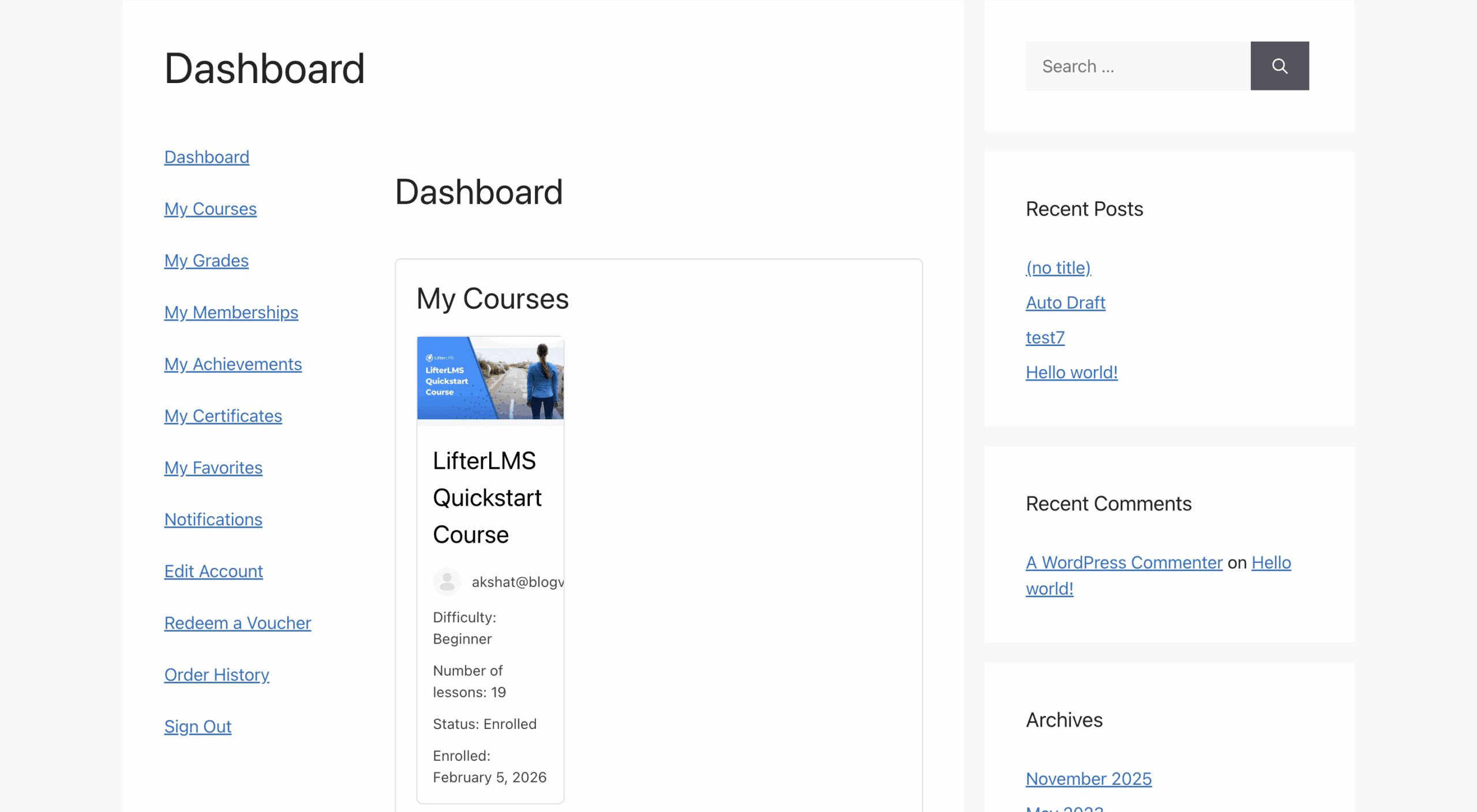
In our experience of LifterLMS, we found that Its core strength is that it functions as both an LMS and a membership plugin, eliminating the need for a separate tool to manage recurring subscriptions and content access. This all-in-one approach is what makes it a powerful choice for those building a comprehensive learning community.
Standout Features:
- All-in-One Membership: Built-in membership levels remove the need for a separate plugin.
- Multi-Tier Course Builder: A visual drag-and-drop tool to build your entire curriculum on one screen.
- Automated Engagements: Personalized pop-ups, achievement badges, and automated emails triggered by student progress.
- Voucher Systems: Create “bulk” access codes for companies or schools to purchase and distribute.
- Strict Prerequisite Control: Force students to complete specific lessons or courses before unlocking new content.
- Social Learning: An add-on creates a Facebook-like newsfeed for student interaction.
- Graphics Pack: Includes a library of certificate backgrounds and achievement badges out of the box.
Price:
- Core plugin is free
- Add-ons start around $99
- Bundles start at $199/year
Things to Consider: LifterLMS is highly scalable and its built-in e-commerce tools are excellent for managing a complete membership site from a single dashboard. However, the costs can add up quickly if you need multiple individual add-ons, and the extensive feature set can feel complex for absolute beginners who just want to launch a simple course.
Thrive Apprentice: The Design-Focused Option
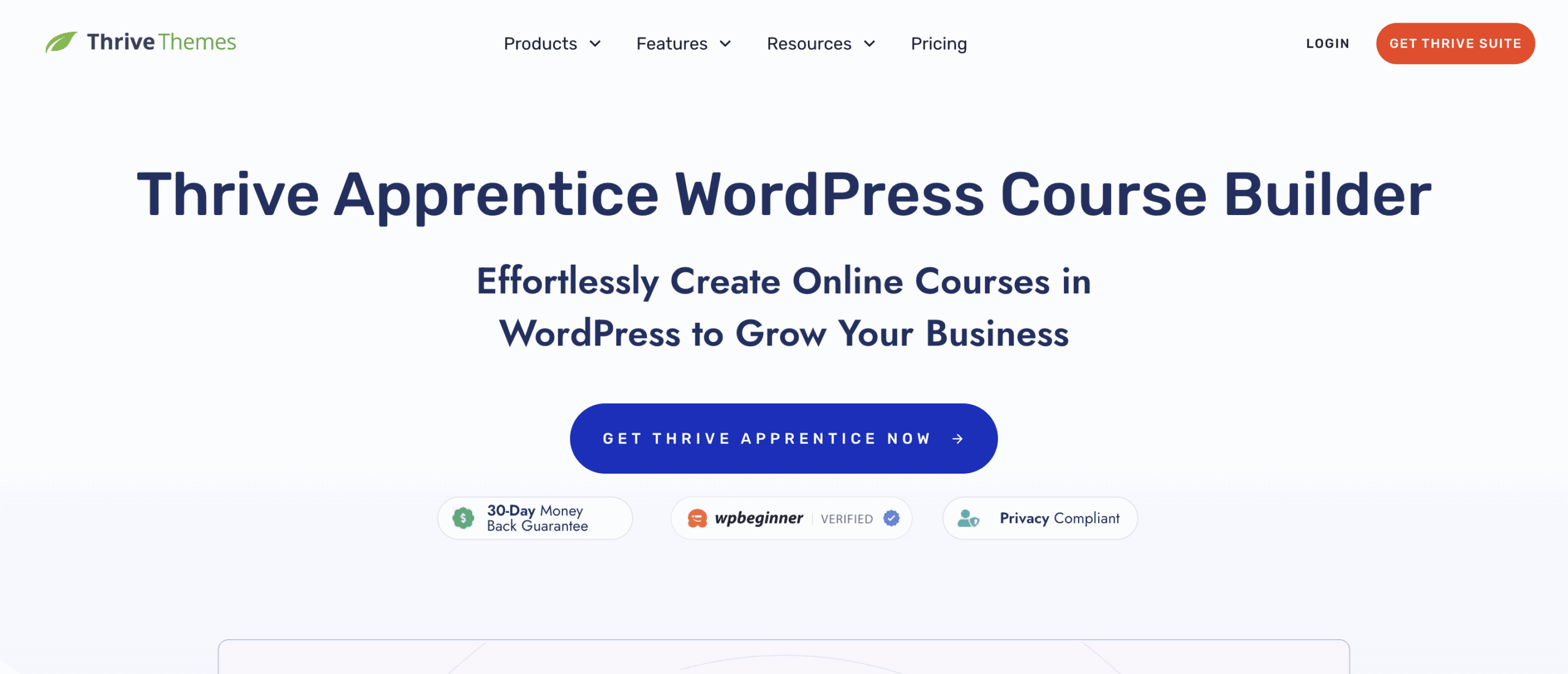
Designed by Thrive Themes for creators and marketers who prioritize beautiful design and high-converting sales funnels. Thrive Apprentice was created as part of the broader Thrive Suite of conversion-focused tools.
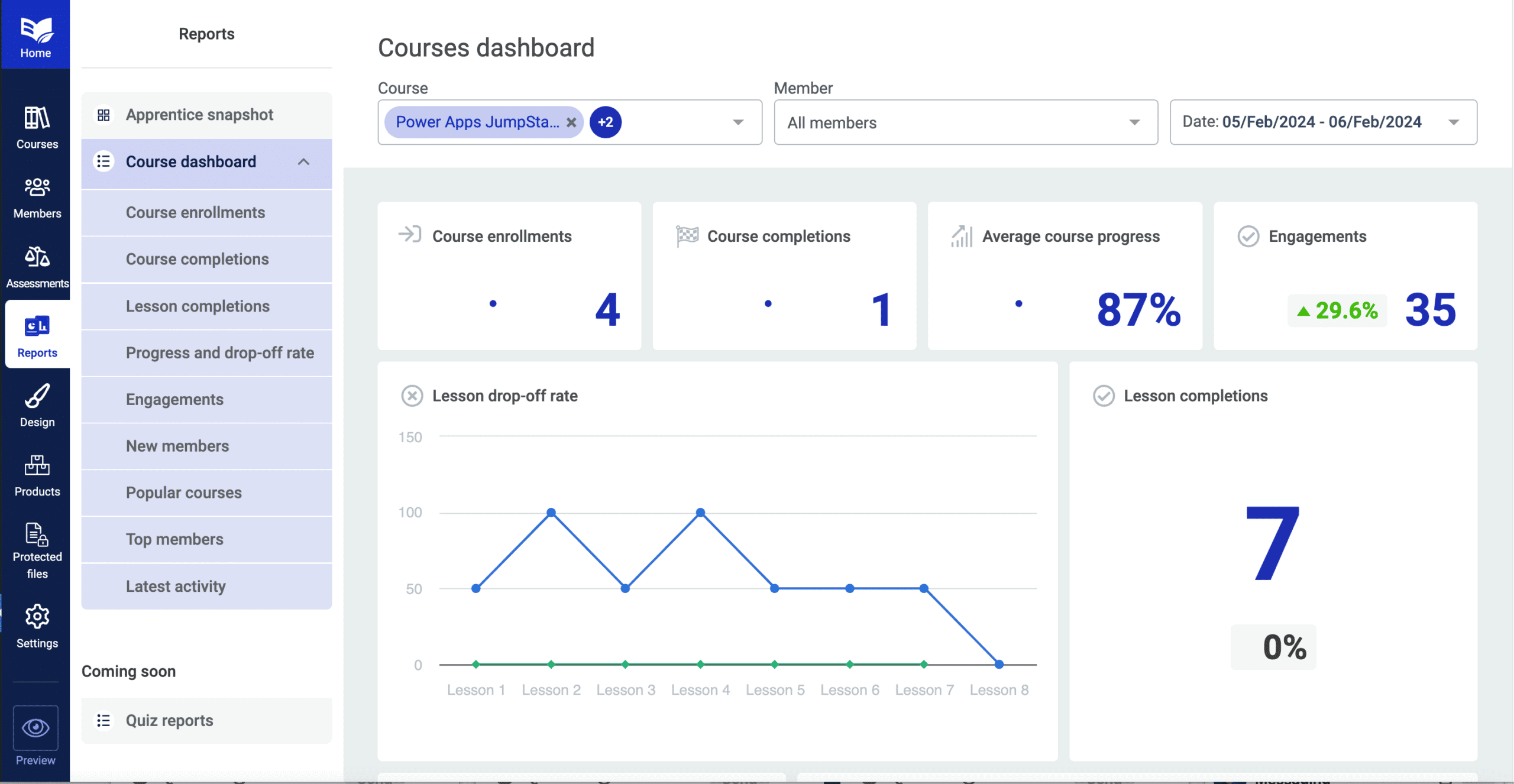
When we tested Thrive Apprentice, its core strength is its deep integration with other marketing tools, allowing for unparalleled control over the look and feel of your courses. This focus on design and sales makes it ideal for building a polished, professional education business from the ground up.
Standout Features:
- Total Visual Design: A full theme-building engine to design course pages that match your brand exactly.
- Decoupled Drip: Create different “drip schedules” for the same course depending on how it was purchased.
- Conditional Display: Show different content to students based on their login status or purchase history.
- Dynamic Labels: Rename “Modules” or “Lessons” to anything you want (e.g., “Chapters,” “Stages”).
- Marketing Integration: Seamlessly connects with Thrive Architect and Quiz Builder for sales funnels.
- Resource Management: A dedicated area in each lesson for students to download PDFs or worksheets.
Price:
- Standalone plugin: ~$149/year
- Thrive Suite bundle: ~$299/year
- Requires suite for quizzes
Things to Consider: Thrive Apprentice offers industry-leading design flexibility, but it lacks advanced academic features and requires the more expensive Thrive Suite to unlock essential functions like quizzes.
LearnDash: The Industry Standard for Professionals

Widely considered the gold standard for WordPress LMS solutions, LearnDash is a top choice for serious educators, universities, and professional training organizations. It was built to provide a reliable, scalable, and feature-rich foundation for enterprise-level e-learning.
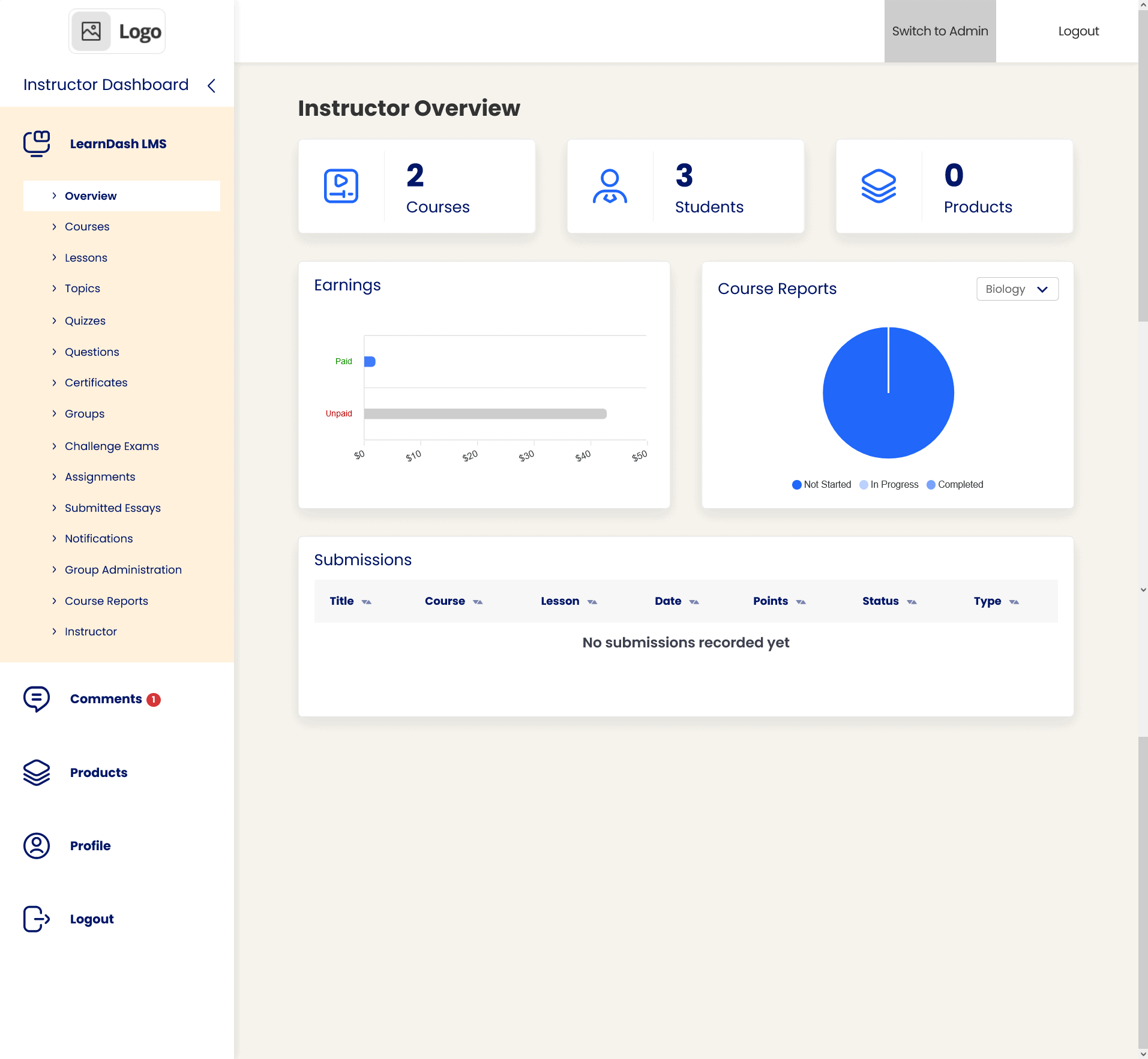
We tried LearnDash and its reputation is built on its robust architecture and adherence to professional e-learning standards, making it the plugin of choice for major institutions. This reliability makes it the go-to option when you need an enterprise-grade platform for your online education business.
Standout Features:
- Focus Mode: A proprietary distraction-free interface that hides site navigation to improve completion rates.
- Advanced Quizzing Engine: Boasts 8 different question types and question banks.
- AI Course Outline: A built-in AI tool that helps generate a full course structure in seconds.
- ProPanel Reporting: An advanced dashboard providing real-time data on student progress and performance.
- Video Progression: Prevents students from skipping ahead until a video has finished playing.
- Group Registration: Allows a “Group Leader” to buy seats in bulk and manage their own students.
- Automated Drip Feed: Sophisticated scheduling to release content based on enrollment or specific dates.
Price:
- Starts at $199 per year
- No free version available
- Cloud-hosted option available
Things to Consider: LearnDash is highly reputable and scalable with 0% transaction fees, but its higher entry cost and lack of a free version can be a barrier for beginners.
LearnPress: The Best Free & Flexible Starter

Developed by ThimPress, LearnPress is the most popular free LMS plugin in the WordPress repository, making it the go-to choice for educators on a tight budget. It is designed to be a lightweight and extensible starting point for new course creators.
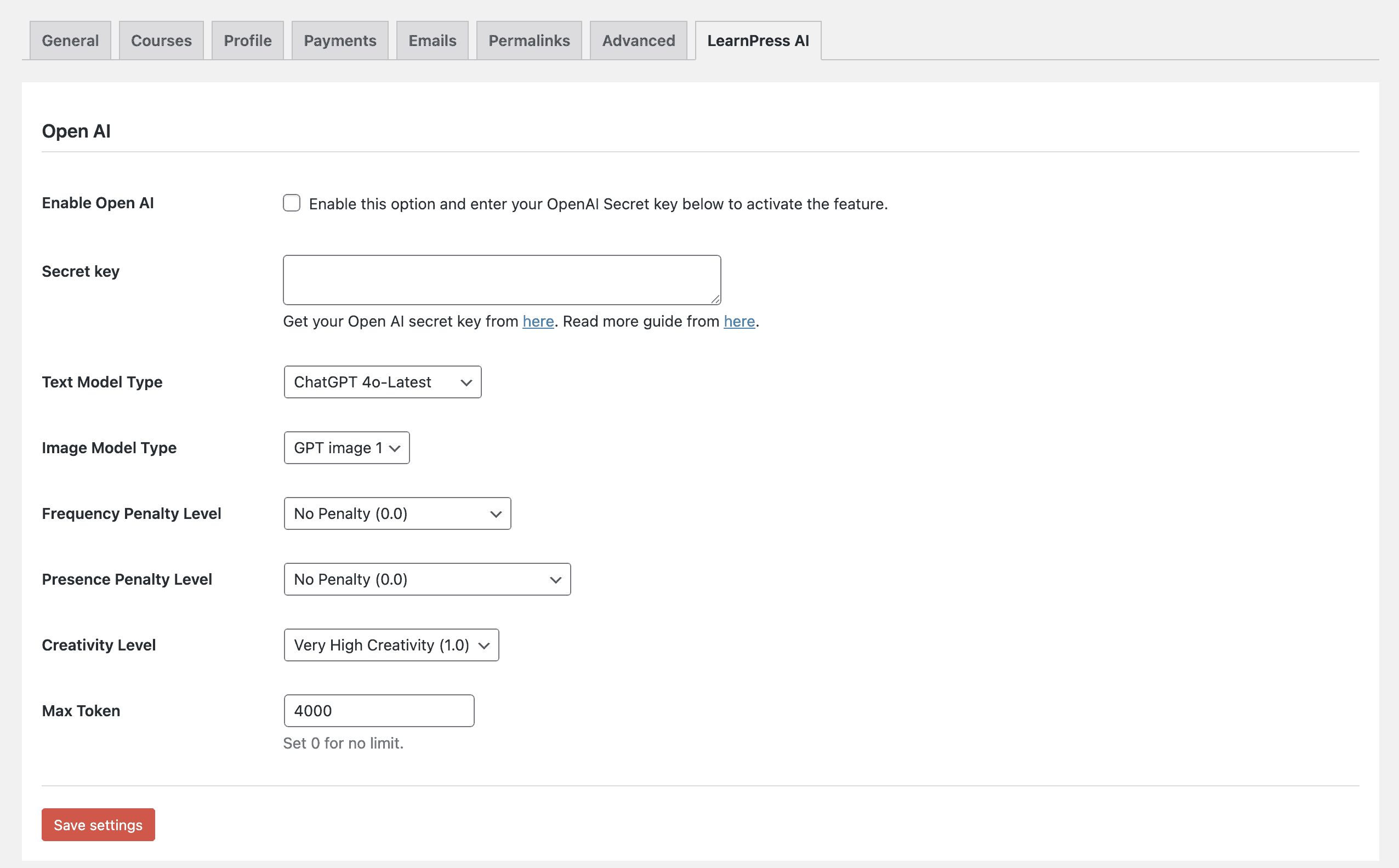
Its core strength lies in its flexible, pay-as-you-go model, allowing users to start for free and add only the specific premium features they need. This makes it incredibly easy to get a professional-looking site running with minimal initial investment.
Standout Features:
- Lightweight Core: Marketed as a “lean” plugin that won’t bloat your site.
- One-Click Installation: A “Demo Import” feature to make your site look professional in minutes.
- Stripe & PayPal Integration: Simple, straightforward payment setups for individual course sales.
- Wishlist Functionality: Allows students to “save” courses to their profile to purchase later.
- Course Reviews: A built-in rating and review system to build social proof.
- Gradebook Add-on: A simple interface to track student results across all courses.
Price:
- Core plugin is 100% free
- Add-ons range from $20–$50
- Pro Bundle (one-time fee)
Things to Consider: LearnPress offers the lowest possible entry cost with great flexibility, but customer support can be slower and achieving a modern look often requires purchasing a separate premium theme.
Tutor LMS: The Modern & User-Friendly All-Rounder
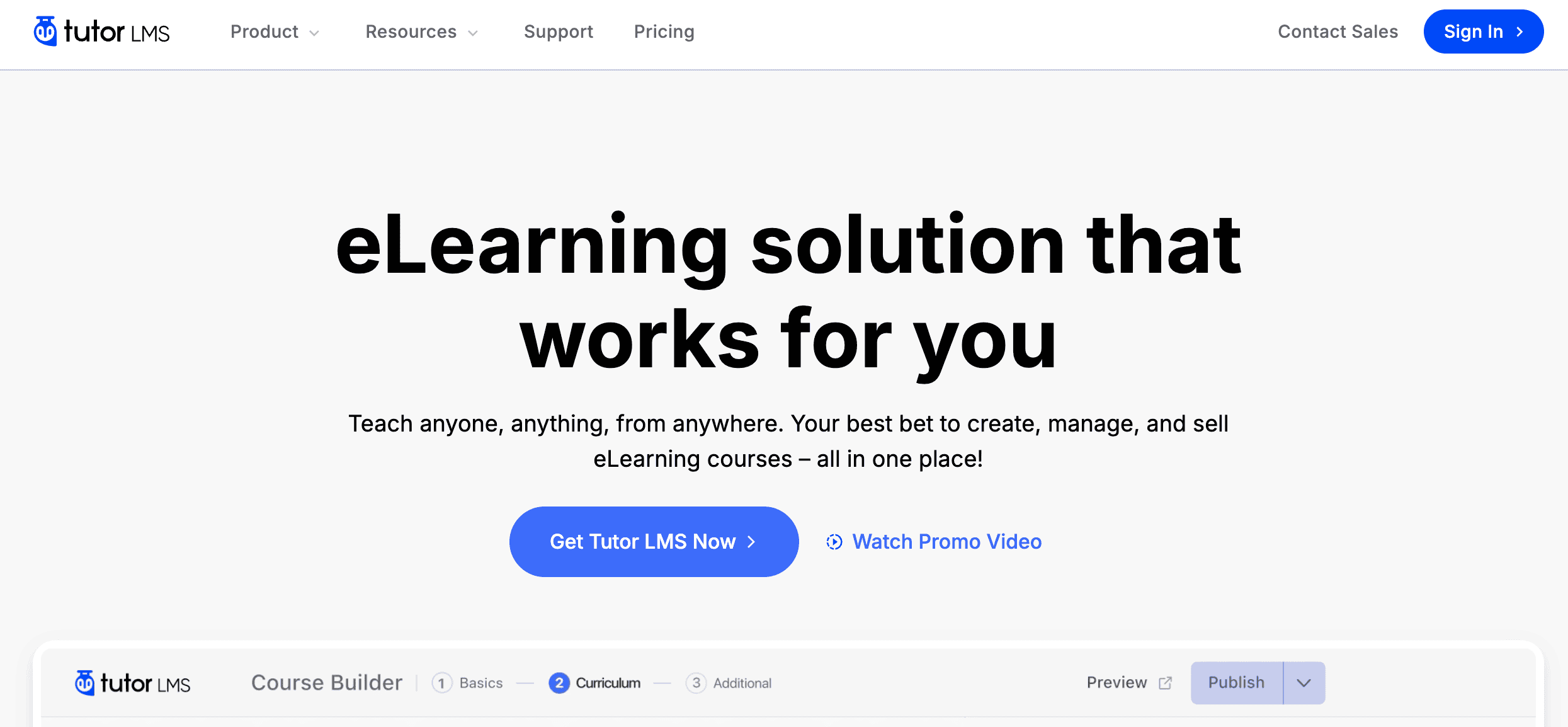
Developed by Themeum, Tutor LMS quickly won over the WordPress community with its modern, intuitive, and beautiful interface. It is designed for both individual instructors and multi-instructor marketplaces, making it a versatile choice for anyone who values ease of use.
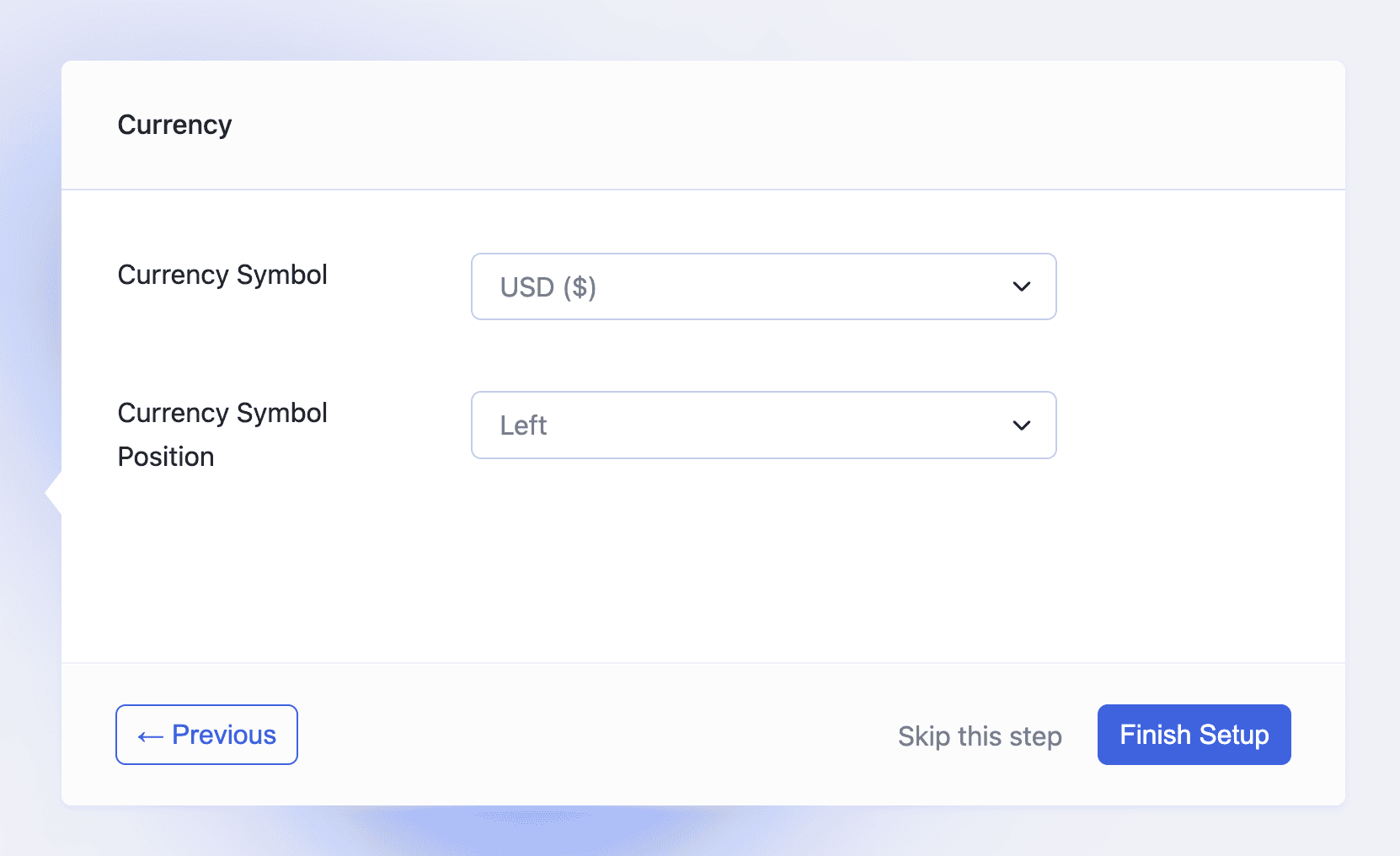
We experimented with TutorLMS and loved it. Its popularity is driven by a fantastic user experience, especially its frontend course builder that allows teachers to manage everything without the complex backend. This focus on usability makes it a favorite for creators who want to get started quickly and easily.
Standout Features:
- Frontend Course Builder: Instructors can build courses without ever seeing the WordPress backend.
- Multi-Instructor Marketplace: Built to create sites like Udemy, with commission sharing and withdrawal settings.
- Modern Quiz Creator: A highly visual, sleek interface with 10 different question types.
- Personalized Dashboards: Intuitive dashboards for students and instructors to manage learning and earnings.
- E-mail Template Editor: A visual editor to customize the look and feel of automated emails.
- Native Q&A Section: A dedicated tab in the lesson player for student questions and teacher replies.
Price:
- Powerful free version available
- Pro starts at $199 per year
- Agency plan is $799/year
Things to Consider: Tutor LMS provides the best user interface and most powerful free version on the market, but advanced monetization and analytics are locked behind the Pro version.
Best Practices for Running a Successful Course Website
Choosing the right LMS plugin is just the first step. To build a truly professional, secure, and high-performing online school, you need to implement a few key best practices. These steps will protect your data, keep your site fast, and ensure your students have a seamless learning experience from enrollment to course completion.
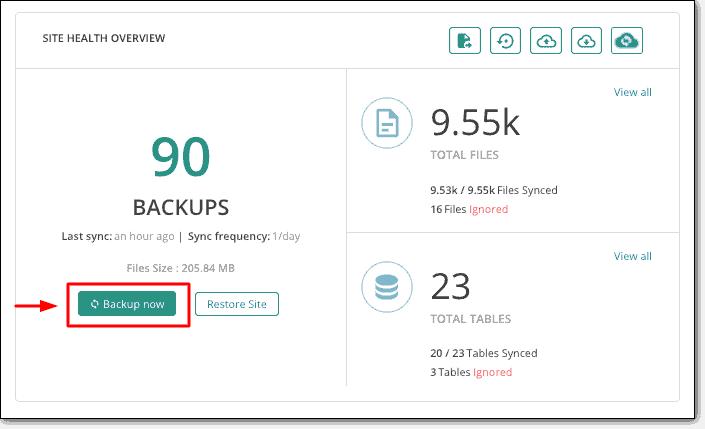
- Prioritize Security and Backups: Install a backup plugin to protect your hard work and student data. Implement scheduled, off-site backups using a tool like BlogVault to store a safe copy of your site.
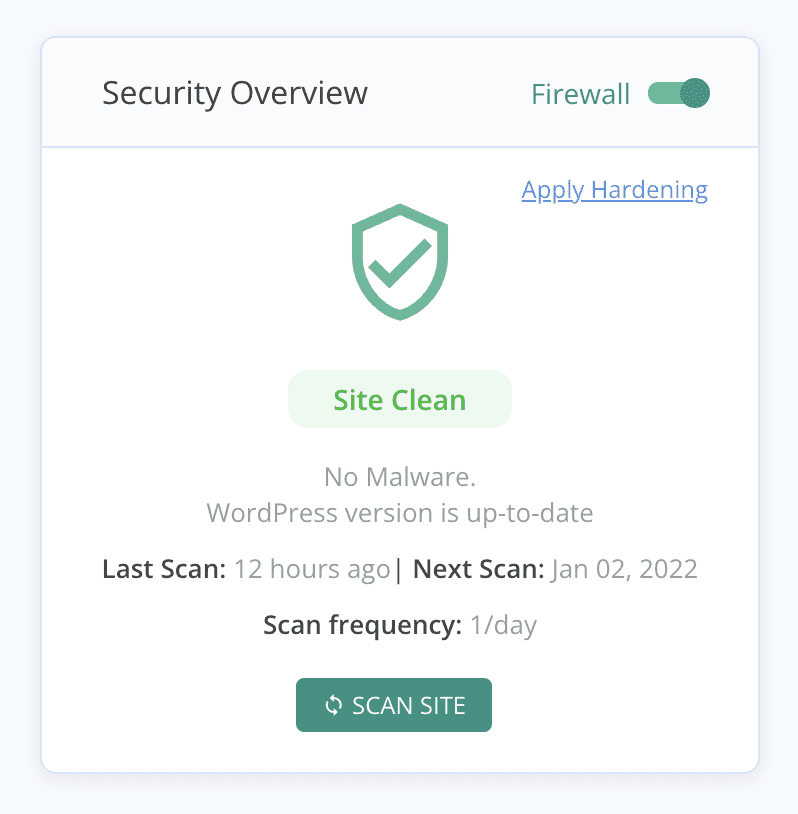
- Install a security plugin: Use a security plugin to install a robust security firewall and malware scanner. Plugins like MalCare protect sensitive payment information and prevent content theft. Finally, enforce login session limits to stop multiple users from sharing a single paid account.
- Optimize for Speed and Performance: Install a performance plugin as soon as possible. Plugins like Airlift can improve website performance by optimizing code and media on the backend. A slow website is a major barrier to user experience.
- Enhance the Student Learning Experience: Design your courses for how people learn today. Ensure your course player is fully mobile-responsive to accommodate learners on smartphones and tablets. Structure your curriculum using micro-learning principles by breaking content into short, 3–7 minute videos to increase course completion rates. You should also set up drip content scheduling to release modules over time, which helps prevent student overwhelm and reduces the likelihood of refund requests.
- Handle Administrative and Legal Compliance: Automate your administrative tasks to save time and avoid headaches. Configure a transactional email service like Postmark or SendGrid to ensure crucial emails like registration confirmations and password resets don’t end up in spam folders. To maintain legal compliance with international students, deploy a cookie consent plugin like CookieYes for GDPR and CCPA regulations. Lastly, integrate automated tax compliance software such as Quaderno to handle complex global VAT and sales tax calculations for you.
Final Thoughts
So, which is the best plugin? For most creators starting out, Tutor LMS is the top choice. It offers the best balance of modern design, user-friendliness, and a powerful free version that can get you up and running without an initial investment. For established businesses, universities, or anyone needing the most robust and scalable features, LearnDash remains the undisputed industry standard.
Ultimately, the right choice depends on your specific needs. Before you commit, we strongly recommend you experiment on a staging site. A staging site is a private clone of your website where you can safely install and test plugins without affecting your live visitors. This risk-free environment allows you to build a sample lesson, test the student experience, and ensure the plugin works perfectly with your theme before you spend any money.
FAQs
Which plugin is most useful for SEO?
No LMS plugin directly handles SEO. Your site’s ranking is managed by dedicated SEO plugins like Rank Math or Yoast. However, a fast-loading plugin and a lightweight theme will contribute positively to your SEO by improving user experience and site speed, which are known ranking factors.
What is a LMS plugin?
An LMS (Learning Management System) plugin is a tool that transforms a standard WordPress site into a complete online school. It provides all the necessary features to create courses, enroll students, process payments, deliver lessons, run quizzes, and track user progress.
Which online course platform is best?
A WordPress LMS plugin is best if you want full control over your branding, features, and pricing with lower long-term costs. Hosted platforms like Teachable or Kajabi are simpler to start with but offer less customization and often charge higher monthly fees or a percentage of your sales.
Is the Tutor LMS plugin free?
Yes, Tutor LMS offers a very capable free version that includes the core course builder, quizzing engine, and student dashboards. However, advanced features like multiple payment gateways, certificates, content dripping, and detailed reporting require an upgrade to the Pro version.

Shreya has been a writer for as long as she can remember. Now, she writes articles that help WordPress users manage the sites that they're proud of, with little to no coding


