

Choosing between WP Courseware vs LifterLMS can feel paralyzing. Pick the wrong tool, and you risk wasting time and frustrating your students. This guide provides a direct, no-fluff comparison of features, pricing, and ease of use to help you confidently select the right platform for your online course.
The right WP course plugin is the engine of your online school, so this decision is crucial for success. In short, WP Courseware is built for speed and simplicity, making it ideal for beginners. LifterLMS is the comprehensive, all-in-one platform for building a feature-rich academy. Let’s dive in.
In our review of WP Courseware, we loved it for its speed, simplicity, and predictable all-inclusive price, which includes a powerful quiz engine from the start. In contrast, LifterLMS excels as an all-in-one platform with a fantastic free version for building your courses, but be prepared for its basic core quiz features and escalating costs once you purchase the essential payment and marketing add-ons needed to launch professionally.
To give you an honest, head-to-head comparison, we installed both WP Courseware and LifterLMS on clean test sites. We focused on the key features that matter most to course creators, evaluating each plugin on:
- All-in-one course & membership capabilities.
- Drag-and-drop course builder ease of use.
- Advanced quiz and assignment options.
- Direct Stripe & PayPal integration cost.
- Built-in certificates and badges.
- Reliable content dripping.
- Detailed student reporting.
- Plugin impact on site speed at scale.
Student Experience & Focus Mode
A key to student success is keeping them focused on the lesson content. A cluttered screen with sidebars, ads, or complex navigation can lead to higher drop-off rates. We evaluated which plugin offers the best built-in tools to create a clean, immersive learning experience, making it the easiest LMS to use from a student’s perspective.
WP Courseware: WP Courseware lacks a native “Focus Mode,” meaning the student’s view is dictated entirely by your active WordPress theme. To create a distraction-free layout, you will need to use a compatible theme, custom CSS, or a page builder to hide headers and sidebars on course pages, which requires extra setup and technical skill.
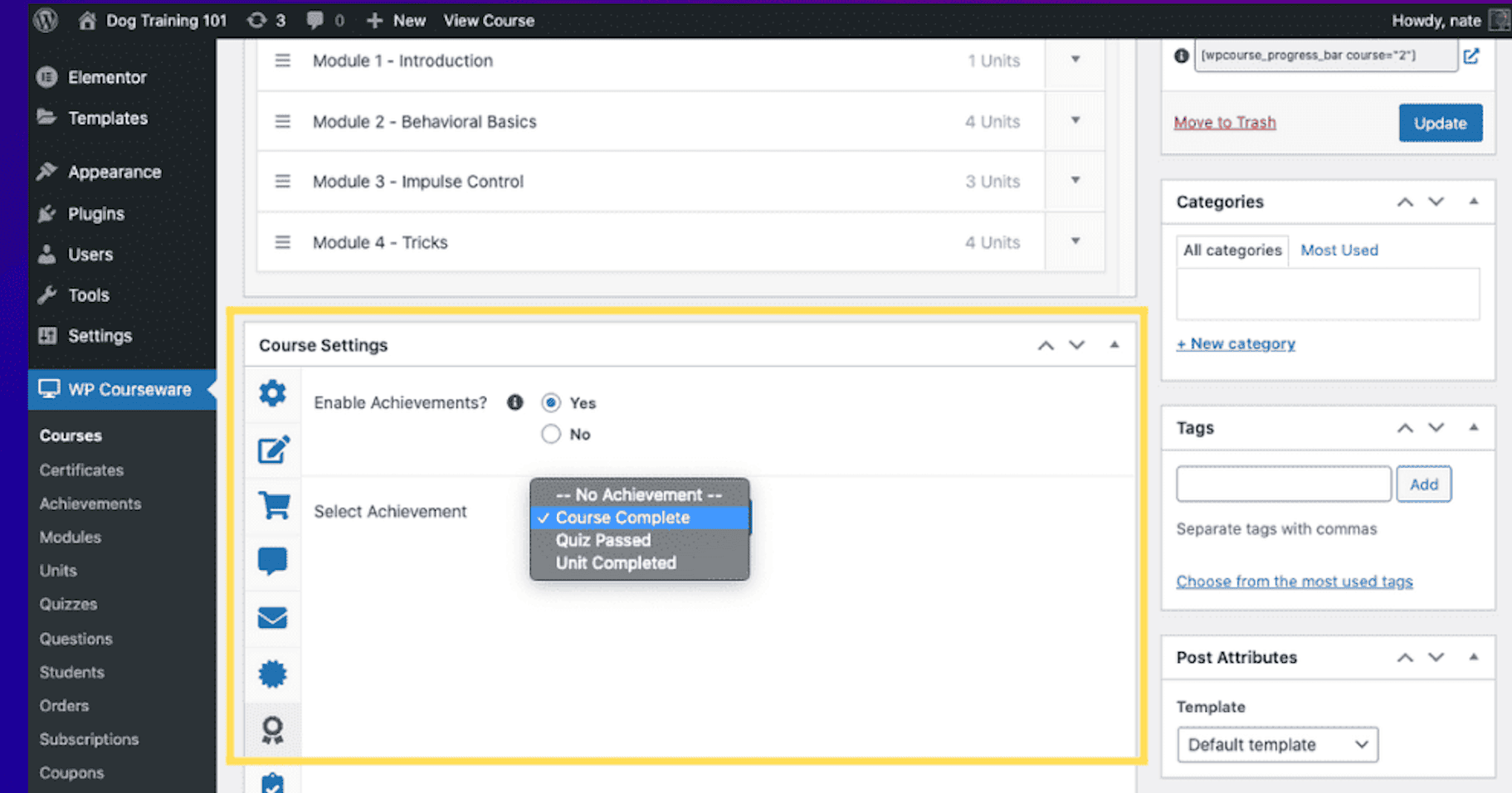
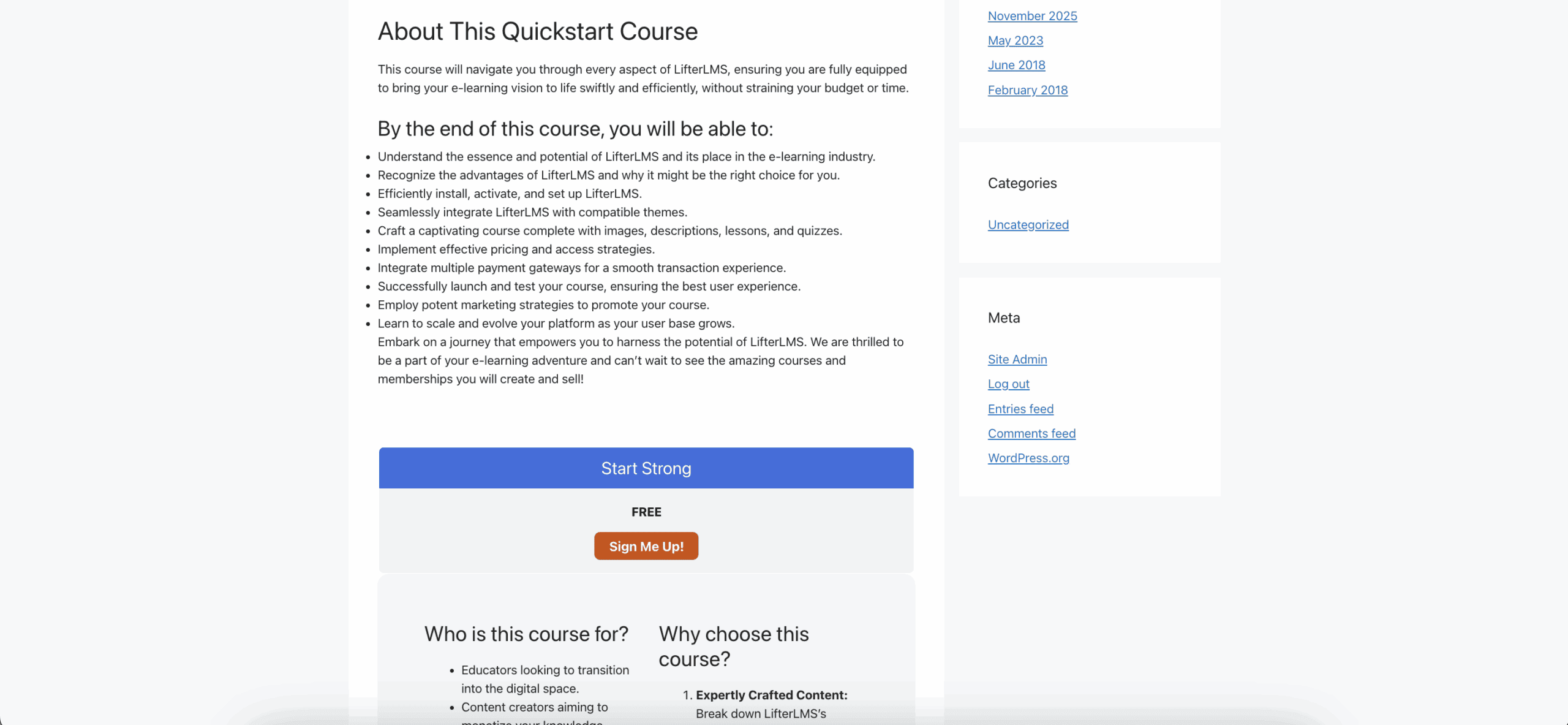
LifterLMS: LifterLMS features a dedicated and brandable Focus Mode that automatically hides distracting website elements like headers and sidebars. This creates a clean, professional interface with a persistent progress bar and clear navigation, keeping the learner engaged with the course material right out of the box.
Quiz Features & Complexity
Quizzes are a critical tool for assessing student comprehension and reinforcing key concepts. We compared the variety of question types, grading options, and advanced features like timers and randomization available in each plugin.
WP Courseware: WP Courseware offers a robust quiz engine right from the start, including seven different question types such as Multiple Choice, File Upload, and Open Ended. It also comes with built-in features like quiz timers, question randomization from a central pool, and the ability to require a passing grade before a student can advance to the next lesson.
LifterLMS: The quiz features in the free core LifterLMS plugin are quite basic. To unlock advanced question types like file uploads, matching, or fill-in-the-blank, you must purchase the separate Advanced Quizzes add-on. This adds a significant cost to the overall LifterLMS pricing if complex quizzes are a central part of your course.
Mobile Experience & Responsiveness
With more students learning on phones and tablets, a smooth mobile interface is non-negotiable. We assessed how well each plugin’s course player adapts to small screens, ensuring that videos, text, and interactive elements are easy to use on the go.
WP Courseware: While WP Courseware is responsive and will adapt to different screen sizes, its mobile view can sometimes feel less polished. Users report that it often feels like a scaled-down version of the desktop site rather than a truly mobile-first design, which can affect usability on smaller devices.
LifterLMS: LifterLMS is built with a modern, fluid grid system that ensures all course elements, from videos to quiz buttons, scale perfectly for a seamless experience on iOS and Android. For course creators who want to offer a premium mobile experience, it also integrates with AppPresser, providing a pathway to turn the entire course site into a native mobile app.
Content Control: Drip-Feeding & Prerequisites
Knowing how to create an online course with WordPress effectively means controlling the student’s learning path. We looked for reliable content dripping (scheduling lesson releases) and prerequisite rules (requiring lessons to be completed in order).
WP Courseware: WP Courseware features a highly reliable and easy-to-configure drip-feeding system. You can schedule content to be released on specific calendar dates or at set intervals after a student enrolls. Its “Blocking Quizzes” feature is a simple and effective way to enforce prerequisites, ensuring students master a topic before moving on to the next module.
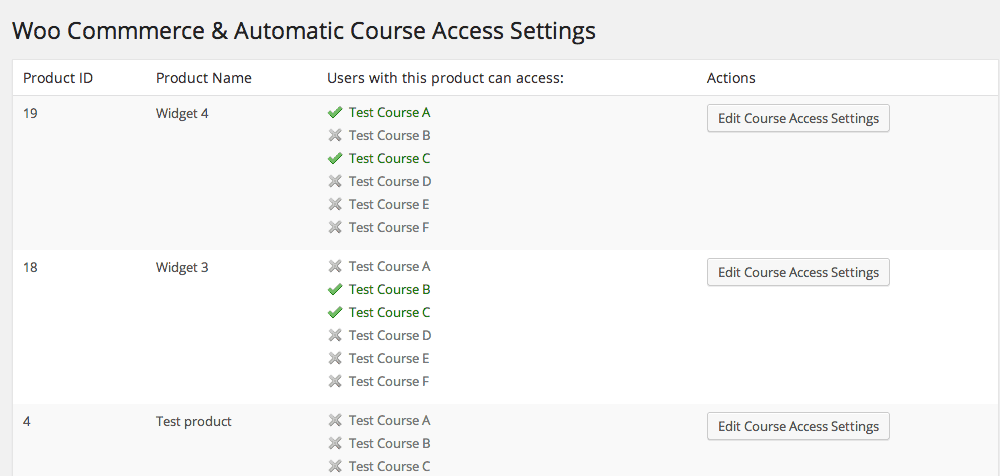
LifterLMS: LifterLMS offers equally powerful and dependable drip and prerequisite functionality, giving you full control over the learning path. It adds another valuable layer of control with “Access Plans,” which allow you to set expiration dates for course access. This feature is perfect for time-sensitive programs or managing membership renewals without needing another plugin.
Student & Sales Data Reporting
A powerful WordPress LMS plugin should do more than just deliver content; it should provide actionable data. We compared the reporting dashboards to see who offers better insights into student progress and overall business health.
WP Courseware: WP Courseware provides a detailed Course Gradebook and an instructor dashboard that are excellent for tracking individual student progress, quiz results, and lesson activity. Its reporting is focused primarily on the academic performance of your students, giving you a clear view of their journey through the course content.
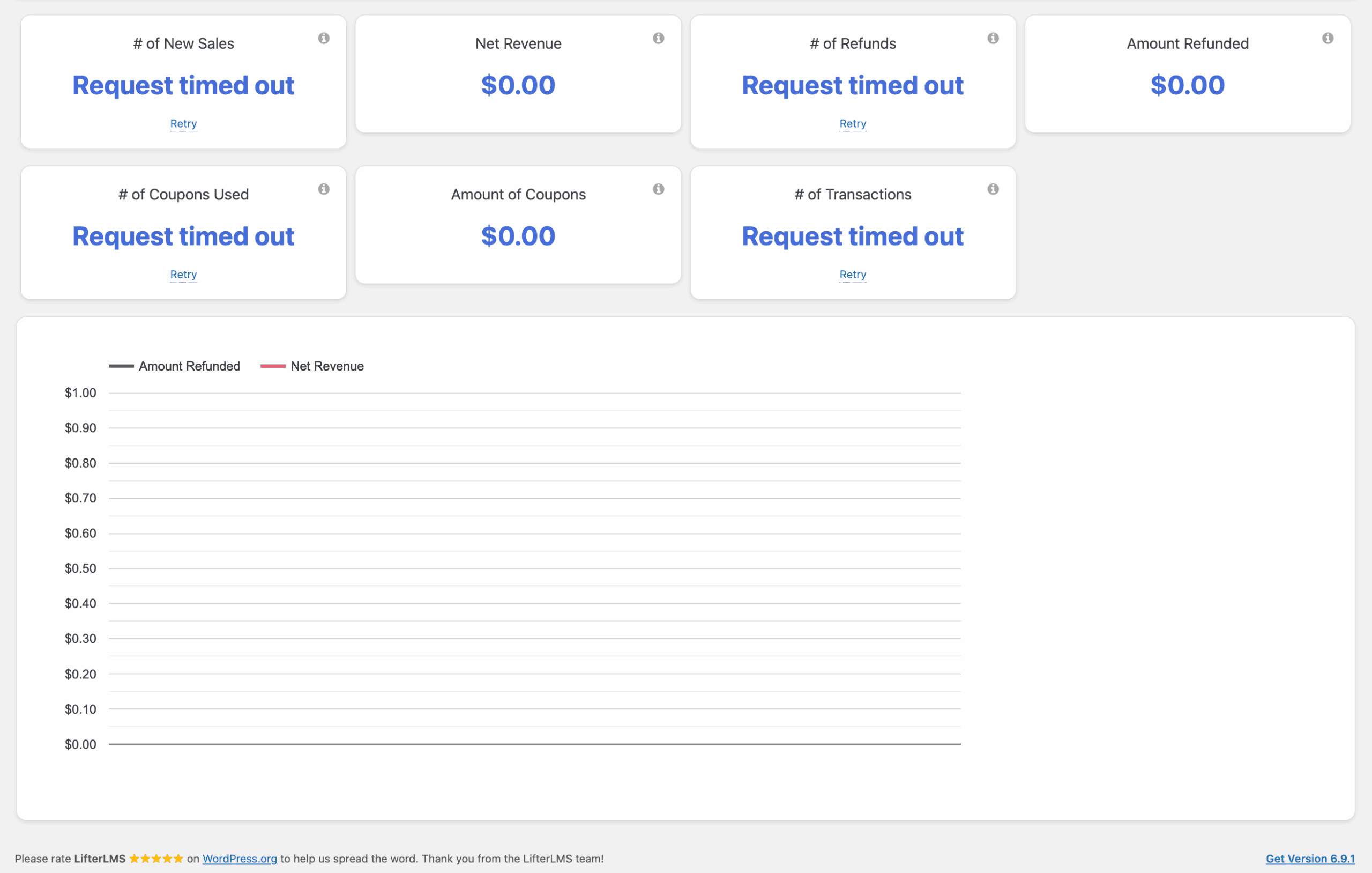
LifterLMS: LifterLMS includes detailed student-level reports but also adds a high-level instructor dashboard that tracks key business metrics like enrollment trends and revenue. This provides a more holistic view of your online school’s health. Crucially, all this data can be exported to a CSV file, allowing for deeper analysis or for sharing reports with stakeholders.
Payment Flexibility & E-commerce
The ultimate goal for most course creators is to sell courses online WordPress efficiently. We examined how each plugin handles payments, whether it requires external tools, and how well it supports different pricing models like one-time fees and recurring subscriptions.
WP Courseware: WP Courseware includes its own simple shopping cart with built-in support for Stripe and PayPal, which is perfect for handling one-time course sales directly. For more advanced e-commerce needs like subscriptions or complex tax calculations, it integrates flawlessly with powerful third-party tools like WooCommerce or MemberPress.
LifterLMS: LifterLMS shines by handling not just one-time payments but also recurring subscriptions and installment plans natively within the plugin. This is a significant advantage, as you don’t need to purchase and configure a separate membership plugin to manage these common business models, which can save you considerable time, money, and potential technical headaches.
Site Performance & Speed
A slow-loading course can frustrate students and even lead them to abandon your program. The best LMS for beginners should be efficient and not bog down your website, ensuring a smooth experience for everyone without requiring a high-powered server. We looked at how each plugin impacts site speed and overall performance.
WP Courseware: WP Courseware is often described as a “quiet veteran” because it focuses on core LMS features without unnecessary bloat. This lightweight approach generally results in a faster site, as it consumes fewer server resources. One minor note is its reliance on WP-Cron for scheduled emails, which means notifications are only triggered when your site has active traffic.
LifterLMS: LifterLMS is also engineered for efficiency. It avoids “script bloat” by intelligently loading its assets only on course-related pages, which helps keep the rest of your site fast. While its database structure is well-optimized, its more extensive feature set means it can be more demanding than WP Courseware, and high-traffic sites will benefit from using object caching.
Ecosystem & Third-Party Integrations
An LMS shouldn’t exist in a silo. To run a successful online business, you need your course platform to connect with your email marketing service, automation tools, and community forums. We checked how well each plugin plays with other essential software.
WP Courseware: WP Courseware integrates seamlessly with Zapier, giving you the power to create automations with over 7,000 other applications. It also provides strong compatibility with popular WordPress community platforms like BuddyBoss and BuddyPress, allowing you to build a social hub around your courses.
LifterLMS: LifterLMS also features deep integrations with both Zapier and Uncanny Automator, connecting you to thousands of other apps. It is particularly well-regarded for its native compatibility with BuddyBoss and GamiPress, making it a top choice for course creators who want to build a deeply integrated “social learning” environment from the ground up.
Gamification & Student Engagement
Keeping students motivated is one of the biggest challenges for course creators. Features like certificates, achievement badges, and automated encouragement can significantly boost course completion rates. We compared the built-in tools each plugin offers to enhance the student journey.
WP Courseware: WP Courseware includes a fantastic native drag-and-drop PDF certificate builder, a feature that often costs extra with other plugins. It also supports automated achievement notifications to congratulate students on their progress. However, it lacks a deep native points or badges system, often requiring integration with a third-party plugin like GamiPress for true gamification.
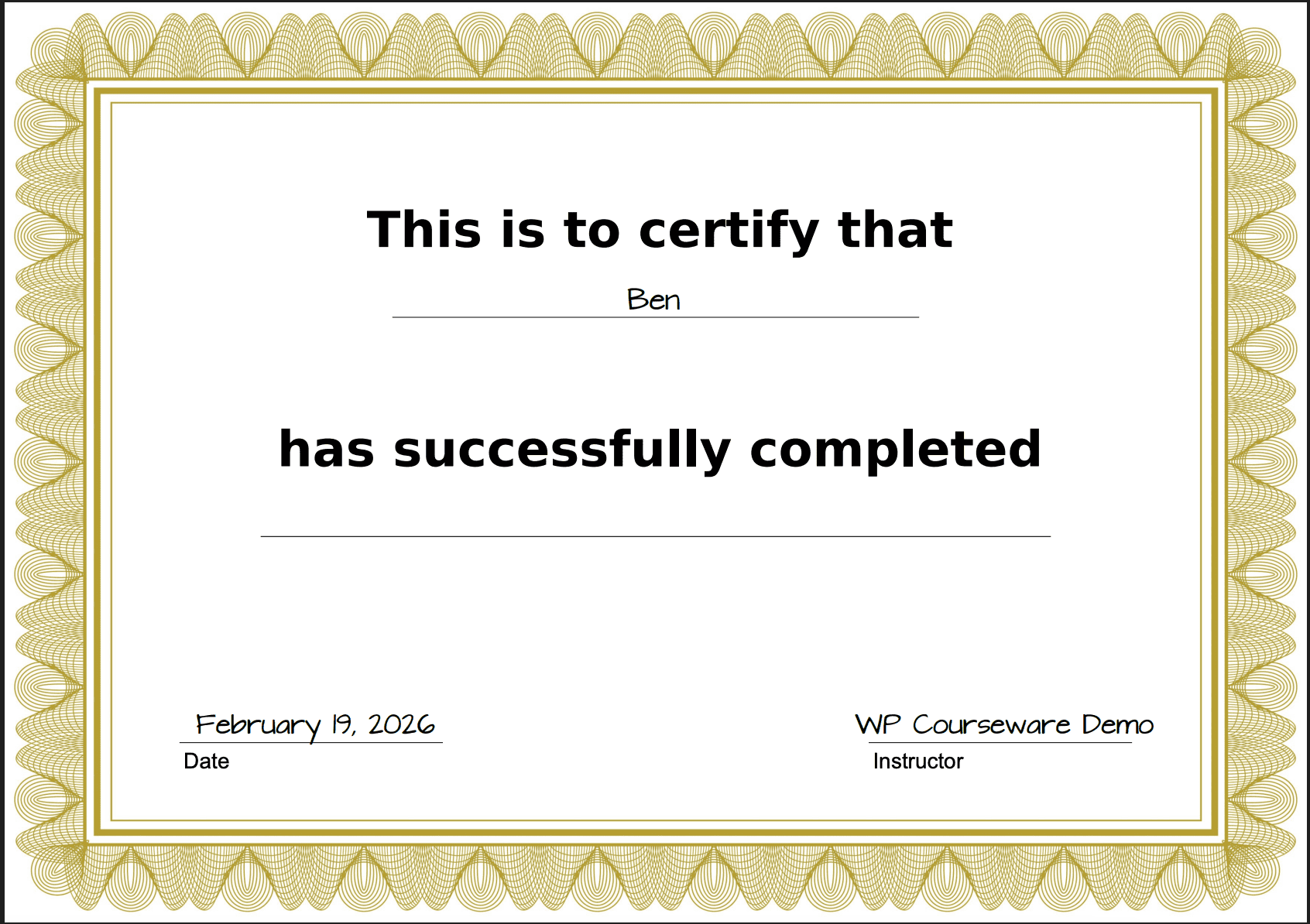
LifterLMS: LifterLMS makes engagement a core part of its platform. It comes with built-in Achievement Badges and dynamic PDF Certificates that automatically populate with student data. It also includes a native “Reviews” function for social proof and allows you to trigger personalized, automated emails based on specific student actions (e.g., “Congrats on finishing Lesson 1!”), creating a much richer and more interactive experience.
Pricing & Overall Value
Understanding the full cost is critical before committing to a platform. Some plugins have a simple annual fee, while others use an add-on model that can become expensive. We analyzed the pricing structures to determine which offers better value for different types of users.
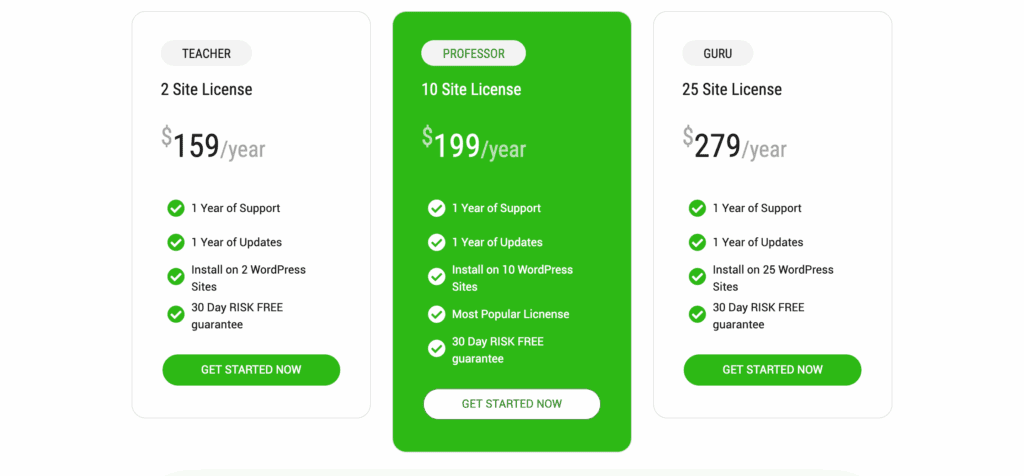
WP Courseware: WP Courseware uses a straightforward, all-inclusive pricing model. The entry-level “Teacher” plan is $129/year for two sites, and all core features, including the shopping cart and certificates, are included. This makes it very easy to budget for, as there are no hidden costs for essential functionality.
LifterLMS: LifterLMS operates on a “freemium” model. Its core plugin is completely free and allows you to build unlimited courses, making it an excellent way to start without any investment. However, to sell your courses and add advanced features, you must buy individual add-ons (around $120/year each) or bundles, which start at roughly $360/year. This “add-on tax” means a professional setup will likely cost more than WP Courseware.
Limitations & Downsides
No tool is perfect. Understanding the potential weaknesses of each platform is just as important as knowing its strengths. This helps you avoid surprises after you’ve made your purchase and ensures the plugin you choose aligns with your long-term goals.
WP Courseware: The primary limitations of WP Courseware are its lack of a native “Focus Mode,” which can be a drawback for student experience, and its limited built-in social or community tools. Furthermore, most aesthetic and styling changes to the course layout will require custom CSS knowledge, as there are few design options within the plugin settings.
LifterLMS: The main downside to LifterLMS is its pricing model. The “add-on tax” can be a significant drawback, as the free core plugin is powerful but lacks the essential e-commerce and quizzing features needed for a professional course. Additionally, while its Focus Mode is excellent, the default course archive and catalog pages can look quite plain without a page builder like Elementor or Beaver Builder to customize them.
Other Popular LMS Alternatives
While WP Courseware and LifterLMS are excellent choices, they aren’t the only players in the game. If neither feels like a perfect fit, here are three other top-tier alternatives worth considering.
- Thrive Apprentice: Best for marketers and entrepreneurs already invested in the Thrive Suite ecosystem. Thrive Apprentice is designed for conversions, with a laser focus on creating beautifully designed courses that integrate seamlessly with sales funnels, landing pages, and email marketing. It’s less of a traditional academic LMS and more of a powerful tool for selling digital products.
- LearnDash: Often considered the industry standard for larger, more complex learning programs. LearnDash is trusted by universities, major corporations, and serious course creators who need maximum power and flexibility. It boasts incredibly advanced quizzing, group management, and reporting features, but its steep learning curve and higher price point make it better suited for experienced users with complex needs.
- TutorLMS: Known for its modern, intuitive interface and a remarkably feature-rich free version. TutorLMS has quickly become a favorite for its user-friendly course builder, front-end course creation for instructors, and stylish design. It strikes a great balance between ease of use and powerful features, making it a strong competitor to both LifterLMS and WP Courseware.
Final Thoughts
Choose WP Courseware for its speed and simplicity; its intuitive drag-and-drop builder and predictable pricing are ideal for beginners. On the other hand, choose LifterLMS if you need a comprehensive, all-in-one academy with deep engagement features like memberships and gamification, plus a powerful free version to start building immediately.
Before you install any powerful plugin like an LMS on your live website, it is crucial to test it on a staging site. A staging site is a private clone of your live website that nobody else can see. It’s a safe sandbox where you can install plugins, change settings, and try to break things without any risk to your public-facing site. This allows you to see how the LMS interacts with your theme, check for conflicts with othe r plugins, and get a true feel for the user experience before you commit.
FAQs
Which is the best LMS plugin for WordPress?
There is no single “best” LMS plugin, as the ideal choice depends on your specific needs. For simplicity and speed, WP Courseware is a top contender. For an all-in-one platform with a strong free version, LifterLMS is excellent. For maximum power and enterprise-level features, many choose LearnDash.
Is MasterStudy LMS better than LifterLMS?
“Better” depends on your goals. MasterStudy LMS often excels in creating a Udemy-like marketplace, as its themes and features are geared towards multi-instructor platforms. LifterLMS is generally considered stronger in its core LMS functionality, particularly its built-in membership, engagement tools (badges/certificates), and marketing automation capabilities.
What is the difference between LifterLMS and MemberPress?
LifterLMS is a complete Learning Management System designed for creating and managing courses, quizzes, lessons, and student progress. It also includes built-in membership features to sell access. MemberPress is a dedicated membership plugin designed only to restrict access to content on your site. It doesn’t have course-building tools itself but can integrate with an LMS to handle payments and access rules.
What is the best LMS for WordPress 2026?
While the WordPress landscape is always evolving, the best LMS will likely continue to be one that balances a user-friendly interface with powerful features and reliable support. Established leaders like LifterLMS and LearnDash continue to innovate, while newer plugins like TutorLMS are gaining popularity for their modern design and robust free offerings. The “best” will always be the one that best matches your project’s future needs for growth and scalability.

Shreya has been a writer for as long as she can remember. Now, she writes articles that help WordPress users manage the sites that they're proud of, with little to no coding


