If you have spent more than ten minutes looking for WordPress plugins, you have probably seen the same pattern. Long lists. Mixed advice. Too many must-have tools that most sites do not need.
That is the problem we want to fix here.
Most WordPress sites do not need dozens of plugins. They need the right ones. When you install a WordPress site, your first instinct may be to add every plugin that looks useful. That usually leads to overlap, clutter, and avoidable problems.
The point of this article is not to throw plugin names at you. It is to help you see what matters first. We will help you sort the essentials from the extras, avoid common mistakes, and make better plugin decisions with more confidence.
The most essential WordPress plugins for most sites are backup, security, performance, and SEO. Start with those first, and always take a fresh backup before installing a new plugin.
Must-have WordPress plugins for most sites
This is the part you are most likely here for.
These categories cover the core jobs that most WordPress sites need to handle well. They are not here because they are trendy. They are here because they solve real, common needs.
1. Backup plugin
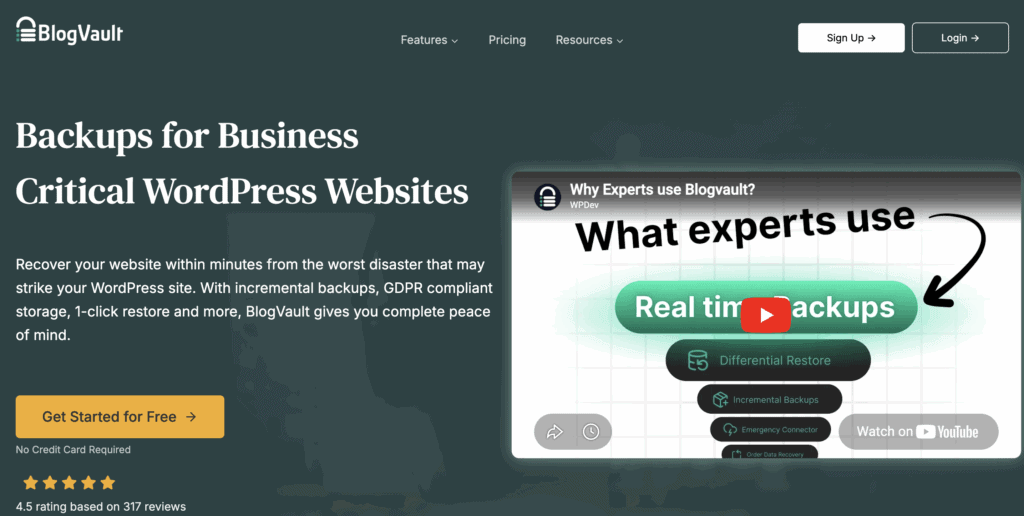
Backups are one of the first plugin categories most sites should think about.
Sites break. Updates fail. Plugins conflict. Hacks happen. Human error happens too. When that happens, a working backup gives you a way back. Without one, a small mistake can turn into a long recovery.
A good backup plugin should not just create backups. It should also make restores realistic when something goes wrong. That matters more than people think. A backup is only useful if you can restore the site without a mess. If restore options feel weak or unclear, that is a warning sign.
Free backups may be enough for smaller sites that do not change much. Paid backup tools usually make more sense when your site matters to revenue, traffic, or day-to-day work. This is one category where a weak tool can hurt badly.
2. Security plugin
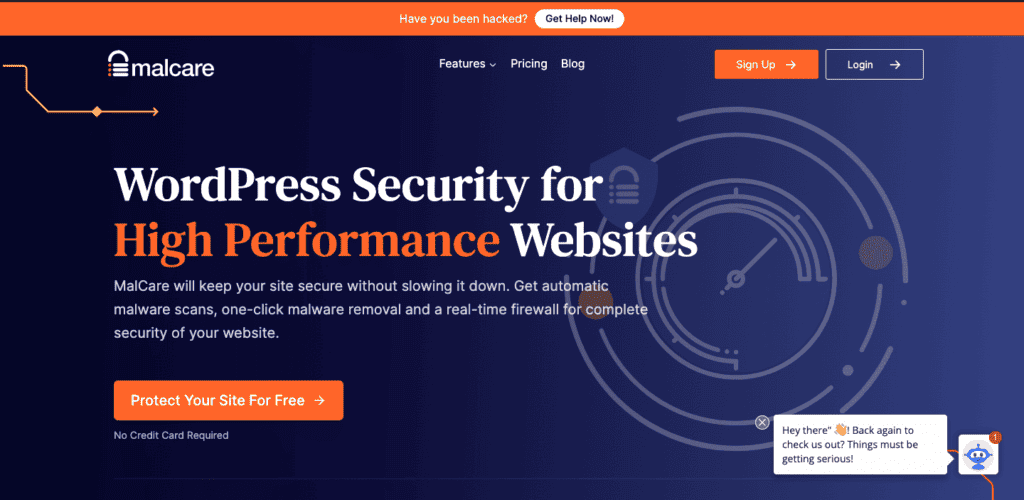
WordPress security becomes urgent the moment something goes wrong. It is better when it does not get to that point.
WordPress is a common target because it powers so many sites. That means you need some level of active protection. Not panic. Just proactive protection against malware, brute-force attacks, and common vulnerabilities.
One good security plugin is enough. Installing several security plugins often creates noise instead of stronger protection. That is a common mistake, especially when people are trying to feel extra safe. More layers are not always better layers.
Free tools can help with basic hardening. Paid tools become easier to justify when your site matters more, especially if cleanup or stronger monitoring matters. If you are comparing options, pay close attention to what happens after a problem is found. Detection alone is not enough.
3. Performance plugin

A slow site frustrates visitors. It can also hurt rankings and conversions.
That is why performance plugins matter. They help improve load times and reduce friction across your site. Most websites benefit from better performance, not just large stores or publishers.
Some hosts already handle caching or server-side performance work. In some cases, a plugin adds real value. It helps to ask a simple question. What part of performance still needs work on your site? That usually makes the decision clearer.
4. WordPress management plugin

A WordPress management plugin helps when you are maintaining more than one site, checking updates often, watching uptime, or trying to stay on top of maintenance without logging into each site separately.
If you only run one small site, this may not feel urgent yet. That is fair. But once maintenance gets more involved with multiple sites, a management plugin can save real time and reduce missed issues. It also helps if you tend to postpone updates longer than you should. Many people do.
This is also a category where you should not overdo it. If your site is simple, skip the extra layer for now.
5. SEO plugin
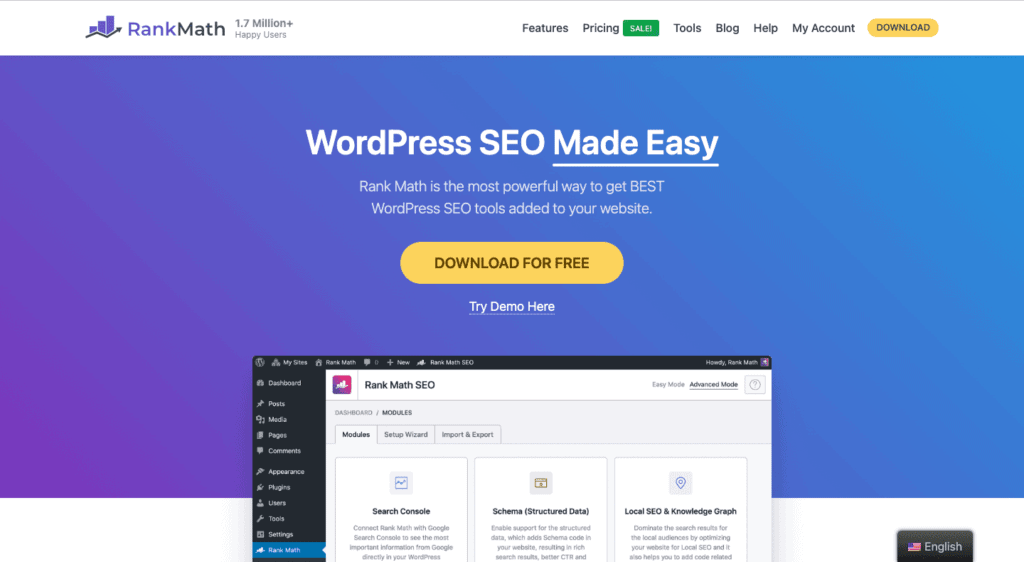
SEO plugins still matter, even though they do not do the whole job.
They help with titles, meta descriptions, XML sitemaps, indexing controls, schema, and other technical SEO basics. Those are not exciting features, but they are important. Without them, you give up useful control over how your content appears and gets indexed.
A free SEO plugin is enough for many sites. Premium features become more useful when you need more advanced controls or workflows. One SEO plugin is enough. Running more than one is a bad idea, and it can create confusing overlap or a conflict.
If you are still setting up your site, this is one of the easier wins in the whole stack.
6. Form plugin
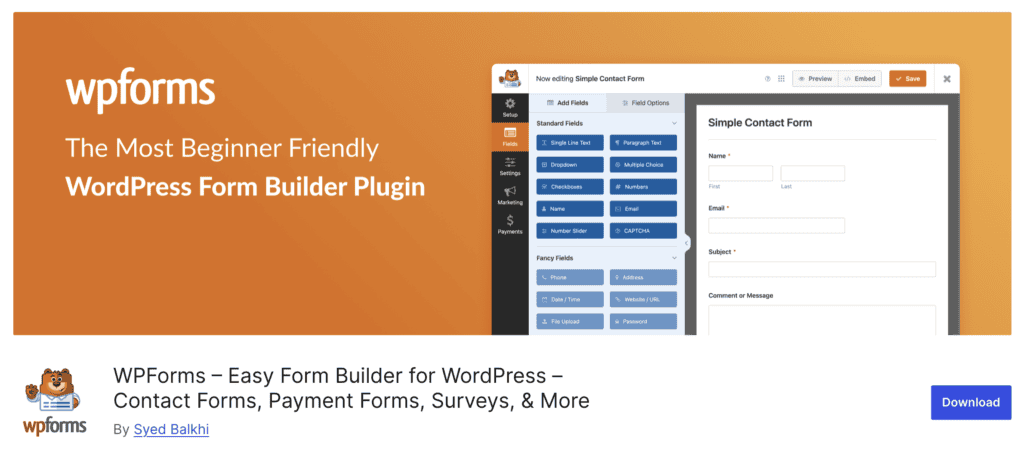
Most WordPress sites need forms. That is true for business sites, lead generation pages, service websites, and even simple contact setups.
A form plugin should make it easy for you to collect messages, inquiries, or leads without exposing your email address directly. It should also be flexible enough to handle more later if your site grows.
Basic forms may be enough at first. More advanced features start to matter when you need conditional logic, payments, or stronger integrations. If your form plugin already handles simple workflows well, do not rush to replace it.
7. SMTP plugin
SMTP is one of the least flashy plugin categories, but it is also one of the most practical.
WordPress email does not always send reliably by default. That can affect form notifications, password resets, order emails, and admin alerts. You may not notice until an email fails and a lead goes cold. That is what makes this issue so easy to miss.
That is why SMTP matters. It helps route site emails through a proper mail setup instead of relying on default WordPress behavior.
If your site uses forms, an SMTP plugin is usually worth adding. It solves a real issue and helps prevent silent email failures, which are harder to spot than many site owners expect. It is a small setup step that often saves a lot of frustration later.
8. Spam protection plugin
Having a spam protection plugin matters when your site has public forms, comments, or open interaction.
Without it, junk submissions can pile up fast. That wastes time and makes inboxes harder to manage. Some sites may not feel the need right away, but active sites often do. This is also one of those quiet plugins that earns its place over time.
If you already get form spam, solve that early. It tends to get worse, not better.
9. Cookie plugin
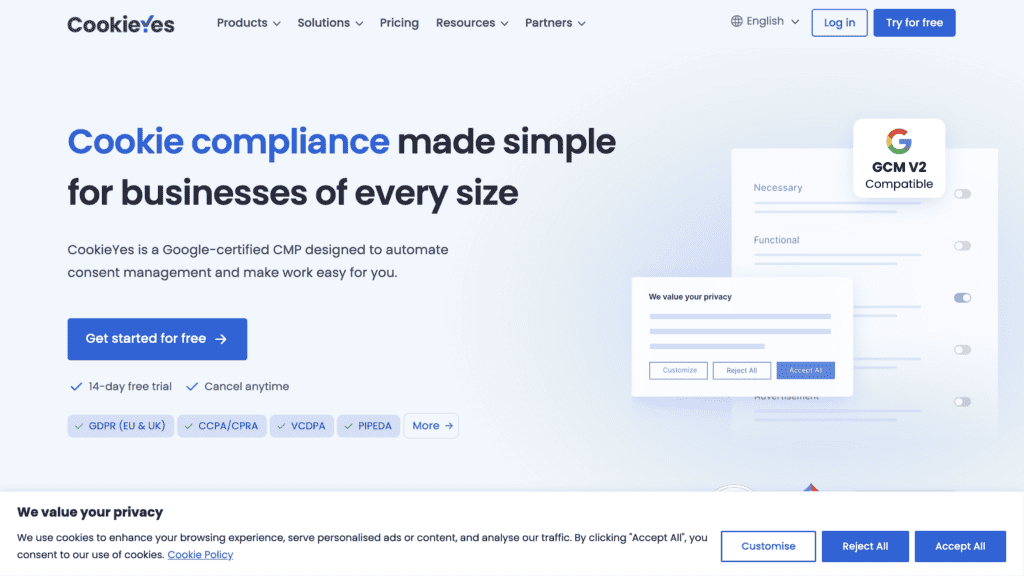
Cookie plugins matter when your site uses analytics, advertising, or tracking scripts that require consent in some regions.
Not every site needs the same setup, but many business sites do need some form of consent handling now. You should also be careful not to assume a banner alone solves every compliance issue. It helps, but the wider setup still matters. That includes what tools are installed and how they collect data.
10. Translation plugin
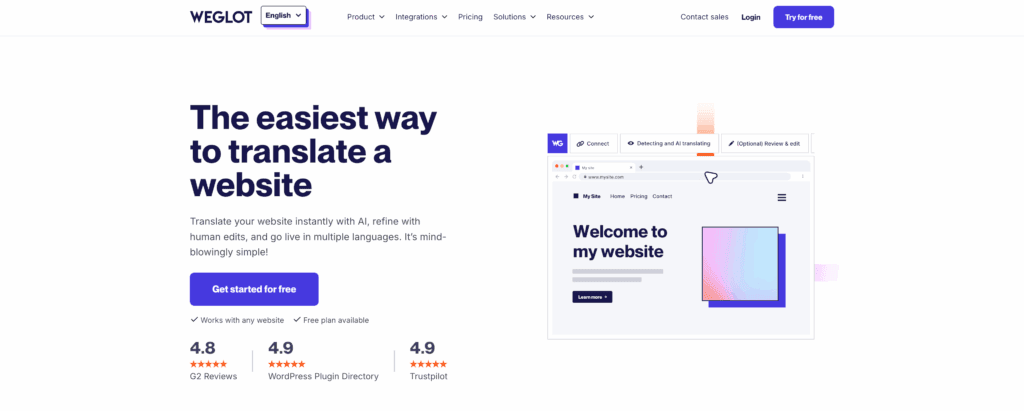
A translation plugin matters when your site serves visitors in more than one language.
That can be important for international businesses, multilingual regions, or sites trying to grow in more than one market. The main thing to watch here is workflow. Translation can become messy fast if the setup is hard to manage or easy to break.
Some site owners want more manual control. Others care more about speed. The plugin should support the way your site will actually be maintained. That part often gets missed.
11. Newsletter plugin
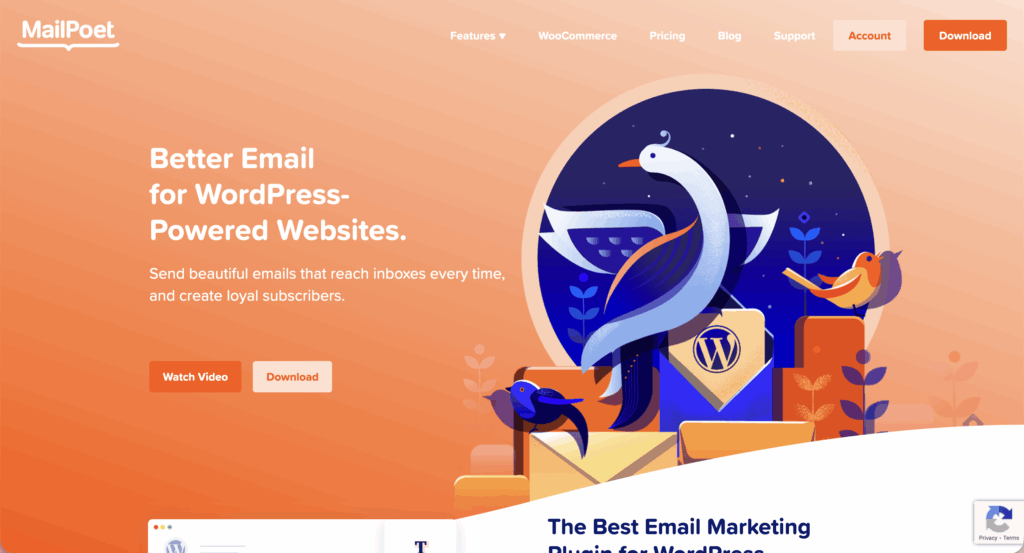
Newsletter plugins become useful when your site is trying to build and keep an audience.
Email still gives you a direct way to reach subscribers. That is valuable because traffic sources change. Search changes. Social reach changes. Email remains one of the few channels you can control more directly.
A newsletter plugin is not essential for every site on day one. It becomes much more important when retention and repeat visits matter. If you already know email will be part of your growth plan, it makes sense to think about this earlier.
12. Redirect plugin

Redirect plugins matter when you change URLs, remove pages, or restructure a site.
Without redirects, traffic can hit broken pages. Rankings can suffer too. This category becomes important during redesigns, migrations, and cleanup work. It is easy to overlook until something breaks, which is why it is worth thinking about before you need it.
13. SSL plugin

SSL itself is essential. An SSL plugin is not always essential.
Many hosts handle SSL well at the server level. In those cases, you may not need an SSL plugin at all. Still, on older or poorly configured sites, an SSL plugin can help fix mixed content issues and smooth out HTTPS setup.
That nuance matters. You should not install an SSL plugin just because the category sounds important. Check what your host already covers first.
14. Page builder plugin

A page builder is useful when you want more design control without code.
That can help on marketing sites, landing pages, or business websites where the theme does not offer enough layout flexibility. The warning here is simple. Not every site needs a page builder. Some themes and the block editor already cover enough.
If your site does need one, avoid switching builders often. That can create extra cleanup later, and it is rarely fun to untangle.
15. Table plugin
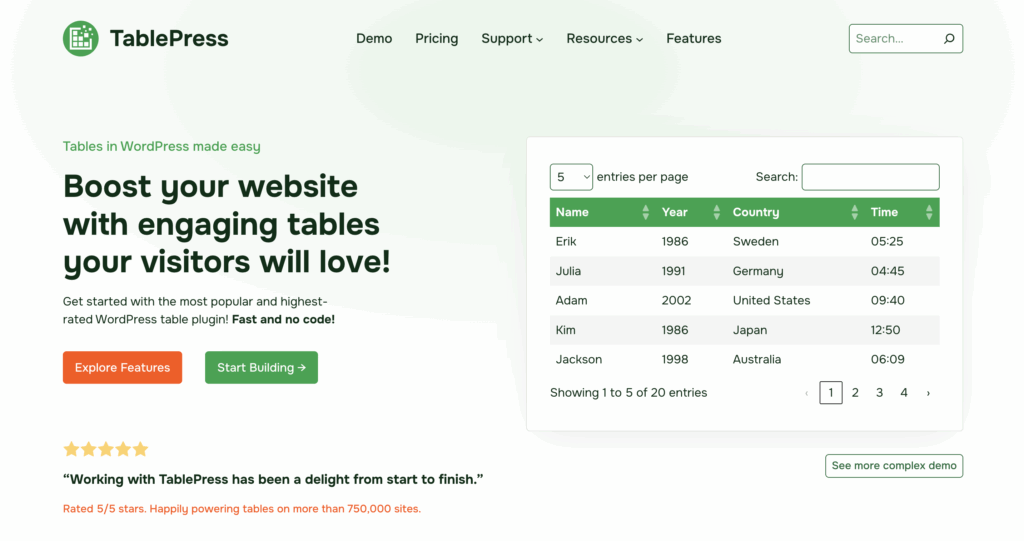
A table plugin becomes useful when your site needs to show structured information clearly.
That could be pricing, feature comparisons, schedules, product specs, or other data that does not read well in plain text. If you publish review content or comparison pages, this can be especially helpful.
It is not something every site needs, but when the need appears, the difference in clarity is real. And clarity matters more than people think, especially on pages where visitors compare options.
16. Booking plugin
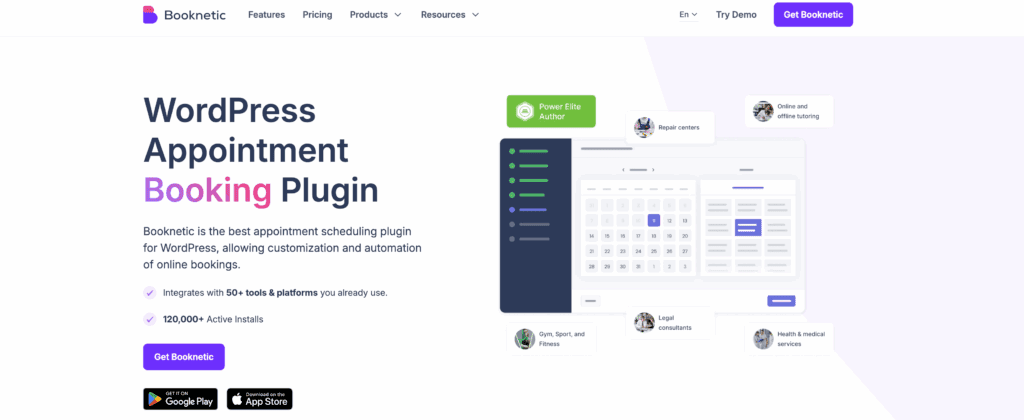
Booking plugins matter for appointment-based businesses.
If your site takes consultations, service calls, classes, or reservations, a booking plugin can save a lot of manual work. It helps replace messy email back and forth with a cleaner scheduling system.
This category is not needed on every site, but when your business depends on appointments, it moves close to essential. In that case, do not leave it too late. Manual scheduling gets messy fast.
17. Ecommerce plugin
If your site needs to sell products, ecommerce functionality is central.
This category matters for physical products, digital products, or both. If your site is not selling anything, it is not needed. That makes this one of the clearest use-case categories in the list.
You should also know that ecommerce plugins often bring extra complexity, so it helps to keep the rest of your plugin stack tight from the start.
18. Membership plugin
Membership plugins matter when your site needs gated content or subscriber access.
That can include paid articles, private resources, communities, courses, or restricted areas. If your site does not need access control, this plugin category can wait. If it does, it becomes a core part of how the site works.
This is one of those categories where planning ahead helps. Access rules get harder to clean up later.
Free versus paid WordPress plugins
A lot of people are really asking a budget question here.
Can free WordPress plugins be enough? Sometimes, yes. Many free plugins handle basic needs well. But once your site becomes more important to traffic, money, or operations, the stakes change, especially when website backups and recovery become harder to ignore.
Paid plugins often make more sense when the category touches backups, security, performance, or email delivery. If one of those tools fails at the wrong time, the cost of the issue can be much higher than the plugin fee.
That is the useful question to ask. What happens if this plugin fails when you need it most?
That answer usually tells you whether free is enough.
How to choose plugins without bloating WordPress
A lot of WordPress plugin problems start when site owners install tools without a clear reason.
The safer approach is simple. Start with the problem, not the plugin brand.
Before installing anything, it helps to pause and check a few things:
- Start by checking whether your host already includes the feature
- Look at whether your theme already covers part of the job
- Review whether the plugin is active and maintained
- Check whether it overlaps with something already installed
That quick check can save you hours later, especially if you ever need to troubleshoot WordPress under pressure.
Plugin count also needs context. People often say too many plugins will slow WordPress down. That is only partly true. A few heavy or poorly maintained WordPress plugins can do more harm than a longer list of well-built ones.
Quality matters more than count. Still, fewer plugins are usually easier to manage, and that makes a lean stack the safer choice.
How to avoid poor plugin decisions
Most plugin regret follows the same pattern.
A site owner installs a tool because it is popular. Then installs another that overlaps. Then forgets to check whether either one is maintained. Later, something breaks or slows down, and the cleanup takes longer than the original setup.
A better way to handle plugin decisions looks like this:
- Start by choosing plugins based on the problem being solved
- Keep to one plugin per clear function where possible
- Check whether the plugin is updated and maintained
- Keep the stack as light as the site allows
- Review the setup again as the site grows
That last point matters. A plugin that makes sense on a new site may not make sense later. Needs change. Your WordPress plugin stack should change with them.
FAQ
Which WordPress plugins are essential for most sites?
The essential WordPress plugins for most sites are backup, security, performance, SEO, forms, and SMTP. If you start there, you cover the core functions most websites cannot afford to get wrong.
How many plugins should a WordPress site have?
A WordPress site should have only the plugins you actually need. A lean setup is easier to manage, but plugin quality and overlap matter more than chasing a low number.
Are paid WordPress plugins worth it?
Paid WordPress plugins are worth it when the plugin handles something critical like backups, security, speed, or email delivery. If a failure would cost you time, leads, or revenue, paying for reliability usually makes sense.
Can too many plugins slow down WordPress?
Too many WordPress plugins can slow a site down, but poor-quality or overlapping plugins usually do more damage than the count itself. You are often better off with a few well-built plugins than several tools doing similar jobs.
How can you avoid plugin bloat?
You can avoid plugin bloat by installing plugins based on clear needs, not hype or long recommendation lists. It also helps to review your setup often and remove anything outdated, redundant, or no longer useful.
Parting thoughts
Most WordPress sites do not need more plugins. They need the right WordPress plugins.
If you start with the essentials, you give your site a stronger foundation and avoid a lot of cleanup later. Once those basics are in place, you can add more plugins based on what your site actually needs, not what a long list told you to install.
One last tip. Always have a working backup before you install a new WordPress plugin. That small step can save you a lot of time if an update, conflict, or setup mistake causes problems.

Shivani enjoys crafting guides that make every aspect of using WordPress simple and easy to follow. When she's not glued to her laptop, you can find her buried in a good book or occasionally, painting.